Macrium Reflect X is the best drive image software for most people, with the most dependable restores and a rescue media builder that works when Windows will not boot. Acronis True Image adds antivirus and cloud storage in one subscription, while EaseUS Todo Backup is the easiest free starting point.
How we make this list: we compare pricing pages, product documentation and public user reviews, then re-check every price before each update. No product paid for a place. Disclosure.
Macrium Reflect X is the best drive image software, rated 4.7 out of 5 on G2, with the most dependable restores and rescue media.
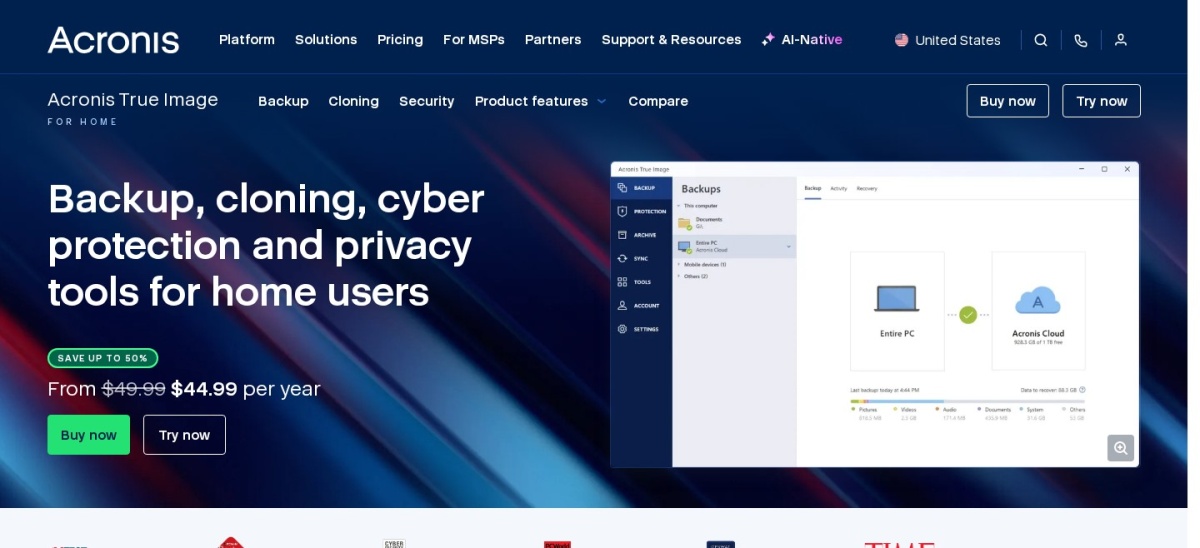
Acronis True Image bundles imaging with antivirus and cloud storage from $49.99 a year, and holds 4.3 out of 5 on G2 from 742 reviews.
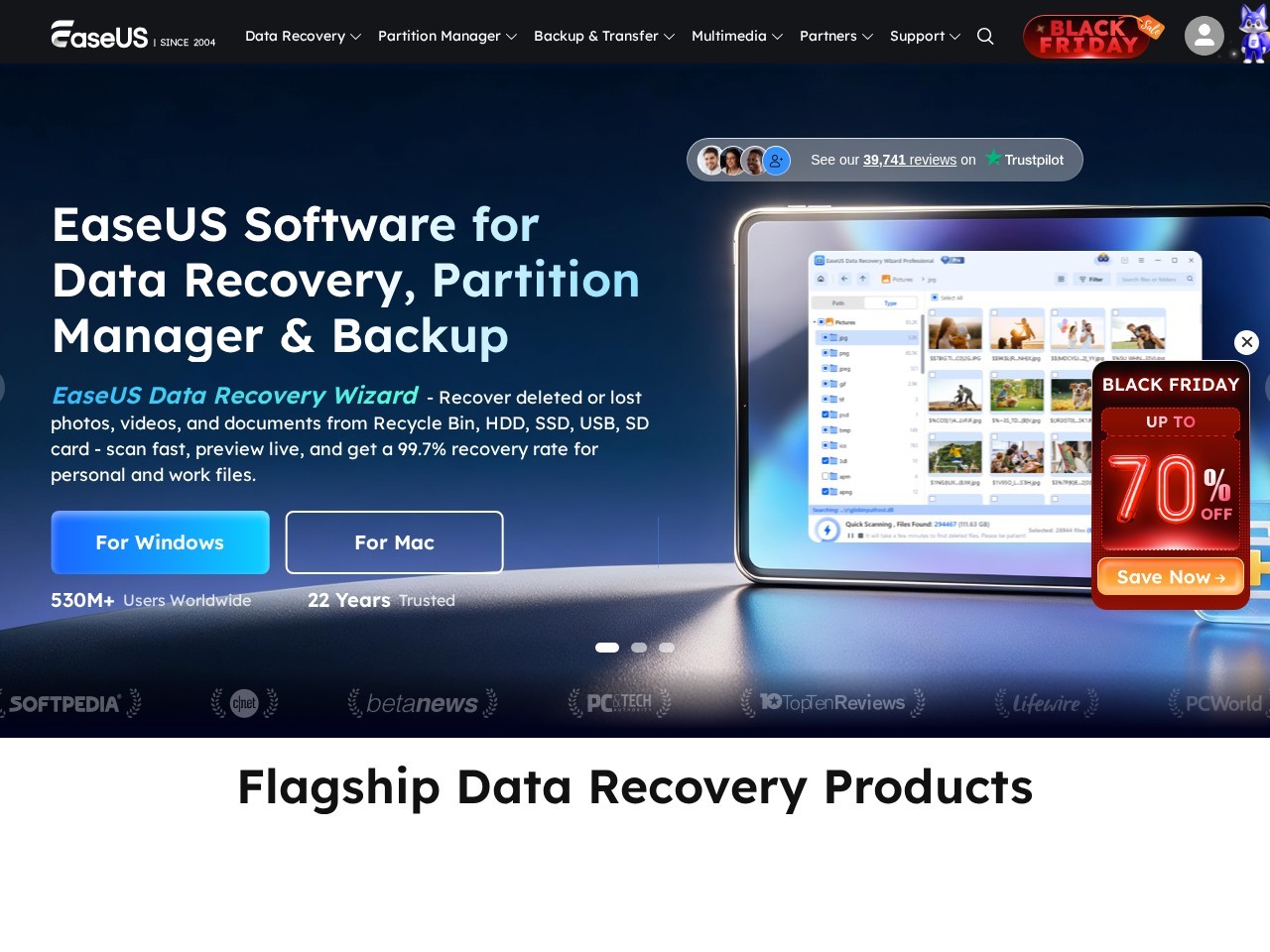
EaseUS Todo Backup is the easiest pick, rated 4.8 out of 5 on G2, with a free edition and a Home plan at $39.95 a year.
Clonezilla and Paragon Community Edition are completely free, and AOMEI Backupper has a genuinely useful free tier.
R-Drive Image costs $44.95 once with no subscription, and NovaBACKUP does not publish its prices at all.
What to look for in drive image software
A drive image is a complete snapshot of a disk: Windows, apps, settings and files in one file. When a drive fails or Windows will not boot, you restore the image and the machine is back exactly as it was.
File backup is not the same thing. It saves documents, but after a crash you still have to reinstall Windows and every app. An image skips all of that, which is why every serious backup plan starts with one.
The restore is what matters most. A tool that makes images quickly but cannot boot a dead machine is useless, so test the rescue USB once after installing any of these tools. Our guide to the best data recovery software covers what to do when there is no image at all.
Free tools cover the basics well. Clonezilla, Paragon Community Edition and the free editions of EaseUS and AOMEI all make restorable images, while paid tools add scheduling, incremental backups and dissimilar-hardware restore.
Macrium Reflect X is the imaging specialist's pick, and the one IT people recommend to their families. Its engine is fast, the Verify step catches corrupt images before they matter, and the rescue media builder walks you through creating a bootable USB that actually boots.
The trade off is the subscription. The free edition was retired in 2024, and Reflect X Home costs $49.99 a year for one PC. It suits Windows users who want imaging that simply works every week without babysitting.
What we like
Fast, dependable imaging engine
Excellent rescue media builder
Granular scheduling and retention rules
Watch out for
No free edition any more
Subscription pricing replaced the old one-time deal
Acronis True Image is a backup and security suite that bundles disk imaging with antivirus, anti-ransomware and identity protection, so one subscription covers both disaster recovery and day-to-day security. Imaging itself is solid, with incremental backups that keep nightly runs short, and the paid tiers add cloud storage.
The trade off is scope creep. The product tries to be a security suite, a backup tool and a cloud service at once, and the interface shows it, with constant nudges toward higher tiers. It suits households that would otherwise buy a separate antivirus subscription.
EaseUS Todo Backup is the easiest imaging tool to start with. The wizard-driven interface gets a first image scheduled in minutes, and it backs up directly to Dropbox, Google Drive and OneDrive if you prefer cloud destinations over an external drive. It holds 4.8 out of 5 on G2, the highest rating in this list.
The trade off is defaults. Reviewers have caught it picking silly defaults, like suggesting a backup destination on the same drive being imaged, so double-check its choices the first time. It suits beginners who want imaging without a learning curve.
AOMEI Backupper is the value pick of this list. The free Standard edition already does system, disk, partition and file backup with scheduling, which covers most home users without spending anything. Step up to Professional at $39.95 a year and you get dissimilar-hardware restore and real-time sync.
The trade off is support and the top end. English-language support responses can take a while, and the truly pro features like image deployment to many machines live in the expensive Technician editions. It suits one or two home PCs on a budget.
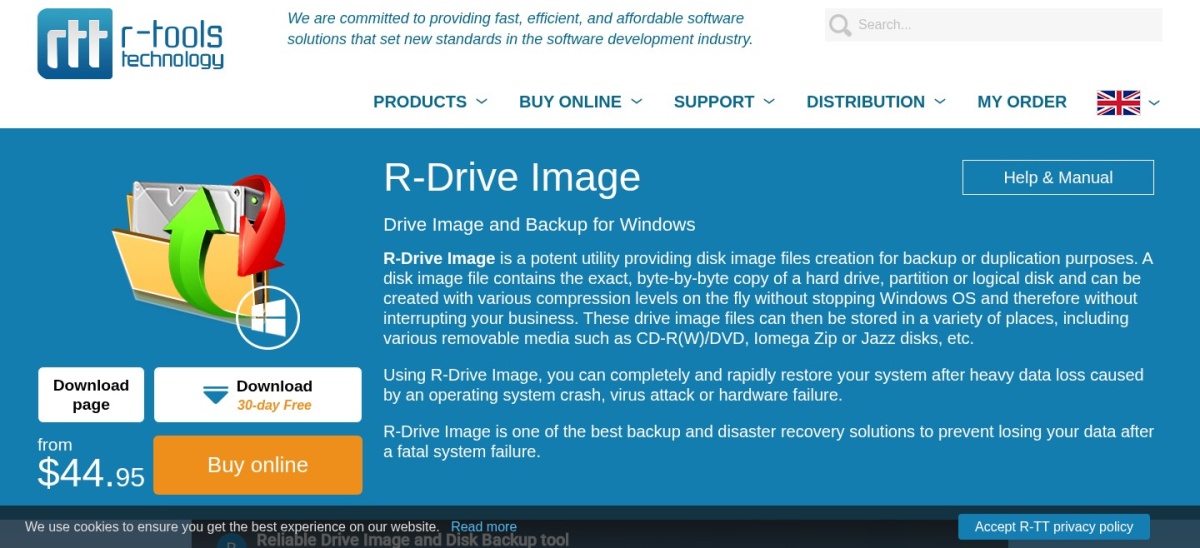
R-Drive Image is the quiet specialist of this list: a $44.95 one-time licence with a reputation for restores that simply work. It creates reliable disk images, restores systems and clones disks with powerful, efficient features, and it holds 4.7 out of 5 on G2.
The trade off is the interface and the brand. R-Drive Image is less polished than Macrium and less well known, so support and community help are thinner. It suits buyers who refuse subscriptions and want a tool that just does imaging.
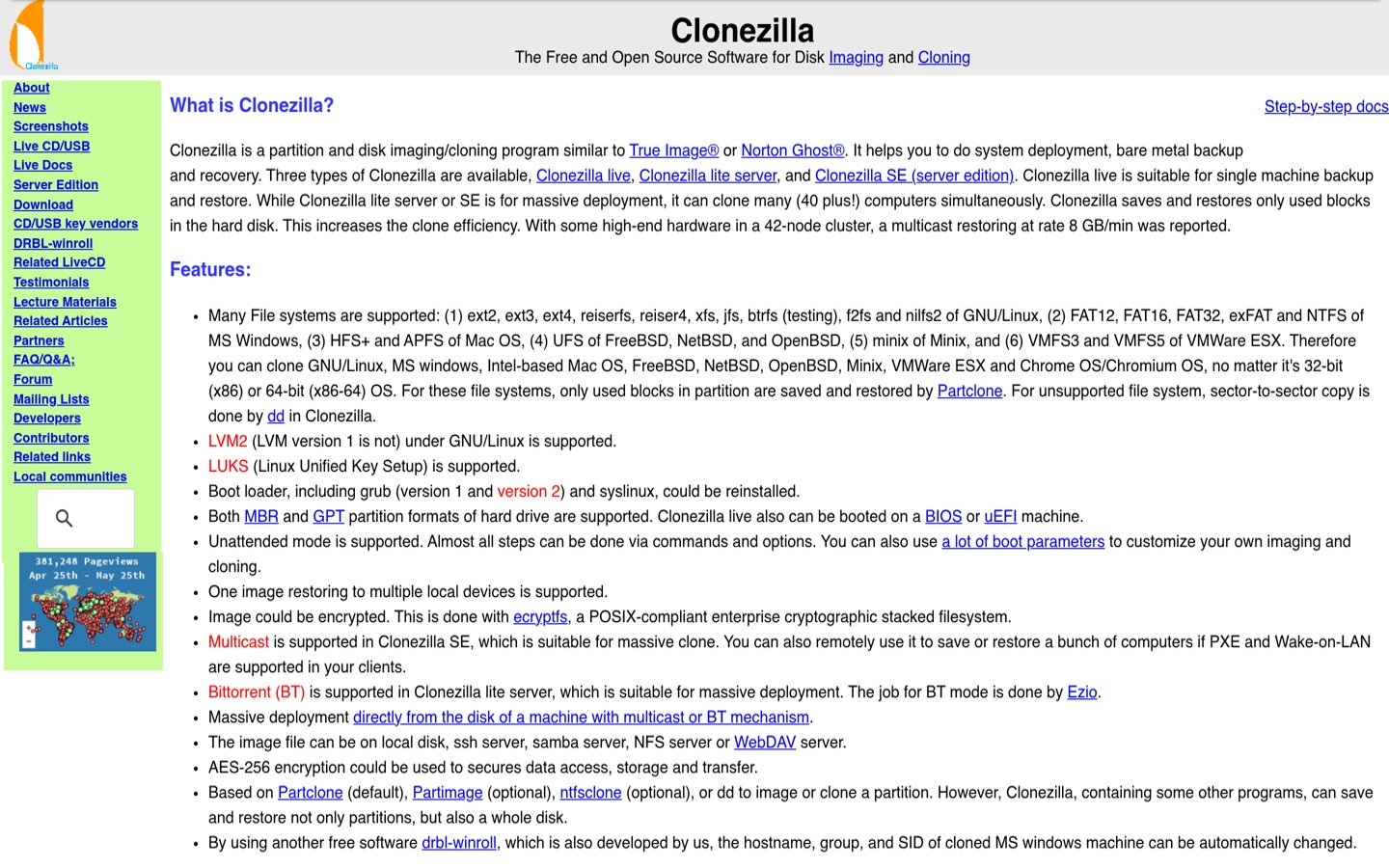
Clonezilla is the tool IT departments reach for when they need to image twenty identical machines before lunch. It boots from USB, clones disks sector by sector at high speed, and supports multicast restores that push one image to many PCs at once. It costs nothing, with no accounts, no trials and no upsells.
The trade off is the interface. Clonezilla is a keyboard-driven text menu that assumes you know what a partition is, and there is no scheduler or dashboard. It suits technicians who want the most capable free imaging tool in existence.
NovaBACKUP is a backup tool for small businesses that want backup configured once and then ignored. The PC and Server editions handle full system imaging alongside file backup, with local, network and cloud destinations, and setup wizards that do not assume an IT department. It holds 4.7 out of 5 on G2.
The trade off is transparency. Pricing is not published in an obvious place, so you will need to contact sales or start a trial to see numbers. It suits small offices that want US-based support and a local-first backup.
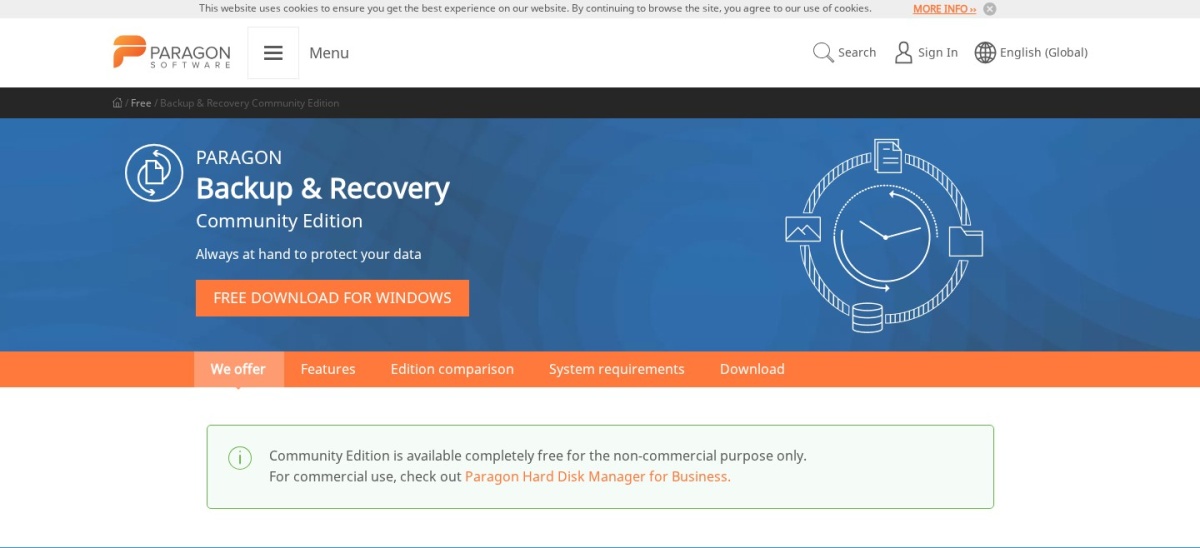
Paragon Backup & Recovery homepage, captured Nov 2026.
Paragon Backup & Recovery is a Windows backup tool whose Community Edition is free for personal use with no account, no trial clock and no registration wall. You get system, disk and partition backup, scheduling, WinPE recovery media and password-protected archives in a clean interface that looks like a paid product.
The trade off is the review base and the recovery path. It holds 4.7 out of 5 on G2 from only 3 reviews, and reviewers note the disaster-recovery path is less polished than the file-backup path. It suits home users who want a normal Windows program rather than a bootable USB workflow.
Imaging copies a drive into a compressed file you can store elsewhere and restore later. Cloning copies a drive directly onto another drive, which is what you want when upgrading to a bigger SSD.
File backup copies selected files and folders. It is the lightest option and the best way to keep documents safe, but it cannot rebuild a dead system on its own.
Most of the tools here do all three. Use imaging for disaster recovery, cloning for drive upgrades, and file backup for daily document protection.
How we chose
We started from the drive imaging tools most often recommended for Windows homes and small offices, then kept those with a verifiable rating on G2 and a current, maintained version.
Prices come from vendor pricing pages and recent reads of them, checked on 25 November 2026. Macrium Reflect X and Acronis True Image both start at $49.99 a year, EaseUS Todo Backup Home is $39.95 a year, AOMEI Backupper Professional is $39.95 a year, and R-Drive Image is $44.95 once. NovaBACKUP does not publish its prices.
We left out Rescuezilla and Veeam Agent for Microsoft Windows, which have no standalone G2 rating, even though both are well liked. No vendor paid for a place, and we do not claim hands-on testing for this list.
How to choose drive image software
Pick for the restore, not the backup: the tool that boots a dead machine is the one that earns its place.
Pick the tool for your skill level. Beginners should start with EaseUS or AOMEI. Technicians who want the most control should look at Macrium or Clonezilla.
Make a rescue USB first. Create the bootable rescue media before you need it, then test that the machine actually boots from it.
Schedule a weekly full image. Add daily incremental images if the tool supports them, and keep at least two full images on the backup drive.
Keep one copy off site. Store a copy on an external drive you can take away, or in cloud storage, so a fire or theft does not take the backup too.
FAQ
What is the best drive image software?
Macrium Reflect X is the best pick for most people. It makes fast, dependable images, verifies them before they matter, and its rescue media builder walks you through creating a bootable USB. It holds 4.7 out of 5 on G2.
Is there free drive image software?
Yes. Clonezilla and Paragon Backup and Recovery Community Edition are completely free, and EaseUS Todo Backup and AOMEI Backupper both have free editions that make scheduled system images. Paid tools add incremental backups and dissimilar-hardware restore.
Is Macrium Reflect still free?
No. Macrium retired the free edition in 2024, and the current Reflect X line is subscription only at $49.99 a year for one PC. A 30-day trial is available, and one-time licences still exist for some business editions.
What is the difference between Acronis and Macrium?
Macrium is the specialist: it does imaging and recovery better than anything else, and nothing more. Acronis bundles imaging with antivirus, anti-ransomware and cloud storage, so it suits households that would otherwise buy a separate security subscription.
What is the difference between cloning and imaging?
Cloning copies a drive directly onto another drive, which is what you want when upgrading to a bigger SSD. Imaging saves the drive as a compressed file you can store and restore later, which is what you want for disaster recovery.
How big is a drive image?
A compressed image is usually about half the size of the used space on the drive, so a 500 GB drive with 200 GB used makes an image of roughly 100 GB. Incremental images after the first one are much smaller, since they only store what changed.
SaaS SEO and WordPress specialist with about 8 years of experience. Rakib compares WordPress plugins, themes, hosting and software using public pricing, documentation and user reviews. See how we rank.