VeraCrypt is the best drive encryption software for most people, with free full-disk and container encryption and audited open-source code. BitLocker suits Windows users who want built-in protection, while Cryptomator is the pick for encrypting files before they reach the cloud.
How we make this list: we compare pricing pages, product documentation and public user reviews, then re-check every price before each update. No product paid for a place. Disclosure.
VeraCrypt is the best free pick: full-disk and container encryption with audited open-source code, rated 4.5 out of 5 on G2.
BitLocker and FileVault are built into Windows and macOS and cost nothing extra on supported editions, so turn one on first.
Cryptomator encrypts files on your device before they reach Dropbox, Google Drive or OneDrive, and the desktop app is free.
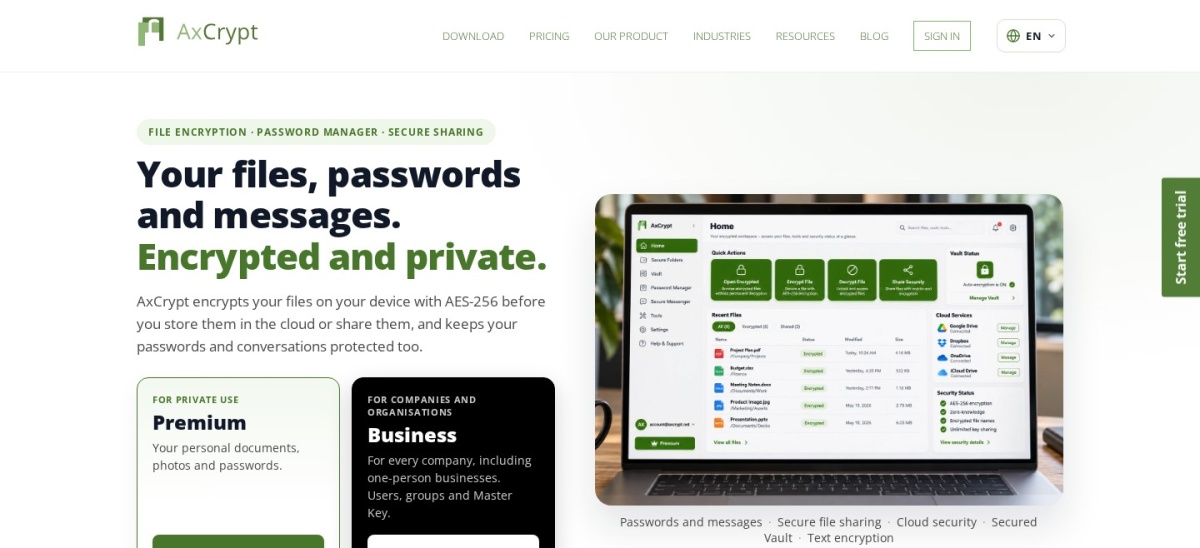
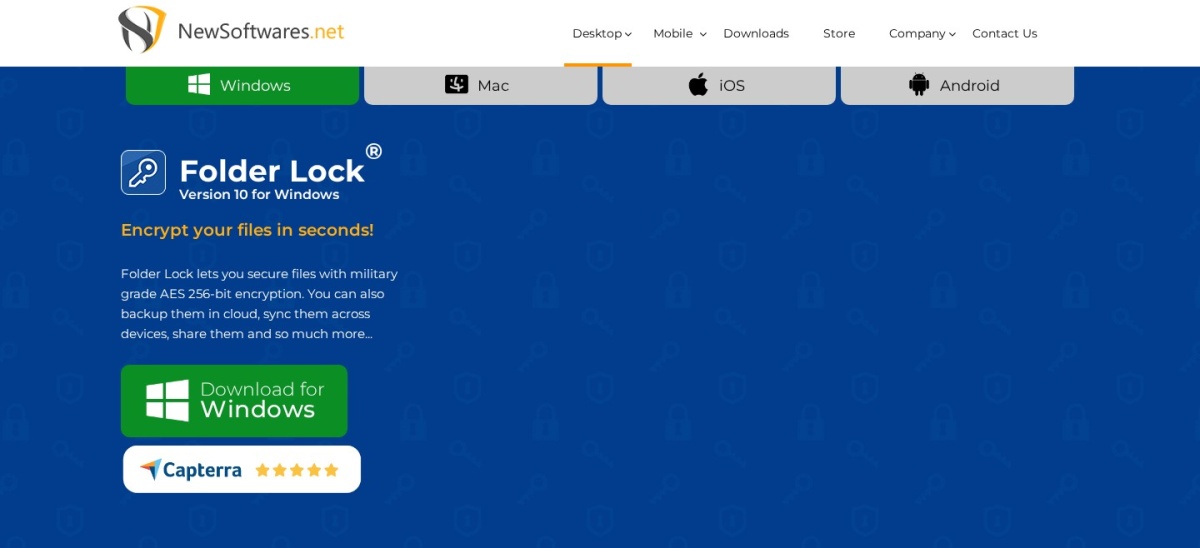
AxCrypt Premium costs $45 a year billed annually, and Folder Lock costs $39.95 once, for file-by-file protection.
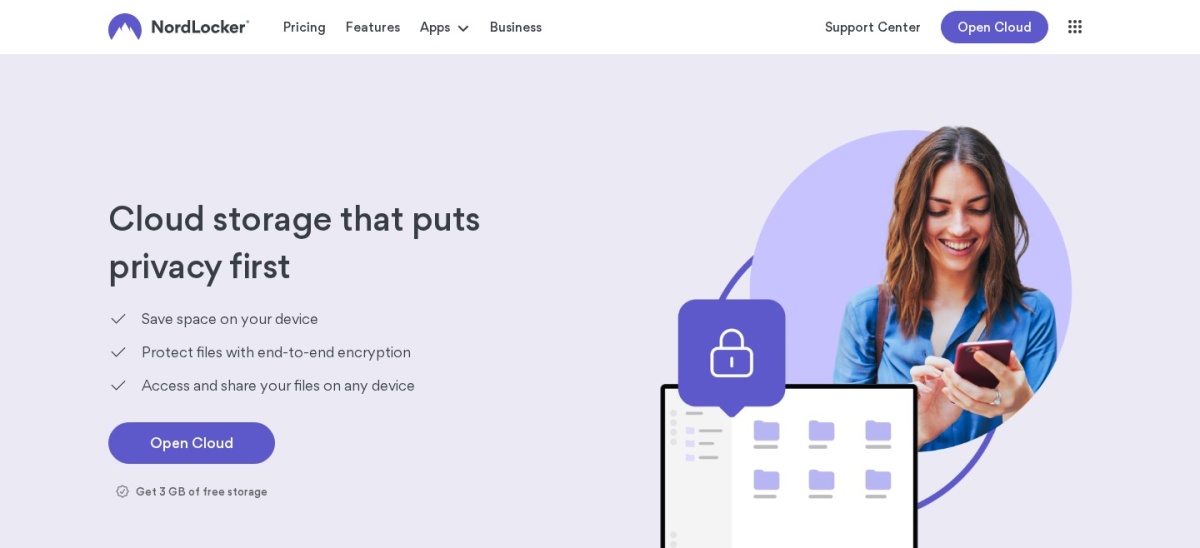
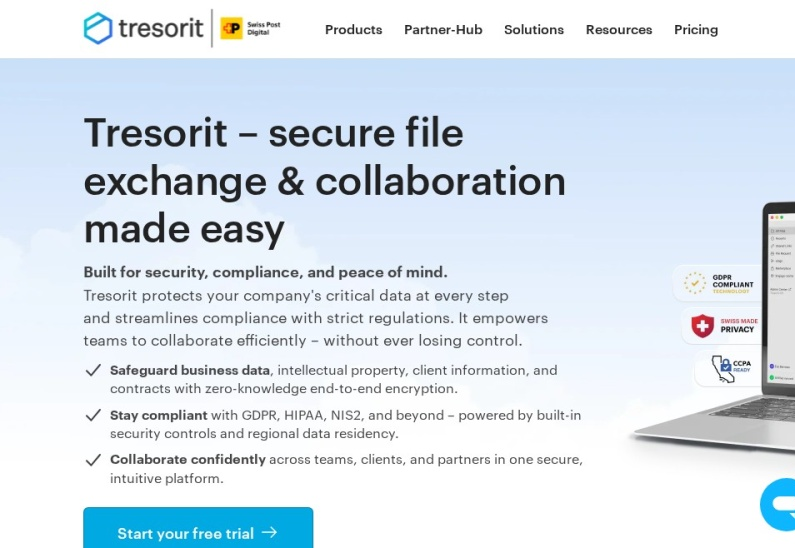
NordLocker renews at $59.88 a year after a $35.88 first year, and Tresorit Personal Lite costs $5.59 a month.
What to look for in drive encryption software
Drive encryption protects everything if a device is lost or stolen. Without it, anyone who takes the laptop can read the drive by removing it, no matter how strong the login password is.
Full-disk tools encrypt the whole drive at once. BitLocker and FileVault are built into Windows and macOS, so most people should turn one of them on before buying anything else. Our guide to the best encryption software covers the same tools for files and folders as well as drives.
File and folder tools solve a different problem. AxCrypt, Folder Lock and Cryptomator protect specific files you share or store, and Cryptomator encrypts files on your device before they reach Dropbox, Google Drive or OneDrive.
The recovery key is the part people get wrong. If the password and the recovery key are both lost, the files are lost too, so save the key in a password manager or a second safe place before you encrypt anything.
VeraCrypt is the successor to TrueCrypt and the gold standard of free encryption. It encrypts entire drives, partitions or file containers with AES, Serpent and Twofish ciphers, and its hidden-volume feature lets you deny a second volume even exists.
The trade off is the learning curve. VeraCrypt has no support desk and its interface assumes technical confidence, so setup takes longer than BitLocker or FileVault. It suits privacy-minded users who want serious protection without a subscription.
BitLocker is the encryption most Windows users should just turn on. It is built into Windows Pro, Enterprise and Education, encrypts the entire drive with minimal performance impact, and works with the TPM chip for transparent decryption at boot.
The trade off is the edition. Windows Home does not get full BitLocker, only the simpler Device Encryption on supported hardware, and central management needs IT tooling. It suits Windows-centric homes and businesses that want encryption with no extra software.
FileVault is Apple's built-in full-disk encryption for macOS. It encrypts the whole startup disk with XTS-AES-128 and a 256-bit key, and turning it on in System Settings takes about ten minutes, with encryption running in the background.
The trade off is that it is Mac only, and on Apple silicon Macs the storage is already encrypted, so FileVault mainly adds the password requirement at startup. It suits Mac owners who want full-disk protection with no extra software.
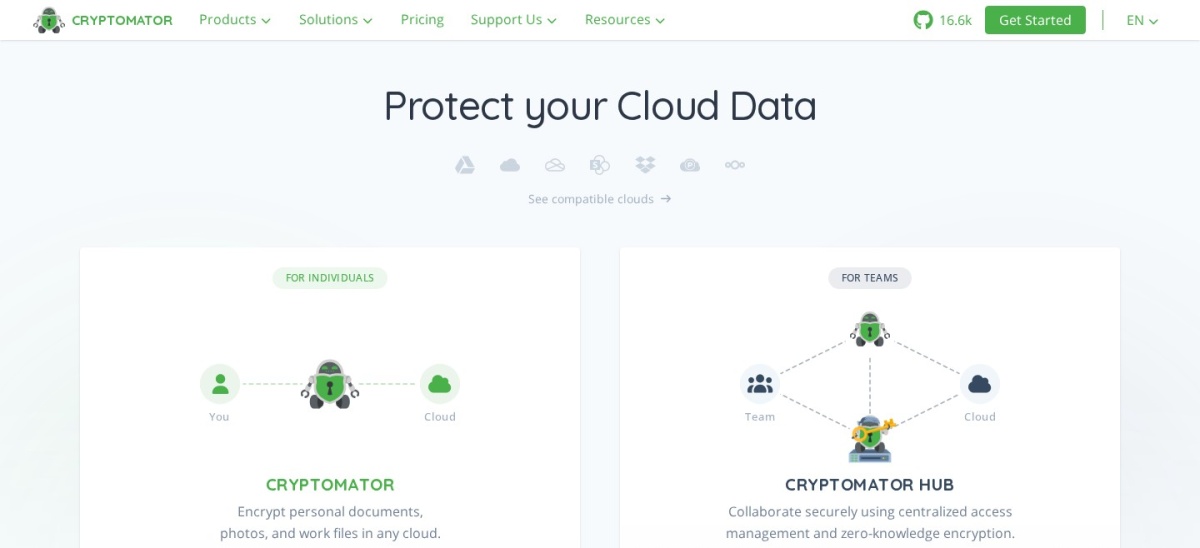
Cryptomator is an open source encryption tool that creates a vault inside your Dropbox, Google Drive or OneDrive folder. Files are encrypted on your device before they ever reach the provider, including filenames and folder structures.
The trade off is scope and scale. Cryptomator only protects files inside its vaults, not the whole drive, and its G2 base is small at 12 reviews. It suits people who store sensitive files in cloud folders they do not fully trust.
AxCrypt is encryption for people who do not want to think about encryption. Right-click a file to encrypt it with AES-256, share it with another AxCrypt user through key sharing, and let secured folders auto-protect files saved to cloud folders.
The trade off is the free tier. The free AxCrypt Viewer only opens and decrypts files, and on PC it uses AES-128, so real encryption needs Premium at $3.75 a month billed annually. It suits individuals who want simple file-by-file protection with sharing.
NordLocker is an encrypted cloud storage product from Nord Security, the company behind NordVPN. It stores files with zero-knowledge end-to-end encryption, offers a free 3 GB plan, and the 500 GB plan costs $35.88 for the first year.
The trade off is the renewal price. The 500 GB plan renews at $59.88 a year, well above the $35.88 first-year price, and local-only lockers were discontinued in 2025. It suits people who want simple encrypted cloud storage with a free tier to test.
Folder Lock is a Windows tool for password-protecting files, folders and drives, with a decoy password feature, file shredding and cloud backup. It costs $39.95 as a one-time payment, and it holds 4.5 out of 5 on G2 from 16 reviews.
The trade off is platform and depth. Folder Lock is Windows-first with mobile apps, not a full-disk encryption tool, and its review base is small. It suits Windows users who want simple folder locking without a subscription.
Tresorit is an end-to-end encrypted cloud storage service hosted in Switzerland, with a free Basic tier at 3 GB and paid Personal plans from $5.59 a month. It holds 4.5 out of 5 on G2 from 266 reviews, the largest review base in this list.
The trade off is price and collaboration. Tresorit costs more than mainstream cloud storage, and it has no real-time collaboration, so it suits security-conscious professionals rather than teams editing documents together.
Full-disk encryption protects a whole device. If the laptop is stolen, nothing on the drive can be read without the password, but anyone signed in to the running computer can still open files normally.
File encryption protects individual files wherever they go. An encrypted file stays encrypted when it is emailed or copied to a USB stick, which full-disk encryption does not do.
Most people need both. Turn on BitLocker or FileVault for the device, then add Cryptomator for cloud folders or AxCrypt for files you send to other people.
How we chose
We started from the drive and file encryption tools most often recommended for Windows and Mac, then kept those with a verifiable rating on G2 or Capterra and a current, maintained version.
Prices come from each vendor's own pricing page or product page, checked on 25 November 2026. VeraCrypt, BitLocker, FileVault and Cryptomator cost nothing. AxCrypt Premium is $3.75 a month billed annually, NordLocker renews at $59.88 a year after a $35.88 first year, and Folder Lock is $39.95 once.
We left out ESET Endpoint Encryption and Sophos SafeGuard, which have no standalone G2 rating, and DiskCryptor, which has not been updated since 2014. No vendor paid for a place, and we do not claim hands-on testing for this list.
How to choose drive encryption software
Start with the device you already own, then add file encryption for what you share.
Turn on what is already built in. Windows Pro users should turn on BitLocker and Mac users FileVault first. Both are free and take about ten minutes.
Back up the recovery key. Save it in a password manager or a second safe place before you encrypt. A lost key means lost files.
Add file encryption for shared files. Use Cryptomator for cloud folders or AxCrypt for files you send, since full-disk encryption does not protect a file once it leaves the device.
Check the edition before you buy. BitLocker needs Windows Pro, Enterprise or Education. Home users get Device Encryption instead, and VeraCrypt covers any edition.
FAQ
What is the best drive encryption software?
VeraCrypt is the best pick for most people. It encrypts entire drives, partitions or file containers for free, supports hidden volumes, and its open-source code has been independently audited. It holds 4.5 out of 5 on G2.
Is BitLocker free?
Yes, on the editions that include it. BitLocker is built into Windows Pro, Enterprise and Education at no extra cost. Windows Home gets the simpler Device Encryption instead, which uses BitLocker underneath on supported hardware.
What is the best drive encryption software for Mac?
FileVault is the best pick for a Mac. It is built into macOS, encrypts the whole startup disk with XTS-AES-128, and takes about ten minutes to turn on in System Settings. It holds 4.3 out of 5 on G2.
How do I encrypt files before they reach the cloud?
Use Cryptomator. It creates an encrypted vault inside your Dropbox, Google Drive or OneDrive folder, so files are encrypted on your device before they ever reach the provider. The desktop app is free and open source.
Is VeraCrypt safe to use?
Yes. VeraCrypt is the successor to TrueCrypt, its code is open source and has been independently audited, and it supports AES, Serpent and Twofish ciphers. The trade off is a steeper learning curve than BitLocker or FileVault.
What happens if I lose my encryption password?
Without the password and the recovery key, the files are lost. No vendor can recover them for you, including Microsoft and Apple. Save the recovery key in a password manager or a second safe place before you encrypt.
SaaS SEO and WordPress specialist with about 8 years of experience. Rakib compares WordPress plugins, themes, hosting and software using public pricing, documentation and user reviews. See how we rank.