M-Files is the best document organizer software for teams with large libraries, finding files by metadata instead of folders from $65 a seat a month. Pick Box for simple organisation at $5 a month, and Zoho WorkDrive for the cheapest paid plan at $3.
How we make this list: we compare pricing pages, product documentation and public user reviews, then re-check every price before each update. No product paid for a place. Disclosure.
M-Files leads for metadata-driven filing at $65 a seat a month.
Box is the best budget organizer at $5 per user a month.
Zoho WorkDrive is the cheapest paid plan at $3 per user a month.
Folderit costs €45 a month for five users, with a free plan.
LogicalDOC is the only open-source option here, with a free Community Edition.
What a document organizer should do
A document organizer turns a pile of files into a system you can trust. Every document has a home, a name and a way to find it again without asking a colleague where it lives.
The tools differ in how they organise. M-Files and LogicalDOC use metadata and tags, so a file can live in many places at once. Box, Dropbox and Zoho WorkDrive use folders, which everyone understands but which hide files in the wrong folder.
Price runs from $3 to $65 per user a month, and one price here is in euros, not dollars. Folderit charges €45 a month for five users, which is not the same as $45. Our guide on file manager software covers the lighter end of file organisation.
Check the free plan before you pay. Box, Dropbox and Zoho WorkDrive all offer free plans, and LogicalDOC's Community Edition is free to self-host, which suits teams with no budget.
List prices in each vendor's currency, checked Nov 2026
LogicalDOCFREECustom
WorkDriveFREE$36
BoxFREE$60
Egnyte$120
DropboxFREE$180
Revver$300
DocuWare$360
FolderitFREE€540
M-Files$780
The 9 best document organizer
01
M-Files
4.4/5on G2 (273 reviews, checked Nov 2026)
Starts at$65/mo
Best document organizer overall
Cheapest paid planEssentials, $65/seat/mo
Free planNo, trial available
Metadata searchYes, core feature
AIYes, built in
m-files.com
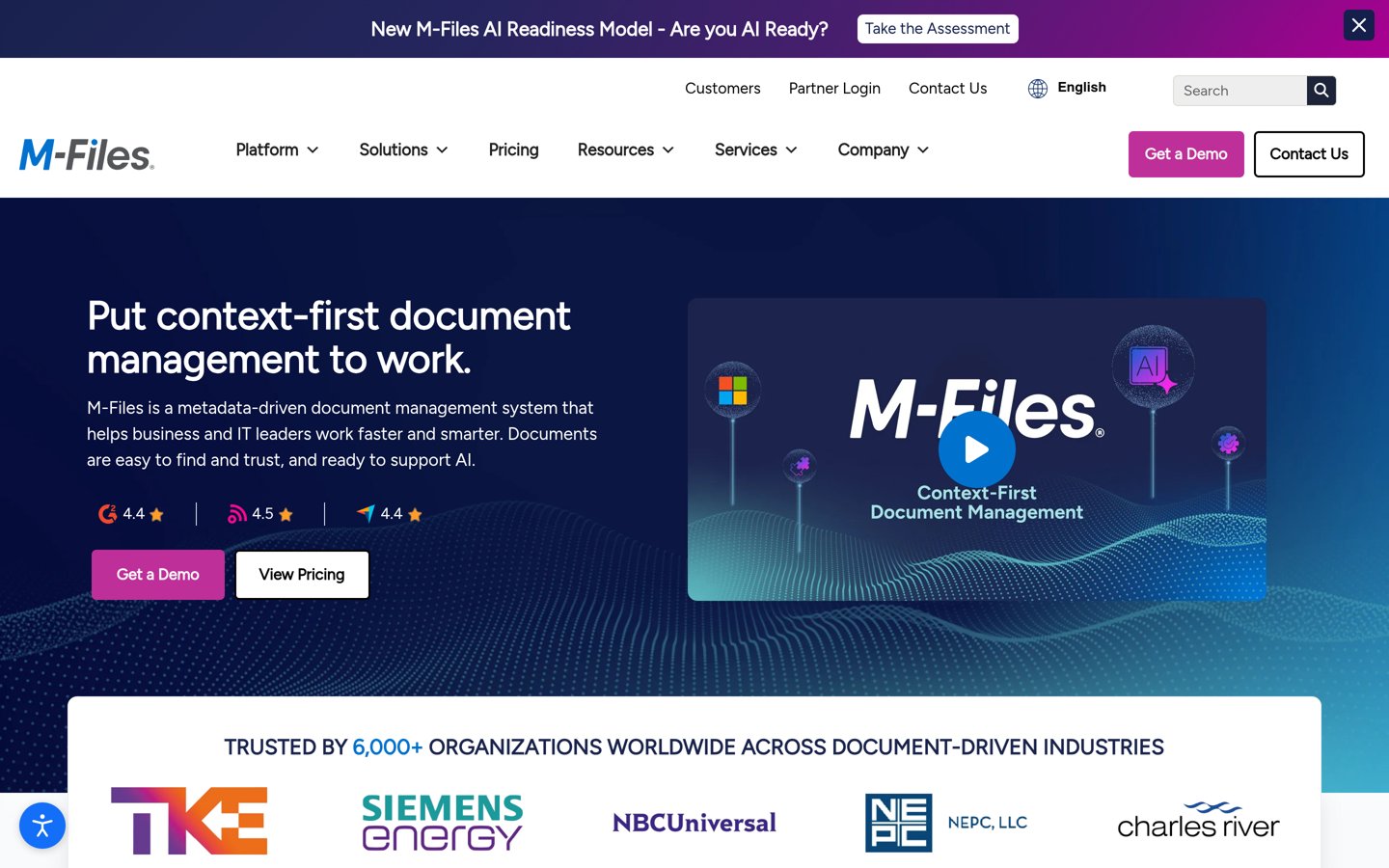
M-Files homepage, captured Nov 2026.
M-Files is a document organizer that files documents by metadata instead of folders. Users find files by what they are, such as a contract or an invoice, and the system enforces version control, permissions and workflows automatically. Essentials costs $65 a seat a month.
The trade off is price. At $65 a seat, M-Files costs more than Box or Zoho WorkDrive for teams that only need folders and search. It suits companies with large document libraries that waste time hunting through folders.
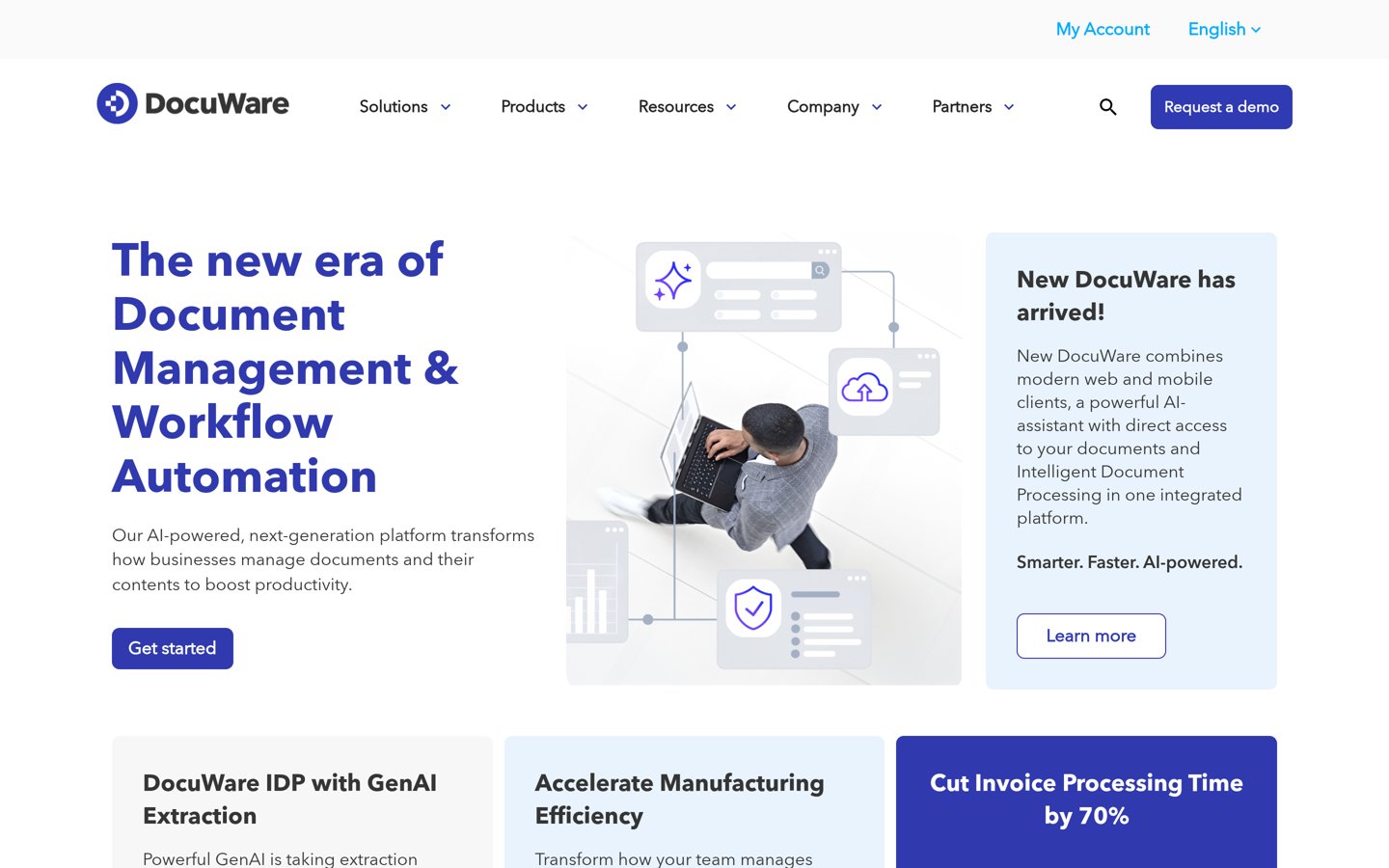
DocuWare is a cloud document organizer for mid-size companies that need versioning, workflows and audit trails without running servers. Vendor pricing starts from $30 per user a month, though the exact figure depends on features and user count.
The trade off is that $30 is a starting point, not a fixed checkout price: DocuWare quotes a range of $30 to $125 or more per user a month. It suits companies moving paper processes to the cloud with controlled filing.
Box is a cloud content platform that organises business documents with folders, version history, permissions and workflows. Business Starter costs $5 per user a month billed annually, confirmed by Box's pricing page, and a free plan covers 10 GB.
The trade off is depth. Box organises files well but lacks the metadata filing of M-Files or Folderit. It suits teams that need simple, reliable organisation on a small budget.
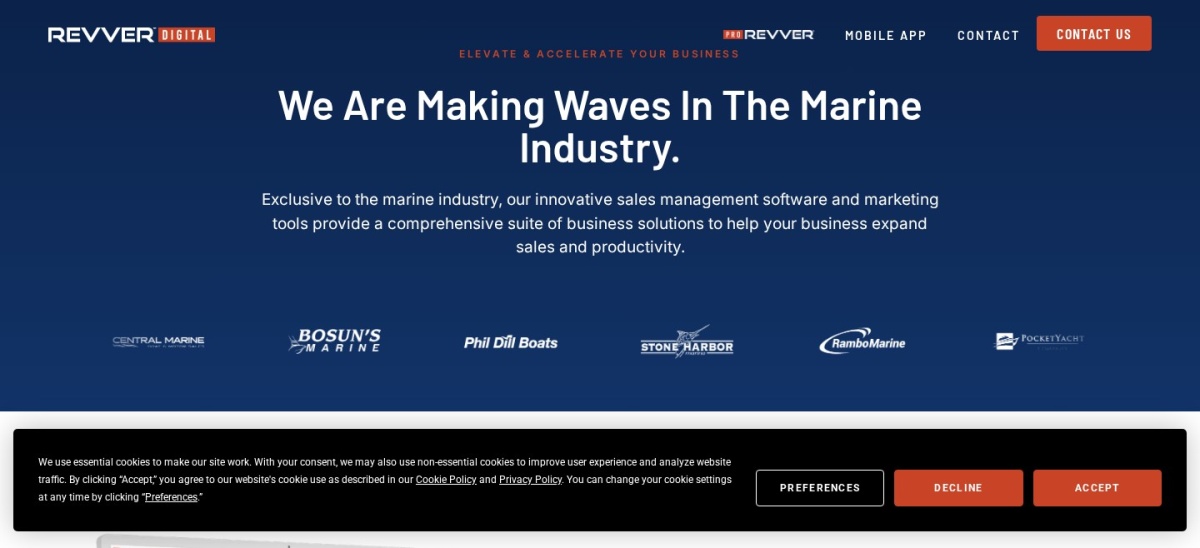
Revver is a document organizer for growing teams, formerly known as eFileCabinet. It combines filing, version control, workflows and e-signatures in one system, with plans from $25 per user a month.
The trade off is that the $25 price rests on secondary sources: Revver's pricing page returned a 404 when we checked it on 25 November 2026. It suits teams that want organisation and signing in one place.
Egnyte is a document organizer that governs files across cloud and on-premise storage in one system. The Team plan costs $10 per user a month, and it adds ransomware protection, permissions and audit trails on top of file storage and sharing.
The trade off is a price conflict: one secondary source lists $22 per user a month for the Business tier, so the $10 Team figure should be confirmed with Egnyte before budgeting. It suits teams with files split between cloud and local servers.
Zoho WorkDrive is the cheapest paid document organizer here at $3 per user a month, with team folders, version history and real-time editing in Zoho Writer, Sheet and Show. A free plan covers small teams, and Zia AI can summarise long documents.
The trade off is ecosystem. WorkDrive shines inside Zoho and feels ordinary outside it, and the cheapest plan shares 1 TB across the whole team. It suits Zoho users and budget-conscious teams that need solid file organisation.
Folderit is a cloud document organiser with metadata filing, versioning and e-signatures. The Archiving plan costs €45 a month for five users, and a free plan covers small teams that need basic filing without paying.
The trade off is currency: Folderit's price is in euros, not dollars, so the $540 yearly figure in the price ladder is a euro amount, not a dollar one. It suits small teams that want metadata filing at a low monthly price.
Dropbox is a file storage and sync platform that keeps documents identical across every device. The Standard plan costs $15 per user a month billed annually, with 5 TB of storage, version history and admin controls.
The trade off is organisation depth. Dropbox syncs brilliantly but offers less filing control than M-Files or Folderit at a higher price. It suits teams that live across devices and need files everywhere.
LogicalDOC is an open-source document organizer with metadata filing, versioning and workflows. The Community Edition is free to self-host, while Business and Enterprise plans are priced by quote and add support, cloud hosting and advanced features.
The trade off is a small review base of 27 G2 reviews and a quote-only price for paid plans. It suits teams that want open-source filing and are happy to self-host the free edition.
Folders are simple and familiar. Everyone knows how to put a file in a folder, and nothing needs setup.
Metadata is more powerful. A contract tagged by client, year and type can be found by any of those, while a folder holds it in only one place.
Most teams start with folders and add metadata when search breaks down. M-Files is the best place to start if your library is already large.
How we chose
We started from the established document organisation tools with public ratings on G2, Capterra or Trustpilot, then kept those with a published price or a clear quote process and a real product behind them.
Prices come from each vendor's pricing page, checked on 25 November 2026, and ratings and review counts come from G2, Capterra or Trustpilot on the same day. Where a vendor shows a sale, the list shows the regular price.
We left out tools with no verifiable rating and tools that have been retired. No vendor paid for a place, and we do not claim hands-on testing for this list.
How to choose document organizer software
Start with how many documents you manage, then match the tool to that scale.
Count your documents first. A team with 500 files needs folders; a team with 50,000 needs metadata. Scale decides the tool.
Try the free plan. Box, Dropbox and Zoho WorkDrive all offer free plans. Use one for a month before paying.
Test search with real file names. Search is the feature that matters most. Try finding five old documents before you commit.
Check the currency. Folderit's price is in euros. Always check whether a price is dollars, euros or pounds before budgeting.
FAQ
What is the best document organizer software?
M-Files is the best document organizer software for teams with large libraries, finding files by metadata instead of folders from $65 a seat a month. Box is the best simple alternative at $5 a month.
What is the cheapest document organizer?
Zoho WorkDrive is the cheapest paid plan at $3 per user a month, with a free plan for small teams. Box costs $5 a month, and Folderit charges €45 a month for five users.
Is there a free document organizer?
Yes. Box, Dropbox and Zoho WorkDrive all have free plans, and LogicalDOC's Community Edition is free to self-host. Free plans limit storage, so check the cap before you commit.
Folders or metadata: which is better?
Metadata is better for large libraries because a file can be found by client, year or type. Folders are simpler for small teams. M-Files uses metadata; Box, Dropbox and Zoho WorkDrive use folders.
Can I organise documents without paying?
Yes, with limits. The free plans from Box, Dropbox and Zoho WorkDrive cover small teams, and LogicalDOC's Community Edition is free. Paid plans add storage, search and admin controls.
What is Folderit?
Folderit is a cloud document organiser with metadata, versioning and e-signatures. The Archiving plan costs €45 a month for five users, and a free plan covers small teams.
SaaS SEO and WordPress specialist with about 8 years of experience. Rakib compares WordPress plugins, themes, hosting and software using public pricing, documentation and user reviews. See how we rank.