Laserfiche is the best document archiving software for organisations needing retention, workflow and compliance in one platform. Box is the cheapest cloud option, while M-Files is best for teams that want to find documents by metadata.
How we make this list: we compare pricing pages, product documentation and public user reviews, then re-check every price before each update. No product paid for a place. Disclosure.
Laserfiche is the top pick for compliance-heavy archiving, at $73 per user a month on Professional.
Box Business Starter at $5 per user a month is the cheapest paid plan, with a free Individual plan.
M-Files finds documents by metadata instead of folders, from $65 a seat a month.
DocuWare's $30 a month is the floor of a vendor-stated range, not a fixed plan price.
OnBase and Documentum are enterprise platforms with quote-only pricing and long implementations.
What document archiving software should do
Document archiving software stores finished documents safely, with retention rules that decide how long each type is kept and when it is deleted.
Good tools capture documents from scanners, email and printers, index them with searchable text and metadata, and control who can see each file.
Retention and compliance separate archiving from plain storage. Regulated teams need audit trails, legal holds and version history, not just folders. Our guide on legal document management software covers law-firm archiving.
Pricing is usually per user per month, from $5 for Box to $73 for Laserfiche, while enterprise platforms such as OnBase and Documentum are quote-only.
Laserfiche is a document management and archiving platform for organisations that need retention, workflow and compliance in one place. Professional costs $73 per user a month on annual billing, with document capture, search and automation included.
The trade off is cost and setup. At $73 a user a month it is the priciest tool here, and implementation takes time, with G2 reviewers noting a learning curve. A cheaper Starter plan at $45 a month is also reported but not confirmed. It suits mid-size and large organisations with compliance needs.
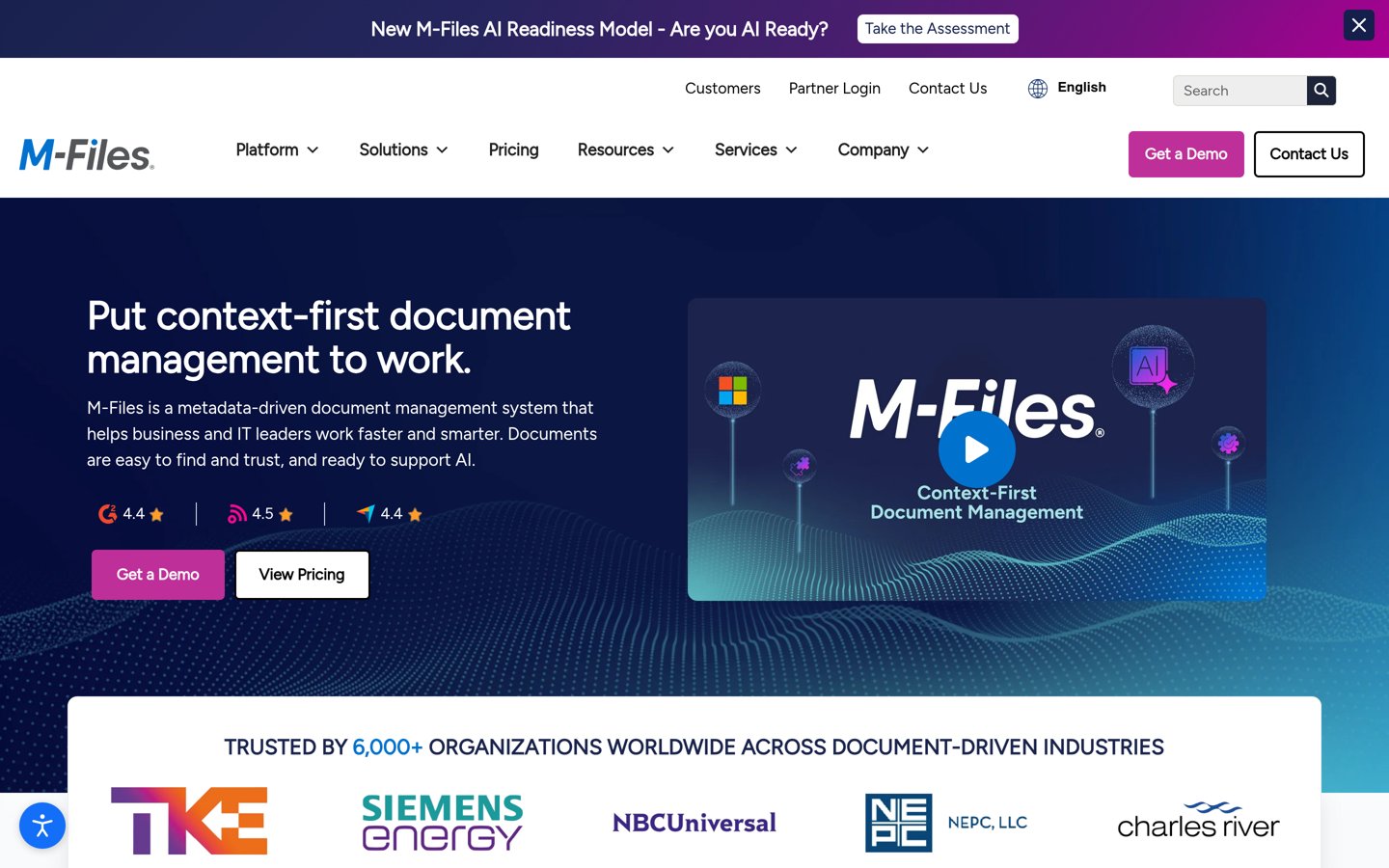
M-Files is a document management platform that organises files by metadata instead of folders, so documents are found by what they are rather than where they sit. Essentials starts from $65 per seat a month billed annually, with AI-powered search and workflows.
The trade off is that the price rests on a secondary read of the vendor page rather than a direct check, and some reviewers note rising costs. It suits teams drowning in folders who want to find documents by content and metadata.
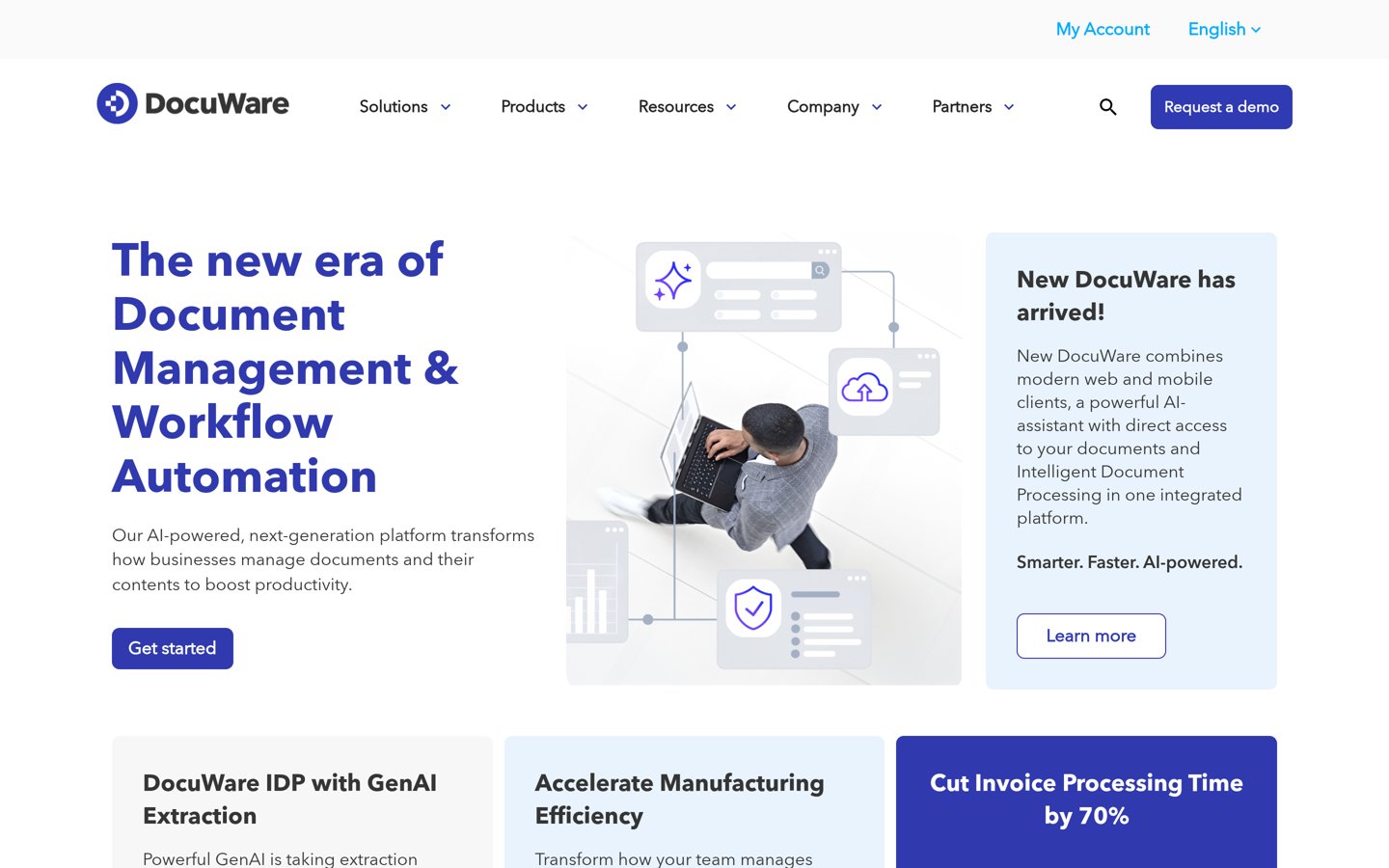
DocuWare is a cloud document management and archiving tool for small and mid-size businesses, with capture, indexing and workflow. The vendor states cloud pricing typically runs $30 to $125 or more per user a month, and this list uses the $30 floor.
The trade off is price clarity. The $30 figure is the floor of a vendor-stated range, not a published plan price, so the real quote may be higher. It suits small teams that want cloud archiving with strong capture tools.
Box is a cloud content platform used for storing, sharing and archiving files, with strong admin controls and integrations. Business Starter costs $5 per user a month on annual billing, with a three-user minimum, and a free Individual plan covers 10 GB.
The trade off is that Box is a content platform, not a dedicated archiving tool, so retention and records features need higher plans or add-ons. It is rated 4.2 out of 5 from 5,260 G2 reviews. It suits teams that want cheap cloud storage with archiving on top.
What we like
Cheapest paid plan in this list
Free Individual plan with 10 GB
Strong integrations and admin controls
Watch out for
Not a dedicated archiving tool
Records features need higher plans
Business Starter $5 a user a month annual, 3-user minimumVisit box.com
05
Hyland OnBase
4.4/5on G2 (324 reviews, checked Nov 2026)
PricingCustom/yr
Best enterprise archiving platform
Document captureYes
WorkflowYes
RetentionYes
Free planNo
hyland.com
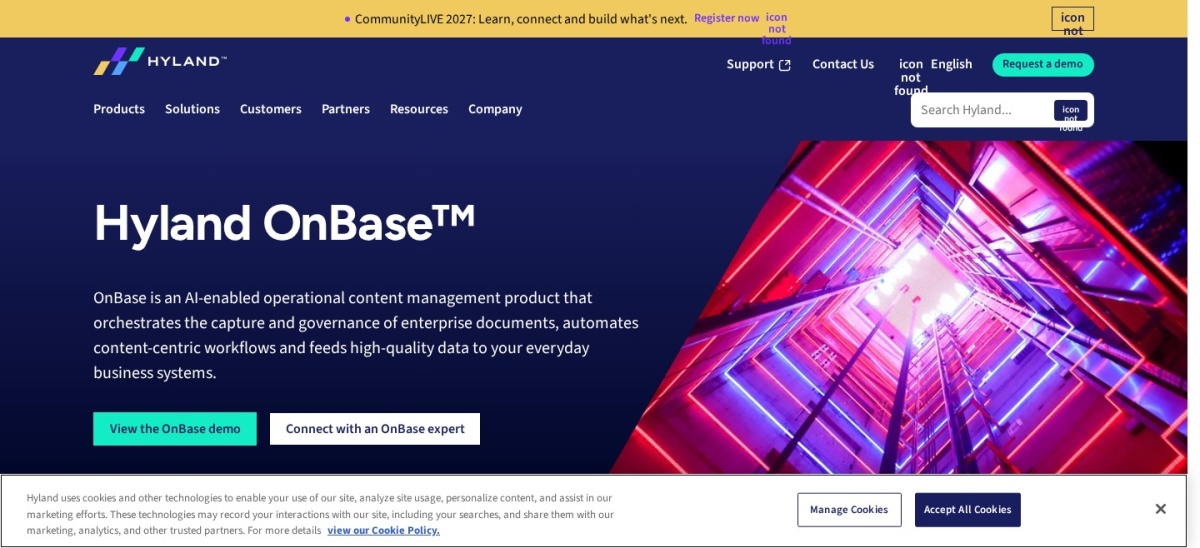
Hyland OnBase homepage, captured Nov 2026.
Hyland OnBase is an enterprise content platform for document archiving, capture and workflow, used widely in healthcare, government and higher education. It is rated 4.4 out of 5 from 324 G2 reviews, with pricing by quote.
The trade off is implementation. G2 reviewers note a roughly six-month implementation and rising costs, so OnBase suits large organisations with IT resources rather than small teams. It is the enterprise pick for regulated archiving.
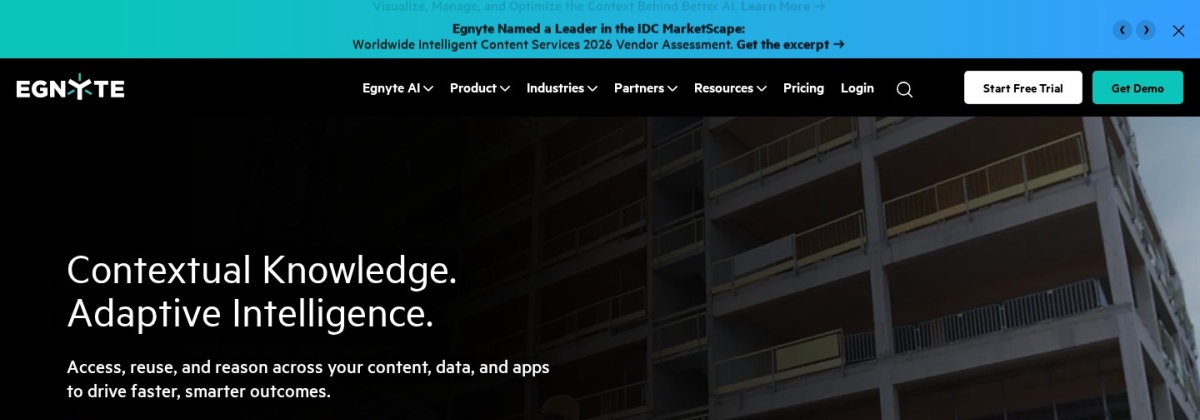
Egnyte is a cloud file platform that combines sharing, sync and archiving, with governance and ransomware detection built in. Team costs $10 per user a month on annual billing for 1 to 10 users, while Business at $22 adds governance and workflow.
The trade off is the review count. Egnyte is rated 4.4 out of 5, with the count varying between 1,131 and 1,161 across crawls, so 1,159 is used here. It suits teams that want file sharing and archiving in one governed platform.
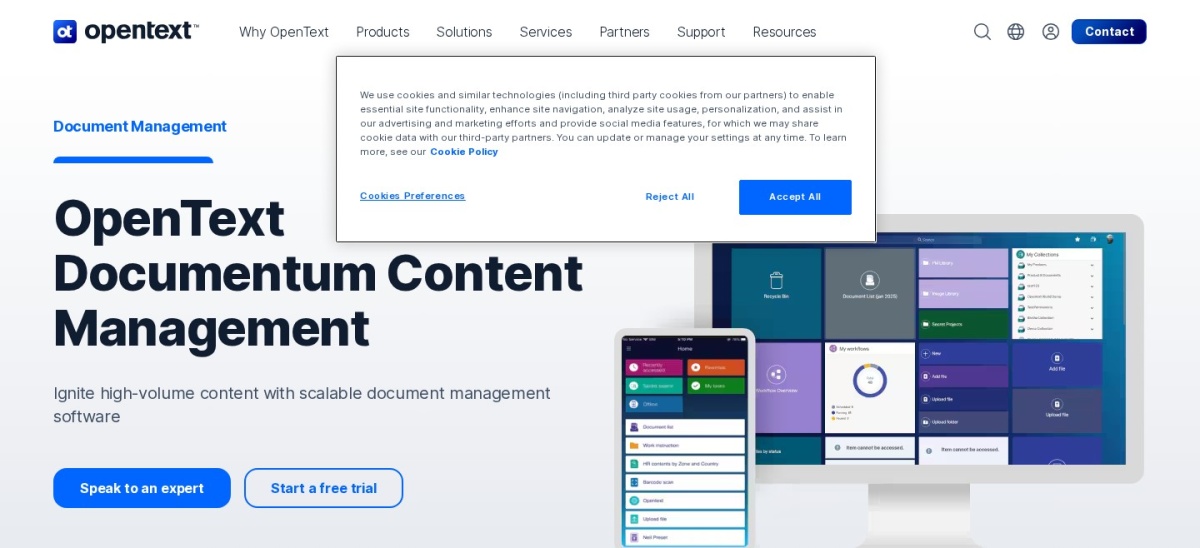
OpenText Documentum is an enterprise content management platform for document archiving in regulated industries. It is rated 3.7 out of 5 from 57 G2 reviews, the lowest rating in this list, with pricing by quote.
The trade off is usability. Reviewers rate Documentum lower than its rivals for ease of use, and it needs significant IT investment. It suits large regulated organisations already invested in the OpenText stack.
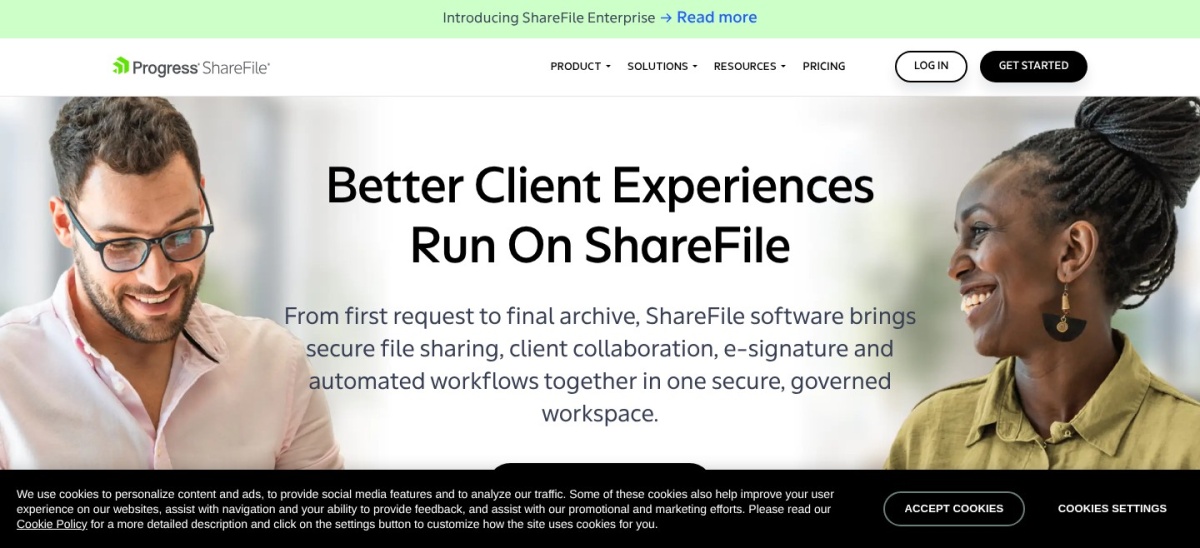
Progress ShareFile is a secure file sharing and storage platform with document archiving features for client-facing teams. Advanced costs $16.50 per user a month on annual billing, with a three-user minimum, and it includes e-signatures and workflows.
The trade off is focus. ShareFile is a sharing platform first, so deep archiving and retention features are thinner than Laserfiche or OnBase. It is rated 4.2 out of 5 from 1,542 G2 reviews. It suits firms that share files with clients daily.
Storage keeps files you still use every day. Archiving keeps finished documents you may need later, with rules for how long they stay.
Archiving adds retention schedules, legal holds and audit trails, which plain storage does not enforce.
A file platform such as Box or ShareFile covers storage well, but compliance-heavy teams need Laserfiche, OnBase or Documentum.
Many teams use both: Box or Egnyte for daily files, and a dedicated archiving tool for records that must be kept for years.
How we chose
We started from every established document archiving tool with a G2 rating, then kept those with a verifiable review count and a current pricing page.
Prices come from each vendor's pricing page, checked on 25 November 2026, with regular prices shown. Ratings come from G2 on the same day. Where a price rests on a secondary read or a vendor-stated range, the listicle says so.
We left out tools with no verifiable rating on G2, Capterra or Trustpilot. No vendor paid for a place, and we do not claim hands-on testing for this list.
How to choose document archiving software
Start from your retention rules, then check capture tools and per-user price.
List your retention rules. Regulated teams need legal holds and audit trails; small teams may only need search and folders.
Check capture tools. Scanners, email and mobile capture matter if paper still arrives daily.
Compare per-user prices. Box at $5 and Egnyte at $10 suit small teams; Laserfiche at $73 suits compliance-heavy ones.
Test search first. Try the trial with your own documents and check that search finds files by content and metadata.
FAQ
What is the best document archiving software?
Laserfiche is the best document archiving software for organisations needing retention, workflow and compliance. Professional costs $73 per user a month on annual billing, and it is rated 4.7 out of 5 from 1,247 G2 reviews.
What is the cheapest document archiving software?
Box Business Starter at $5 per user a month on annual billing is the cheapest paid plan in this list, with a three-user minimum. Box also has a free Individual plan with 10 GB, and Egnyte Team at $10 a user a month is next.
What is the difference between archiving and storage?
Storage keeps files you use every day, while archiving keeps finished documents with retention rules, legal holds and audit trails. Box and ShareFile cover storage well, while Laserfiche, OnBase and Documentum are built for compliance archiving.
Do I need on-premise archiving?
Probably not. Most tools here are cloud-first, and cloud archiving suits most teams with encryption and access controls. On-premise matters mainly for strict data residency rules or air-gapped networks, where Documentum and OnBase offer on-premise options.
How long should documents be archived?
It depends on the document type and your industry. Tax records are often kept for seven years, employment records for longer, and contracts for the life of the agreement plus several years. Set retention rules in the software rather than relying on memory.
Can archiving software replace a shared drive?
Yes, for most teams. Archiving tools add search, version history and permissions that shared drives lack, and they work from anywhere. Keep a shared drive only for files that change constantly or need local network speed.
SaaS SEO and WordPress specialist with about 8 years of experience. Rakib compares WordPress plugins, themes, hosting and software using public pricing, documentation and user reviews. See how we rank.