Best Cloud Document Management Tool Versioning in 2026: 9 Tools Compared
WLWPLegible EditorsLast verified 24 Nov 2026How we rank7 min read
★ Short answer
Box is the best cloud document management tool for versioning, with full version history, unlimited versions on Business plans and strong compliance from $7 per user a month. Pick SharePoint if you already pay for Microsoft 365, or Egnyte for hybrid cloud and on-premises files.
How we make this list: we compare pricing pages, product documentation and public user reviews, then re-check every price before each update. No product paid for a place. Disclosure.
Box keeps a full version history on every file, with unlimited versions on Business plans and above.
SharePoint versioning comes free with Microsoft 365, with major and minor versions, check-in and check-out in every library.
Egnyte pairs detailed version history with ransomware recovery, so admins can roll files back to pre-attack states.
Laserfiche holds the highest G2 rating in this list at 4.7 out of 5, from 1,249 reviews, for records and compliance.
M-Files, DocuWare and Laserfiche all sell by quote, so budget extra weeks for procurement and implementation.
What versioning should cover in a document tool
Versioning means every edit to a document is saved as a new version, so you can see what changed, who changed it and restore an older copy when something goes wrong.
The details that matter are retention and control. Box keeps unlimited versions on Business plans, SharePoint keeps major and minor versions per library, and Egnyte lets admins set how long versions are kept.
Compliance teams need more than history. Audit trails, retention policies and permissions down to the file matter as much as the version list itself.
Simple file tools also version. Google Drive and Dropbox keep version history too, but they lack the retention policies, metadata and workflow automation of a real document management system.
The 9 best cloud document management tools with versioning
01
Box
4.2/5on G2 (5,259 reviews, checked Nov 2026)
Paid from$7/user/mo
Best document versioning overall
Free planYes, 10 GB
Paid planBusiness Starter, $7/user/mo
VersionsUnlimited on Business
G2 rating4.2/5, 5,259 reviews
box.com
Box homepage, captured Nov 2026.
Box is a cloud content management platform that treats versioning as a core feature rather than an afterthought. Every file keeps a full version history, Business plans and above retain unlimited versions, and admins can set how long versions are kept.
The trade off is that advanced features cost more. Box Relay workflows, unlimited storage and the deepest compliance tools sit on higher tiers. It suits regulated teams that need secure sharing, audit trails and e-signatures in one place.
What we like
Full version history on every file
HIPAA, GDPR and FedRAMP coverage
Box Sign e-signatures included
Watch out for
Advanced features need higher tiers
Pricing rises steeply past Starter
Business adds unlimited storage at $15 a monthVisit box.com
02
Egnyte
4.4/5on G2 (1,167 reviews, checked Nov 2026)
Starts at$10/user/mo
Best hybrid document management
Free planNo, free trial
Paid planTeam, $10/user/mo
HybridCloud and on-premises
G2 rating4.4/5, 1,167 reviews
egnyte.com
Egnyte homepage, captured Nov 2026.
Egnyte is a cloud and hybrid document platform that unifies files across cloud and on-premises storage in one interface, then layers governance, audit trails and ransomware recovery on top. Team starts at $10 per user a month, with Business at $22 and Enterprise Lite at $39.
The trade off is that storage is tiered rather than unlimited, so heavy file users should check quotas against actual volume. It suits architecture, engineering and manufacturing teams with large files on a local NAS.
Microsoft SharePoint is the document system most Microsoft shops already own. Every document library keeps version history automatically, with major and minor versions, check-in and check-out, metadata columns and restore points, included with Microsoft 365 from $6 per user a month.
The trade off is admin time. It is free with your subscription, but setup, permissions and governance take real work. It suits teams already on Microsoft 365 that want versioning without buying another tool.
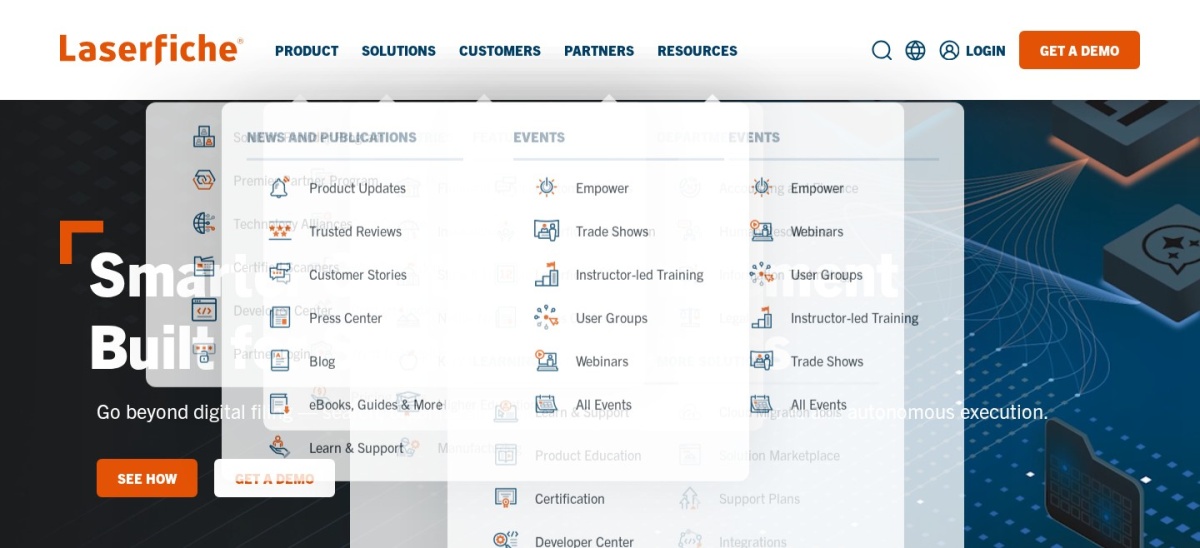
Laserfiche is enterprise content management with records management in its DNA. Government agencies, banks and healthcare organisations use it to enforce retention schedules, manage audits and automate document-heavy processes with AI-assisted capture.
The trade off is price and complexity. It sells by quote only, cloud plans start around $45 to $55 per user a month, and the interface rewards training. It suits large organisations with strict compliance and retention requirements.
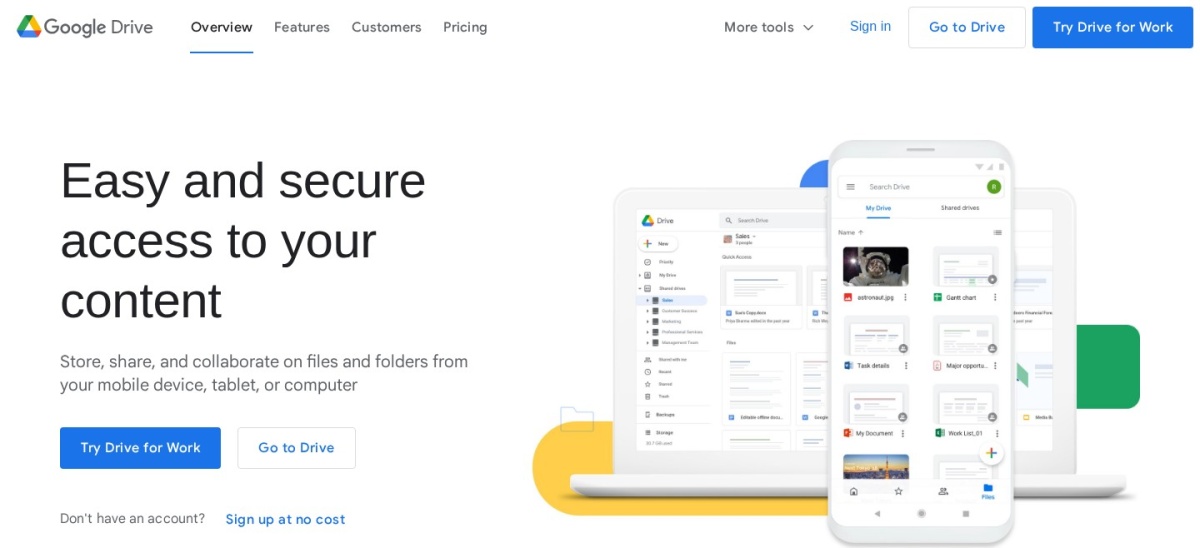
Google Drive is cloud storage with version history built in, keeping 30 days of versions or 100 versions per file on paid Workspace plans. Business Starter costs $7 per user a month and adds 30 GB of pooled storage per user, with Docs, Sheets and Slides included.
The trade off is depth. It is file storage with versioning, not a document management system, so retention policies and metadata are thin. It suits small teams already in Google Workspace that need simple version history.
Dropbox is cloud file storage with version history and file recovery built in. The free plan covers 2 GB with 30-day version history, and Plus at $9.99 a month raises storage to 2 TB and version history to 180 days, with rewind for whole folders.
The trade off is that it is storage, not document management. There are no retention policies, metadata workflows or approval routing. It suits individuals and small teams that need simple, reliable file versioning.
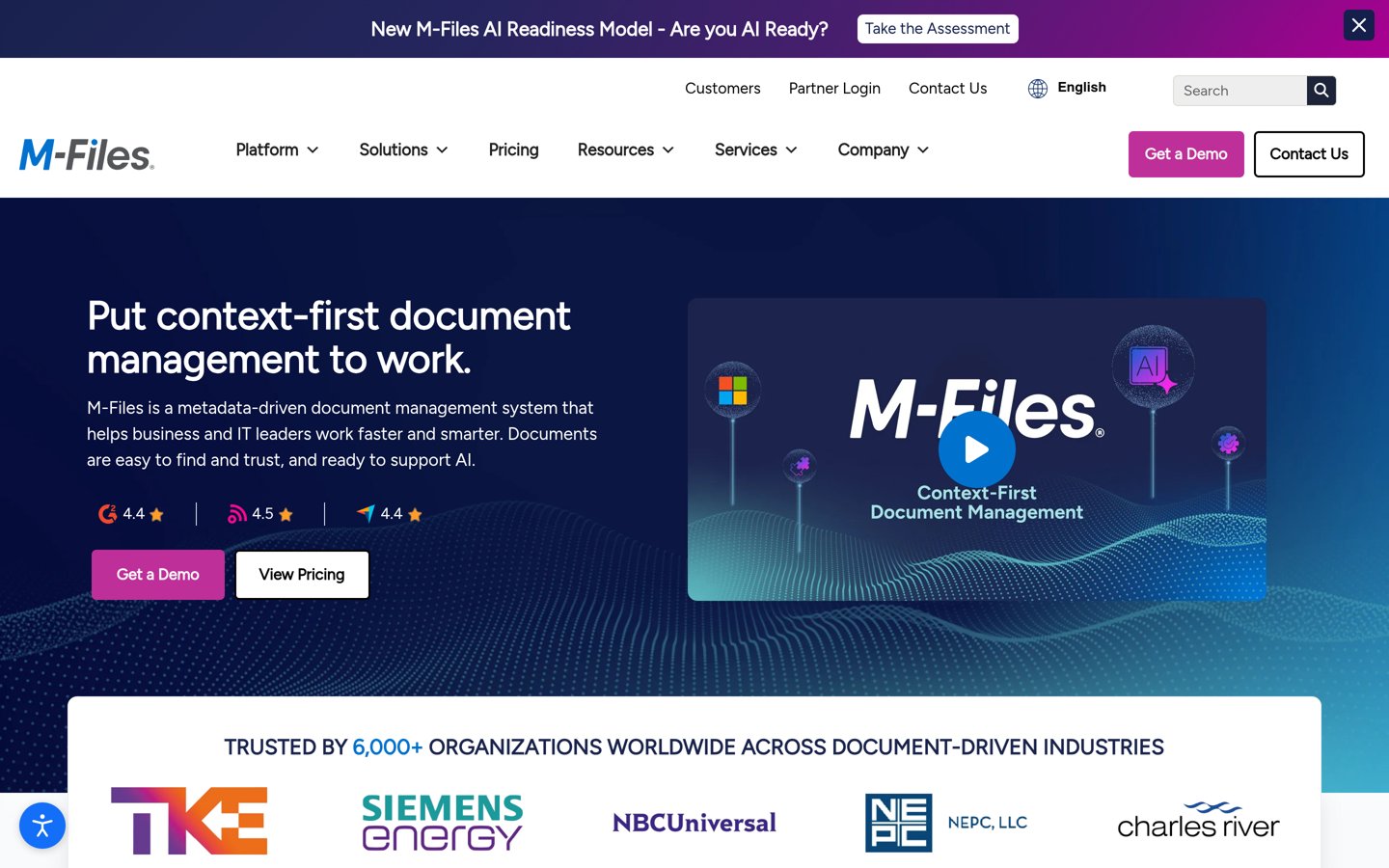
M-Files is a document management platform that organises files by what they are rather than where they sit, using metadata instead of folders. Versioning rides on top of that model, with every version tracked, plus workflow routing, retention and audit trails.
The trade off is planning. The metadata model is foundational, and getting it right takes thought, while pricing is quote-based. It suits knowledge-heavy organisations drowning in scattered files across folders.
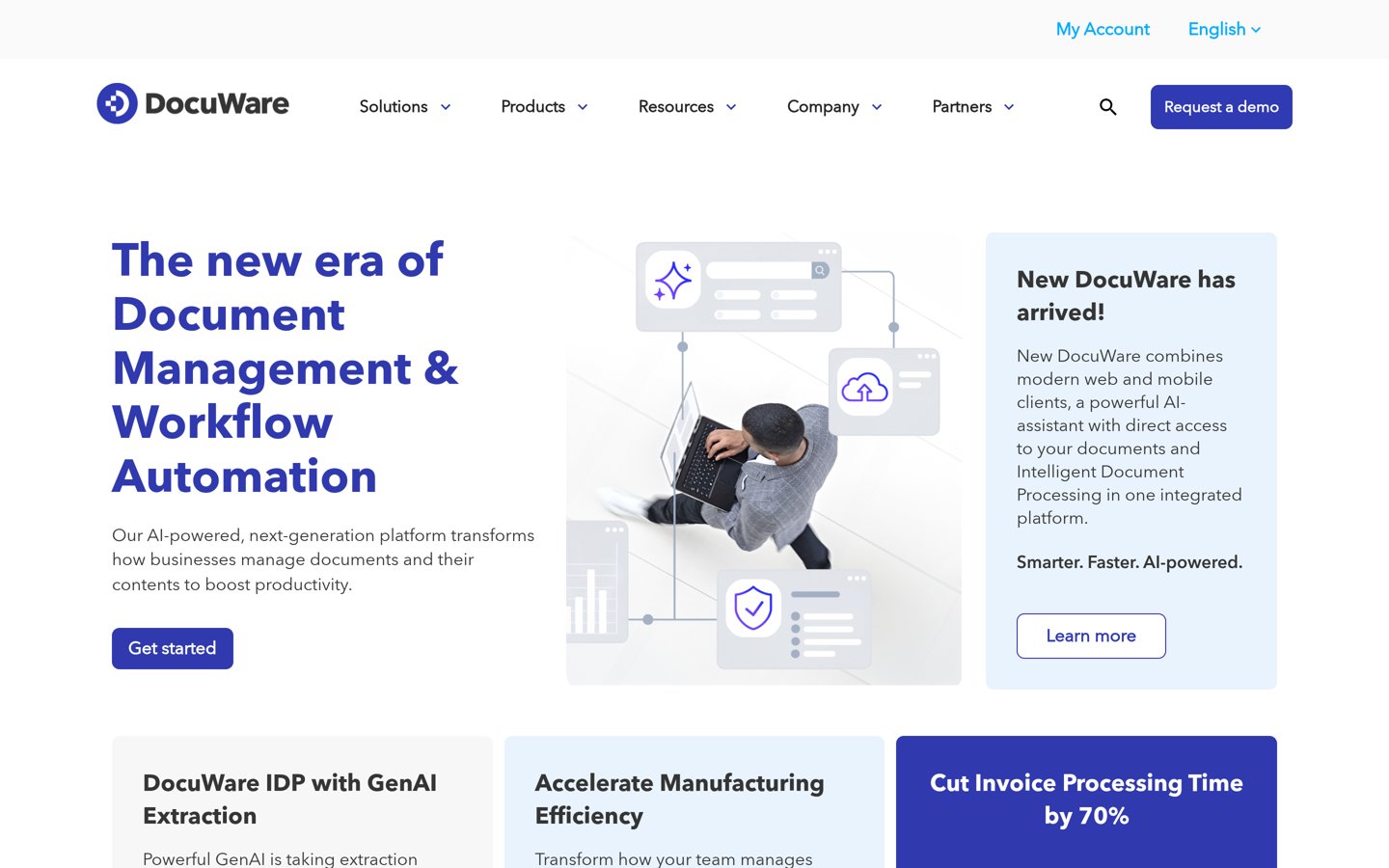
DocuWare is a document management platform for finance and HR teams that digitise paper-heavy workflows, with OCR capture, automated routing, approvals and retention controls. Version history tracks every change, and the 2026 platform adds a GenAI assistant with direct access to documents.
The trade off is buying. Pricing is quote-based and implementations typically run through authorised partners, which adds cost and time. It suits compliance-heavy teams that need document management plus workflow in one system.
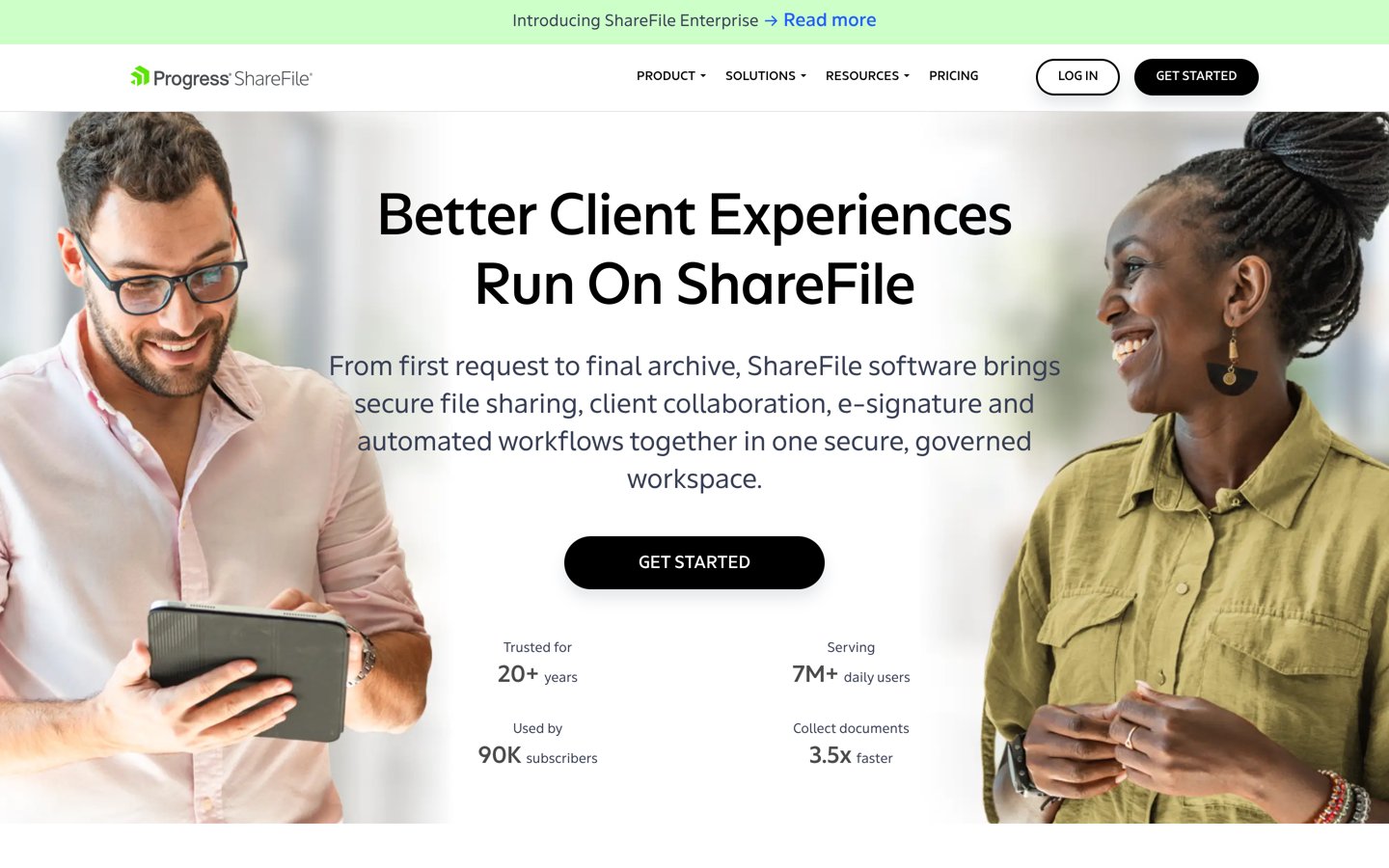
ShareFile is a secure file sharing and document management platform from Progress, built for firms that exchange files with clients. It covers version history, e-signatures, client portals and workflow automation, with strong permission controls down to the file.
The trade off is pricing transparency. It sells by quote with no published starting price on its site. It suits accounting, legal and financial firms that share documents with clients every day.
How long versions last matters more than the version count
Box keeps unlimited versions on Business plans, while Google Drive keeps 30 days or 100 versions per file and Dropbox Plus keeps 180 days.
SharePoint lets admins set version limits per library, so a busy library can keep hundreds of versions while an archive keeps fewer.
Egnyte ties versioning to ransomware recovery. Admins can roll files back to a pre-attack state, which is versioning doing its most valuable job.
Ask every vendor how long versions are kept and who can restore them. A version list nobody can restore is not a safety net.
How we chose
We started from the cloud document management platforms with the largest G2 review bases, then kept those with a verifiable rating and real version history controls.
Prices come from each vendor's pricing page or G2 pricing data supplied by the vendor, checked on 24 November 2026. Ratings and review counts come from G2 on the same day. Where a vendor sells by quote, the list shows that instead of a number.
We left out tools with no verifiable rating on G2, Capterra or Trustpilot. No vendor paid for a place, and we do not claim hands-on testing for this list.
How to choose a document management tool for versioning
Start with how long you need to keep old versions, then check who can restore them.
Decide how long versions must live. Regulated teams need years of retention. Small teams can live with 30 to 180 days of history.
Check who can restore a version. Admins should be able to restore without IT tickets, and the restore should keep the audit trail intact.
Test search and metadata. Finding the right version matters more than storing it. Try metadata search on your own documents during the trial.
Ask about migration. Moving years of files with their version history is hard. Ask the vendor what history survives the move.
FAQ
What is the best cloud document management tool for versioning?
Box is the best cloud document management tool for versioning, with full version history and unlimited versions on Business plans from $7 per user a month. SharePoint suits Microsoft 365 teams, while Egnyte leads for hybrid files.
Does SharePoint keep version history?
Yes, every SharePoint document library keeps version history automatically, with major and minor versions, check-in and check-out, and restore points. It is included with Microsoft 365 from $6 per user a month.
How long does Google Drive keep versions?
Google Drive keeps 30 days of versions or 100 versions per file on paid Workspace plans. Older versions are deleted automatically, so it suits short-term history rather than long retention.
Is Box better than SharePoint for versioning?
Box offers deeper versioning controls, unlimited versions on Business plans and stronger compliance tools. SharePoint is the better pick if you already pay for Microsoft 365 and want versioning without another subscription.
Which document tool is best for compliance?
Laserfiche is the best pick for compliance, with full records management, retention schedules and audit logging, and a 4.7 out of 5 G2 rating. M-Files and DocuWare are strong alternatives for regulated teams.
Does Dropbox keep old versions of files?
Yes, Dropbox keeps version history for 30 days on the free plan and 180 days on Plus at $9.99 a month. Dropbox Rewind can restore a whole folder to an earlier state.