Clio is the best legal document management software for most law firms, combining matter management and document storage from $49 per user monthly. MyCase is a good alternative for unlimited document storage, while PracticePanther suits firms that need document templates and repeatable legal workflows.
How we make this list: we compare pricing pages, product documentation and public user reviews, then re-check every price before each update. No product paid for a place. Disclosure.
Clio starts at $49 per user monthly and has a 4.7/5 Capterra rating.
MyCase includes unlimited document storage from $50 per user monthly with annual billing.
PracticePanther includes document templates and unlimited data storage from $49 per user monthly.
NetDocuments specializes in legal document and email management and reports more than 7,000 customers.
Smokeball has a 4.8/5 Capterra rating and offers document automation through its Grow plan.
What legal document management software should include
Legal document management software helps law firms organize contracts, correspondence, case files, evidence and other confidential records within a searchable system.
Matter-based organization is particularly important. Staff should be able to locate documents associated with a client or case without searching unrelated folders or personal email accounts.
Look for access permissions, document version history, secure sharing and search capabilities. Firms handling sensitive matters should also evaluate audit logs and information barriers.
Practice management platforms combine documents with billing and case administration. Dedicated document management systems focus more heavily on document governance, email filing and collaboration.
The 7 best legal document management software tools
01
Clio
4.7/5on Capterra (1,752 reviews, checked Nov 2026)
Starts at$49/mo
Best for overall legal document management
Entry planStarter
Pricing modelPer user
Document organizationMatter-based
Free trial7 days
clio.com
Clio homepage, captured Nov 2026.
Clio is a cloud-based legal practice management platform that connects documents with client records and legal matters. Its Starter plan begins at $49 per user monthly and includes document organization and practice administration.
The trade off is that more advanced workflows and AI capabilities require higher subscriptions than the $49 Starter plan. It suits firms that want to manage documents alongside everyday legal operations.
What we like
Centralized matter and document records
Integrated legal practice management
Large integration ecosystem
Watch out for
Advanced capabilities require upgrades
Less specialized than a dedicated legal DMS
Starter includes document and matter management.Visit clio.com
02
MyCase
4.6/5on Capterra (805 reviews, checked Nov 2026)
Starts at$50/mo
Best for unlimited document storage
Entry planBasic
StorageUnlimited
Client portalLimited on Basic
BillingPer user, annually
mycase.com
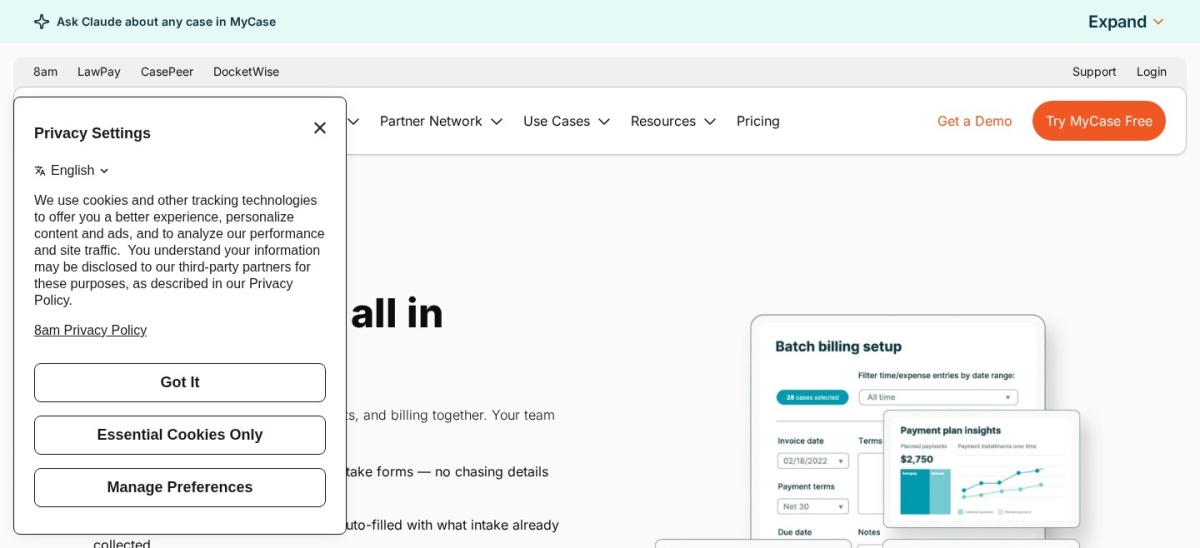
MyCase homepage, captured Nov 2026.
MyCase is a legal practice management system with unlimited document storage on its Basic subscription. The platform connects files with cases, client information, invoices and client communications from $50 per user monthly with annual billing.
The trade off is that unlimited electronic signatures and document generation require the Pro plan at $100 per user monthly with annual billing. It suits growing firms that need centralized storage and integrated case administration.
What we like
Unlimited document storage on Basic
Integrated client portal
Case and contact management included
Watch out for
Basic has limited portal functionality
Document generation requires Pro
Pro adds unlimited document generation and signatures.Visit mycase.com
03
PracticePanther
4.7/5on Capterra (529 reviews, checked Nov 2026)
Starts at$49/mo
Best for document templates and workflows
Entry planSolo
StorageUnlimited data storage
Document templatesIncluded
Client portalIncluded
practicepanther.com
PracticePanther homepage, captured Nov 2026.
PracticePanther is legal practice management software with document templates, task workflows and unlimited data storage. Its Solo subscription is advertised from $49 per user monthly and includes access to a secure client portal.
The trade off is that the $49 entry subscription focuses on general practice administration rather than specialist document governance. It suits smaller firms that regularly prepare similar legal documents and need standardized workflows.
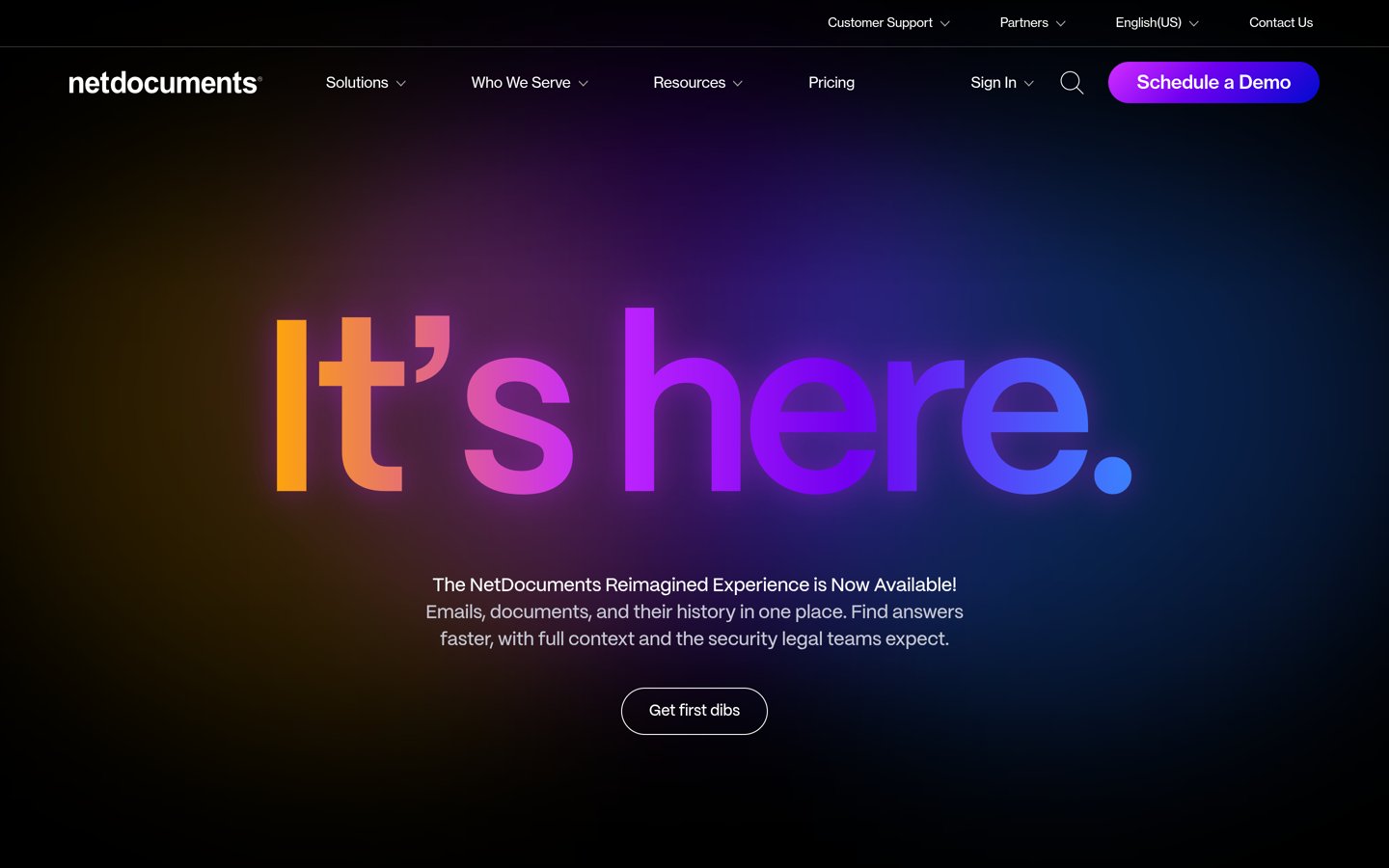
NetDocuments is a dedicated cloud document and email management platform serving more than 7,000 customers. Its product portfolio covers document organization, collaboration, Microsoft integrations and information governance.
The trade off is custom pricing based on organizational requirements and selected products. It suits legal teams that prioritize controlled document access, version management and centralized email filing over integrated billing.
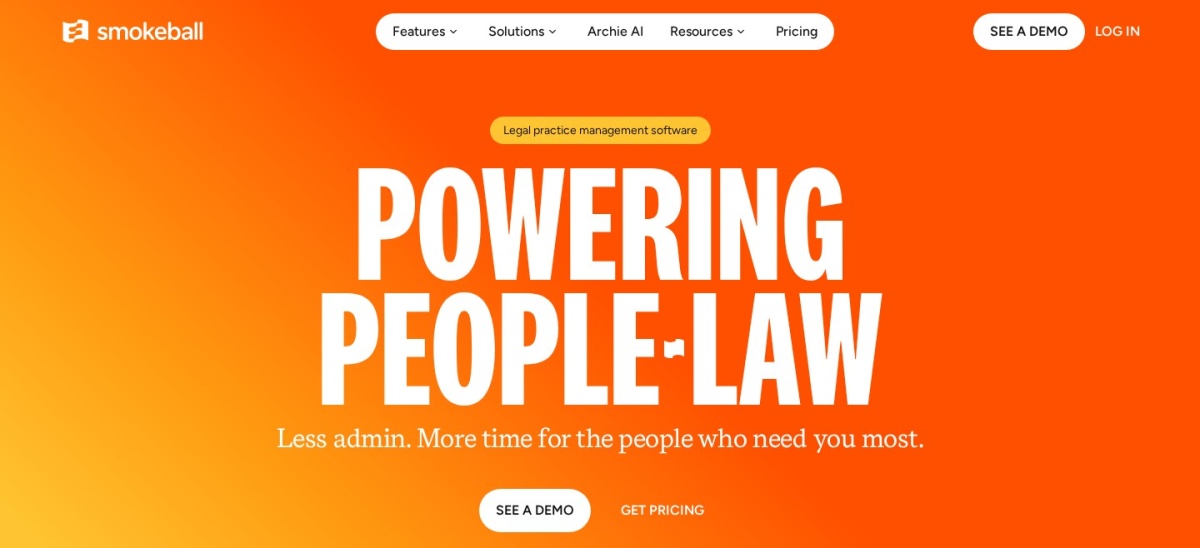
Smokeball is a legal practice management platform offering 4 subscription tiers. Its Boost plan introduces matter management and Microsoft Word integration, while Grow adds advanced document automation and practice-specific templates.
The trade off is custom pricing and the need for a higher subscription to access advanced document automation. It suits firms that generate legal forms and correspondence repeatedly.
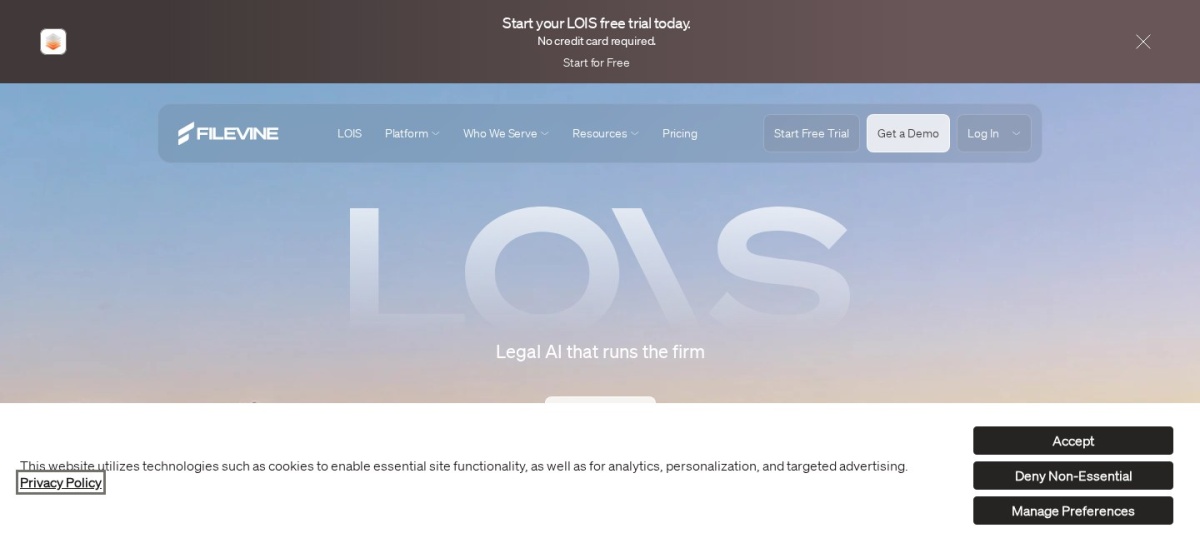
Filevine is a legal work management platform with 4 package categories covering matters, intake, depositions and signatures. Its Matters package includes document organization, search, secure file sharing and automated document assembly.
The trade off is custom pricing, with additional capabilities available through package extensions. It suits litigation teams and legal practices that handle large case files and complex administrative workflows.
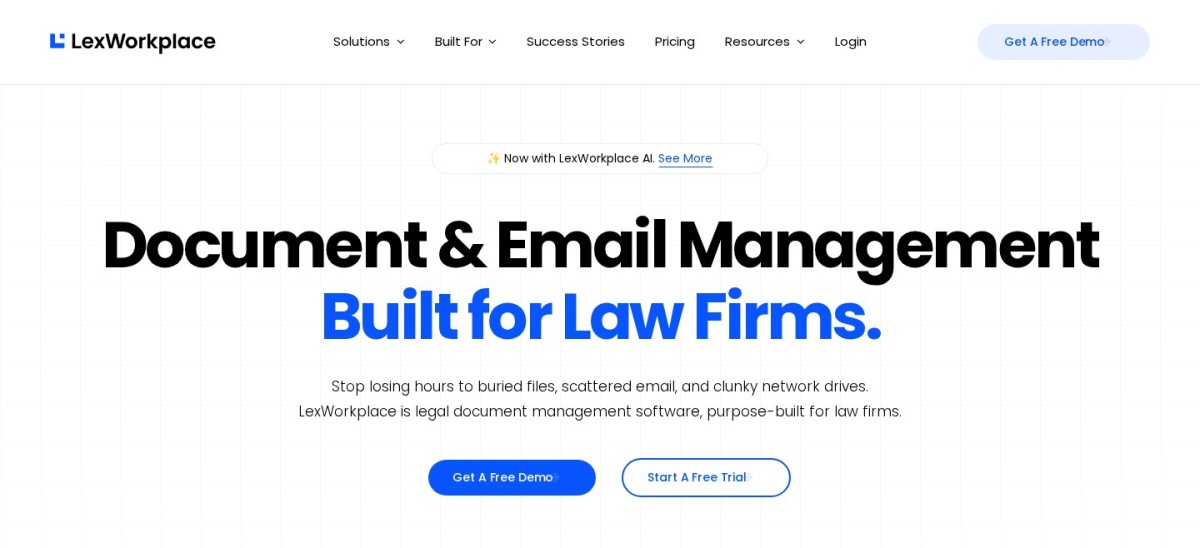
LexWorkplace is a dedicated cloud document management system designed for law firms. Its Core plan costs $395 monthly and includes 3 users, 1,000 GB of storage, email management and document collaboration.
The trade off is the $395 monthly starting cost and separate onboarding expenses for standalone customers. It suits established firms that already use practice management software but need more specialized document storage.
Dedicated legal DMS vs practice management software
Dedicated document management systems prioritize document classification, version management, email filing and information governance. They are particularly useful when firms already have separate billing and case management software.
Practice management platforms are generally better for firms seeking a consolidated workspace. Clio, MyCase and PracticePanther combine document handling with other administrative functions, reducing the need for separate subscriptions.
How we chose
We shortlisted legal document management products from Capterra's software directory and official vendor websites. Rankings consider document organization, automation, storage, pricing transparency and suitability for different legal workflows.
Pricing and ratings were researched from the linked vendor and Capterra pages. The editorial check date is 22 Nov 2026, but live source figures may reflect subsequent updates. Custom pricing entries use zero as a comparison placeholder, not an actual subscription price.
We excluded products without adequate pricing information or relevant document management functionality. LexWorkplace was retained despite having only 14 Capterra reviews because its dedicated legal features and published pricing make it relevant. No vendor paid for a place, and we do not claim testing for this list.
How to choose legal document management software
Compare your firm's document requirements, existing software and total ownership costs before selecting a platform.
**Identify your document workflows.** Determine whether your firm primarily stores case files, prepares standardized documents, manages correspondence or collaborates on complex legal matters.
**Check security and access controls.** Evaluate permissions, encryption, audit trails, document recovery and information barriers against your firm's confidentiality requirements.
**Review software integrations.** Confirm compatibility with your existing email, word processing, billing and case management applications.
**Calculate the complete subscription cost.** Include user licenses, additional storage, migration, onboarding and optional automation features when comparing annual expenses.
FAQ
What is the best legal document management software?
Clio is our top overall pick because it combines document storage with matter management and legal administration. NetDocuments is a better option for organizations that need a dedicated document management platform with specialist governance capabilities.
How much does legal document management software cost?
Clio and PracticePanther advertise starting prices of $49 per user monthly. MyCase starts at $50 with annual billing. Dedicated platforms may charge higher subscription fees or require personalized pricing quotes.
Can law firms use ordinary cloud storage instead of legal document management software?
Ordinary cloud storage can handle basic file organization and sharing. However, legal document management systems offer specialized capabilities such as matter-based organization, email filing and document governance that may better support confidential legal workflows.
What security features should legal document management software have?
Look for encryption, configurable user permissions, multifactor authentication, activity logs and document recovery options. Firms should also evaluate information barriers, retention policies and vendor security documentation before storing confidential client information.
What is the difference between legal document management and case management software?
Document management software focuses on storing, organizing, retrieving and controlling legal files. Case management software covers broader legal operations, including client records, deadlines, tasks and billing, often incorporating document management as an additional feature.
SaaS SEO and WordPress specialist with about 8 years of experience. Rakib compares WordPress plugins, themes, hosting and software using public pricing, documentation and user reviews. See how we rank.