Power Automate is the best Microsoft automation tool for most businesses, offering cloud workflows and attended desktop automation for $15 per user per month with annual billing. Choose Zapier for connecting Microsoft applications with external services or Integrately for affordable task-based workflow automation.
How we make this list: we compare pricing pages, product documentation and public user reviews, then re-check every price before each update. No product paid for a place. Disclosure.
Power Automate Premium costs $15 per user per month with annual billing.
Zapier includes 100 monthly tasks on its free plan and supports over 9,000 applications.
Integrately Starter includes 2,000 tasks for $19.99 per month with annual billing.
UiPath Basic starts at $25 per month for desktop and business process automation.
Workato earns 4.7/5 from 859 G2 reviews and targets enterprise integrations.
What to look for in Microsoft automation tools
Microsoft automation tools eliminate repetitive work involving spreadsheets, emails, documents, notifications and business applications. They range from native Microsoft services to independent workflow platforms.
Check whether the software supports your specific Microsoft applications and required actions. A connector that reads Excel rows might not support every spreadsheet operation.
Pricing models vary considerably. Some platforms charge per user, while others charge for completed tasks, workflow executions or software robots.
Security matters when automations access business documents and employee information. Look for appropriate permissions, execution logs and administrative controls.
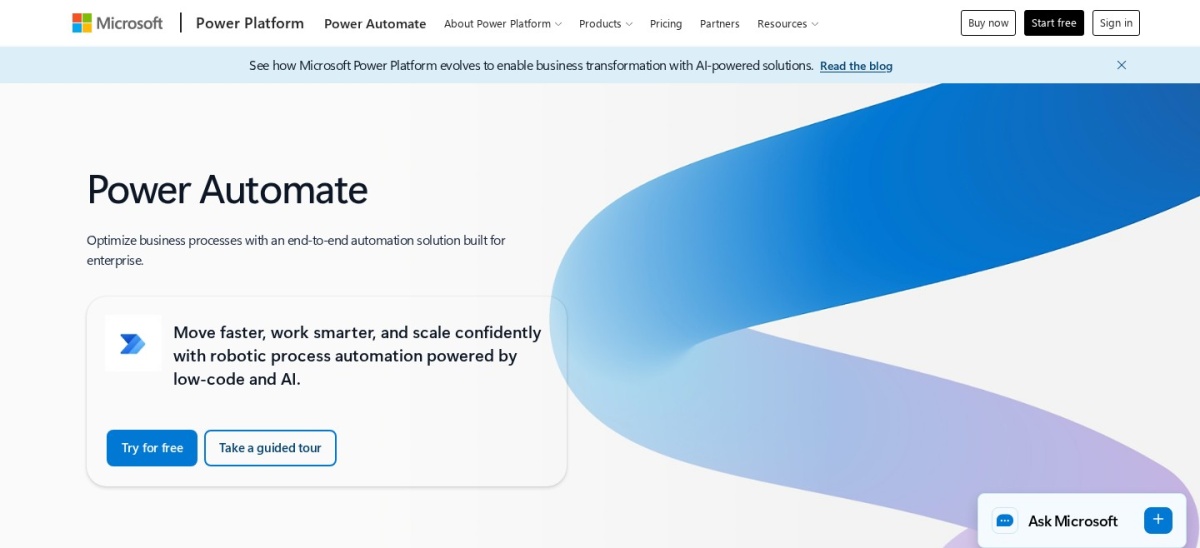
Power Automate is Microsoft's native workflow automation platform for connecting business applications and automating desktop tasks. Premium includes cloud workflows, attended desktop automation and process mining with 50 MB of stored data.
The trade off is licensing complexity, particularly for unattended automation. Premium costs $15 per user per month with annual billing, while unattended robots require separate licensing. It suits organizations already using Microsoft 365.
What we like
Native Microsoft ecosystem integration
Cloud and desktop workflows
Process mining capabilities
Watch out for
Complex licensing structure
Unattended automation costs extra
Premium adds cloud flows, attended robots and process mining.Visit microsoft.com
02
Zapier
4.5/5on G2 (2,171 reviews, checked Nov 2026)
Paid from$19.99/mo
Best for connecting Microsoft with external apps
Free tasks100/month
Integrations9,000+
Entry planProfessional
Workflow builderVisual
zapier.com
Zapier homepage, captured Nov 2026.
Zapier is a no-code automation platform that connects Microsoft applications with external business services. Its free plan includes 100 monthly tasks, unlimited workflows and basic trigger-and-action automations.
The trade off is task consumption when workflows become more complex. Professional starts at $19.99 per month and unlocks multistep workflows. It suits teams connecting Microsoft applications with marketing, sales and support platforms.
What we like
Extensive application directory
Accessible workflow builder
Ready-made automation templates
Watch out for
Limited free task allowance
Multistep workflows require payment
Professional adds premium apps, webhooks and multistep workflows.Visit zapier.com
03
Integrately
4.7/5on G2 (713 reviews, checked Nov 2026)
Paid from$19.99/mo
Best for affordable business integrations
Free tasks100
Starter tasks2,000
Starter automations20
Update interval5 minutes on Starter
integrately.com
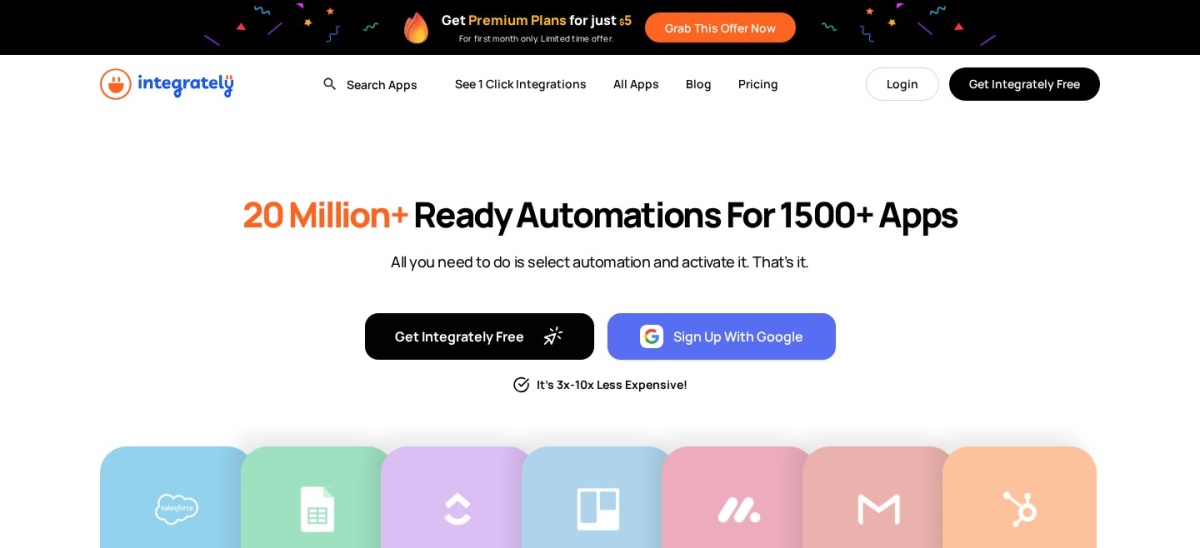
Integrately homepage, captured Nov 2026.
Integrately is an application integration platform designed around ready-made workflows. Its free plan includes 100 tasks and five automations, while Starter supports 2,000 tasks.
The trade off is limited branching functionality on Starter, which costs $19.99 per month with annual billing. A temporary $5 first-month promotion is available but excluded from this comparison. It suits small businesses with straightforward integration requirements.
UiPath is a robotic process automation platform for repetitive desktop and enterprise tasks. Its Basic plan supports personal automations and advertises 99.9% service uptime.
The trade off is implementation complexity and limited entry-plan capacity. Basic starts at $25 per month, with enterprise features available through custom-priced plans. It suits businesses automating repetitive work across Windows applications.
What we like
Desktop interface automation
Document processing capabilities
Enterprise orchestration options
Watch out for
Steeper learning curve
Basic plan has scaling restrictions
Basic includes personal automations and business support.Visit uipath.com
05
Workato
4.7/5on G2 (859 reviews, checked Nov 2026)
PricingCustom pricing
Best for enterprise application integrations
Pricing modelUsage-based
Workflow builderRecipes
On-premises integrationSupported
Usage monitoringDashboard
workato.com
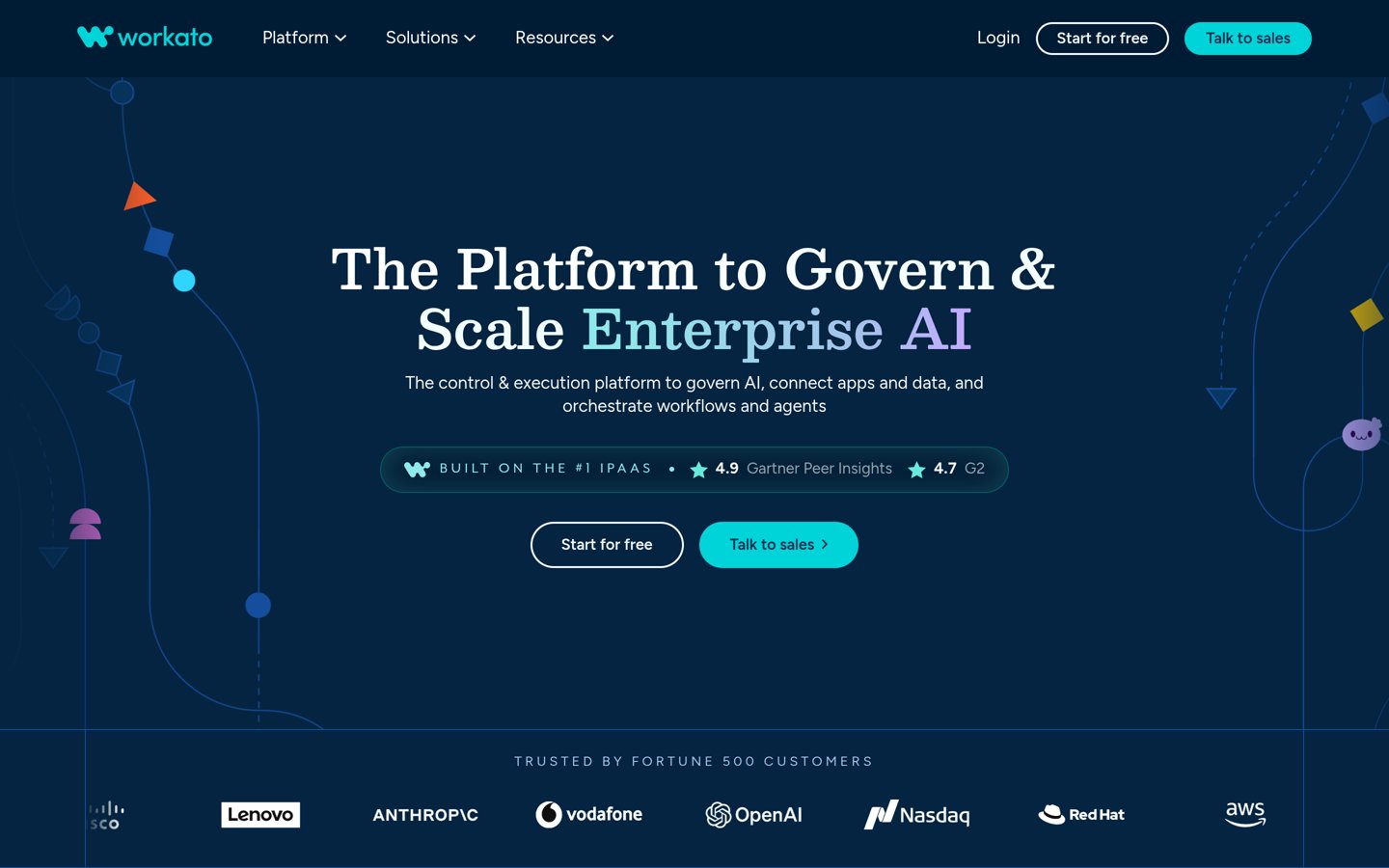
Workato homepage, captured Nov 2026.
Workato is an enterprise integration platform for connecting applications, databases and business processes. Its usage dashboard tracks consumption, concurrency and on-premises agents, and the platform holds a 4.7/5 G2 rating.
The trade off is custom pricing, which makes budgeting less straightforward without a sales consultation. It suits larger organizations connecting Microsoft services with enterprise business systems.
What we like
Enterprise integration capabilities
Centralized usage monitoring
On-premises connectivity
Watch out for
No public entry price
Requires integration planning
Paid subscriptions provide enterprise workflow and integration capabilities.Visit workato.com
06
Nintex
4.2/5on G2 (1,328 reviews, checked Nov 2026)
PricingCustom pricing
Best for document and approval workflows
Workflow builderLow-code
Document automationSupported
Process mappingSupported
PricingContact sales
nintex.com
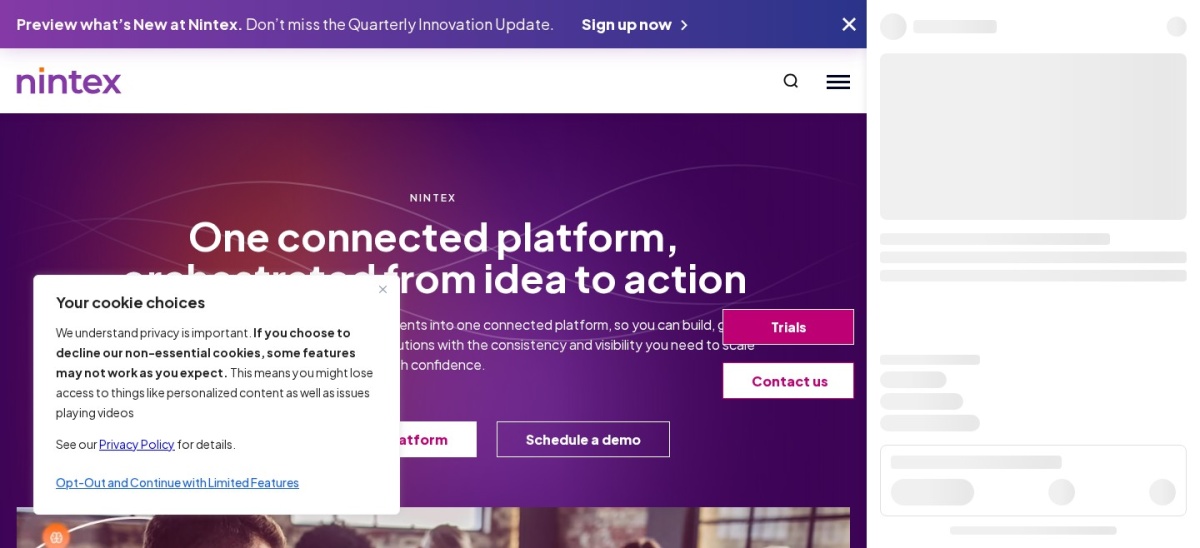
Nintex homepage, captured Nov 2026.
Nintex is a business process automation platform covering workflows, forms and document generation. Its process management capabilities help organizations automate approval procedures, and it has 1,328 G2 reviews.
The trade off is custom pricing and the need to establish licensing requirements before purchasing. It suits businesses managing document-heavy processes and departmental approval workflows.
What we like
Document generation capabilities
Visual process management
Supports complex approval workflows
Watch out for
No public entry-level price
Implementation requires planning
Paid subscriptions provide business process and document automation.Visit nintex.com
07
Automation Anywhere
4.5/5on G2 (5,732 reviews, checked Nov 2026)
PricingCustom pricing
Best for enterprise robotic process automation
Free editionCommunity
Desktop automationSupported
Document processingSupported
Commercial pricingContact sales
automationanywhere.com
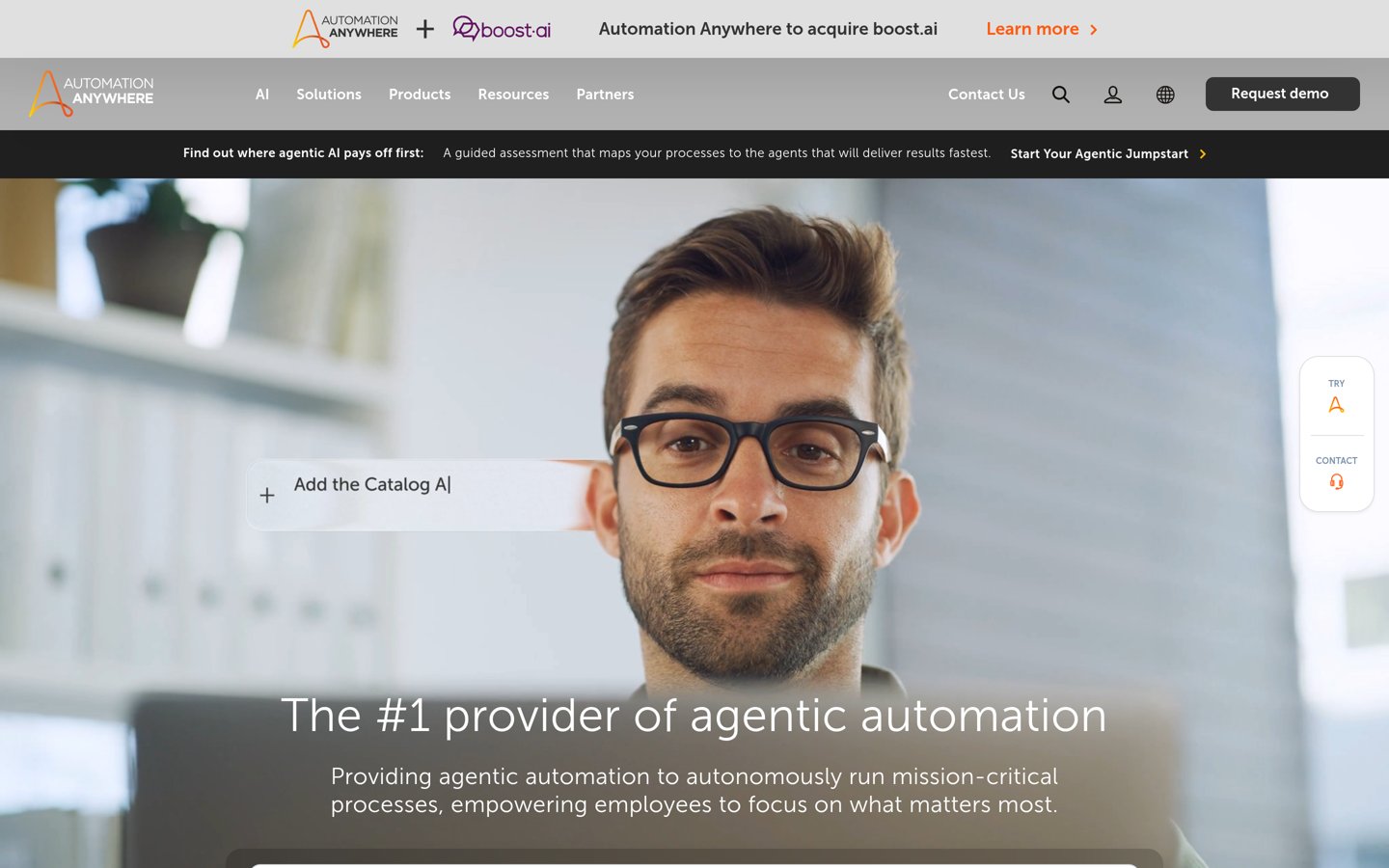
Automation Anywhere homepage, captured Nov 2026.
Automation Anywhere is an enterprise automation platform combining software robots, document processing and AI agents. Its free Community Edition provides access to automation development tools, and the commercial platform holds a 4.5/5 G2 rating.
The trade off is custom commercial pricing and greater implementation complexity than basic workflow builders. It suits organizations automating repetitive desktop tasks across Microsoft and legacy business applications.
Cloud workflows connect applications through available integrations and APIs. They work well for sending Outlook notifications, transferring records and coordinating document approvals.
Desktop automation uses software robots to interact with application interfaces. It is useful when older Windows applications lack suitable APIs, although interface changes can interrupt automated tasks.
Power Automate supports both approaches. Zapier and Integrately primarily focus on application integrations, while UiPath and Automation Anywhere specialize in more advanced process automation.
How we chose
We shortlisted established automation platforms relevant to Microsoft applications, Windows environments and business workflows. Rankings prioritize Microsoft compatibility, pricing transparency, workflow flexibility and public user feedback.
Published subscription prices exclude temporary promotions, while custom-priced products require individual quotes.
We excluded products with insufficient pricing evidence, unrelated review profiles or limited relevance to Microsoft workflows. Automation Anywhere's commercial pricing page was inaccessible, so its official sales page was used instead. No vendor paid for a place, and we do not claim testing for this list.
How to choose the best Microsoft automation software
Identify your repetitive Microsoft tasks before comparing automation platforms, subscription costs and integration capabilities.
**Identify the applications you need to connect.** List your Microsoft services and external applications, then confirm that the available connectors support the required triggers and actions.
**Choose between cloud and desktop automation.** Use cloud workflows for connected applications and consider desktop robots for legacy software without suitable integrations.
**Estimate your monthly automation usage.** Calculate expected workflow executions, tasks and user requirements to compare subscription costs under realistic workloads.
**Review security and maintenance requirements.** Check permissions, authentication, error notifications and workflow ownership before deploying automations involving sensitive business information.
FAQ
What is the best Microsoft automation tool?
Power Automate is the best overall choice for businesses using Microsoft 365 because it combines native application integrations with cloud and desktop workflows. Its Premium subscription costs $15 per user per month with annual billing.
Are there free Microsoft automation tools?
Yes. Zapier and Integrately offer free plans for basic application automation, while Automation Anywhere provides a Community Edition. Some Microsoft subscriptions also include limited Power Automate capabilities, depending on their licensing terms.
Is Zapier better than Microsoft Power Automate?
Zapier is generally better suited to connecting a wide range of external business applications through straightforward workflows. Power Automate is more appropriate for organizations prioritizing native Microsoft integration, desktop automation and Microsoft licensing compatibility.
Can automation software automate Microsoft Excel?
Yes. Compatible automation platforms can transfer spreadsheet records, trigger notifications and synchronize information with other applications. Desktop automation tools can also interact with Excel interfaces when the required operations are unavailable through standard connectors.
What is the difference between Power Automate and UiPath?
Power Automate emphasizes Microsoft ecosystem integration alongside cloud and desktop automation. UiPath focuses more heavily on robotic process automation, complex desktop operations and enterprise orchestration. The appropriate choice depends on application requirements and implementation resources.
SaaS SEO and WordPress specialist with about 8 years of experience. Rakib compares WordPress plugins, themes, hosting and software using public pricing, documentation and user reviews. See how we rank.