Notion is the best content collaboration software for most teams, combining live docs, a wiki and databases in one workspace for $10 per user a month. Pick Google Workspace for pure live document editing, or Miro when your team plans on a shared visual board.
How we make this list: we compare pricing pages, product documentation and public user reviews, then re-check every price before each update. No product paid for a place. Disclosure.
Notion is the best all-round pick: live docs, a wiki and databases for $10 per user a month, rated 4.6/5 on G2.
Google Workspace is the strongest for pure live document editing, with Docs, Drive and Meet from $7 per user a month.
monday.com has the highest G2 rating here at 4.7/5, but paid plans need at least 3 seats.
Microsoft 365 Business Basic is the cheapest paid plan at $6 per user a month, though desktop apps need the $12.50 Standard plan.
Confluence is the cheapest wiki for Jira teams at $5.78 per user a month, but its 4.1 G2 rating is the lowest in this list.
Every free plan in this list caps something: Miro allows only 3 boards, Dropbox only 2 GB of storage.
What good content collaboration looks like
Content collaboration software lets several people work on the same docs, files and plans at once, instead of emailing versions back and forth.
The core test is live editing. Look for real-time cursors, comments, suggestions and version history, so two people can change the same page without overwriting each other.
Sharing controls matter as much as editing. Our guide on managing user roles securely in WordPress shows why guest access and permission levels keep shared work safe.
Price is almost always per user per month, so a $10 plan costs $120 a year for each seat. Count everyone who needs to edit, not just the people who read.
Storage, AI credits and admin controls usually sit on higher plans. Check the entry plan's limits before you move a whole team across.
Notion is a shared workspace where docs, wikis and databases live on the same page, and several people can edit at once with live cursors and comments. The free plan gives one person unlimited pages and blocks, plus 10 guests and 5 MB file uploads. Paid teams get unlimited uploads, 30-day page history and collaborative blocks on Plus.
The trade off is that every member needs a paid seat, so costs grow with the team, and the fuller AI features sit on the $20 Business plan. Offline access is limited to pages you choose to download. It suits small and mid-size teams that want one home for docs, notes and project tracking.
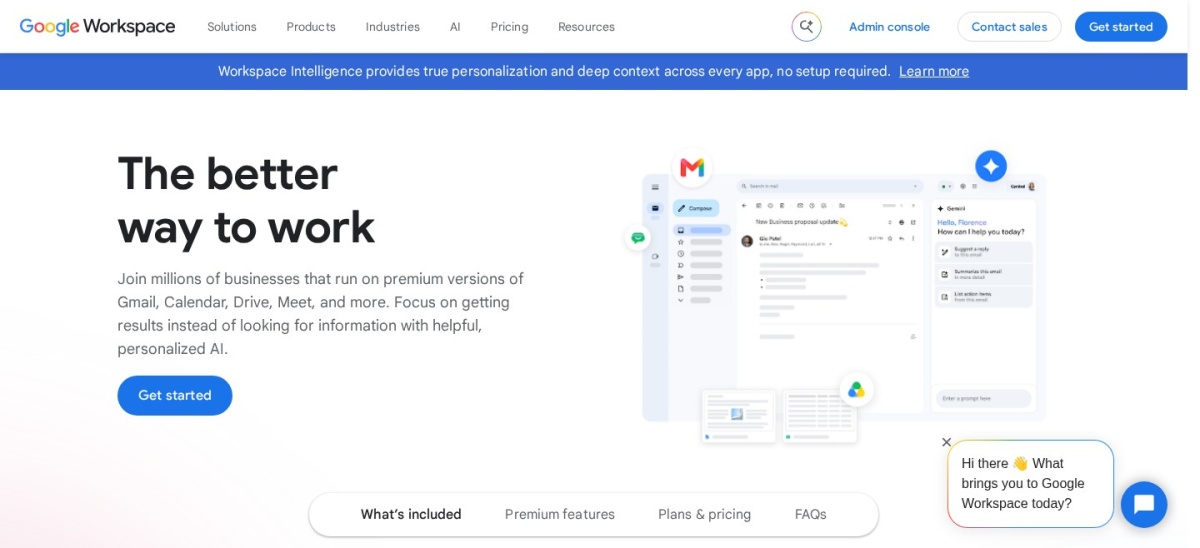
Google Workspace is Google's suite of Docs, Sheets, Slides, Drive, Gmail and Meet, built around several people editing the same file at the same time. Comments, suggestions and version history are built in, and Business Starter adds custom email and 30 GB of pooled storage per user. Files open in the browser with nothing to install.
The trade off is that there is no free plan, only a 14-day trial, and the entry plan caps storage at 30 GB pooled per user. Meet recordings and fuller Gemini features need the $14 Standard plan. It suits teams that already live in Gmail and want familiar tools that just work.
ClickUp is an all-in-one work hub that combines Docs, tasks, whiteboards, chat and dashboards in a single workspace. The Free Forever plan includes unlimited tasks and members, collaborative Docs, Kanban boards and time tracking. Paid plans add unlimited storage, Gantt charts, custom fields and goals.
The trade off is price. The Core plan lists at $12 per user a month billed yearly, and the page currently shows $9 against that regular price, so the bill can change at renewal. Setup takes time because there is so much to configure. It suits teams that want docs and project work in one place.
Miro is an online whiteboard where teams brainstorm, plan and map ideas on a shared canvas with sticky notes, diagrams and templates. The free plan allows 3 editable boards with unlimited team members. Starter adds unlimited boards, visitor editing, high-resolution exports and 25 AI credits per member each month.
The trade off is that Miro is a canvas, not a document editor, so long-form writing and file storage need another tool. The free plan's 3-board limit runs out fast for regular use. It suits remote teams that plan, run workshops and sketch ideas together.
What we like
Best shared canvas for workshops and planning
Visitors can edit boards without an account
Large template library for common sessions
Watch out for
Free plan allows only 3 editable boards
Not a document editor or file store
AI credits are rationed by plan
Business adds the full AI suite and integrationsVisit miro.com
05
monday.com
4.7/5on G2 (17,144 reviews, checked Nov 2026)
Paid from$9/mo
Best visual boards for team work
Free planYes, 2 seats
Real-time editingYes, shared boards
AutomationsStandard plan and up
Paid planBasic, $9/seat/mo
monday.com
monday.com homepage, captured Nov 2026.
monday.com is a work platform built on visual boards where tasks, files, updates and deadlines sit in rows your whole team can see. The free plan covers up to 2 seats and 3 boards. Basic adds unlimited items and free viewers, with automations and guest access arriving on the $12 Standard plan.
The trade off is the seat minimum. Paid plans start at 3 seats, so a solo user or a pair pays for a third seat, and Basic has no automations. It suits teams that like a colourful, visual way to track shared work.
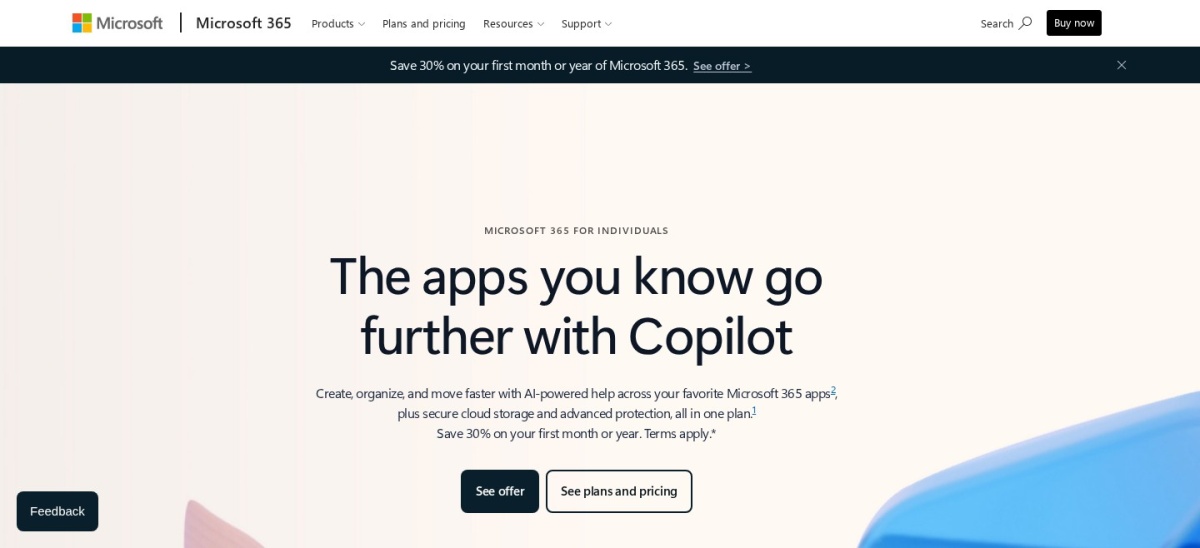
Microsoft 365 is the suite of Word, Excel, PowerPoint, Outlook, Teams and OneDrive, with 1 TB of cloud storage per user on Business Basic. Files save to OneDrive and several people can edit the same document in the web apps at once, with comments and version history built in. It works best for teams already using Office files.
The trade off is that Business Basic includes only the web and mobile apps, not the desktop versions, which need the $12.50 Standard plan. Licensing gets complex as you mix plans. It suits offices that share Office documents and meet in Teams every day.
Asana is a work management tool where shared projects hold tasks, due dates, files and comments in lists, boards or timelines. The free Personal plan covers up to 10 teammates with unlimited tasks, projects and messages. Starter adds timelines, dashboards, forms and 5 AI requests per user a month.
The trade off is price for what is mainly task tracking. Starter costs $10.99 per user a month billed yearly, and reporting and portfolios sit on higher plans. It suits teams that coordinate structured projects with clear owners and deadlines.
Confluence is Atlassian's team wiki for shared pages, meeting notes and project docs, with page trees, templates and granular permissions. The free plan covers up to 10 users with 2 GB of storage. Standard adds 250 GB of storage, page-level permissions and 25 Rovo AI credits per user a month.
The trade off is that Confluence feels plain next to Notion and shines mainly beside Jira, where issues and pages link together. The lowest G2 rating in this list, 4.1, reflects its steeper learning curve. It suits software and product teams already running Jira.
Dropbox is cloud storage with fast, reliable sync across Mac, Windows, mobile and the web, plus shared folders, file requests and link controls. The free plan gives 2 GB of storage. Business Standard adds 5 TB of pooled team storage, 180-day file recovery, transfers up to 100 GB and PDF editing and signing.
The trade off is scope. Dropbox has no native document editor, so teams write in other apps and store the files here, and $15 per user a month costs more than suites that include email and docs. It suits teams that share large files with clients and need sync that rarely fails.
Free plans are real here. Notion, ClickUp, Miro, Asana, Confluence, monday.com and Dropbox all let a small team start without paying.
Paid plans mostly add room and control: more storage, unlimited boards or pages, guest seats, admin controls and longer version history.
AI is the newest paywall. Notion's fuller AI sits on Business, Miro rations AI credits by plan, and Asana gives Starter users 5 AI requests a month.
If your team shares files rather than editing together, a storage plan may be enough. Our guide to backing up WordPress to Google Drive shows how cloud storage fits a wider workflow.
How we chose
We started from the best-known content collaboration tools: shared docs, wikis, whiteboards, work hubs and file sync, then kept the nine with the largest review bases and clear published pricing.
Prices come from each vendor's pricing page, checked on 24 November 2026. Ratings and review counts come from G2 on the same day. Where a vendor shows a sale, the list shows the regular price.
We left out tools with no published price and niche tools with too few reviews to judge. No vendor paid for a place, and we do not claim hands-on testing for this list.
How to choose content collaboration software
Start with how your team actually works together, then match the tool to that habit.
List who needs to edit, not just read. Prices are per user per month, so count editors first. Guests and viewers are often free, but editors always need a seat.
Pick the canvas that fits the work. Choose a doc suite for writing, a wiki for knowledge, a whiteboard for planning sessions, or file sync when sharing is the main job.
Check the entry plan's limits. Free plans cap boards, storage or seats. A limit that looks fine for one person can block a whole team on day one.
Try the free plan with a real project. Move one live document or board across first. If the team edits it happily for two weeks, the paid plan is an easy call.
FAQ
What is the best content collaboration software?
Notion is the best pick for most teams. It combines live docs, a wiki and databases in one workspace for $10 per user a month, and it holds a 4.6 out of 5 rating on G2 from more than 13,000 reviews.
What is the cheapest content collaboration tool?
Microsoft 365 Business Basic is the cheapest paid plan here at $6 per user a month, with web apps, email, Teams and 1 TB of storage. Confluence Standard is close at $5.78, though it is a wiki rather than a full office suite.
Is there a free content collaboration tool?
Yes. Notion, ClickUp, Miro, Asana, Confluence, monday.com and Dropbox all have free plans. Each one caps something, such as Miro's 3 boards or Dropbox's 2 GB of storage, so check the limits before relying on it.
Which tool is best for live document editing?
Google Workspace is the strongest for live editing. Several people can change the same Doc or Sheet at once, with comments, suggestions and version history built in, from $7 per user a month on Business Starter.
Do I need a wiki or a whiteboard?
Pick a wiki such as Notion or Confluence when your team needs lasting pages, meeting notes and searchable knowledge. Pick a whiteboard such as Miro when the work is brainstorming, mapping and planning sessions.
Can I use these tools with WordPress?
Yes, in most cases. Dropbox, Google Drive and OneDrive all store media and backups for a WordPress site, while Notion and Confluence hold the docs and plans behind it. None of them replaces WordPress itself.
SaaS SEO and WordPress specialist with about 8 years of experience. Rakib compares WordPress plugins, themes, hosting and software using public pricing, documentation and user reviews. See how we rank.