Monograph is the best architecture project management software for most firms, with phase-based budgets and fee tracking built for architects, rated 4.5 out of 5 on G2. Pick BQE CORE for billing and accounting in one system, or monday.com for a free plan and visual boards at $9 per user a month.
How we make this list: we compare pricing pages, product documentation and public user reviews, then re-check every price before each update. No product paid for a place. Disclosure.
Monograph is the only pick built from the ground up for architects, with phase budgets and fee tracking at $60 per user a month.
BQE CORE and Deltek Ajera are the billing-first picks, but both sell by custom quote.
Four of the nine tools publish no price, so budget comparisons need a sales call.
monday.com, Asana and ClickUp all have free plans, with paid plans from $9 to $12 per user a month.
Procore is the strongest construction-phase pick, priced on construction volume rather than seats.
What architecture project management software should do
Architecture projects run in phases, and the fee is usually tied to those phases. A tool built for architects tracks time and money against schematic design, design development, construction documents and construction administration, so a manager can see which phase is burning fee early.
The nine tools here fall into three shapes. Monograph is built for architects first. BQE CORE, Deltek Ajera and BigTime are billing-first tools that put time, invoicing and project accounting together. Newforma and Procore cover the construction phase, while monday.com, Asana and ClickUp are general tools that any team can bend to design work.
Pricing splits the list in two. Five tools publish a price, from $9 to $60 per user a month, and four sell by custom quote. Our guide on how to budget for a WordPress website uses the same habit this list follows: get the full cost, including setup and extra modules, in writing before you sign.
Ratings come from G2, checked on 24 November 2026. Treat small samples with care: Monograph's 4.5 rests on 39 reviews, while monday.com's 4.7 rests on 17,975, so the second score is far steadier evidence.
The 9 best architecture project management software tools
01
Monograph
4.5/5on G2 (39 reviews, checked Nov 2026)
Starts at$60/mo
Best architecture software overall
Phase budgetsYes, by design phase
Fee trackingPercent-complete billing
QuickBooks syncYes
Paid planGrow, $60/user/mo
monograph.com
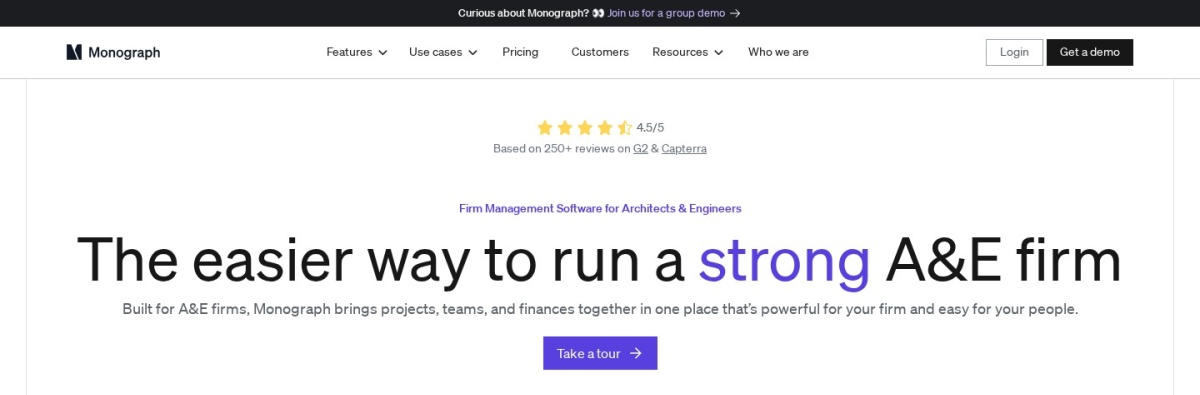
Monograph homepage, captured Nov 2026.
Monograph is a firm management platform built for architecture and engineering firms, and it is the only pick here designed around how architects bill. Time is logged against design phases such as schematic design and construction documents, and the MoneyGantt view puts budget status beside the schedule. It serves more than 16,000 architects and engineers, and it syncs with QuickBooks Online for invoicing.
The trade off is price and access. The starting price is $60 per user a month, with no free plan, and Monograph offers live demos to select firms rather than an open trial. Its own pricing page now uses a calculator instead of a list price. It suits small to mid-size firms that bill by phase and want fee, time and invoicing in one place.
What we like
Phase budgets tied to design phases
Fee, time and invoicing in one place
Clear profit and capacity forecasts
Rated 4.5 out of 5 on G2
Watch out for
Highest published starting price in this list
No free plan or open trial
Grow includes forecasting, reports and staffing; Pipeline is a separate add-onVisit monograph.com
02
BQE CORE
4.3/5on G2 (455 reviews, checked Nov 2026)
PricingCustom/yr
Best for billing and accounting together
Project accountingYes, with Accounting module
Gantt chartsYes, interactive
Phased billingYes
Paid planCustom quote
bqe.com
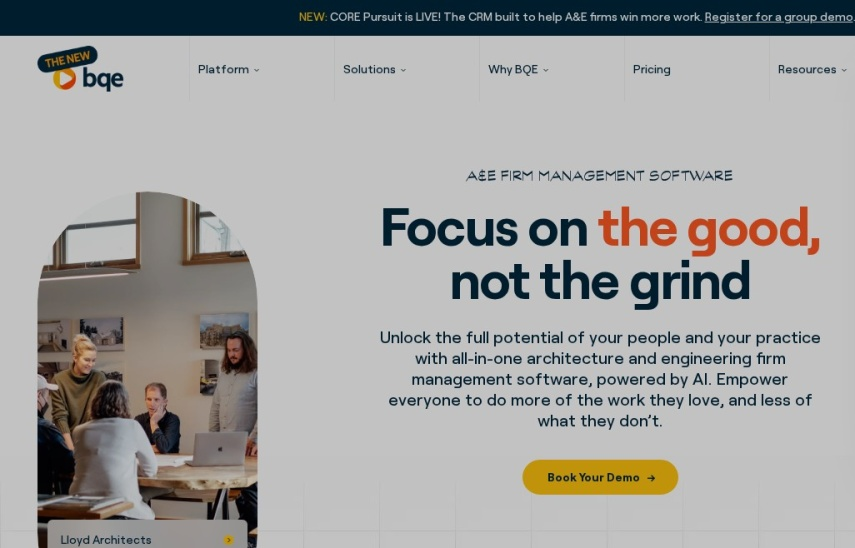
BQE CORE homepage, captured Nov 2026.
BQE CORE is an all-in-one platform for architecture and engineering firms that runs time tracking, billing, project management and reporting in one system. Its Foundations module covers time and expense, invoicing, project budgets with interactive Gantt charts, and phased billing by cost and schedule. Accounting, CRM, HR and payroll are separate modules, and support is listed as available around the clock.
The trade off is price clarity. BQE CORE publishes no prices, and its pricing page asks firms to request a custom quote based on size and modules. G2 reviewers report a typical implementation time of 2 months. It suits firms that want billing and project accounting together and are ready for a longer setup.
What we like
Time, billing and reporting in one system
Phased billing by cost and schedule
Unlimited custom dashboards
Rated 4.3 out of 5 from 455 G2 reviews
Watch out for
No published price; quote only
Accounting and HR cost extra as modules
Typical setup takes about 2 months
Add-on modules cover accounting, CRM, HR and payrollVisit bqe.com
03
Deltek Ajera
4.1/5on G2 (206 reviews, checked Nov 2026)
PricingCustom/yr
Best for small A&E project accounting
Project accountingFull, incl. general ledger
Resource schedulingBy type or named staff
AI assistantAsk Dela
Paid planCustom quote
deltek.com
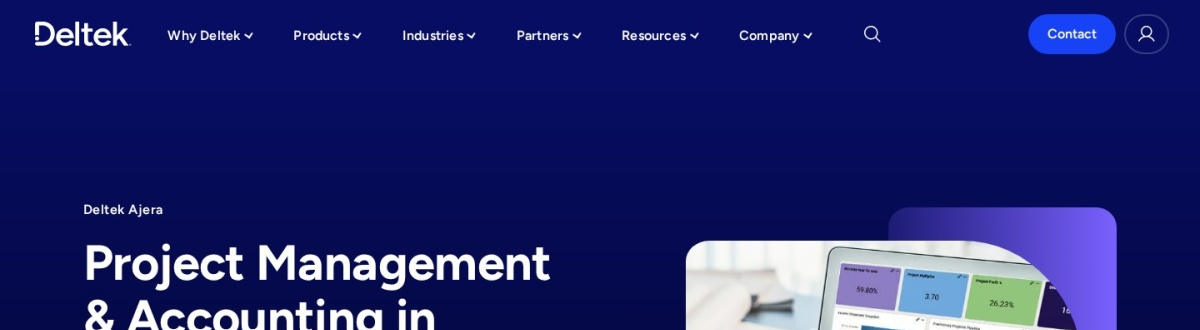
Deltek Ajera homepage, captured Nov 2026.
Deltek Ajera is a project management and accounting application built for small architecture and engineering firms. It connects scheduling, resource management, time and expense, billing and reporting in one application, with role-based dashboards for project health, utilization, budgets and cash flow. Its AI features include Ask Dela, Timesheet Assist and receipt reading for expenses.
The trade off is that Deltek publishes no price for Ajera, so every figure comes from a quote, and the page states no free plan or trial. G2 reviewers report a typical implementation time of 3 months. It suits small A&E firms that want a full accounting system behind their projects.
What we like
Project accounting built for A&E firms
Budgets top-down or bottom-up
Role-based dashboards for project health
AI help with timesheets and receipts
Watch out for
No published price; quote only
No free plan or trial stated
Typical setup takes about 3 months
Ask for implementation and support in the written quoteVisit deltek.com
04
BigTime
4.5/5on G2 (1,687 reviews, checked Nov 2026)
Starts at$20/mo
Best value for phase billing
Time trackingYes, with expenses
QuickBooks syncYes
Project budgetingPremier plan
Paid planEssentials, $20/user/mo
bigtime.net
BigTime homepage, captured Nov 2026.
BigTime is a professional services platform that covers time and expense tracking, project portfolio management, billing and invoicing. Its Essentials plan includes automatic reconciliation and a QuickBooks integration, and an AI assistant is included across plans. Project budgeting, custom cost and rate management sit in the higher Premier plan.
The trade off is that only the Essentials price is published, at $20 per user a month, so Advanced and Premier need a quote. Project budgeting costs extra in Premier, which can surprise firms that plan budgets in the tool. It suits firms that bill by phase and use QuickBooks.
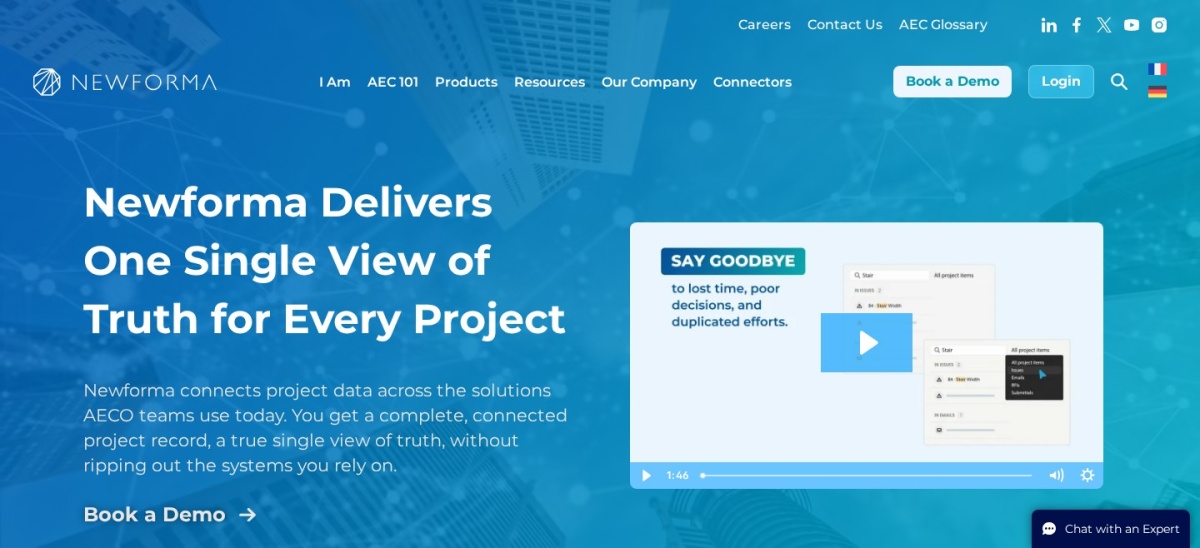
Newforma is project information management for architecture, engineering and construction firms. It files project email, RFIs, submittals and drawings into one searchable record, and its Konekt platform runs in the cloud while Project Center runs on premises. Newforma reports 4.5 million users and 20 million projects on its platform.
The trade off is that Newforma publishes no prices, with per-user licensing sold by quote, and G2 records no free plan or trial. RFI and submittal workflows need at least the mid-tier edition. It suits mid-size and large firms doing heavy construction administration.
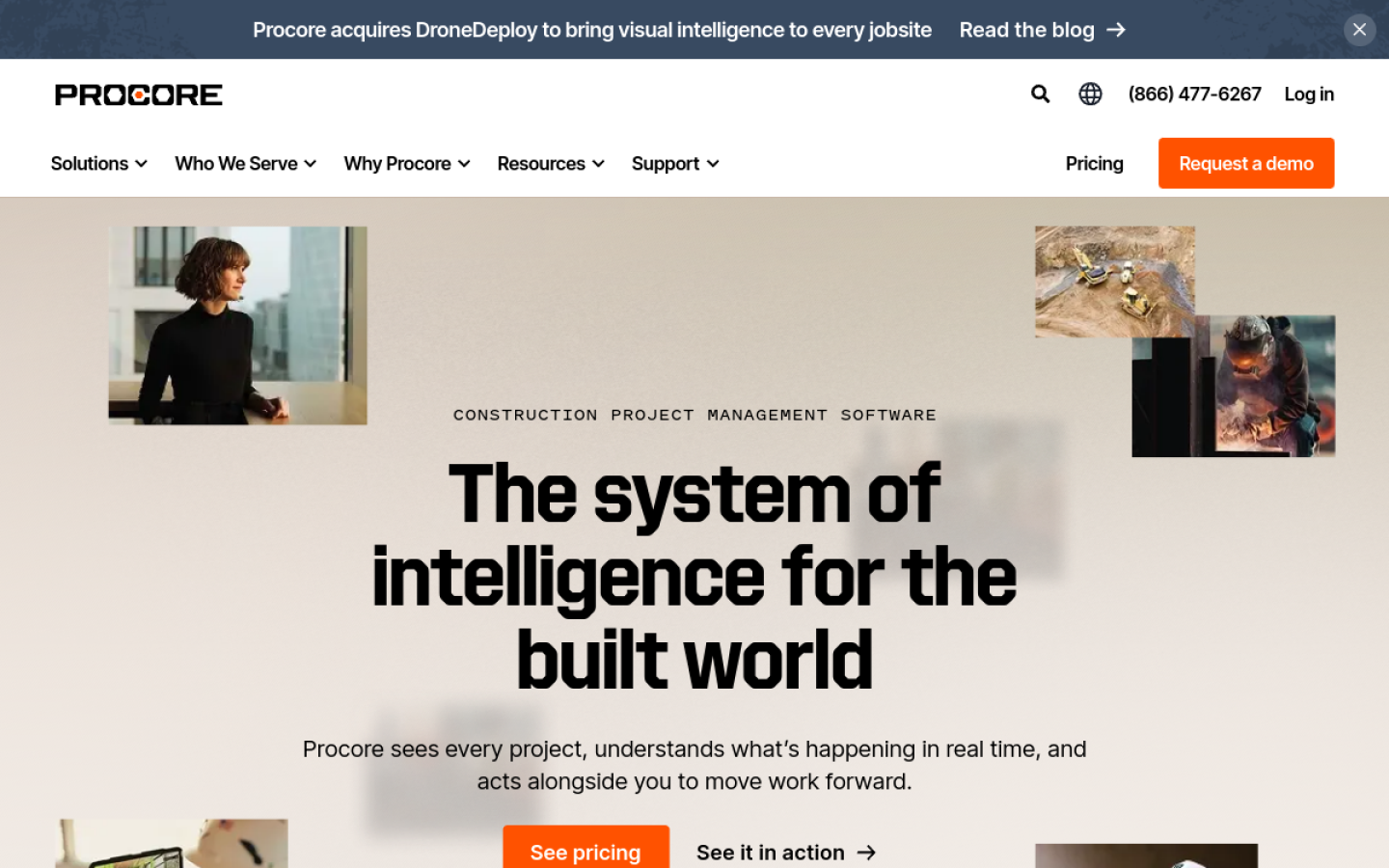
Procore is a construction management platform that runs projects from preconstruction to closeout. It covers RFIs, submittals, change orders, daily logs, drawings and financials, with unlimited users, data and storage on every plan. It is rated 4.6 out of 5 from 4,658 G2 reviews.
The trade off is price. Procore publishes no list price; it quotes an annual fee per product, sized on annual construction volume, with no per-user fees for most customers. That makes it hard to budget without a sales call. It suits general contractors and owners running large commercial projects.
monday.com is a visual work platform built around boards, where architecture teams can track design tasks, deadlines and approvals in one view. Its Basic plan includes unlimited boards and items, unlimited free viewers and 5 GB of storage, and a free plan covers up to 2 seats. Standard, at $12 per seat a month, adds timeline and Gantt views.
The trade off is seat math. Paid plans start at 3 seats, and larger teams buy seats in blocks of 5, so a 6-person team pays for 10. Basic has no timeline, Gantt, automations or guest access. It suits visual teams that want flexible boards and a free starting point.
Asana is a work management platform that helps teams plan, track and deliver projects in one place. Its Starter plan adds timeline and Gantt views, dashboards, forms, custom fields and unlimited automations, with unlimited free guests. A free Personal plan covers individuals and small teams.
The trade off is that native time tracking and resource management need the Advanced plan, at $24.99 per user a month billed annually. Starter is $10.99 per user a month billed annually, or $13.49 month to month. It suits cross-functional teams that live in timelines and portfolios.
What we like
Timeline and Gantt views from Starter
Unlimited free guests from Starter
Unlimited automations on paid plans
Rated 4.4 out of 5 from 14,138 G2 reviews
Watch out for
Time tracking needs the Advanced plan
Resource management is not in Starter
Per-seat cost adds up on large teams
Advanced adds time tracking and resource managementVisit asana.com
09
ClickUp
4.6/5on G2 (15,848 reviews, checked Nov 2026)
Paid from$12/mo
Best all-in-one workspace
Free planYes, Free Forever
Docs and chatYes
Time trackingFrom Core
Paid planCore, $12/user/mo
clickup.com
ClickUp homepage, captured Nov 2026.
ClickUp is an all-in-one workspace that combines tasks, docs, whiteboards, chat and goals in one place. Its free plan covers unlimited members, and time tracking starts on the Core plan. The regular Core price is $12 per user a month, which is the figure used in this list.
The trade off is size. ClickUp packs in so many features that new teams face a learning curve, and reviewers report slow loading in large workspaces. It suits teams that want tasks, docs and chat in one workspace instead of three separate tools.
Architect-first, billing-first or general: which shape fits
If your firm bills by phase, start with Monograph. It is the only tool here that treats design phases as the core of the budget, and it pairs that with fee tracking and QuickBooks invoicing.
If billing and accounting matter more than design tasks, look at BQE CORE, Deltek Ajera or BigTime. All three run time, invoicing and project finances together, but BQE CORE and Ajera need a custom quote, so the comparison takes a sales call.
If your work is mostly construction administration, Newforma or Procore fit better. Newforma files the project record, while Procore runs the whole construction job, from RFIs to financials.
General tools fit small studios that cannot justify an architect-first price. monday.com, Asana and ClickUp all have free plans, and their paid plans start at $9 to $12 per user a month.
How we chose
We started from the tools architecture and engineering firms most often compare: architect-first platforms, A&E billing systems, construction-phase tools and the general project tools studios use instead. Every tool here has a live G2 listing and an established vendor behind it.
Prices and ratings were checked on 24 November 2026. Ratings and review counts come from G2 on that date. Prices come from each vendor's own pricing page where one exists; where a vendor publishes no price, the list shows Custom, and Monograph's $60 starting price comes from its vendor-provided G2 listing because its own pricing page now uses a calculator.
We left out ArchiOffice, which BQE CORE has replaced, and niche tools with no public G2 rating. No vendor paid for a place, and we do not claim hands-on testing for this list.
How to choose architecture project management software
Start with how your firm bills, then match the tool to that workflow.
List how you bill. Fixed fee by phase, hourly, or a percent of construction cost each point to a different tool. Phase billing points to Monograph, while hourly billing points to BQE CORE, Ajera or BigTime.
Check what your accounting tool already does. If QuickBooks already handles invoicing, Monograph or BigTime can sit beside it. If you want one system for accounting and projects, BQE CORE or Ajera fit better.
Ask for a written quote on every Custom tool. Get licences, implementation, training and support in the quote. BQE CORE, Ajera, Newforma and Procore all sell by quote, so two firms can pay very different prices.
Run a trial on one live project. Track one real project from brief to invoice and compare the phase budget with the actual hours. If the team will not log time in it, the tool will not help.
FAQ
What is the best project management software for architects?
Monograph is the best pick for most architecture firms. It was built for architects, tracks budgets by design phase, and is rated 4.5 out of 5 on G2, though its 39 reviews are a small sample. BQE CORE is the best billing-first alternative.
How much does Monograph cost?
G2 lists Monograph's starting price at $60 per user a month, provided by the vendor. Monograph's own pricing page now shows a calculator instead of a list price, so confirm the figure for your firm size before you budget. There is no free plan.
Is there a free architecture project management tool?
No architect-first tool in this list has a free plan. monday.com, Asana and ClickUp all have free plans, and their paid plans start at $9 to $12 per user a month. A small studio can run design work on one of those, but it will not get phase-based fee tracking.
What is the difference between Monograph and BQE CORE?
Monograph is built around design phases, fee budgets and QuickBooks invoicing for architecture firms. BQE CORE is a broader platform that adds project accounting, CRM, HR and payroll modules around time and billing. Monograph starts at $60 per user a month, while BQE CORE sells by custom quote.
Do architects need Procore or Newforma?
Only when the work reaches construction. Procore runs RFIs, submittals, daily logs and financials for contractors and owners, and Newforma files the project record for construction administration. A design-phase studio usually does better with Monograph, BQE CORE or a general tool.
Which tool is best for a small architecture studio?
Monograph fits best if the studio bills by phase and wants fee tracking, though $60 per user a month is a real cost for a small team. If the budget is tight, monday.com or Asana give a free plan and paid plans from $9 per user a month.
SaaS SEO and WordPress specialist with about 8 years of experience. Rakib compares WordPress plugins, themes, hosting and software using public pricing, documentation and user reviews. See how we rank.