Zapier is our top business automation platform for everyday workflows, connecting more than 9,000 applications across business departments. Make is better suited to complex visual workflows, while Microsoft Power Automate is a practical choice for businesses using Microsoft applications and desktop automation.
How we make this list: we compare pricing pages, product documentation and public user reviews, then re-check every price before each update. No product paid for a place. Disclosure.
Zapier connects more than 9,000 apps, with paid plans starting at $19.99/month.
Make starts at $9/month and offers 1,000 monthly credits on its free plan.
Microsoft Power Automate Premium costs $180 per user annually.
Activepieces has a 4.8/5 G2 rating and supports self-hosted automation.
Workato, Pipefy, and Nintex offer 3 enterprise-focused alternatives with custom pricing.
What a business automation platform should offer
Business automation platforms connect applications, employees, and data to reduce repetitive manual work. Common applications include processing purchase requests, updating customer records, assigning tasks, and managing approvals.
Look for conditional logic, scheduled triggers, data transformation, and error handling. These capabilities become particularly important when automating processes across multiple departments.
Pricing models include task-based billing, credit allowances, user licenses, and negotiated enterprise contracts. Compare expected usage rather than focusing exclusively on subscription prices.
Security and governance matter when workflows handle confidential information. Check access permissions, authentication options, execution logs, and workflow ownership before purchasing.
Zapier is a no-code automation platform connecting more than 9,000 applications. Its free subscription includes 100 monthly tasks, basic workflows, tables, and forms.
The trade off is task-based billing, with Professional starting at $19.99 per month. It suits businesses that need straightforward application integrations without maintaining custom code.
What we like
Extensive integration catalog
Accessible workflow builder
Integrated tables and forms
Supports webhook automation
Watch out for
High-volume workflows increase costs
Limited free workflow complexity
Advanced transformations require configuration
Professional adds multi-step workflows, premium apps, and webhooks.Visit zapier.com
02
Make
4.6/5on G2 (515 reviews, checked Nov 2026)
Paid from$9/mo
Best for complex visual workflows
Workflow builderVisual scenarios
Free allowance1,000 credits/month
Billing modelCredits
Entry paid planCore
make.com
Make homepage, captured Nov 2026.
Make is a visual automation platform supporting branching paths, filters, and data transformations. Its free subscription includes 1,000 monthly credits.
The trade off is a steeper learning curve, with documented Core pricing starting at $9 per month. It suits operations teams requiring detailed workflow control.
What we like
Visual workflow mapping
Flexible conditional logic
Detailed data transformation
Free subscription available
Watch out for
Complex workflows require training
Credit consumption varies
Additional credits increase costs
Core expands automation capacity and scheduling options.Visit make.com
03
Microsoft Power Automate
4.4/5on G2 (1,094 reviews, checked Nov 2026)
Starts at$15/mo
Best for Microsoft business environments
Automation typesCloud and desktop
Free trial30 days
Billing modelPer user
Entry paid planPremium
microsoft.com
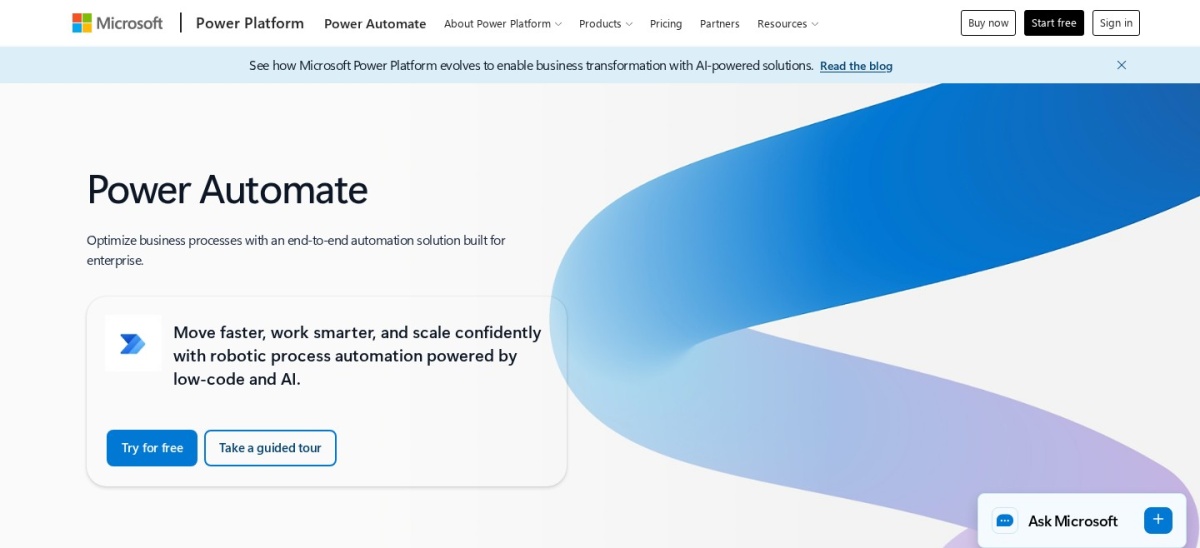
Microsoft Power Automate homepage, captured Nov 2026.
Microsoft Power Automate is a platform combining cloud workflows with robotic process automation. Premium includes attended desktop automation and 50 MB of process and task mining data storage.
The trade off is licensing complexity, with Premium costing $15 per user monthly under annual billing. It suits organizations already using Microsoft business applications.
What we like
Microsoft application integrations
Cloud and desktop automation
Process mining capabilities
Supports approval workflows
Watch out for
Complex licensing structure
Separate unattended automation licensing
Advanced workflows require expertise
Premium adds cloud flows, attended desktop automation, and process mining.Visit microsoft.com
04
Activepieces
4.8/5on G2 (142 reviews, checked Nov 2026)
PricingCustom pricing
Best for self-hosted automation
Free allowance1,000 credits/month
Free usersUp to 5
Workflow limitUnlimited
DeploymentCloud or self-hosted
activepieces.com
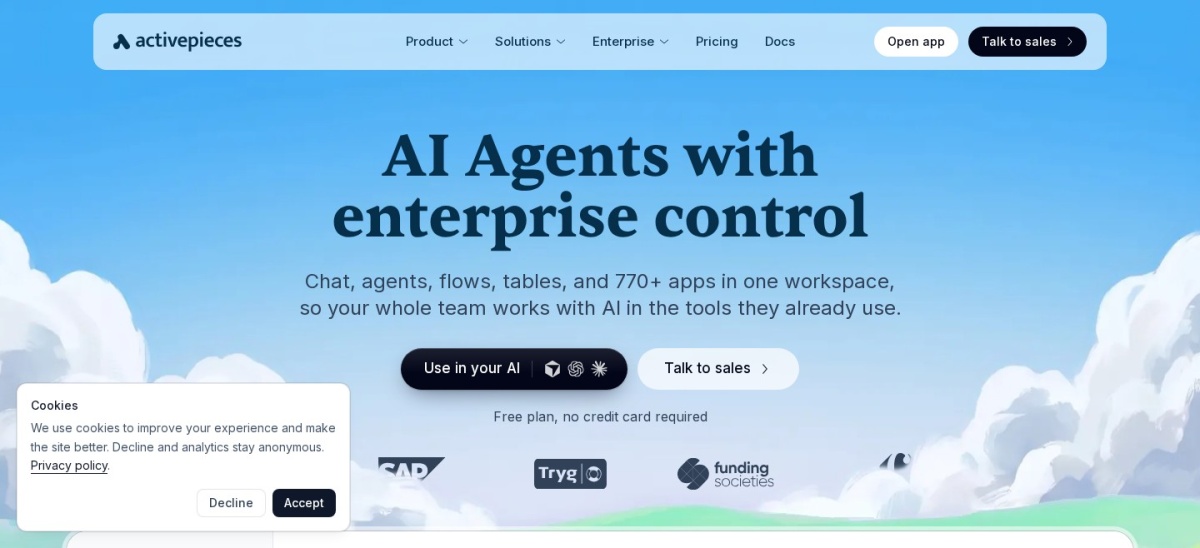
Activepieces homepage, captured Nov 2026.
Activepieces is an automation platform offering cloud and self-hosted deployment. Its previously reported free subscription includes 1,000 monthly credits and access for up to 5 users.
The trade off is infrastructure maintenance for self-hosted deployments, while paid pricing requires confirmation. It suits technical teams seeking greater control over automation infrastructure.
What we like
Self-hosted deployment available
Visual workflow builder
Supports AI automation
Open-source community edition
Watch out for
Smaller integration catalog than Zapier
Self-hosting requires maintenance
Current paid pricing remains unconfirmed
Confirm paid usage allowances and organizational features before upgrading.Visit activepieces.com
05
Workato
4.7/5on G2 (859 reviews, checked Nov 2026)
PricingCustom pricing
Best for enterprise application integration
Workflow builderRecipes
Entry editionStandard
Log retention30 days on Standard
Billing modelCustom contract
workato.com
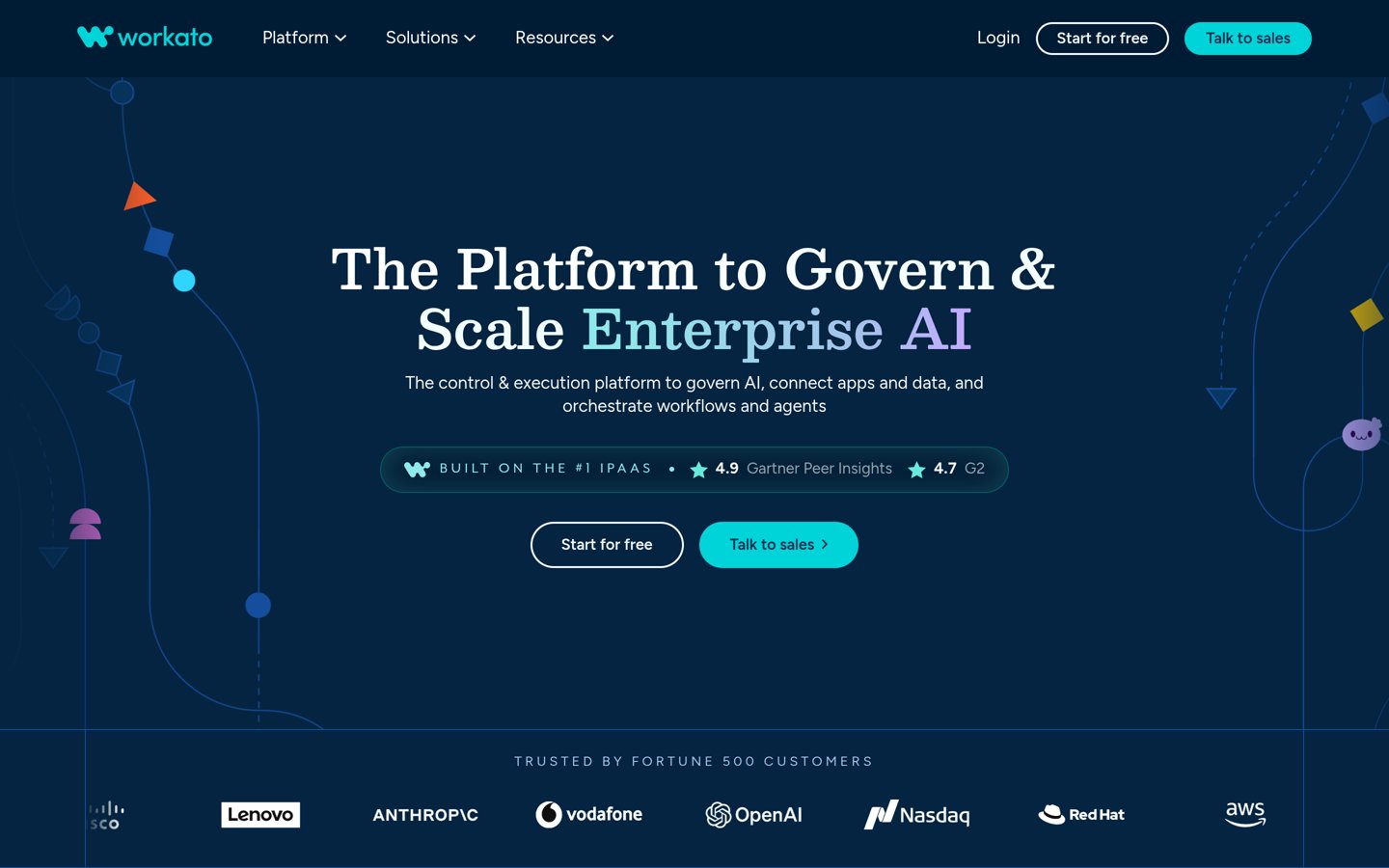
Workato homepage, captured Nov 2026.
Workato is an enterprise automation platform connecting applications and departmental processes. Its Standard edition includes lifecycle management, role-based permissions, and 30 days of log retention.
The trade off is custom pricing and potentially complicated implementation. It suits organizations requiring centralized integration management and controlled workflow deployment.
What we like
Enterprise application integrations
Separate deployment environments
Centralized access management
Cross-department workflow support
Watch out for
No fixed public entry price
May require specialist implementation
Excessive for basic automation needs
Higher editions expand data integration, API management, and AI capabilities.Visit workato.com
06
Pipefy
4.6/5on G2 (231 reviews, checked Nov 2026)
PricingCustom pricing
Best for departmental process management
Starter process limit5 processes
Starter user limit10 users
Starter accessUp to 90 days
Entry paid planBusiness
pipefy.com
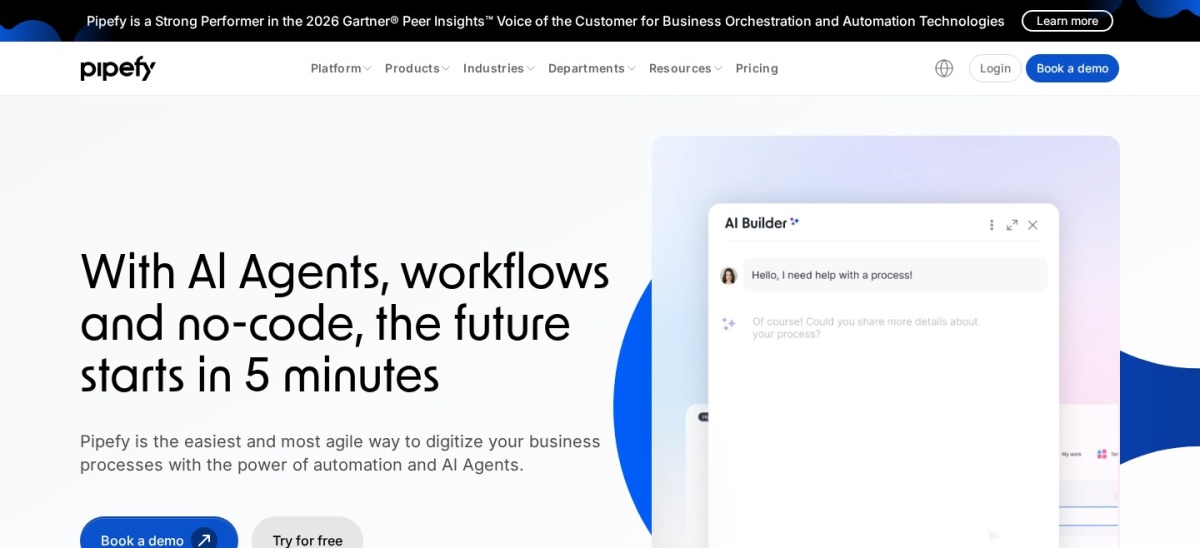
Pipefy homepage, captured Nov 2026.
Pipefy is a business process automation platform focused on requests and approvals. Its temporary Starter subscription supports up to 5 processes and 10 users.
The trade off is that Starter access expires after 90 days, while Business requires a custom quote. It suits procurement, finance, and human resources departments.
What we like
Structured approval management
Ready-made process templates
Visual request tracking
Departmental workflow organization
Watch out for
Time-limited Starter access
Paid pricing requires a quote
Limited developer-oriented capabilities
Business adds unlimited processes, API access, private workflows, and conditional logic.Visit pipefy.com
07
Nintex
4.3/5on G2 (1,324 reviews, checked Nov 2026)
PricingCustom pricing
Best for formal business process automation
PlatformNintex Automation CE
Workflow automationSupported
Document automationAvailable
Billing modelCustom quote
nintex.com
Nintex homepage, captured Nov 2026.
Nintex is a business process automation platform covering workflows, document generation, and application development. Its product portfolio has a 4.3/5 rating from 1,324 G2 reviews.
The trade off is implementation complexity and custom subscription pricing. It suits organizations needing formal process documentation, approval controls, and document-driven automation.
What we like
Integrated process management
Document automation capabilities
Structured approval workflows
Enterprise deployment options
Watch out for
No fixed public subscription price
Advanced configurations require training
May exceed smaller team requirements
Paid packages combine automation and process capabilities according to the selected contract.Visit nintex.com
How business automation platforms charge for usage
Task-based billing measures completed workflow actions. Credit-based subscriptions measure automation consumption, while user-based licenses charge according to the employees requiring access.
Enterprise platforms often negotiate individual contracts. Request quotes covering implementation, integrations, support, usage allowances, and renewal conditions before comparing total costs.
Custom pricing entries use zero as a technical placeholder in the price ladder. This does not indicate that their paid subscriptions are free.
How we chose
The shortlist focuses on established business automation platforms represented in public G2 listings and vendor documentation. Selection criteria include integrations, workflow flexibility, deployment options, and governance.
The requested editorial verification date is 22 Nov 2026. This resend reproduces figures from the previous response without independent live verification, so prices, ratings, review counts, and source accessibility require confirmation before publication.
Products without relevant automation capabilities were excluded. Activepieces remains an exception because its paid pricing was not conclusively established. No vendor paid for a place, and we do not claim testing for this list.
How to choose a business automation platform
Compare your existing processes, application requirements, expected usage, and security needs before selecting an automation platform.
Identify your automation priorities. Document repetitive tasks, approval stages, and application dependencies. Prioritize predictable workflows that currently consume employee time.
Check integrations and deployment options. Confirm compatibility with existing applications and determine whether cloud hosting or self-hosted deployment meets your requirements.
Calculate the annual operating cost. Estimate task consumption, credit usage, user licenses, implementation expenses, and support requirements before purchasing.
Evaluate security and maintenance. Review authentication, permissions, execution logs, and error recovery. Assign responsibility for maintaining workflows as business requirements change.
FAQ
What is a business automation platform?
A business automation platform connects applications, employees, and operational processes to reduce repetitive manual work. It helps organizations standardize approvals, synchronize records, and execute recurring tasks according to predefined business rules.
What is the best business automation platform for small businesses?
Zapier is a practical option for small businesses because of its extensive integration catalog and accessible workflow builder. Make is worth considering when businesses require more detailed visual branching and data transformations.
Are there free business automation platforms?
Yes. Zapier, Make, and Activepieces offer free automation options with usage restrictions. These subscriptions can support smaller workflows, although growing organizations may require additional capacity, premium integrations, and administrative controls.
What is the difference between business automation and RPA?
Business automation coordinates processes across applications, employees, and departments. Robotic process automation focuses on reproducing user interactions with software interfaces. Microsoft Power Automate combines these approaches to address different operational requirements.
Is Zapier or Make better for business automation?
Zapier is better suited to businesses prioritizing accessible workflow creation and application connectivity. Make is more appropriate for users requiring visual branching, detailed data mapping, and additional control over complex automation sequences.
Which business automation platform is best for enterprises?
Workato is worth considering for enterprise application integration and centralized governance. Nintex and Pipefy are suitable alternatives when structured business processes, document workflows, and departmental approval management are the main requirements.
Do business automation platforms require coding?
Many platforms provide visual builders that support workflow creation without programming. However, custom API integrations, unusual data transformations, self-hosted deployments, and complicated error handling may require technical knowledge or developer assistance.
How much does business automation software cost?
Subscription costs depend on the billing model, workflow volume, number of users, and required integrations. Smaller businesses can begin with entry-level subscriptions, while enterprises should request detailed quotes covering implementation and ongoing support.
SaaS SEO and WordPress specialist with about 8 years of experience. Rakib compares WordPress plugins, themes, hosting and software using public pricing, documentation and user reviews. See how we rank.