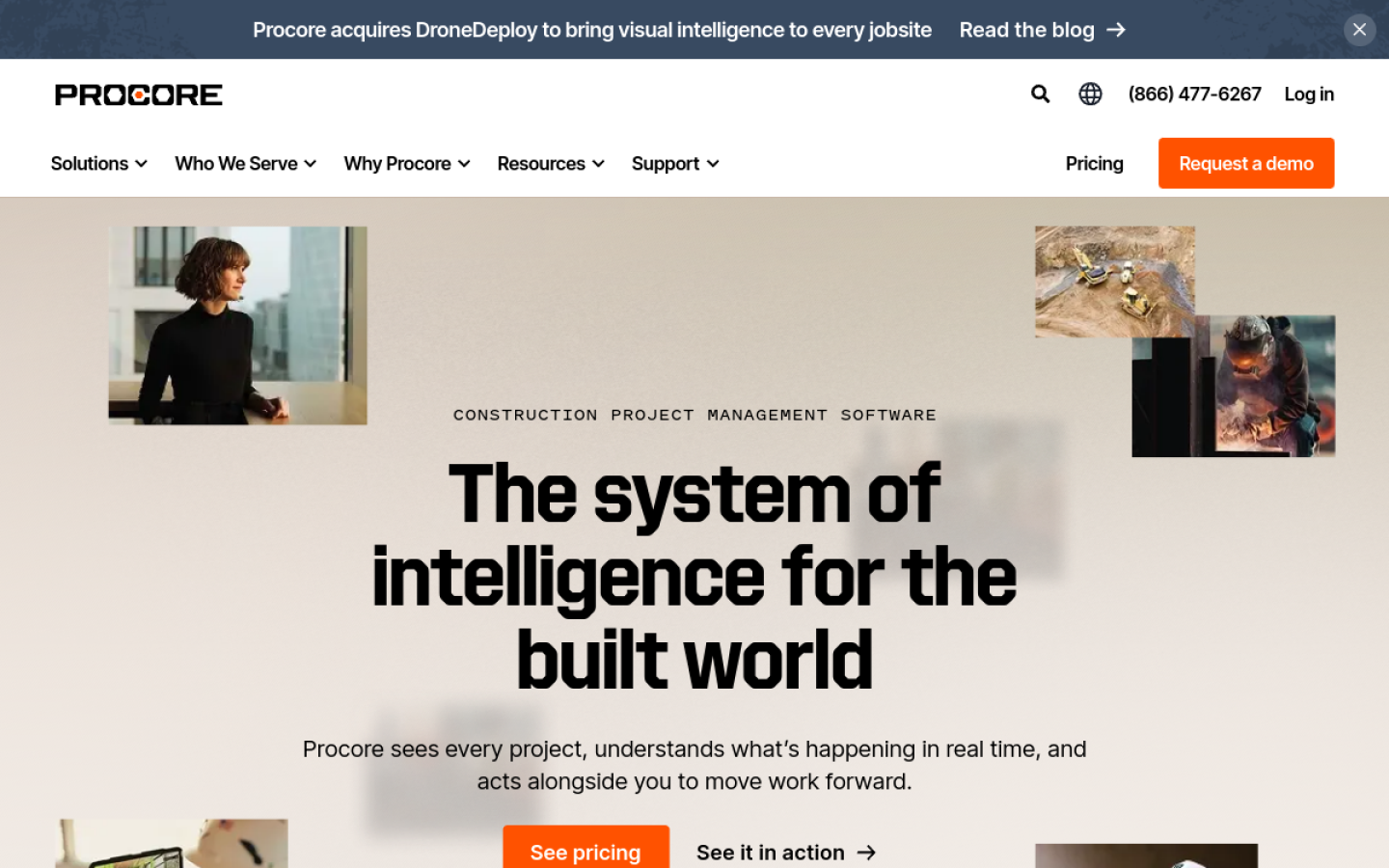
Procore is the best construction project scheduling software for most general contractors, with schedules tied to RFIs, budgets and daily logs and a 4.6/5 G2 rating from 4,709 reviews. Pick Primavera P6 for CPM work on large programs, or Microsoft Project for rigorous scheduling inside Microsoft 365.
How we make this list: we compare pricing pages, product documentation and public user reviews, then re-check every price before each update. No product paid for a place. Disclosure.
Procore leads for general contractors: 4.6/5 on G2 from 4,709 reviews, with schedules, cost and field tools in one system.
Primavera P6 is the schedule of record on large infrastructure and energy programs, with resource levelling and multi-project portfolios.
Microsoft Project gives real critical-path scheduling from $10 per user a month, the cheapest CPM option here.
Three tools publish no price at all: Procore, Primavera P6 and Buildertrend are all quote-only.
Fieldwire has the only free plan that covers real field scheduling, for up to 5 users and 3 projects.
What construction scheduling software should cover
A construction schedule is more than a list of dates. It has to show which tasks depend on each other, who is doing the work, and what happens to the budget when a task slips.
Look for dependencies, baselines and a critical path first. Those three features turn a bar chart into a schedule you can defend when weather, a late delivery or a design change moves the work.
Then check who can see and update the plan. Subcontractors, clients and the site team all need access, so unlimited users or free guests can matter more than a low per-seat price.
Finally, weigh construction depth against price. Full platforms such as Procore and Buildertrend cover the whole job but price by quote, while general tools such as monday.com and Asana are cheaper and need other software for estimates and daily logs.
Procore is a construction management platform built for general contractors, covering drawings, RFIs, submittals, daily logs, punch lists and budgets in one system. It prices on annual construction volume rather than per seat, so every user on a job can log in without extra licence fees. Schedules sit beside cost and field tools, which keeps the office and the site on the same plan.
The trade off is price and setup. Procore publishes no prices, so every deal starts with a sales quote based on construction volume, and implementation takes real planning. It suits mid-size and large general contractors running complex jobs, not small firms that need a quick, cheap scheduler.
Oracle Primavera P6 is the schedule of record on infrastructure, heavy civil and energy work, and nothing else in this list plays in that league. It handles true CPM scheduling with resource levelling, baselines, portfolio management and multi-project analysis that owners and EPC firms require on very large programs. P6 Professional serves individual planners who need direct schedule control, while P6 EPPM adds the web-based portfolio layer.
The trade off is scale and skill. Oracle sells P6 through sales quotes, and the product expects trained schedulers, not project managers who schedule on the side. It suits large programs where contracts require P6-native schedules; small and mid-size contractors should use Microsoft Project or Smartsheet instead.
Microsoft Project is the classic scheduling tool for critical-path planning, with Gantt charts, dependencies, baselines and resource levelling. Planner Plan 1 costs $10 per user a month and covers web-based scheduling, while Planner and Project Plan 3 at $30 adds the desktop app, baselines, critical path and portfolio tools. It suits teams already inside Microsoft 365 that need rigorous schedules.
The trade off is feel and cost. The interface is dense for newcomers, there is no free plan, only a 1-month trial, and the desktop app needs the higher plan. It suits schedulers and large firms that already run Microsoft 365 and want the deepest critical-path controls at a low entry price.
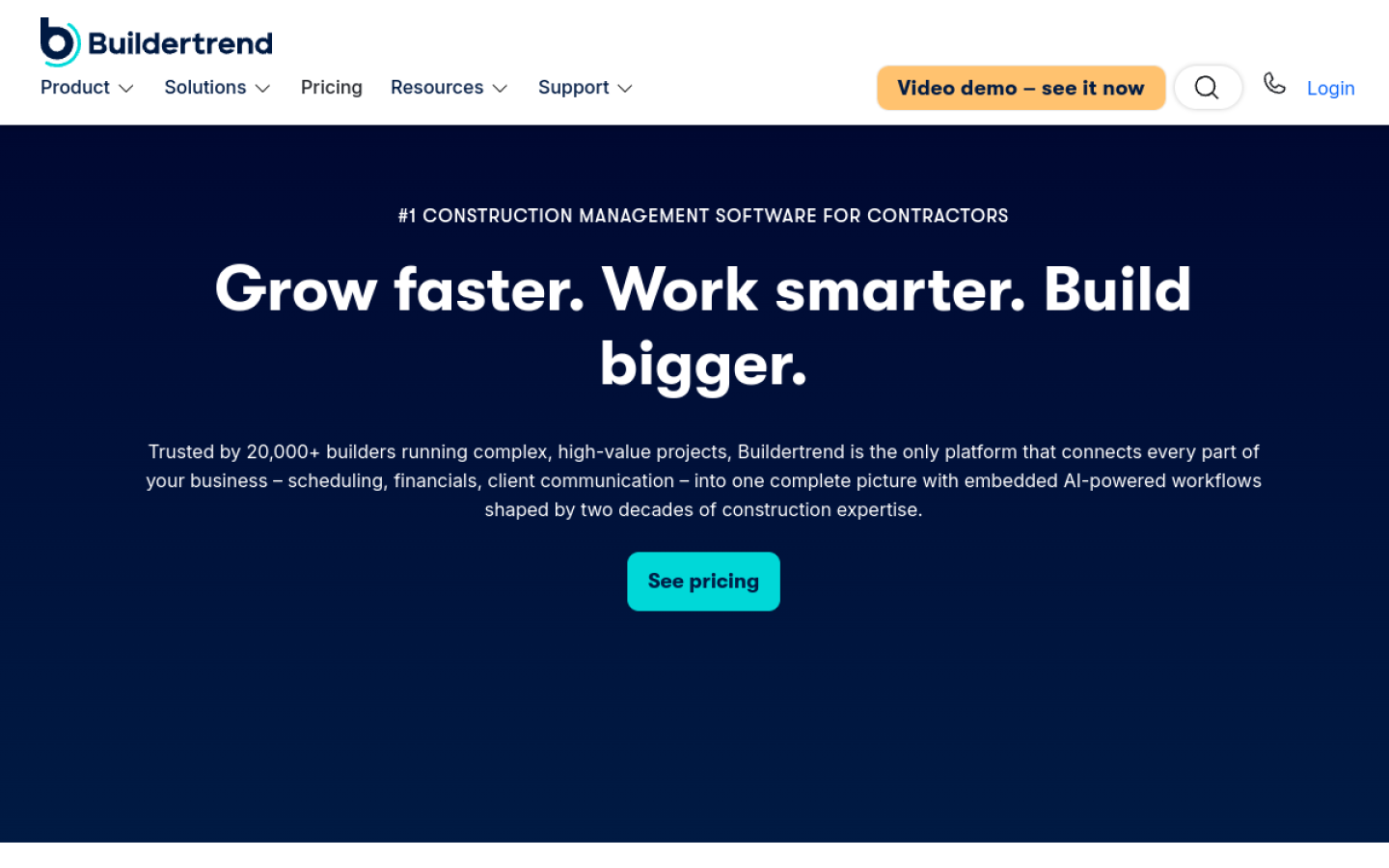
Buildertrend is an all-in-one platform for residential builders and remodelers, with scheduling, estimates, budgets, change orders, selections and a client portal in one place. Every plan includes unlimited users and unlimited projects, so subcontractors and homeowners can follow progress without per-seat fees. Its Gantt schedules link to budgets and the client portal, which cuts status calls.
The trade off is buying it. Buildertrend removed published prices from its site in 2025 and now quotes by builder type and annual construction volume, so you negotiate without a list price. It suits home builders and remodelers who want the whole job in one system and can commit to an annual agreement.
Smartsheet is a spreadsheet-style work platform with Gantt charts, dependencies, resource views and reports built on familiar grid rows. Paid plans start at Pro, $9 per member a month billed annually for 1 to 10 members, and Business at $19 adds workload tracking and more automation. It suits teams that think in spreadsheets and need reports fast.
The trade off is the seat cap and the jump. Pro stops at 10 members, so a growing team must move to Business at more than twice the per-seat price, and there is no free plan, only a 30-day trial. It suits small to mid-size teams that already plan in sheets and can live within the Pro limits.
monday.com is a visual work platform where construction teams plan jobs on boards, timelines and Gantt views. The free plan covers up to 2 seats, and paid plans start at $9 per seat a month billed annually, with a 3-seat minimum. Boards, dashboards and automations are easy to set up, so non-technical teams adopt it fast.
The trade off is the tier a feature sits on. Gantt views start on Standard at $12 per seat a month billed annually, while dependencies, workload views and time tracking need Pro at $19. It suits teams that want a friendly, visual scheduler and are willing to pay for the Standard tier or above.
What we like
Easy to learn, with visual boards and timelines
Rated 4.7/5 on G2 from 17,144 reviews
Free plan for up to 2 seats
Automations and dashboards included
Watch out for
Gantt views need the Standard plan
Dependencies and workload need Pro
Costs rise fast as seat counts grow
Standard adds Gantt views at $12/seat/mo billed annuallyVisit monday.com
07
ClickUp
4.6/5on G2 (13,719 reviews, checked Nov 2026)
Paid from$12/mo
Best value all-in-one workspace
Gantt viewYes, paid plans
Cheapest paid$12/user/mo
Free planUnlimited tasks
Time trackingYes, native
clickup.com
ClickUp homepage, captured Nov 2026.
ClickUp is an all-in-one work platform with Gantt charts, task lists, docs, time tracking and dashboards in one workspace. The free plan covers unlimited tasks and members, and the paid plans add Gantt charts, unlimited storage, custom fields and integrations. This list uses the $12 regular monthly price for ClickUp.
The trade off is complexity. ClickUp is highly customisable, so a construction team can spend a long time setting it up, and some advanced features sit on higher plans. It suits small teams that want one cheap workspace for schedules, docs and time tracking.
Asana is a work management platform where teams plan construction jobs with lists, boards, timelines and Gantt views. The Personal plan is free for up to 2 users, and Starter costs $10.99 per user a month billed annually, or $13.49 billed monthly, with a 2-seat minimum. Timeline and Gantt views, forms and unlimited automations come with Starter.
The trade off is cost control. Resource management, portfolios and goals sit on Advanced at $24.99 per user a month billed annually, so a construction team that needs capacity planning pays more than double the Starter rate. It suits cross-functional teams that want clear owners and due dates on every task.
Fieldwire is a jobsite management platform built around the plan set, with task management, checklists, photos and punch lists that field teams open every day. The free Basic plan covers 5 users, 3 projects and 100 sheets, which is enough for a small crew to run real work without paying. Pro at $39 per user a month billed annually adds reports, exports and sheet compare.
The trade off is scheduling depth. Fieldwire runs tasks and short look-aheads well, but it is not a CPM scheduling engine and will not replace Primavera P6 or Microsoft Project for complex programs. It suits foremen and superintendents who need the current drawing set and the day's tasks on site, offline included.
Three tools in this list publish no usable price: Procore, Primavera P6 and Buildertrend. Each one quotes by company size, construction volume or user count, so two firms can pay very different amounts for the same product.
Ask for the full first-year number in writing, including seats, add-ons and implementation. Third-party benchmarks put smaller Procore deployments at about $4,500 to $10,000 a year, but that is an estimate, not a quote. Reported Primavera P6 figures also conflict, with one source citing $2,570 a year for Professional and another citing $175 a month for the cloud version.
Also ask how the price moves when volume grows. A quote tied to annual construction volume can rise with your workload, even if your user count stays the same.
How we chose
We started from the construction scheduling tools most often named in G2 and Capterra reviews, then kept the nine with a real scheduling view, an established user base and a current product page.
Prices come from each vendor's pricing page or, where the vendor publishes none, from the vendor's own sales pages and third-party listings, checked on 24 November 2026. Ratings and review counts come from G2 on the same day. Where a vendor shows a sale, the list shows the regular price.
We left out tools with no scheduling view and tools aimed only at home design. No vendor paid for a place, and we do not claim hands-on testing for this list.
How to choose construction project scheduling software
Start with the size of your jobs, then match the tool to the work.
List who needs to see the schedule. Count the office, the site team, subcontractors and clients. Unlimited users or free guests can beat a low per-seat price.
Check the scheduling features on the plan you would buy. Dependencies, baselines and a critical path often sit one tier above the cheapest paid plan, so price the tier with the features, not the headline plan.
Decide how much construction depth you need. If you need estimates, budgets and daily logs, shortlist Procore, Buildertrend or Fieldwire. If you only need the timeline, Smartsheet or a general tool costs less.
Get quote-only prices in writing. For Procore, Primavera P6 and Buildertrend, ask for the full first-year cost, including implementation, before you compare them with per-seat tools.
FAQ
What is the best construction project scheduling software?
Procore is the best pick for most general contractors. It combines scheduling with drawings, RFIs, budgets and daily logs in one system, and it is rated 4.6 out of 5 on G2 from 4,709 reviews.
What is the difference between CPM scheduling and a Gantt chart?
A Gantt chart shows tasks as bars on a timeline. CPM scheduling adds the math behind it: dependencies, float and the critical path, so you can see which delays move the finish date and which do not.
How much does Procore cost?
Procore does not publish prices and quotes by annual construction volume. Third-party benchmarks put smaller deployments at about $4,500 to $10,000 a year, with mid-size firms paying far more, so get a written quote before you compare it with per-seat tools.
How much does Primavera P6 cost?
Oracle sells Primavera P6 through sales quotes and publishes no list price. Reported figures conflict, with one source citing $2,570 a year for P6 Professional and another citing $175 a month for the cloud version, so treat any number as an estimate until Oracle quotes you.
Is there a free construction scheduling tool?
Yes, with limits. Fieldwire Basic covers 5 users, 3 projects and 100 sheets, monday.com is free for up to 2 seats, Asana is free for up to 2 users, and ClickUp has a free plan with unlimited tasks. None of them is a full CPM engine.
Can I use monday.com or Asana for construction scheduling?
Yes, for the schedule itself. Both offer Gantt and timeline views, but you need monday.com Standard or Asana Starter for them, and neither covers estimating, cost tracking or daily logs, so most builders pair them with another tool.
SaaS SEO and WordPress specialist with about 8 years of experience. Rakib compares WordPress plugins, themes, hosting and software using public pricing, documentation and user reviews. See how we rank.