Macrium Reflect is the best disk clone software for most users, with reliable full-disk imaging and bootable rescue media. Clonezilla is the best free option for experts, while EaseUS Todo Backup offers the easiest cloning for beginners.
How we make this list: we compare pricing pages, product documentation and public user reviews, then re-check every price before each update. No product paid for a place. Disclosure.
Macrium Reflect is the top pick for most users, with dependable full-disk imaging and bootable rescue media at $49.99 a year.
Clonezilla is free and open source, but its text interface suits experts rather than beginners.
EaseUS Todo Backup has the easiest cloning wizard, and its free edition covers basic backup.
Paragon Hard Disk Manager is the cheapest annual plan at $24.95 a year after a $19.95 first year.
R-Drive Image and O&O DiskImage are one-time licences for users who dislike subscriptions.
What disk clone software should do
A disk clone is an exact copy of a whole drive, including the operating system, programs and files. Swap the old drive for the clone and the computer boots as before, with nothing to reinstall.
Cloning differs from file backup. A file backup saves selected files, while a clone copies every sector, so it is the fastest way to move to a larger SSD or recover from a dead drive.
Most tools in this list also create image files, which are compressed copies stored on another drive. Our guide on business backup software compares tools that store those images in the cloud.
Check that the tool supports your drive type before buying. NVMe SSDs, 4K sectors and BitLocker-encrypted drives all need specific support, and not every free edition includes system cloning.
Macrium Reflect is a Windows imaging tool built around full-disk cloning and reliable restores. Reflect X Home clones a whole drive to a new SSD or HDD, creates bootable rescue media, and schedules incremental images so a failed drive can be swapped without reinstalling Windows.
The trade off is price and platform. At $49.99 a year for one PC, Reflect X Home costs more than some rivals, and there is no Mac or Linux version. It suits Windows users who want one dependable tool for cloning, imaging and disaster recovery.
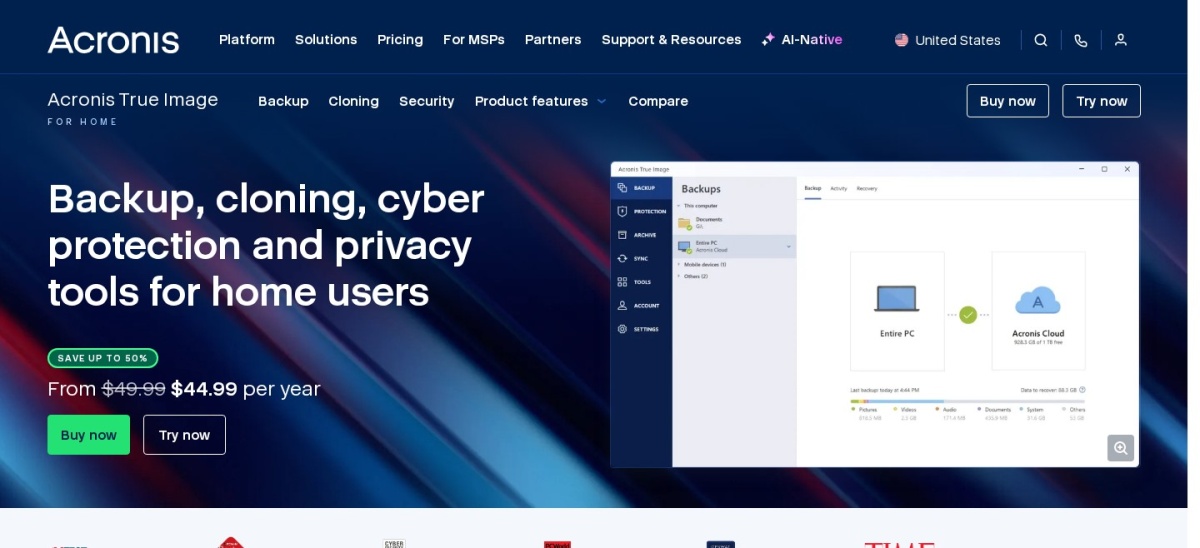
Acronis True Image is a backup suite that pairs full-disk cloning with cloud backup and ransomware protection. Essentials at $49.99 a year for one computer clones a drive, backs up files to local or cloud storage, and watches for ransomware behaviour in real time.
The trade off is that the app does a lot, so the interface can feel busy, and the best cloud storage sits on higher tiers. A first-year sale price of $44.99 is sometimes shown, but the regular price is $49.99 a year. It suits users who want cloning and cloud backup together.
What we like
Cloning, local backup and cloud backup in one app
Active ransomware protection
Easy drive migration to a new SSD
Watch out for
Interface can feel busy
Cloud storage costs more on higher tiers
Essentials covers one computer; higher tiers add cloud storageVisit acronis.com
03
EaseUS Todo Backup
4.8/5on G2 (133 reviews, checked Nov 2026)
Paid from$39.95/yr
Easiest disk cloning for beginners
Disk cloningYes, system and disk
Free editionYes, basic backup
Scheduled backupsYes
Cloud storage1 TB on Home
easeus.com
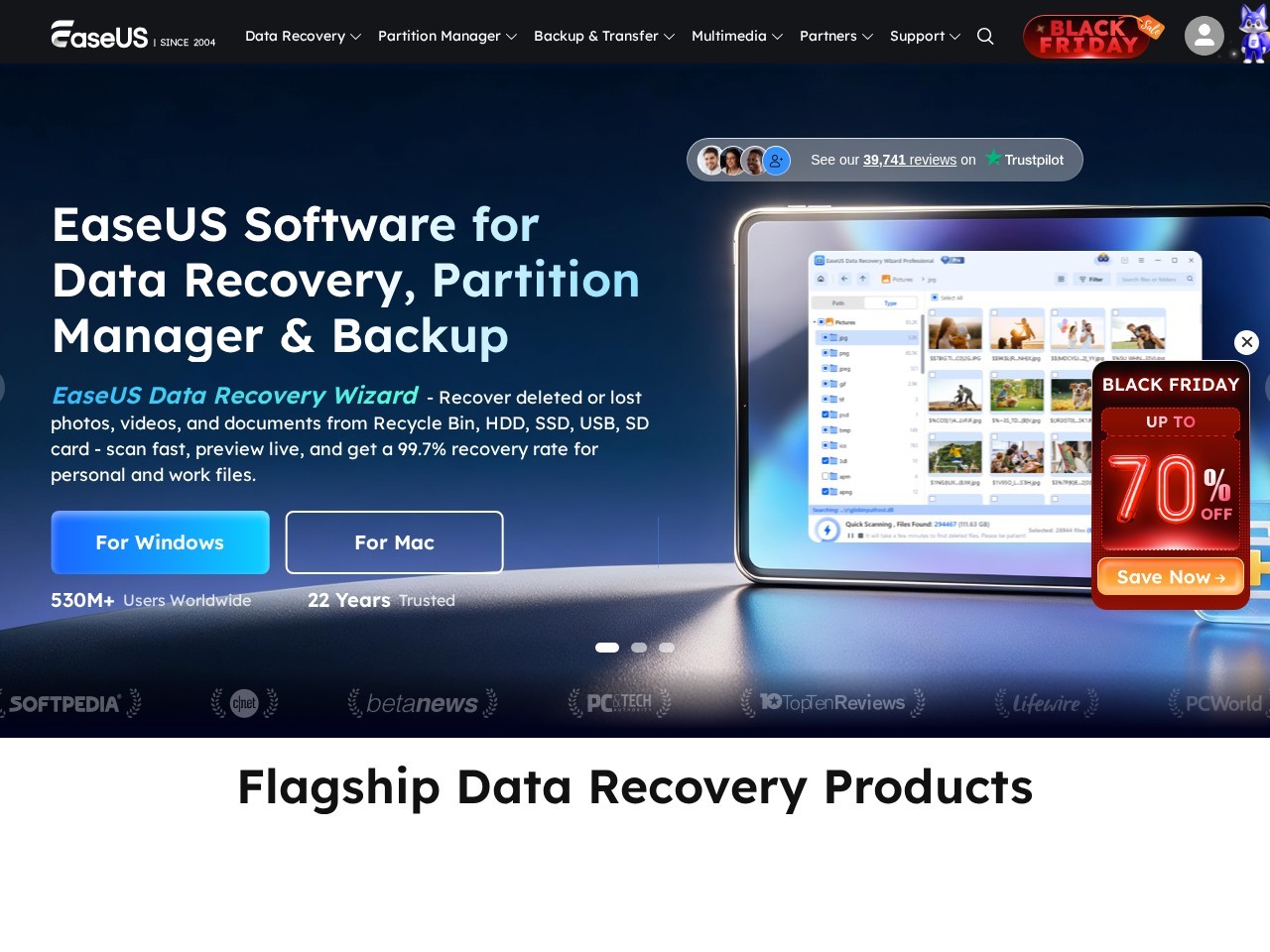
EaseUS Todo Backup homepage, captured Nov 2026.
EaseUS Todo Backup is the simplest cloning tool in this list, with a clear wizard that walks through disk and system cloning step by step. Home at $39.95 a year for one PC adds scheduled backups, WinPE rescue media and 1 TB of cloud storage, and a free edition covers basic backup.
The trade off is depth. Power users may miss Macrium's rescue-media options and verification tools, and the G2 listing is for the Business edition, so the 4.8 rating reflects business reviewers. It suits beginners who want cloning without a learning curve.
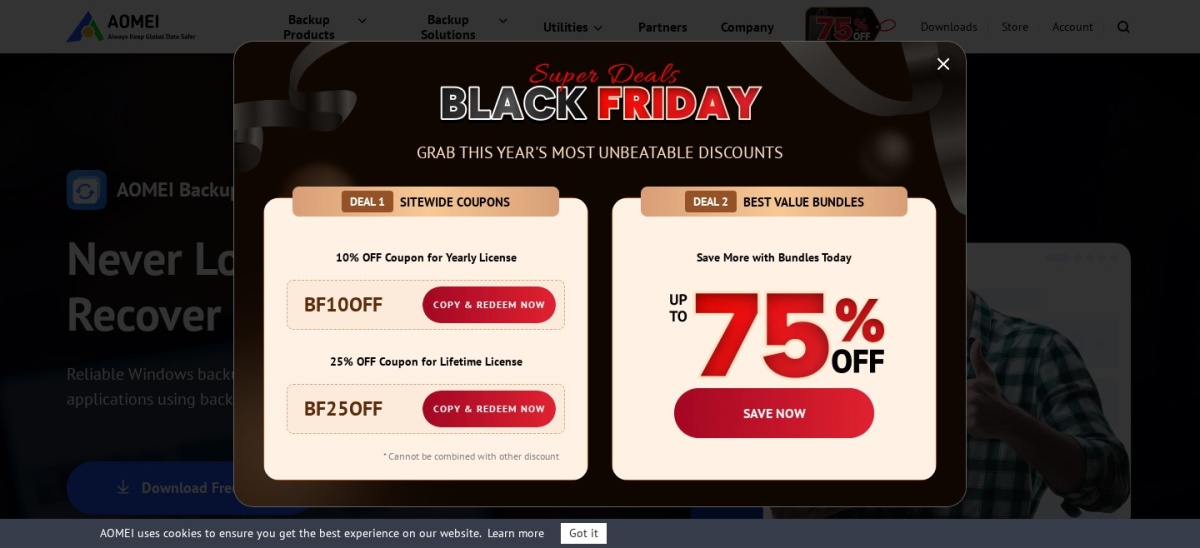
AOMEI Backupper is a Windows backup tool whose free Standard edition clones data disks at no cost. Professional at $39.95 a year for one PC adds system cloning, scheduled backups, PXE boot and command-line backup, covering most home and small-office needs.
The trade off is that system cloning needs the paid plan, and the 4.3 rating rests on only 18 G2 reviews, so it is a thinner evidence base than the leaders. It suits users who mainly need free data-disk cloning with a cheap upgrade path.
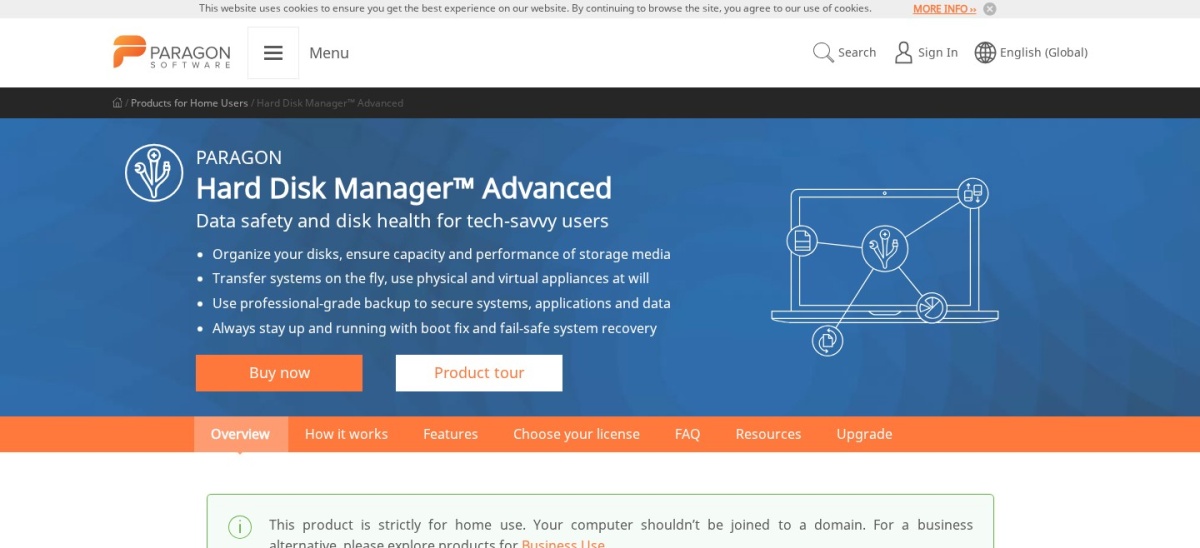
Paragon Hard Disk Manager homepage, captured Nov 2026.
Paragon Hard Disk Manager is a full disk toolkit that combines cloning, partitioning, backup and recovery in one app. Advanced costs $19.95 in the first year and then $24.95 a year for one PC, and a free Community Edition covers personal use with basic features.
The trade off is the interface, which feels dated next to Macrium and EaseUS, and the 4.6 rating rests on only 15 G2 reviews. A perpetual Advanced licence for three PCs is $79.95. It suits users who want cloning plus partitioning for the lowest annual price here.
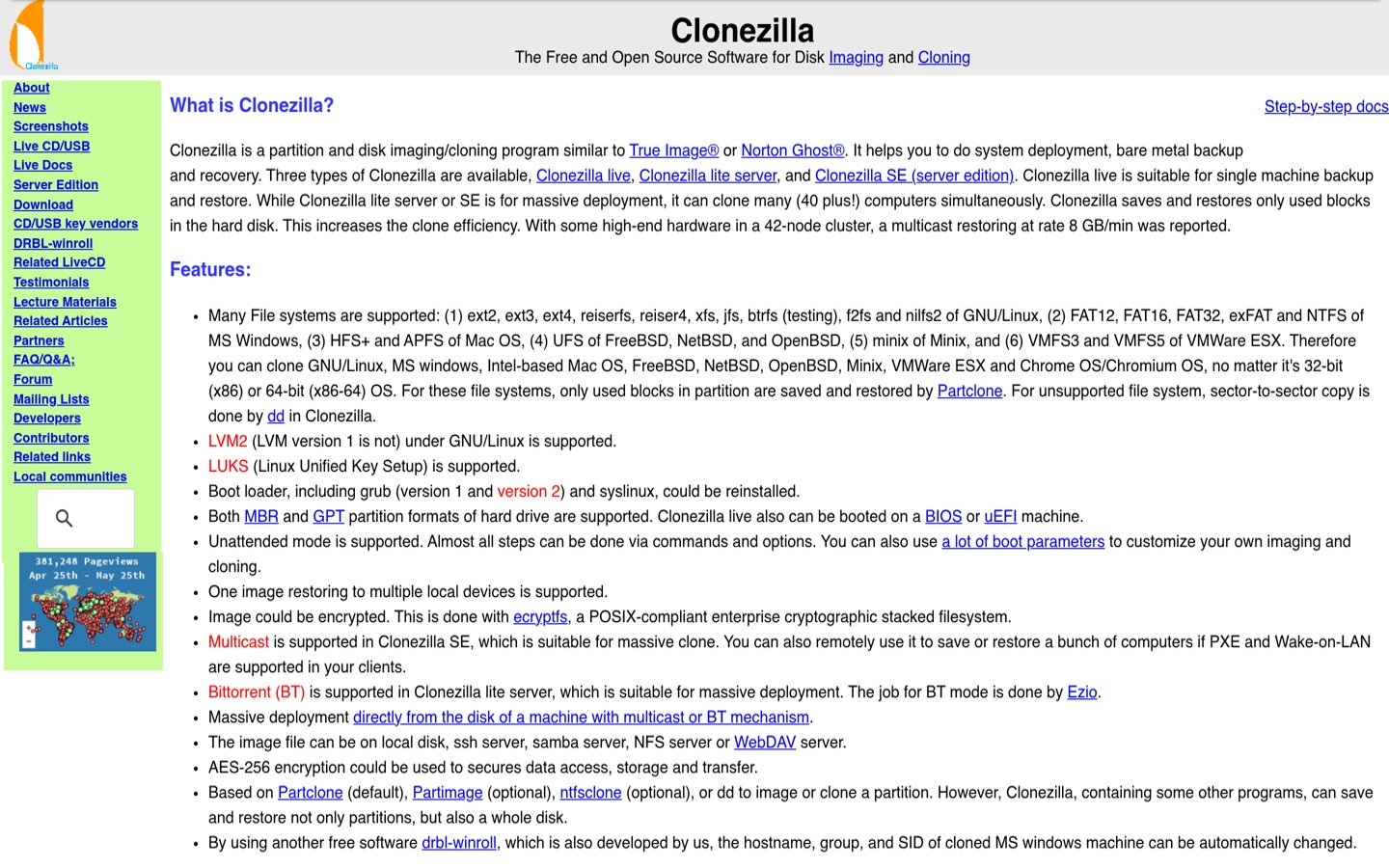
Clonezilla is a free, open-source cloning tool that copies whole disks and partitions from a bootable USB stick. It handles most file systems, clones many machines at once over a network, and costs nothing, which makes it the standard choice for labs and IT teams on a budget.
The trade off is usability. Clonezilla has a text-based interface with no graphical wizard, so a wrong choice can wipe the wrong disk, and there is no commercial support. It suits experts and IT staff who are comfortable with command-line-style tools.
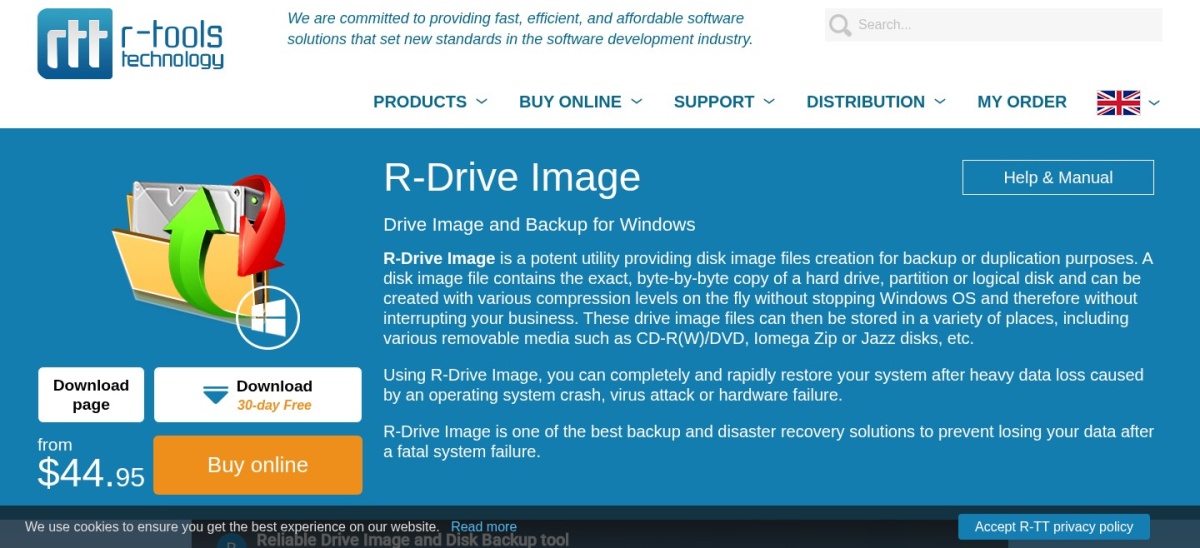
R-Drive Image is a disk imaging tool from R-Tools Technology that clones disks and creates image files for backup and restore. A single one-time licence costs $44.95, with scheduled imaging, incremental backups and a bootable startup version for bare-metal restores.
The trade off is a small review base and an older interface. The 4.7 rating rests on only 12 G2 reviews, and the tool has fewer extras than Acronis or EaseUS. It suits users who want a single payment and no yearly subscription.
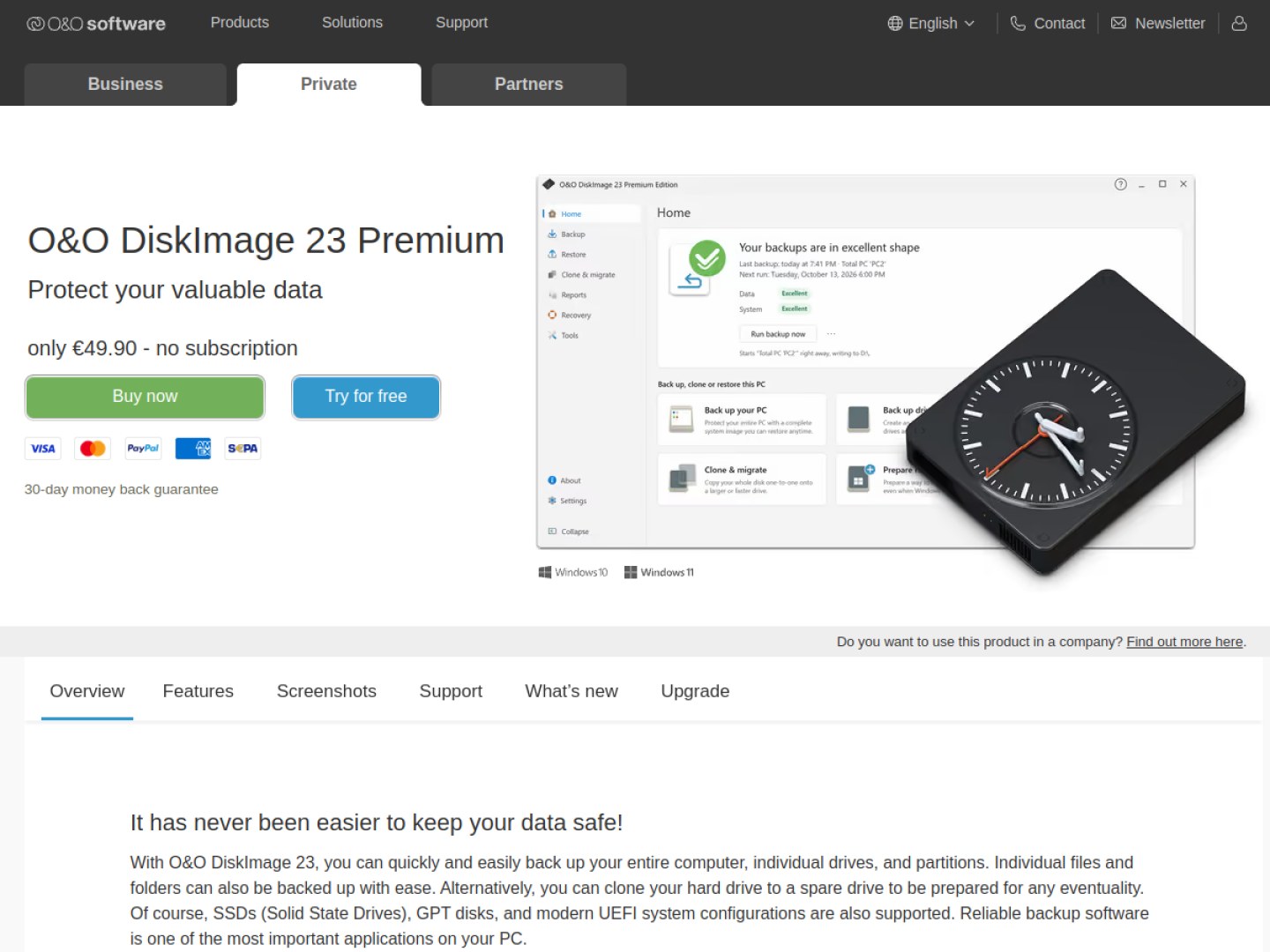
O&O DiskImage is a Windows imaging tool that clones whole disks and backs up files and folders in the same app. A one-time licence costs $49.95 per PC, with incremental imaging, a bootable recovery medium and a simple interface aimed at home users.
The trade off is the thinnest evidence in this list, with a 4.1 rating from only 10 G2 reviews, and the one-time price is higher than a year of Paragon or EaseUS. It suits home users who prefer a single payment and a simple interface.
A clone is a direct copy onto a second drive, ready to boot at once. An image is a file that must be restored to a drive before it can boot.
Cloning fits drive upgrades. When you move from a small SSD to a larger one, clone the old drive onto the new one and swap them.
Images fit backups. One drive can hold many dated images, and you can restore the version from before a problem started.
Most tools here do both. Pick cloning for upgrades and images for regular backups, and keep at least one bootable rescue drive.
How we chose
We started from every established disk clone tool with a G2 rating, then kept those with a verifiable review count and a current product page.
Prices come from each vendor's pricing page, checked on 25 November 2026, with regular prices shown where a sale was running. Ratings come from G2 on the same day. Where a vendor page blocked our check, the price rests on recent reads of that page and is flagged in our notes.
We left out tools with no verifiable rating on G2, Capterra or Trustpilot. No vendor paid for a place, and we do not claim hands-on testing for this list.
How to choose disk clone software
Match the tool to the job: a one-off upgrade needs different features from a weekly backup routine.
Decide clone or image. For a drive upgrade, cloning is enough. For ongoing protection, pick a tool with scheduled images too.
Check your drive type. Confirm NVMe, 4K sector and BitLocker support before paying, especially for newer laptops.
Test the rescue media. Create the bootable USB before you need it, and confirm the computer boots from it.
Pick a payment model. A one-time licence suits a single upgrade, while a yearly plan suits regular scheduled backups.
FAQ
What is the best disk clone software?
Macrium Reflect is the best disk clone software for most users. It clones whole drives reliably, creates bootable rescue media and schedules incremental images, and it is rated 4.7 out of 5 from 95 G2 reviews at $49.99 a year for one PC.
Is there a free disk clone tool?
Yes. Clonezilla is free and open source, and it clones whole disks and partitions from a bootable USB stick. AOMEI Backupper and EaseUS Todo Backup also have free editions, though system cloning needs their paid plans, and Paragon offers a free Community Edition.
What is the difference between cloning and imaging?
Cloning copies a drive directly onto a second drive, which can boot immediately. Imaging saves a compressed file that must be restored to a drive first. Cloning fits drive upgrades, while imaging fits regular backups because one drive can hold many dated images.
Can I clone a drive to a larger SSD?
Yes, all eight tools in this list clone to a larger SSD, and most resize partitions automatically to use the extra space. Check that the tool supports NVMe drives and 4K sectors if your new SSD uses them, and create rescue media before you start.
Do I need a paid plan to clone a system drive?
Not always. Clonezilla clones system drives for free, and AOMEI Backupper's free edition clones data disks. Macrium, Acronis and EaseUS need a paid plan for system cloning, though EaseUS and AOMEI offer free editions for basic backup.
How long does disk cloning take?
Cloning a 500 GB drive usually takes 30 to 90 minutes, depending on the drive speed, the amount of data and the connection. NVMe to NVMe is fastest, while an old hard drive to a USB enclosure is slowest, so start the clone when you can leave the computer alone.
SaaS SEO and WordPress specialist with about 8 years of experience. Rakib compares WordPress plugins, themes, hosting and software using public pricing, documentation and user reviews. See how we rank.