Clonezilla is the best free disk cloning software for most people: it clones whole disks and partitions at no cost and is rated 4.3 out of 5 on G2. Pick AOMEI Backupper for a friendlier Windows tool, or EaseUS Disk Copy for a guided SSD upgrade at $29.90 a year.
How we make this list: we compare pricing pages, product documentation and public user reviews, then re-check every price before each update. No product paid for a place. Disclosure.
Clonezilla is the only fully free tool here, with no paid tier at all.
AOMEI Backupper's free Standard edition already includes disk cloning and scheduled backups.
EaseUS Disk Copy has the cheapest paid plan at $29.90 a year, with a $59.90 lifetime option.
Macrium Reflect X and Acronis have no free edition now, only a 30-day trial, at $49.99 a year.
O&O DiskImage is the only one-time licence in the list at $49.95, with no subscription.
What to look for in free disk cloning software
A disk clone is an exact copy of one drive onto another, including the operating system, apps and files, so the new drive boots just like the old one. People clone a drive to move to a larger or faster SSD, to replace a failing disk, or to keep a spare bootable copy.
Free tools split into two groups. Open-source tools such as Clonezilla clone for free with no limits, while Windows tools such as AOMEI Backupper and MiniTool Partition Wizard give away basic cloning and charge for system migration and extra features.
Keeping a second copy is the point of cloning at all. The 3-2-1 backup rule is a useful check for any copy you rely on: a clone is only useful if you can boot from it when the old drive fails.
Also check rescue media and restore. A clone you cannot boot from after a failure is wasted work, so make the bootable USB or CD first and confirm the new drive starts before you wipe the old one.
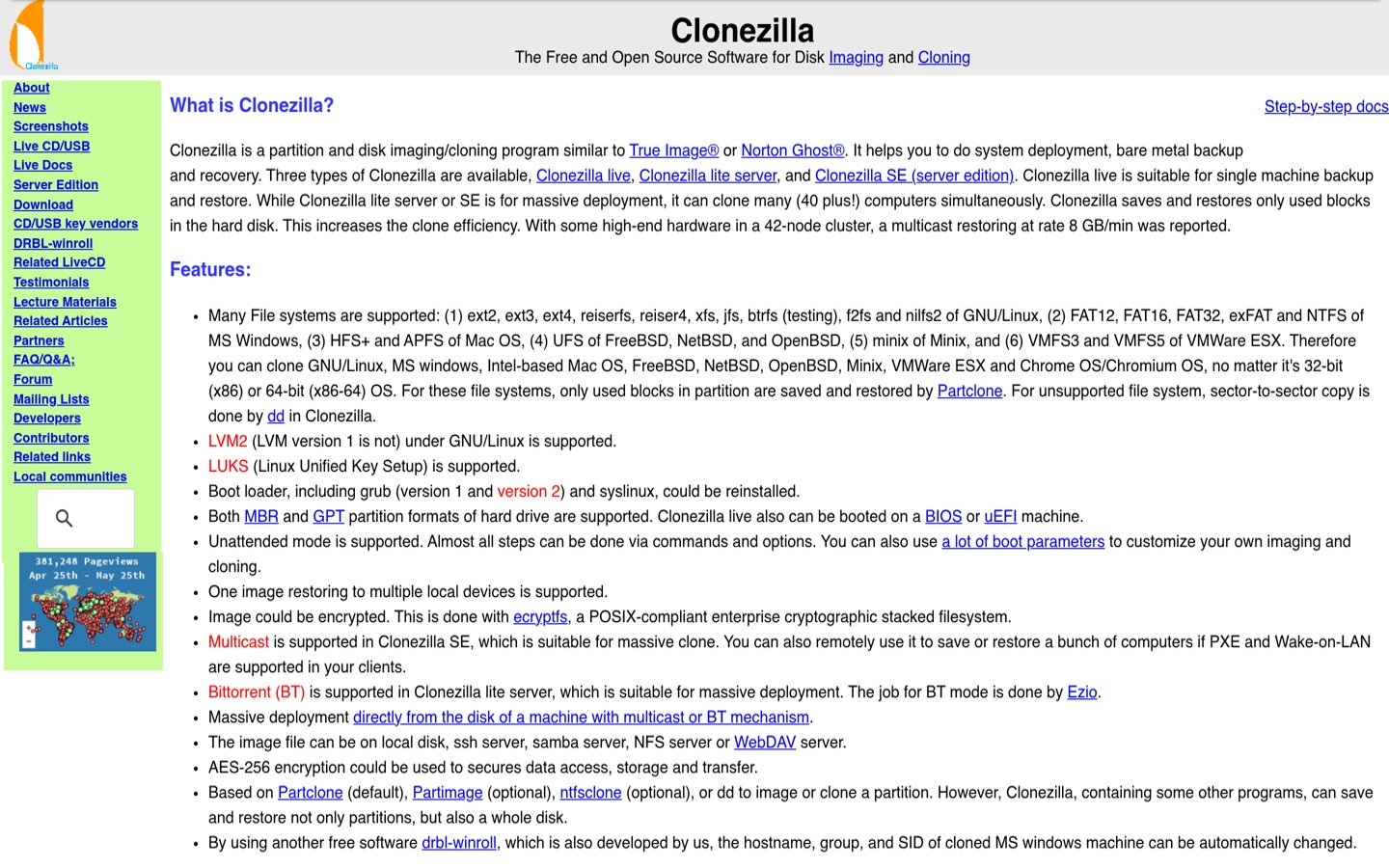
Clonezilla is a free, open-source tool for disk imaging and cloning that runs from a live USB stick or CD. It copies only the used blocks of a disk, supports whole disks and single partitions, and can restore one image to many machines at once over a network with Clonezilla SE.
The trade off is the interface. Clonezilla uses text menus instead of a graphical window, so a first clone takes longer to set up and there is no scheduling or cloud backup. It suits technicians and home users who want a free clone and do not mind a plain, keyboard-driven screen.
What we like
Completely free with no paid tier or licence limit
Copies only used blocks, so images stay small
Clones many machines at once with the server edition
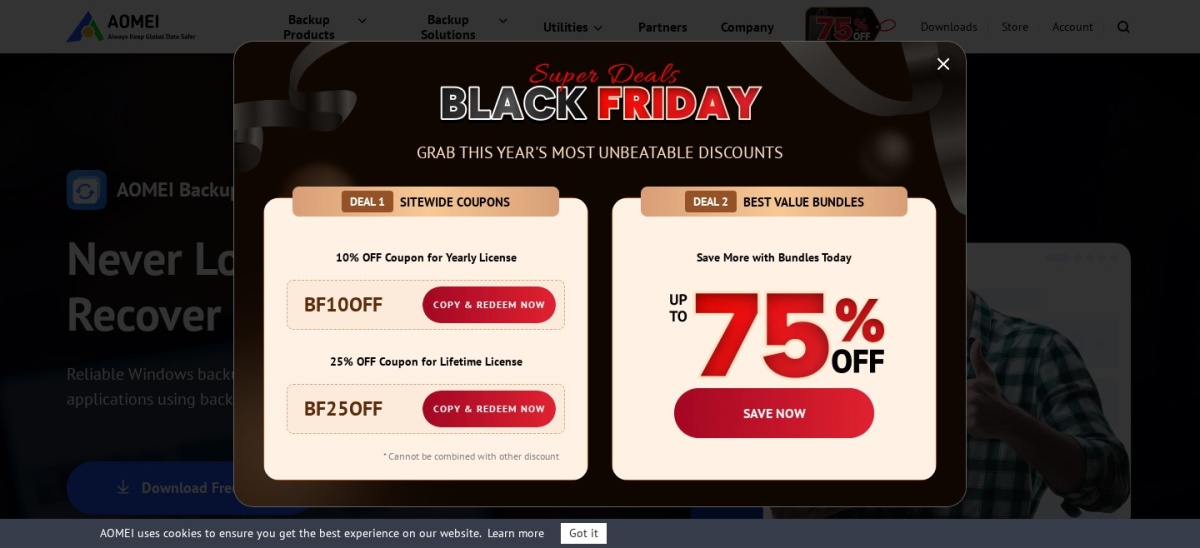
AOMEI Backupper is a Windows backup tool with disk and system cloning built in. The free Standard edition covers disk, partition and system backup, disk cloning, scheduled backups and bootable rescue media, which is more than most free tools include.
The trade off is that system clone, which moves Windows itself to a new SSD, needs the Professional plan at $39.95 a year, and the store often shows a lower sale price instead. It suits home users who want a friendly Windows tool for backups and the odd drive upgrade.
What we like
Free edition includes disk cloning and scheduling
Clear Windows interface with guided steps
Bootable rescue media in the free plan
Lifetime licence available for $69.95
Watch out for
System clone needs the $39.95 a year Pro plan
Sale prices on the store can hide the regular price
4.7/5on Trustpilot (39,762 reviews, checked Nov 2026)
Paid from$29.90/yr
Best guided clone for moving to a new SSD
Free planYes, cloning limited
Sector-by-sector copyYes
OS migrationYes, in Pro
Paid planPro, $29.90/yr
easeus.com
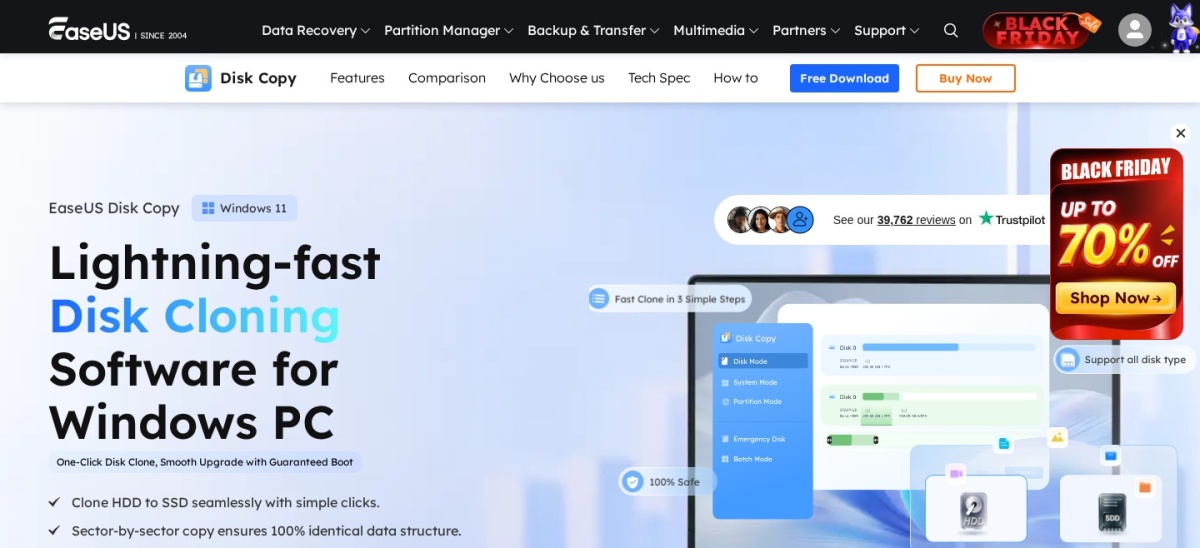
EaseUS Disk Copy homepage, captured Nov 2026.
EaseUS Disk Copy is a Windows tool built for one job: copying a whole disk or partition to a new drive. It handles HDD to SSD moves, resizes partitions during the copy, creates WinPE boot media and copies sector by sector when a disk is failing.
The trade off is the free edition. It lets you try the tool, but a full disk clone and OS migration need Disk Copy Pro at $29.90 a year, with a $59.90 lifetime option beside it. It suits Windows users who want a guided SSD upgrade and do not need backup or scheduling.
What we like
Guided three-step clone with partition resizing
Sector-by-sector copy for failing disks
WinPE boot media for unbootable PCs
Lowest yearly price in this list
Watch out for
Full cloning needs the paid Pro plan
No backup scheduling or cloud storage
Pro adds full cloning, OS migration and free upgradesVisit easeus.com
04
Macrium Reflect X
4.7/5on G2 (91 reviews, checked Nov 2026)
Starts at$49.99/yr
Best imaging engine for reliable restores
Free planNo, 30-day trial
Rapid delta restoreYes
Rescue mediaYes, Windows PE
Paid planHome, $49.99/yr
macrium.com
Macrium Reflect X homepage, captured Nov 2026.
Macrium Reflect X is a Windows imaging tool that many technicians trust for system images and drive clones. Home covers full, incremental and differential images, rapid delta restore that writes back only changed blocks, and Image Guardian protection against ransomware.
The trade off is the licence change. Macrium ended its free edition with Reflect X, so the only no-cost route is a 30-day trial, and Home costs $49.99 a year for one PC. It suits users who image often and want fast, dependable restores.
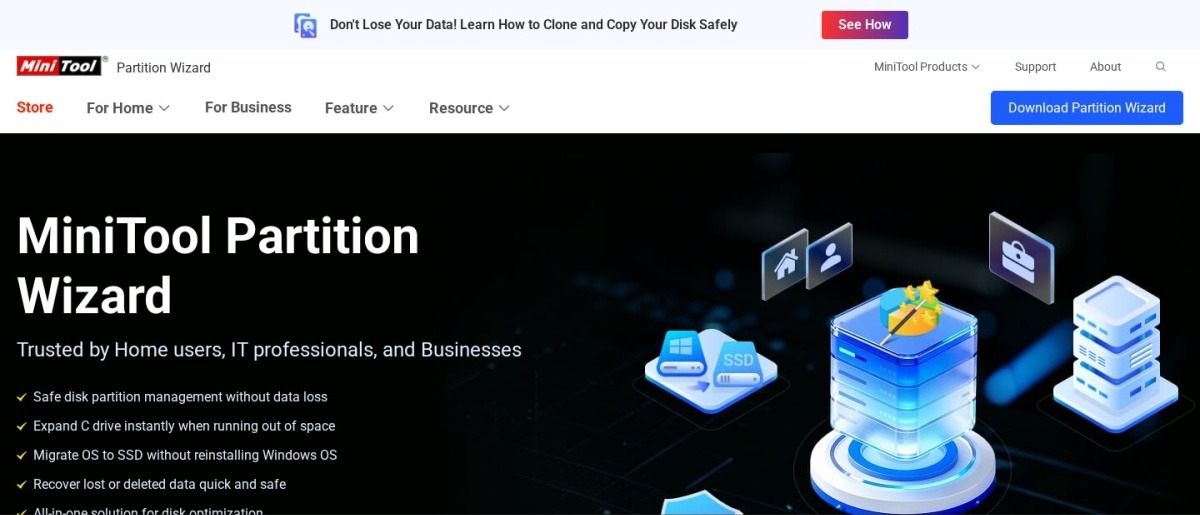
MiniTool Partition Wizard homepage, captured Nov 2026.
MiniTool Partition Wizard is a Windows partition manager that also copies disks and moves Windows to a new SSD. The free edition handles creating, resizing, moving, merging and formatting partitions, plus surface checks and partition alignment for SSDs.
The trade off is where cloning sits. Disk copy and OS migration need a paid edition, starting with Pro at $59 a year for one PC, and data recovery needs the higher Platinum plan. It suits users who want one Windows tool for partitions and the odd drive move.
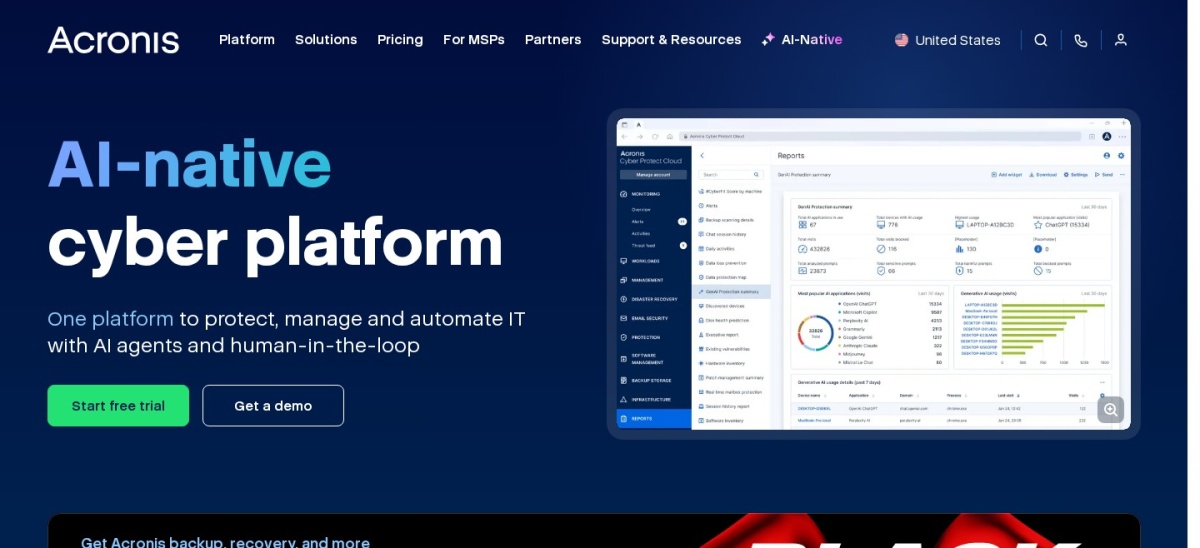
Acronis Cyber Protect Home Office homepage, captured Nov 2026.
Acronis Cyber Protect Home Office is a Windows and Mac suite that combines disk imaging, cloning, cloud backup and antivirus in one subscription. Essentials covers full disk images, disk cloning and ransomware protection for one computer at $49.99 a year.
The trade off is scope. It is a full protection suite, so cloning is one feature among many, and cloud storage only comes with the higher Advanced and Premium tiers. It suits home users who want one subscription for backup, cloning and security.
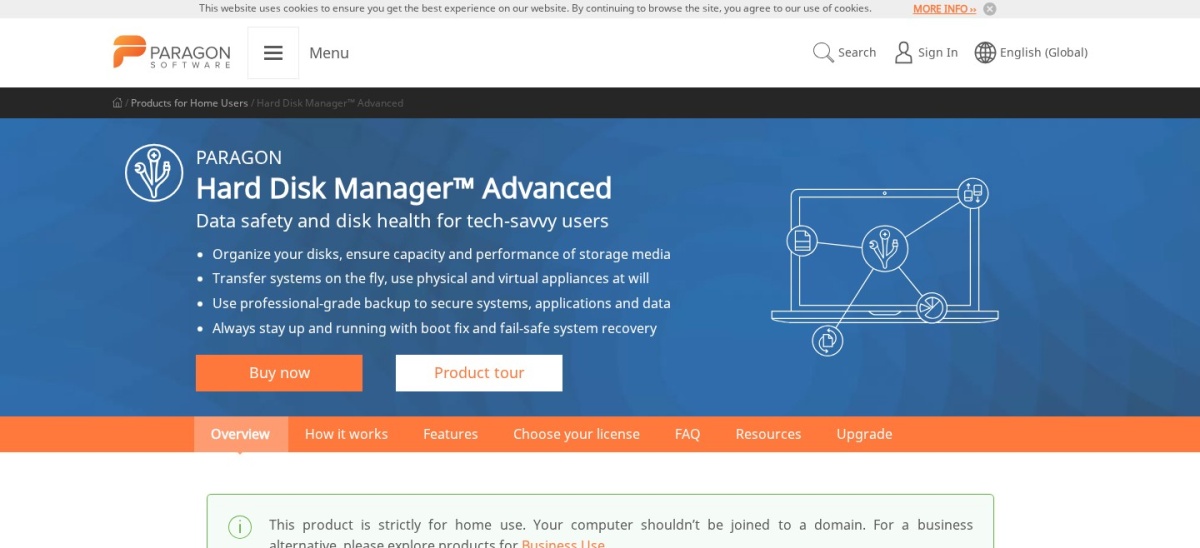
Paragon Hard Disk Manager homepage, captured Nov 2026.
Paragon Hard Disk Manager is a Windows suite for backup, cloning, partitioning and recovery in one place. The Advanced home edition covers disk cloning, system migration, file-level backup and boot fix tools, with a free basic edition for the main backup and partition tools.
The trade off is price clarity. The home Advanced licence is $24.95 for one year, or $79.95 for a 3-PC perpetual licence, while the Business editions start much higher. It suits home users who want one suite for cloning, backup and disk care.
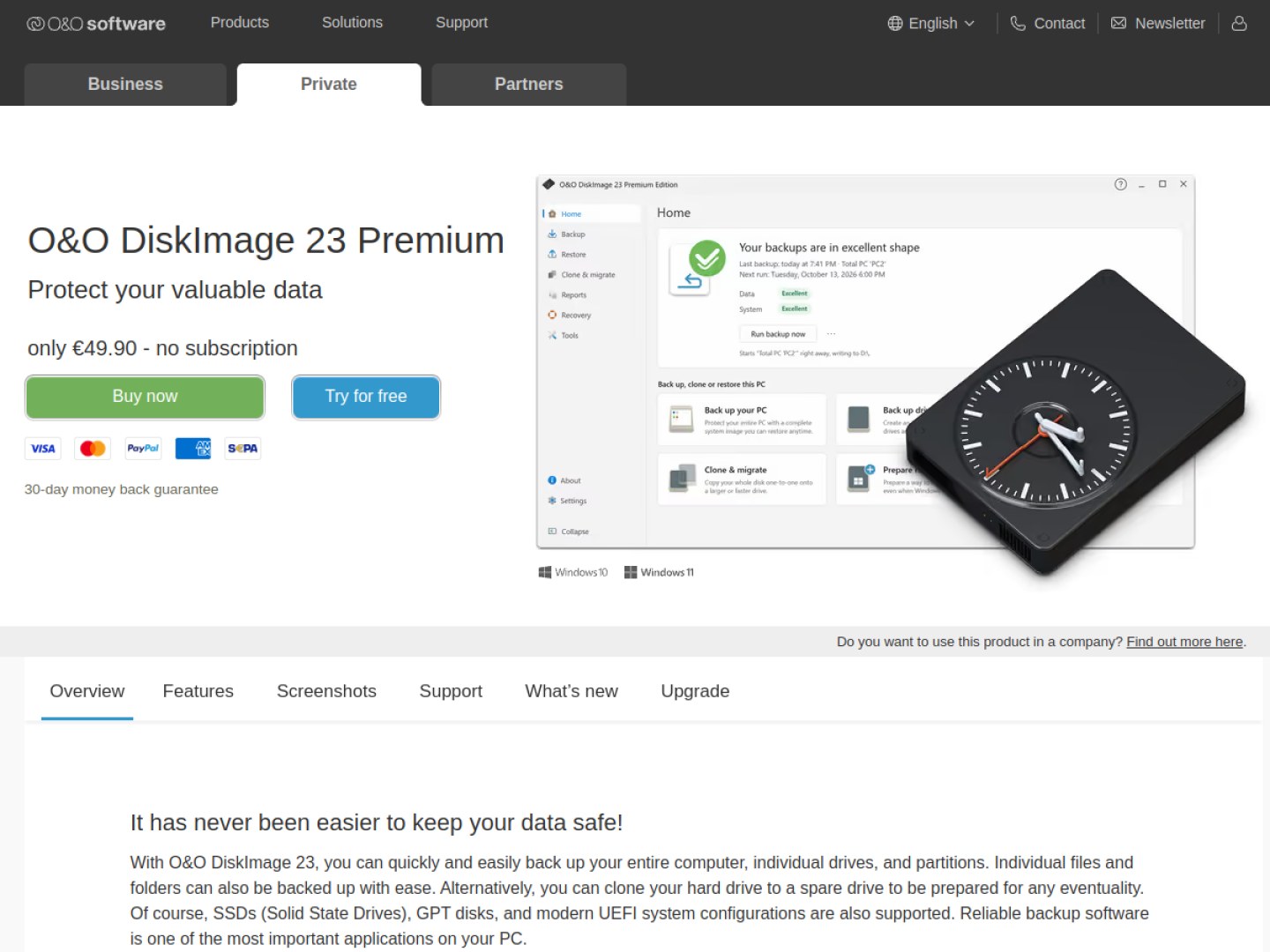
O&O DiskImage is a Windows tool for full PC images, drive backups and disk cloning. Version 23 Premium adds a guided interface, automatic backup chains, extra cloud backup, VHD and VHDX support, and hardware-independent restore to a new computer.
The trade off is the price model. Premium costs $49.95 as a one-time licence with no subscription, so the first year costs the same as a yearly plan elsewhere and there is no free edition, only a trial. It suits users who would rather pay once than rent software every year.
Free plans clone well enough for a one-off drive move. Clonezilla clones for free with no limits, and AOMEI Backupper's free edition covers disk cloning and scheduling.
Paid plans add system clone, which moves Windows itself, plus scheduling, differential images and support. EaseUS Disk Copy Pro starts at $29.90 a year, while Macrium Reflect X Home and Acronis Essentials both cost $49.99 a year.
If you only move one drive once, a free tool is enough. Our guide on how to test a WordPress backup covers the same habit for backups: check the copy works before you need it.
For a failing disk, do not wait. Copy sector by sector if the tool offers it, and keep the old drive untouched until the new one boots.
How we chose
We started from the disk cloning tools most often recommended for Windows and Mac, then kept those with a free edition, a free trial or a one-time licence, and a public rating on G2, Capterra or Trustpilot.
Prices come from each vendor's pricing or purchase page, checked on 25 November 2026. Ratings come from G2, Capterra and Trustpilot on the same day. Where a vendor shows a sale, the list shows the regular price.
We left out tools with no public rating, such as Rescuezilla and Hasleo Backup Suite. No vendor paid for a place, and we do not claim hands-on testing for this list.
How to choose free disk cloning software
Start with the drive you are moving to, then match the tool to the job.
Check whether the target drive is larger or smaller. A clone needs a target at least as large as the used space on the source. Most tools resize partitions during the copy, but a smaller SSD still needs room for everything you keep.
Decide if you need to move Windows itself. Moving Windows to a new SSD is system clone or OS migration, which is a paid feature in AOMEI Backupper, MiniTool Partition Wizard and EaseUS Disk Copy. Clonezilla moves the whole disk for free.
Make rescue media before you start. Create the bootable USB or CD first, while the old drive still works. If Windows will not start after the swap, rescue media is the only way back in.
Boot from the new drive before wiping the old one. Swap the drives, start the computer and check that Windows loads and your files open. Only wipe or reuse the old drive after the new one has booted cleanly.
FAQ
What is the best free disk cloning software?
Clonezilla is the best free option for most people. It clones whole disks and single partitions at no cost, copies only used blocks, and is rated 4.3 out of 5 on G2. Its text-menu interface takes longer to learn than a Windows tool.
Can I clone a hard drive to an SSD for free?
Yes. Clonezilla clones any drive to an SSD for free, and AOMEI Backupper's free Standard edition includes disk cloning for Windows. Both handle the move, though moving Windows itself to the SSD needs AOMEI's paid Pro plan.
Is free disk cloning software safe to use?
The tools in this list are established products with public ratings, and cloning reads the source drive without changing it. Keep the old drive untouched until the new drive boots, so you always have a way back.
Do I need to pay to move Windows to a new SSD?
Not always. Clonezilla moves the whole disk, Windows included, for free. AOMEI Backupper, MiniTool Partition Wizard and EaseUS Disk Copy charge for system clone or OS migration, starting at $29.90 a year with EaseUS.
What is the difference between cloning and imaging?
Cloning copies a drive straight onto another drive, which you can boot from right away. Imaging saves the drive as a file you restore later. Clonezilla, Macrium Reflect and Acronis do both, while EaseUS Disk Copy focuses on cloning.
Will cloning copy everything, including Windows?
Yes, a full disk clone copies Windows, apps, settings and files exactly as they are. That is why the new drive boots like the old one. A partition-only copy moves just the part you select, so check the tool's clone scope first.
SaaS SEO and WordPress specialist with about 8 years of experience. Rakib compares WordPress plugins, themes, hosting and software using public pricing, documentation and user reviews. See how we rank.