GoodNotes is the best digital planner app for most people, with natural handwriting, deep PDF annotation and a free plan covering three notebooks. Pick Notability if you record lectures, or TickTick if you plan with tasks, a calendar and a Pomodoro timer instead of ink.
How we make this list: we compare pricing pages, product documentation and public user reviews, then re-check every price before each update. No product paid for a place. Disclosure.
GoodNotes leads for most planners, with natural handwriting, deep PDF annotation and Essential at $11.99 a year.
Notability is best for lectures, with audio tied to every handwritten line and Lite at $14.99 a year.
Noteshelf is the best one-time buy, with Premium Lifetime at $14.99 and more than 50 built-in planners.
TickTick is the best task planner, with tasks, calendar, habits and a Pomodoro timer for $35.99 a year.
OneNote is free with a Microsoft account, with the largest G2 review base here at 1,873 reviews.
Two kinds of digital planner
A digital planner app can mean two opposite things: a PDF you handwrite on inside GoodNotes, or a task and calendar app like Todoist or TickTick that schedules your day. This list covers both kinds, because the best choice depends on how you think.
Handwriting apps suit people who plan on a tablet with a stylus. GoodNotes, Notability and Noteshelf all take imported PDF planners, search your handwriting and feel close to paper. Our AI productivity tools guide compares the wider productivity market.
Task apps suit people who think in lists. TickTick, Todoist and Notion track due dates, fire reminders and update themselves as you work, but they do not feel like a paper planner.
Free plans are real here. GoodNotes covers three notebooks, Notability five notes, and TickTick nine lists, while OneNote is free with a Microsoft account. Check what the free plan actually covers before you pay.
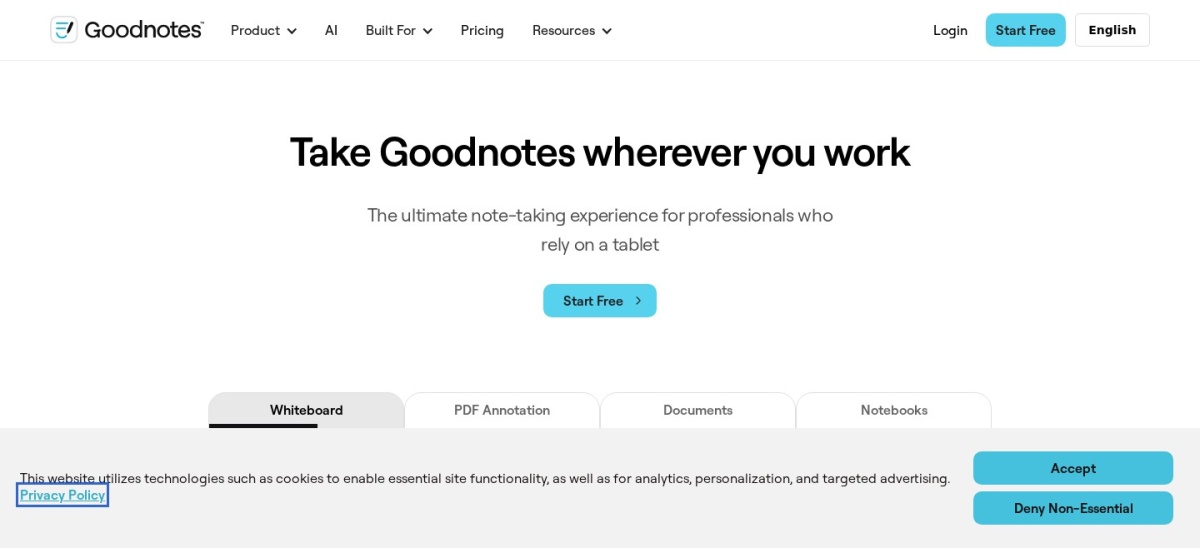
GoodNotes is the default iPad planner, with natural handwriting, the deepest PDF annotation in this list and a template library covering daily, weekly and monthly planner pages. Essential costs $11.99 a year, the cheapest paid start among the handwriting apps here, and the free plan covers three notebooks.
The trade off is reminders. GoodNotes has no reminders, no recurring tasks and no calendar sync, so it is a passive planner. It suits students and professionals who handwrite notes and annotate PDFs on iPad.
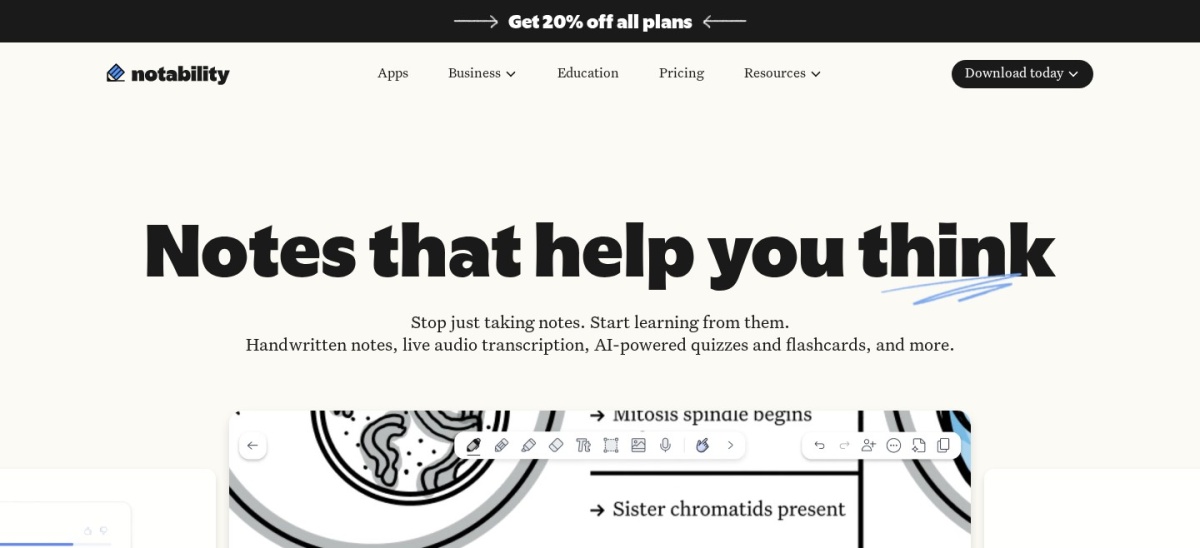
Notability is the best lecture-hall planner. Record a class, scribble half a diagram, and later tap the diagram to hear exactly what the lecturer said at that moment — no other app here ties audio to ink this tightly. Lite costs $14.99 a year for unlimited notes, and the free Starter plan covers five notes.
The trade off is the price ladder. Transcription, handwriting search and AI quizzes need Plus at $19.99 a year or Pro at $99.99 a year. It suits students who record lectures and want notes synced to the audio.
Noteshelf is the most planner-shaped app in this list. It ships with more than 50 digital planners — daily, weekly, monthly and diary layouts — plus lifelike pens and papers that make a planning session feel like paper without the paper. Premium Lifetime costs $14.99 once, so it is the only dedicated planner here with no recurring bill.
The trade off is the small review base. Noteshelf holds a 4.2 G2 rating from only 5 reviews, and prices vary by platform. It suits digital planner fans who want a lifetime purchase and a big template library.
TickTick is a task, calendar, habit and Pomodoro app in one, so daily work and personal routines run off a single plan. Natural-language date parsing turns phrases like tomorrow 3pm into scheduled tasks with reminders, and Premium costs $35.99 a year.
The trade off is depth. TickTick is tuned for personal use and lacks team roles and permissions, so it suits individuals better than teams. It suits people who want tasks, calendar, habits and a Pomodoro timer in one app.
Todoist is the fastest way to capture a task, with natural-language input that reads dates, times and repeat patterns on its own. Pro costs $4 a month billed annually and adds reminders, filters and 300 active projects, while the free plan covers the basics.
The trade off is time blocking. Todoist has no native time blocking or task dependencies, so heavy planners need a calendar app beside it. It suits people who think in lists and want fast capture without overhead.
Notion is a workspace where every task set becomes a checklist, Kanban board or calendar with one toggle, so you can build a planner that fits exactly how you think. Plus costs $10 a user a month billed annually and adds unlimited file uploads and 30-day version history.
The trade off is setup effort. Notion takes time to build, and its reminders are weaker than a dedicated task app. It suits builders who want a fully custom system and do not mind setting it up.
Microsoft OneNote is a free note app that works as a digital planner, with notebooks, sections and pages, handwriting and drawing on tablets, and sync across Windows, Mac, iOS, Android and the web. It is free with a Microsoft account, with no paid plan needed for planning.
The trade off is structure. OneNote has no planner templates built in and no task dependencies, so you build the planner yourself. It suits anyone who wants a free, cross-platform planner without a subscription.
Free plans cover the basics well. GoodNotes covers three notebooks, Notability five notes and TickTick nine lists, while OneNote is free with a Microsoft account.
Paid plans mostly remove the limits and add sync. Unlimited notebooks, handwriting search, audio transcription and AI features all sit behind paid plans.
The one-time purchases are the cheapest way in. Noteshelf Premium Lifetime costs $14.99 once, so there is no yearly bill at all.
For a student or professional who plans every day, the first year of a paid plan often costs less than one paper planner and a set of pens.
How we chose
We started from the digital planner apps most used for planning, then kept the seven with published prices and a verifiable rating on G2.
Prices are the regular prices from each app's pricing page or US App Store listing, as read on 25 November 2026. Ratings and review counts come from G2 on the same day.
We left out Samsung Notes, CollaNote, Flexcil and Zinnia because none has a G2 listing with a score. No vendor paid for a place, and we do not claim hands-on testing for this list.
How to choose a digital planner app
Start with how you plan, then match the app to that habit.
Decide handwriting or tasks first. Handwriting suits GoodNotes, Notability or Noteshelf, while lists suit TickTick, Todoist or Notion. Pick the kind that matches how you already plan.
Check your device before you pay. GoodNotes, Notability and Noteshelf are Apple-first, so Android and Windows users get less. TickTick, Todoist and Notion run everywhere.
Test the free plan for a week. GoodNotes covers three notebooks, Notability five notes and TickTick nine lists. Use the free plan with a real planner before you pay.
Count the yearly price, not the monthly one. Annual plans cost $12 to $120 a year, while monthly billing costs far more. Buy yearly only after the free trial.
FAQ
What is the best digital planner app?
GoodNotes is the best pick for most people. It handles imported PDF planners well, its handwriting feels natural with an Apple Pencil, and it holds a 4.7 out of 5 G2 rating from 152 reviews, with Essential at $11.99 a year.
Is there a free digital planner app?
Yes. GoodNotes covers three notebooks free, Notability five notes, TickTick nine lists, and OneNote is free with a Microsoft account. Noteshelf's free plan covers three notebooks.
Which digital planner app is best for iPad?
GoodNotes is the default iPad planner, with the deepest PDF annotation and handwriting search. Notability is best for lectures, and Noteshelf is best for a one-time purchase with built-in templates.
What is the cheapest digital planner app?
Noteshelf Premium Lifetime costs $14.99 once, with no recurring bill. GoodNotes Essential is $11.99 a year, and OneNote is free with a Microsoft account, with no paid plan needed.
Can a digital planner replace a paper planner?
Yes, for most people. Handwriting apps keep the paper feel with search, sync and unlimited pages, while task apps add reminders and calendar sync that paper cannot do.
Which planner app is best for tasks and habits?
TickTick is best for tasks, calendar, habits and a Pomodoro timer in one app, with Premium at $35.99 a year. Todoist is best for fast capture with natural-language dates.
SaaS SEO and WordPress specialist with about 8 years of experience. Rakib compares WordPress plugins, themes, hosting and software using public pricing, documentation and user reviews. See how we rank.