Best Appointment Scheduler Software in 2026: 9 Tools Compared
WLWPLegible EditorsLast verified 22 Nov 2026How we rank11 min read
★ Short answer
Calendly is the best appointment scheduler for most teams, from $10 a seat a month with a 4.7/5 G2 rating from 2,674 reviews. Pick Cal.com for the strongest free plan and Doodle for group polls.
How we make this list: we compare pricing pages, product documentation and public user reviews, then re-check every price before each update. No product paid for a place. Disclosure.
Calendly holds a 4.7/5 G2 rating from 2,674 reviews, the largest review base here.
Cal.com gives unlimited event types on its free Individual plan, more than any paid entry plan.
Doodle Pro costs $6.95 a user a month billed annually, the cheapest paid plan here.
SavvyCal holds the highest G2 rating at 4.8/5, but from only 36 reviews.
Setmore Pro costs $5 a user a month billed annually and its free plan covers 4 users.
What to look for in an appointment scheduler
A scheduler should end the email back-and-forth. One link, one confirmed time, one calendar entry, with reminders that stop no-shows before they happen.
Free plans differ more than paid ones. Cal.com gives unlimited event types free, Calendly gives one, and YouCanBookMe gives one booking page with 30 bookings a month. Read the free cap, not the headline.
Team features sit on higher tiers. Round robin needs Calendly Teams at $16 a seat, Cal.com Teams at $12 a user and YouCanBookMe Team at $16.20, so price the tier you need, not the entry plan.
Service businesses need more than a link. Acuity, SimplyBook.me and Square add intake forms, packages, staff calendars and payments that meeting schedulers do not.
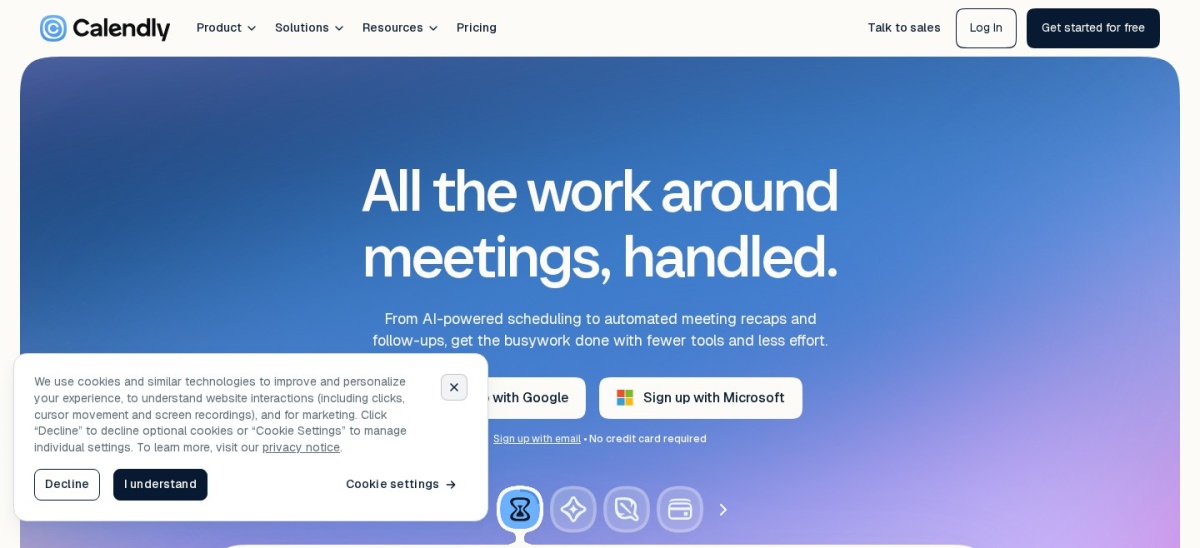
Calendly is the scheduling default. Share a link, guests pick a time and calendars sync. The free plan covers one event type, one calendar connection and unlimited one-on-one meetings, and Standard costs $10 per seat a month billed annually with unlimited event types and reminders.
The trade off is that team features cost more. Round robin, routing forms and Salesforce need Teams at $16 a seat a month, and payments need Teams too. It suits professionals and sales teams that want the most polished scheduling experience.
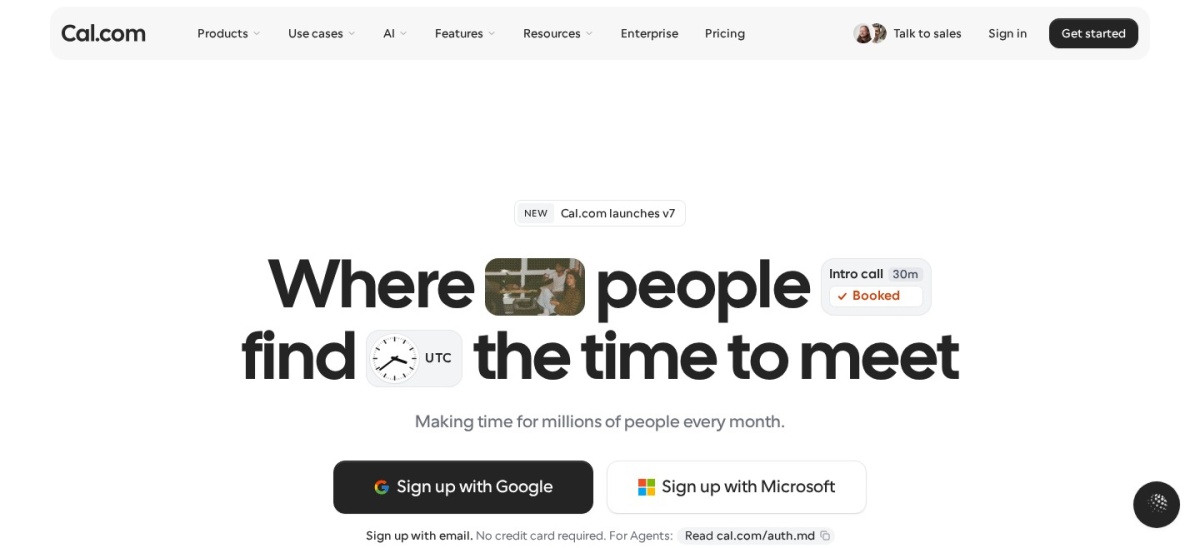
Cal.com is the strongest free-first alternative to Calendly. The free Individual plan includes unlimited event types, calendar connections and meetings, workflow automation, Stripe payments and Cal Video, which covers more than most paid entry plans.
The trade off is that the main code went closed source in April 2026, with the open-source version now a separate project called Cal.diy. Teams costs $12 a user a month billed annually. It suits technical teams that want flexibility without vendor lock-in.
What we like
Most capable free plan here
Unlimited event types for one user
Payments included on the free plan
Watch out for
Main product is no longer open source
Smaller review base than Calendly
Teams plan needed for round robin
Teams adds round robin and managed event typesVisit cal.com
03
SavvyCal
4.8/5on G2 (36 reviews, checked Nov 2026)
Starts at$10/user/mo
Best for a guest-friendly booking experience
Cheapest paid planBasic, $10/user/mo
Free planLimited free plan
Calendar overlayYes, on every tier
Round robinBasic plan and up
savvycal.com
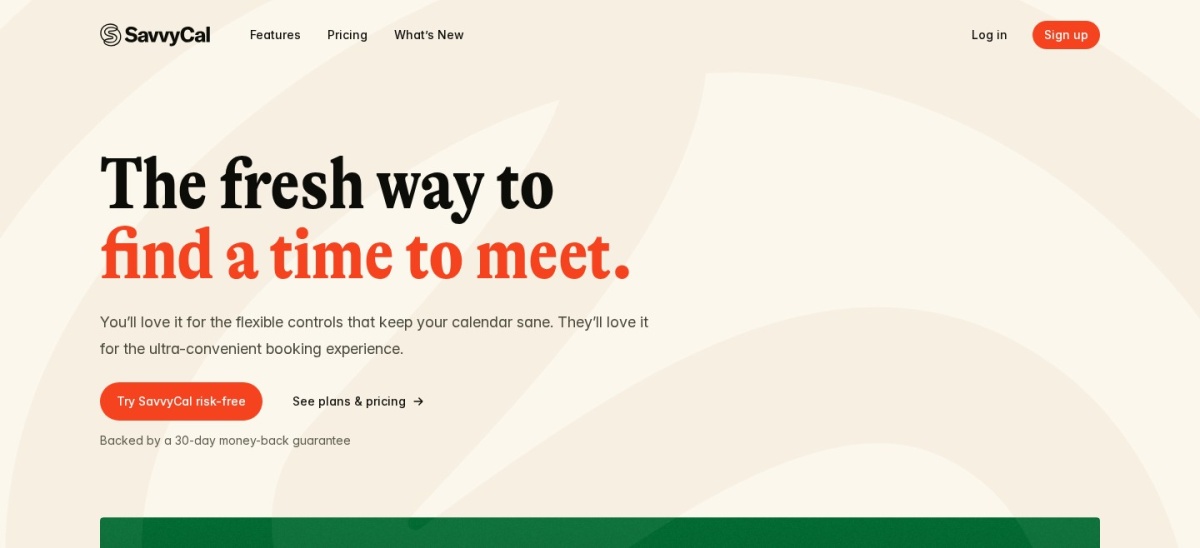
SavvyCal homepage, captured Nov 2026.
SavvyCal is built around one idea: booking should be easy for the person receiving the link. Its calendar overlay shows invitees their own calendar next to your availability, so they can pick a slot without switching tabs, and rank the times they prefer.
The trade off is the small review base. At 36 G2 reviews it is far less proven than Calendly, and there is no permanent free booking plan. It suits sales and customer teams that want the cleanest invitee experience.
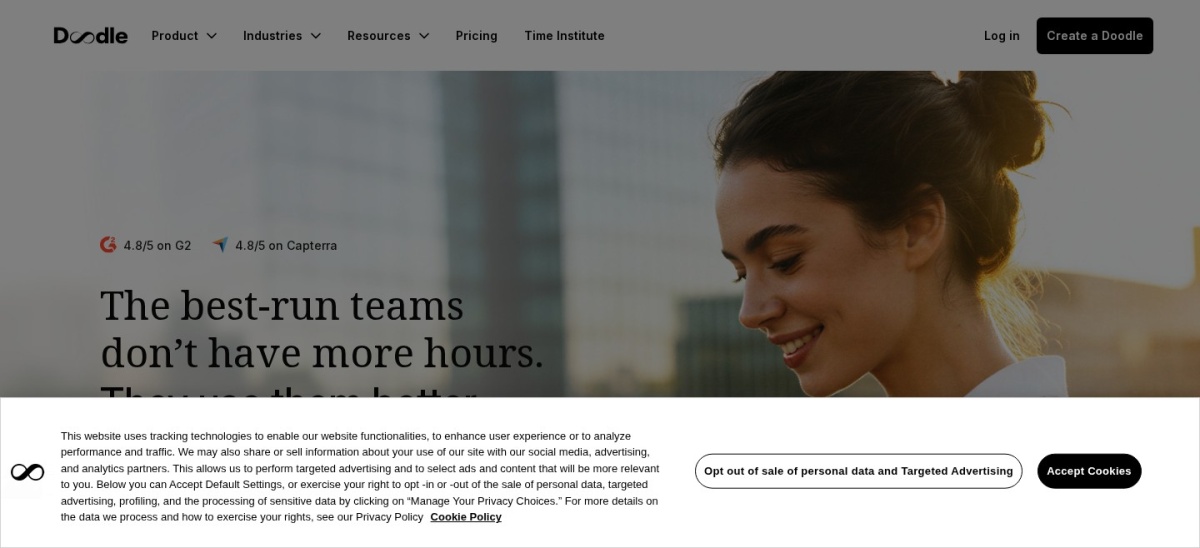
Doodle is the meeting-poll tool, not the demo-booking tool. Its group poll is still the simplest way to find a time that works for eight people from three companies: propose a few times, let everyone vote and lock in the winner.
The trade off is depth. Booking pages handle one-on-ones, but round robin and branding need Team or Enterprise, and the free plan shows ads. It suits committees and cross-team meetings where many people must agree.
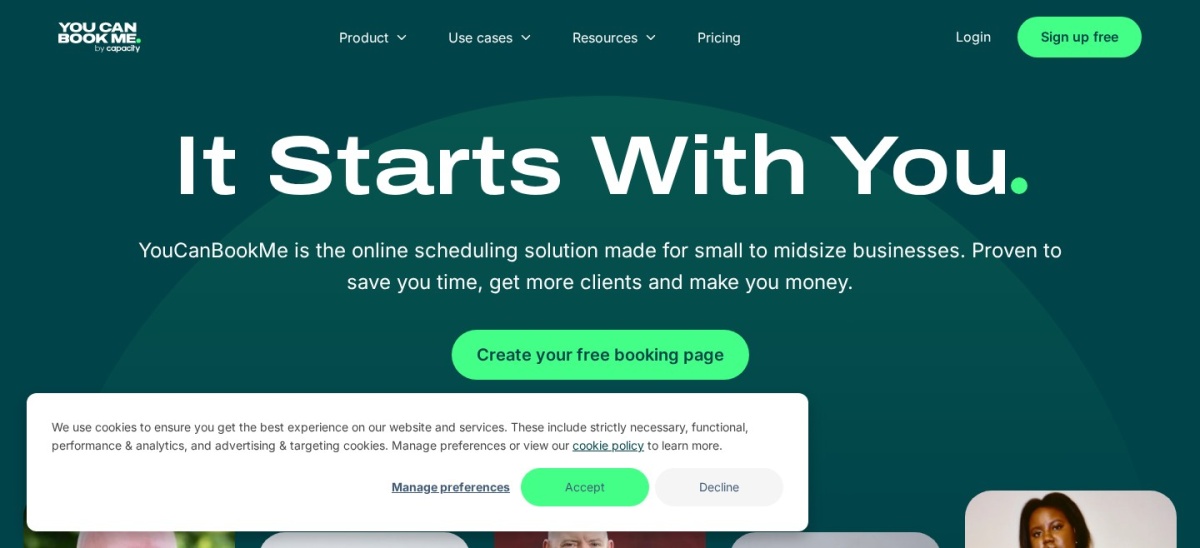
YouCanBookMe is a scheduling tool that gives each booking page its own look, form and rules. It suits consultants, tutors and small teams that want something more customised than a standard scheduling link, with Stripe payments and SMS reminders on the free plan.
The trade off is the free cap. The free plan covers 1 calendar, 1 booking page and 30 bookings a month, and Team at $16.20 a user a month billed annually adds round robin. It suits solo professionals who care about branding.
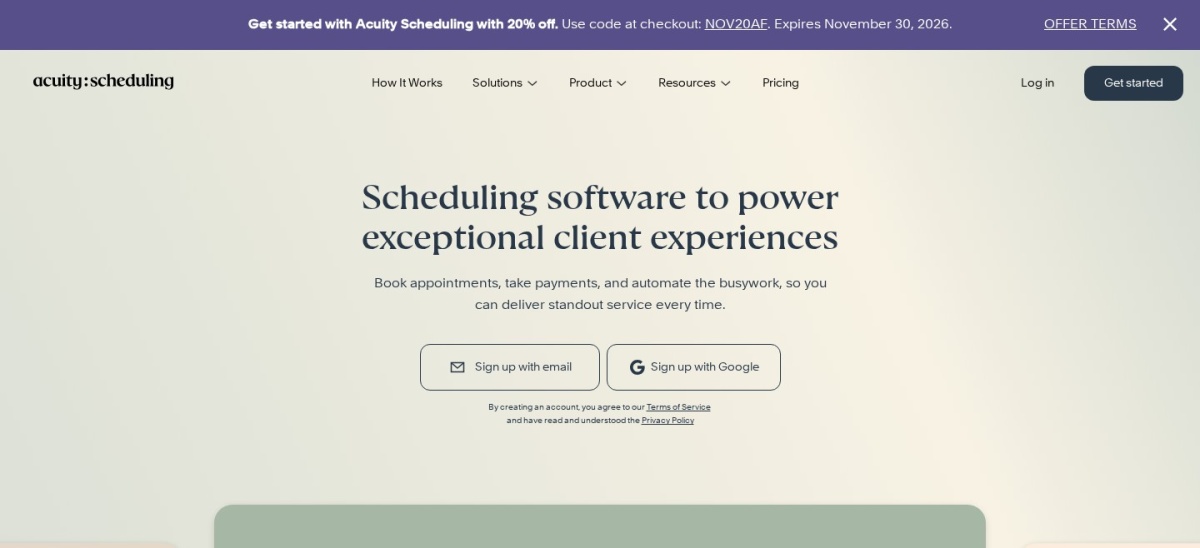
Acuity Scheduling is the service business scheduler that handles the workflow: multiple staff, service types, intake forms, packages and payments. Consultants, studios and clinics run on it when Calendly-style links are too simple.
The trade off is that SMS reminders need Standard at $27 a month, and there is no free plan, only a 7-day trial. It suits businesses that sell time in packages and need client information before the appointment.
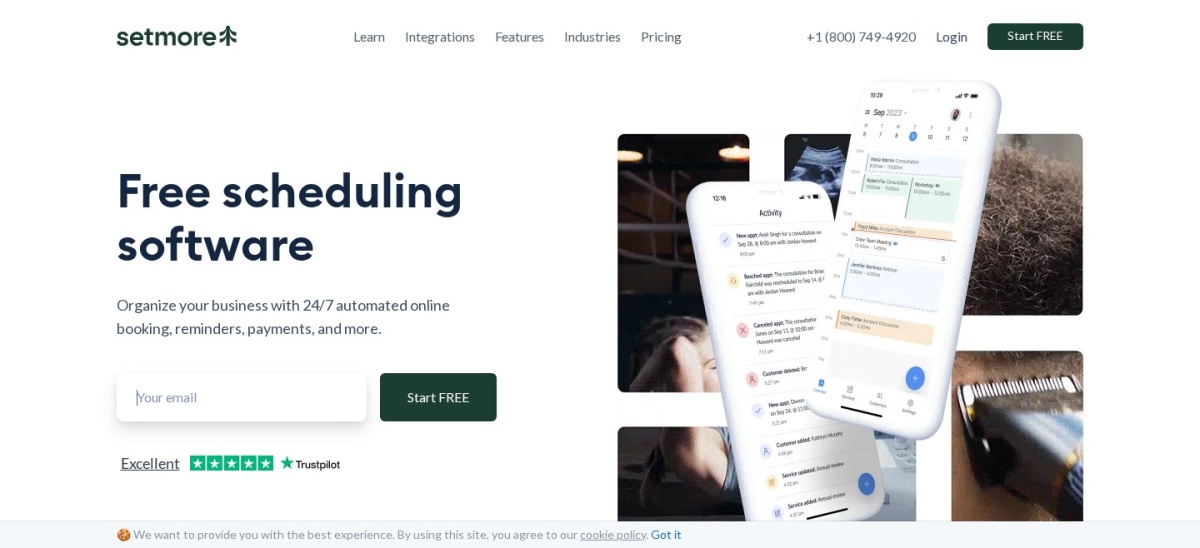
Setmore is the cheap multi-staff scheduler. The free plan covers up to 4 users with 200 appointments a month, email reminders and payments, and Pro costs $5 a user a month billed annually with SMS reminders, two-way calendar sync and unlimited bookings.
The trade off is the free cap. Past 200 appointments a month, Pro becomes necessary, and each staff calendar counts as a user. It suits small teams that want real scheduling software free.
SimplyBook.me is a booking tool for businesses that take many bookings and want a flat price for them. Basic costs $11.90 a month billed annually for 100 bookings and 5 providers, with a booking website, payments, deposits and tips.
The trade off is the quota system. Bookings, providers and premium features each have their own cap, and SMS reminders cost extra credits. It suits multi-provider teams that outgrow per-seat pricing.
Square Appointments is free for solo operators and integrates booking with Square payments and point of sale. The free plan covers one location with unlimited staff calendars, a booking website, reminders, deposits and prepayments.
The trade off is that no-show fees, the waitlist, classes and Google Calendar sync need Plus at $49 a month per location. It suits retail and service businesses that already take Square payments.
Meeting schedulers such as Calendly, Cal.com and Doodle book calls between people. They are fast, simple and cheap.
Service schedulers such as Acuity, SimplyBook.me and Square book treatments, classes and packages. They add staff calendars, intake forms and payments.
Pick by what you sell. If you sell calls, a meeting scheduler is enough. If you sell time in a chair or a room, you need a service scheduler.
How we chose
We started from the schedulers with published prices or real free plans in November 2026, then kept the nine that fit professionals, teams and service businesses.
Prices come from each vendor's pricing page and November 2026 pricing checks, checked on 22 November 2026. Ratings and review counts come from G2 and Capterra on the same day. Where a vendor shows a monthly and an annual rate, the list shows the annual rate.
We left out quote-only sales schedulers such as Chili Piper. No vendor paid for a place. This list is based on pricing, docs and reviews, not on using the tools ourselves.
How to choose an appointment scheduler
Start with who books with you, then match the plan to that use.
Decide meetings or services first. Calendly and Cal.com suit calls. Acuity, SimplyBook.me and Square suit treatments, classes and packages.
Check the free plan cap. Cal.com gives unlimited event types free. Calendly gives one. YouCanBookMe caps at 30 bookings a month.
Price the team tier, not the entry plan. Round robin and routing need higher tiers, so a team of five pays far more than the headline rate.
Test the guest experience. Book yourself in from a phone, check the confirmation and reminder arrive, and confirm the calendar entry is correct.
FAQ
What is the best appointment scheduler software?
Calendly is the best pick for most teams. Standard costs $10 a seat a month billed annually, and it holds a 4.7/5 rating on G2 from 2,674 reviews.
Which scheduler has the best free plan?
Cal.com. Its free Individual plan includes unlimited event types, calendar connections and meetings, plus Stripe payments and Cal Video, which is more than most paid entry plans offer.
What is the cheapest appointment scheduler?
Setmore Pro costs $5 a user a month billed annually, and Doodle Pro costs $6.95. Both offer free plans, though Setmore caps free use at 200 appointments a month.
What is the difference between Calendly and Cal.com?
Calendly is the polished standard with the largest review base. Cal.com gives more away free, including unlimited event types and payments on its free plan.
Which scheduler is best for group meetings?
Doodle. Its group poll lets everyone vote on a few times, which beats sending links back and forth when eight people from three companies must agree.
Do I need a paid plan for round robin?
Yes, on most tools. Round robin needs Calendly Teams at $16 a seat, Cal.com Teams at $12 a user and YouCanBookMe Team at $16.20 a user a month.