Jotform is the best HIPAA-compliant form builder for most practices. Gold costs $99 a month billed annually and includes HIPAA features with a signed BAA at no extra charge, while Cognito Forms Enterprise suits unlimited entries and IntakeQ suits clinic intake with scheduling built in.
How we make this list: we compare pricing pages, product documentation and public user reviews, then re-check every price before each update. No product paid for a place. Disclosure.
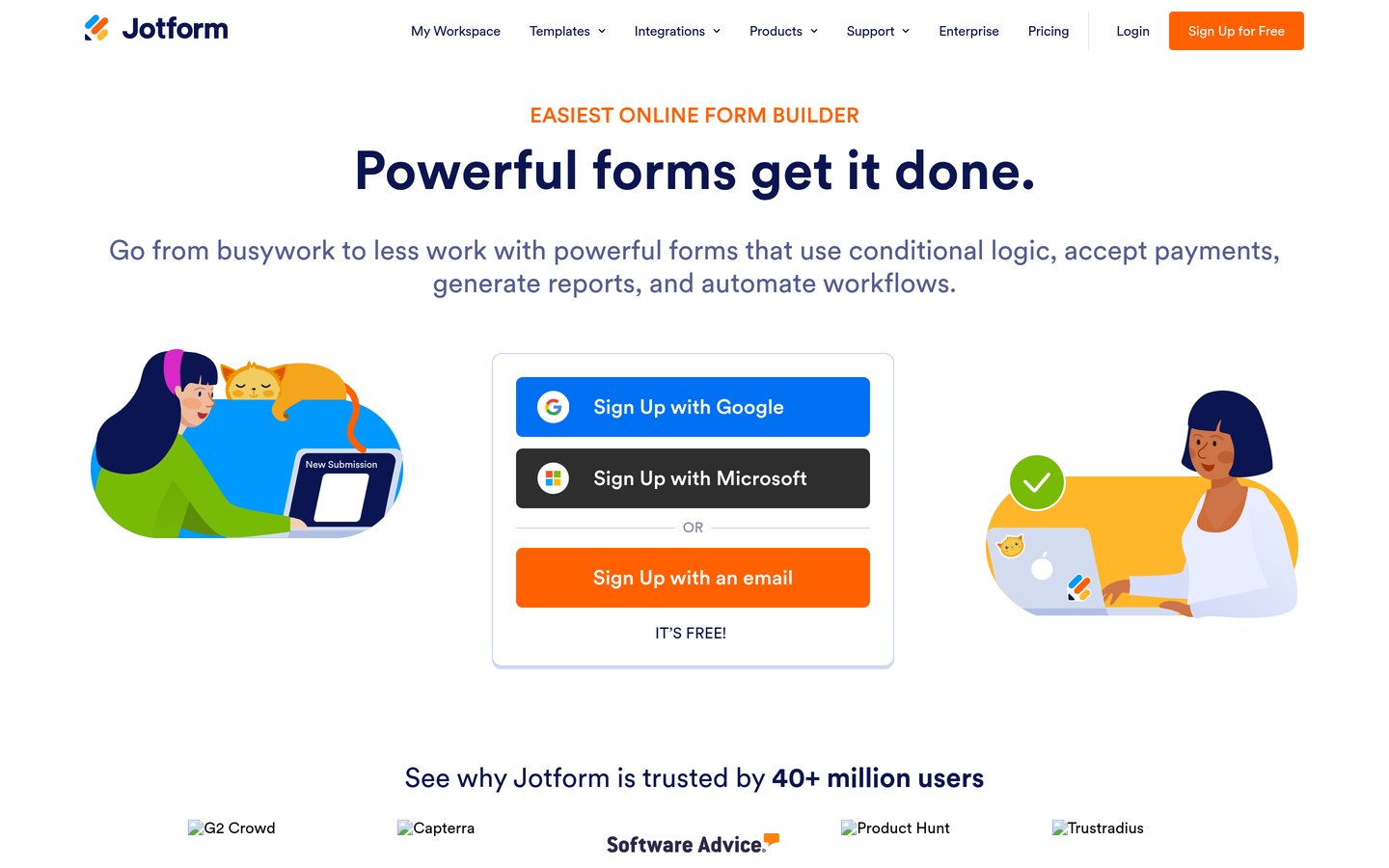
Jotform Gold is the cheapest self-serve HIPAA route at $99 a month billed annually, with the BAA included.
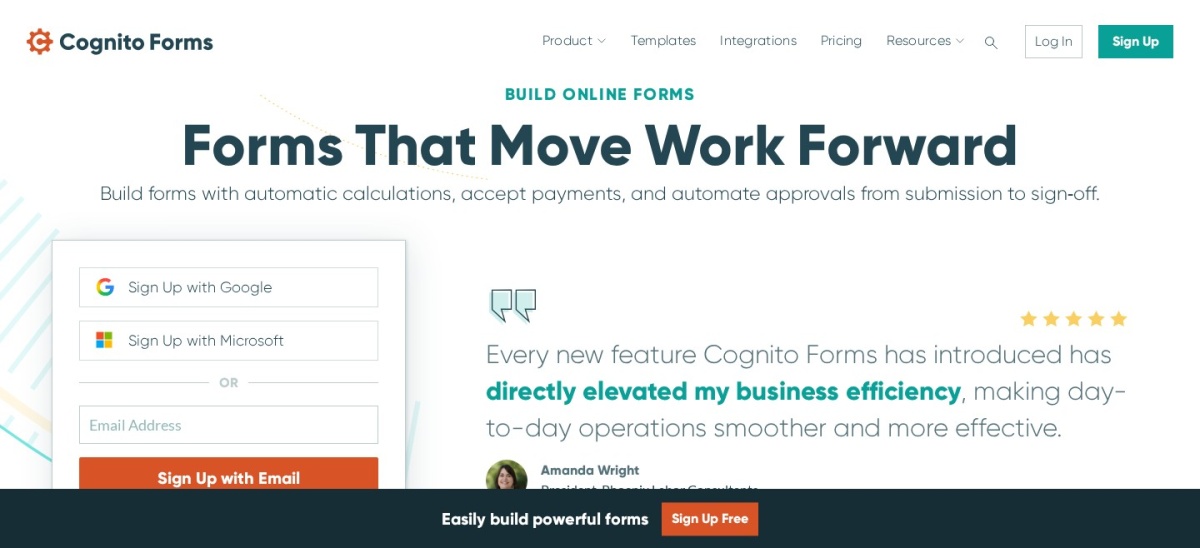
Cognito Forms Enterprise costs $129 a month billed annually and adds unlimited entries and 20 users.
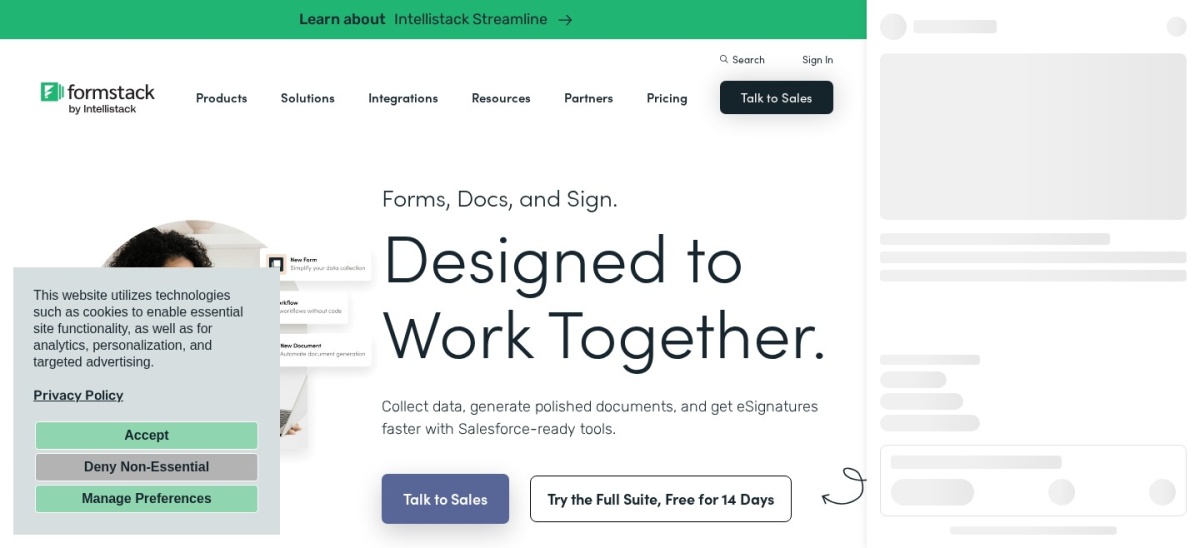
Formstack sells HIPAA as a paid add-on, so its $83 a month Forms price is not the full HIPAA cost.
FormAssembly, Typeform and SurveyMonkey only carry PHI on custom-priced enterprise plans.
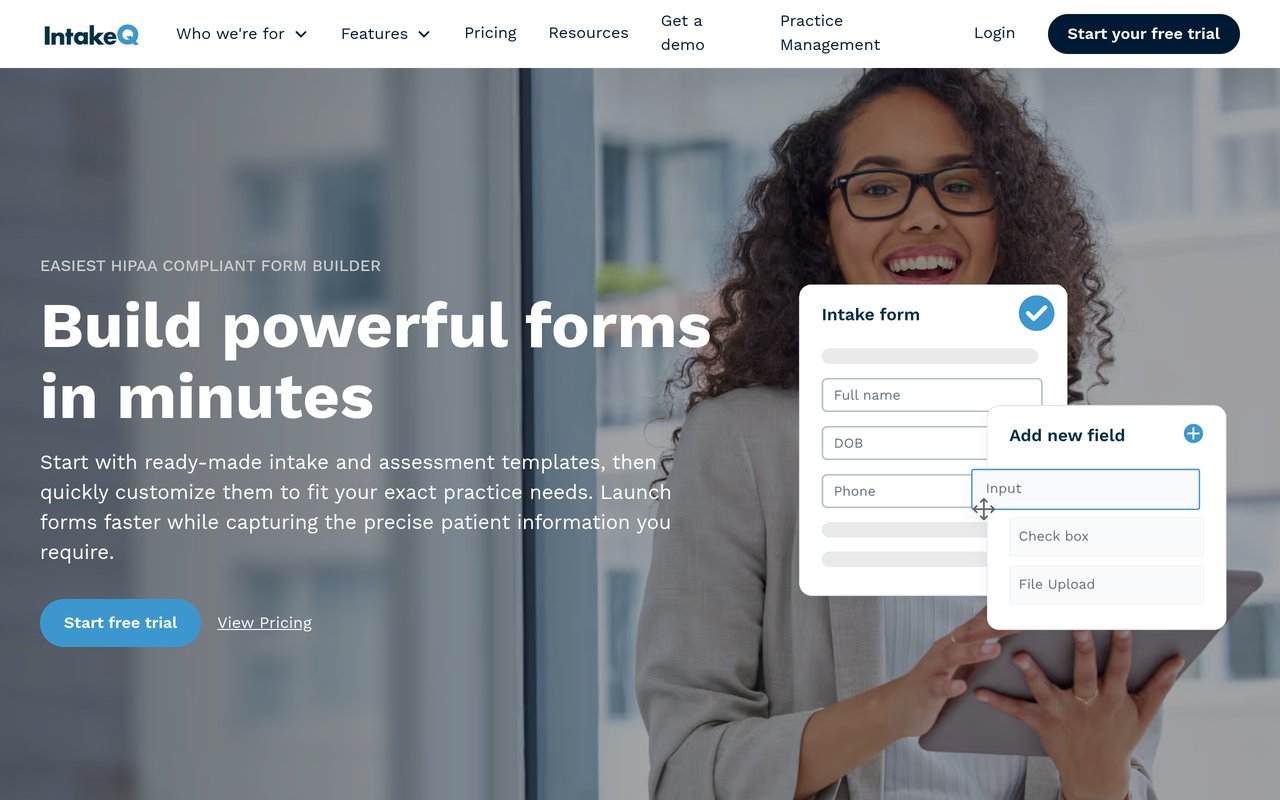
IntakeQ is the only pick here built for clinics, with intake, scheduling and payments in one plan at $54.90 a month.
What makes a form builder HIPAA compliant
A form builder is only HIPAA-capable if the vendor will sign a Business Associate Agreement, known as a BAA, covering the data your forms collect.
The cheapest plan on a pricing page is rarely the HIPAA plan. Most vendors gate HIPAA features and the BAA to a higher tier, so the price that matters is the price of that tier.
Check what the compliant tier actually includes. Entry caps, user seats and e-signature support differ widely, and a low headline price can hide a paid HIPAA add-on.
Our guide on choosing a form builder covers the general features to weigh before you add compliance to the list.
Jotform is the most affordable way to collect protected health information with a signed BAA and no sales call. Gold costs $99 a month billed annually and includes HIPAA features, 100 forms, 10,000 monthly submissions and 100 GB of storage, with a free Starter plan below it.
The trade off is seats. Every self-serve plan below Enterprise is single-user, so a team that needs shared access to forms and results must move to a custom Enterprise contract. It suits solo practices and small clinics that want the cheapest compliant tier.
What we like
BAA included on Gold at no extra charge
10,000 monthly submissions on Gold
20,000+ form templates
Payment collection and e-signatures built in
Watch out for
Single user on all self-serve plans
Steep jump from Silver at $39 to Gold at $99 a month
Cognito Forms is the pick for high-volume intake, because its Enterprise plan pairs a BAA with unlimited entries and 20 users. The plan costs $129 a month billed annually and adds calculations, conditional logic, workflow approvals and a client portal on top of the form builder.
The trade off is price. Enterprise is the only tier with HIPAA, so a small practice pays $129 a month even for a few forms a week. It suits clinics and health teams that process large intake volumes and need staff review steps.
Formstack is the enterprise pick for teams whose forms feed a larger workflow: routing a submission for approval, generating a document and collecting an e-signature, all under HIPAA. The Forms plan starts at $83 a month billed annually, and the Suite plan at $250 a month adds documents and signing.
The trade off is the add-on. HIPAA is sold as a paid add-on on Forms and Suite, and its price is not published, so the headline price understates the real cost. It suits regulated teams that need forms, documents and signatures together.
IntakeQ is the only tool here built for clinics rather than adapted for them. Its Forms plan costs $54.90 a month with no contract and covers secure intake forms, e-signatures, appointment scheduling, secure messaging and payment collection in one place.
The trade off is scope. IntakeQ is a healthcare product first, so teams outside clinics get little from its scheduling and practice tools. It suits therapists, dentists and small practices that want intake and booking together.
What we like
Built for healthcare intake from the start
Scheduling, telehealth and invoicing included
Month-to-month billing with no contract
Lowest compliant price in this list
Watch out for
No free plan
Smaller template library than general form builders
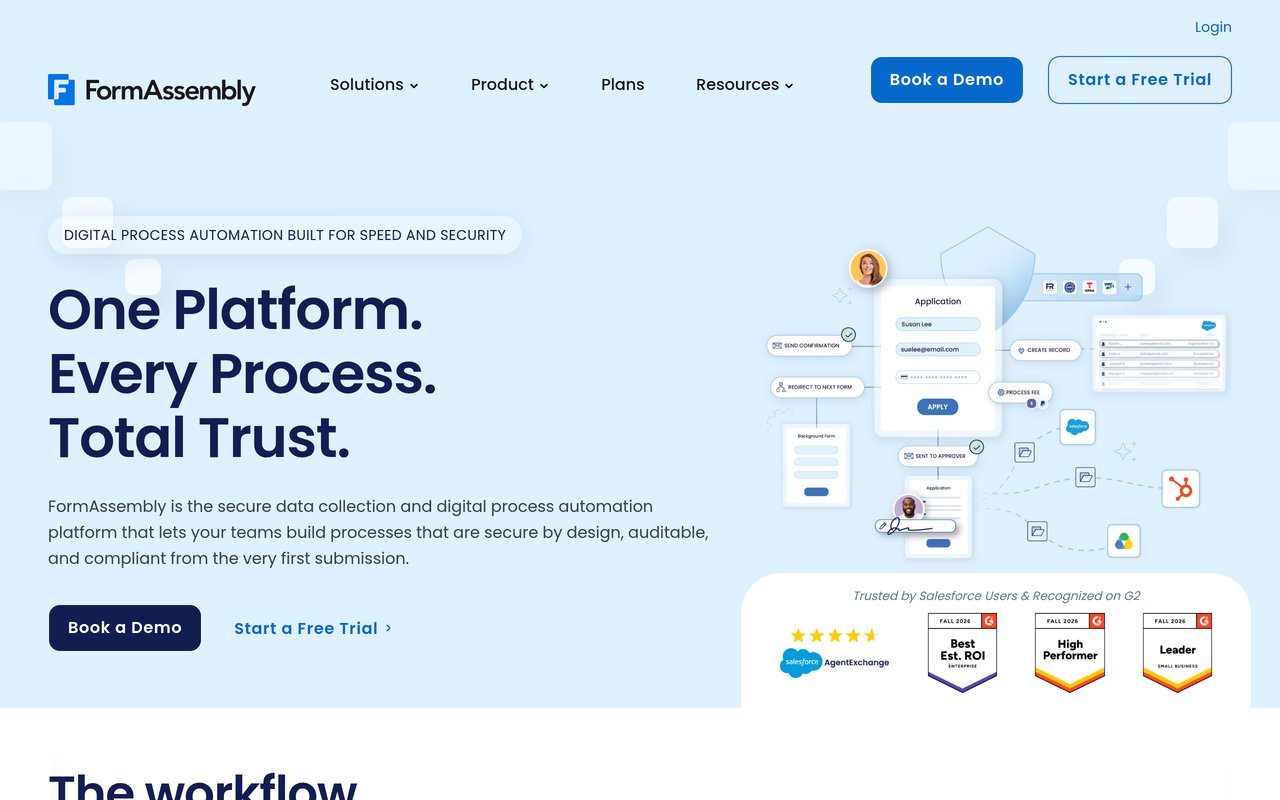
FormAssembly is the serious pick for large Salesforce teams that collect regulated data. Its Enterprise tier includes HIPAA, PCI DSS Level 1 and FedRAMP High compliance, with a Salesforce connector that maps fields across multiple objects and supports Agentforce.
The trade off is access. FormAssembly publishes no price on any tier, and every plan caps seats, so buyers need a demo and a quote before they know the cost. It suits enterprises where Salesforce is the system of record.
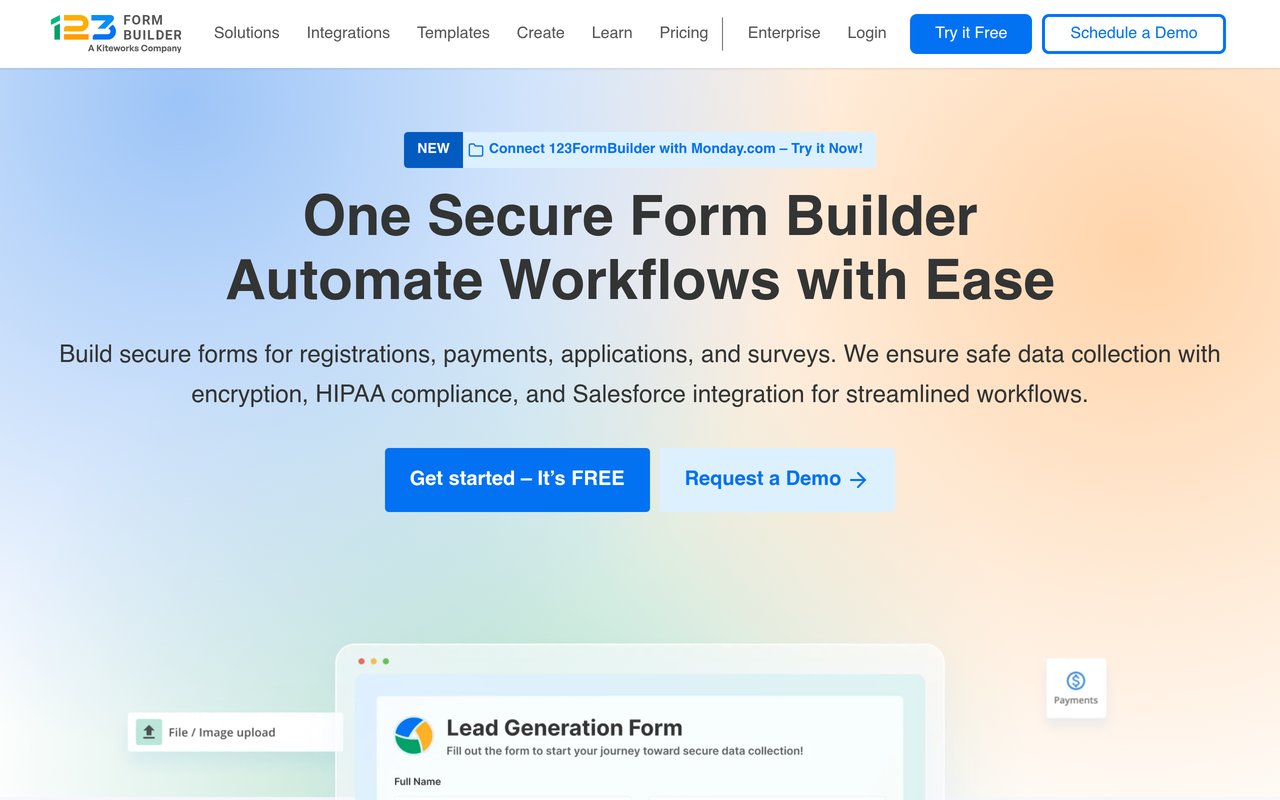
123FormBuilder is a long-running form builder, now part of Kiteworks, that offers certified HIPAA compliance on its Enterprise plan. Enterprise starts at $225 a month billed yearly and adds single sign-on and white labelling, with 3,000+ templates and a native Salesforce integration.
The trade off is metering. Gold, Platinum and Diamond cap forms, fields, submissions and user licences at the same time, and only Enterprise carries HIPAA. It suits teams that want certified compliance with Salesforce in the mix.
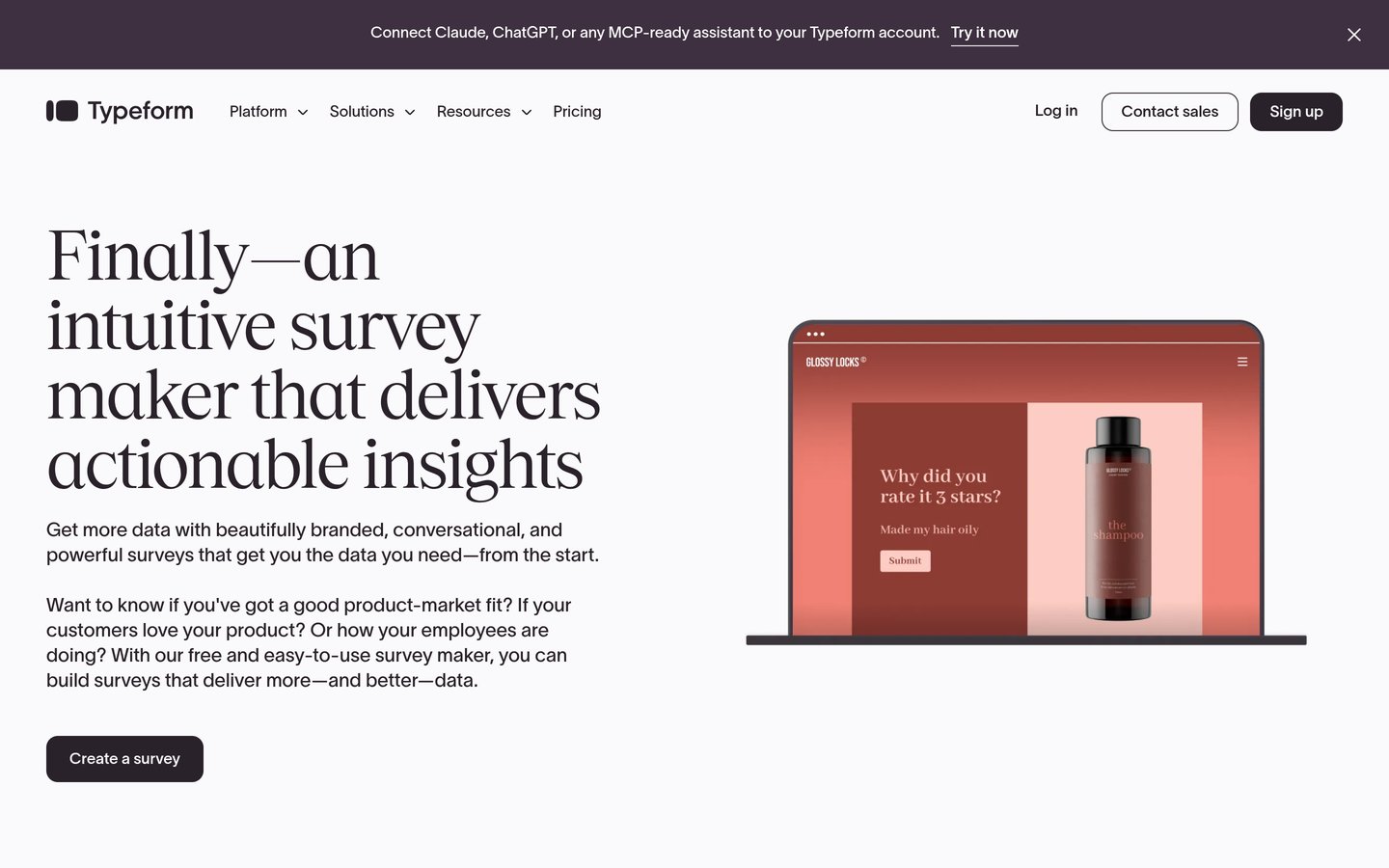
Typeform is the most polished form experience here, with one-question-at-a-time flows that patients actually finish. HIPAA and a BAA are available only on Enterprise or a Growth Custom contract, both custom-priced, while the published Basic plan starts at $28 a month billed annually.
The trade off is cost and access. There is no published HIPAA price, and the conversational format fits short intake better than long clinical forms. It suits clinics that value completion rates and brand polish over price.
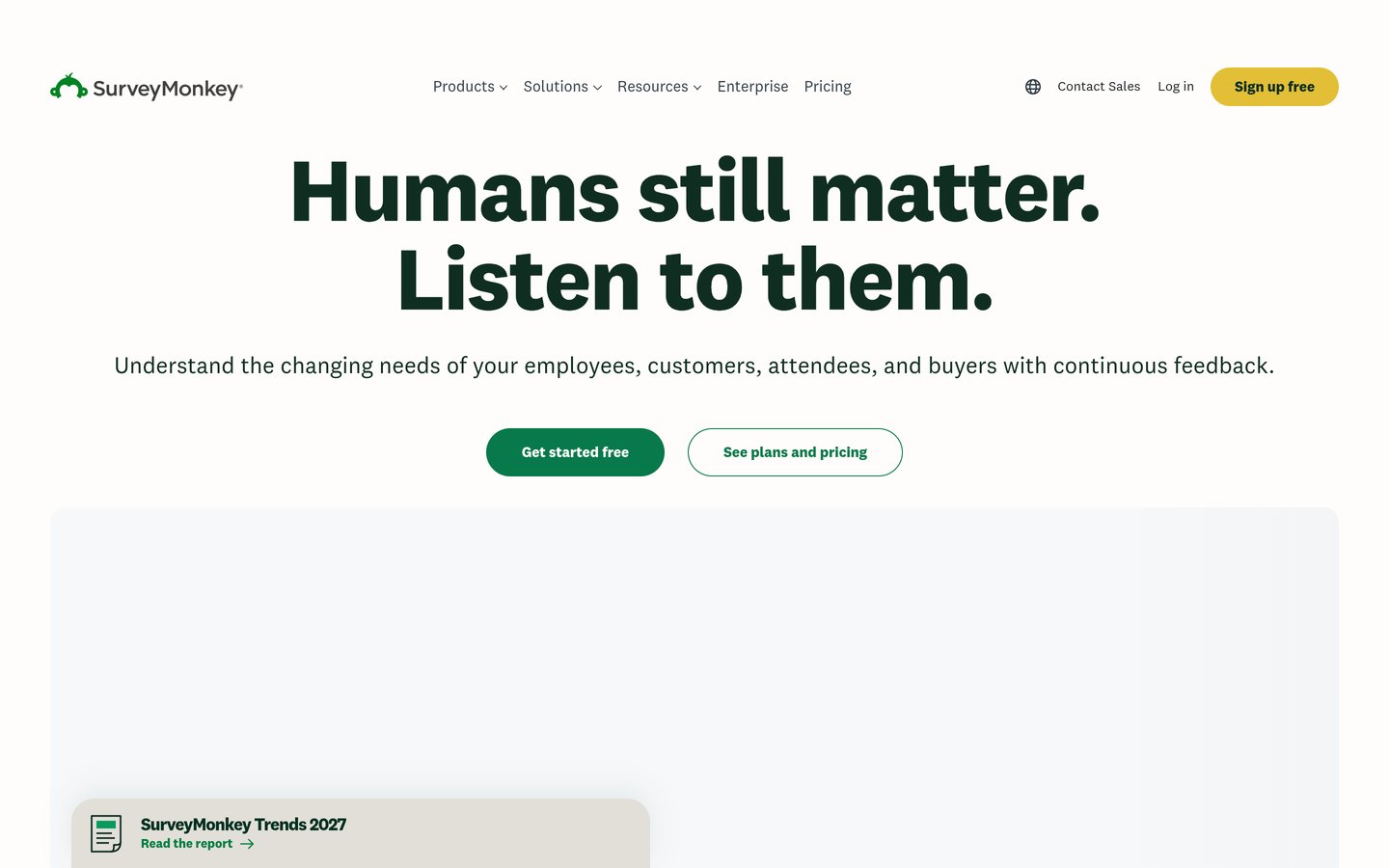
SurveyMonkey is the survey specialist in this list, with deep analytics, logic and reporting that general form builders do not match. HIPAA and a BAA are available on the Enterprise plan by custom quote, while Team Advantage starts at $30 per user a month for ordinary survey work.
The trade off is fit. SurveyMonkey is built for surveys and research, not clinical intake, and its HIPAA tier is quote-only. It suits hospitals and health systems that already run patient experience surveys on it.
Get the BAA signed before the first patient form goes live. A plan that offers HIPAA features without a signed agreement does not cover you.
Turn on the vendor's HIPAA mode or encrypted submissions where the product requires it. Some tools need a setting switched on, not just a plan upgrade.
Limit who can see submissions. Shared logins and broad admin access are the most common way protected data leaks inside a small practice.
Check where data is stored and how long it is kept. Retention and deletion controls matter as much as the form itself when an audit arrives.
How we chose
We started from form builders that publish HIPAA support and a BAA, then kept the ones with a published compliant tier or a clear enterprise route.
Prices come from each vendor's pricing page, checked on 25 November 2026, and show the cheapest plan that carries PHI, not the cheapest plan overall. Ratings come from G2 and Capterra on the same day. Where a vendor shows a sale, the list shows the regular price.
We left out builders that do not offer a BAA at all. No vendor paid for a place, and we do not claim hands-on testing for this list.
How to choose a HIPAA-compliant form builder
Start with the BAA, then check the plan that carries it against your volume.
Confirm the BAA first. Ask the vendor which plans include a signed BAA and whether HIPAA features need switching on. If the answer is vague, the tool is not ready for PHI.
Price the compliant tier, not the entry tier. Jotform Gold and Cognito Forms Enterprise publish their HIPAA prices. Formstack adds a paid add-on, and enterprise-only tools need a quote.
Match entry limits to your intake volume. A solo practice may fit in 10,000 submissions a month, while a busy clinic needs unlimited entries and more seats.
Check e-signatures and payments. Consent forms and copay collection often need signatures or card payments on the same form, which some compliant tiers still charge extra for.
FAQ
What is the cheapest HIPAA-compliant form builder?
Jotform Gold is the cheapest self-serve route, at $99 a month billed annually, with HIPAA features and a signed BAA included at no extra charge. Cognito Forms Enterprise is next at $129 a month billed annually, with unlimited entries.
Does Jotform sign a BAA?
Yes. Jotform signs a Business Associate Agreement on its Gold plan and on Enterprise, and HIPAA features are included there at no extra fee. Bronze and Silver do not include HIPAA features at any price.
Is Formstack HIPAA compliant?
Formstack signs a BAA and sells HIPAA as a paid add-on on its Forms and Suite plans, so the headline price is not the full cost. The Forms plan starts at $83 a month billed annually before the add-on, and the add-on price is not published.
Can Google Forms be used for PHI?
Google states that Forms is in the HIPAA Included Functionality list for Google Workspace, so a Workspace account with a signed BAA can use it for PHI. It is a plain form tool, with no intake workflows, e-signatures or payment collection built in.
What is a BAA and why does it matter?
A Business Associate Agreement is the contract in which a vendor agrees to protect health information under HIPAA rules. Without a signed BAA, collecting patient data through a form builder leaves the practice exposed, even if the tool encrypts submissions.
Do I need the most expensive plan for HIPAA?
Usually the plan above the middle tier, not the top one. Jotform gates HIPAA to Gold, Cognito Forms to Enterprise, and FormAssembly, Typeform and SurveyMonkey to custom enterprise plans, so check the compliant tier for each tool.
SaaS SEO and WordPress specialist with about 8 years of experience. Rakib compares WordPress plugins, themes, hosting and software using public pricing, documentation and user reviews. See how we rank.