Jotform is the best form builder for most teams, with a 4.7/5 G2 rating from 4,400+ reviews and a free plan covering 5 forms and 100 submissions a month. Pick Typeform for polished one-question-at-a-time forms, or Google Forms when you need a free tool with almost no limits.
How we make this list: we compare pricing pages, product documentation and public user reviews, then re-check every price before each update. No product paid for a place. Disclosure.
Jotform is the top pick: 4.7/5 on G2 from 4,400+ reviews, a free plan with 100 submissions a month, and paid plans from $34 a month.
Typeform Basic costs $28 a month billed annually, but caps you at 100 responses a month, so volume gets expensive fast.
Google Forms and Tally are the strongest free options. Google Forms allows up to 500,000 responses per form, while Tally adds payments and logic for free.
Zoho Forms Basic is the cheapest paid plan here at $10 a month billed annually, with 10,000 submissions a month.
Formstack is the priciest entry at $83 a month with no free plan, and it suits regulated teams that need documents and e-signatures beside forms.
What to look for in a form builder
A form builder turns a blank page into a working form without code. You pick fields, set rules for who sees what, and the answers land in a table, a spreadsheet or your CRM.
The main split is between simple and capable. Simple tools collect answers fast, while capable ones add payments, calculations, approvals and multi-step flows.
Price follows volume. Most tools charge by responses or submissions per month, so a form that gets 50 replies costs far less than one that gets 5,000. Check the cap on the plan you would actually buy, not the headline price.
WordPress users have a separate choice. Plugins such as WPForms run inside WordPress, while the tools here work on any site. Our Contact Form 7 vs WPForms guide compares two of the WordPress options.
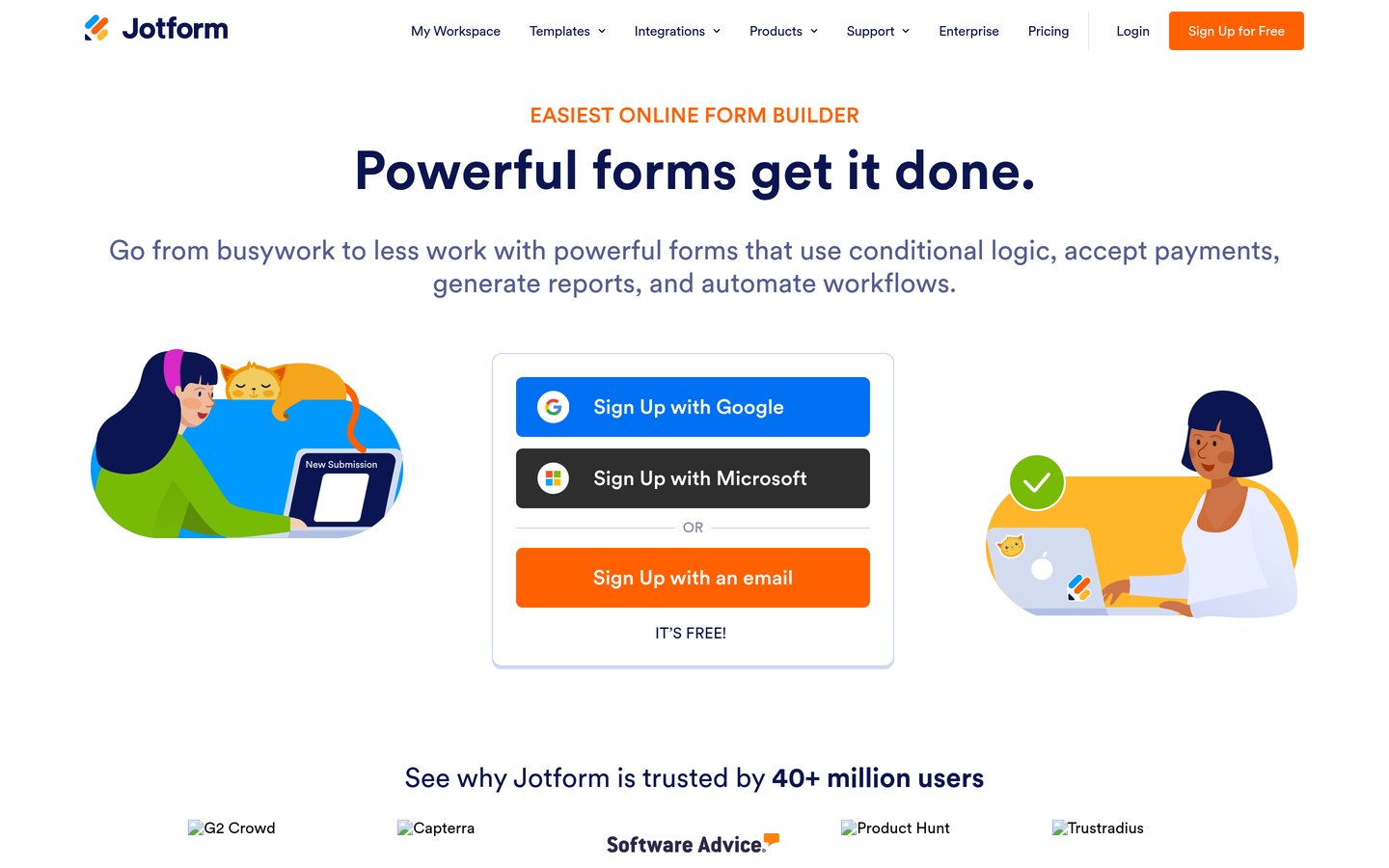
Jotform is an online form builder with a drag-and-drop editor, built-in payment, signature and approval features, and a large template library. The free Starter plan covers 5 forms, 100 monthly submissions and 100 MB of storage. Bronze at $34 a month billed annually raises that to 25 forms, 1,000 submissions a month and 1 GB, and removes Jotform branding.
The trade off is that the free plan is small, and every paid plan covers one user, so teams pay for Enterprise to add seats. A Black Friday offer cuts annual prices for new sign-ups in late November 2026, but the regular Bronze price is $34 a month. It suits small businesses that want payments and workflows in one tool.
What we like
Free plan includes payment collection
1,000 submissions a month on Bronze
Rated 4.7/5 on G2 from 4,400+ reviews
Approvals, signatures and payments in one tool
Watch out for
Paid plans cover one user each
Free plan caps at 5 forms
Only 1 GB of storage on Bronze
Bronze adds 1,000 submissions a month and removes brandingVisit jotform.com
02
Typeform
4.5/5on G2 (1,027 reviews, checked Nov 2026)
Paid from$28/mo
Best for polished conversational forms
Free plan10 responses/mo
Cheapest paidBasic, $28/mo
G2 rating4.5/5, 1,027 reviews
Responses on Basic100/mo
typeform.com
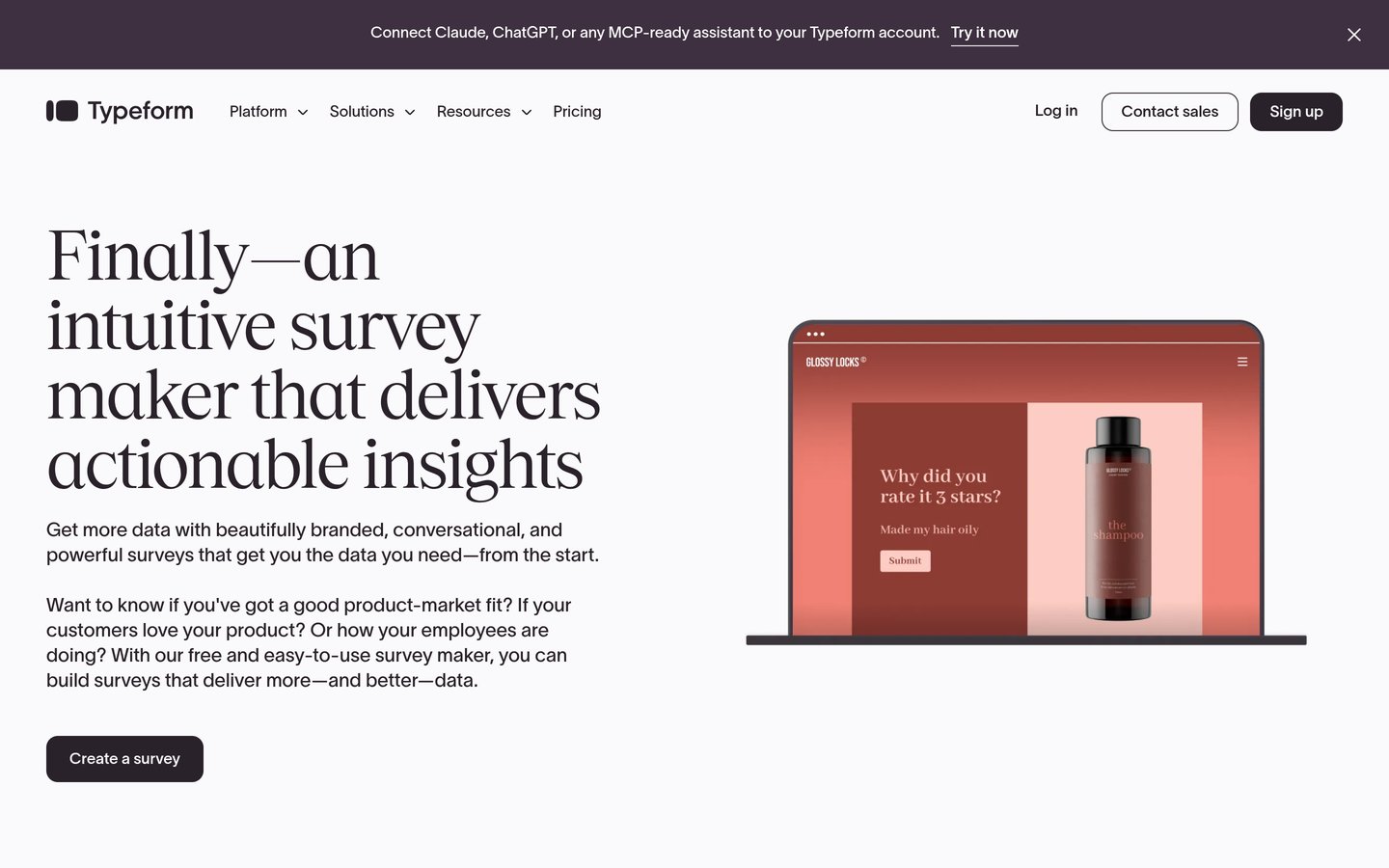
Typeform homepage, captured Nov 2026.
Typeform is a conversational form builder that shows one question at a time, with branching logic, media backgrounds and AI form creation. The free plan allows 10 responses a month. Basic at $28 a month billed annually allows 100 responses a month, unlimited typeforms and one user, with webhooks and integrations included.
The trade off is the response cap. Basic costs $28 a month for just 100 responses, and Plus at $56 a month billed annually is needed for 1,000 responses and branding removal. It suits marketing teams that want polished, high-completion forms and can live with a tight response budget.
Google Forms is a free form builder included with any Google account, with unlimited forms and up to 500,000 responses per form. Answers land straight in Google Sheets, and several people can edit one form at the same time. It covers quizzes with automatic grading, file uploads and section-based branching at no cost.
The trade off is depth. Google Forms has no payment collection, no calculations and only section-level logic, so it cannot hide a single question or work out a total. It suits schools, clubs and teams that need simple data collection at scale and already live in Google Workspace.
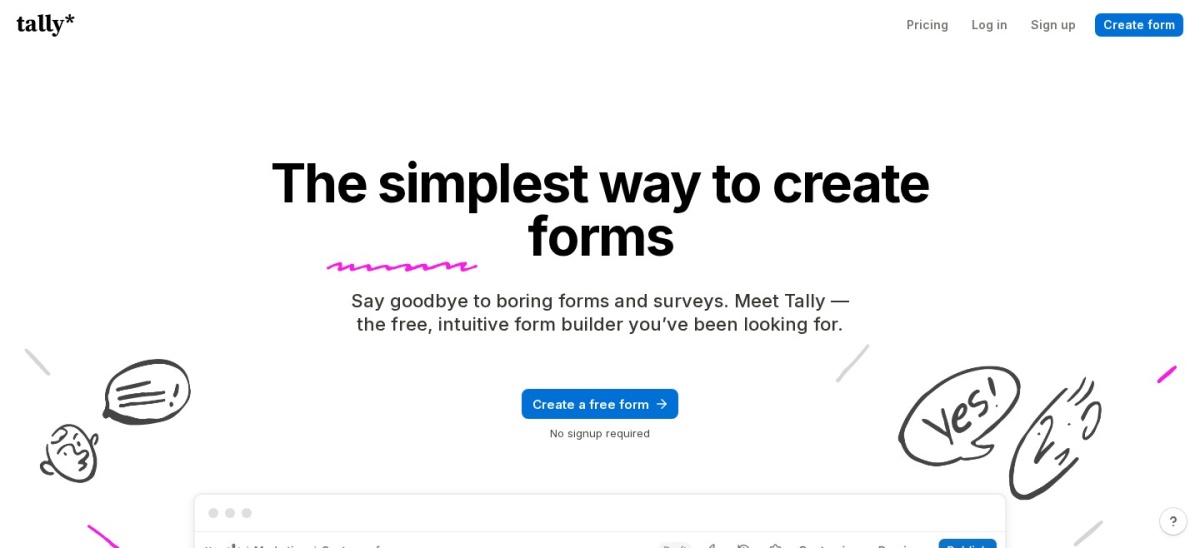
Tally is a document-style form builder where you type a form like a document, with unlimited forms and unlimited responses on the free plan. Conditional logic, calculated fields, file uploads and Stripe payments are all free too. Pro at $29 a month adds custom domains, custom CSS, workspaces and removal of Tally branding.
The trade off is design range. Tally keeps forms simple, so teams that want rich media layouts or a large template gallery may prefer Typeform or Jotform. It suits creators and small teams that want advanced features without a monthly bill, and only pay when branding or team workspaces matter.
What we like
Unlimited forms and responses for free
Logic, calculations and payments free
Rated 4.9/5 on G2
Watch out for
Plain design beside Typeform
Pro needed to remove branding and add workspaces
Pro adds custom domains, workspaces and branding removalVisit tally.so
05
Paperform
4.8/5on G2 (78 reviews, checked Nov 2026)
Paid from$49/mo
Best for branded payment pages
Free plan30 submissions/mo
Cheapest paidPro, $49/mo
G2 rating4.8/5, 78 reviews
PaymentsStripe, PayPal and more
paperform.co
Paperform homepage, captured Nov 2026.
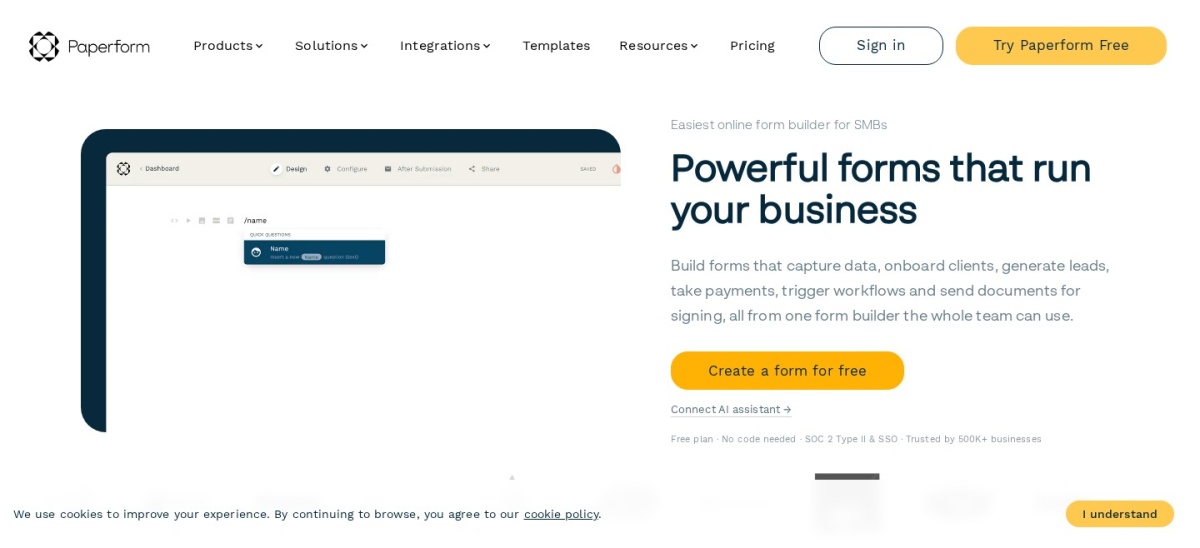
Paperform is a form builder that mixes prose, images and video with fields, so a form can read like a landing page. The free plan covers 30 submissions a month. Pro at $49 a month billed annually adds unlimited submissions under a fair-use policy, unlimited seats, payments through Stripe and PayPal, and calculations.
The trade off is price. Pro is the highest entry price among the free-leaning tools here, and a custom domain costs $20 a month extra. A Black Friday offer halves Pro for new sign-ups in late November 2026, but the regular price is $49 a month. It suits consultants and clinics that want branded booking and payment pages.
What we like
Forms read like landing pages
Unlimited seats and submissions on Pro
Five payment gateways
Watch out for
Pro at $49 a month is dear for light use
Custom domain costs $20 a month extra
Free plan stops at 30 submissions a month
Pro adds unlimited submissions, payments and branding removalVisit paperform.co
06
Cognito Forms
4.6/5on G2 (137 reviews, checked Nov 2026)
Paid from$19/mo
Best low-cost payment forms
Free planUnlimited forms, 500 entries/mo
Cheapest paidPro, $19/mo
G2 rating4.6/5, 137 reviews
PaymentsStripe, Square, PayPal
cognitoforms.com
Cognito Forms homepage, captured Nov 2026.
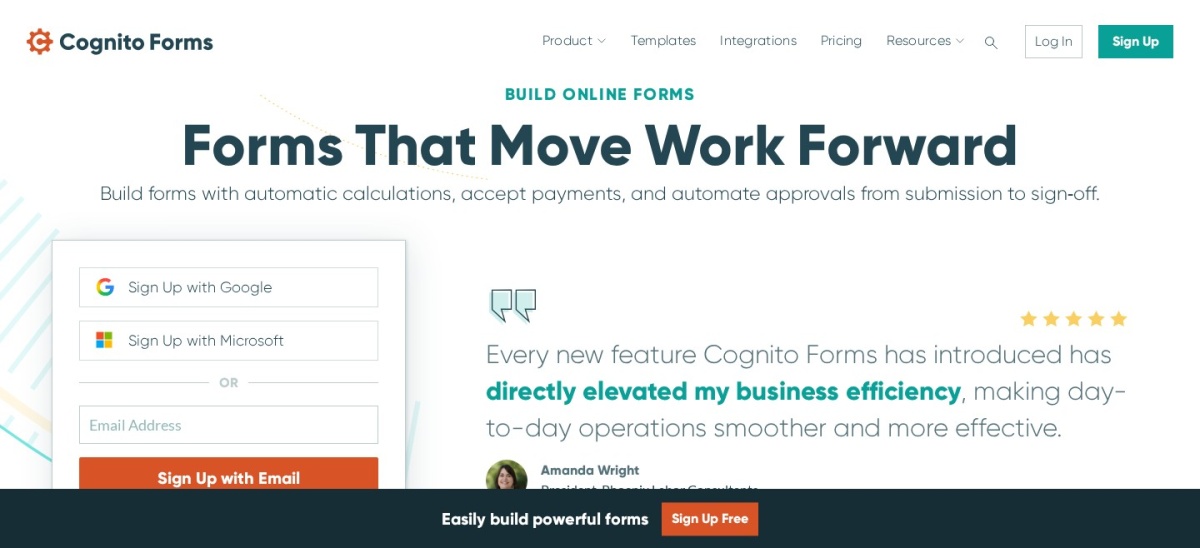
Cognito Forms is an online form builder with strong conditional logic, calculated fields and payment collection through Stripe, Square and PayPal. The free Individual plan covers unlimited forms and 500 entries a month. Pro at $19 a month billed annually raises that to 2,000 entries a month, adds 1 GB of storage and removes branding.
The trade off is the price rise. Pro cost $15 a month until early November 2026, when Cognito raised it to $19 a month billed annually, so older round-ups still show $15. It suits small businesses and nonprofits that need payment forms and calculations at a low monthly price.
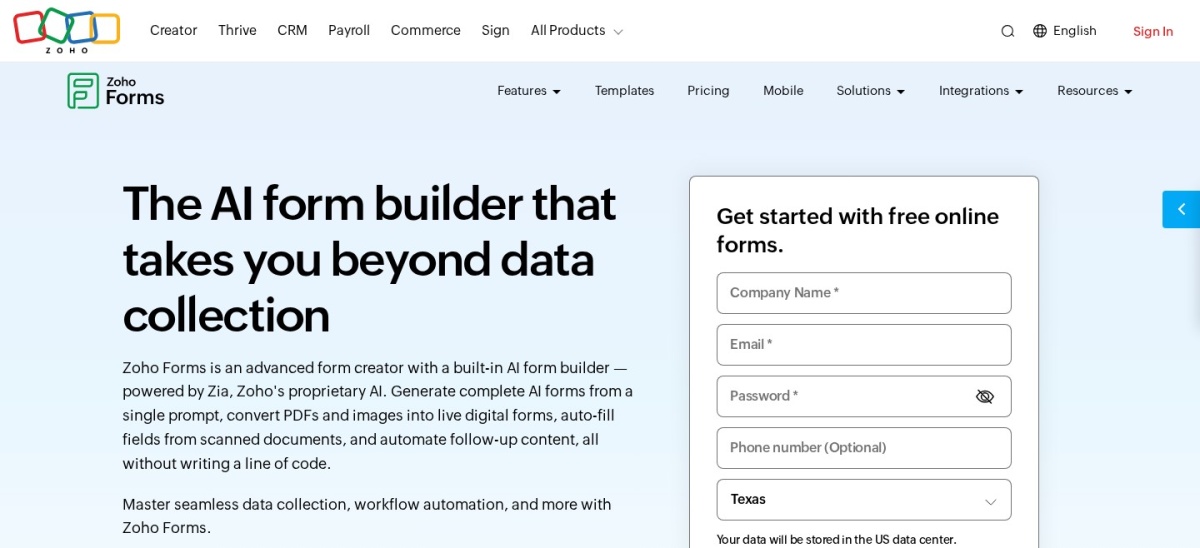
Zoho Forms is a form builder built for the Zoho ecosystem, with submissions flowing straight into Zoho CRM, Desk and Books. The free plan covers 3 forms and 500 submissions a month. Basic at $10 a month billed annually allows unlimited forms and 10,000 submissions a month, with 500 MB of storage.
The trade off is design. Zoho Forms uses a plain all-fields-on-one-page layout, and its best features assume you already use Zoho apps. It suits teams inside the Zoho ecosystem that want high submission limits for the lowest paid price in this list.
What we like
Cheapest paid plan in this list
10,000 submissions a month on Basic
Deep Zoho CRM integration
Watch out for
Plain, dated design
Best features assume Zoho apps
Free plan covers only 3 forms
Basic adds unlimited forms and 10,000 submissions a monthVisit zoho.com
08
Wufoo
4.2/5on G2 (296 reviews, checked Nov 2026)
Paid from$16.25/mo
Best simple low-cost builder
Free plan5 forms, 100 entries/mo
Cheapest paidStarter, $16.25/mo
G2 rating4.2/5, 296 reviews
Templates400+
wufoo.com
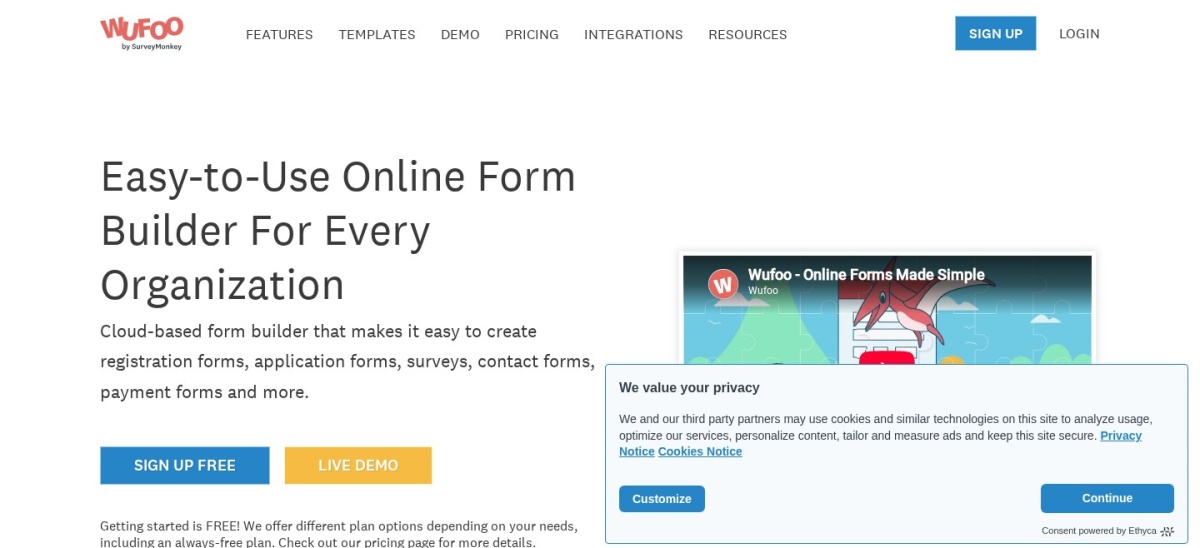
Wufoo homepage, captured Nov 2026.
Wufoo is a long-running online form builder from SurveyMonkey, with a simple drag-and-drop editor and more than 400 templates. The free plan covers 5 forms and 100 entries a month. Starter at $16.25 a month billed annually covers 10 forms, 1,000 entries a month and 1 GB of file storage.
The trade off is slow development. Wufoo has changed little in years, and its interface looks dated beside Jotform and Tally. Starter also lacks payment collection, which starts on Professional. It suits teams that want a plain, low-cost form builder and do not need new features.
What we like
Simple editor that is easy to learn
Cheap Starter plan at $16.25 a month
400+ templates
Watch out for
Little development in recent years
No payments on Starter
Dated interface
Starter adds 1,000 entries a month and 1 GB of storageVisit wufoo.com
09
Formstack
4.3/5on G2 (471 reviews, checked Nov 2026)
Starts at$83/mo
Best for regulated team workflows
Free planNo, 14-day trial
Cheapest paidForms, $83/mo
G2 rating4.3/5, 471 reviews
Builder seats on Forms1
formstack.com
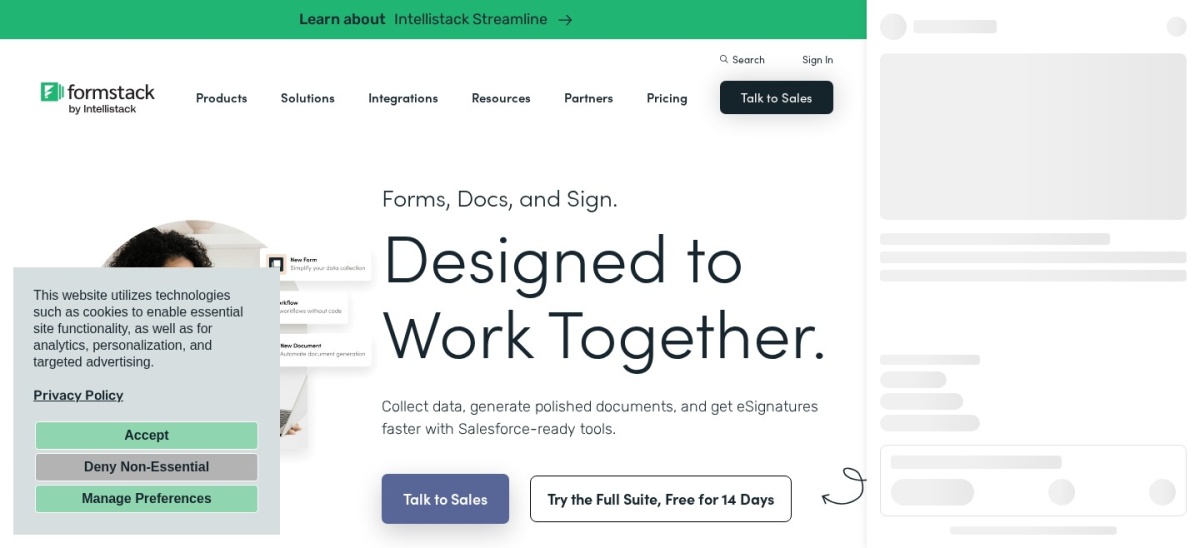
Formstack homepage, captured Nov 2026.
Formstack is a form builder for regulated teams, combining forms with document generation and e-signatures in one platform. There is no free plan, only a 14-day trial. Forms at $83 a month billed annually covers one builder seat, 25 forms, 1,000 submissions per form and 2 GB of storage.
The trade off is price. At $83 a month for a single user, Formstack costs more than twice Jotform Bronze, and adding a second builder means the $250-a-month Suite plan. It suits healthcare, HR and finance teams that need approvals, documents and signatures beside their forms.
Free plans in this list range from 10 responses a month on Typeform to unlimited responses on Tally, so the word free means very different things.
Paid plans mostly add volume and branding. You get more submissions, remove the vendor logo and add a custom domain.
Payments and logic are the other split. Tally and Jotform include payments for free, while Wufoo and Typeform keep them on paid plans.
If a form takes money or feeds a workflow, the cheapest paid plan often costs less than one missed order. Our guide to WPForms pricing shows the same pattern inside WordPress.
How we chose
We started from the form builders with the largest review counts on G2, then kept nine that cover free plans, payments, logic and team workflows.
Prices come from each vendor's pricing page, checked on 25 November 2026. Ratings and review counts come from G2 on the same day. Where a vendor shows a sale, the list shows the regular price.
We left out WordPress-only form plugins, which belong in a WordPress list, and survey-only tools. No vendor paid for a place, and we do not claim hands-on testing for this list.
How to choose a form builder
Start with how many responses you expect each month, then check what the free plan leaves out.
Count your monthly responses. Most paid plans cap responses or submissions, so a busy form can outgrow a cheap plan in weeks. Estimate your peak month, not your average.
Check what the free plan really includes. Some free plans include logic and payments, while others cap you at 10 responses a month. List the features you need before you compare prices.
Test payments and logic on a real form. Build one form with your trickiest question, a payment field and a confirmation email. If the free plan blocks any of them, price the plan that allows all three.
Check where the answers go. Forms are only useful if the data reaches your spreadsheet, CRM or inbox without manual copying. Confirm the integration you need works on the plan you would buy.
FAQ
What is the best form builder?
Jotform is the best form builder for most teams. It scores 4.7 out of 5 on G2 from 4,400+ reviews, its free plan covers 5 forms and 100 submissions a month, and Bronze at $34 a month adds payments, signatures and approvals.
Is there a truly free form builder?
Yes. Google Forms is free with unlimited forms and up to 500,000 responses per form, and Tally is free with unlimited forms, responses, logic and Stripe payments. Both suit simple data collection, though neither matches the design polish of Typeform.
Which form builder is best for payments?
Jotform and Cognito Forms are the cheapest routes to payment forms, with Jotform taking payments even on its free plan and Cognito Pro at $19 a month. Paperform and Tally also collect payments, while Google Forms cannot take money at all.
What is the cheapest paid form builder?
Zoho Forms Basic is the cheapest paid plan here at $10 a month billed annually, with unlimited forms and 10,000 submissions a month. Wufoo Starter at $16.25 a month and Cognito Forms Pro at $19 a month are the next cheapest.
Is Typeform worth $28 a month?
Typeform Basic costs $28 a month billed annually for 100 responses a month, so it is worth it only when polished one-question-at-a-time forms lift completion rates for you. For high-volume forms, Jotform Bronze or Zoho Forms Basic give far more responses for similar money.
Do I need a WordPress form plugin instead?
Only if your forms must live inside WordPress with its user and content data. Standalone builders such as Jotform and Tally work on any site and embed with a code snippet. WordPress plugins suit sites that never publish forms elsewhere.
SaaS SEO and WordPress specialist with about 8 years of experience. Rakib compares WordPress plugins, themes, hosting and software using public pricing, documentation and user reviews. See how we rank.