Lucidchart is the best decision tree software for most people, with a free plan, Individual at $9 a month billed yearly, and more than 8,800 G2 reviews behind it. Pick Miro for team boards and Zingtree for guided support trees.
How we make this list: we compare pricing pages, product documentation and public user reviews, then re-check every price before each update. No product paid for a place. Disclosure.
Lucidchart is the cheapest structured pick at $9 a month, with a free plan and 8,846 G2 reviews.
Miro is the best team whiteboard at $10 per user a month, rated 4.6 out of 5 from 13,821 G2 reviews.
Zingtree is the best guided-tree tool for support teams, with a free plan and Business by quote.
Analytica and TreeAge Pro are the analytical picks, with expected-value rollbacks that diagram tools cannot do.
PrecisionTree is sold only inside the DecisionTools Suite, so its $1,882 yearly figure buys seven Excel tools.
What decision tree software should do
A decision tree turns a chain of choices into a picture. Each branch is a question, each leaf is an outcome, and the reader can follow the logic without reading a manual.
Trees split into two kinds. Diagram tools such as Lucidchart and Miro draw the tree, while guided tools such as Zingtree and Yonyx walk a person through it one question at a time.
Analytical tools are a third kind. Analytica, TreeAge Pro and PrecisionTree calculate expected values and roll the tree back to the best choice, which is what health economists and risk analysts need.
Price is the biggest surprise in this category. Our guide to project management software covers the planning tools that often sit beside these systems.
Check the rating base before trusting a score. TreeAge Pro scores 3.3 out of 5 from only 2 G2 reviews, while Miro holds 4.6 from more than 13,800.
Lucidchart is a browser-based diagramming tool for building decision trees, flowcharts and org charts. The free plan covers 3 editable documents with 100 templates, and Individual starts at $9 a month billed yearly with unlimited documents and shapes. It is rated 4.5 out of 5 from 8,846 G2 reviews.
The trade off is the free plan cap. Only your 3 most recent documents stay editable, so a fourth tree needs a paid plan. It suits anyone who wants a clean, professional tree without installing software.
Miro is a visual whiteboard where teams draw decision trees together in real time. The free plan covers 3 editable boards with unlimited team members, and Starter starts at $10 per user a month with unlimited boards, private sharing and 25 AI credits a month. It is rated 4.6 out of 5 from 13,821 G2 reviews.
The trade off is structure. Miro is an open canvas, so a tree needs discipline to stay readable, and the free plan has no private boards. It suits teams that workshop decisions live and want voting, timers and templates on the same board.
What we like
Largest review base in this list
Real-time collaboration and voting
250+ integrations and apps
Watch out for
Open canvas needs discipline to stay tidy
Free plan has no private boards
Business adds the full AI suite at $20 a monthVisit miro.com
03
Zingtree
4.6/5on G2 (100 reviews, checked Nov 2026)
PricingCustom/yr
Best for guided support trees
Free planYes, simple trees
Paid planBusiness, by quote
IntegrationsZendesk, Salesforce
AIKnowledge Assist search
zingtree.com
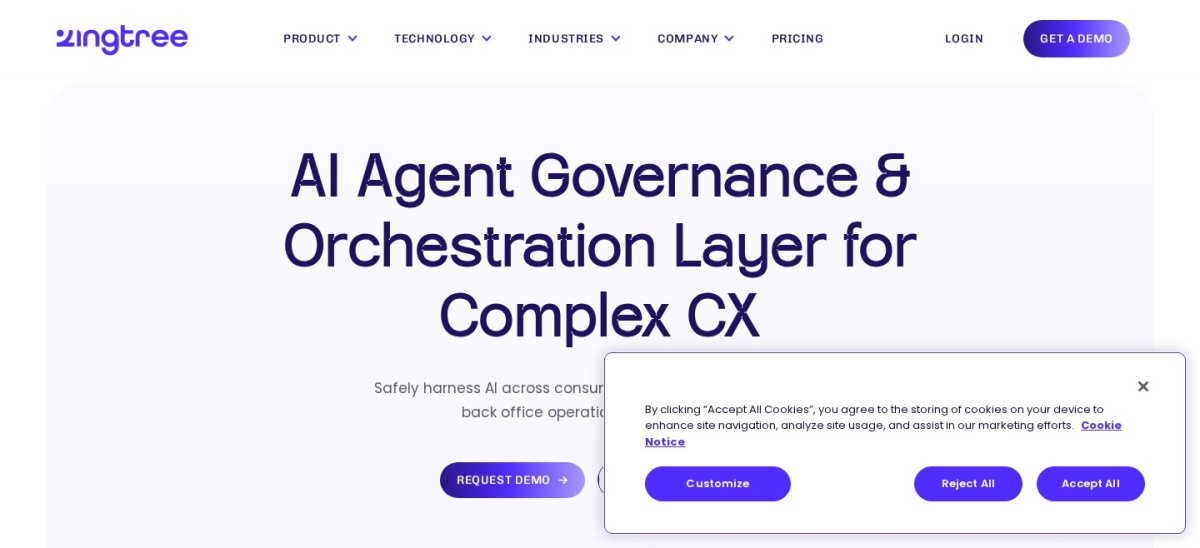
Zingtree homepage, captured Nov 2026.
Zingtree is a no-code platform for interactive decision trees that agents click through step by step. It builds guided troubleshooting and sales scripts, embeds in Zendesk and Salesforce, and adds AI search and knowledge assist on top of the tree. It is rated 4.6 out of 5 from 100 G2 reviews.
The trade off is pricing. The free plan covers simple trees, and the Business plan is by quote with usage-based billing, so a small team cannot see the price upfront. It suits contact centres that want agents to follow the same path every call.
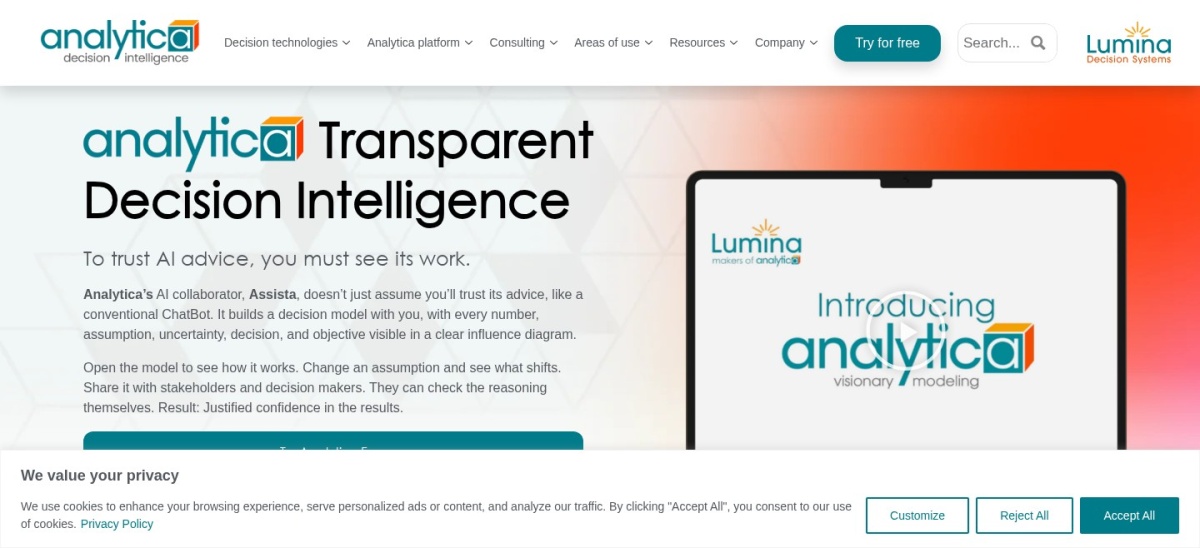
Analytica is a decision modelling platform that builds influence diagrams and decision trees with Monte Carlo simulation. The free edition covers models up to 101 objects with no time limit, and Professional starts at $1,000 per user a year with no model size limit. It is rated 4.8 out of 5 from 33 G2 reviews.
The trade off is the learning curve. Influence diagrams and arrays take time to learn, and the tool runs on Windows or the web. It suits analysts modelling complex, linked decisions where a spreadsheet would hide the logic.
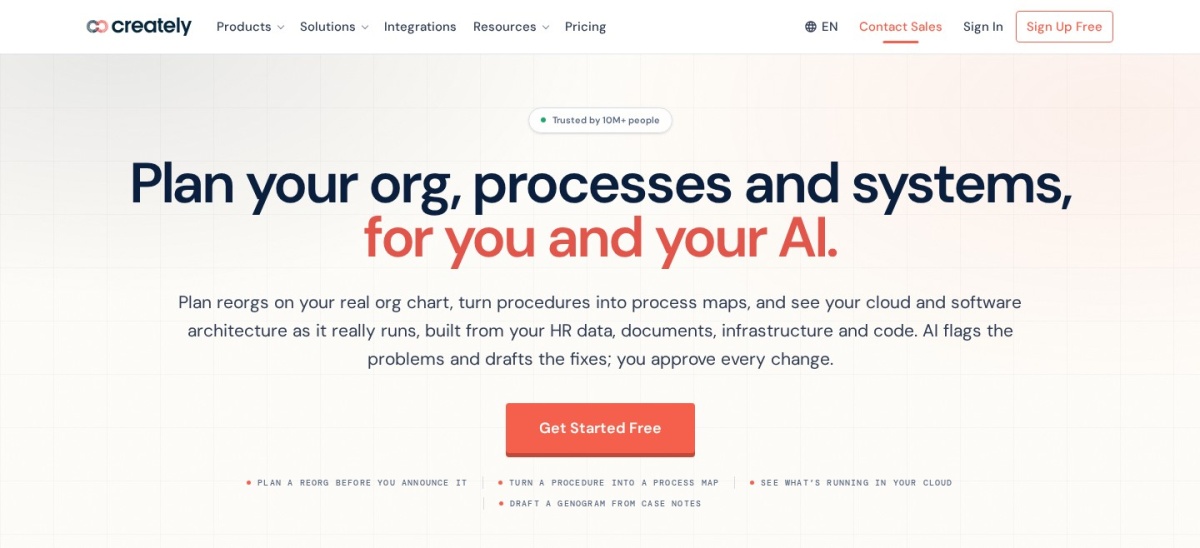
Creately is a visual collaboration tool for drawing decision trees, flowcharts and mind maps. The free plan allows unlimited canvases with 45 items each, and Personal starts at $5 a month with unlimited items, 20 folders and all export formats. It is rated 4.4 out of 5 from 1,394 G2 reviews.
The trade off is the free plan cap. Canvases stop at 45 items and exports are PNG or JPEG only, so bigger trees need the paid plan. It suits freelancers and small teams that want the cheapest paid tree tool here.
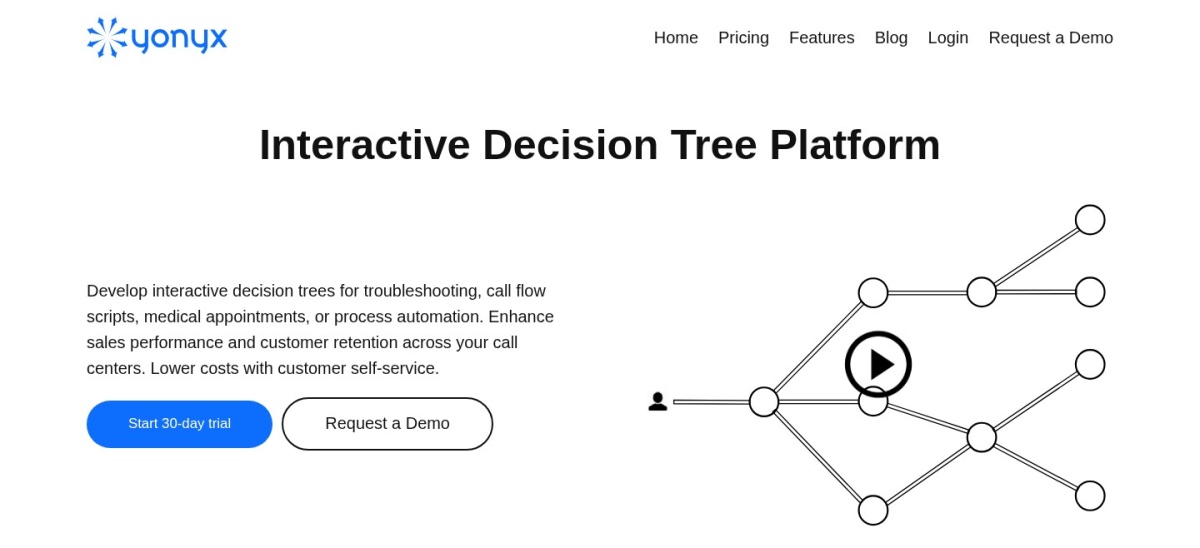
Yonyx is a cloud platform for interactive decision trees that guide agents and customers step by step. It builds troubleshooting scripts and call flows with branching logic, subtrees and traversal analytics, and it plugs into most CRM systems. It is rated 4.7 out of 5 from 258 Capterra reviews.
The trade off is the price spread. The vendor blog lists Professional from $20 per user a month, while Capterra lists $25, so confirm the quote before budgeting. It suits support and sales teams that repeat the same guided process every day.
What we like
Highest rating in this list
Branching logic with subtrees
Traversal analytics show drop-off points
Watch out for
Vendor and Capterra prices differ by $5
Enterprise plan is by quote only
Enterprise adds APIs, SSO and multilingual guidesVisit yonyx.com
07
TreeAge Pro
3.3/5on G2 (2 reviews, checked Nov 2026)
Starts at$660/yr
Best for health economics trees
Free planNo, 10-day trial
Paid planBusiness, $660/yr
ModelsTrees and Markov models
PlatformWindows and macOS
treeage.com
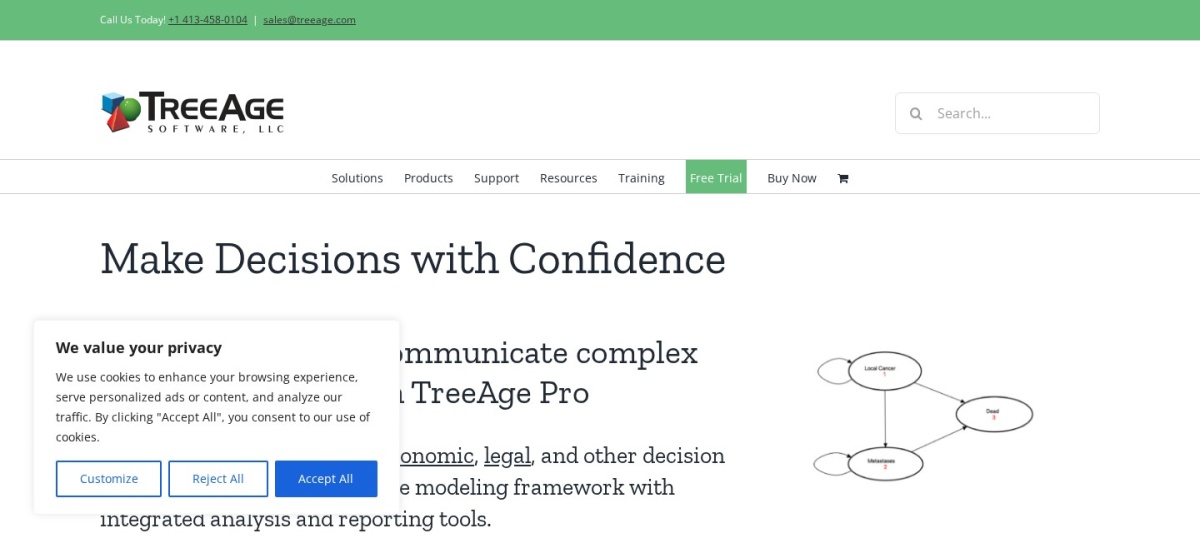
TreeAge Pro homepage, captured Nov 2026.
TreeAge Pro is a desktop tool for decision trees and Markov models in health economics. It covers cost-effectiveness analysis, sensitivity analysis and patient-level simulation, and it is the standard cited in published health economics research. It is rated 3.3 out of 5 from 2 G2 reviews.
The trade off is evidence and price. Only 2 G2 reviews exist, and the $660 yearly Business licence comes from the vendor price list quoted in directories, not from a page we could open. It suits health economists who need Markov models and publishable output.
SmartDraw is a diagram tool with decision tree, flowchart and org chart templates. It runs in the browser with AI that builds a diagram from a prompt, plus Visio import and scaled floor plans for teams that also draw layouts. It is rated 4.2 out of 5 from 153 Capterra reviews.
The trade off is the price structure. The regular rate is $10.95 a month billed annually, while $7.95 is an introductory price for new customers, and there is no monthly billing option. It suits teams that want Visio-style diagrams without Visio.
PrecisionTree is a long-established Excel add-in for decision trees and influence diagrams. It builds trees on the worksheet, rolls them back to the best choice, and adds sensitivity charts, Bayesian revision and policy suggestions. It is rated 4.6 out of 5 from 5 reviews across G2 and Capterra.
The trade off is the bundle. You cannot buy PrecisionTree alone; it comes only inside the DecisionTools Suite at $1,882 per user a year, which also adds @RISK and five more Excel tools. It suits Excel modellers who already live in spreadsheets.
Diagram tools draw a static tree you print or share. Lucidchart, Miro, Creately and SmartDraw all work this way, and they are the cheapest options here.
Guided tools turn the tree into a live conversation. Zingtree and Yonyx ask one question at a time and show the next step, which suits support agents and customers.
Analytical tools calculate. Analytica, TreeAge Pro and PrecisionTree attach probabilities and values to branches and roll the tree back to the best decision.
Pick the kind first. A diagram tool cannot run a call centre script, and a guided tool cannot calculate an expected value.
How we chose
We started from the decision tree and decision analysis listings on G2 and Capterra, then kept tools with a verifiable rating and a real decision-tree focus.
Prices come from each vendor's pricing page, checked on 25 November 2026, except where the notes say a figure comes from a directory. Ratings come from G2 or Capterra on the same day.
We left out tools with no rating on G2, Capterra or Trustpilot, including the free SilverDecisions and TreePlan. No vendor paid for a place, and we do not claim hands-on testing for this list.
How to choose decision tree software
Start with who will use the tree, then match the tool to that person.
Name the tree user first. A tree for a customer reads differently from a tree for an analyst. Pick guided tools for customers and analytical tools for analysts.
Pick the tree kind. Choose a diagram tool for a picture, a guided tool for a live script, or an analytical tool for expected values.
Check the free plan limits. Lucidchart caps free users at 3 documents and Miro at 3 boards. Build one real tree on the free plan before paying.
Test it with a real decision. Run one live decision through the tree and check whether the user reaches the right leaf without help.
FAQ
What is the best decision tree software?
Lucidchart is the best pick for most people. Its Individual plan costs $9 a month billed yearly, it has a free plan with 3 editable documents, and it is rated 4.5 out of 5 from 8,846 G2 reviews.
How much does decision tree software cost?
Paid plans in this list run from $5 a month for Creately Personal to $1,882 a year for the DecisionTools Suite that holds PrecisionTree. Five of the nine tools have a free plan.
What is the difference between Lucidchart and Miro?
Lucidchart is a structured diagramming tool with an Individual plan at $9 a month, while Miro is an open whiteboard with Starter at $10 per user a month. Both have free plans and thousands of G2 reviews.
Which tool is best for support team decision trees?
Zingtree is the best pick for support teams. It builds interactive trees that agents click through during calls, it is rated 4.6 out of 5 from 100 G2 reviews, and its Business plan is by quote.
Is there free decision tree software?
Yes. Lucidchart, Miro, Zingtree, Creately and Yonyx all have a free plan or free edition. The free tiers cap documents, boards or views, so check the limits before you build a big tree.
Which tool is best for health economics decision trees?
TreeAge Pro is the standard for health economics. It builds decision trees and Markov models for cost-effectiveness analysis, and its Business annual licence costs $660 a year.
SaaS SEO and WordPress specialist with about 8 years of experience. Rakib compares WordPress plugins, themes, hosting and software using public pricing, documentation and user reviews. See how we rank.