Camunda is the best decision automation tool for ops teams. Its DMN decision tables, open standards and free development tier suit teams that want auditable rules, while Taktile suits risk teams that need machine learning in the decision and DecisionRules suits small teams that want a published price and a free plan.
How we make this list: we compare pricing pages, product documentation and public user reviews, then re-check every price before each update. No product paid for a place. Disclosure.
Camunda is the best overall pick, with DMN tables, open standards and a free development tier at no published production price.
Taktile holds the highest G2 rating here at 4.7, and suits risk and lending teams that decide on credit, fraud or onboarding.
DecisionRules is the only tool with a published price, Lite at €250 a month billed annually, plus a free plan.
Decisions pairs rules with workflows, forms and dashboards, so ops teams get a working app rather than a standalone engine.
Seven of the eight tools are quote-only, so budget the shortlist through a sales call before committing.
What decision automation tools actually do
Decision automation tools let ops teams run routine choices without a person in the loop. A rule that once lived in a spreadsheet or a manager's head becomes a versioned decision that runs the same way every time, with a record of why it fired.
Most tools here use DMN, the open standard for decision tables, or a visual rules builder. Decisions, Camunda and IBM ODM pair rules with workflows, while Taktile and SAS add machine learning models to the same flow.
The buying decision is mostly about governance and scale. A small team needs a free plan and a published price, which only DecisionRules offers here. A regulated team needs audit trails, versioning and explainability, which is where InRule and IBM ODM earn their place.
This list covers decision automation for operations teams, not decision intelligence dashboards, which we cover separately. Ratings come from G2, and three tools rest on small review bases, which we flag in each card.
List prices in each vendor's currency, checked Nov 2026
CamundaFREECustom
TaktileCustom
DecisionsCustom
InRuleCustom
PegaCustom
IBM ODMCustom
SASCustom
DecRulesFREE€3,000
The 8 best decision automation tools for ops teams
01
Camunda
4.5/5on G2 (326 reviews, checked Nov 2026)
PricingCustom/yr
Best overall for ops teams
Decision standardDMN 1.3 tables and BPMN
DeploymentSaaS or self-managed
Free tierDevelopment and SaaS trial
Paid planEnterprise, quote only
camunda.com
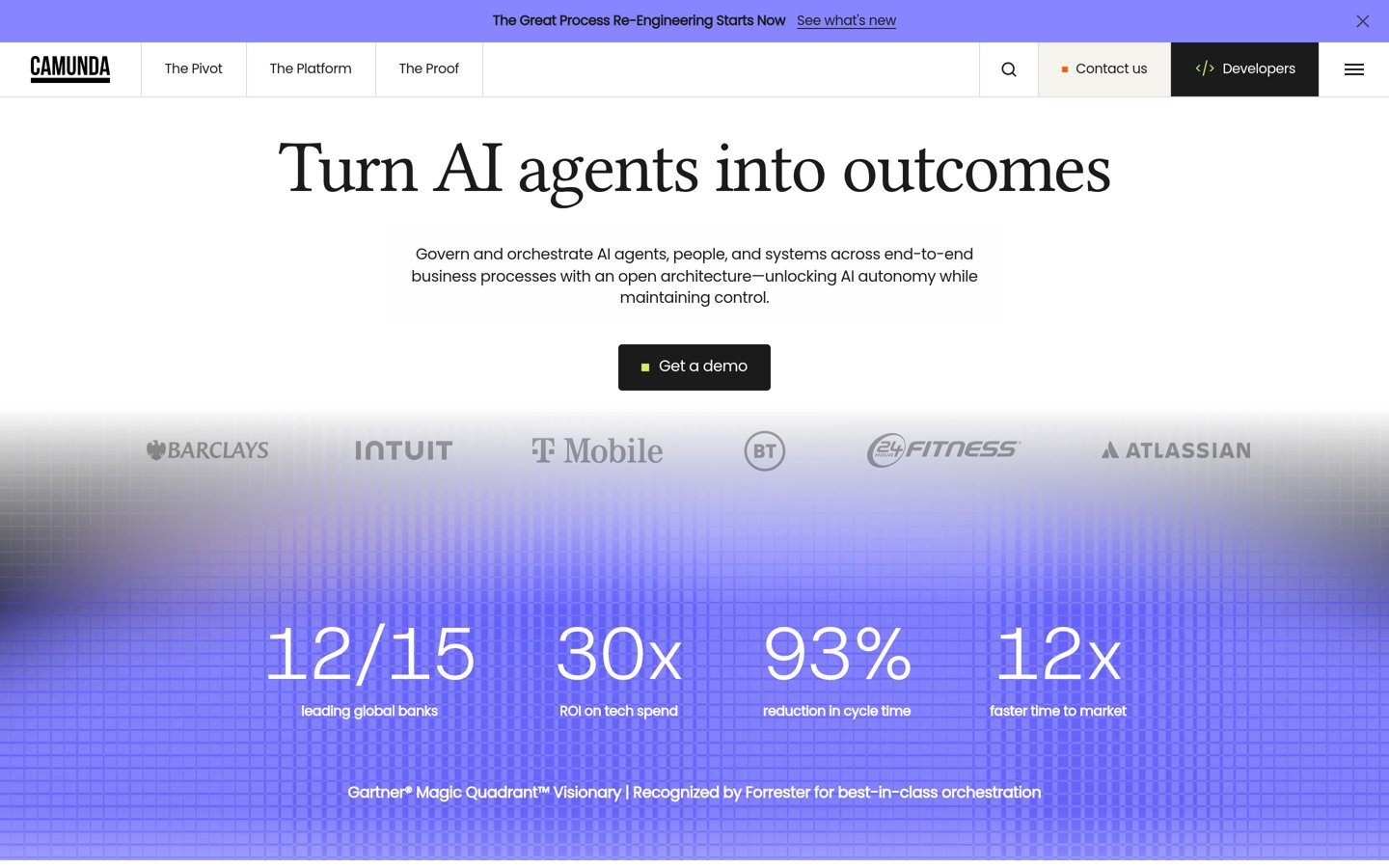
Camunda homepage, captured Nov 2026.
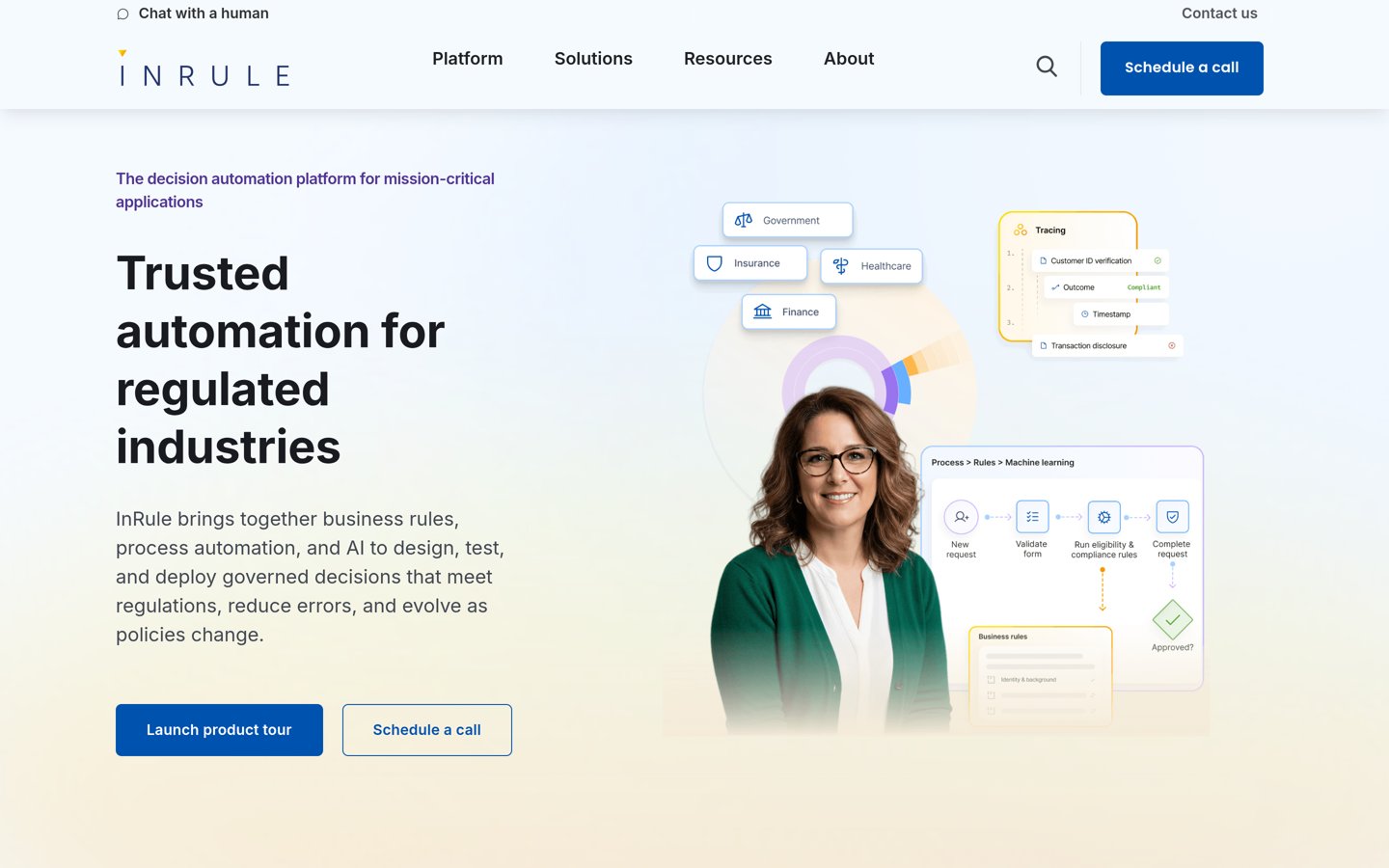
Camunda is a process orchestration platform with a DMN decision engine at its core. Ops teams model decisions as DMN tables, run them beside BPMN workflows, and watch every decision in one console, with open standards that keep the logic portable. It holds 4.5 out of 5 from 326 G2 reviews, the largest review base in this list.
The trade off is that production use needs an Enterprise licence, and there is no published price to budget against. The free tier covers development and modelling only, and teams that want a visual rules author for non-technical staff may find Camunda more developer-led than rivals here. It suits ops teams that already run processes and want decisions inside the same engine.
What we like
DMN and BPMN open standards, no vendor lock-in
Free development tier and 30-day SaaS trial
Largest G2 review base in this list
One console for processes and decisions
Watch out for
Production plans are quote-only, no published price
Taktile is a decision platform built for risk, credit and fraud teams that need decisions in milliseconds. Ops teams build decision flows from data, rules and machine learning models, then watch approval rates and overrides live. It holds 4.7 out of 5 from 81 G2 reviews, the highest rating in this list.
The trade off is price and focus. Taktile publishes no list price and sells an annual platform subscription plus usage-based decision fees, so small teams cannot budget from the site. It is also built for regulated lending and risk, which makes it more than most ops teams need. It suits teams that decide on credit, fraud or onboarding at volume.
What we like
Highest G2 rating in this list at 4.7
Rules, data and ML models in one decision flow
Live monitoring of approval rates and overrides
Built for regulated, high-volume decisions
Watch out for
No published price, annual subscription plus usage fees
Overkill for simple rules outside risk and lending
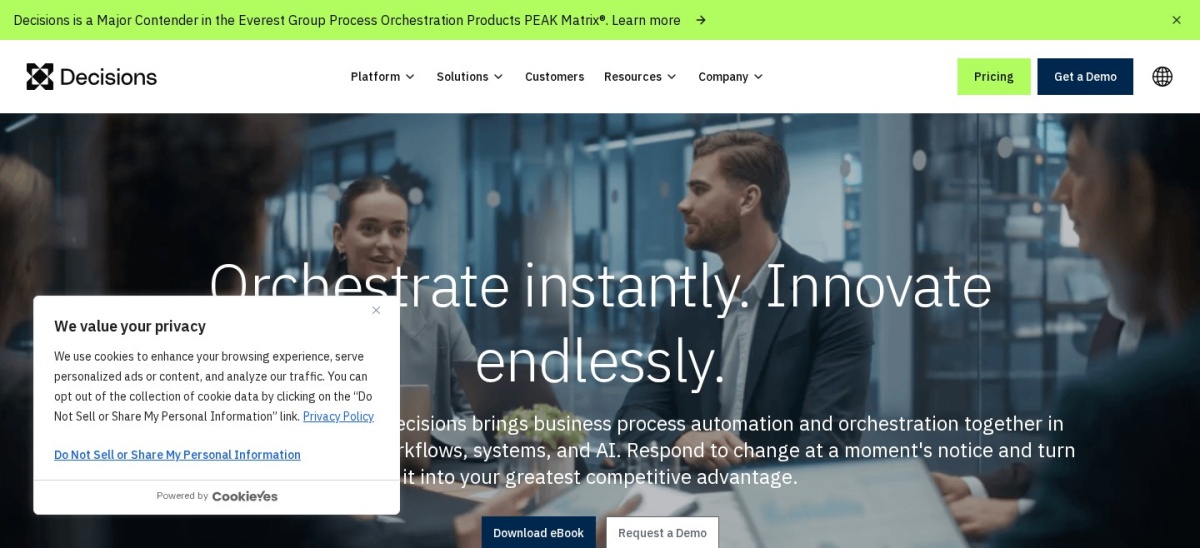
Decisions is a no-code automation platform that pairs business rules with workflows, forms and dashboards. Ops teams build decision logic visually, then wrap it in an app that collects inputs and routes outcomes without writing code. It holds 4.6 out of 5 from 41 G2 reviews.
The trade off is breadth and price. Decisions does far more than rules, so teams that only need a decision engine may find the platform wide, and SourceForge lists a $4,839 monthly figure with no published vendor price to check against. It suits ops teams that want rules inside a working app, not a standalone engine.
What we like
Rules, workflows, forms and dashboards in one platform
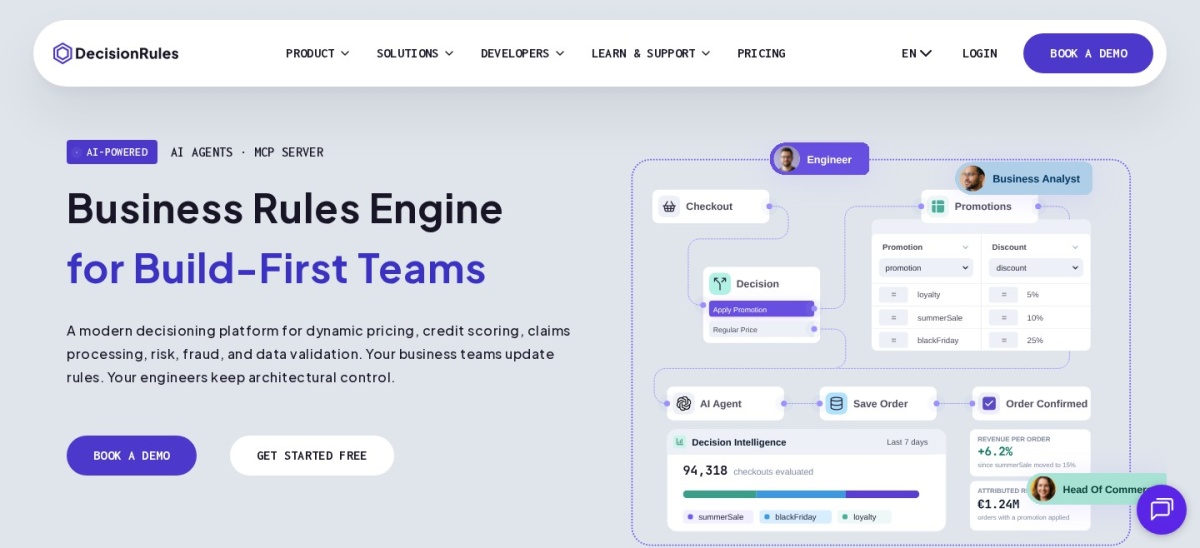
DecisionRules is a cloud decision engine for modelling, versioning and running business rules through an API. Ops teams build decision tables, trees and flows in a visual editor, then call them from any application with a low-latency API. It holds 4.4 out of 5 from 108 G2 reviews.
The trade off is scale and currency. The Lite plan covers one project and 30 rules, so larger teams move to custom Premium pricing, and prices are listed in euros, not dollars. It suits small ops teams that want a decision API running in minutes with a free plan to start.
What we like
Only published price in this list, Lite at €250 a month
InRule is a low-code decision platform that lets business users author rules in plain language instead of code. Ops teams manage policies in one place, run them on .NET or JavaScript, and trace every decision for audit. It holds 4.4 out of 5 from 69 G2 reviews.
The trade off is price opacity. InRule prices by the number of rule authors and runtime cores, with no public price list, and G2 lists a $9,500 monthly Commercial figure that the vendor does not publish. It suits Microsoft-heavy teams that want analysts, not developers, owning the rules.
Pega is an enterprise platform that combines decisioning with case management, workflow and customer engagement. Ops teams use its next-best-action engine to decide what happens next for each customer or case in real time. It holds 4.2 out of 5 from 278 G2 reviews.
The trade off is weight and cost. Pega is a large platform commitment with quote-only enterprise pricing, so it suits organisations that already run Pega, not teams shopping for a standalone decision engine. It suits large ops teams that want decisions, cases and customer journeys in one system.
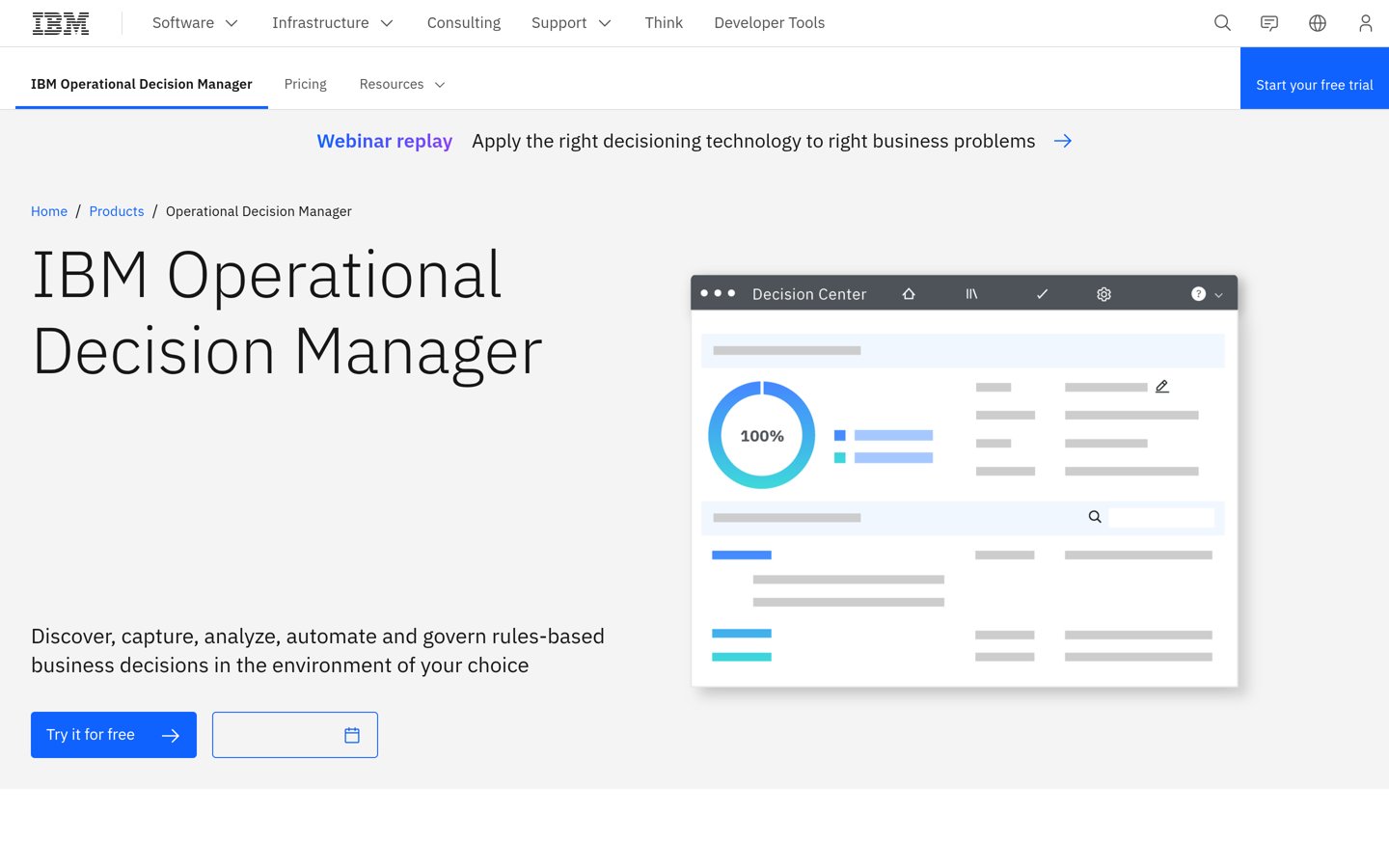
IBM Operational Decision Manager homepage, captured Nov 2026.
IBM Operational Decision Manager is an enterprise rules platform built around governed decision services. Ops teams author rules in Decision Center, test them against real data, and deploy them as services that applications call. It holds 4.3 out of 5 from 65 G2 reviews.
The trade off is that IBM ODM is a heavyweight enterprise buy with quote-only pricing and a long implementation. It suits regulated teams that need strict governance, versioning and audit trails more than speed. It suits banks, insurers and public sector teams running decisions that must be explained.
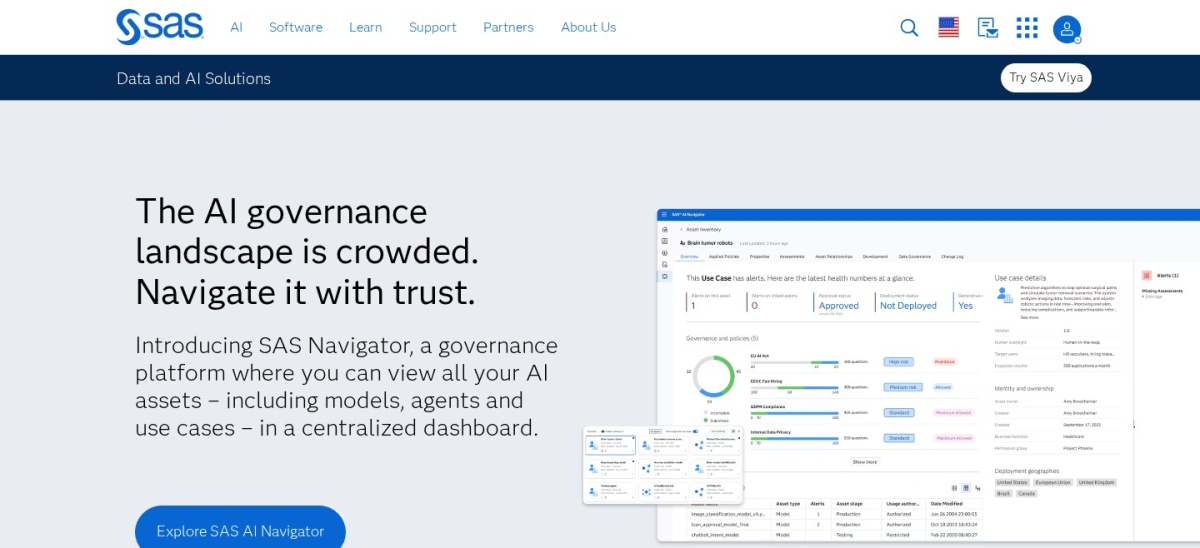
SAS Intelligent Decisioning homepage, captured Nov 2026.
SAS Intelligent Decisioning is an analytics-led decision platform on the SAS Viya platform. Ops teams combine business rules with SAS models and machine learning, then deploy decisions that score data in real time. It holds 4.3 out of 5 from 30 G2 reviews.
The trade off is the thin review base and the SAS ecosystem. G2 holds only 30 reviews, and the platform sits inside SAS Viya, so teams without SAS may find the commitment large. It suits organisations already running SAS analytics that want decisions on top of their models.
DMN vs code: when rules belong outside the application
Rules buried in code change slowly, because every change needs a developer, a release and a test cycle. DMN tables move the logic into a form that analysts can read and change, with versioning that shows what changed and when.
Code still wins when the logic is small, stable and close to the data. Move a decision into a rules engine when it changes often, needs an audit trail, or must be owned by the people who set the policy.
How we chose
We started from the tools that appear in 2026 business rules and decision automation roundups, then kept only those with a verifiable G2 rating. FICO Blaze Advisor and Sparkling Logic SMARTS have no rating on G2, Capterra or Trustpilot, so they are not in this list.
We checked each price on the vendor's own pricing page where one exists, and used the regular annual price rather than a first-year discount. Camunda's pricing page publishes no paid price, and Taktile, Pega, IBM ODM and SAS are quote-only, so seven of the eight tools list Custom pricing here.
No vendor paid for a place, and we do not claim hands-on testing for this list. We ranked by fit for ops teams: a real decision engine first, then governance, the size of the review base behind each rating, and whether a team can start without a sales call.
How to choose decision automation software
Start with the decisions: list the rules your team applies by hand today.
Map the decisions. List the choices your team makes by hand today, with the rules behind each one. A decision that changes weekly belongs in a rules engine, not in code.
Check the audit trail. Ask how the tool records why a decision fired. Regulated teams need versioning and explainability; a small team may only need a log.
Try the free tier first. Camunda and DecisionRules both start free. Model one real decision end to end before asking sales for a quote.
Price the shortlist. Seven tools here are quote-only, so get written prices for your volume and environments. Compare three-year costs, not first-year offers.
FAQ
What is the best decision automation tool for ops teams?
Camunda is the best decision automation tool for ops teams. Its DMN decision tables, open standards and free development tier suit teams that want auditable rules, and it holds 4.5 out of 5 from 326 G2 reviews, the largest review base in this list.
Is there free decision automation software?
Yes. Camunda offers a free development tier and a 30-day SaaS trial with unlimited modelling, and DecisionRules has a free plan with 10 rules and 1,000 Solver API calls. Both free tiers exclude production use at scale, so check the limits before building on them.
What is DMN?
DMN, or Decision Model and Notation, is an open standard for modelling decisions as tables. A decision table lists the inputs down one side and the outcomes across the other, so analysts can read the logic without code. Camunda, IBM ODM and DecisionRules all support DMN.
How much does decision automation software cost?
Seven of the eight tools here are quote-only, so there is no list price to compare. The exception is DecisionRules, whose Lite plan costs €250 a month billed annually. Camunda and DecisionRules both start free, while InRule, Pega and IBM ODM need a sales quote.
What is the difference between decision automation and decision intelligence?
Decision automation runs the choice: rules and models decide, and the system acts. Decision intelligence analyses the choice, using data and simulations to recommend what to decide. Ops teams that need execution without a person in the loop want automation; teams that need better judgement want intelligence.
Why are some ratings based on so few reviews?
Decision automation is a niche enterprise category, so review bases are small. SAS Intelligent Decisioning holds 4.3 from 30 G2 reviews and Decisions 4.6 from 41, and we flag both in their cards. Camunda has the largest base here at 326 reviews.
Do these tools replace developers?
No. A rules engine moves decision logic out of code so analysts can change it, but developers still build the integrations, the data feeds and the applications that call the decisions. The win is speed: policy changes ship in hours instead of waiting for a release.
SaaS SEO and WordPress specialist with about 8 years of experience. Rakib compares WordPress plugins, themes, hosting and software using public pricing, documentation and user reviews. See how we rank.