Harness Platform is the best database DevOps software for teams that run CI/CD pipelines, with canary releases and the largest review base here. Pick Flyway for simple SQL-first migrations, and Bytebase if database changes need visual review and approval before production.
How we make this list: we compare pricing pages, product documentation and public user reviews, then re-check every price before each update. No product paid for a place. Disclosure.
Harness leads with 4.6 out of 5 from 321 G2 reviews and canary database releases.
Flyway is the simplest pick, with free Community migrations across 60+ databases.
Liquibase covers 70+ database types from one changelog, with rollback in the free edition.
Bytebase publishes its price at $20 per user a month, while Flyway and Liquibase paid tiers are quote only.
PlanetScale brings Git-like branching from $5 a month, with no free tier.
What database DevOps software does
Database DevOps software moves schema changes through the same discipline as application code: versioned, reviewed, tested and deployed, instead of a DBA running SQL by hand on production.
The tools split by style. Flyway uses numbered SQL files, Liquibase uses changelogs, Bytebase uses a web approval workflow, and Harness puts database changes inside CI/CD pipelines.
Pricing is the honest split. Bytebase, PlanetScale and Supabase publish prices, while Flyway Enterprise, Liquibase Secure, Harness and DBmaestro are quote only, and our guide on best database software covers the databases they manage.
Free tiers carry small teams far. Flyway Community, Liquibase Community and Bytebase Community all cover real migration work at no cost, with paid tiers adding governance and rollback.
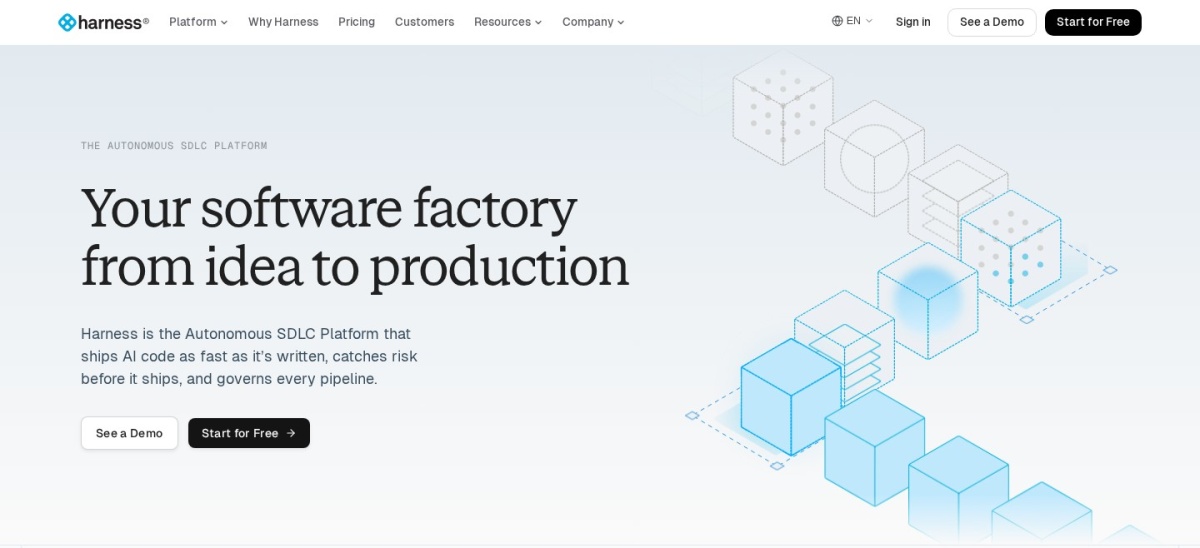
Harness Platform is the database DevOps option for teams that already run CI/CD on Harness, putting database changes inside the same pipelines as application releases. It adds canary and blue-green deployments with automated verification, and G2 shows 321 reviews at 4.6 out of 5.
The trade off is that pricing is by quote, so a small team cannot budget it from the website, and it makes most sense inside a wider Harness setup. It suits engineering teams that want database releases governed like application releases.
Flyway is the most widely used database migration tool, from Redgate, where each change is a numbered SQL file applied in order and tracked in a schema history table. The free Community edition covers the core migrate workflow across more than 60 database platforms.
The trade off is that undo migrations, drift detection and policy checks are paid features, and Enterprise pricing is by quote. Community users fix forward instead of rolling back. It suits SQL-first teams that want the simplest possible migration workflow.
Liquibase is the oldest purpose-built database change management platform, tracking changes as changesets in a changelog written in SQL, XML, YAML or JSON. One changelog can target more than 70 databases, and the free Community edition includes rollbacks for schema changes.
The trade off is that the commercial Secure edition is quote only, and the changelog format carries a steeper learning curve than plain SQL files. Community moved to a source-available licence in version 5.0. It suits enterprises coordinating changes across many database types.
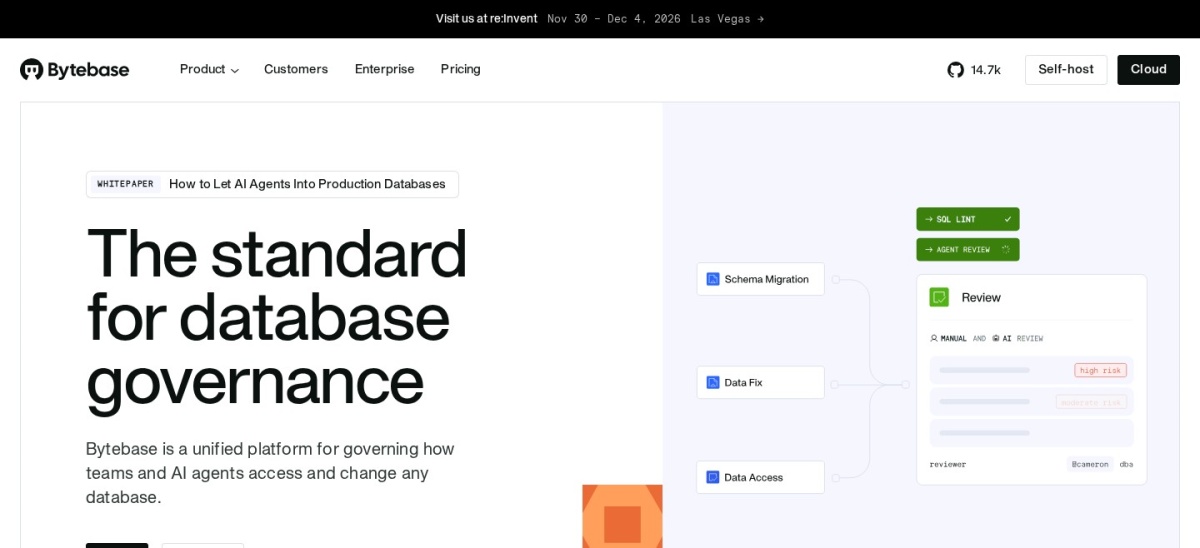
Bytebase is a web-based database DevOps platform that puts review, approval and access control around every database change. The Community plan is free for up to 20 users and 10 database instances, and Pro costs $20 per user a month with SSO and more than 100 SQL review rules.
The trade off is a small G2 review base of 8 reviews, and one guide lists 4.8 out of 5 while the G2 page itself shows 4.5. Pro pricing also scales per user, so large teams pay more. It suits teams where non-specialists must approve changes before production.
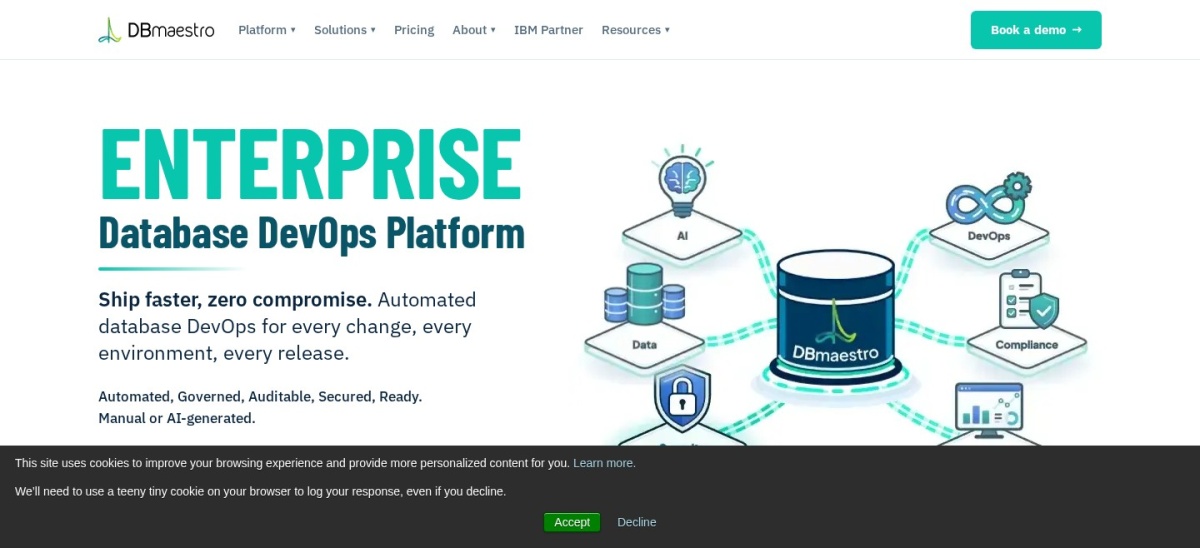
DBmaestro is an enterprise database release automation platform built for regulated teams, where every promotion is controlled, logged and auditable. Plans are licensed by environment connection and priced on a contact-us basis, with no free plan.
The trade off is that everything is quote-based and the G2 review base is small at 16 reviews, so it is hard to compare on price. It is also built for governance, not for a developer who wants a quick migration tool. It suits regulated enterprises that need audit trails.
DbVisualizer is a mature universal SQL client that sits beside any migration tool, with visual query building, charts and schema browsing across many engines. The free tier is genuinely usable, and a Pro licence costs $229 for the first year with renewals at $119.
The trade off is that it is a client, not a migration platform, so it complements Flyway or Liquibase rather than replacing them. It is also a desktop tool, not a web governance platform. It suits analysts and DBAs who want one client for every database.
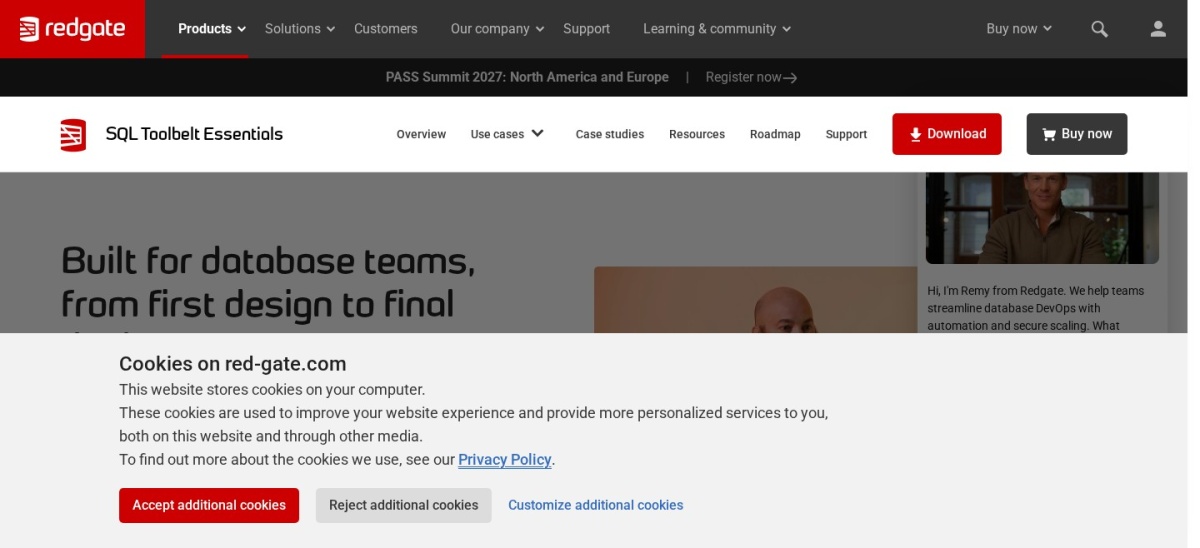
SQL Toolbelt Essentials homepage, captured Nov 2026.
SQL Toolbelt Essentials is Redgate's bundle for SQL Server DevOps, including SQL Compare for verifying environments stay in sync after a release. It costs $1,269 per user per year for a team of 10, and G2 rates it 4.7 out of 5 from 26 reviews.
The trade off is the price per user and the SQL Server focus, which leaves Postgres and MySQL teams out. The review base is also small. It suits SQL Server teams that want compare and deploy tooling in one bundle.
PlanetScale is a managed database platform with Git-like branching, so a schema change can be tested on a branch and deployed like code. Postgres starts at $5 a month for a single node, while Vitess-backed MySQL starts at $39 a month, and there is no free tier.
The trade off is that the G2 review base is tiny at 6 reviews, and the free tier is gone, so every user pays from day one. Branching also adds a workflow to learn. It suits teams that want database changes reviewed like pull requests.
Supabase is a managed Postgres platform that adds auth, storage and APIs around the database, with a free tier covering a 500 MB database and 50,000 monthly active users. The Pro plan costs $25 a month per organization, and database branching is included.
The trade off is that the G2 review base is modest at 243 reviews, so treat the base with care. It is also a platform, not a pure migration tool. It suits startups that want Postgres plus auth and storage in one place.
Free editions cover the core migration workflow. Flyway Community migrates, Liquibase Community rolls back, and Bytebase Community covers 20 users.
Paid tiers mostly add governance. You get undo migrations, drift detection, policy checks and audit trails that auditors ask for.
Quote-only pricing is the norm at the top. Flyway Enterprise, Liquibase Secure, Harness and DBmaestro all need a sales call before you can budget them.
If your team is small, start free and pay only when a failed migration needs an undo button.
How we chose
We started from the most widely used database devops software tools, then kept those with a verifiable rating on G2, Capterra or Trustpilot and a published price or free plan.
Prices come from each vendor's pricing page, checked on 25 November 2026. Ratings and review counts come from the review site named on each tool on the same day. Where a vendor shows a sale, the list shows the regular price.
We left out tools with no verifiable rating or no published pricing information. No vendor paid for a place, and we do not claim hands-on testing for this list.
How to choose database DevOps software
Start with how your team already ships code, then check whether the free tier covers your database count.
Match the tool to your workflow. SQL-first teams fit Flyway, multi-database teams fit Liquibase, and approval-heavy teams fit Bytebase, so pick the workflow before the vendor.
Count databases and users first. Bytebase Pro is $20 per user a month and Toolbelt is $1,269 per user a year, so the bill follows headcount on several tools here.
Test rollback before you need it. Run a bad migration on a staging database and check whether the tool can undo it, because Community editions often cannot.
Check the licence, not just the price. Liquibase Community moved to a source-available licence in 2025, so read the terms before you build on it.
FAQ
What is the best database DevOps software?
Harness Platform is the best database DevOps software for teams that run CI/CD pipelines, with canary releases and 4.6 out of 5 from 321 G2 reviews. Flyway is the better pick for simple SQL-first migrations.
What is the difference between Flyway and Liquibase?
Flyway uses numbered SQL files applied in order, while Liquibase uses changelogs in SQL, XML, YAML or JSON that can target more than 70 databases. Liquibase includes rollback in its free edition, while Flyway reserves undo for paid tiers.
Is Flyway free?
Flyway Community is free and open source, covering the core migrate workflow across more than 60 databases. Flyway Enterprise adds undo migrations, drift detection and policy checks, and is priced by quote.
How much does Bytebase cost?
Bytebase Community is free for up to 20 users and 10 database instances. Pro costs $20 per user a month and adds SSO, custom user counts and email support, while Enterprise is priced by quote.
What does database DevOps actually automate?
It automates versioned schema migrations, reviews and approvals, deployment to each environment, drift detection and rollbacks, so database changes ship with the same discipline as application code.
Do I need a database DevOps tool for a small team?
A small team can start with Flyway Community or Liquibase Community at no cost. You need a paid governance tier when several people change the same database or when auditors ask for an approval trail.
SaaS SEO and WordPress specialist with about 8 years of experience. Rakib compares WordPress plugins, themes, hosting and software using public pricing, documentation and user reviews. See how we rank.