Google BigQuery is the best data warehouse for most small businesses, because on-demand pricing starts at nothing and the first 1 TiB of queries a month is free. Pick MotherDuck if your team already uses DuckDB, and Snowflake if you need the most capable warehouse and can control credit burn.
How we make this list: we compare pricing pages, product documentation and public user reviews, then re-check every price before each update. No product paid for a place. Disclosure.
BigQuery is the top pick, with the first 1 TiB of queries free each month and no server to run.
MotherDuck gives DuckDB teams a free Lite tier with 10 GB and 10 compute hours a month.
Snowflake is the most capable warehouse, at $2.00 per credit on Standard in AWS US East.
Redshift Serverless costs $1.50 an hour when it runs, and ClickHouse Cloud scales to zero when idle.
Every warehouse here bills by usage, so the bill follows how much you query, not a flat seat price.
What a small business needs from a warehouse
A data warehouse stores cleaned-up business data in one place so dashboards and reports can query it fast, without touching the live database that runs your app.
For a small business the deciding factor is the free tier and the billing meter. BigQuery gives 1 TiB of free queries a month, MotherDuck gives a free Lite tier, and the rest offer trials.
The clouds split the list. BigQuery is the Google pick, Redshift the AWS pick and Fabric the Microsoft pick, and our guide on best database software covers the operational databases that feed them.
Usage pricing is the trap to watch. A warehouse that looks free can cost hundreds a month once dashboards refresh hourly, so test with real queries before you commit.
The 9 best data warehouse software for small businesses
01
BigQuery
4.5/5on G2 (1,223 reviews, checked Nov 2026)
Pricing$6.25/TiB
Best data warehouse for small businesses overall
Free queries1 TiB per month
On-demand price$6.25 per TiB
Storage$0.02 per GB/mo
Servers to runNone, serverless
cloud.google.com
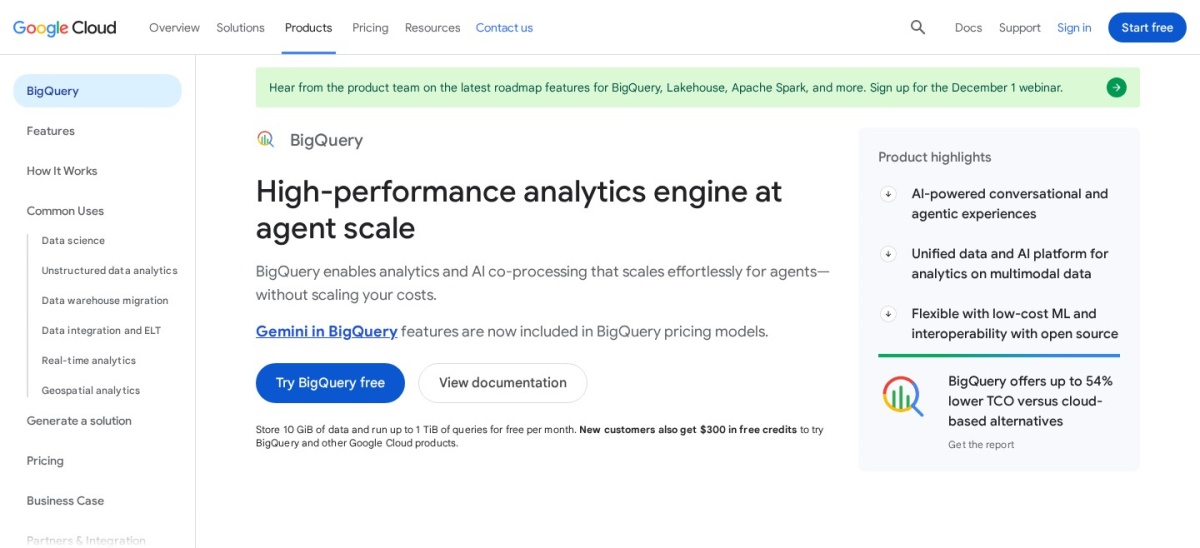
BigQuery homepage, captured Nov 2026.
BigQuery is Google Cloud's serverless data warehouse, so there is no cluster to size or server to run. On-demand pricing charges $6.25 per TiB scanned, the first 1 TiB of queries each month is free, and active storage costs $0.02 per GB a month.
The trade off is that a careless query over a huge table can cost real money, because you pay for every TiB scanned. Partitioning and clustering keep the bill down, but they take discipline. It suits small teams on Google Cloud with irregular query volume.
Snowflake is the cloud warehouse most enterprises standardize on, with compute and storage billed separately and warehouses that scale up, suspend and resume on their own. Standard credits cost $2.00 each in AWS US East, storage costs $23 per TB a month, and the trial includes $400 in credits.
The trade off is that the bill follows compute burn, so a warehouse left running can surprise you. Credit pricing also needs a spreadsheet to forecast. It suits businesses that want the most capable warehouse and can control credit use with auto-suspend.
Databricks is a lakehouse platform that runs SQL dashboards, data engineering and machine learning on the same data. Compute is billed in Databricks Units from $0.07 per DBU for jobs, with a 14-day free trial, and serverless SQL warehouses remove cluster management.
The trade off is pricing complexity, because DBU rates vary up to eight times by workload type and cloud costs sit on top. It is also more platform than a small team needs for simple reporting. It suits teams that run analytics and AI on one platform.
MotherDuck is DuckDB in the cloud, adding sharing, collaboration and cloud storage to the fast local analytical engine. The free Lite tier covers 10 GB of storage and 10 compute hours a month, and the Business plan starts at $250 a month plus usage.
The trade off is that it is built for DuckDB users, so teams on another engine face a migration. The review base is also small at 14 G2 reviews. It suits small data teams that already love DuckDB and want it shared and hosted.
ClickHouse Cloud is the managed version of the open-source columnar database, built for sub-second dashboards over billions of rows. Basic compute costs $0.2181 per unit-hour in US East, storage costs $25.30 per TB a month, and services scale to zero when idle.
The trade off is that it is an analytical engine first, so it is not a general warehouse for every workload. The G2 review base is also small at 23 reviews. It suits teams whose dashboards must stay fast as data grows.
Amazon Redshift is the AWS-native warehouse, with a serverless option that charges $0.375 per RPU-hour and a 4-RPU minimum, or $1.50 an hour when it runs. It sits close to data in S3 and plugs into Glue and the wider AWS analytics stack.
The trade off is that it is an AWS-only choice, so multi-cloud teams look elsewhere. Serverless costs also add up when dashboards refresh every hour. It suits AWS teams that already keep data in S3 and want SQL close to it.
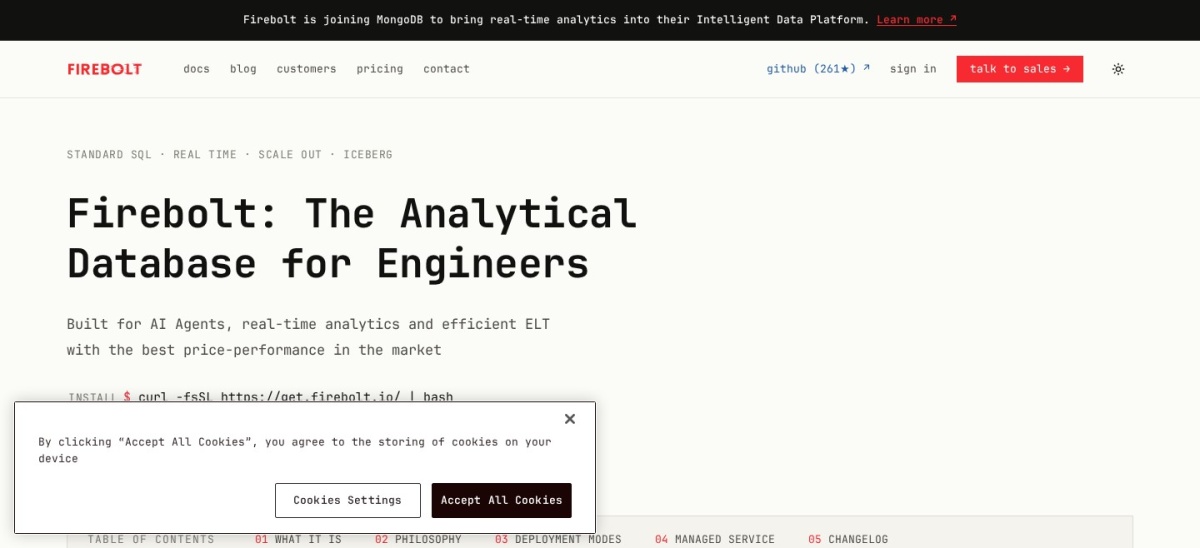
Firebolt is a cloud warehouse built for customer-facing analytics, where queries must return in under a second on modest data. Small engines start at $0.92 an hour, and its indexing keeps dashboards fast without the tuning a general warehouse needs.
The trade off is a narrow focus and a small review base of 14 G2 reviews, so it is less proven for general reporting. It also prices by engine hours, so idle engines still cost money unless stopped. It suits B2B SaaS teams embedding analytics in their product.
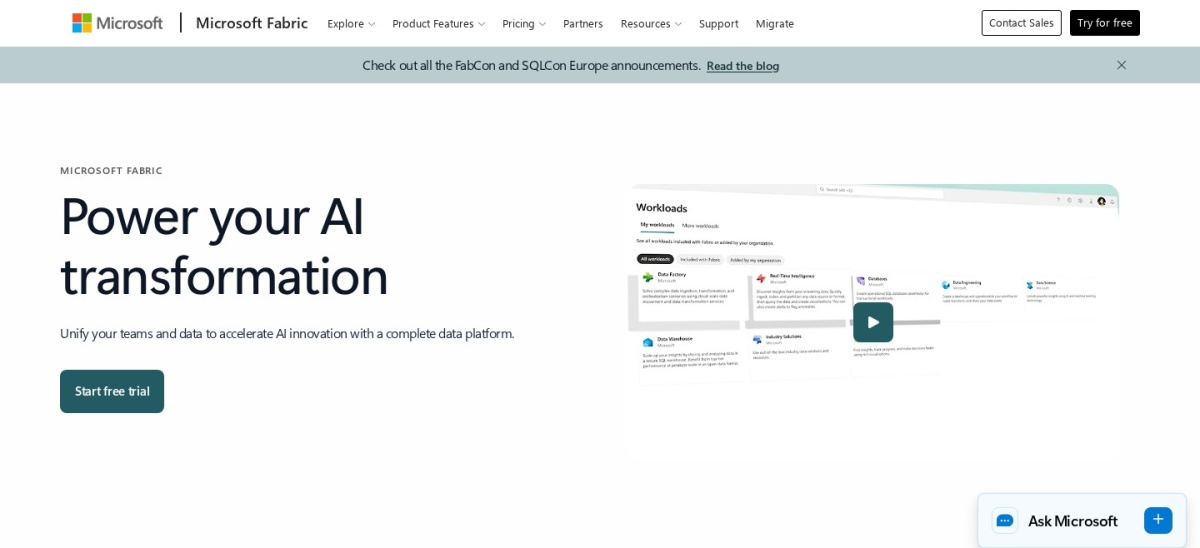
Microsoft Fabric is Microsoft's unified analytics platform, combining warehouse, lakehouse, data engineering and Power BI in one service. The F2 capacity starts at $263 a month with pay-as-you-go per-second billing, and a 60-day trial is available.
The trade off is that capacity pricing is complex, and migration from legacy Synapse plus team training often costs more than the capacity itself. It suits Microsoft shops that already run Azure and Power BI and want one platform.
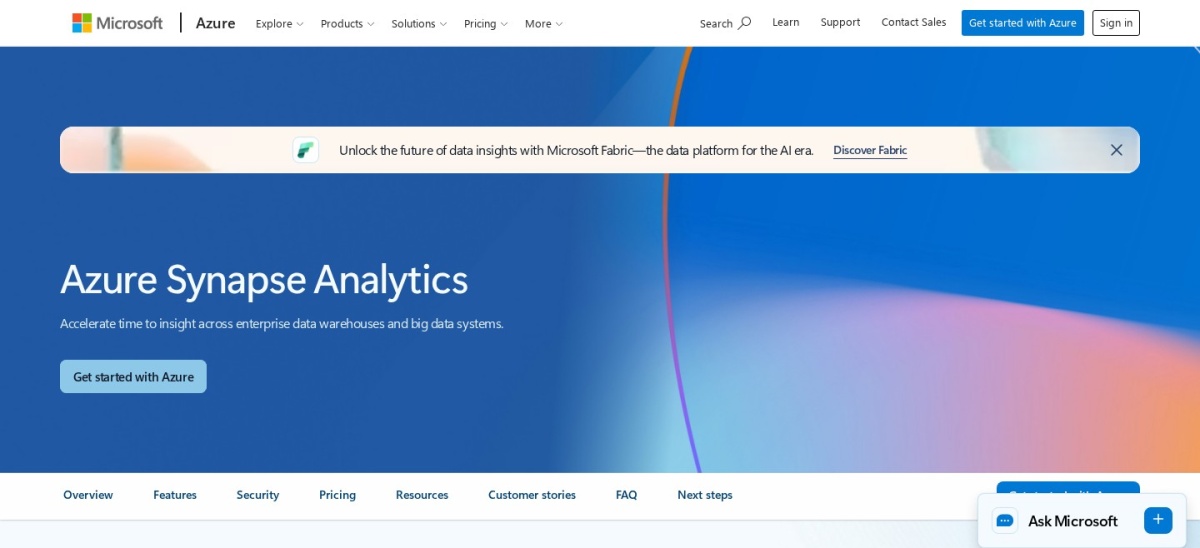
Azure Synapse is Microsoft's analytics service for Azure teams, with serverless SQL pools that charge per TB scanned and dedicated pools for steady workloads. It integrates with Azure Data Lake and Power BI, and serverless queries let a small team start without buying capacity.
The trade off is that it is Azure-only and Microsoft now positions Fabric as the future, so Synapse is the older path. Dedicated pools also need sizing work. It suits Azure teams that want warehouse SQL without committing to Fabric capacity yet.
Warehouses bill by what you use, not by seats. BigQuery charges per TiB scanned, Snowflake per credit, Databricks per DBU and Redshift per RPU-hour.
That means two teams can pay very different amounts for the same warehouse. A team that queries once a day pays almost nothing, while hourly dashboards add up fast.
The cheapest warehouse for a light workload is usually BigQuery or MotherDuck, because both start at $0 with a real free tier.
Before you sign up, run your busiest dashboard for a week and read the usage report. It is the only honest price estimate.
How we chose
We started from the most widely used data warehouse software for small businesses tools, then kept those with a verifiable rating on G2, Capterra or Trustpilot and a published price or free plan.
Prices come from each vendor's pricing page, checked on 25 November 2026. Ratings and review counts come from the review site named on each tool on the same day. Where a vendor shows a sale, the list shows the regular price.
We left out tools with no verifiable rating or no published pricing information. No vendor paid for a place, and we do not claim hands-on testing for this list.
How to choose a data warehouse for a small business
Start with the cloud you already use, then check the free tier against your real query volume.
Pick the cloud you already pay for. BigQuery fits Google Cloud, Redshift fits AWS and Fabric fits Azure, because data transfer and identity are already set up there.
Test the free tier with real queries. Run your actual dashboards for two weeks, because the first free TiB on BigQuery or the Lite tier on MotherDuck shows the true bill.
Watch the meter that matters. BigQuery bills per TiB scanned, Snowflake per credit and Redshift per hour, so the cheapest option depends on how often you query.
Check BI tool support before you commit. Confirm your dashboard tool connects cleanly, because a warehouse your BI tool cannot query is a dead end.
FAQ
What is the best data warehouse for a small business?
Google BigQuery is the best data warehouse for most small businesses, because on-demand pricing starts at nothing, the first 1 TiB of queries a month is free, and there is no server to run. MotherDuck is the best pick for teams that already use DuckDB.
How much does Snowflake cost for a small business?
Snowflake charges $2.00 per credit on Standard in AWS US East, plus $23 per TB of storage a month. A small team with a modest warehouse typically spends a few hundred dollars a month, depending on how much compute it burns.
Is BigQuery really free for small businesses?
BigQuery is free for light use, with the first 1 TiB of queries and 10 GB of storage free each month. You pay $6.25 per TiB scanned after that, so a team that queries small tables can stay at $0.
What is the cheapest data warehouse?
BigQuery and MotherDuck are the cheapest for light workloads, because both start at $0 with real free tiers. ClickHouse Cloud also scales to zero when idle, so a quiet warehouse costs almost nothing.
Do I need a data warehouse as a small business?
You need one when reports slow down your live database or when data lives in several tools. If one spreadsheet still answers your questions, a warehouse adds cost and work you do not need yet.
Is MotherDuck good for small businesses?
MotherDuck is a strong pick for small teams that already use DuckDB, with a free Lite tier covering 10 GB and 10 compute hours a month. The Business plan starts at $250 a month plus usage, so it stays affordable as you grow.
SaaS SEO and WordPress specialist with about 8 years of experience. Rakib compares WordPress plugins, themes, hosting and software using public pricing, documentation and user reviews. See how we rank.