Google Drive is the best data storage software for most people, with 15 GB free and the strongest collaboration in Docs, Sheets and Slides. Pick Dropbox for the most dependable sync across devices, and Box if your team needs governance and compliance controls.
How we make this list: we compare pricing pages, product documentation and public user reviews, then re-check every price before each update. No product paid for a place. Disclosure.
Google Drive gives the most free storage here at 15 GB, shared across Drive, Gmail and Photos.
Dropbox has the most dependable sync, rated 4.4 out of 5 from more than 31,000 G2 reviews.
OneDrive and iCloud are the cheapest paid entries, from $1.99 and $0.99 a month.
Box, Tresorit and Egnyte are built for regulated teams, with governance and compliance controls.
pCloud sells lifetime plans, and Sync.com encrypts every file by default.
What to look for in data storage software
Data storage software keeps your files in the cloud and syncs them across devices, so a document edited on a laptop appears on a phone minutes later.
The free tier decides most choices. Google Drive gives 15 GB, Box gives 10 GB to individuals, and Dropbox gives only 2 GB, so check your current usage first.
Sharing controls matter as much as space. Look for link expiry, passwords and folder permissions, and read our guide on best database software before you share sensitive files.
Privacy is the other split. Sync.com and Tresorit encrypt files so the provider cannot read them, while the big three encrypt files in transit and at rest on their servers.
4.8/5on Capterra (28,616 reviews, checked Nov 2026)
Paid from$1.99/mo
Best data storage software overall
Free storage15 GB, shared
Paid entry$1.99/mo, 100 GB
File sharingLinks and permissions
Desktop syncDrive for desktop
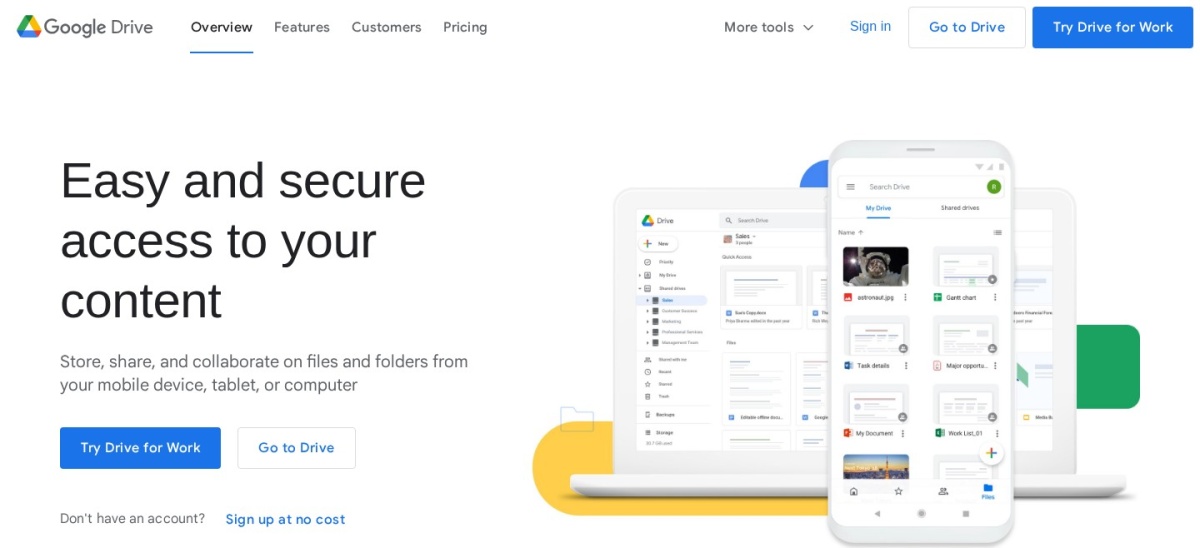
drive.google.com
Google Drive homepage, captured Nov 2026.
Google Drive is the cloud storage that comes with every Google account, with 15 GB free shared across Drive, Gmail and Photos. Files open straight into Docs, Sheets and Slides, and several people can edit the same document at once while Drive keeps every version.
The trade off is that the free 15 GB fills fast once Photos and Gmail share the same pool. Paid Google One plans start at $1.99 a month for 100 GB, and Workspace plans add pooled storage per user. It suits anyone already living in Gmail and Google Docs.
What we like
15 GB free, the most generous free tier here
Real-time editing in Docs, Sheets and Slides
Strong search across file contents
Watch out for
Free storage is shared with Gmail and Photos
Business storage is pooled, not per user on Starter
Dropbox is the file sync service most teams picture first, with 2 GB free and paid Plus plans from $9.99 a month for 2 TB. Its sync is fast and dependable across Mac, Windows, Linux, iOS and Android, and shared folders carry comments, tasks and file requests.
The trade off is the small free tier and the price of team plans, with Business Standard at $15 per user a month billed annually. The 2 GB free plan is a trial more than a workspace. It suits small teams that share files all day and want sync that just works.
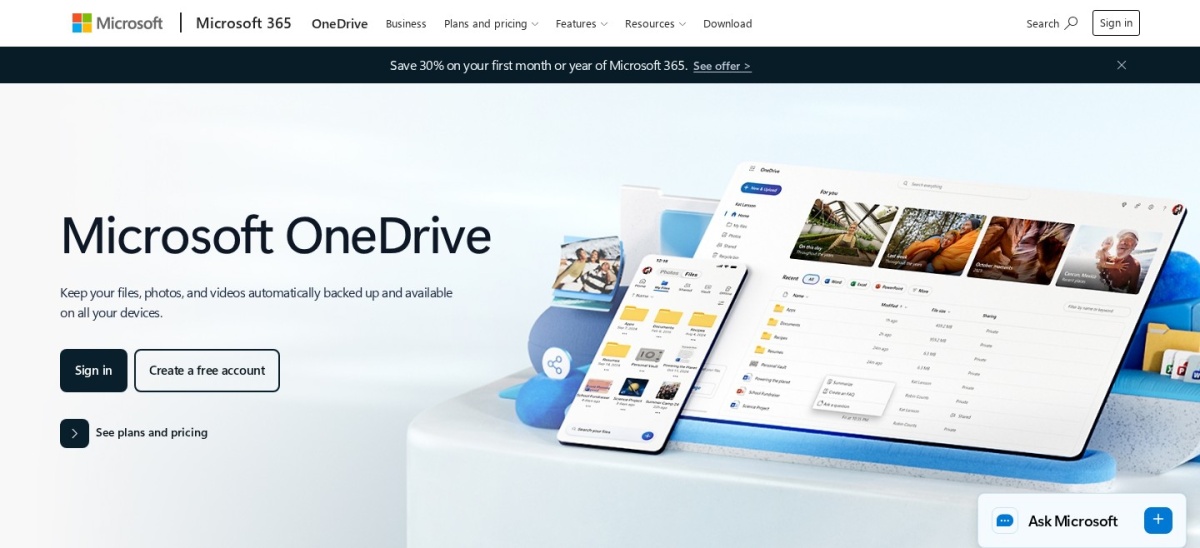
OneDrive is Microsoft's cloud storage, built into Windows and every Microsoft 365 app, with 5 GB free. Word, Excel and PowerPoint save straight to OneDrive, and the Microsoft 365 Basic plan adds 100 GB for $1.99 a month without the Office apps.
The trade off is the small free tier and a web interface that feels slower than Google Drive for pure file work. Personal plans bundle 1 TB with the full Office apps from $69.99 a year. It suits Windows households and teams already paying for Microsoft 365.
What we like
Built into Windows, Word, Excel and Outlook
Personal Vault adds extra security for sensitive files
Box is an enterprise content cloud that pairs storage with governance, audit logs, retention rules and e-signatures. The free Individual plan gives 10 GB, and Business Starter costs $5 per user a month billed annually with a three-user minimum and 100 GB per user.
The trade off is that Box is built for IT-managed teams, so small groups pay for admin depth they may never use. Business plans need at least three users, and the best AI and workflow features sit on higher tiers. It suits regulated teams in healthcare, finance and government.
What we like
Strong governance, retention and audit tools
FedRAMP and HIPAA support on business plans
1,500+ integrations
Watch out for
Three-user minimum on business plans
Overkill for simple personal storage
Business Plus adds unlimited storage at $25 per user a monthVisit box.com
05
iCloud
4.4/5on G2 (3 reviews, checked Nov 2026)
Paid from$0.99/mo
Best for Apple households and devices
Free storage5 GB
Paid entry$0.99/mo, 50 GB
File sharingLinks and folders
Desktop syncBuilt into macOS and iOS
icloud.com
iCloud homepage, captured Nov 2026.
iCloud is Apple's storage service, built into every iPhone, iPad and Mac, with 5 GB free. Photos, device backups, messages and app data sync automatically, and iCloud+ plans start at $0.99 a month for 50 GB with Private Relay and Hide My Email.
The trade off is that it is an Apple-first service, with a thin Windows app and no real Android support. The 5 GB free tier fills after one phone backup, so most owners pay for a plan. It suits households where every device is made by Apple.
What we like
Automatic backup for Apple devices
Cheapest paid entry here at $0.99 a month
Family sharing pools one plan across members
Watch out for
Only 5 GB free
Weak experience outside Apple devices
Very few G2 reviews, so the rating rests on a small base
pCloud is a Swiss storage service with up to 10 GB free and paid plans from $4.99 a month for 500 GB billed annually. Its headline is the lifetime plan, a one-time payment for storage that never renews, and files can live in the EU or US data region.
The trade off is that client-side encryption costs extra through the Crypto folder, and the free plan needs tasks completed to reach 10 GB. Lifetime plans are a bet on the company lasting. It suits buyers who want to stop paying a monthly storage bill.
Sync.com is a Canadian storage service that encrypts files on your device before upload, so even Sync cannot read them. The free plan gives 5 GB, and Teams plans start at $6 per user a month billed annually with a three-user minimum and 1 TB of pooled storage.
The trade off is a smaller feature set than Dropbox or Google Drive, with fewer integrations and a small review base on G2. Team plans need three users, and advanced admin tools sit on higher tiers. It suits small teams that want privacy without configuring encryption themselves.
What we like
Zero-knowledge encryption on every plan
Canadian privacy law and data residency
Simple, clean apps on every platform
Watch out for
Fewer integrations than the big three
Three-user minimum on team plans
Teams Business adds unlimited storage per userVisit sync.com
08
Tresorit
4.5/5on G2 (397 reviews, checked Nov 2026)
Starts at$8.33/mo
Best for businesses sharing encrypted files
Free storageNo free plan
Paid entry$8.33/mo annual
File sharingEncrypted rooms
ComplianceGDPR, HIPAA, ISO 27001
tresorit.com
Tresorit homepage, captured Nov 2026.
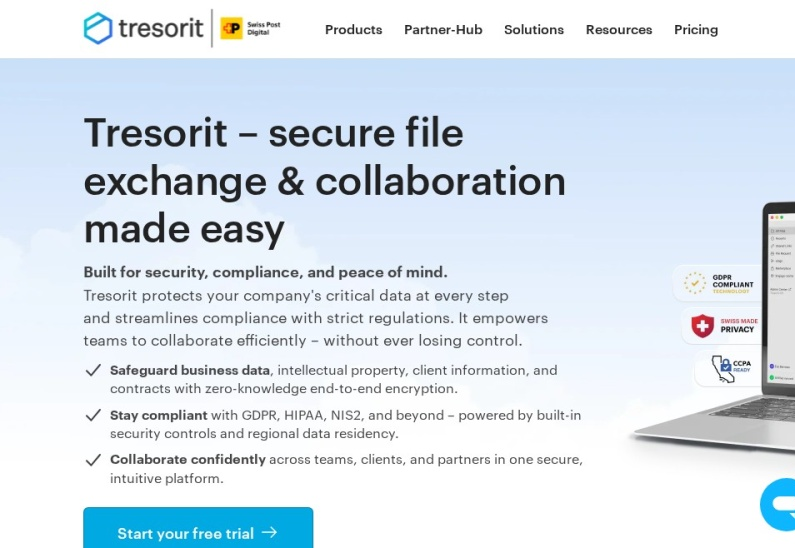
Tresorit is an encrypted file-sharing service for businesses, with end-to-end encryption, e-signatures and data rooms for sharing files with outside partners. The Personal plan starts at $8.33 a month billed annually with 500 GB, and there is no free plan, only a 14-day trial.
The trade off is price and the lack of a free tier, which puts it out of reach for casual storage. It is also a sharing tool first, not a general drive with deep app integrations. It suits firms that send sensitive files to clients and need proof of who opened what.
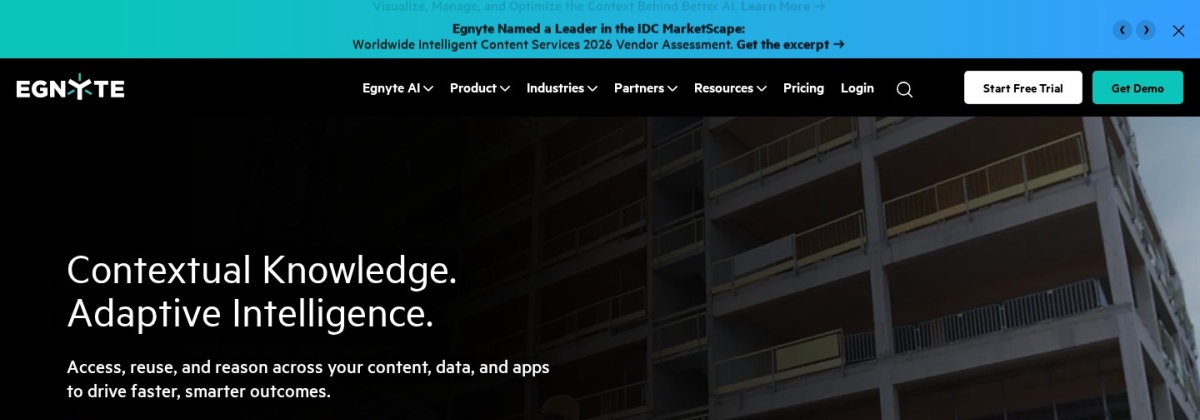
Egnyte is a content cloud built for businesses with real infrastructure, pairing local storage for speed with cloud access and one governance layer. The Team plan costs $10 per user a month billed annually, and it handles large CAD and design files without forcing downloads.
The trade off is that there is no free plan and the entry tier is aimed at teams, not individuals. Setup takes more work than a consumer drive, and the best governance features need the Business plan. It suits mid-size firms in regulated industries with large files.
Free plans cover light use well. Google Drive at 15 GB and pCloud at up to 10 GB carry a casual user for years.
Paid plans mostly add space and controls. You get more storage, longer version history and admin tools for teams.
The cheapest paid plan here is iCloud+ at $0.99 a month for 50 GB, while team plans start at $5 per user a month on Box.
If you store client files, the paid tier is worth it for link expiry and audit logs alone.
How we chose
We started from the most widely used data storage software tools, then kept those with a verifiable rating on G2, Capterra or Trustpilot and a published price or free plan.
Prices come from each vendor's pricing page, checked on 25 November 2026. Ratings and review counts come from the review site named on each tool on the same day. Where a vendor shows a sale, the list shows the regular price.
We left out tools with no verifiable rating or no published pricing information. No vendor paid for a place, and we do not claim hands-on testing for this list.
How to choose data storage software
Start with the devices and apps you already use, then check the free tier before you pay.
Count your free storage first. Check what you already get with Google, Apple or Microsoft accounts before buying a new plan, because 15 GB may cover a light user.
Match the tool to your ecosystem. Google Drive fits Gmail users, OneDrive fits Windows and Office, and iCloud fits Apple households, so pick the one your files already live in.
Check the per-user minimums. Box, Sync.com and Egnyte price per user with minimums, so a two-person team pays for three seats on some plans.
Test sharing before you commit. Send a link to someone outside your team and check expiry, passwords and permissions, because those controls differ widely.
FAQ
What is the best data storage software?
Google Drive is the best data storage software for most people, with 15 GB free, real-time editing in Docs, Sheets and Slides, and a paid entry of $1.99 a month for 100 GB. Dropbox is the better pick if sync reliability matters more than the free tier.
How much free storage does Google Drive give?
Google Drive gives 15 GB free, shared across Drive, Gmail and Google Photos. That is the largest free tier in this list, ahead of Box at 10 GB and pCloud at up to 10 GB, while Dropbox gives only 2 GB.
Is Dropbox or Google Drive better for teams?
Dropbox wins on sync reliability and works the same on every platform, while Google Drive wins on collaboration and price, with 15 GB free and cheaper team storage. Teams in Microsoft 365 should look at OneDrive instead.
Which data storage is most private?
Sync.com and Tresorit encrypt files on your device before upload, so the provider cannot read them. pCloud offers client-side encryption as a paid add-on, while Google, Dropbox and Microsoft encrypt files on their own servers.
Does Box have a free plan?
Box offers a free Individual plan with 10 GB of storage, but business plans start at $5 per user a month with a three-user minimum. The free plan is for personal use, not team administration.
What is the cheapest paid data storage?
iCloud+ is the cheapest paid entry here at $0.99 a month for 50 GB, followed by Google Drive and OneDrive at $1.99 a month for 100 GB. pCloud also sells lifetime plans that end the monthly bill.
SaaS SEO and WordPress specialist with about 8 years of experience. Rakib compares WordPress plugins, themes, hosting and software using public pricing, documentation and user reviews. See how we rank.