CrashPlan is the best data protection software for most teams, with the highest G2 rating in this list and simple per-user pricing from 7 dollars 33 a month. Pick Acronis for backup plus security in one agent and Veeam for large hybrid estates.
How we make this list: we compare pricing pages, product documentation and public user reviews, then re-check every price before each update. No product paid for a place. Disclosure.
CrashPlan leads with a 4.9/5 G2 rating from 273 reviews and simple $7.33 per user a month pricing.
Acronis has the largest review base here at 1,462 G2 reviews, combining backup and security.
Veeam serves 550,000-plus customers with portable per-workload licensing.
Five of the nine enterprise tools sell by quote only.
Backblaze is the simplest start at $99 per computer per year with unlimited data.
What data protection software should cover
Data protection software copies your data somewhere an attacker cannot reach it, then proves you can restore it. Immutability is the baseline now: backups must survive an attacker with admin credentials.
The category splits by where data lives. Enterprise suites protect servers, virtual machines and cloud workloads, while endpoint tools protect laptops and desktops, and MSP tools protect many clients from one dashboard.
Pricing is mostly by quote for the enterprise suites. Only CrashPlan and Backblaze publish simple prices here, so expect a sales conversation for Veeam, Rubrik, Commvault, Druva and Cohesity.
Test the restore, not the backup. A clean-room recovery check or a timed file restore tells you more than any feature list.
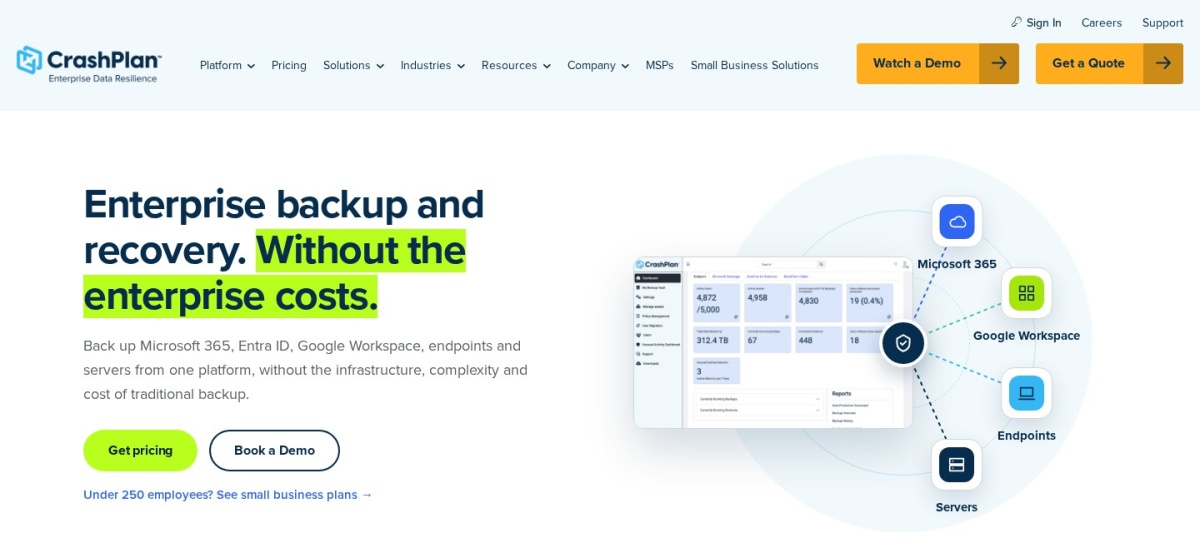
CrashPlan is an endpoint backup tool that keeps every laptop and workstation backed up continuously. Backups run every 15 minutes with unlimited storage and no file size limits, and restores are self-service so employees recover their own files. It costs $7.33 per user a month billed annually.
The trade off is scope. CrashPlan covers endpoints and some SaaS apps, not full data centre infrastructure, so pair it with a platform tool if you run significant servers. It suits small and mid-size teams whose data lives on endpoints.
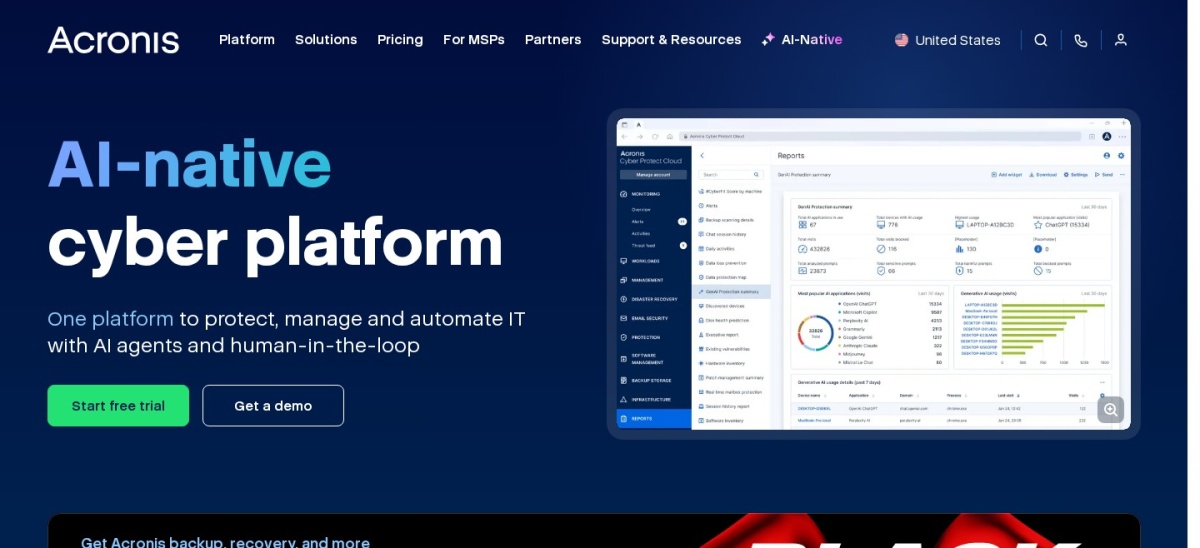
Acronis Cyber Protect homepage, captured Nov 2026.
Acronis Cyber Protect is a backup and security platform that unifies backup, anti-malware and endpoint management in one agent and one console. It serves more than 750,000 businesses largely through its MSP channel and is rated 4.7/5 by 1,462 G2 reviewers.
The trade off is pricing and complexity. Prices vary by edition and channel, and the interface carries the weight of many features. It suits mid-size companies and MSPs that want to replace two or three agents with one.
What we like
Backup and anti-malware in one agent
Largest review base here at 1,462 reviews
Multi-tenant management for MSPs
Broad platform support
Watch out for
Pricing varies by edition and channel
Interface is heavy with features
MSP-focused packaging for some editions
Paid plans are priced per workstation or server per yearVisit acronis.com
03
Druva
4.7/5on G2 (746 reviews, checked Nov 2026)
PricingCustom/yr
Best for cloud-native SaaS backup
DeploymentFully managed SaaS
StorageAir-gapped, immutable
CoverageCloud, SaaS, endpoints
Free trial30 days
druva.com
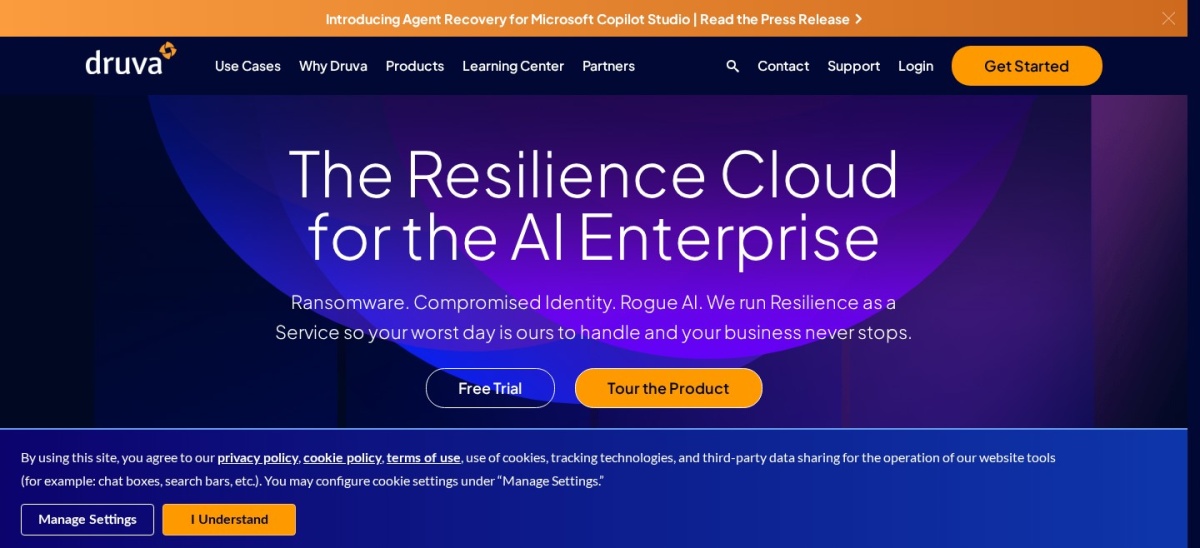
Druva homepage, captured Nov 2026.
Druva is a fully managed SaaS platform for backup, disaster recovery and data governance across cloud, on-premises and edge systems. There is no hardware, no appliance and no capacity planning, and backups land in air-gapped, immutable storage. It is rated 4.7/5 by 746 G2 reviewers.
The trade off is control and price. Druva publishes no dollar prices, so pricing comes by quote, and the cloud-only model does not suit teams that want backup infrastructure under their own control. It suits teams that would rather subscribe than administer.
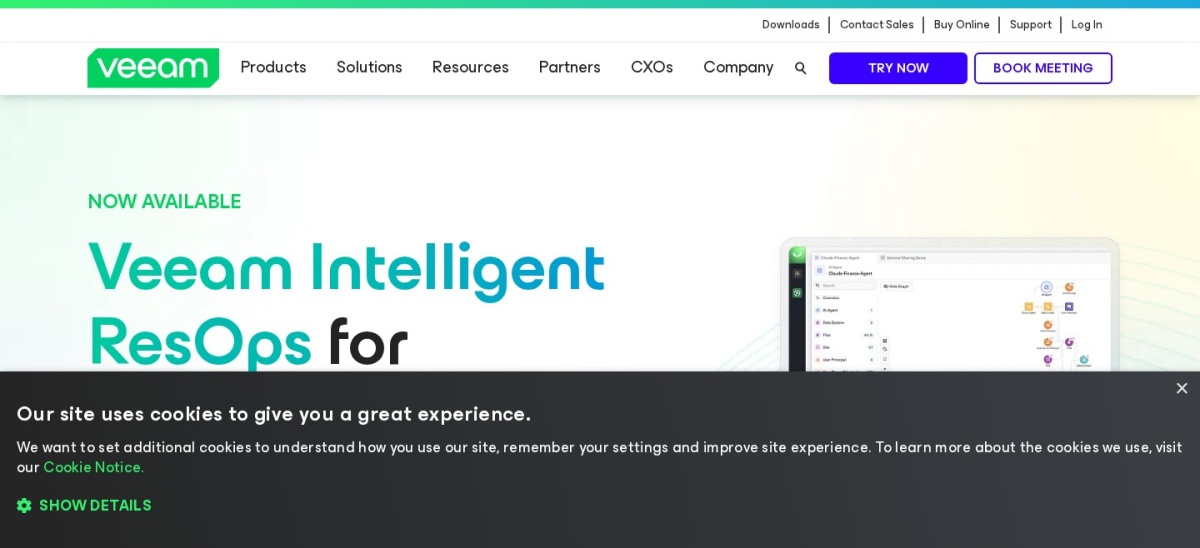
Veeam Data Platform is a backup and data protection platform for virtual, physical, cloud, SaaS and Kubernetes workloads. It offers hardened immutable repositories, clean-room recovery validation and instant recovery, and serves more than 550,000 customers. It is rated 4.6/5 by 752 G2 reviewers.
The trade off is commercial complexity. Pricing is quote-based, the Universal License takes work to map onto hybrid estates, and self-run software needs patching and on-call staff. It suits IT teams running mixed infrastructure.
What we like
Broadest workload coverage here
Instant Recovery and clean-room checks
Huge partner and community ecosystem
Free Community Edition to start
Watch out for
Quote-based pricing
Licensing complexity grows with mixed estates
Self-run software needs maintenance
Veeam Data Cloud Vault lists Archive storage at $4.50 per TB a monthVisit veeam.com
05
Rubrik Security Cloud
4.6/5on G2 (302 reviews, checked Nov 2026)
PricingCustom/yr
Best for ransomware recovery
BackupsImmutable, air-gapped
RecoveryClean-room verified
DiscoverySensitive data in backups
PricingBy quote
rubrik.com
Rubrik Security Cloud homepage, captured Nov 2026.
Rubrik Security Cloud is a data security platform that does backup, with immutable, logically air-gapped copies, pre-calculated clean recovery points and automated recovery playbooks. It finds sensitive data inside backups and runs clean-room recovery to verify copies before restoring. It is rated 4.6/5 by 302 G2 reviewers.
The trade off is price and fit. Rubrik publishes no dollar prices, with contracts averaging near $57,000 a year, and on-premises deployments need cluster hardware. It suits security-led teams that name ransomware recovery as a board-level risk.
Cove Data Protection is backup built for managed service providers, from N-able. One dashboard covers all customers, devices and data types, with backup storage included in the per-device licence. TrueDelta backs up only changed bytes, and automated recovery testing verifies backups with screenshot proof.
The trade off is audience. The packaging and per-device pricing assume an MSP or an IT team managing many endpoints, so single-site small businesses may find CrashPlan or Backblaze simpler. It suits MSPs already running N-able RMM.
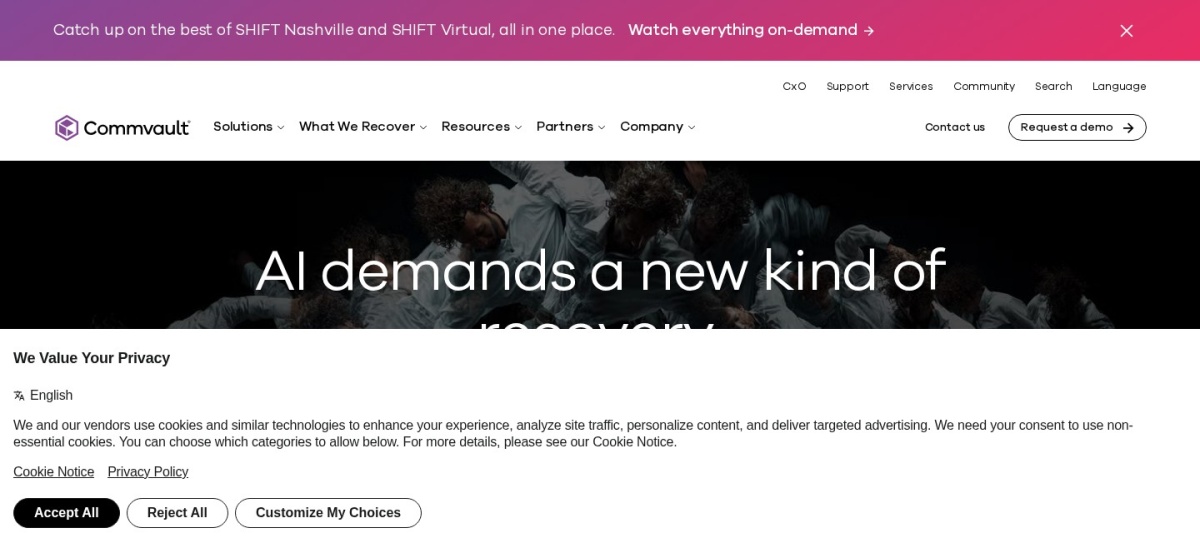
Commvault Cloud is an enterprise data protection platform that unifies backup with identity resilience, AI resilience and cyber recovery. It covers mainframes to SaaS, with deep application-aware recovery for SAP and Oracle, AirGap storage with Retention Lock, and clean-room recovery. It is rated 4.4/5 by 195 G2 reviewers.
The trade off is cost and complexity. Pricing is quote-based, with median annual contracts near $285,000, and the breadth needs skilled operators. It suits large organisations with compliance obligations and complex estates.
What we like
Deepest application-aware recovery here
15 straight years as a Gartner leader
Covers mainframes to SaaS
Clean-room and AirGap recovery options
Watch out for
Quote-based, enterprise pricing
Needs skilled operators
More platform than mid-size teams need
SaaS backup for Microsoft 365 starts near $1.70 per user a monthVisit commvault.com
08
Cohesity Data Cloud
4.4/5on G2 (55 reviews, checked Nov 2026)
PricingCustom/yr
Best for converging backup and data security
ImmutabilityDataLock
Threat huntingCyberScan
VaultFortKnox cyber vault
PricingCapacity, multi-year
cohesity.com
Cohesity Data Cloud homepage, captured Nov 2026.
Cohesity Data Cloud is a platform that converges backup, recovery and data security, with immutable DataLock, anomaly detection, CyberScan threat hunting and a FortKnox cyber vault. It suits legacy data centres moving to a modern platform, and it is rated 4.4/5 by 55 G2 reviewers.
The trade off is the review base and price. Only 55 G2 reviews support the rating, pricing is by multi-year capacity terms, and customer-managed infrastructure adds operating work. It suits enterprises consolidating backup and security tools.
What we like
Backup and security on one platform
DataLock immutability and CyberScan
FortKnox isolated cyber vault
Strong fit for legacy data centres
Watch out for
Only 55 G2 reviews, a thin base
Multi-year capacity pricing
Customer-managed infrastructure to run
Marketplace listings show about $29,100 a year for 10 back-end TBVisit cohesity.com
09
Backblaze Computer Backup
4.4/5on G2 (38 reviews, checked Nov 2026)
Starts at$99/yr
Best for simple affordable backup
Price$99/computer/year
StorageUnlimited
RestoresWeb and mailed drive
Free trialYes
backblaze.com
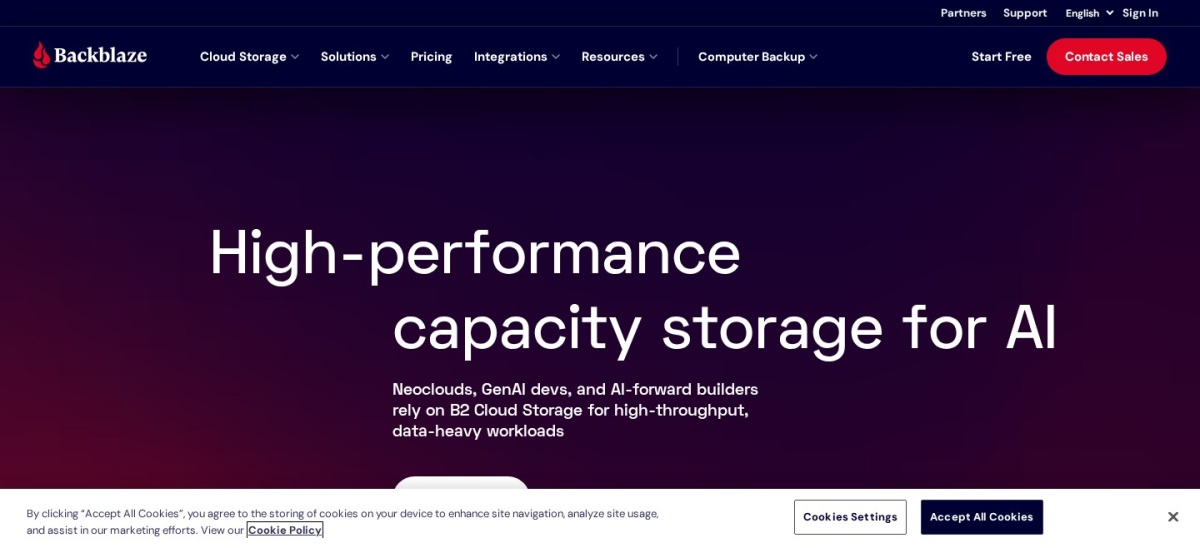
Backblaze Computer Backup homepage, captured Nov 2026.
Backblaze Computer Backup is the simplest tool here: install it, and every user-generated file backs up continuously with no file size or type limits. Business Backup runs $99 per computer per year with centralised billing, web-based restores and free mailed hard-drive restores for large recoveries.
The trade off is control. Advanced administration, single sign-on and lockdown features need the Enterprise Control upgrade, and nobody confuses Backblaze with an enterprise data protection platform. It suits small teams and companies with remote workers.
Keep three copies of data, on two different media, with one off-site. Immutable and air-gapped copies add a fourth layer that ransomware cannot rewrite.
Automated recovery testing matters as much as the backup itself. Cove verifies restores with screenshot proof, and Veeam and Rubrik offer clean-room recovery checks.
Endpoint backup alone is not a data protection plan. If you run servers, pair an endpoint tool with a platform such as Veeam or Druva.
How we chose
We started from the data protection tools with the largest G2 review bases, then kept nine that cover enterprise suites, endpoint backup and MSP delivery.
Prices come from each vendor's pricing page, checked on 25 November 2026. Ratings and review counts come from G2 on the same day. Where a vendor sells by quote, the list says so rather than guessing a price.
We left out tools with no verifiable G2 rating. No vendor paid for a place, and we do not claim hands-on testing for this list.
How to choose data protection software
Start with where your data lives, then check immutability and restore speed before price.
List where your data lives. Servers, virtual machines, cloud workloads, SaaS apps and laptops each need different coverage.
Demand immutable, air-gapped copies. Ask how backups survive an attacker with admin credentials before you compare anything else.
Time a real restore. Restore a file, a machine and a ransomware scenario, and measure how long each takes.
Match the buying model to your team. Endpoint tools suit small teams, MSP tools suit providers, and enterprise suites suit large estates.
FAQ
What is the best data protection software?
CrashPlan is the best overall pick for most teams, rated 4.9 out of 5 by 273 G2 reviewers. It backs up endpoints continuously with unlimited storage at 7 dollars 33 per user a month billed annually, with self-service restores.
How much does Veeam cost?
Veeam does not publish a per-workload price. Its Universal License is portable across workloads and priced by quote, while the managed Veeam Data Cloud Vault lists Archive storage at 4 dollars 50 per TB a month.
What is immutable backup?
Immutable backup cannot be changed or deleted during its retention period, even by an administrator. That stops ransomware from encrypting or wiping the copies you need to recover.
Is Backblaze good for business backup?
Backblaze suits small teams with remote workers. Business Backup costs 99 dollars per computer per year with unlimited data and free mailed hard-drive restores, but advanced admin controls need the Enterprise upgrade.
Which backup tool is best for ransomware recovery?
Rubrik is built for ransomware recovery, with immutable, logically air-gapped backups and clean-room recovery. Veeam and Commvault also offer hardened repositories and clean-room checks to verify restores before they go live.
Do I need data protection if I use the cloud?
Yes. Cloud providers protect their infrastructure, not your data from deletion, ransomware or misconfiguration. Backup for Microsoft 365, Google Workspace and Salesforce is a separate job.
SaaS SEO and WordPress specialist with about 8 years of experience. Rakib compares WordPress plugins, themes, hosting and software using public pricing, documentation and user reviews. See how we rank.