Nanonets is the best data entry automation for most mid-market teams, with template-free extraction and a free tier to start. Pick Rossum for high-volume invoice automation and Docparser for small teams on standard forms.
How we make this list: we compare pricing pages, product documentation and public user reviews, then re-check every price before each update. No product paid for a place. Disclosure.
Nanonets leads for flexible mid-market automation, with a free tier and usage-based pricing from $100 a month.
Rossum automates invoice flows without templates, but Starter starts at $18,000 a year.
Docparser is the small-business pick at $39 a month, with template-based parsing.
Parseur extracts data from emails and PDFs without code, from $49 a month.
Hyperscience claims 99.5 percent accuracy, but it is a quote-only enterprise purchase.
What data entry automation should do
Data entry automation reads documents and puts the data where it belongs: invoices into the ERP, forms into the CRM, emails into a spreadsheet. The goal is no retyping.
Template-free tools learn each supplier's layout from corrections, while template tools need rules set up per form. The first suits varied documents; the second suits standard ones.
Accuracy and human review matter more than speed. Our guide on best analytics software covers what happens to data after entry.
Prices run from $39 a month for small teams to five-figure enterprise contracts, so volume decides the shortlist.
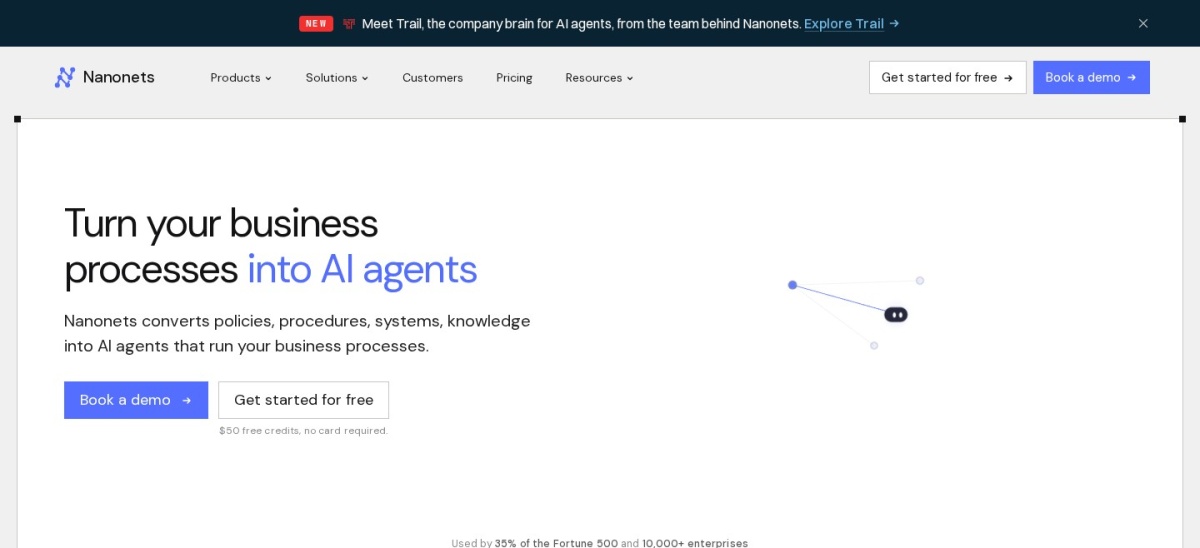
Nanonets is an AI agent platform for document-heavy processes, reading invoices, purchase orders, claims and contracts visually without templates. It is rated 4.7 out of 5 on G2 from 97 reviews, and paid plans start at $100 a month for 100 credits.
The trade off is usage-based pricing. Each workflow step costs from $0.02 to $0.30 a run, so costs rise with volume. It suits mid-market teams that want AI extraction with a free tier.
What we like
Template-free extraction that adapts to new layouts
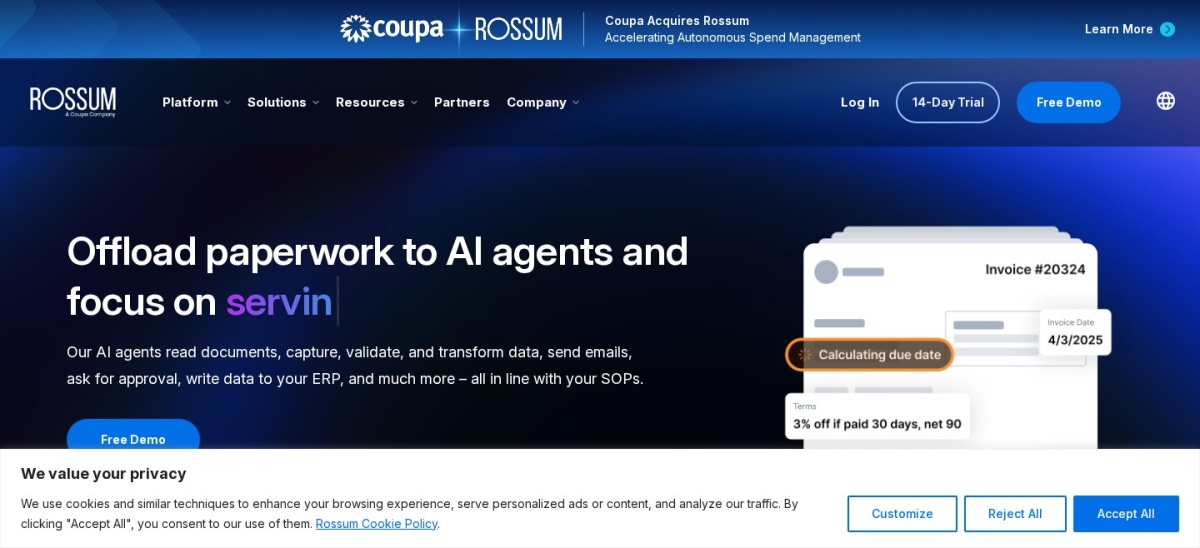
Rossum is a platform that automates transactional documents such as invoices and orders, learning each supplier's layout from corrections with no templates to build. It is rated 4.5 out of 5 on G2 from 127 reviews, and Starter starts at $18,000 a year.
The trade off is enterprise pricing. It is quote-based beyond Starter, with annual contracts, and reviewers call it expensive at low volumes. It suits finance teams automating high-volume invoice flows.
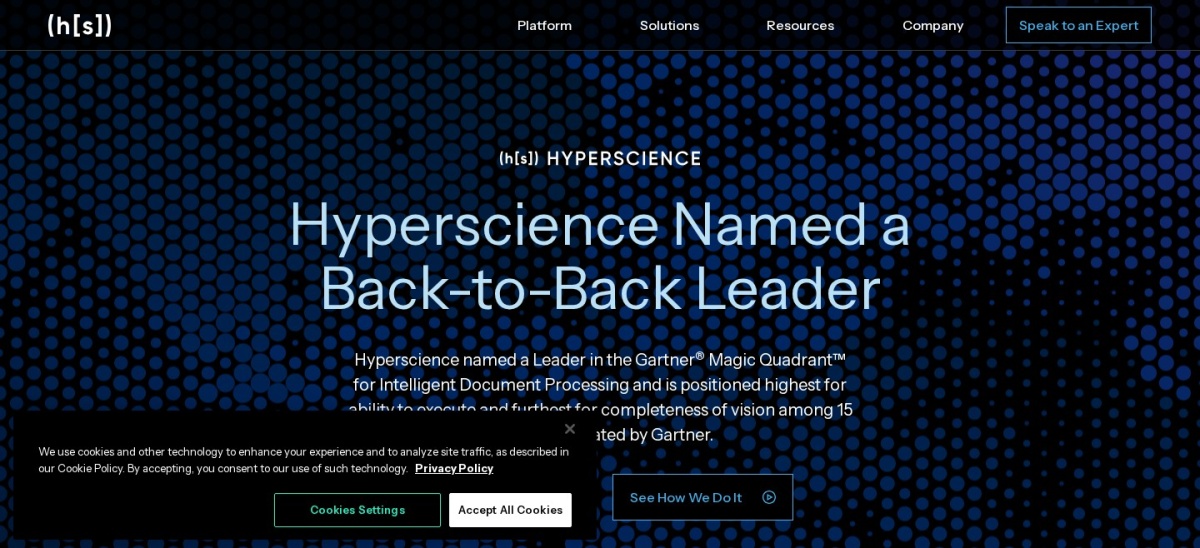
Hyperscience is an intelligent document processing platform for large organisations with high-volume, complex documents, claiming 99.5 percent accuracy. It is rated 4.6 out of 5 on G2 from 54 reviews, and it holds FedRAMP High authorisation.
The trade off is enterprise cost and process. Pricing is quote-only with five-figure annual commitments, and implementation needs help. It suits regulated enterprises where accuracy matters most.
UiPath is an automation platform whose Document Understanding feature digitises, classifies and extracts data from documents, then hands results to software robots. Its document features are rated 4.6 out of 5 on G2 from 22 reviews.
The trade off is that it only makes sense inside UiPath. Document extraction sits on quoted Standard and Enterprise plans, priced in AI Units per page. It suits companies already running UiPath robots.
ABBYY is a long-established intelligent document processing vendor, with Vantage offering low-code document workflows and on-premise deployment. It is rated 4.2 out of 5 on G2, from a band of around 150 reviews.
The trade off is enterprise pricing and age. It is quote-only, and the interface shows its history next to newer AI-first tools. It suits enterprises that need proven IDP with on-premise options.
Docparser is a tool that extracts data with parsing rules you set up, or with DocparserAI, and sends results to spreadsheets, databases and apps. It is rated 4.5 out of 5 on G2, from a band of over 50 reviews, and Starter costs $39 a month for 100 documents.
The trade off is templates. Standard invoices and forms work well, but varied layouts need rule changes. It suits small businesses parsing standard invoices and forms.
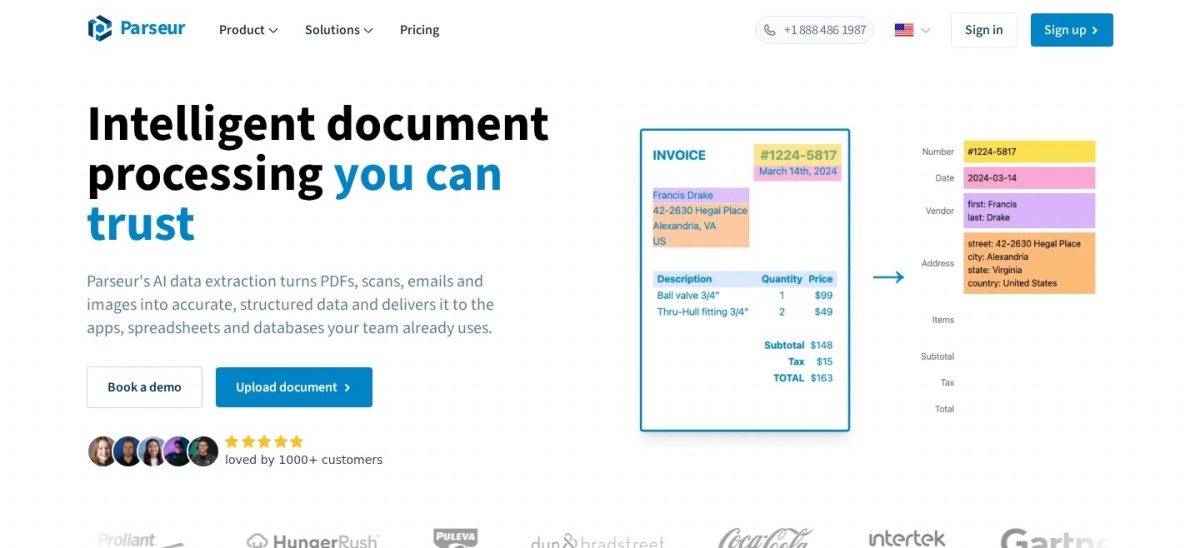
Parseur is a tool that extracts data from emails and PDFs without code, using templates to pull fields into Excel, Google Sheets or JSON. It is rated 4.7 out of 5 on G2, from a band of over 100 reviews, and paid plans start at $49 a month.
The trade off is template work. Each document type needs a template, and complex layouts take time to set up. It suits teams whose data arrives by email.
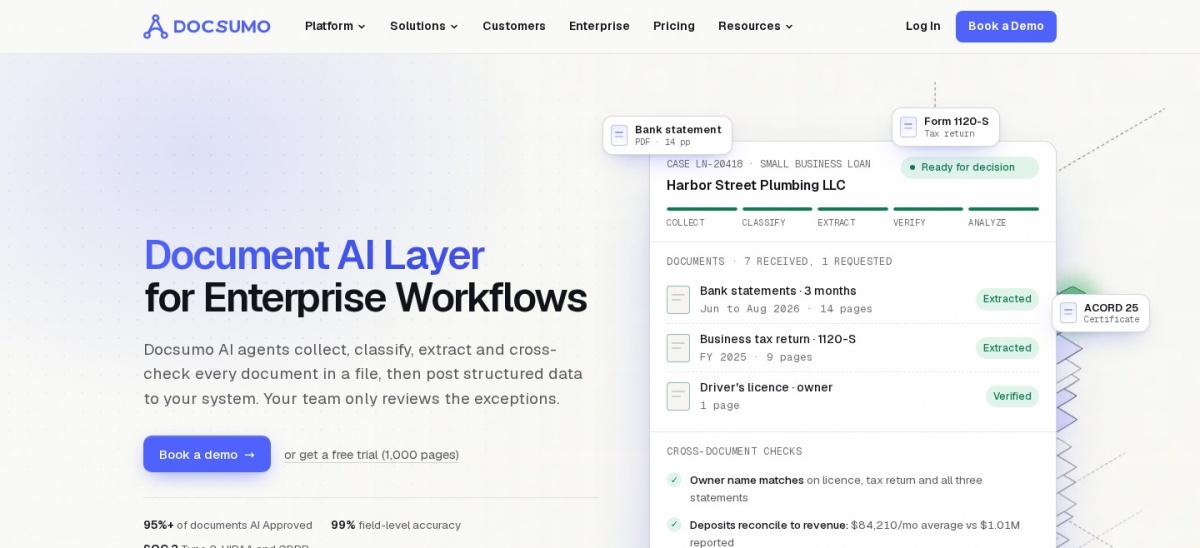
Docsumo is an intelligent document processing platform that classifies, extracts and checks documents, then sends data on through APIs and webhooks. It is rated 4.8 out of 5 on G2, from a band of over 50 reviews, and paid plans are now custom-quoted.
The trade off is pricing transparency. Paid plans moved to custom quotes, and setup fees apply on top. It suits lending, insurance and AP teams processing document sets.
Template tools such as Docparser and Parseur need rules per form, but they are cheap and predictable. They suit standard invoices and forms that rarely change.
Template-free tools such as Rossum and Nanonets learn layouts from corrections. They cost more, but they handle supplier formats that change every month.
If your documents are standard, start with a template tool. If every supplier sends a different layout, pay for template-free.
How we chose
We started from the document processing tools most often cited in 2026 comparisons, then kept those with a verifiable G2 rating and a live product.
Prices and ratings were checked on 25 November 2026. Ratings come from G2 on that day; published prices come from vendor pricing pages as cited in comparisons read that day.
We left out tools with no verifiable rating. No vendor paid for a place, and we do not claim hands-on testing for this list.
How to choose a data entry automation
Start with a real pile of your documents.
Test on your own documents. Run a trial on 50 real invoices or forms and measure accuracy, not the vendor's demo.
Check the human review flow. Low-confidence extractions need a person to check them, so confirm the review screen is usable.
Price by volume, not by seat. Most tools charge per page or per step, so estimate monthly document counts before buying.
Confirm where the data goes. Check the tool posts clean data into your ERP or CRM, not just a spreadsheet download.
FAQ
What is the best data entry automation?
Nanonets is the best data entry automation for most mid-market teams. It is rated 4.7 out of 5 on G2 from 97 reviews, with template-free extraction and a free tier. Rossum suits high-volume invoices, and Docparser suits small teams.
How much does data entry automation cost?
Docparser starts at $39 a month, Parseur at $49, and Nanonets at $100. Rossum Starter starts at $18,000 a year, while Hyperscience, ABBYY and Docsumo are quote-only enterprise purchases.
What is intelligent document processing?
Intelligent document processing reads unstructured documents such as invoices and forms, extracts the structured data, validates it and sends it to business systems. It combines OCR with AI classification and extraction.
Can data entry automation handle handwriting?
Some tools can. Rossum handles handwriting across 276 languages, while template tools such as Docparser work best on printed standard forms. Test handwriting samples in a trial before buying.
Do I still need people to check the data?
Yes. Every tool here routes low-confidence extractions to a human reviewer. The best setups automate the clear cases and let people handle exceptions, which is where most of the time is saved.
What is the difference between Docparser and Nanonets?
Docparser uses templates you set up per form and costs $39 a month, suiting standard documents. Nanonets uses AI to read documents without templates and costs $100 a month, suiting varied layouts that change often.
SaaS SEO and WordPress specialist with about 8 years of experience. Rakib compares WordPress plugins, themes, hosting and software using public pricing, documentation and user reviews. See how we rank.