Blancco is the best data destruction software for most organisations, with certified erasure across drives, servers and mobiles plus signed audit certificates. Pick WipeDrive for ITAD value at $20 a drive and KillDisk for low-cost wiping from $85 a license.
How we make this list: we compare pricing pages, product documentation and public user reviews, then re-check every price before each update. No product paid for a place. Disclosure.
Blancco is the enterprise standard, with 25-plus erasure standards and signed audit certificates.
WipeDrive costs $19.95 for a single drive and is rated 4.7 out of 5 on Capterra from 46 reviews.
KillDisk has a free version, with a commercial license from $85 per license.
BCWipe scores 4.9 out of 5 on G2, but from only 7 reviews.
Deleting files does not destroy data; only certified overwriting or physical destruction does.
What data destruction really means
Deleting a file only removes its reference. The data stays on the disk until it is overwritten, which is why retired drives are a real breach risk.
Certified erasure overwrites every sector to a recognised standard, such as NIST 800-88, and produces a signed certificate for auditors. Physical destruction shreds or degausses the media instead.
This list focuses on software erasure, which covers most retirements. Our guide on best database software covers the storage layer these tools work with.
For highly sensitive media, pair software erasure with physical destruction and keep the certificate with the asset record.
Blancco is the enterprise standard for certified data erasure, covering drives, SSDs, servers and mobile devices with digitally signed reports for every asset. It is rated 4.5 out of 5 on G2 from 51 reviews, and over 70,000 devices are erased with it every day.
The trade off is price. Blancco publishes no rates and everything is quote-based, calibrated to volume and deployment. It suits enterprises and ITAD providers that need defensible, auditable erasure at scale.
WipeDrive is WhiteCanyon's certified drive wiping software, covering hard drives, SSDs, removable media and mobile devices with audit logs. It is rated 4.7 out of 5 on Capterra from 46 reviews, and a single-drive license costs $19.95. WhiteCanyon is now part of Blancco, and WipeDrive is sold through Blancco's webstore.
The trade off is enterprise depth. It undercuts Blancco on price but has fewer certifications and a smaller enterprise feature set. It suits ITAD providers and corporate refresh cycles that need certified wiping at a lower cost.
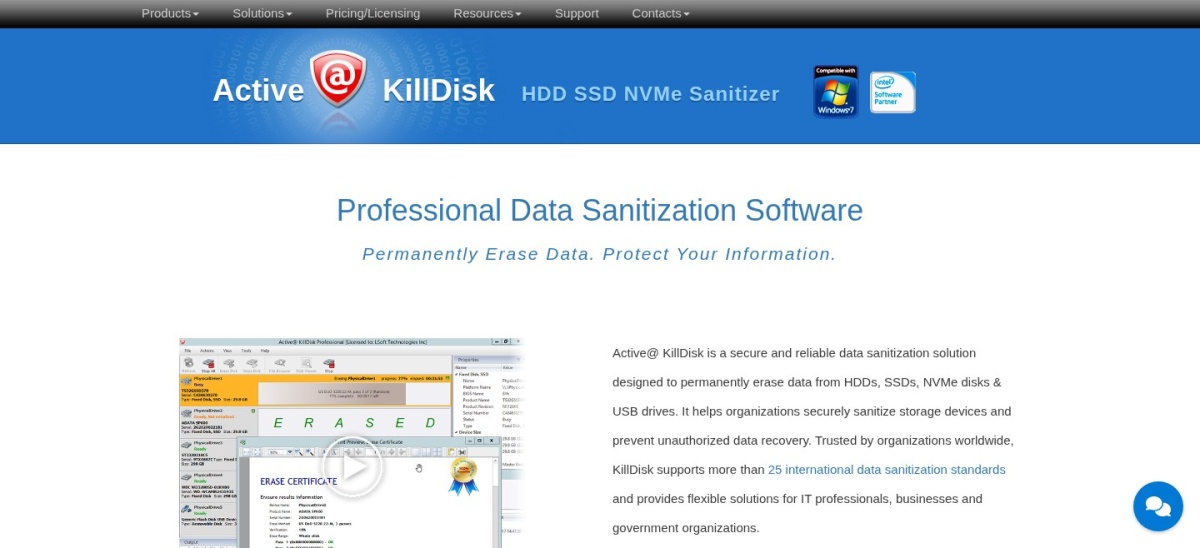
KillDisk is a drive wiping tool from a free version for basic jobs up to professional licenses with certifications and reporting. It is rated 4.5 out of 5 on G2 from 16 reviews, and the commercial license starts at $85 per license.
The trade off is polish. It is a technician's tool, not an enterprise platform, and central management is basic. It suits technicians and small IT teams retiring office PCs.
BCWipe is Jetico's wiping software for files, folders, free space and whole drives, including boot records and hidden areas. It is rated 4.9 out of 5 on G2, but from only 7 reviews, so the score rests on a small sample.
The trade off is evidence and price. The review base is tiny and no public price is published. It suits users who need selective file wiping as well as whole-drive erasure.
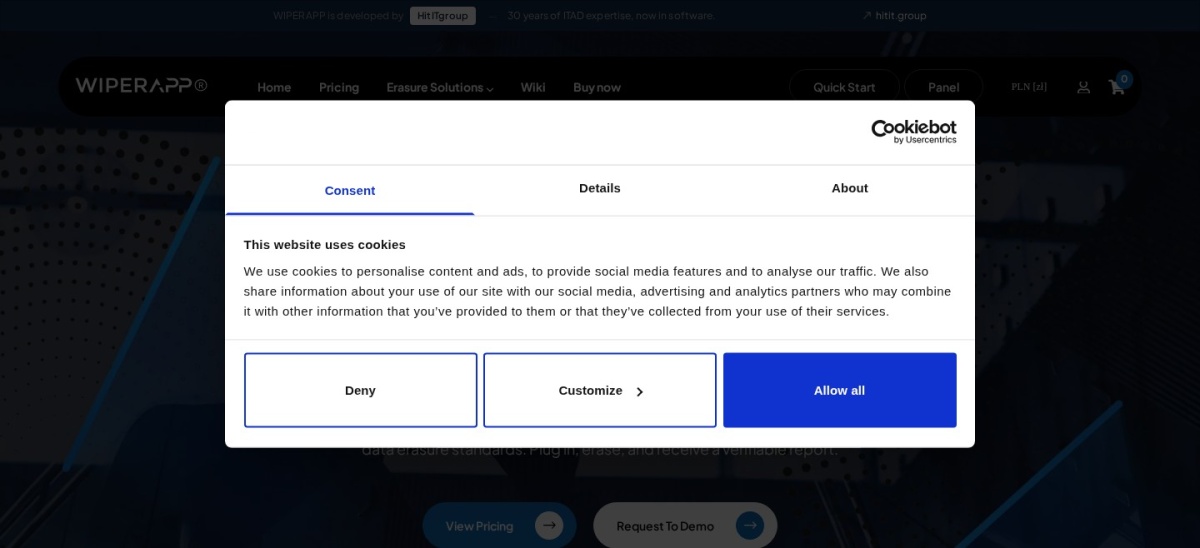
WIPERAPP is a data erasure platform built around reuse, helping organisations wipe devices for resale or redeployment instead of shredding them. It is rated 4.9 out of 5 on G2 from 19 reviews.
The trade off is scale. It is a newer, smaller vendor than Blancco, and no public price is published. It suits refurbishers and IT teams that want secure erasure with a reuse story.
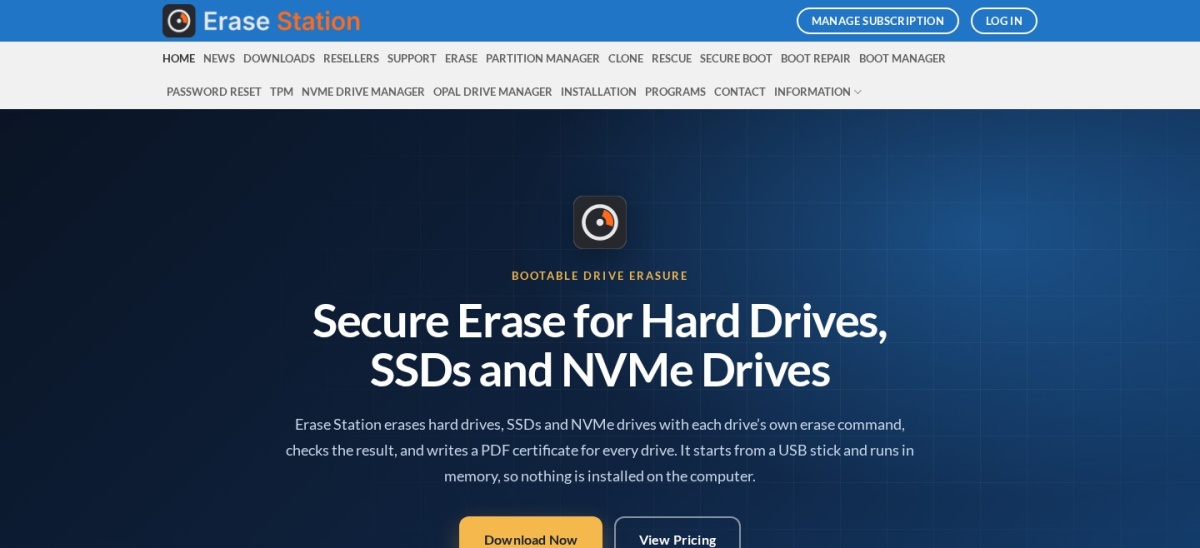
Parted Magic is a Linux-based bootable toolkit for disk management, cloning, recovery and secure erasure, running from USB, CD or network boot. It is rated 4.6 out of 5 on G2 from 17 reviews, and the vendor renamed it Erase Station in 2026.
The trade off is that erasure is one feature among many, not a certified platform with central reporting. It suits technicians who want one bootable toolkit for many disk jobs.
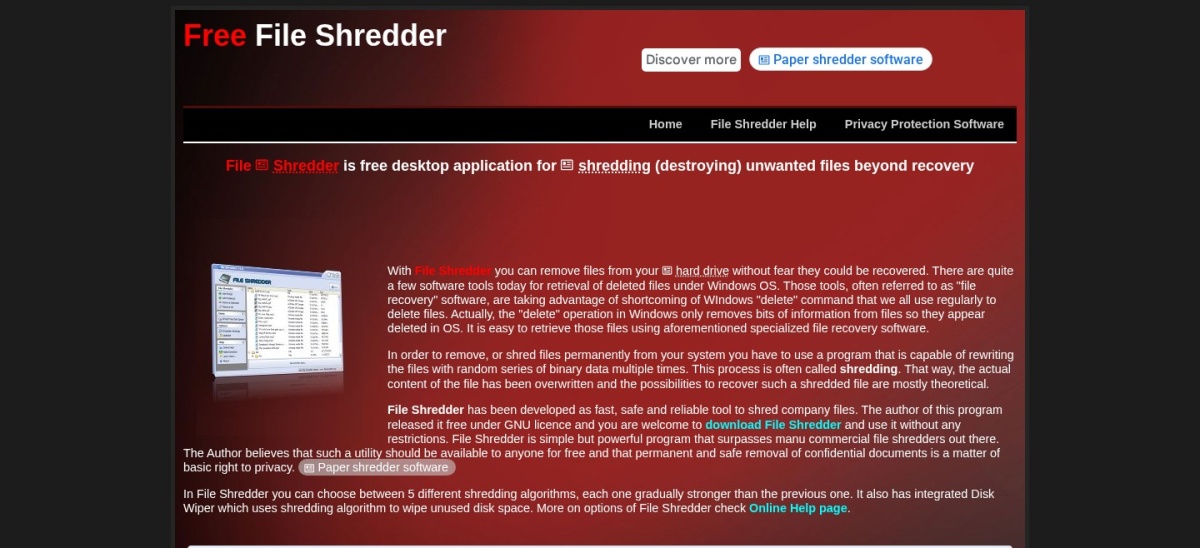
File Shredder is a free Windows application that permanently deletes files by overwriting them several times, with a disk wiper for unused space. It is rated 4.4 out of 5 on G2 from 20 reviews.
The trade off is scope. It shreds files and free space, but it is not a certified drive erasure platform with audit certificates. It suits individuals and small teams deleting sensitive files.
Software erasure works for working drives bound for reuse. For failed drives, or media with top-secret data, physical destruction is the safer route.
Shredding and degaussing destroy the media itself, so there is nothing to recover. Keep the destruction certificate with the asset record, just as with software erasure.
Most organisations use both: erasure for working devices, shredding for failed or highly sensitive ones.
How we chose
We started from the erasure tools shortlisted most often in 2026 comparisons, then kept those with a verifiable G2 or Capterra rating and a live product.
Prices and ratings were checked on 25 November 2026. Ratings come from G2 or Capterra on that day; WipeDrive and KillDisk publish starting prices, while the rest are quote-only.
We left out tools with no verifiable rating, including DBAN and Eraser. No vendor paid for a place, and we do not claim hands-on testing for this list.
How to choose data destruction software
Start with what auditors will ask for.
Check the certification first. Ask which standards the tool meets, such as NIST 800-88, and whether certificates are digitally signed.
Match the tool to the volume. KillDisk suits a few PCs a month; Blancco suits thousands of devices across sites.
Confirm SSD handling. SSDs need firmware-level erasure, not just overwriting, so check ATA Secure Erase or NVMe Sanitize support.
Keep every certificate. Store the signed certificate with the asset record, since that is what an audit actually checks.
FAQ
What is the best data destruction software?
Blancco is the best data destruction software for most organisations. It is rated 4.5 out of 5 on G2 from 51 reviews, with certified erasure across drives, servers and mobiles. WipeDrive suits ITAD value, and KillDisk suits low-cost wiping.
How much does data destruction software cost?
KillDisk starts at $85 per license, WipeDrive at $19.95 per drive, and File Shredder is free. Blancco, BCWipe and WIPERAPP are quote-only, so expect enterprise pricing based on volume.
Does deleting files destroy data?
No. Deleting a file only removes its reference, and the data stays recoverable until overwritten. Certified erasure overwrites every sector to a recognised standard, which is what makes recovery impossible.
What is the difference between erasure and physical destruction?
Erasure overwrites data so the drive can be reused, while physical destruction shreds or degausses the media so it cannot be used again. Erasure suits working devices; destruction suits failed drives and highly sensitive media.
Can data destruction software erase SSDs?
Yes, but only with firmware-level methods such as ATA Secure Erase or NVMe Sanitize. Simple overwriting does not reach every SSD cell, so check the tool supports those methods before buying.
Do I need a certificate after erasure?
Yes, for compliance. A digitally signed certificate proves a specific drive was erased to a specific standard, which is what auditors and data protection rules require.
SaaS SEO and WordPress specialist with about 8 years of experience. Rakib compares WordPress plugins, themes, hosting and software using public pricing, documentation and user reviews. See how we rank.