Microsoft Power BI is the best data democratization tool for most teams, with Pro at $14 per user a month and self-service dashboards across Microsoft 365. Pick ThoughtSpot for search-based answers and Tableau for visual self-service analytics.
How we make this list: we compare pricing pages, product documentation and public user reviews, then re-check every price before each update. No product paid for a place. Disclosure.
Power BI is the cheapest serious entry here, with Pro at $14 per user a month.
ThoughtSpot answers plain-language questions against governed data models, from $25 a user a month.
Tableau has the largest review base here, 3,787 G2 reviews at 4.4 out of 5.
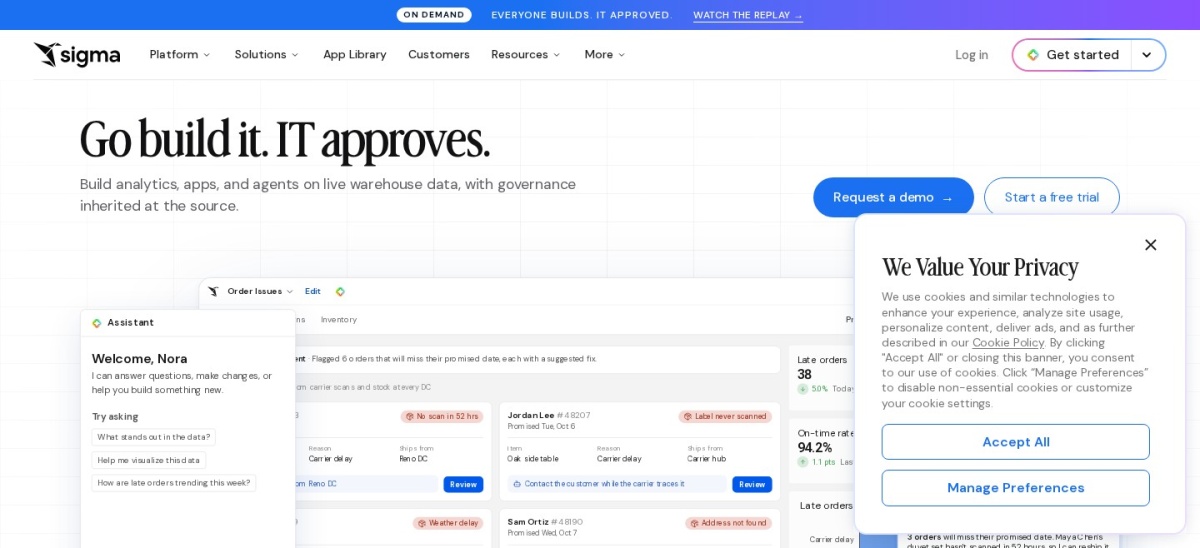
Sigma puts a spreadsheet interface on live warehouse data, with no extracts to refresh.
Domo and Looker are quote-only enterprise platforms, so budget for a sales cycle.
What data democratization means
Data democratization means business users can answer their own questions without waiting for analysts. The tool must guard the data while opening it up.
Governed self-service is the key idea. Users explore freely, but the numbers come from verified definitions, not raw tables. That is what separates these tools from a shared spreadsheet.
Search and spreadsheets are the two friendliest routes in. Our guide on best analytics software covers the wider analytics market.
Price ranges from $14 a user a month to quote-only enterprise deals, so team size decides the shortlist as much as features do.
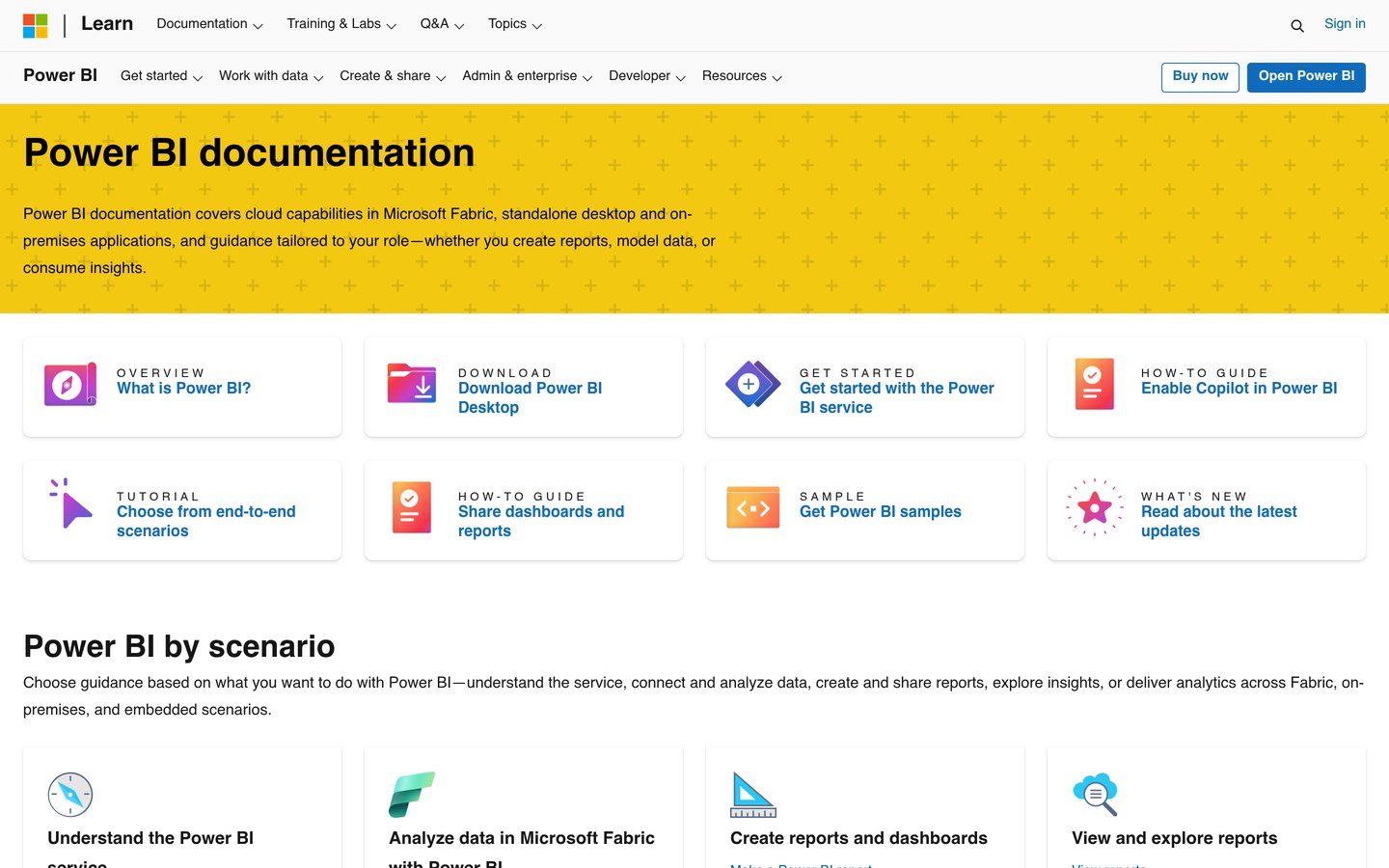
Power BI is Microsoft's self-service BI platform, with dashboards, reports and AI-assisted analysis across Microsoft 365 and Azure data. It is rated 4.5 out of 5 on G2 from 1,661 reviews, and Pro costs $14 per user a month.
The trade off is the ecosystem lock-in. It works best inside Microsoft 365, and advanced features need Premium capacity. It suits organisations already running Microsoft tools.
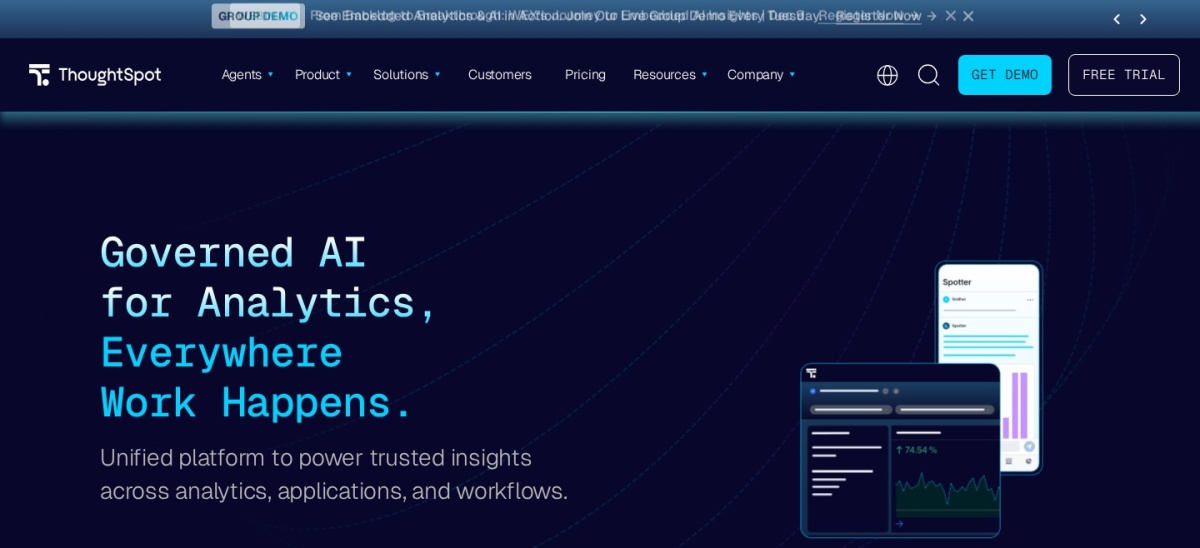
ThoughtSpot is a search-driven analytics platform: users type a plain-language question and get an answer with visualisations from governed data models. It is rated 4.4 out of 5 on G2 from 340 reviews, and Essentials starts at $25 per user a month.
The trade off is the data model. It needs well-modelled, governed data to shine, and messy data produces messy answers. It suits enterprises whose bottleneck is business users waiting on analysts.
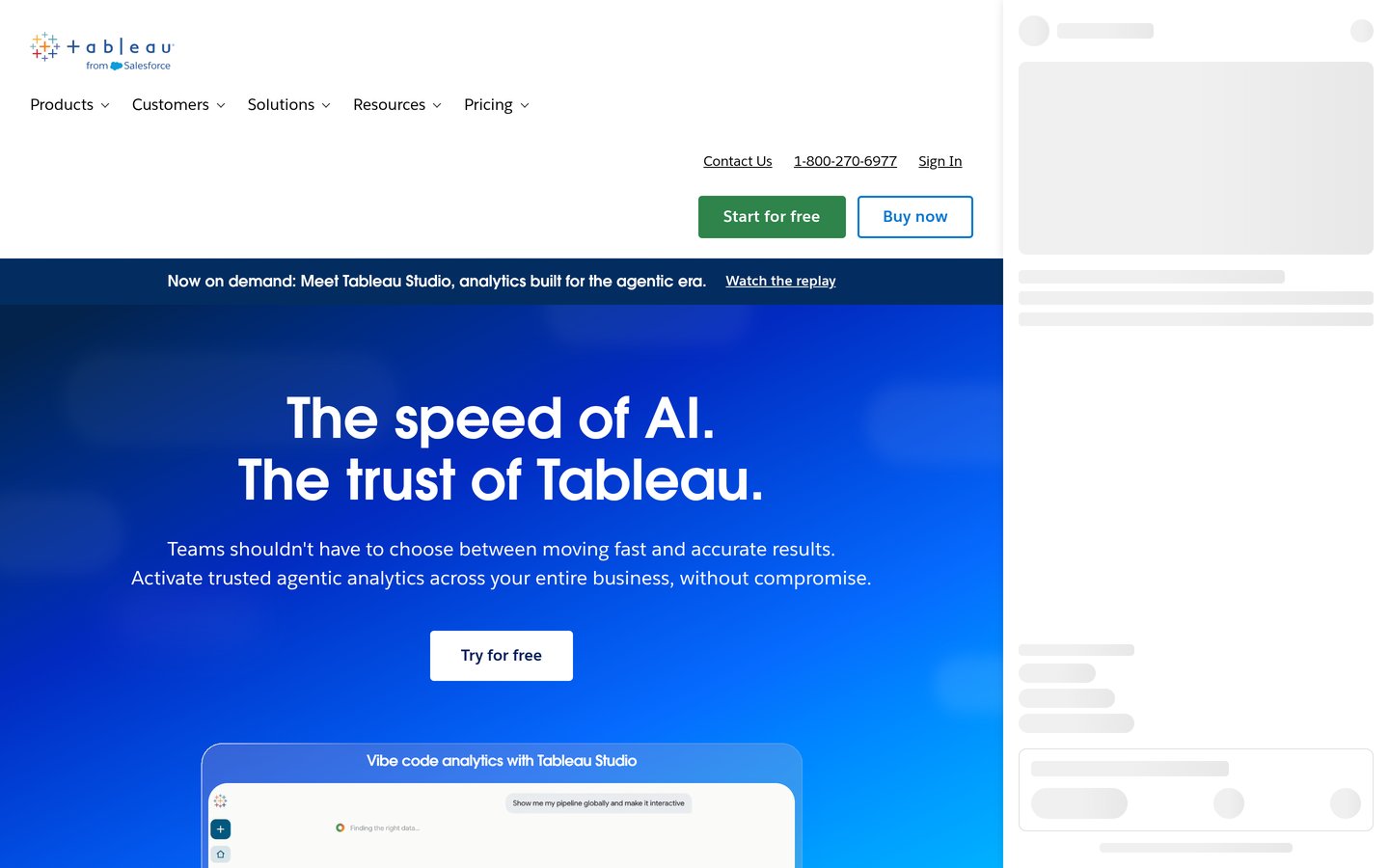
Tableau is a visual analytics platform with drag-and-drop dashboards, trusted AI features and a free tier for viewers. It is rated 4.4 out of 5 on G2 from 3,787 reviews, the largest review base in this list.
The trade off is price at scale. Viewer starts at $15 per user a month, but Creator and Explorer tiers cost far more, and enterprise deals climb quickly. It suits teams that want polished visual analytics.
Sigma Computing is a BI platform with a spreadsheet interface that queries cloud data warehouses directly, so formulas and pivots run as warehouse queries with no extracts to refresh. It is rated 4.5 out of 5 on G2 from 609 reviews.
The trade off is pricing transparency. Sigma publishes no list price and sells by quote, with third-party estimates around $300 a month to start. It suits Excel-first teams on Snowflake or BigQuery.
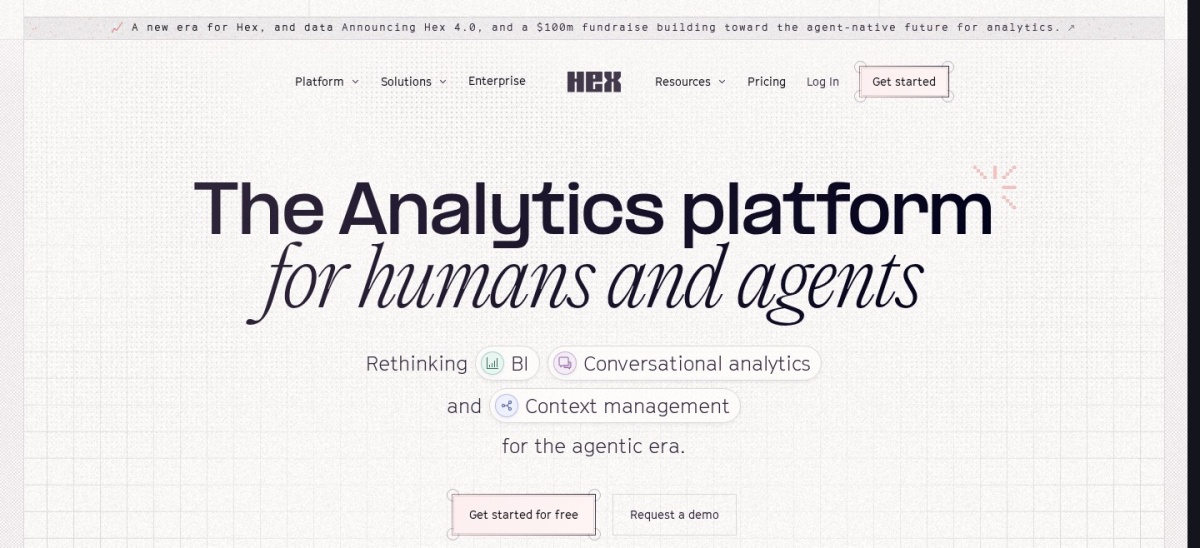
Hex is a collaborative analytics workspace built around notebooks, where analysts and business users work on the same live data with AI assistance. It is rated 4.5 out of 5 on G2 from 404 reviews, and paid plans start at $36 a month.
The trade off is audience. It is analyst-first, so non-technical users still lean on analysts for the hardest questions. It suits data teams that think in notebooks and want business users alongside them.
What we like
Free community tier to start
Analysts and business users in one workspace
AI assistance for building analyses
Watch out for
Starting price rests on third-party listings
Analyst-first, less friendly for pure business users
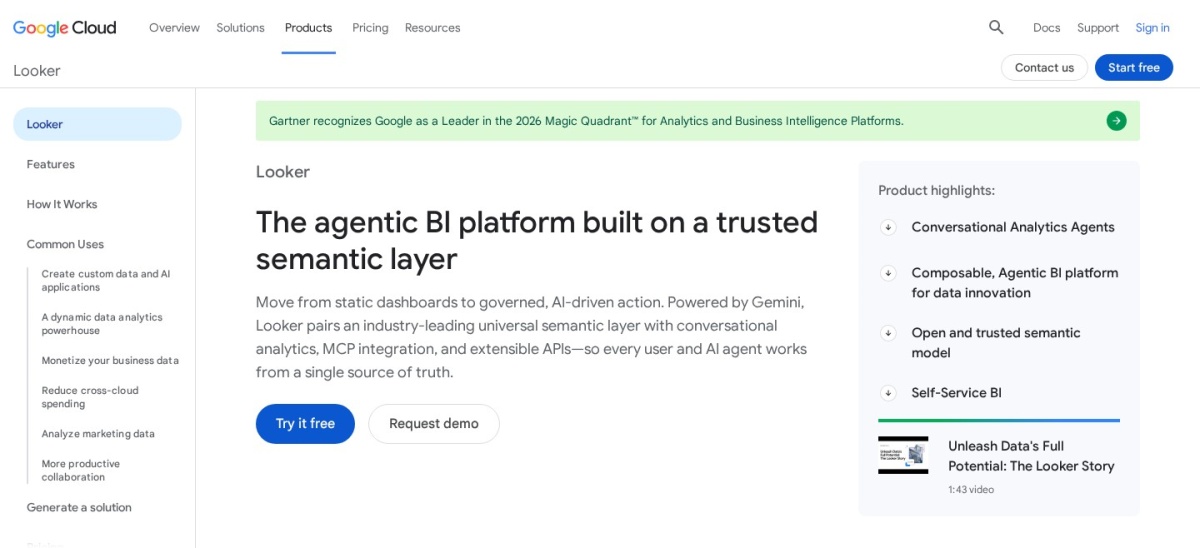
Looker is Google Cloud's BI platform, built around a semantic layer that defines metrics once so every dashboard agrees. It is rated 4.4 out of 5 on G2 from 1,652 reviews, and it is the governance pick in this list.
The trade off is cost and complexity. Pricing is quote-based, with third-party estimates near $5,550 a month, and LookML needs modelling skill. It suits Google Cloud teams that need one definition of every metric.
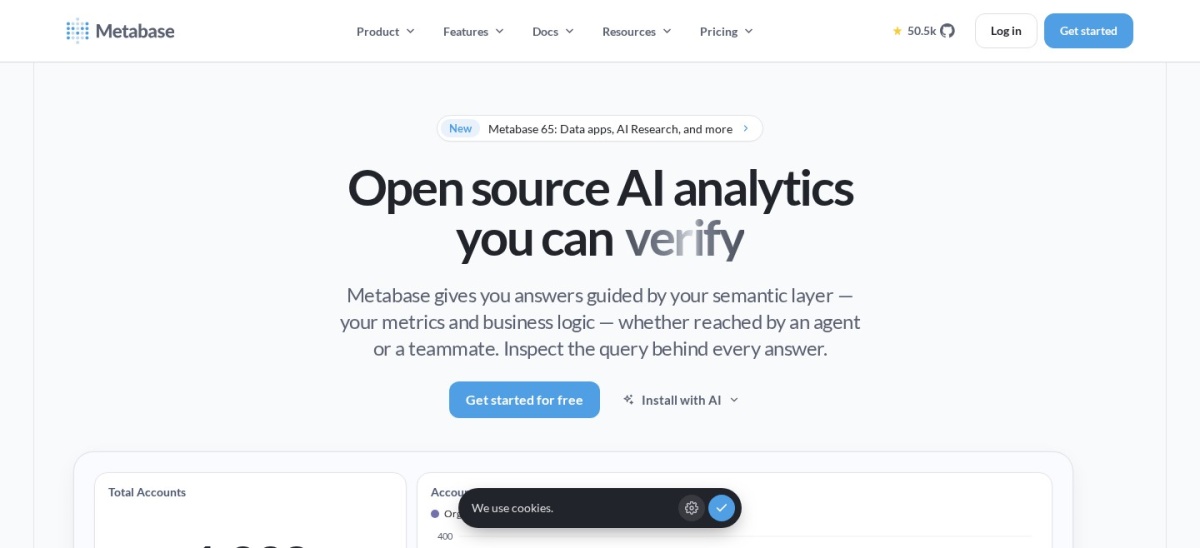
Metabase is an open-source BI tool that lets business users ask questions and build dashboards without SQL, with a free tier and a self-hosted option. It is rated 4.4 out of 5 on G2 from 147 reviews.
The trade off is scale. Pro starts at $500 a month, which is steep for small teams, and advanced governance needs the paid tiers. It suits budget-conscious teams that want open-source self-service BI.
Domo is a cloud BI platform that combines data integration, preparation and dashboards in one place, with AI assistance at every step. It is rated 4.3 out of 5 on G2 from 1,092 reviews, and it suits non-technical executives who want dashboards without a data team.
The trade off is enterprise pricing and breadth. It is quote-only, with third-party estimates near $30,000 a year, and the breadth can overwhelm small teams. It suits mid-size and large companies building data products.
Democratization fails when everyone builds their own numbers. The tools that work best define metrics once, in a semantic layer or governed model, then let users explore freely.
Looker and ThoughtSpot do this most strictly. Power BI and Tableau do it through certified datasets and shared models.
Before rolling out, pick who owns each metric. Without owners, self-service becomes self-contradiction.
How we chose
We started from the BI and analytics tools most often cited for self-service access, then kept those with a verifiable G2 rating and a live product.
Prices and ratings were checked on 25 November 2026. Ratings come from G2 on that day; published prices come from vendor pricing pages as cited in comparisons read that day.
We left out tools with no verifiable rating. No vendor paid for a place, and we do not claim hands-on testing for this list.
How to choose a data democratization tool
Start with who will ask the questions.
Count your question-askers. If most users are in Microsoft 365, Power BI wins. If they live in spreadsheets, Sigma fits better.
Check the governed model. Confirm metrics are defined once and reused, so two dashboards cannot disagree on revenue.
Test with a real business question. Ask for last quarter's sales by region and see how many clicks it takes without an analyst.
Price for all users, not just analysts. Per-user pricing climbs fast when hundreds of business users join, so get the full quote.
FAQ
What is the best data democratization tool?
Microsoft Power BI is the best data democratization tool for most teams. It is rated 4.5 out of 5 on G2 from 1,661 reviews, with Pro at $14 per user a month. ThoughtSpot suits search-based answers, and Tableau suits visual self-service analytics.
How much do data democratization tools cost?
Power BI Pro costs $14 per user a month, Tableau Viewer $15, and ThoughtSpot Essentials $25. Sigma, Looker and Domo are quote-only, with third-party estimates from around $300 a month to $30,000 a year.
What is data democratization?
Data democratization means giving business users direct access to trusted data so they can answer their own questions. It relies on governed models and semantic layers, so self-service answers stay consistent across the company.
Is Power BI free?
Power BI has a free tier for individual use, but sharing dashboards needs Pro at $14 per user a month. Teams that share reports widely should budget for Pro for every viewer.
What is the difference between ThoughtSpot and Tableau?
ThoughtSpot answers typed questions with search-driven analytics, while Tableau builds visual dashboards by drag and drop. ThoughtSpot suits executives who want answers fast; Tableau suits analysts who want polished visual exploration.
Can non-technical users really use these tools?
Yes, for common questions. Power BI, Tableau and Metabase all offer no-code question builders. Harder questions still need modelled data and, sometimes, an analyst to set up the first dashboards.
SaaS SEO and WordPress specialist with about 8 years of experience. Rakib compares WordPress plugins, themes, hosting and software using public pricing, documentation and user reviews. See how we rank.