UXPressia is the best customer journey mapping software for most teams, with dedicated mapping tools from $36 a user a month. Pick Smaply for collaborative mapping at €33 an editor a month, or TheyDo for AI-assisted journey management from $25 a month.
How we make this list: we compare pricing pages, product documentation and public user reviews, then re-check every price before each update. No product paid for a place. Disclosure.
UXPressia is the only dedicated mapping tool here with a published price under $40 a user a month.
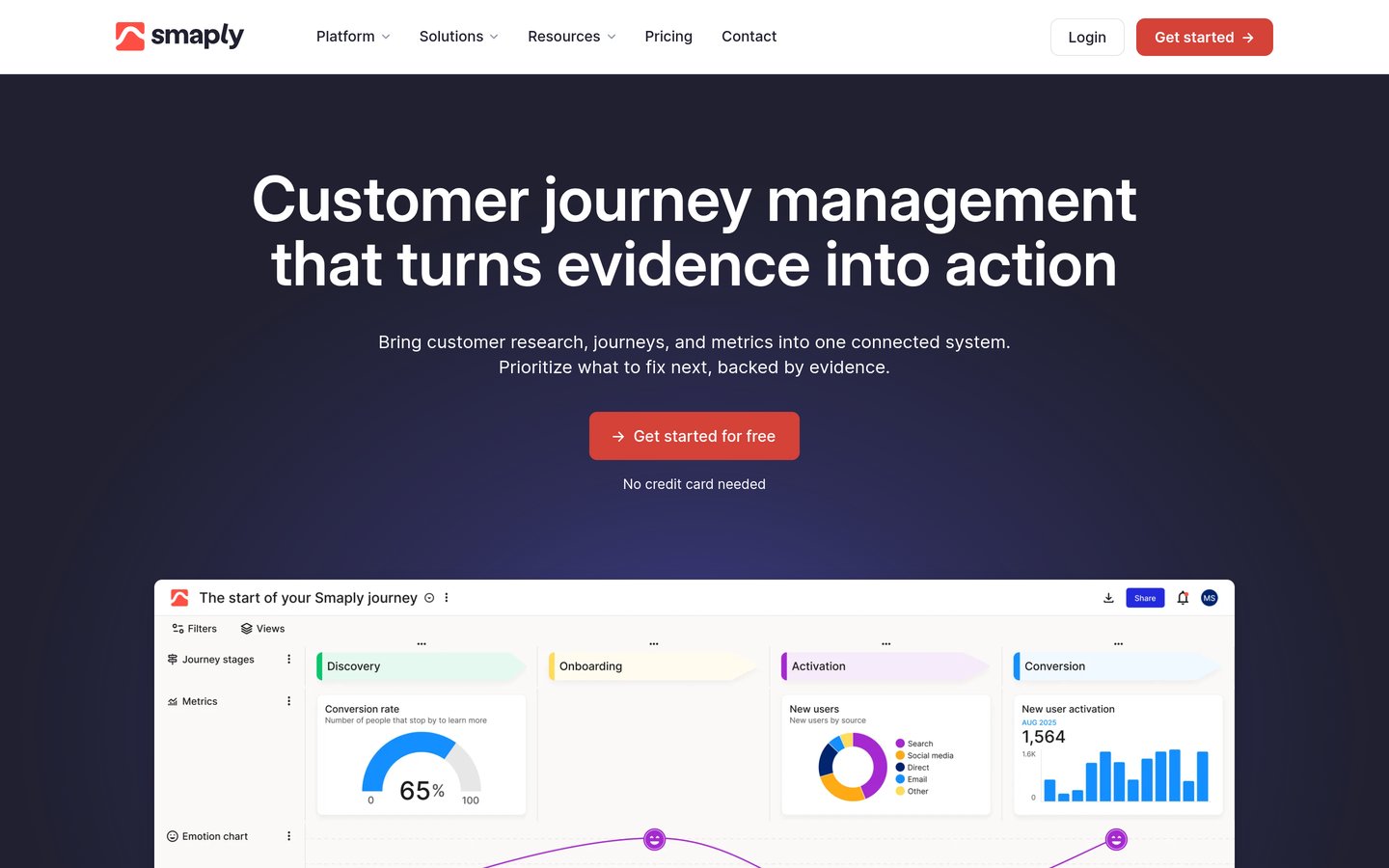
Smaply is priced in euros at €33 an editor a month billed yearly, not dollars.
TheyDo starts at $25 a month, the cheapest dedicated journey tool here.
Miro and Lucidchart are the cheapest starts overall, from $8 and $9 a month.
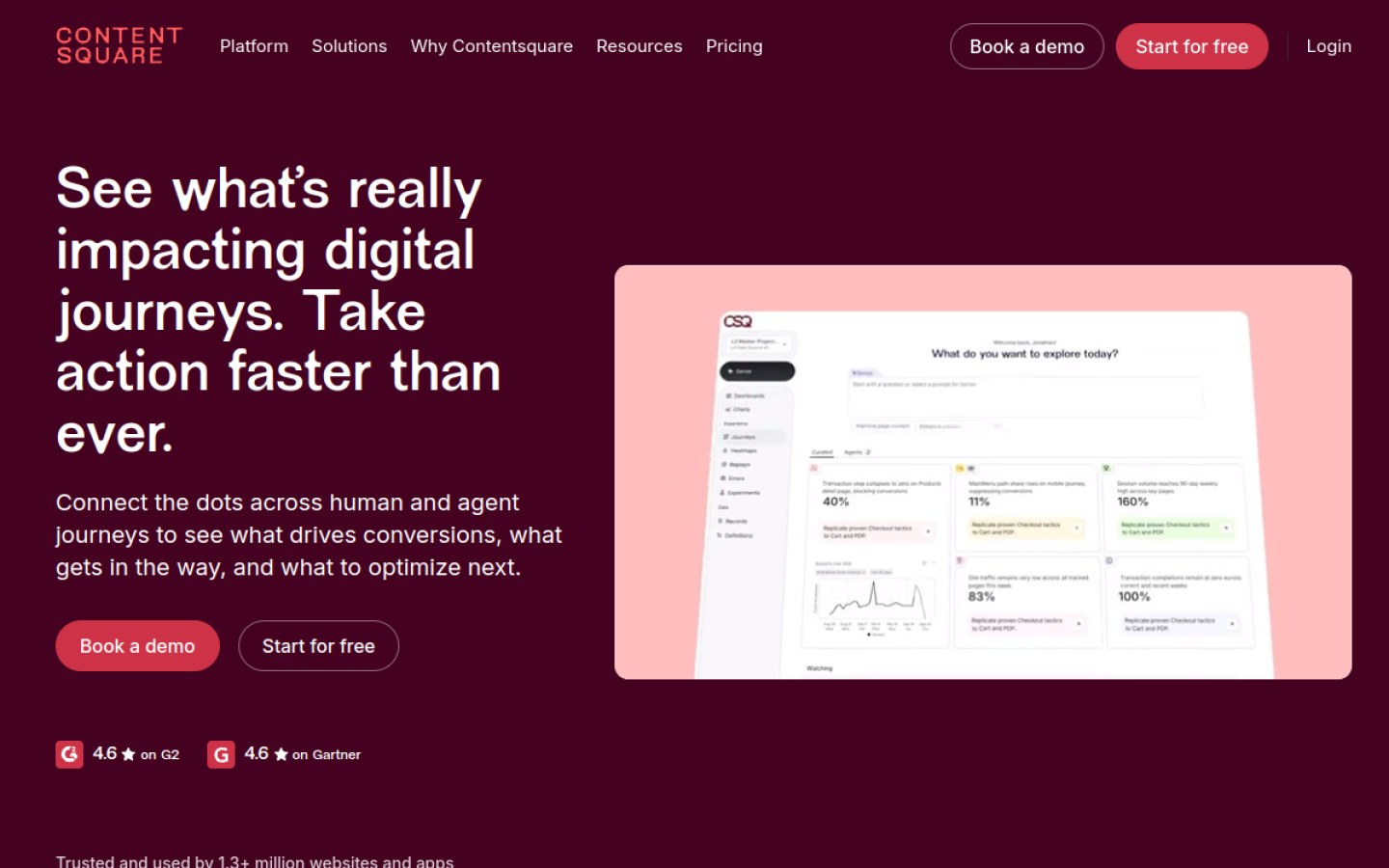
FullStory and Contentsquare map real behavior, but both are quote-based.
From touchpoints to a map
Customer journey mapping software turns scattered touchpoints into a picture of the whole experience. It lets teams draw the stages a customer passes through, attach the pain points and emotions at each stage, and assign owners to fix them.
The tools split by approach. UXPressia, Smaply and TheyDo are built for journey maps, while Miro and Lucidchart map journeys on general visual canvases, and FullStory and Contentsquare map the journeys customers actually take, from real behavior data.
The map is only as good as the evidence behind it. A journey map drawn from opinion is a poster, while one built from surveys, interviews and analytics is a working document.
Check what the map connects to before the drawing tools. Our guide to the best CRM software shows why the record behind the map matters as much as the picture.
List prices in each vendor's currency, checked Nov 2026
Smaply€33
FullStoryCustom
CSquareCustom
MiroFREE$96
LucidchartFREE$108
TheyDo$300
UXPressiaFREE$432
QuestionProFREE$1,188
The 8 best customer journey mapping software tools
01
UXPressia
4.5/5on G2 (37 reviews, checked Nov 2026)
Paid from$36/user/mo
Best customer journey mapping software overall
Free planYes, 3 maps
Paid planPro, $36/user/mo
G2 rating4.5/5, 37 reviews
ExtrasPersonas, impact maps
uxpressia.com
UXPressia homepage, captured Nov 2026.
UXPressia is a dedicated customer journey mapping platform with journey maps, personas, impact maps and empathy maps in one workspace. Teams can link personas to maps, attach evidence to touchpoints and collaborate in real time, with a free plan for up to three maps.
The trade off is the small review base. It is rated 4.5 out of 5 on G2, but from only 37 reviews. It suits CX and UX teams that map journeys as a regular practice.
Smaply is a journey mapping platform built for teams, with shared workspaces, persona libraries and journey repositories that keep every map in one place. It is used by large CX teams that need a single source of truth for journey work.
The trade off is currency and review base. It lists €33 an editor a month billed yearly, and it is rated 4.5 out of 5 on G2 from only 15 reviews. It suits enterprise CX teams that map collaboratively.
TheyDo is a journey management platform that uses AI to draft journey maps from customer data, then links them to opportunities, solutions and metrics. It turns maps into a working system, with a dashboard that tracks which journeys are improving.
The trade off is that the $25 a month figure comes from third-party guides rather than a published vendor price list. It suits teams that want AI to speed up map creation.
Miro is an infinite visual canvas that teams use for journey mapping with templates, sticky notes, voting and real-time collaboration. It is the most flexible tool here, rated 4.6 out of 5 on G2 from 13,509 reviews, the largest base in this list.
The trade off is that it is a general canvas, not a journey tool. There are no dedicated journey data features, and maps need manual upkeep. It suits teams that map journeys occasionally alongside other whiteboard work.
Lucidchart is a diagramming platform that teams use to draw structured journey maps with shapes, connectors and data-linked diagrams. It is rated 4.5 out of 5 on G2 from 8,829 reviews, and it integrates with Lucid, Miro and the major productivity suites.
The trade off is structure over flexibility. Lucidchart is a diagram tool, so freeform journey workshops feel more constrained than on Miro. It suits teams that want clean, presentable journey diagrams.
FullStory is a digital experience platform that records user sessions and turns them into journey maps from real behavior, with funnels, frustration signals and AI summaries. It shows where customers actually go, including the paths the team never drew.
The trade off is price. There is no published price, only a custom quote, and the product is built for digital teams rather than CX mappers. It suits product and UX teams that want evidence-based journeys.
Contentsquare is a digital experience analytics platform that maps customer journeys from behavioral data, with zone-based heatmaps, journey analysis and AI insights across web and mobile. It is rated 4.6 out of 5 on G2 from 634 reviews.
The trade off is enterprise scope. Pricing is quote-only, and the platform assumes a large digital estate with an analytics team. It suits enterprises that want journey analytics across every digital touchpoint.
QuestionPro is a survey platform whose customer journey mapping module links survey responses to journey stages, so teams can see satisfaction and effort scores at each touchpoint. The module sits on top of a research-grade survey tool with more than 80 question types.
The trade off is that the journey module is part of a survey platform, not a standalone mapper. It suits research teams that already run surveys and want journey context for the results.
Stages should be named from the customer view. Awareness, consideration, purchase, onboarding and support are stages the customer experiences, not internal departments.
Pain points should be evidenced. Each pain point on the map should link to a survey answer, a ticket or an interview quote, so the map survives a challenge.
Owners should be assigned. A pain point without an owner is a complaint, not a plan, and the best tools let you assign actions directly from the map.
Metrics should sit beside the map. Time on stage, drop-off and satisfaction scores turn a picture into a dashboard the team can act on.
How we chose
We started from the journey mapping tools that lead 2026 comparisons, then kept those with a verifiable G2 rating and a live product for mapping customer journeys.
Prices come from each vendor's pricing page or a vendor-page read dated November 2026, checked on 25 November 2026. Ratings and review counts come from G2 on the same day. Where a vendor shows a sale, the list shows the regular price.
We left out tools with no verifiable rating on G2, Capterra or Trustpilot. No vendor paid for a place.
How to choose journey mapping software
Start with whether you need a map to plan with or evidence of what customers really do.
List the stages your customers actually pass through. Use interviews and analytics, not assumptions, to name each stage from the customer view.
Pick the mapping approach. Dedicated tools suit journey programs, while Miro or Lucidchart suit teams that map occasionally.
Attach evidence to each pain point. Link surveys, tickets and interviews to the map so every claim can be checked.
Assign owners and review monthly. A map that nobody updates becomes decoration; review it with the team every month.
FAQ
What is the best customer journey mapping software?
UXPressia is the best pick for most teams, with dedicated mapping tools from $36 a user a month. Smaply is the best collaborative option at €33 an editor a month, while TheyDo leads on AI-assisted journey management from $25 a month.
How much does journey mapping software cost?
Entry prices run from $8 a member a month for Miro to $9 a month for Lucidchart and $25 a month for TheyDo. Dedicated tools start at $36 a user a month for UXPressia, while FullStory and Contentsquare are quote-based.
Is Smaply priced in euros?
Yes. Smaply lists €33 an editor a month billed yearly, not dollars. Some third-party guides quote $59 an editor a month for monthly billing, so check the currency before budgeting.
Can I map a customer journey in Miro?
Yes. Miro is the most flexible canvas here, with journey map templates and real-time collaboration, but it has no dedicated journey data features such as personas linked to maps or journey analytics.
What is the difference between journey mapping and journey orchestration?
Mapping visualizes the journey a customer takes, while orchestration acts on it in real time with messages across channels. Mapping tools plan the experience; orchestration tools deliver it.
Which tool maps real customer behavior?
FullStory and Contentsquare map journeys from actual session data rather than drawn assumptions. They show where customers really go, which often differs from the journey the team imagined.
SaaS SEO and WordPress specialist with about 8 years of experience. Rakib compares WordPress plugins, themes, hosting and software using public pricing, documentation and user reviews. See how we rank.