Best Continuous Integration Tools in 2026: 9 Tools Compared
WLWPLegible EditorsLast verified 24 Nov 2026How we rank11 min read
★ Short answer
GitHub Actions is the best continuous integration tool for most teams, running beside your code with 2,000 free minutes a month and Team at $4 per user per month. Pick Jenkins for free self-hosted control and CircleCI when build speed is the bottleneck.
How we make this list: we compare pricing pages, product documentation and public user reviews, then re-check every price before each update. No product paid for a place. Disclosure.
GitHub Actions is the default for GitHub teams, with 2,000 free Linux minutes a month and Team at $4 per user per month.
Jenkins is free and open source with more than 2,300 plugins, but you run and patch the server yourself.
GitLab CI bundles CI with code hosting and security scanning, with Premium at $29 per user per month billed annually.
CircleCI Performance starts at $15 a month and wins on build speed and parallel test splitting.
Buildkite Pro costs $30 per active user per month and suits teams that want their own build agents.
What a continuous integration tool should do
A continuous integration tool builds and tests your code every time someone pushes a change. It catches broken builds early, runs the test suite automatically and blocks bad code from reaching production.
Hosting is the first choice. Cloud tools such as GitHub Actions and CircleCI need no server, while self-hosted tools such as Jenkins and Buildkite keep code and secrets on your own machines.
Pricing follows two models. Some tools charge per seat, others per build minute or per credit, so a cheap seat price can still mean a large bill at high volume. Our guide to the best software development tools covers the wider toolchain these CI tools fit into.
Free tiers are generous here. Most tools in this list include free minutes or a free tier for small teams, so a side project can run CI for nothing.
GitHub Actions is the CI platform built into GitHub, running workflows from YAML files beside your code. It gives 2,000 free Linux minutes a month, free builds on public repositories, and a marketplace of thousands of reusable actions.
The trade off is usage billing. Private repositories pay $0.006 per Linux minute beyond the free quota, so heavy builds add up, and Team costs $4 per user per month. It suits any team whose code already lives on GitHub.
Jenkins is the free, open source automation server that runs on your own infrastructure. It builds anything, bends to unusual requirements such as air-gapped networks and exotic hardware, and has more than 2,300 plugins for every tool a team has ever used.
The trade off is maintenance. You run, patch and scale the server yourself, and plugin sprawl can make upgrades painful. It suits regulated teams and anyone who must own their CI infrastructure outright.
4.5/5on G2 (Not published reviews, checked Nov 2026)
Paid from$29/user/mo
Best all-in-one DevOps platform
Free minutes400 compute min/mo
Premium minutes10,000 min/mo
Security scanningYes
Paid planPremium, $29/user/mo
gitlab.com
GitLab CI homepage, captured Nov 2026.
GitLab CI is tightly integrated into GitLab, so pipelines, code, issues, the container registry and security scanning live in one interface. The free tier includes 400 compute minutes a month, and Premium at $29 per user per month billed annually adds 10,000 minutes.
The trade off is the seat price. Premium costs $29 per user per month, which adds up for large teams, and extra minutes cost $10 per 1,000. It suits teams that want one vendor for source control, CI and security.
CircleCI is a cloud CI platform focused on build speed and parallelism, with test splitting and orbs that package reusable configuration. The free plan gives 30,000 credits a month for up to 5 users, and Performance starts at $15 a month.
The trade off is credit-based pricing. A medium Docker job costs 10 credits a minute, so heavy builds burn credits fast and the bill needs watching. It suits cloud-native teams where build speed is the bottleneck.
Buildkite is a hybrid CI platform: you run the build agents on your own infrastructure while Buildkite handles orchestration and the web UI. The free plan covers 5 users and 2,000 hosted Linux minutes, and Pro costs $30 per active user per month.
The trade off is the per-seat price at scale. Pro at $30 per active user adds up once a team passes a few dozen engineers, and agents beyond 10 cost extra. It suits large teams with their own compute to spare.
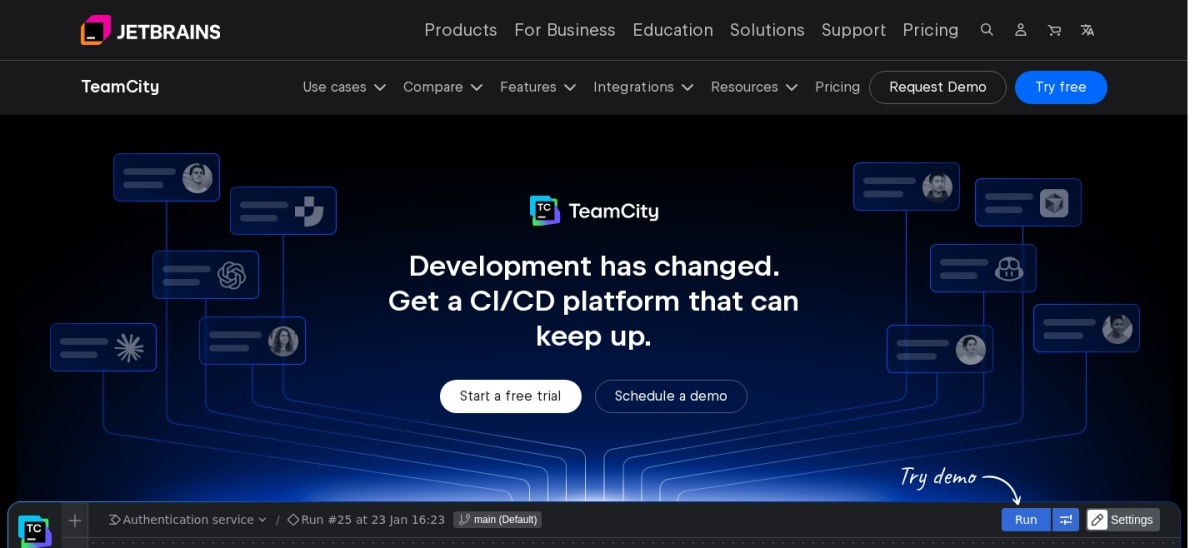
TeamCity is JetBrains' CI server, with a visual configuration interface, Kotlin DSL, build chains and snapshot builds. The free Professional tier covers 3 agents and 100 build configurations, and TeamCity Cloud costs $15 per committer per month billed annually.
The trade off is the small review base and the on-premises price. Enterprise self-hosted starts at $1,999 a year, and the G2 review count is only 90. It suits JetBrains and .NET shops that want polished self-hosted CI.
4.3/5on G2 (Not published reviews, checked Nov 2026)
Paid from$6/user/mo
Best CI for Microsoft shops
Free usersFirst 5 users free
Free minutes1,800 min/mo
Microsoft 365 fitNative
Paid planBasic, $6/user/mo
azure.microsoft.com
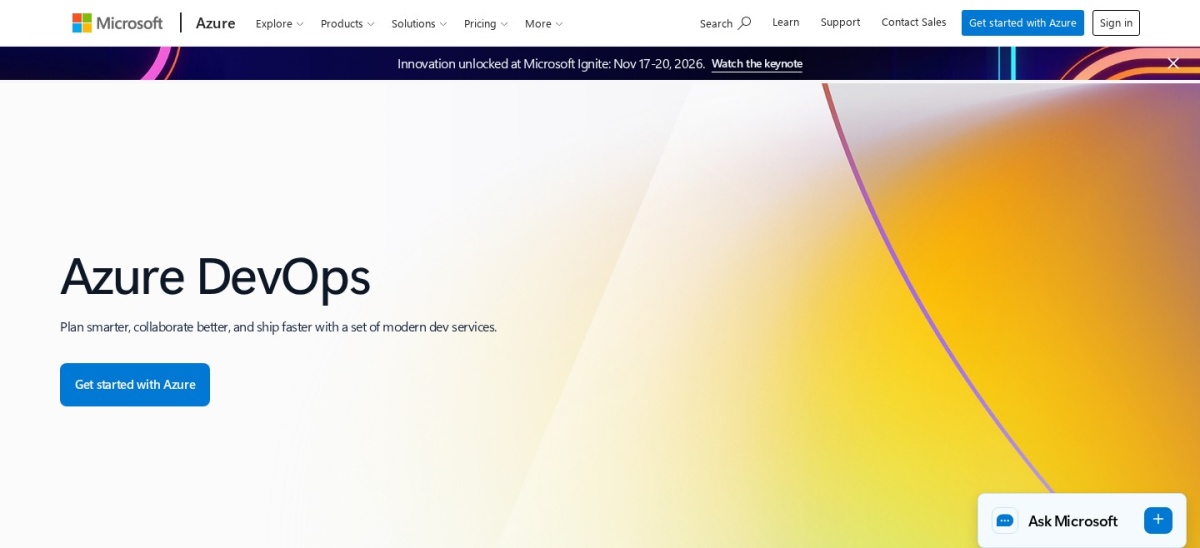
Azure DevOps homepage, captured Nov 2026.
Azure DevOps is Microsoft's DevOps suite, and its Pipelines service covers repos, boards, pipelines, test plans and artifacts. The first 5 users are free with 1,800 build minutes a month, and extra users cost $6 per user per month.
The trade off is the Microsoft tie-in. Pipelines shine inside Azure and Microsoft 365, but teams outside that stack get less value. It suits enterprises standardised on Microsoft who want CI beside their boards and repos.
4.4/5on G2 (Not published reviews, checked Nov 2026)
Paid from$3/user/mo
Best CI for Atlassian teams
Free minutes50 build min/mo
Atlassian fitNative, Jira linked
Self-hosted runnersYes
Paid planStandard, $3/user/mo
bitbucket.org
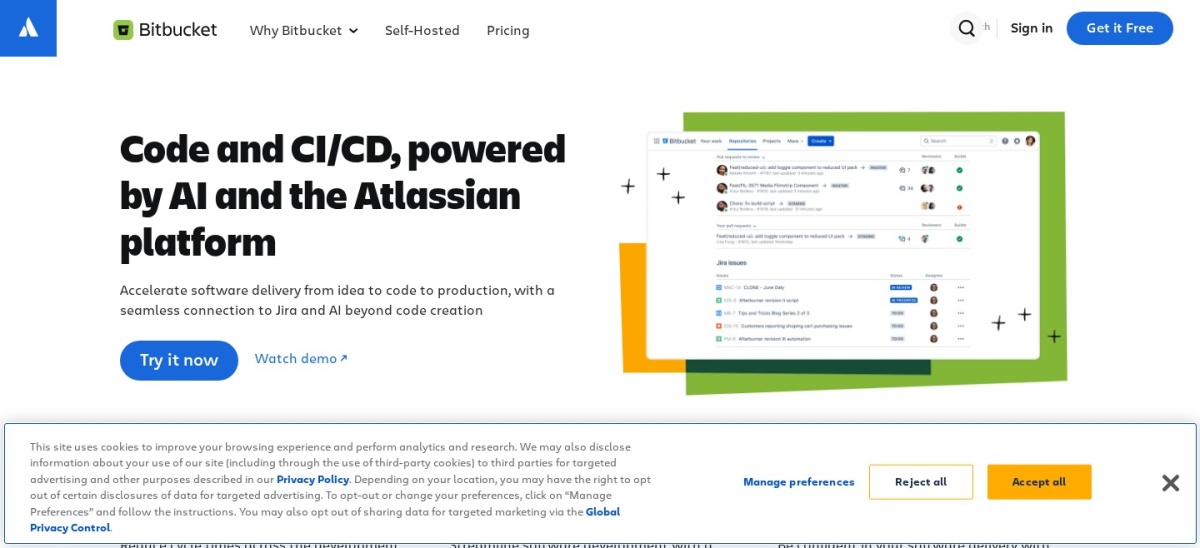
Bitbucket Pipelines homepage, captured Nov 2026.
Bitbucket Pipelines is Atlassian's CI service built into Bitbucket Cloud, with builds configured in YAML beside the code. It links natively to Jira, and the Standard plan costs $3 per user per month with more build minutes than the free tier.
The trade off is the small free allowance. The free tier includes only 50 build minutes a month, so most teams pay from the start. It suits Atlassian shops that already track work in Jira.
4/5on G2 (Not published reviews, checked Nov 2026)
Paid from$1/pipeline/mo
Best CI for AWS-native teams
Free pipeline1 active pipeline
Price$1/active pipeline/mo
AWS fitNative
Paid planUsage, $1/pipeline/mo
aws.amazon.com
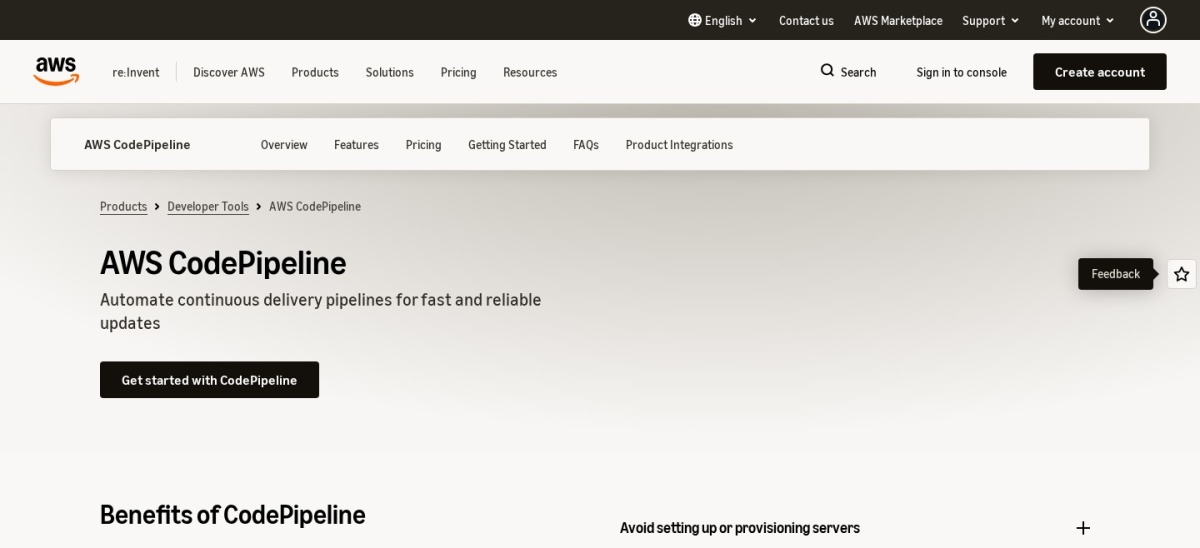
AWS CodePipeline homepage, captured Nov 2026.
AWS CodePipeline is Amazon's release pipeline service for AWS-native teams, chaining build, test and deploy stages across AWS services. The free tier includes one active pipeline, and extra pipelines cost $1 each per month.
The trade off is that it is a pipeline service, not a full CI platform. Build and test work usually comes from CodeBuild, and the G2 rating is the lowest here at 4.0. It suits teams already deep in AWS who want releases beside their infrastructure.
Every tool here has a free tier, but the allowances differ widely. GitHub Actions gives 2,000 Linux minutes a month, CircleCI gives 30,000 credits, and Jenkins is free without limits because you host it.
Watch the billing unit after the free tier. Per-minute tools such as GitHub Actions and per-credit tools such as CircleCI bill on usage, while per-seat tools such as Buildkite bill on team size.
For a side project, any free tier here is enough. For a team running thousands of builds a month, price the real workload in two tools before choosing.
How we chose
We started from the CI platforms most often shortlisted by engineering teams, then kept the nine with a real CI product and a verifiable G2 rating.
Prices come from each vendor's pricing page or published plan, checked on 24 November 2026. Ratings and review counts come from G2, as reported in November 2026 comparisons. Where a review count could not be verified, the list says so instead of guessing one.
We left out deployment-only tools and CI features that only exist inside a wider platform without a standalone product. No vendor paid for a place, and we do not claim hands-on testing for this list.
How to choose a continuous integration tool
Start with where your code lives, then price a month of real builds.
Match the tool to your code host. GitHub teams save setup with Actions, GitLab teams with GitLab CI, and Atlassian teams with Bitbucket Pipelines.
Decide who runs the build machines. Cloud runners need no maintenance, while self-hosted agents keep code and secrets inside your network.
Price a real month of builds. Count your minutes or credits at current volume, not the headline seat price, and compare two tools on the same workload.
Check the free tier limits first. Most teams can run a pilot on a free tier for weeks before paying, which shows real build times and real costs.
FAQ
What is the best continuous integration tool?
GitHub Actions is the best pick for most teams, with 2,000 free Linux minutes a month and Team at $4 per user per month. Jenkins suits teams that want free self-hosted control, and CircleCI suits teams where build speed is the bottleneck.
Is Jenkins still a good choice in 2026?
Yes, for teams that can run it. Jenkins is free and open source with more than 2,300 plugins, and it runs anywhere including air-gapped networks. The cost is maintenance: your team patches, upgrades and scales the server.
How much does CI cost per month?
Free tiers cover small teams on every tool here. Paid plans start at $1 per pipeline per month for AWS CodePipeline, $4 per user for GitHub Actions Team, $15 a month for CircleCI Performance and $29 per user for GitLab Premium. Usage-based billing can add more at high volume.
What is the difference between CI and CD?
Continuous integration builds and tests code on every change, while continuous delivery takes the tested code and ships it to staging or production. Most tools here cover both, but the list focuses on the build and test side.
Can I run CI on my own servers?
Yes. Jenkins, GitLab self-managed, Buildkite agents and TeamCity all run on your own infrastructure. GitHub Actions and CircleCI also support self-hosted runners, so the orchestration stays in the cloud while builds run on your machines.
Which CI tool is fastest?
CircleCI and Buildkite are the usual picks for raw build speed, thanks to parallelism and test splitting. GitHub Actions is fast enough for most teams, and the bigger factor is usually test suite design rather than the CI platform itself.