Best Continuous Deployment Software in 2026: 7 Tools Compared
WLWPLegible EditorsLast verified 22 Nov 2026How we rank6 min read
★ Short answer
GitHub is the top pick for continuous deployment, pairing a 4.7/5 G2 score across 2,440 reviews with 2,000 free monthly CI/CD minutes and a $4/user/month Team plan. GitLab fits teams wanting built-in pipelines at $29/user/month, while CircleCI starts at $15/month with 6,000 free build minutes.
How we make this list: we compare pricing pages, product documentation and public user reviews, then re-check every price before each update. No product paid for a place. Disclosure.
GitHub holds a 4.7/5 rating from 2,440 G2 reviews and includes 2,000 free CI/CD minutes per month.
GitLab earns 4.5/5 from 905 G2 reviews and provides 400 free compute minutes per month on its $0 tier.
CircleCI offers 6,000 build minutes per month free and starts paid plans at $15/month on the Performance tier.
Vercel scores 4.6/5 across 93 G2 reviews and starts its paid Pro plan at $20/month with $20 in included usage credit.
DeployHQ holds a 4.5/5 rating across 65 G2 reviews and starts its paid Solo plan at $9/month.
What to look for in continuous deployment software
Continuous deployment moves tested code changes to production automatically after builds and checks pass. Teams compare tools on how well they connect to Git repositories, handle environment secrets, and support rollbacks when a release fails.
Pricing models vary widely across platforms. Some charge per user seat each month, while others bill by build minutes, compute resources, deployment targets, or project counts.
Hosted runners save setup time for cloud-native teams, whereas self-hosted agents keep builds inside private networks. Checking concurrency limits, storage caps, and approval gates prevents surprise overages as release frequency grows.
For modular continuous delivery and GitOps pipelines
$0.75/mo
Free plan
4.6/5
Price ladder: cheapest paid plan per year
List prices, USD, checked Nov 2026
BuildkiteFree
HarnessFREE$9
GitHubFREE$48
DeployHQFREE$108
CircleCIFREE$180
VercelFREE$240
GitLabFREE$348
The 7 best continuous deployment software
01
GitHub
4.7/5on G2 (2,440 reviews, checked Nov 2026)
Paid from$4/user/mo
Best for Git-native CI/CD and deployment workflows
Free tier2,000 CI/CD mins/mo
Entry paid plan$4/user/mo (Team)
Team minutes3,000 mins/mo
Team storage2 GB Packages
github.com
GitHub homepage, captured Nov 2026.
GitHub is a code hosting and workflow automation platform that runs continuous deployment through GitHub Actions. Its $0 Free plan includes 2,000 CI/CD minutes per month and 500 MB of Packages storage.
The trade off is per-user pricing at $4/user/month on Team plus compute charges for extra runner minutes. It suits teams already keeping their repositories and pull requests on GitHub.
What we like
Direct integration with GitHub repositories, branches, and environments
Includes 2,000 free CI/CD minutes per month on the Free plan
Supports both GitHub-hosted and self-hosted runners
High review score of 4.7/5 across 2,440 G2 reviews
Watch out for
Per-seat charges add up as team headcount grows
Heavy build matrices or macOS runners consume compute quickly
Team at $4/user/month adds 3,000 CI/CD minutes/month, 2 GB Packages storage, and email support.Visit github.com
02
GitLab
4.5/5on G2 (905 reviews, checked Nov 2026)
Paid from$29/user/mo
Best for all-in-one source control and built-in CI/CD
Free tier400 compute mins/mo
Entry paid plan$29/user/mo (Premium)
Premium minutes10,000 mins/mo
Free group limitUp to 5 users
about.gitlab.com
GitLab homepage, captured Nov 2026.
GitLab is an end-to-end DevOps platform that combines Git repositories, issue tracking, and automated CI/CD deployment pipelines. Its $0 Free plan covers up to 5 users per top-level group with 400 compute minutes per month.
The trade off is a higher entry price at $29/user/month billed annually on Premium. It suits organizations that want repositories, code review, and deployment pipelines in one system.
What we like
Unified repository, merge request, and pipeline configuration
Free plan available for personal projects and small groups up to 5 users
Strong adoption with 905 reviews and a 4.5/5 rating on G2
Watch out for
Free tier provides 400 compute minutes per month, fewer than several rivals
Paid seat pricing starts higher than per-seat competitors like GitHub Team
Premium at $29/user/month billed annually adds 10,000 compute minutes/month, unlimited licensed users, and priority support.Visit about.gitlab.com
03
CircleCI
4.4/5on G2 (511 reviews, checked Nov 2026)
Paid from$15/mo
Best for generous free build minutes and parallel jobs
Free tier6,000 build mins/mo
Entry paid plan$15/mo (Performance)
Free concurrencyUp to 30 jobs
Performance seats5 user seats included
circleci.com
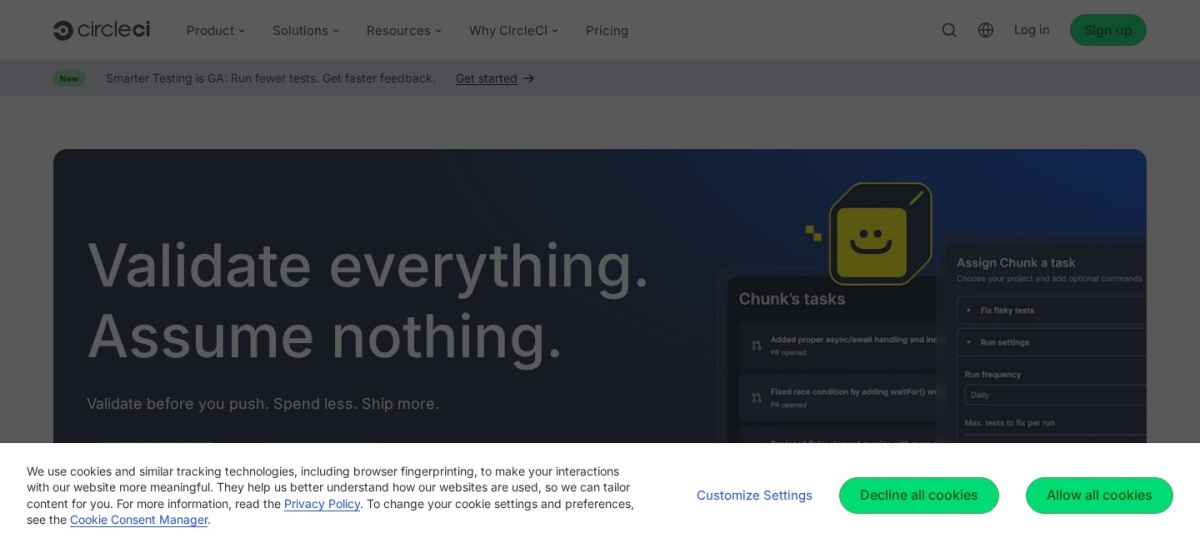
CircleCI homepage, captured Nov 2026.
CircleCI is a continuous integration and deployment platform built around configurable pipelines, Docker support, and test splitting. Its $0 Free plan includes up to 6,000 build minutes per month and up to 30 concurrent jobs.
The trade off is usage-based compute scaling above plan allowances once pipelines expand. It suits teams that need fast test parallelization and flexible cloud or self-hosted runners.
What we like
Generous 6,000 monthly build minutes on the $0 Free plan
Entry Performance plan starts at $15/month with 5 user seats
Supports Docker, Linux, Windows, macOS, and self-hosted runners
Watch out for
YAML pipeline configuration and resource classes require tuning
Usage overages can rise when running large or long test suites
Performance at $15/month adds 6,000 bonus build minutes, up to 80 concurrent jobs, and 5 user seats.Visit circleci.com
04
Vercel
4.6/5on G2 (93 reviews, checked Nov 2026)
Paid from$20/mo
Best for Git-connected frontend and web app deployments
Free tier$0/mo (Hobby)
Entry paid plan$20/mo (Pro)
Pro credit$20 included usage
WorkflowGit push + previews
vercel.com
Vercel homepage, captured Nov 2026.
Vercel is a frontend cloud and deployment platform that automates builds, preview links, and production releases from Git repositories. Its $0 Hobby plan provides automatic CI/CD, a global CDN, and deployment previews for personal projects.
The trade off is usage-based charges for bandwidth, functions, and cache operations beyond included allowances on Pro at $20/month. It suits web teams deploying frontend and full-stack applications from Git.
What we like
Automatic deployment previews generated on Git commits and pull requests
Built-in global CDN and instant rollbacks without separate infrastructure setup
4.6/5 rating across 93 reviews on G2
Watch out for
Metered usage items such as cache writes and function compute need monitoring
Best aligned with web applications rather than general server or enterprise software
Pro at $20/month includes $20 of usage credit, team collaboration, and flat-rate CDN protection.Visit vercel.com
05
DeployHQ
4.5/5on G2 (65 reviews, checked Nov 2026)
Paid from$9/mo
Best for straightforward Git-to-server deployments
Free tier$0/mo (personal)
Entry paid plan$9/mo (Solo)
DeploymentsUnlimited on paid plans
Git providersGitHub, GitLab, Bitbucket
deployhq.com
DeployHQ homepage, captured Nov 2026.
DeployHQ is a deployment tool that pushes code from Git repositories to servers, VPS instances, and cloud hosts on commit. It offers a $0 Free plan for personal projects and paid plans starting at $9/month on Solo.
The trade off is a narrower focus on code deployment compared with full DevOps suites. It suits freelancers, agencies, and small teams deploying web projects to servers.
What we like
Simple setup connecting Git repositories directly to target servers
Free plan available for personal projects plus unlimited deployments on paid plans
4.5/5 rating across 65 reviews on G2
Watch out for
Less suited for complex multi-service enterprise orchestration
Fewer built-in project management and issue-tracking tools than GitLab
Solo at $9/month unlocks paid account capabilities and unlimited deployments.Visit deployhq.com
06
Buildkite
4.7/5on G2 (32 reviews, checked Nov 2026)
PriceFree
Best for hybrid pipelines with self-hosted agents
Free tier2,000 Linux vCPU mins
Free usersUp to 5 users
Free concurrencyUp to 10 jobs
Small hosted agent$0.008/min (2 vCPU)
buildkite.com
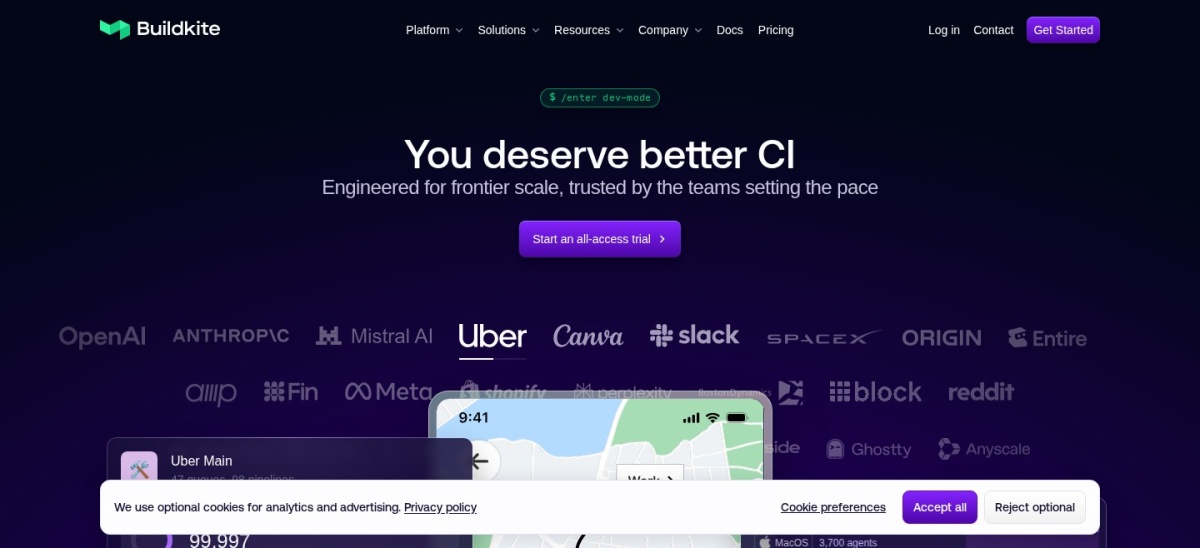
Buildkite homepage, captured Nov 2026.
Buildkite is a CI/CD platform that pairs a hosted control plane with self-hosted or pay-as-you-go agents across cloud and on-premises environments. Its $0 Free plan supports up to 5 users, 10 concurrent jobs, and 2,000 Linux vCPU minutes per month.
The trade off is per-minute compute rates on hosted agents—starting at $0.008/minute for a Small 2 vCPU runner—and agent management when self-hosting. It suits teams that want custom pipeline control inside their own infrastructure.
What we like
Supports self-hosted agents alongside pay-as-you-go hosted Linux runners
Free tier includes 2,000 Linux vCPU minutes per month and up to 5 users
4.7/5 rating across 32 reviews on G2
Watch out for
Self-hosted agents require teams to provision and maintain underlying compute
Hosted minute charges apply once you exceed free allocations or scale up
Pay-as-you-go Small Linux hosted agents run at $0.008/minute with Pro and Enterprise tiers for larger teams.Visit buildkite.com
07
Harness
4.6/5on G2 (335 reviews, checked Nov 2026)
Paid from$0.75/mo
Best for modular continuous delivery and GitOps pipelines
Free tier1,000 free HSUs/mo
Essentials HSU rate$0.75 per HSU
Essentials usersUp to 500 users
History retention6 months on Essentials
harness.io
Harness homepage, captured Nov 2026.
Harness is a software delivery platform offering continuous delivery, GitOps, continuous integration, and infrastructure modules metered via Harness Subscription Units (HSUs). Its $0 Free plan includes 1,000 free HSUs per month for evaluation and light workloads.
The trade off is usage metering across modules and a steeper setup curve for multi-stage pipelines at $0.75 per HSU on Essentials. It suits engineering teams standardizing complex delivery and GitOps workflows.
What we like
Free plan includes 1,000 monthly HSUs with no upfront commitment
Visual pipeline views and structured deployment stages across modules
4.6/5 rating across 335 reviews on G2
Watch out for
HSU consumption rates vary by module and require usage estimation
Broad platform features can feel complex for small teams with simple deploys
Essentials prices usage at $0.75 per HSU with up to 500 users and 6 months of pipeline execution history.Visit harness.io
How we chose
This list starts from established continuous deployment and CI/CD platforms widely used by software teams to automate builds and releases. Every tool included is actively maintained and lists public plan information or transparent unit pricing.
We checked pricing pages, plan documentation, and G2 review scores on 22 Nov 2026 to record starting paid rates, free tier limits, and user ratings. Where vendors use usage-based or per-seat pricing, we show the lowest published entry rate and note how costs scale.
We excluded tools lacking public pricing or clear deployment automation workflows, as well as outdated or unmaintained projects. No vendor paid for a place, and we do not claim testing for this list.
How to choose the right continuous deployment tool
Follow four practical steps to match a deployment platform to your workflow and budget:
Start where your Git repositories already live. Using a platform tightly integrated with your source control provider reduces webhook setup and keeps pull request checks and deployment status in one place.
Estimate monthly build minutes and concurrency. Check how many pipeline minutes your team runs each month and whether deployments spike during release windows so free tiers or base plans do not stall builds.
Decide between hosted runners and self-hosted agents. Managed cloud runners minimize maintenance overhead, while self-hosted agents help keep sensitive builds and private network targets inside your own infrastructure.
Match billing metrics to how your team grows. Compare per-seat fees against per-minute compute or usage units to see whether headcount or build volume drives your long-term bill.
FAQ
What is the difference between continuous delivery and continuous deployment?
Continuous delivery automates building and testing code so every change is ready to release, often with a manual approval step before production. Continuous deployment goes one step further and automatically pushes passing changes to production without manual release gates.
Can small teams run continuous deployment on a free plan?
Yes. Platforms such as GitHub, GitLab, CircleCI, Vercel, DeployHQ, Buildkite, and Harness all offer free tiers with monthly build minutes, usage credits, or personal project allowances suited to small teams and testing.
How does per-seat pricing compare with usage-based pricing?
Per-seat plans charge a set rate per user each month, which works well when team size is steady and build minutes are predictable. Usage-based plans charge by compute minutes, bandwidth, or usage units, which fits bursty pipelines or small teams with high build volume.
When should we use self-hosted runners instead of cloud-hosted runners?
Self-hosted runners make sense when your deployment targets sit inside a private VPC or on-premises network, or when you want to use existing hardware. Cloud-hosted runners are easier to maintain when you do not want to manage runner servers.
Do all continuous deployment tools handle database migrations and rollbacks?
Most platforms can run scripts or commands during a pipeline to execute database migrations and trigger rollbacks, though you still design the migration steps and rollback logic. Testing migrations against staging environments before production remains essential.
How do deployment approvals work in automated pipelines?
Many tools let you configure environment protection rules, required reviewers, or manual approval steps before a job deploys to production. This gives teams a checkpoint for high-risk releases while keeping earlier stages automated.