Best Container Registry Software in 2026: 7 Tools Compared
WLWPLegible EditorsLast verified 22 Nov 2026How we rank10 min read
★ Short answer
Docker Hub is the best container registry software for most developers, with a free Personal plan and Pro subscriptions starting at $9 per month on annual billing. Choose Amazon ECR for AWS-native deployments or JFrog Artifactory for managing containers alongside other software artifacts.
How we make this list: we compare pricing pages, product documentation and public user reviews, then re-check every price before each update. No product paid for a place. Disclosure.
Docker Hub Pro starts at $108 per year and has a 4.6/5 G2 rating across 295 reviews.
Amazon ECR charges $0.10 per GB of monthly image storage, excluding applicable transfer and scanning fees.
JFrog Artifactory Pro has a regular price of $150 per month and supports multiple software package formats.
Google Artifact Registry includes 0.5 GB of free storage per month before usage-based charges apply.
Cloudsmith Pro costs $149 per month and includes 5 GB of artifact storage and 25 GB of package delivery.
Azure Container Registry Basic includes 10 GB of storage, while Standard increases the allowance to 100 GB.
What to look for in container registry software
A container registry stores and distributes container images that developers use to deploy applications. It provides a central location where development pipelines can publish images and production environments can retrieve approved application versions.
Security should be a priority when comparing registries. Look for vulnerability scanning, repository permissions, image signing support, authentication controls, and audit logs that help prevent unauthorized access or deployment.
Consider how the registry connects with your existing development infrastructure. Cloud-native registries work particularly well with their respective cloud platforms, while independent registries provide greater flexibility across different hosting environments.
Pricing models vary between subscriptions, storage consumption, bandwidth usage, and repository allowances. A registry with inexpensive storage can become costly when development pipelines repeatedly download large images.
Image retention policies and replication capabilities also matter. Automated cleanup helps control storage growth, while replication improves image availability for distributed development teams and production environments.
Best for general-purpose container image distribution
Entry paid planPro
Repository typesPublic and private
Pro users1
BillingPer user, annually
docker.com
Docker Hub homepage, captured Nov 2026.
Docker Hub is a hosted container registry that lets developers publish, discover, and distribute container images. Its free Personal subscription supports individual development, while Pro starts at $9 per user per month on annual billing and provides expanded access to private repositories and image distribution.
The trade off is that Pro supports only 1 user, while organizations needing shared repository administration should consider Team at $15 per user per month on annual billing. Image pull policies can also affect automated pipelines. It suits independent developers, open-source maintainers, and software teams distributing Docker images.
What we like
Extensive collection of publicly available container images
Supports public and private repositories
Familiar Docker command-line workflows
Accessible entry-level subscription
Organization access controls on team subscriptions
Watch out for
Image pull policies can affect automated workflows
Pro expands individual repository access, while Team adds organizational collaboration.Visit docker.com
02
Amazon ECR
4.3/5on G2 (112 reviews, checked Nov 2026)
Paid from$0.10/GB/mo
Best for container deployments on AWS
Pricing modelStorage and usage based
Deployment integrationsAmazon ECS and EKS
AuthenticationAWS IAM
New customer allowance500 MB/month for 1 year
aws.amazon.com
Amazon ECR homepage, captured Nov 2026.
Amazon ECR is a managed container image registry designed for applications running within the AWS ecosystem. Its published private storage rate is $0.10 per GB per month, and developers can connect repositories with Amazon ECS, Amazon EKS, and automated deployment workflows using AWS identity controls.
The trade off is that the $0.10 storage rate does not represent the complete operating cost, since certain data transfers and enhanced vulnerability scanning can generate additional charges. Billing depends on consumption rather than a fixed subscription. It suits engineering teams already deploying containerized applications through AWS.
Costs increase with storage and applicable data transfers
Advanced scanning can incur separate fees
Less convenient for teams operating primarily outside AWS
Paid usage covers additional image storage and applicable data transfer.Visit aws.amazon.com
03
JFrog Artifactory
4.3/5on G2 (160 reviews, checked Nov 2026)
Starts at$150/mo
Best for universal software artifact management
Entry cloud planPro
Artifact supportContainers and software packages
Cloud providers3
AutomationCLI, REST API and integrations
jfrog.com
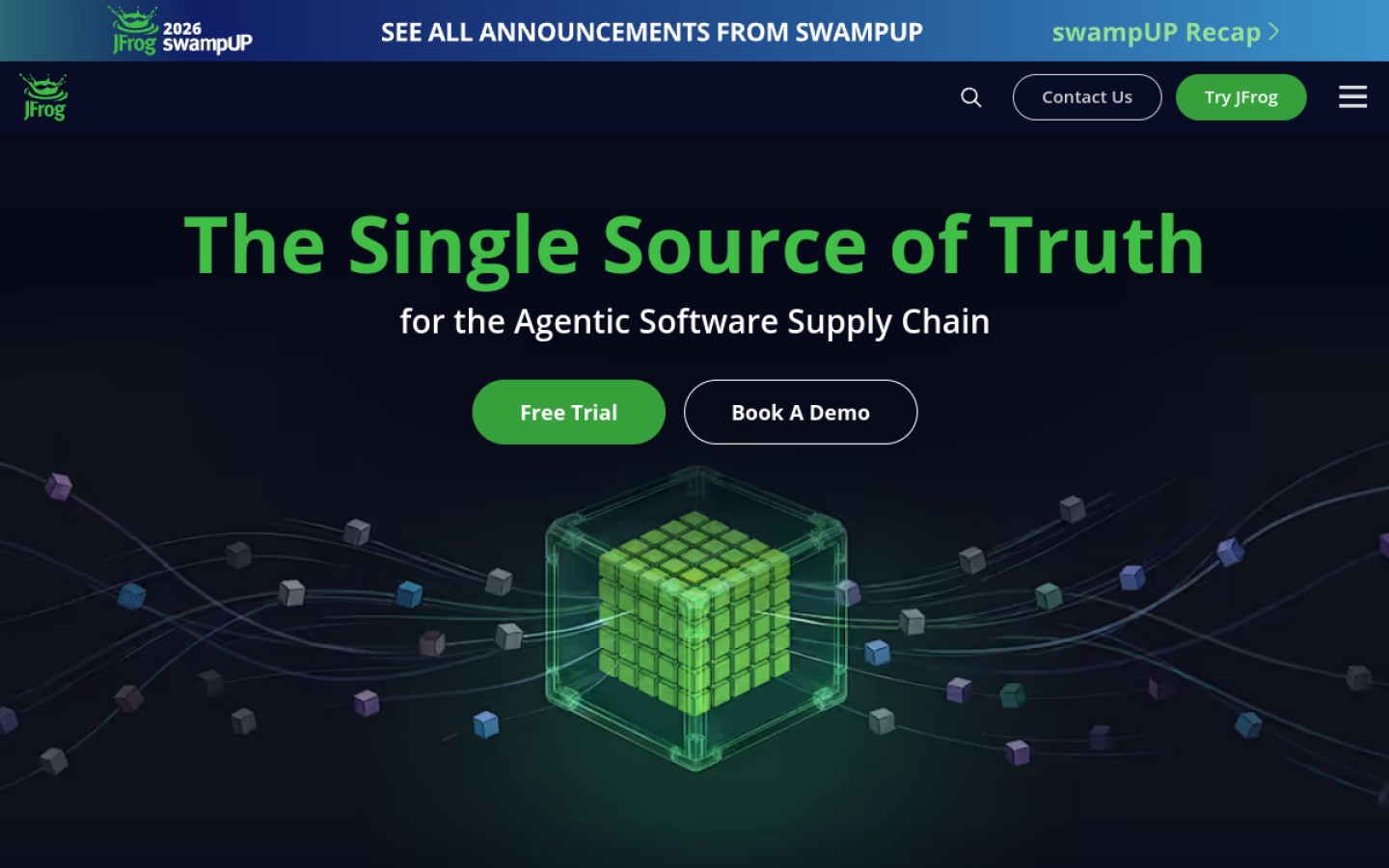
JFrog Artifactory homepage, captured Nov 2026.
JFrog Artifactory is a universal artifact repository that manages container images alongside application packages and other build outputs. Its Pro cloud subscription has a regular price of $150 per month, with the pricing page displaying a temporary $50 promotional rate and support for multiple package ecosystems.
The trade off is that the regular $150 monthly subscription represents a larger commitment than basic container-only services, and advanced software supply chain protection can require additional subscriptions. The promotion should not be treated as permanent pricing. It suits organizations consolidating several development package registries into a central platform.
What we like
Manages containers and other software artifact formats
Central repository for distributed development teams
Advanced security capabilities can require upgrades
Configuration can be demanding for smaller teams
Pro provides a managed universal registry, with higher editions expanding governance and security.Visit jfrog.com
04
Google Artifact Registry
4.4/5on G2 (24 reviews, checked Nov 2026)
Paid from$0.10/GiB/mo
Best for Google Cloud application deployment
Pricing modelUsage based
Free storage0.5 GiB/month
Deployment integrationsCloud Run and GKE
Security scanningSeparately billed
cloud.google.com
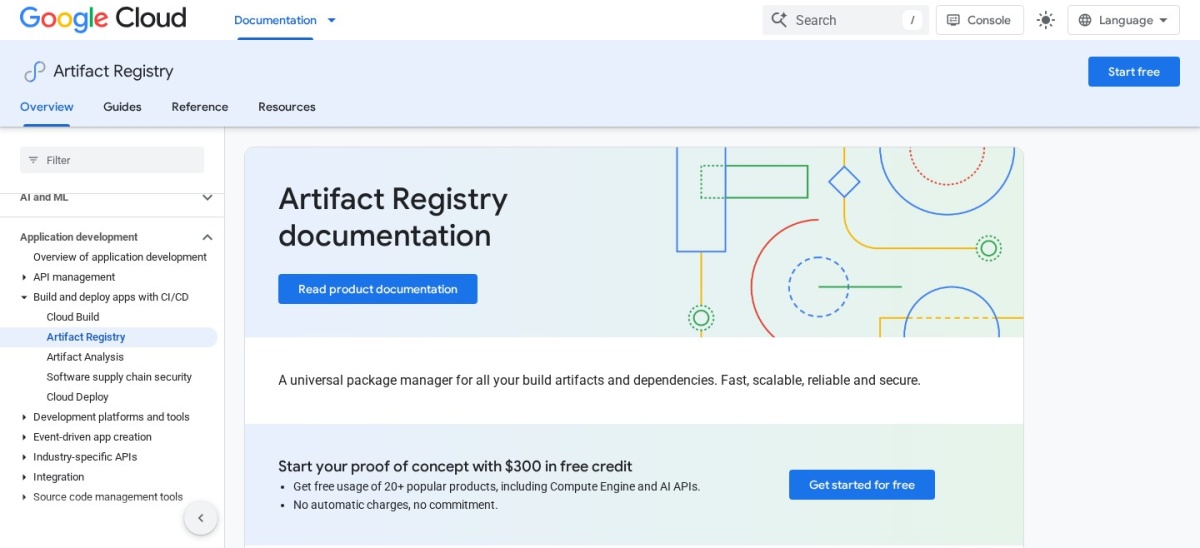
Google Artifact Registry homepage, captured Nov 2026.
Google Artifact Registry is a managed repository service for container images and application packages within Google Cloud. It includes 0.5 GiB of free monthly storage, followed by a storage rate equivalent to approximately $0.10 per GiB per month based on the published hourly rate.
The trade off is that the approximate $0.10 monthly storage rate excludes separately billed vulnerability scanning and applicable network transfer charges. Teams must also configure their repository locations and identity permissions carefully. It suits developers deploying applications through Cloud Run, Google Kubernetes Engine, and Google Cloud build services.
What we like
Native integration with Google Cloud deployment services
Supports containers and additional package formats
Paid consumption expands storage and covers applicable network and scanning usage.Visit cloud.google.com
05
Cloudsmith
4.5/5on G2 (44 reviews, checked Nov 2026)
Paid from$149/mo
Best for managed multi-format artifact distribution
Entry paid planPro
Free artifact storage500 MB
Pro artifact storage5 GB
Pro package delivery25 GB
cloudsmith.com
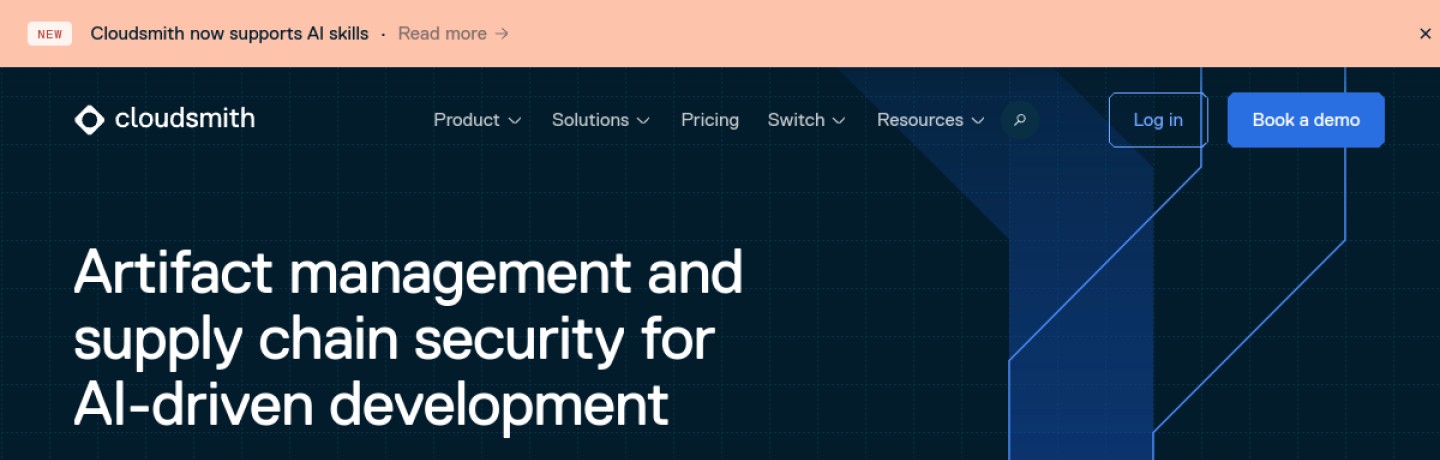
Cloudsmith homepage, captured Nov 2026.
Cloudsmith is a managed artifact distribution platform for storing container images, application dependencies, and software packages. Its free Core plan includes 500 MB of artifact data and 1 GB of package delivery, while Pro costs $149 per month and expands these allowances to 5 GB and 25 GB, respectively.
The trade off is that Pro costs $149 per month and charges $1.50 per GB for additional data beyond the included allowances. Organizations distributing large container images should estimate their delivery volumes before subscribing. It suits distributed engineering teams seeking centralized artifact management without maintaining their own registry infrastructure.
What we like
Supports numerous software package formats
Managed infrastructure reduces administrative work
Free plan for individual developers
Centralized package distribution workflows
Published storage and delivery allowances
Watch out for
Relatively expensive paid entry plan
Additional data charges can accumulate
Enterprise requirements may need custom pricing
Pro increases artifact storage and delivery allowances and supports growing teams.Visit cloudsmith.com
06
Azure Container Registry
4.4/5on G2 (34 reviews, checked Nov 2026)
Starts at$5/mo
Best for Microsoft Azure container environments
Entry planBasic
Included storage10 GB
Basic webhooks2
Geo-replicationPremium
azure.microsoft.com
Azure Container Registry homepage, captured Nov 2026.
Azure Container Registry is Microsoft's managed service for private container images and related artifacts. Its Basic tier includes 10 GB of storage and 2 webhooks, with Microsoft's published engineering pricing guidance estimating a monthly base cost of approximately $5.
The trade off is that the approximate $5 monthly Basic cost varies with deployment configuration and applicable pricing, while additional storage and network consumption can increase charges. Premium is required for geo-replication. It suits development teams using Azure Kubernetes Service and other Microsoft cloud infrastructure.
What we like
Native integration with Azure deployment environments
Included storage allowance on every paid tier
Microsoft Entra authentication integration
Webhook support for automated development workflows
Premium geo-replication for distributed deployments
Watch out for
Final subscription cost depends on the applicable pricing configuration
Geo-replication requires Premium
Additional network and storage charges may apply
Standard includes 100 GB of storage, while Premium increases capacity to 500 GB.Visit azure.microsoft.com
07
Red Hat Quay
4.5/5on G2 (50 reviews, checked Nov 2026)
PricingCustom pricing
Best for self-managed enterprise container registries
DeploymentSelf-managed or hosted Quay.io
SecurityContinuous vulnerability scanning
ReplicationGeographic replication supported
Pricing modelPer deployment for self-managed Quay
redhat.com
Red Hat Quay homepage, captured Nov 2026.
Red Hat Quay is an enterprise container registry designed for private image distribution, vulnerability management, and controlled software deployment, with a 4.5/5 G2 rating across 50 reviews. Its self-managed edition integrates with OpenShift, while the separate Quay.io service provides a hosted deployment option.
The trade off is that self-managed Red Hat Quay uses custom deployment pricing, so organizations must request a subscription quote rather than compare a fixed monthly rate. Operating the registry internally also creates infrastructure and maintenance responsibilities. It suits enterprises that require detailed security controls, private infrastructure, or OpenShift integration.
What we like
Supports self-managed enterprise infrastructure
Continuous image vulnerability scanning
Geographic replication and repository mirroring
Detailed team and repository access controls
Integration with Red Hat OpenShift
Watch out for
Self-managed subscription pricing requires a quote
Enterprise subscriptions provide supported self-managed registry deployments and associated capabilities.Visit redhat.com
How much does container registry software cost?
Container registry pricing generally follows subscription-based or consumption-based billing. Docker Hub Pro costs $108 per user annually, while Cloudsmith Pro costs $1,788 per year and JFrog Artifactory Pro has a regular annualized cost of $1,800.
Amazon ECR and Google Artifact Registry use storage-based billing. At a storage rate of $0.10 per unit per month, each additional billable gigabyte or gibibyte represents approximately $1.20 in annual storage charges.
The price ladder expresses consumption-based services using their published unit rates annualized over a year. These values are not complete annual subscriptions and should not be compared directly with fixed-price packages without considering expected usage.
Review how often your build pipelines download images, how long releases must be retained, and whether scanning or replication creates additional charges. These factors can influence operating costs more than the advertised storage rate.
Hosted vs. self-managed container registries
A hosted container registry transfers infrastructure administration, availability management, and routine service maintenance to the provider. Docker Hub, Amazon ECR, Google Artifact Registry, and Cloudsmith are examples of managed options that reduce operational responsibilities.
A self-managed registry gives engineering teams more control over network access, infrastructure configuration, data placement, and security policies. Red Hat Quay supports this approach and can integrate directly with an organization's existing OpenShift infrastructure.
Hosted registries are often more practical for smaller development teams. Self-managed deployments become more attractive when businesses must operate isolated environments, meet particular infrastructure requirements, or maintain greater control over internal software distribution.
How we chose
We shortlisted established products from G2's container registry software category and compared their official pricing information, deployment options, artifact compatibility, access controls, and security capabilities. We prioritized maintained products with documented development and deployment workflows.
The editorial comparison date is 22 Nov 2026. Source pages were accessed on 24 Nov 2026, although some G2 snapshots contain earlier review totals. Fixed monthly prices were annualized, usage-based prices represent annualized unit rates, and custom pricing is excluded from numerical cost comparisons.
We excluded discontinued registry services, products with insufficient public review evidence, and tools that primarily manage running containers instead of storing their images. Rankings reflect practical suitability, pricing transparency, integration coverage, and repository management capabilities. No vendor paid for a place, and we do not claim testing for this list.
How to choose the right container registry software
Review your application deployment architecture, security requirements, and expected artifact consumption before selecting a container registry.
Match the registry to your deployment infrastructure. Choose Amazon ECR for AWS workloads, Google Artifact Registry for Google Cloud applications, or Azure Container Registry for Microsoft environments. Docker Hub offers a more general-purpose starting point when your deployment infrastructure spans different providers.
Determine which artifact formats you need. A dedicated container registry may be sufficient if your development pipelines only distribute container images. Consider JFrog Artifactory or Cloudsmith if you also manage application dependencies, software packages, and other build artifacts.
Review security and access management requirements. Check vulnerability scanning availability, repository permissions, image signing compatibility, authentication options, audit logs, and network restrictions. Confirm which capabilities are included in the entry subscription and which require additional services.
Estimate storage and distribution costs. Calculate your expected image storage, download traffic, release retention requirements, and replication needs. Compare these consumption estimates with fixed subscriptions and evaluate whether automated cleanup policies can reduce unnecessary storage charges.
FAQ
What is container registry software?
Container registry software stores, manages, and distributes container images used to deploy applications. It allows developers to publish application builds, maintain image versions, control repository access, and retrieve approved images through automated development and production workflows.
What is the best container registry software?
Docker Hub is our overall recommendation for general-purpose container image publishing and distribution. Amazon ECR is a suitable alternative for AWS infrastructure, while JFrog Artifactory is preferable when organizations need to manage containers alongside additional software package formats.
What is the best free container registry?
Docker Hub Personal is a practical free option for individual developers and public image distribution. Google Artifact Registry also provides a small free storage allowance, while Cloudsmith Core includes 500 MB of artifact storage and 1 GB of package delivery.
What is the difference between a container registry and a repository?
A container registry is the service that hosts and manages container image storage. A repository is a collection of related images within that registry, usually representing a particular application or component with different versions identified through tags or digests.
Can container registries store private images?
Yes. Private container repositories allow organizations to restrict image access through authentication and repository permissions. Most managed registry services support private storage, although available security controls, collaboration features, and repository allowances vary depending on the selected subscription.
Do container registries include vulnerability scanning?
Many container registries provide image scanning directly or through integrated security services. Red Hat Quay supports continuous vulnerability scanning, while Google Artifact Registry bills scanning separately. Buyers should confirm scanning coverage, supported image formats, reporting capabilities, and applicable charges.
How does container registry software integrate with CI/CD?
Continuous integration pipelines build container images and publish them to an authenticated registry. Continuous delivery systems then retrieve approved images for deployment. Registry APIs, command-line tools, webhooks, and service credentials help automate these processes without requiring manual image transfers.
Should I use a cloud-native or independent container registry?
Cloud-native registries are convenient when most applications run within an individual cloud provider. Independent services such as Docker Hub, JFrog Artifactory, and Cloudsmith can be preferable when development teams distribute software across multiple infrastructure providers or manage diverse artifact formats.
How can I reduce container registry storage costs?
Configure automated retention policies, remove obsolete image tags, delete unused artifacts, and avoid retaining unnecessary development builds. Hosting repositories near deployment environments can also reduce applicable data transfer charges. Review cleanup rules carefully to preserve images needed for production rollbacks.