Best Computer Remote Access Software in 2026: 7 Tools Compared
WLWPLegible EditorsLast verified 22 Nov 2026How we rank6 min read
★ Short answer
Splashtop leads for small-business remote access with Solo starting at $72 per year for two computers and business use allowed from day one. Zoho Assist fits IT support teams with a free tier for five unattended machines, while RustDesk suits technical teams running their own server.
How we make this list: we compare pricing pages, product documentation and public user reviews, then re-check every price before each update. No product paid for a place. Disclosure.
Splashtop Remote Access Solo starts at $72/yr ($6/mo billed annually) for one user and two computers.
Zoho Assist offers a free plan for one technician and five unattended computers, with Standard starting at $10/tech/mo billed annually.
RemotePC starts at $2.46/mo billed yearly ($29.52/yr) or $2.95/mo monthly for one user and one computer, with a 25% first-year discount shown on its pricing page.
RustDesk is free for self-hosting, while Server Pro Individual starts at $11.88/mo billed annually ($142.56/yr) for one user and 20 managed devices.
Parsec is free for personal use, with Teams starting at $30/user/mo billed annually ($360/yr) for commercial work.
What to look for in computer remote access software
Start by separating unattended access from on-demand support. Unattended access lets you sign into a machine anytime without someone sitting at the other end, whereas attended support relies on a one-time code or link for quick troubleshooting.
Check commercial licensing rules before relying on a free tier. Several popular tools allow free personal sessions for helping family or reaching a home PC, but flag business or routine office access for paid licensing.
Pay attention to how plans meter growth. Some vendors charge per user or per concurrent technician, while others cap unattended endpoints or add fees for multi-monitor views, session recording, and mobile device support.
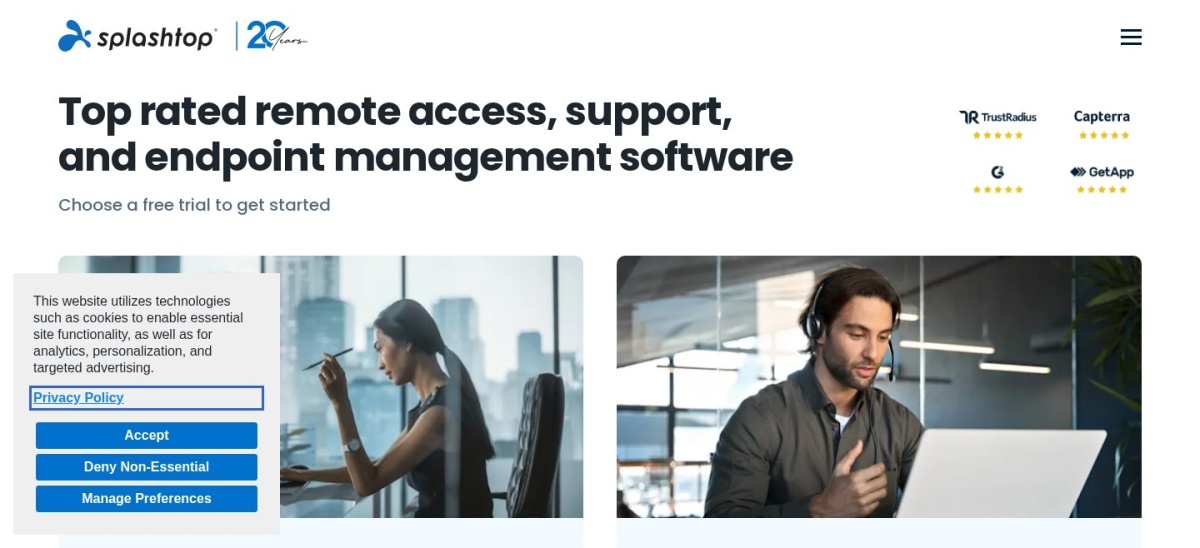
Splashtop is a remote desktop platform built for reaching computers from other desktops or mobile devices with unattended access, file transfer, and remote printing. Remote Access Solo covers one user and two computers with commercial use allowed from the start.
The trade off is that Solo is strictly for one user and two machines, and business plans are billed annually starting at $72 per year. It suits solo workers and small teams that want affordable unattended access without steep per-connection fees.
What we like
Low entry price at $72/yr for Solo with business use permitted
Supports unattended access, drag-and-drop file transfer, and remote printing
Offers higher-tier plans with multi-monitor support, session recording, and up to 240 FPS streaming
No extra charge for mobile device support compared with several rivals
Watch out for
No free business plan, only a free trial
Solo caps usage at one user and two computers
Business subscriptions are billed annually
Higher tiers add multi-monitor views, session recording, 240 FPS streaming, and help-desk SOS licensing.Visit splashtop.com
02
Zoho Assist
4.7/5on G2 (765 reviews, checked Nov 2026)
Paid from$120/yr
Best for budget IT support and help desks
Entry planStandard ($10/mo)
Free tier1 tech, 5 PCs
Session modeAttended & unattended
G2 rating4.7/5
zoho.com
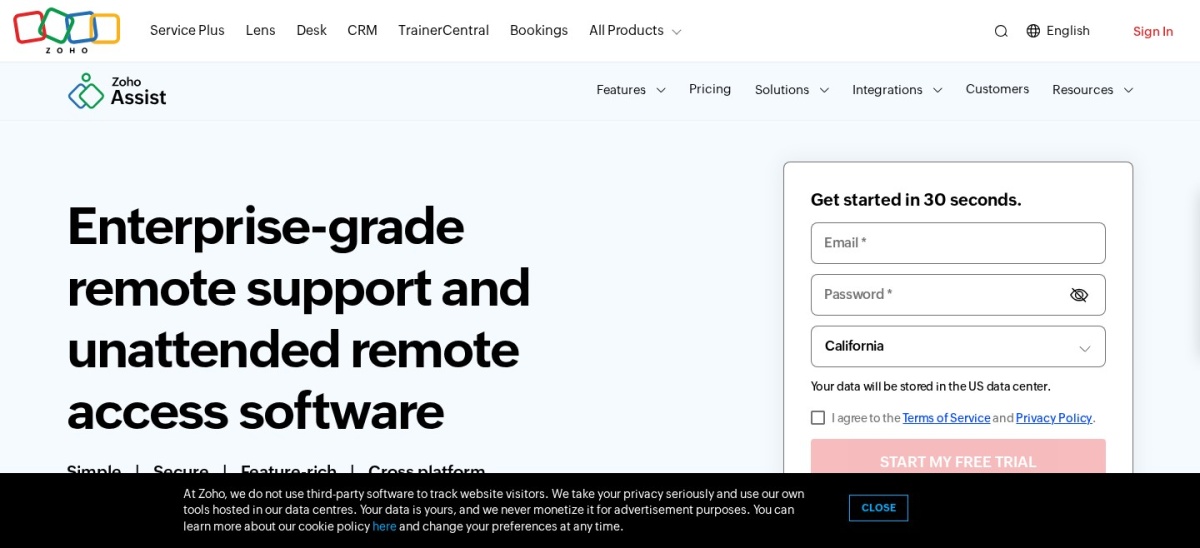
Zoho Assist homepage, captured Nov 2026.
Zoho Assist is a browser-based remote support and unattended access tool that includes a free plan for one technician, one concurrent session, and up to five unattended computers. It works across desktop and mobile platforms and connects with help-desk tools.
The trade off is that the free edition leaves out file transfer and reboot-and-reconnect, while paid Standard plans start at $10 per technician per month billed annually ($120/yr). It suits solo technicians and support teams wanting a low-cost entry point.
What we like
Includes a free tier with up to five unattended computers
Browser-based technician console requires no local console installation
Integrates with help-desk platforms and supports unattended fleet access
Watch out for
Free plan lacks file transfer and reboot-and-reconnect
Remote support licensing scales per technician
Custom branding requires higher-tier plans
Paid plans add file transfer, remote reboot and reconnect, multi-session support, and custom branding.Visit zoho.com
03
RemotePC
4.7/5on G2 (717 reviews, checked Nov 2026)
Starts at$29.52/yr
Best for low-cost always-on computer access
Entry planSolo ($2.46/mo yr)
Computers1 (Solo)
Free option7-day trial
G2 rating4.7/5
remotepc.com
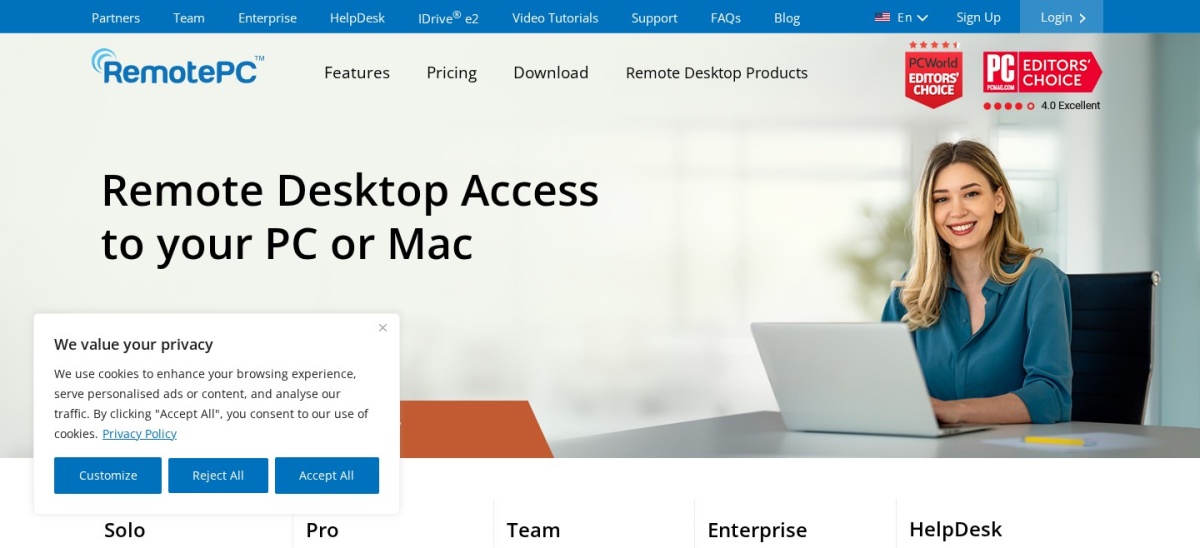
RemotePC homepage, captured Nov 2026.
RemotePC is a remote access service from IDrive that lets you reach Windows, Mac, and Linux computers from desktop or mobile devices with a 7-day free trial. Solo starts at $2.46 per month billed annually ($29.52/yr) or $2.95 monthly for one user and one computer, with a 25% first-year discount also shown on its pricing page.
The trade off is that there is no free tier beyond the trial, computer counts are capped by plan, and discounted first-year rates renew at regular pricing. It suits individuals and small teams with a fixed set of machines to access remotely.
What we like
Low entry pricing at $2.46/mo billed annually ($29.52/yr) for Solo
Supports Windows, macOS, and Linux plus mobile access
Offers a 7-day free trial with no credit card required
Watch out for
No free plan after the 7-day trial
Promotional first-year discounts renew at standard rates
Computer limits apply per tier unless you buy add-ons
Higher tiers scale to 10, 50, or 100 computers and add multi-user access or on-demand support.Visit remotepc.com
04
RustDesk
3.1/5on Trustpilot (9 reviews, checked Nov 2026)
Paid from$142.56/yr
Best for self-hosted remote access
Entry planIndividual ($11.88/mo)
Free tierSelf-hosted OSS
BillingAnnual (Pro)
Trustpilot3.1/5
rustdesk.com
RustDesk homepage, captured Nov 2026.
RustDesk is an open-source remote desktop tool that can be self-hosted for free with community support, while Server Pro Individual starts at $11.88 per month billed annually ($142.56/yr) for one login user and 20 managed devices. It supports cross-platform remote control without per-seat cloud fees when self-hosted.
The trade off is that running your own server takes technical setup and maintenance, and Server Pro is billed annually. It suits technical teams and organizations that want control over their own relay and server infrastructure.
What we like
Free self-hosted option with no vendor cloud lock-in
Server Pro Individual covers 20 managed devices at $11.88/mo billed annually
Higher Server Pro tiers add SSO, LDAP, and custom client generation
Watch out for
Self-hosting requires server management and network setup
Server Pro plans are billed annually rather than monthly
Smaller public review footprint than legacy commercial tools
Server Pro tiers expand user and device limits and add OIDC SSO, LDAP, and custom client builds.Visit rustdesk.com
05
Parsec
4.7/5on G2 (26 reviews, checked Nov 2026)
Paid from$360/yr
Best for low-latency streaming and creative work
Work planTeams ($30/user/mo)
Free tierPersonal use
StreamingUp to 60 FPS
G2 rating4.7/5
parsec.app
Parsec homepage, captured Nov 2026.
Parsec is a low-latency remote desktop and streaming tool built around peer-to-peer connections and 60 FPS desktop capture, with a free Personal Use tier. Commercial work requires Parsec for Teams at $30 per user per month billed annually ($360/yr).
The trade off is that both the free tier and the $8.33/month annual Warp individual plan restrict commercial use, pushing business seats to $30 per user per month. It suits creative professionals, studios, and users who prioritize low-latency screen responsiveness.
What we like
Low-latency 60 FPS streaming and encrypted peer-to-peer connections
Free Personal Use plan for non-commercial streaming
Teams plan adds admin controls, SAML SSO, and team computer management
Watch out for
Commercial use requires the higher-priced Teams tier
Guest access invites carry an extra per-invitation fee on Teams
Smaller review count on G2 compared with mainstream IT tools
Teams adds an admin panel, SAML SSO, team computer management, and seven-day audit logs.Visit parsec.app
06
AnyDesk
4.5/5on G2 (1,102 reviews, checked Nov 2026)
Paid from$346.80/yr
Best for fast, lightweight cross-platform sessions
Entry planSolo ($28.90/mo)
Free tierPersonal use
Managed PCs100 (Solo)
G2 rating4.5/5
anydesk.com
AnyDesk homepage, captured Nov 2026.
AnyDesk is a lightweight remote desktop application that runs across desktop and mobile systems and offers a free tier for personal use. Its regular Solo plan is $28.90 per month billed annually ($346.80/yr) for one user, one non-scalable connection, and 100 managed devices, with a 20% multi-year discount also shown.
The trade off is that free access is limited to personal use, and Solo cannot add extra concurrent connections as a team grows. It suits freelancers and individuals who want a compact client for quick connections.
What we like
Compact client designed for quick setup and responsive sessions
Free for personal use across supported platforms
Solo includes unattended access for up to 100 managed devices
Watch out for
Commercial use requires a paid license
Solo connection count cannot be expanded without upgrading
Higher annual cost than budget remote-access tools
Standard and Advanced plans scale concurrent connections, team seats, shared address books, and deployment options.Visit anydesk.com
07
TeamViewer
4.5/5on G2 (4,224 reviews, checked Nov 2026)
Paid from$298.80/yr
Best for familiar remote support and enterprise setups
Entry planRemote Access ($24.90/mo)
Free tierPersonal use
Managed PCs3 (Remote Access)
G2 rating4.5/5
teamviewer.com
TeamViewer homepage, captured Nov 2026.
TeamViewer is a widely adopted remote access and support platform covering Windows, Mac, Linux, and mobile devices, with a free option for personal non-commercial use. Commercial Remote Access starts at $24.90 per month billed annually ($298.80/yr) for one user, one connection, and up to three managed devices.
The trade off is that business tiers climb quickly and add-ons or higher seat counts increase total cost. It suits organizations and support teams that already standardize on TeamViewer workflows.
What we like
Large review base on G2 with broad cross-platform support
Free tier available for personal, non-commercial use
Supports IT service integrations and larger business tiers
Watch out for
Strict personal-use boundary on the free tier
Entry commercial plan limits you to three managed devices
Team plans and add-ons cost substantially more than budget rivals
Business and enterprise tiers expand concurrent sessions, team seats, mass deployment, and add-on management modules.Visit teamviewer.com
Watch free-tier limits on work computers
Several tools on this list—including AnyDesk, TeamViewer, and Parsec—offer free access for personal use, while commercial or business use requires a paid plan. Accessing a work computer from home can trigger commercial-use limits depending on the vendor's terms.
If you need free remote access for a small IT setup without commercial restrictions, check Zoho Assist's free tier for up to five unattended machines or self-host RustDesk on your own server.
How we chose
We built this shortlist by reviewing active computer remote access and remote support tools with established adoption, clear pricing pages, and recent updates.
Ratings, review counts, and regular entry prices were checked from public review directories and vendor pricing pages on 22 Nov 2026.
We excluded tools lacking transparent entry pricing or sufficient public review data. No vendor paid for a place, and we do not claim testing for this list.
How to choose the right remote access tool
Match the license model to who connects and how many machines you manage.
Decide whether you need unattended access or ad-hoc support. Unattended access keeps a computer reachable anytime, while session-code support helps users who only need occasional assistance.
Check commercial-use terms before picking a free plan. Confirm whether personal-only rules apply to your workflow so work sessions are not interrupted.
Count users, concurrent sessions, and managed endpoints. Compare per-user, per-technician, and per-device caps so your cost stays predictable as you add machines or teammates.
Verify required features like file transfer, multi-monitor, or self-hosting. Check which tier includes file transfer, session recording, low-latency streaming, or self-hosted server control before paying annually.
FAQ
Which remote access tool has the lowest regular paid price?
RemotePC Solo starts at $2.46 per month billed annually ($29.52/yr) or $2.95 per month for one user and one computer, while Splashtop Remote Access Solo is $72 per year for two computers.
Are free remote desktop tools allowed for business use?
Not always. AnyDesk, TeamViewer, and Parsec keep their free plans for personal use, whereas Zoho Assist includes a free tier with up to five unattended computers and RustDesk can be self-hosted for free.
What is the difference between unattended access and attended support?
Unattended access lets an authorized user connect to a computer anytime without someone accepting a prompt on the remote screen, while attended support uses a temporary code or invite for live help.
Why do some remote desktop plans charge per technician instead of per device?
Help desks and support teams often connect to many customer machines intermittently, so vendors license concurrent technicians or support seats rather than every client computer.
When does self-hosting make sense over a cloud remote desktop service?
Self-hosting with RustDesk makes sense when an organization wants to run its own server infrastructure and has staff comfortable maintaining it.
Why do annual prices differ from monthly prices on these tools?
Most vendors discount annual billing compared with month-to-month plans, so checking the regular annual total gives a clearer view of yearly cost.