Best Containerization Software in 2026: 9 Tools Compared
WLWPLegible EditorsLast verified 24 Nov 2026How we rank11 min read
★ Short answer
Docker is the best containerization software for most developers, with a free Personal plan and Pro at $9 per user per month billed annually. Pick Kubernetes for orchestration at scale and Portainer when you want a visual console over it all.
How we make this list: we compare pricing pages, product documentation and public user reviews, then re-check every price before each update. No product paid for a place. Disclosure.
Docker is the default starting point, with a free Personal plan and Pro at $9 per user per month billed annually.
Kubernetes is the open standard for orchestration, free to run, but it needs real operations skill to manage.
Portainer adds a visual console over Docker, Swarm and Kubernetes, with Business Edition from $1,045 a year.
Rancher, Podman and Nomad are all free and open source, which keeps licence costs at zero for self-hosted teams.
GKE and AKS charge for the nodes you run, not the control plane, so the bill follows your workload size.
What containerization software actually covers
Containerization packages an application and its dependencies into a portable image that runs the same way on a laptop, a server or a cloud. The runtime builds and runs those images, while an orchestrator schedules them across machines.
Most teams start with Docker on developer machines, then add Kubernetes when one host is not enough. A management console such as Portainer or Rancher sits on top and replaces command-line work with a visual dashboard.
Licensing matters more than it used to. Docker Desktop is free for personal use and small businesses, but larger organisations need a paid subscription. Open source runtimes such as Podman and containerd carry no licence cost at all.
Managed Kubernetes from Google, Amazon or Microsoft removes the control-plane work, but you still pay for every node. Our guide to the best software development tools covers the wider toolchain these platforms fit into.
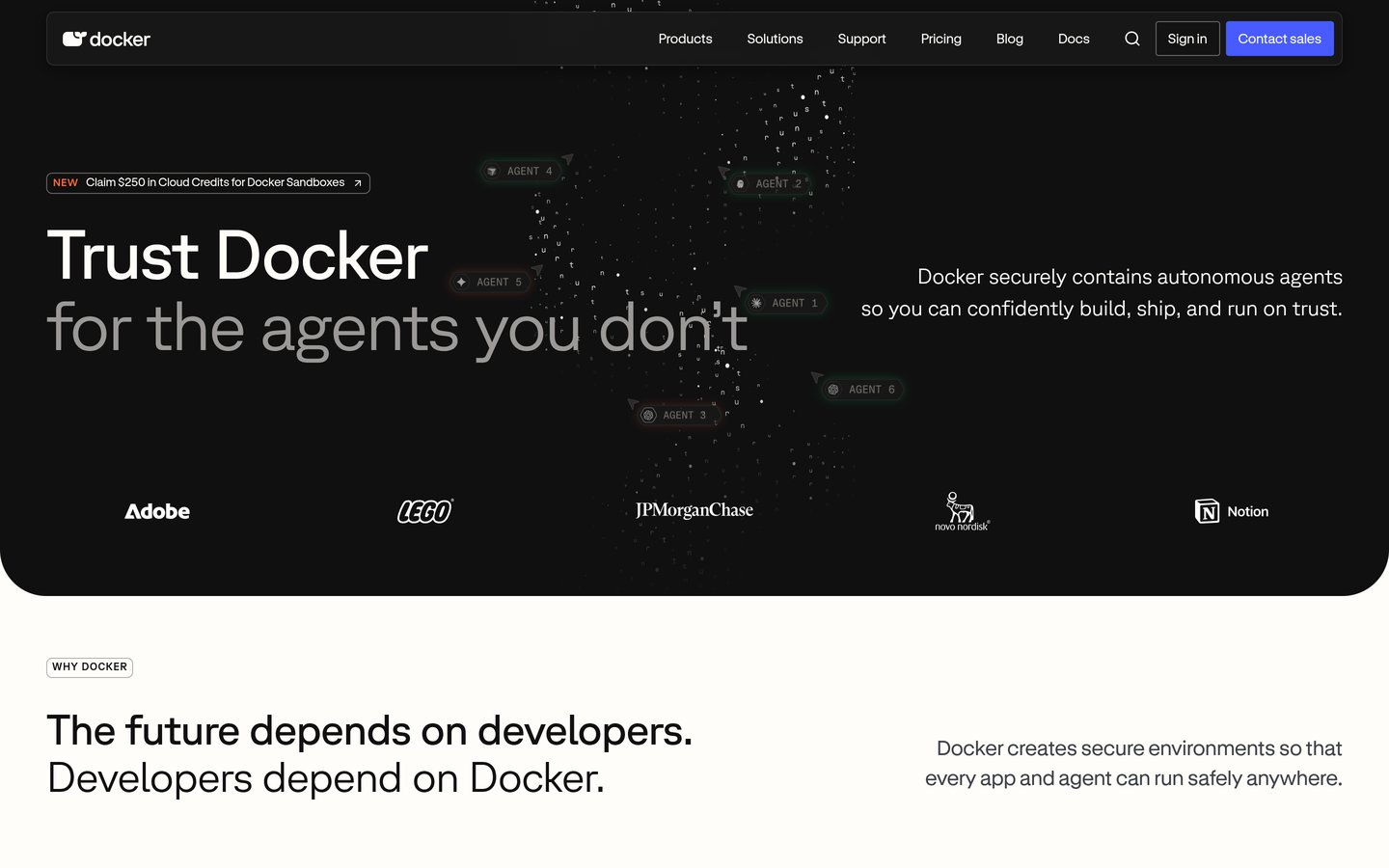
Docker is the standard container platform for building, sharing and running containers. The free Personal plan covers solo developers, while Pro at $9 per user per month billed annually adds unlimited private repositories, more Scout scans and faster support.
The trade off is licensing. Organisations with 250 or more employees or $10 million in revenue need a paid Docker subscription, so large teams cannot stay on the free plan. It suits developers and small teams who want the widest tooling and image ecosystem.
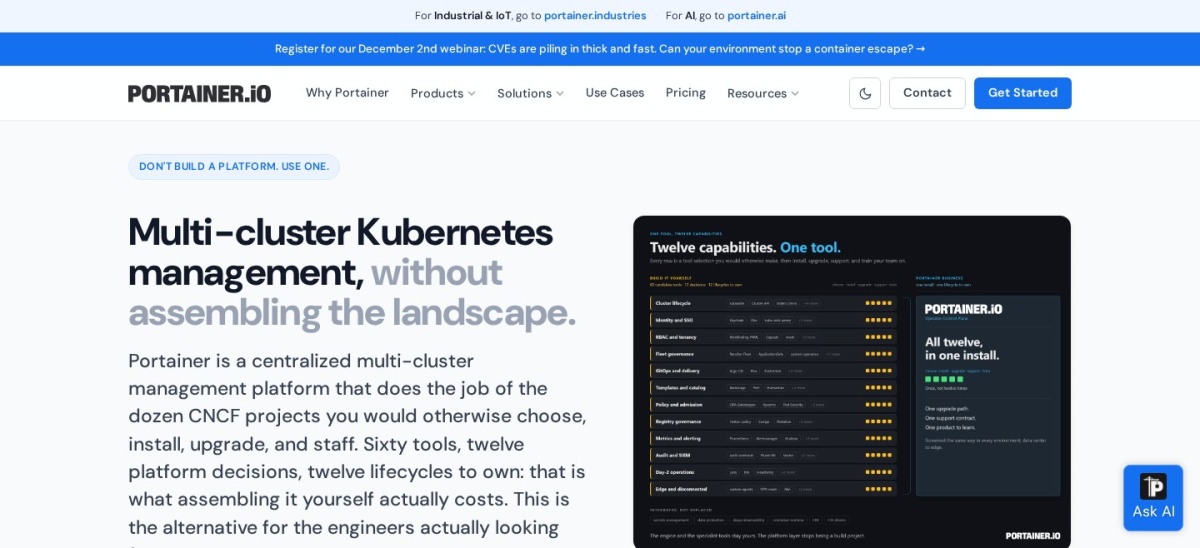
Portainer is a visual console that manages Docker, Swarm, Podman and Kubernetes from one web interface. The free Community Edition covers single environments, while Business Edition from $1,045 a year adds role-based access, audit logs and multi-cluster governance.
The trade off is price for small teams. Business Edition starts at $1,045 a year for 5 to 15 nodes, which is steep for a hobby cluster. It suits teams that want a GUI over several clusters without hiring Kubernetes specialists.
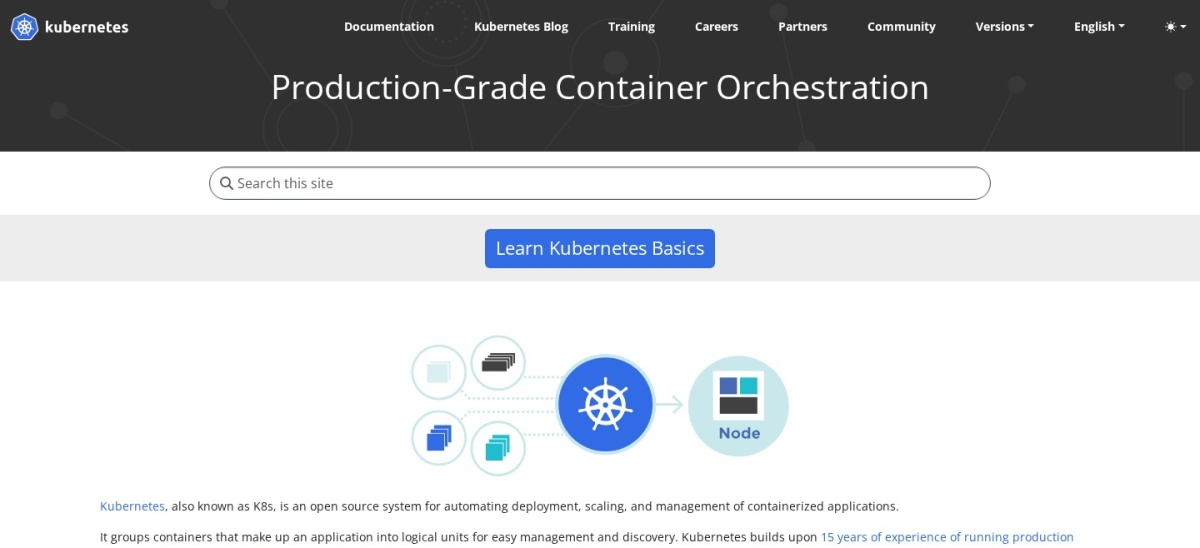
Kubernetes is the open source standard for orchestrating containers across many machines. It handles scheduling, scaling, self-healing and rolling updates, and every major cloud runs a managed version of it.
The trade off is operational skill. Running Kubernetes yourself means managing upgrades, networking and storage, which is a full-time job for a platform team. It suits organisations with the staff to run it or a managed service to hide it.
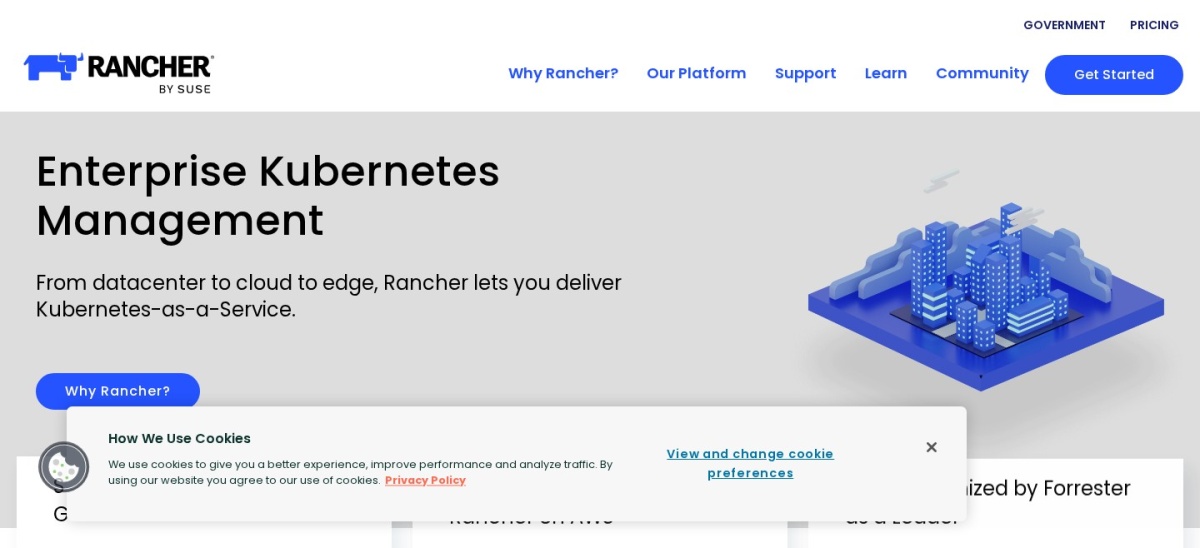
Rancher is an open source platform for managing many Kubernetes clusters from one console. It covers provisioning, policy, monitoring and upgrades across data centres, clouds and edge sites, with commercial support available from SUSE.
The trade off is Kubernetes knowledge. Rancher simplifies management but does not remove the need to understand Kubernetes itself, and paid Prime support is quoted. It suits teams running several clusters who want one control plane.
Red Hat OpenShift is an enterprise Kubernetes platform with full-stack automation, built-in CI/CD, security scanning and developer tools. It adds opinionated defaults on top of Kubernetes so teams ship faster without assembling a dozen separate projects.
The trade off is cost and lock-in. OpenShift sells by quote with no published price, and its opinionated stack fits Red Hat shops best. It suits enterprises that want Kubernetes with support, security and a paved path.
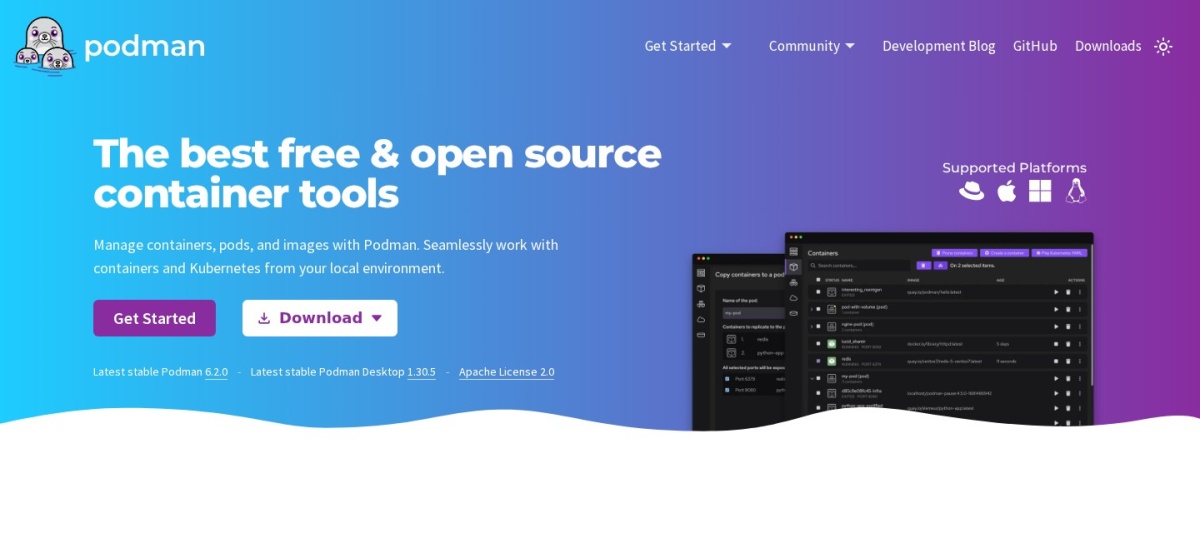
Podman is a free, open source container engine that runs containers without a background daemon and without root privileges. Its command line mirrors Docker, so most Docker commands and Compose files work unchanged.
The trade off is ecosystem size. Podman has fewer third-party integrations than Docker and no equivalent of Docker Hub or Docker Desktop. It suits Linux teams and security-conscious shops that want rootless containers.
4.1/5on G2 (Not published reviews, checked Nov 2026)
PriceFree
Best for mixed container workloads
LicenceFree, open source
WorkloadsContainers and VMs
Install sizeSingle binary
Paid planHCP Nomad, by quote
hashicorp.com
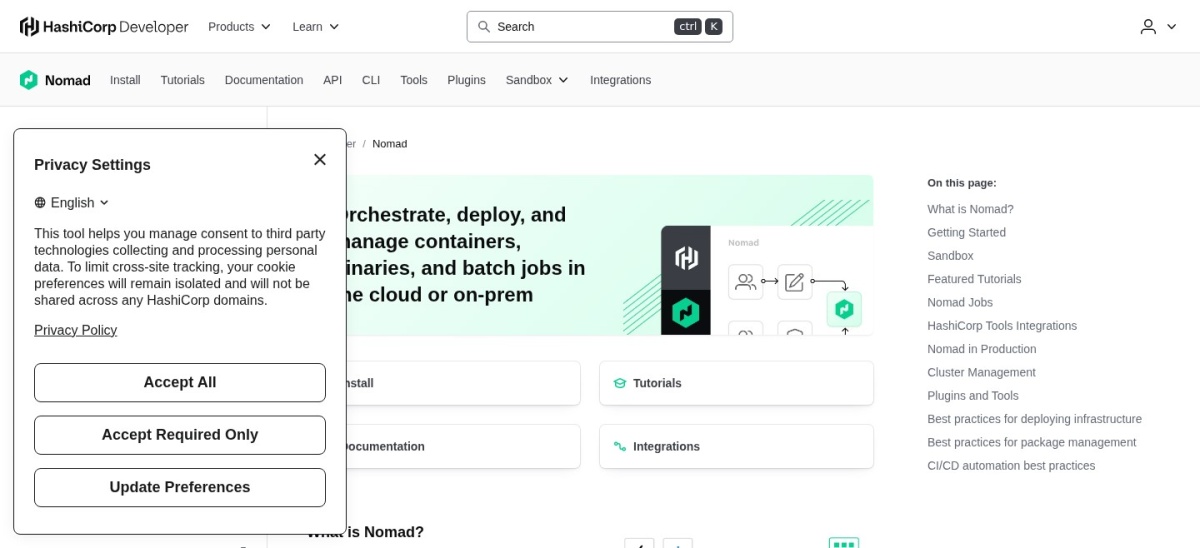
HashiCorp Nomad homepage, captured Nov 2026.
HashiCorp Nomad is a lightweight scheduler that runs containers alongside virtual machines and standalone applications from a single binary. It is simpler to operate than Kubernetes and fits mixed workloads that do not need full orchestration.
The trade off is ecosystem depth. Nomad has fewer integrations and a smaller community than Kubernetes, and its G2 review base is thin. It suits teams with mixed workloads who want scheduling without Kubernetes complexity.
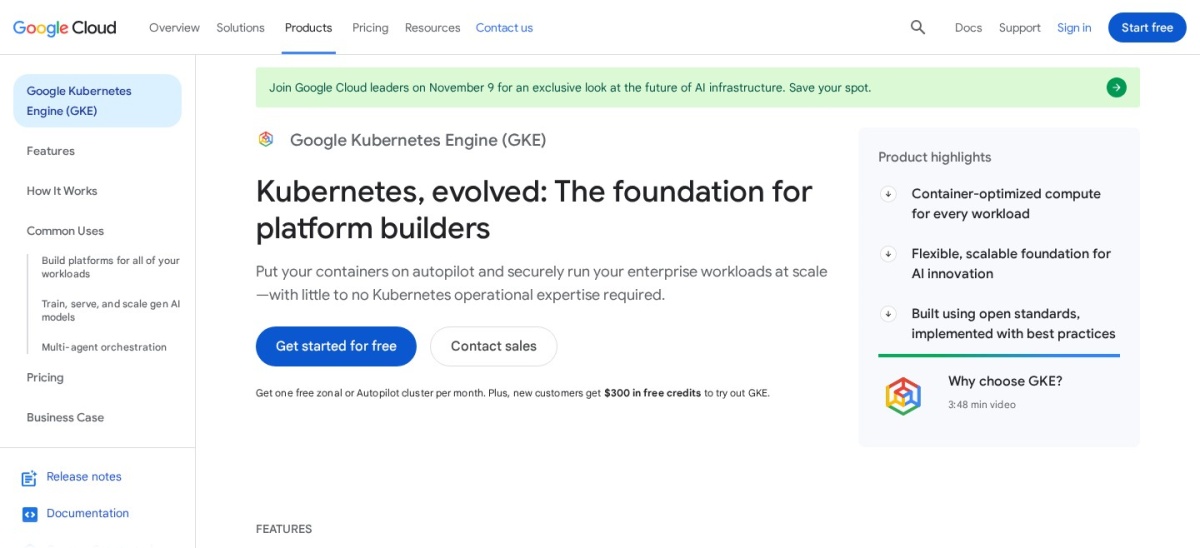
Google Kubernetes Engine homepage, captured Nov 2026.
Google Kubernetes Engine is a managed, production-ready environment for running Kubernetes on Google Cloud. Autopilot mode handles node provisioning, scaling and security patching, while Standard mode gives teams full control over node configuration.
The trade off is the cloud bill. GKE charges for the nodes you run plus a cluster management fee on Standard clusters, so costs follow workload size. It suits teams already on Google Cloud who want Kubernetes without running it.
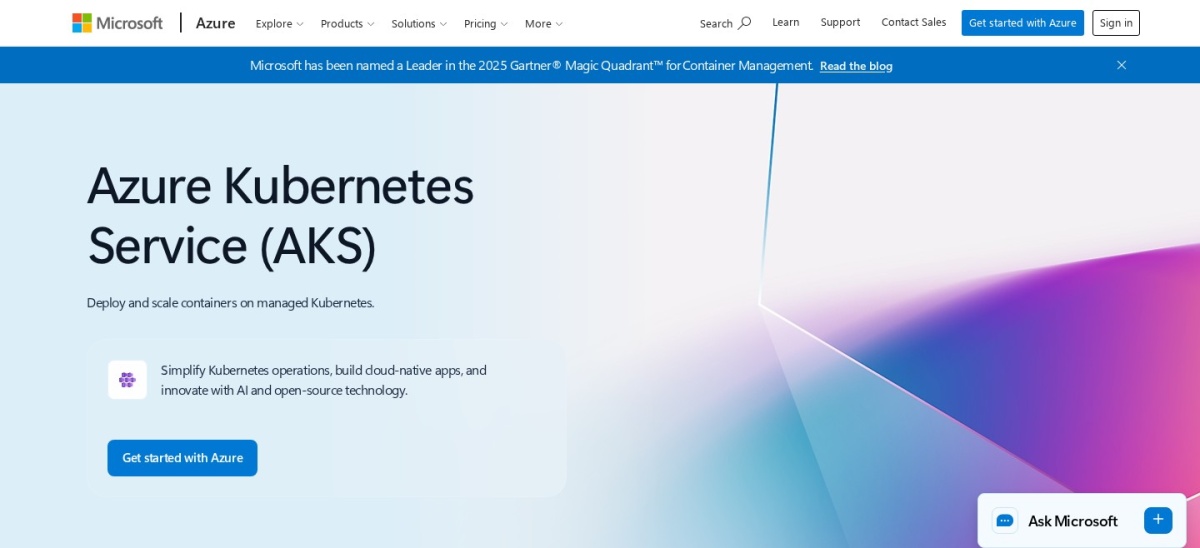
Azure Kubernetes Service homepage, captured Nov 2026.
Azure Kubernetes Service is Microsoft's managed Kubernetes offering with a free control plane and deep Azure integration. It connects to Azure Active Directory, Azure Monitor and Azure DevOps, so Microsoft shops get identity, logging and CI/CD without extra glue.
The trade off is the Azure tie-in. AKS is at its best inside Azure, and node, storage and egress charges still apply. It suits enterprises standardised on Microsoft 365 and Azure who want Kubernetes on their existing cloud.
Docker and Kubernetes solve different problems. Docker builds and runs containers on one machine, while Kubernetes schedules containers across many machines, restarts failed ones and scales them up and down.
Most production setups use both: Docker builds the images and Kubernetes runs them. A local tool such as Rancher Desktop or Podman covers the Docker side for free on a developer machine.
If you run a single server, Docker alone is enough. Add Kubernetes when you need high availability, rolling updates or workloads spread across several hosts.
How we chose
We started from the container runtimes, orchestrators and management consoles most often shortlisted by platform teams, then kept the nine with a real product and a verifiable G2 rating.
Prices come from each vendor's pricing page or published plan, checked on 24 November 2026. Docker Pro at $9 per user per month billed annually was read on Docker's own pricing page the same day. Ratings and review counts come from G2, as reported in November 2026 comparisons.
We left out single-purpose image scanners and registries without a runtime or orchestration product. No vendor paid for a place, and we do not claim hands-on testing for this list.
How to choose containerization software
Start with where your containers will run, then pick the smallest tool that covers it.
Decide local or production first. A developer machine needs Docker, Podman or Rancher Desktop. Production across several hosts needs Kubernetes or a managed service.
Check the licence terms for your company size. Docker Desktop needs a paid plan for large organisations, while Podman, Kubernetes and Rancher are free and open source.
Pick a management console if the CLI is not enough. Portainer and Rancher give teams a visual dashboard, role-based access and audit logs without Kubernetes expertise.
Price the managed option honestly. GKE and AKS charge for nodes, disks and egress, so estimate a month of real workload before committing.
FAQ
What is the best containerization software?
Docker is the best pick for most developers, with a free Personal plan and Pro at $9 per user per month billed annually. Kubernetes is the best orchestrator for production at scale, and Portainer is the best visual console for managing Docker and Kubernetes together.
Is Docker still free?
Docker is free for personal use, small businesses and open source work through the Personal plan. Organisations with 250 or more employees or $10 million in revenue need a paid subscription, with Pro starting at $9 per user per month billed annually.
Do I need Kubernetes if I use Docker?
Not always. Docker alone covers a single server or a developer machine. Kubernetes becomes useful when you run containers across several hosts and need automatic scaling, self-healing and rolling updates without manual work.
What is the difference between Docker and Podman?
Podman runs containers without a background daemon and without root privileges, while Docker uses a daemon that runs as root. Podman commands mirror Docker, so most Docker workflows carry over, but Docker has the larger ecosystem and a desktop app.
Is Rancher really free?
Yes. Rancher is open source under the Apache 2.0 licence with no licence cost, and Rancher Desktop is free too. SUSE sells Prime support by quote for teams that want commercial support, security updates and a service agreement.
How much does managed Kubernetes cost?
GKE and AKS do not charge for the managed control plane in their standard setup, but you pay for every node, disk and egress gigabyte you use. A small three-node cluster typically costs tens of dollars a month before storage and network charges.