RunPod is the best cloud platform for AI research for most researchers, since community pods start at 34 cents an hour with per-second billing and ready PyTorch templates. Vast dot ai is the cheapest route of all, while Databricks suits teams that need managed notebooks at scale.
How we make this list: we compare pricing pages, product documentation and public user reviews, then re-check every price before each update. No product paid for a place. Disclosure.
RunPod community pods start at 34 cents an hour, with secure pods and serverless endpoints beside them.
Vast dot ai is the cheapest GPU marketplace here, from 20 cents an hour, but hosts vary in reliability.
Lambda lists on-demand GPUs from 69 cents an hour with free egress, aimed at sustained training runs.
CoreWeave is built for large clusters, with H100 reserve rates from 2 dollars 20 an hour.
Databricks holds the strongest G2 rating here at 4.6 from 1,366 reviews, and bills by usage.
What an AI research cloud should cover
AI research workloads split into two shapes. Short experiments need cheap on-demand GPUs that start in seconds, while long training runs need stable hardware, fast networking and no surprise pre-emption.
Hourly GPU prices look small until you multiply them. A single H100 at 3 dollars an hour costs over 2,000 dollars a month if it runs all day, so spot and community prices matter as much as the headline rate.
Managed notebooks change the trade off. Databricks and Paperspace cost more per GPU hour than a raw marketplace, but they remove setup, drivers and environment drift for teams that value time over raw price.
Check egress and billing granularity too. Lambda charges nothing for egress, RunPod bills per second, and several platforms bill per minute, which changes the cost of short jobs. Our guide to AI tools for research covers the software side of the same workflow.
3.5/5on Trustpilot (231 reviews, checked Nov 2026)
PriceFree
Best cloud platform for AI research overall
Cheapest GPU$0.34/hr RTX 4090 spot
BillingPer second
GPU rangeRTX 4090 to H100
Trustpilot rating3.5 from 231 reviews
runpod.io
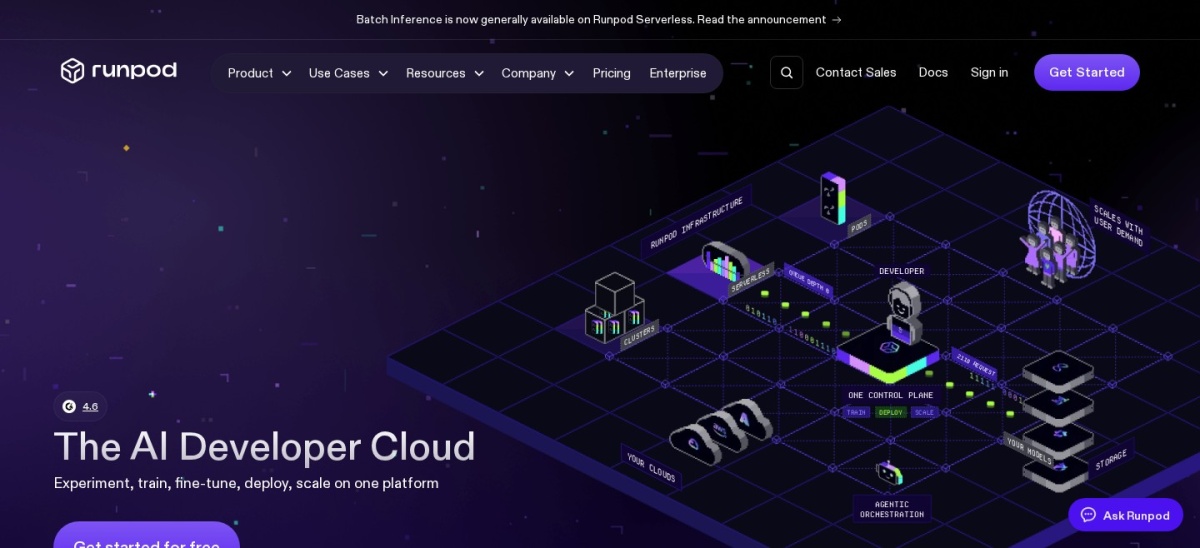
RunPod homepage, captured Nov 2026.
RunPod is a GPU cloud with community and secure pods plus serverless endpoints for AI work. Community pods start at $0.34 an hour for an RTX 4090, secure pods cost more, and billing runs per second, so short jobs cost less than on per-minute clouds.
The trade off is community pods can be pre-empted with five minutes of warning, and Trustpilot reviewers report pods that fail to start. It suits researchers who want the cheapest flexible GPUs and can rerun a job.
4.4/5on Trustpilot (197 reviews, checked Nov 2026)
PriceFree
Best for the cheapest GPU hours
Cheapest GPU$0.20/hr
ModelPeer-to-peer marketplace
H100 range$1.89 to $2.40/hr
Trustpilot rating4.4 from 197 reviews
vast.ai
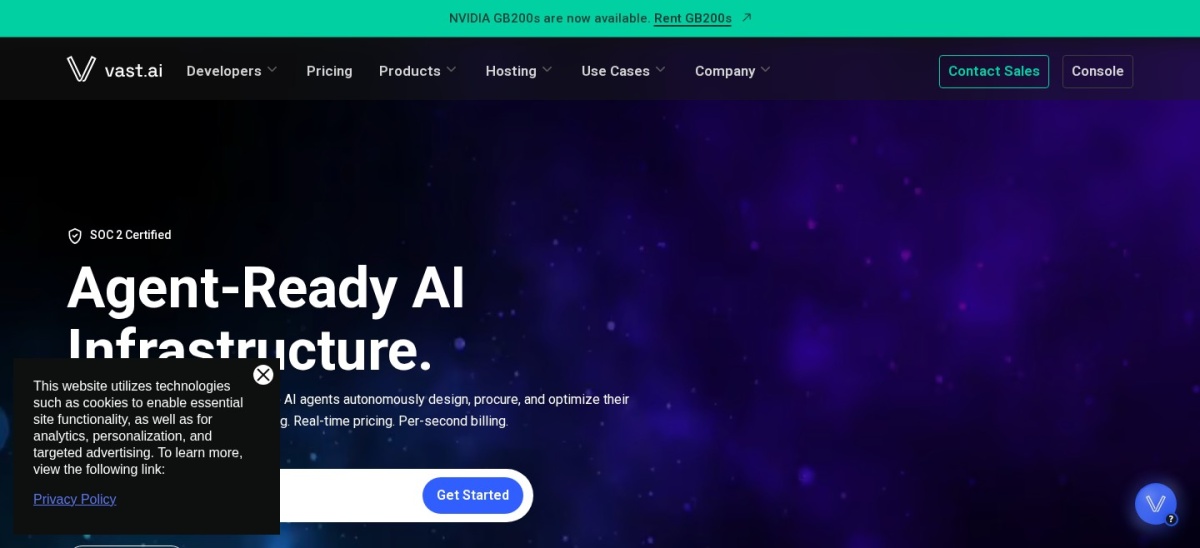
Vast.ai homepage, captured Nov 2026.
Vast.ai is a peer-to-peer marketplace where hosts rent out spare GPUs, which makes it the cheapest compute in this list. Prices start at $0.20 an hour, an RTX 4090 runs about $0.28 to $0.45 an hour, and hosts range from hobby rigs to datacentres.
The trade off is reliability varies by host, since you are renting from many small providers rather than one fleet. It suits cost-driven researchers who can pick hosts carefully and tolerate variance.
What we like
Cheapest GPUs in this list
Highest Trustpilot rating here at 4.4
Wide choice of GPU models
Watch out for
Reliability varies by host
No single vendor SLA
Host quality must be checked per rental
Pay more for verified datacentre hosts when it mattersVisit vast.ai
03
Lambda
4.5/5on G2 (2 reviews, checked Nov 2026)
PriceFree
Best for sustained training runs
Cheapest GPU$0.69/hr RTX 6000
BillingPer minute
EgressFree
G2 rating4.5 from 2 reviews
lambda.ai
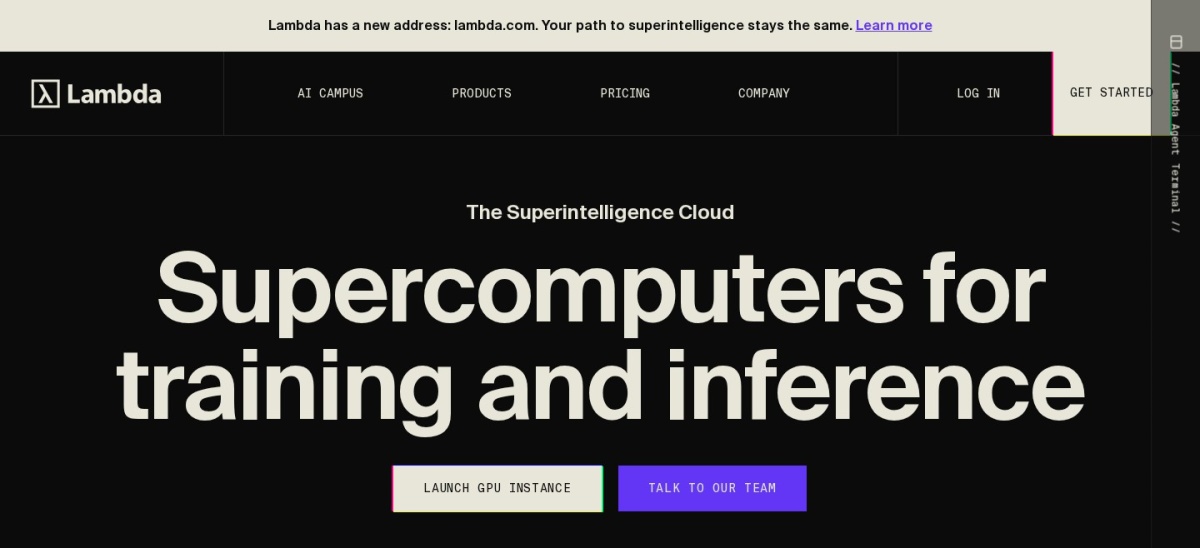
Lambda homepage, captured Nov 2026.
Lambda is a GPU cloud built for training and inference, with on-demand instances from $0.69 an hour for an RTX 6000 and H100 instances from about $2.89 an hour. Billing runs per minute, egress is free, and instances ship with PyTorch and TensorFlow pre-installed.
The trade off is the G2 review base is only 2 reviews, so the 4.5 rating is thin evidence, and there is no spot tier for the cheapest hours. It suits teams running sustained multi-hour training jobs.
What we like
Free egress on all plans
Pre-installed ML frameworks
Scales to large clusters
Watch out for
G2 review base of only 2 reviews
No spot pricing tier
Per-minute billing, not per-second
Reserved instances cut H100 rates for steady workVisit lambda.ai
04
Paperspace
4.9/5on G2 (10 reviews, checked Nov 2026)
PriceFree
Best for notebook-based research
Cheapest GPU$0.45/hr A4000
NotebooksGradient, built in
H100 on demand$5.95/hr
G2 rating4.9 from 10 reviews
paperspace.com
Paperspace homepage, captured Nov 2026.
Paperspace is a GPU cloud, now part of DigitalOcean, that pairs Gradient notebooks with GPU instances for machine learning work. Entry GPUs start at $0.45 an hour for an A4000, notebooks run in the browser, and long commitments cut the H100 rate to $2.24 an hour.
The trade off is on-demand H100 pricing at $5.95 an hour is the highest here, and the G2 base is only 10 reviews. It suits researchers who live in notebooks and want one vendor for both.
CoreWeave is a GPU cloud built for large-scale AI training and inference, with Kubernetes-native clusters and fast InfiniBand networking. H100 reserve rates start at $2.20 an hour, and the platform serves frontier labs running multi-thousand-GPU jobs.
The trade off is the G2 review base is only 3 reviews, and the platform is sold in blocks of 8 GPUs, which prices out solo researchers. It suits teams running large distributed training.
Databricks is a unified data and AI platform with collaborative notebooks, data engineering and model training in one place. It bills by usage rather than a flat plan, it holds the largest G2 review base in this list at 1,366 reviews, and it is rated 4.6 on G2.
The trade off is usage billing makes the monthly total hard to predict, and it is a platform rather than a raw GPU rental, so hourly GPU comparisons do not apply directly. It suits teams that need governance and shared notebooks.
Vultr is a general cloud provider with GPU instances beside standard compute, storage and networking. It bills by usage, it holds a 4.3 rating on G2 from 286 reviews, and its simple pricing suits teams that want one vendor for GPUs and the rest of their stack.
The trade off is it is a generalist cloud, not an AI specialist, so the ML tooling is thinner than Databricks or Paperspace. It suits teams that already run on Vultr and want GPUs in the same account.
Raw GPU clouds charge by the hour and leave setup to you. You install drivers, frameworks and storage, and you pay only while the instance runs.
Managed platforms charge more per hour but remove that work. Notebooks, scheduling, governance and shared data arrive ready to use.
For a solo researcher, raw GPUs usually win on price. For a team that shares notebooks and data, the managed platform often costs less in staff time than it adds in compute.
Start with a cheap on-demand GPU to test an idea, then move the winning workload to the platform that fits how your team actually works.
How we chose
We started from the GPU clouds and AI platforms that appear most often in research shortlists, then kept those with a verifiable G2 or Trustpilot rating and published usage pricing.
Prices come from vendor pricing pages and pricing trackers, checked on 26 November 2026. Ratings and review counts come from G2 or Trustpilot on the same day. Hourly rates move with GPU supply, so check the live page before provisioning.
We left out tools with no verifiable rating on G2, Capterra or Trustpilot. No vendor paid for a place, and we do not claim hands-on testing for this list.
How to choose a cloud platform for AI research
Start with the shape of your workload, then price the hours you will actually run.
Separate experiments from training. Short experiments suit cheap spot GPUs, while long training runs need stable hardware and fast networking.
Multiply the hourly rate by real hours. A 3 dollar GPU running all month costs over 2,000 dollars, so check spot, reserved and per-second billing.
Check pre-emption rules. Community and spot GPUs can be reclaimed mid-job, which is fine for experiments and fatal for a week-long run.
Weigh notebooks against raw GPUs. Managed notebooks cost more per hour but save setup time, which matters more for teams than for solo researchers.
FAQ
What is the best cloud platform for AI research?
RunPod is the best pick for most researchers, since community pods start at 34 cents an hour with per-second billing and ready templates. Vast dot ai is cheaper still, while Databricks suits teams that need managed notebooks at scale.
What is the cheapest GPU cloud for AI research?
Vast dot ai is the cheapest here, from 20 cents an hour on its peer-to-peer marketplace. RunPod community pods start at 34 cents an hour with more predictable infrastructure behind them.
Is Lambda or RunPod better for training?
Lambda suits sustained training with stable on-demand hardware and free egress. RunPod suits flexible experiments with cheaper spot GPUs and per-second billing, though community pods can be pre-empted.
Do I need Databricks for AI research?
No, not for solo work. Databricks fits teams that share notebooks, data and governance in one platform. Solo researchers usually pay less with a raw GPU cloud.
What does CoreWeave cost for AI research?
CoreWeave H100 reserve rates start at 2 dollars 20 an hour, but instances sell in blocks of 8 GPUs. It is built for large clusters, not for a single researcher renting one GPU.
Can I run AI research for free?
Mostly no, beyond trials. Modal-style free credits and free notebook tiers cover small tests, but real training runs need paid GPU hours, so budget for the hours you will actually use.
SaaS SEO and WordPress specialist with about 8 years of experience. Rakib compares WordPress plugins, themes, hosting and software using public pricing, documentation and user reviews. See how we rank.