Best AI Tools for Beginners in 2026: 9 Tools Compared
WLWPLegible EditorsLast verified 24 Nov 2026How we rank12 min read
★ Short answer
ChatGPT is the best AI tool for beginners. Its Plus plan costs $20 a month, and the free tier already covers chat, image generation and file uploads, rated 4.6/5 on G2. Start with Gemini at $4.99 a month for the cheapest paid plan, or Claude for longer writing.
How we make this list: we compare pricing pages, product documentation and public user reviews, then re-check every price before each update. No product paid for a place. Disclosure.
ChatGPT leads for beginners: the free tier covers chat, images and file uploads, and Plus adds higher limits for $20 a month.
Gemini is the cheapest paid plan here at $4.99 a month, with 2x usage limits and 400 GB of storage included.
Claude is the best pick for longer writing, with Pro at $20 a month and the strongest G2 rating here at 4.7 out of 5.
Grammarly is the best editing pick: Pro costs $12 a month billed yearly and includes 2,000 AI prompts a month.
Midjourney is the only image-only tool here and has no free plan, so try Canva's free tier first if you are new to AI images.
What a beginner AI tool should cover
Beginner AI tools split into three kinds. Chatbots such as ChatGPT, Claude, Gemini and Perplexity answer questions, draft text and summarise documents in plain conversation. Writing tools such as Grammarly and Notion polish and organise what you write. Visual tools such as Canva and Midjourney make images and designs from a prompt.
The free tier is the real starting point. Every tool here except Midjourney and Jasper offers a free plan, and most paid plans cost $20 a month or less. Check the usage cap before paying: free plans ration messages, image credits or AI prompts, and a busy week can hit the limit fast.
Price is per person on the leading tools. ChatGPT Plus, Claude Pro and Perplexity Pro all cost $20 a month, while Gemini's Google AI Plus is $4.99 a month, the cheapest paid plan here. Jasper is the outlier at $49 a month, and its free tier is a 7-day trial, not a permanent plan.
Our guide on the best AI writing tools covers the deeper writing roundup for readers who want more than a starter list, including Jasper, Copy.ai and Frase.
ChatGPT is a general-purpose AI chatbot that answers questions, drafts text, summarises documents and makes images from a prompt. Plus at $20 a month adds higher usage limits, the newest models, file uploads, web research, custom GPTs and Projects.
The trade off is the free tier caps. Free users get limited messages and slower access at peak times, and Plus is $20 a month with no cheaper paid tier. It suits anyone starting with AI who wants one app for writing, research and images.
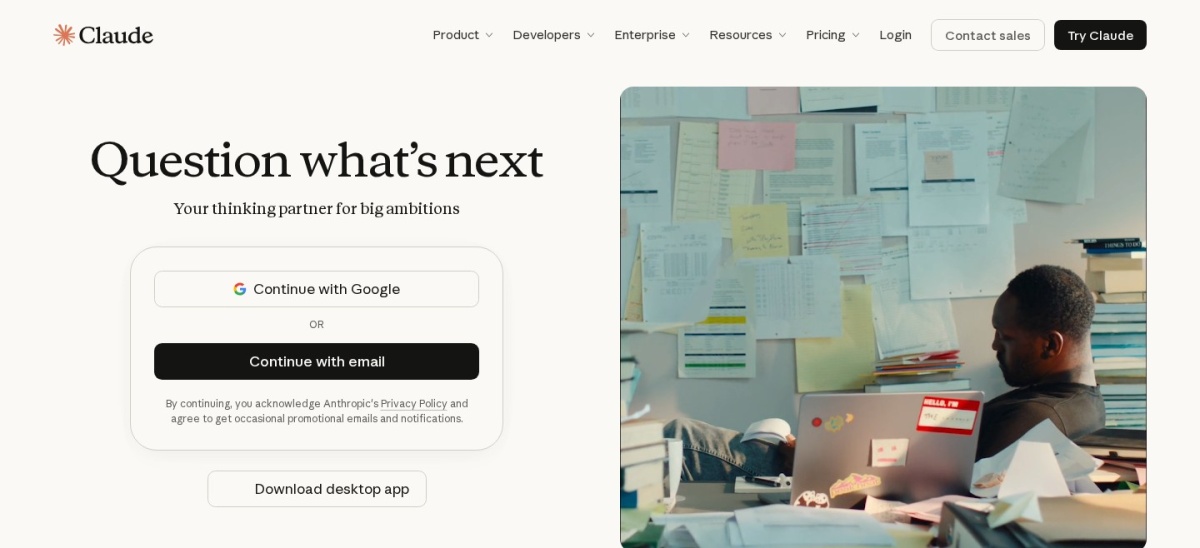
Claude is an AI assistant built for long, careful writing, research and coding help, with a large context window that holds whole documents. Pro at $20 a month adds higher usage limits, extended thinking, access to the newest models and Claude in Chrome and Microsoft 365.
The trade off is the free tier is tight. Free users hit the message cap quickly on long sessions, and heavy users need Max at $100 a month. It suits writers, students and researchers who work with long documents and want careful, sourced answers.
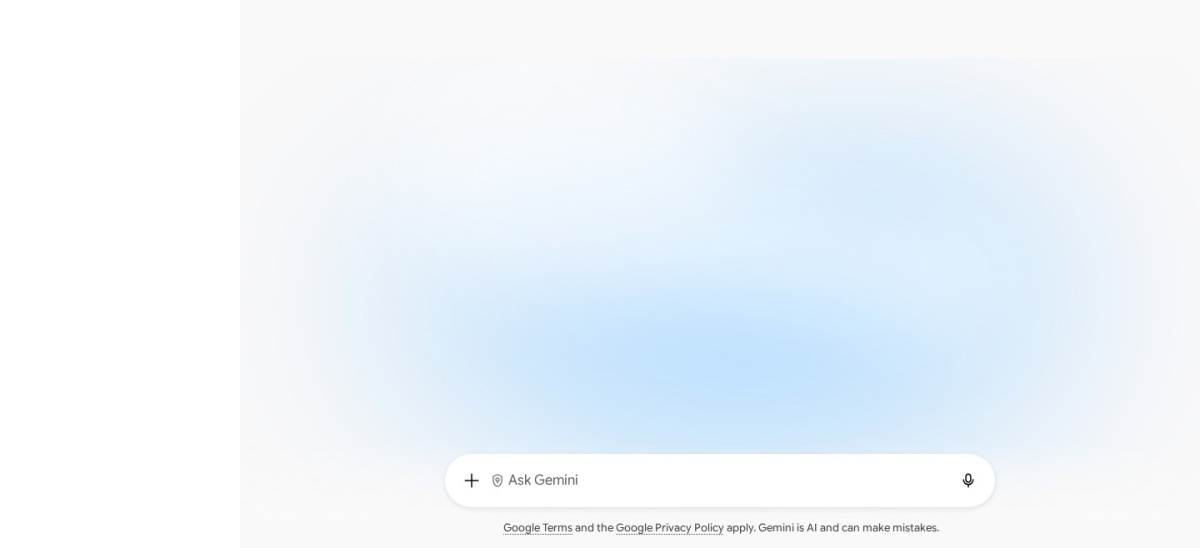
Gemini is Google's AI assistant for chat, research, writing and image generation, built into Gmail, Docs and Chrome. Google AI Plus at $4.99 a month adds 2x higher usage limits, video generation, Gemini in Gmail and 400 GB of storage across Google apps.
The trade off is the model ladder. The strongest models sit on the $19.99 Pro plan, and the Pro model has left the Plus tier, so Plus users get the lighter Hydrogen model. It suits Google users who want a cheap paid AI with storage and apps included.
Perplexity is an AI search engine that answers questions with cited sources, so you can check where every fact came from. Pro at $20 a month adds unlimited Pro searches, a choice of frontier models, file uploads and access to Perplexity's agent features.
The trade off is the free tier is narrow. Free users get a handful of Pro searches a day, and the best models sit behind Pro. It suits beginners who research online and want answers they can verify instead of a chatbot's best guess.
Canva is a design platform that turns a prompt into slides, social posts, posters and AI images with drag-and-drop templates. Pro at $15 a month adds Magic Studio AI tools, 1 TB of storage, premium templates and brand kits, with up to 2,000 Standard AI credits a month.
The trade off is the credit meter. Pro caps AI use at 2,000 Standard, 200 Premium and 20 Ultra credits a month, and heavy image makers hit the limit. It suits beginners who want good-looking designs fast without learning a professional design app.
Grammarly is an AI writing assistant that checks grammar, spelling, tone and clarity as you type, inside over a million apps and sites. Pro at $30 a month adds full-sentence rewrites, tone adjustment, plagiarism and AI-text detection, and 2,000 AI prompts a month.
The trade off is the monthly price. Pro costs $30 a month billed monthly but $12 a month billed yearly, so monthly billing costs two and a half times more. It suits writers who polish drafts in many apps rather than generating long articles from scratch.
Notion is a workspace for notes, docs, wikis and projects, with Notion AI built in to draft, summarise and organise pages. Business at $20 a month adds full Notion AI, including Notion Agent, custom agents, AI meeting notes and enterprise search.
The trade off is the AI paywall. Free and Plus plans include only a limited AI trial, so real AI use needs Business at $20 a month, double the Plus price. It suits beginners who want notes, tasks and AI in one place instead of three apps.
Midjourney is an AI image generator that turns a text prompt into detailed, artistic images, the best-looking in this list. Basic at $10 a month adds a web editor, faster generation and commercial use for small businesses.
The trade off is there is no free plan. Midjourney has no free tier or trial, and Trustpilot sits at 1.6 out of 5, with reviewers citing billing and refund problems. It suits beginners who already know they want AI images and are ready to pay $10 a month.
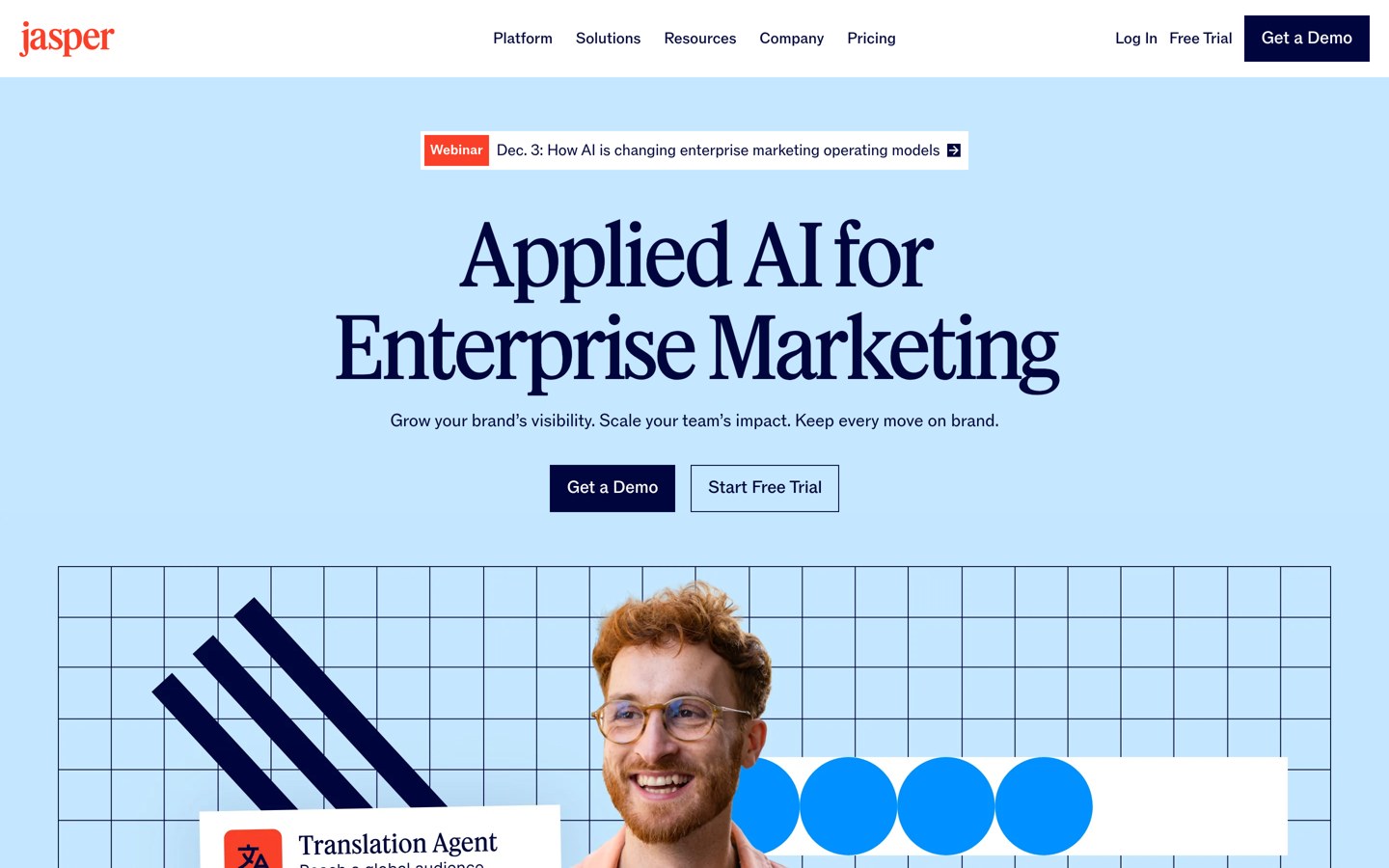
Jasper is an AI writing platform for on-brand marketing content such as blogs, ads and campaigns, with Brand Voice, Jasper IQ knowledge and 100+ marketing agents. Creator at $49 a month adds one seat, unlimited word generation and the Canvas long-form editor.
The trade off is the price. Creator costs $49 a month with a 7-day free trial and no permanent free plan, and Pro at $59 a seat a month billed yearly covers one seat only. It suits marketing teams that need brand-consistent content at scale, not casual writers.
Chatbots win first. ChatGPT, Claude, Gemini and Perplexity cover most beginner jobs in one window, from drafting to research, and all four have free plans.
Writers win second. Grammarly polishes what you write, Notion organises it, and Jasper drafts marketing content on brand. Add one of these once the chatbot habit sticks.
Designers win third. Canva covers slides, posts and AI images in one free app, and Midjourney is the step up for image quality at $10 a month once you know you need it.
How we chose
We started from the best-known AI tools with a public pricing page and a verifiable rating on G2, then kept 9 that a first-time user can open and use without a tutorial: chatbots, writing helpers, a design tool and an image generator.
Prices come from each vendor's pricing page, checked on 24 November 2026. Claude's $20 a month and Gemini's $4.99 a month were read on the vendors' own pages that day; ChatGPT's page was opened the same day but its prices are JavaScript-rendered, so its $20 a month rests on November 2026 reads. Other prices rest on G2 pricing data and November 2026 reads. Ratings and review counts come from G2.
We left out tools with no public price or no review record on G2, Capterra or Trustpilot. No vendor paid for a place, and we do not claim hands-on testing for this list. Where a vendor shows a sale, the list shows the regular price.
How to choose a beginner AI tool
Start with one job, then check the free tier before paying.
Start with one job, not nine tools. Pick the task you will do most: chatting and research, writing and editing, or making images and designs. One tool that fits that job beats a bundle you never open.
Use the free tier for a week. ChatGPT, Claude, Gemini, Perplexity, Canva, Grammarly and Notion all have free plans. Try real tasks on the free tier before paying, and watch the usage cap.
Check the meter before the price. Free and cheap plans ration messages, credits or AI prompts. A plan that looks cheap can cost more once daily use burns the allowance.
Compare the annual rate. Monthly billing can cost far more than annual: Grammarly is $30 a month monthly but $12 billed yearly. If you stay past the first month, annual billing usually wins.
FAQ
What is the best AI tool for beginners?
ChatGPT is the best overall pick for beginners. Its free tier covers chat, image generation and file uploads, and Plus at $20 a month adds higher limits. It is rated 4.6 out of 5 on G2 from 5,231 reviews.
Is there a free AI tool for beginners?
Yes. ChatGPT, Claude, Gemini, Perplexity, Canva, Grammarly and Notion all offer free plans, and Gemini's cheapest paid plan is $4.99 a month. Midjourney and Jasper have no free plan, so start with the free tools first.
Which AI tool is cheapest for beginners?
Gemini is the cheapest paid plan in this list at $4.99 a month for Google AI Plus, which adds 2x usage limits and 400 GB of storage. ChatGPT Plus, Claude Pro and Perplexity Pro all cost $20 a month.
What is the best AI tool for writing?
Claude is the best pick for longer writing, rated 4.7 out of 5 on G2 from 2,079 reviews, with Pro at $20 a month. Grammarly is the best editing pick at $12 a month billed yearly, and Jasper leads for on-brand marketing content at $49 a month.
Can I use AI tools without paying?
Yes, for most jobs. Seven of the nine tools here have a free plan, and the free tiers cover chat, writing help, image generation and basic design. Paid plans mainly raise limits, add the newest models and remove watermarks.
Is Midjourney good for beginners?
Midjourney makes the best-looking AI images here, but it has no free plan and runs inside Discord or a web editor, which takes learning. Beginners should try Canva's free image tools first, then move to Midjourney at $10 a month.