Best AI Tools for Content Creators in 2026: 9 Tools Compared
WLWPLegible EditorsLast verified 22 Nov 2026How we rank14 min read
★ Short answer
Jasper is the best AI tool for content creators who publish written content every week. Its Pro plan costs $59 a month on annual billing and covers unlimited words with two brand voices, rated 4.7 out of 5 on G2; pick Descript for video and audio, or Canva for design and thumbnails.
How we make this list: we compare pricing pages, product documentation and public user reviews, then re-check every price before each update. No product paid for a place. Disclosure.
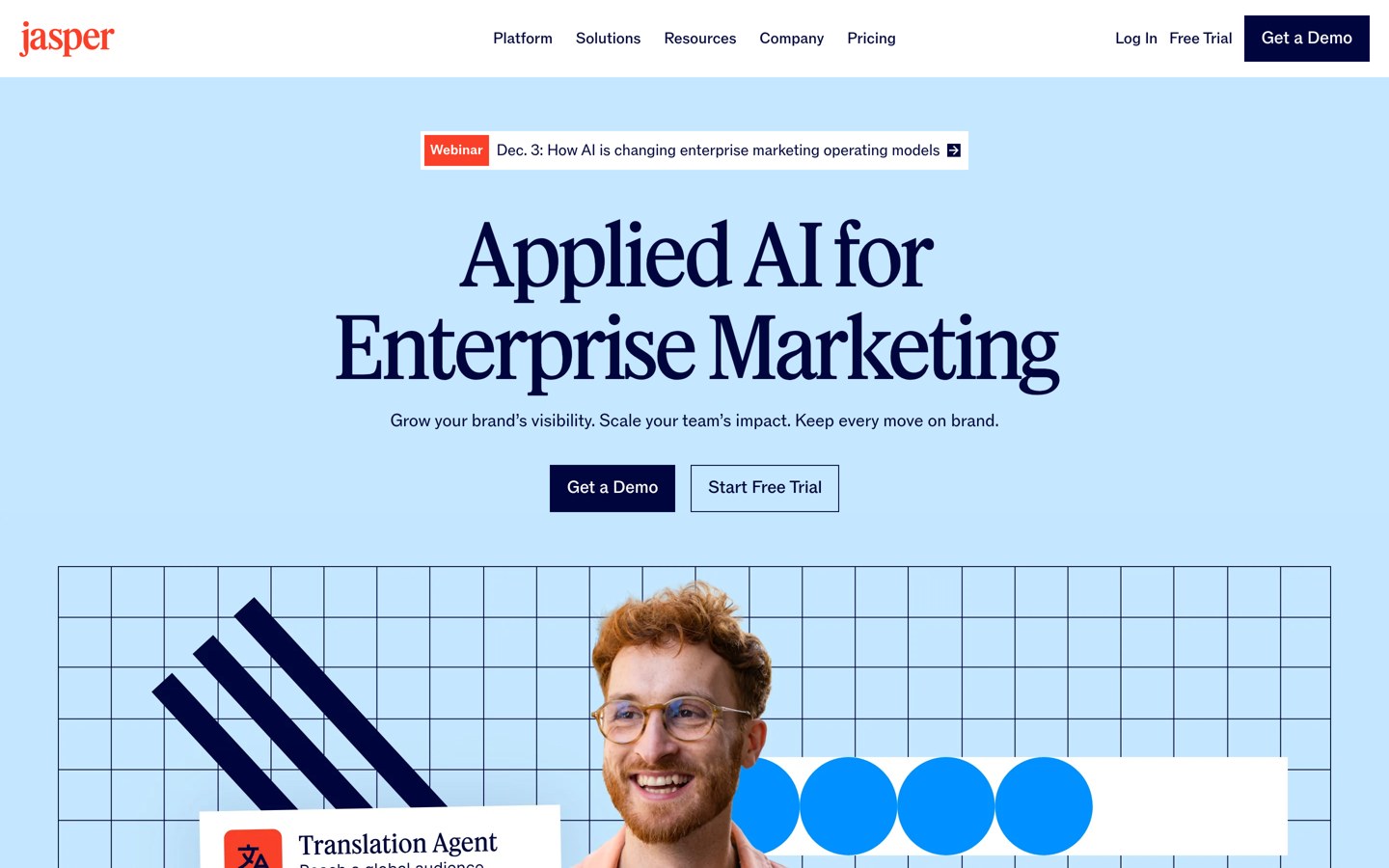
Jasper leads for written content: Pro is $59 a month on annual billing with unlimited words and two brand voices.
Descript edits video by editing the transcript, and Creator costs $24 a month on annual billing for 30 media hours.
Canva Pro is the cheapest design pick here at $144 a year, with a free plan that covers most thumbnail work.
Grammarly Pro is $12 a month on annual billing and adds 2,000 AI prompts a month on top of the free checks.
Opus Clip turns long videos into captioned short clips from $15 a month, with a free plan for 60 minutes a month.
What to look for in an AI tool for creators
Most creators need two things from an AI tool: faster first drafts and consistent output. A writing tool that forgets your tone after one post will cost more time than it saves.
Check the free plan first. Several tools on this list give real work away for free, including Canva, Descript and Grammarly, so you can judge the output before paying.
Price follows the job. Writing tools charge per seat, video tools charge by media hours or credits, and design tools charge per person. Our guide on choosing a WordPress theme for writers covers the publishing side once the content is ready.
Watch the limits that sit behind the headline price. Word caps, media hours, credit allowances and seat counts decide what a plan really costs at full use.
Jasper is an AI writing platform built for marketing teams and solo creators who publish in one consistent voice. The Pro plan costs $59 a month on annual billing, or $69 month to month, and includes unlimited word generation, two brand voices, more than 50 templates, Jasper Chat and a browser extension.
The trade off is the price per seat. Every extra seat costs the same again, so a three-person team pays three times the headline price. It suits creators who write every week and want drafts that sound like them without heavy editing.
What we like
Unlimited words on every paid plan
Brand voice keeps drafts consistent
Rated 4.7 out of 5 on G2
Watch out for
No free plan, only a 7-day trial
Per-seat pricing adds up fast for teams
Output still needs a human edit
Pro adds more seats, brand voices and Surfer SEO modeVisit jasper.ai
02
Descript
4.6/5on G2 (938 reviews, checked Nov 2026)
Paid from$24/mo
Best for video and podcast editing
Free planYes, 1 media hour a month
Cheapest paid planHobbyist, $16/mo annual
Creator plan$24/mo annual, 30 hours
Video export4K on Creator
descript.com
Descript homepage, captured Nov 2026.
Descript is a video and audio editor that works like a word processor: delete a word in the transcript and the matching clip is cut. The free plan covers 1 media hour a month, and Creator costs $24 a month on annual billing with 30 media hours, 800 AI credits and watermark-free 4K export.
The trade off is the media-hour meter. Long recordings eat the allowance fast, and extra hours cost more. It suits YouTubers and podcasters who record weekly and want editing without a timeline.
What we like
Transcript editing is fast to learn
Studio Sound and Overdub clean up audio
Free plan lets you try real projects
Watch out for
Media hours cap every plan
Hobbyist export is limited to 1080p
Heavy edits still need a timeline editor
Creator adds 4K export, more hours and full Underlord accessVisit descript.com
03
Copy.ai
4.4/5on G2 (1,847 reviews, checked Nov 2026)
Paid from$24/mo
Best for marketing copy and workflows
Free planYes, 2,000 words a month
Cheapest paid planChat, $24/mo annual
Word limitUnlimited chat on Chat
Seats on Chat5 seats
copy.ai
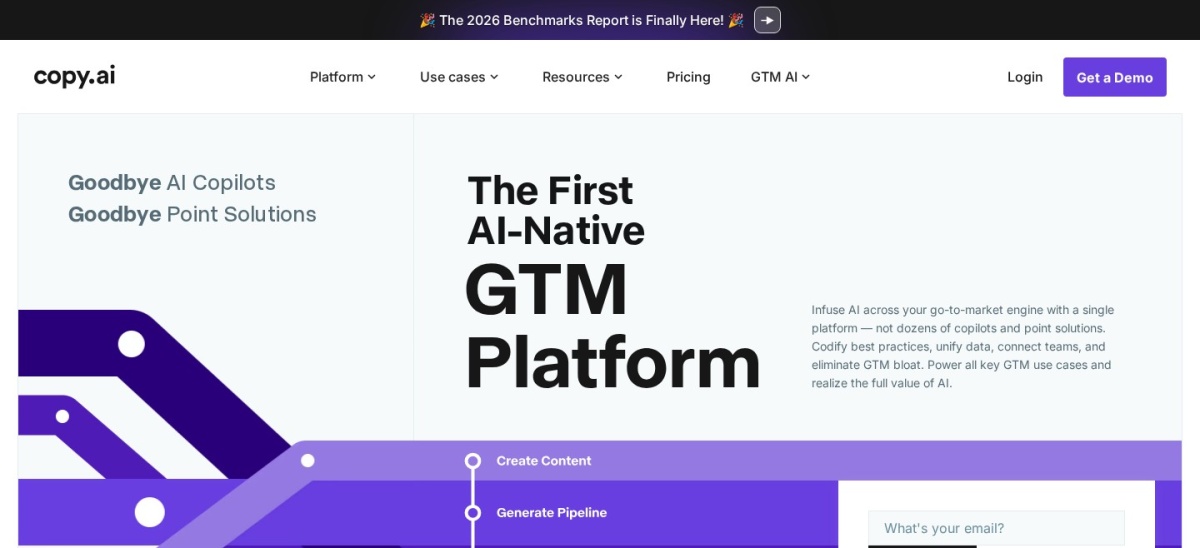
Copy.ai homepage, captured Nov 2026.
Copy.ai is an AI writing platform aimed at go-to-market content: emails, landing pages, ad copy and product descriptions. The free plan covers 2,000 words a month, and Chat costs $24 a month on annual billing, or $29 month to month, with unlimited chat, brand voice and 5 seats.
The trade off is focus. It is built for short marketing copy, so long-form articles need more shaping than a dedicated long-form writer. It suits creators who write client copy and sales content every day.
What we like
Free plan covers 2,000 words a month
Chat includes 5 seats, not one
Unlimited chat usage for the team
Watch out for
Long-form output needs more editing
Workflow limits bite on the Pro plan
G2 rating is lower than Jasper or Writesonic
Team adds more seats and advanced workflowsVisit copy.ai
04
Canva
4.7/5on G2 (7,678 reviews, checked Nov 2026)
Paid from$144/yr
Best for design, thumbnails and social graphics
Free planYes, no time limit
Cheapest paid planPro, $144/yr
Brand Kits5 on Pro
AI credits500 a month on Pro
canva.com
Canva homepage, captured Nov 2026.
Canva is a design platform with an AI layer, Magic Studio, that writes, resizes and removes backgrounds inside the editor. The free plan has no time limit, and Pro costs $12 a month on annual billing ($144 a year), with a brand kit, premium templates and assets, background remover and 500 AI credits a month.
The trade off is depth. It covers thumbnails, social graphics and slide decks well, but it is not a photo editor or a video editor. It suits creators who design every day and want one place for every format.
What we like
Free plan is genuinely usable
Brand Kit keeps every design consistent
Cheapest paid plan in this list
Watch out for
AI credits cap at 500 a month on Pro
Not a replacement for a full photo editor
Prices vary by region, so check the local page
Teams adds shared brand controls from $10 a person a monthVisit canva.com
05
Grammarly
4.7/5on G2 (7,701 reviews, checked Nov 2026)
Paid from$12/mo
Best for polishing and rewriting drafts
Free planYes, 100 AI prompts a month
Cheapest paid planPro, $12/mo annual
AI prompts on Pro2,000 a month
Plagiarism checkPro only
grammarly.com
Grammarly homepage, captured Nov 2026.
Grammarly is a writing assistant that checks spelling and grammar, adjusts tone and rewrites full sentences. The free plan fixes spelling and grammar with 100 AI prompts a month, and Pro costs $12 a month on annual billing, or $30 month to month, with full-sentence rewrites, tone adjustment, a plagiarism check and 2,000 AI prompts a month.
The trade off is scope. It polishes writing rather than generating long drafts, so it pairs with a writer instead of replacing one. It suits creators who write daily and want every draft clean before it ships.
Notion is a workspace for docs, wikis, databases and projects, with AI built in for drafting, summaries and Q&A. The free plan covers personal use with a limited AI trial, and Plus costs $10 a month on annual billing with unlimited collaborative blocks, custom forms and sites. Full AI, including Notion Agent, sits in Business at $20 a month on annual billing.
The trade off is that Plus is a collaboration upgrade, not an AI upgrade. Creators who want the full AI suite pay for Business. It suits creators who plan, draft and track content in one place.
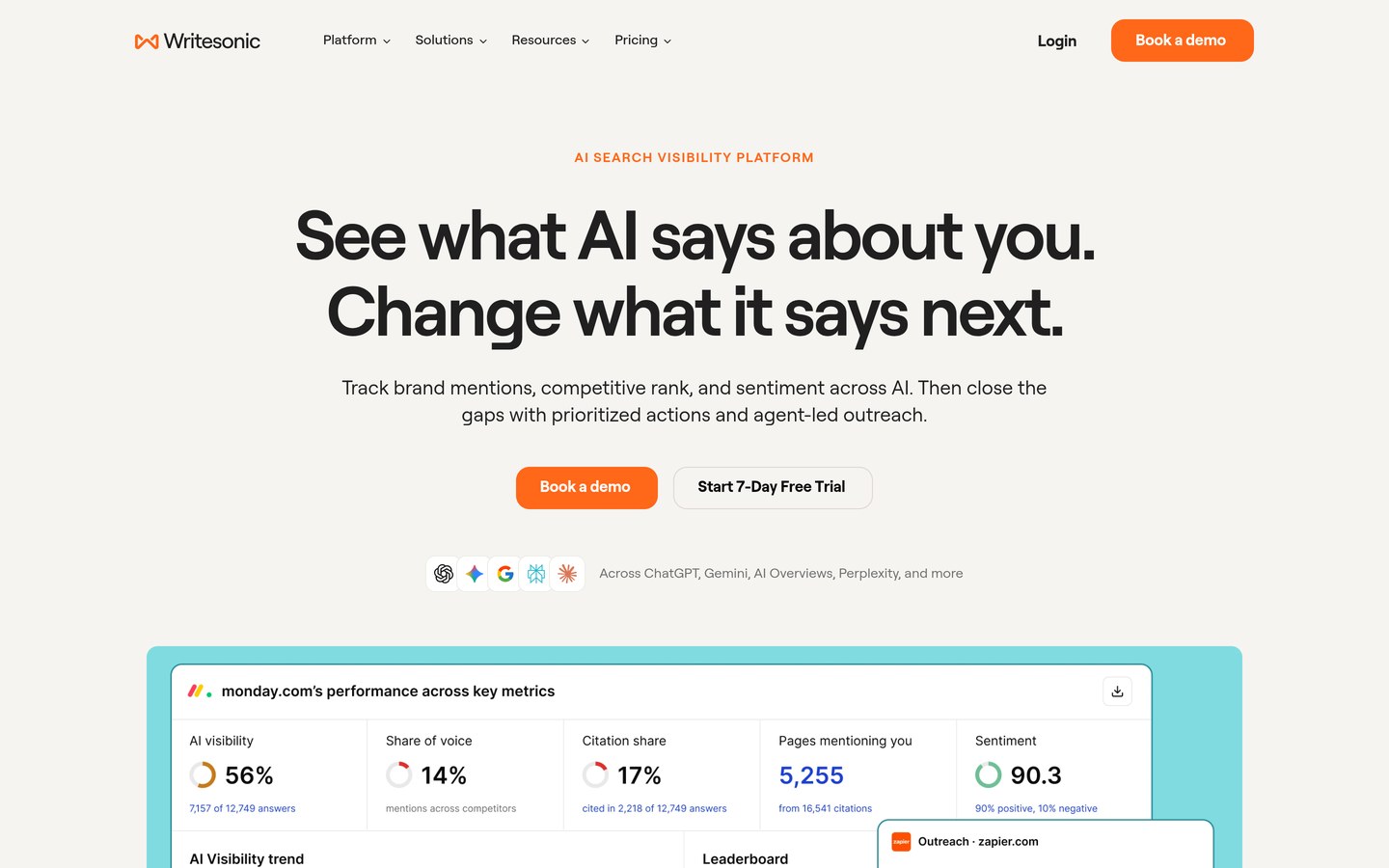
Writesonic is an AI writing platform with more than 80 templates, an Article Writer for long-form drafts and Chatsonic for research with live web data. The free plan covers 10,000 words, and Individual costs $16 a month on annual billing, or $20 month to month, with 100,000 premium words and the full template library.
The trade off is focus at the top end. Its newer GEO tools for tracking AI search citations sit on plans from $249 a month, far above Individual. It suits bloggers who want long drafts at the lowest entry price here.
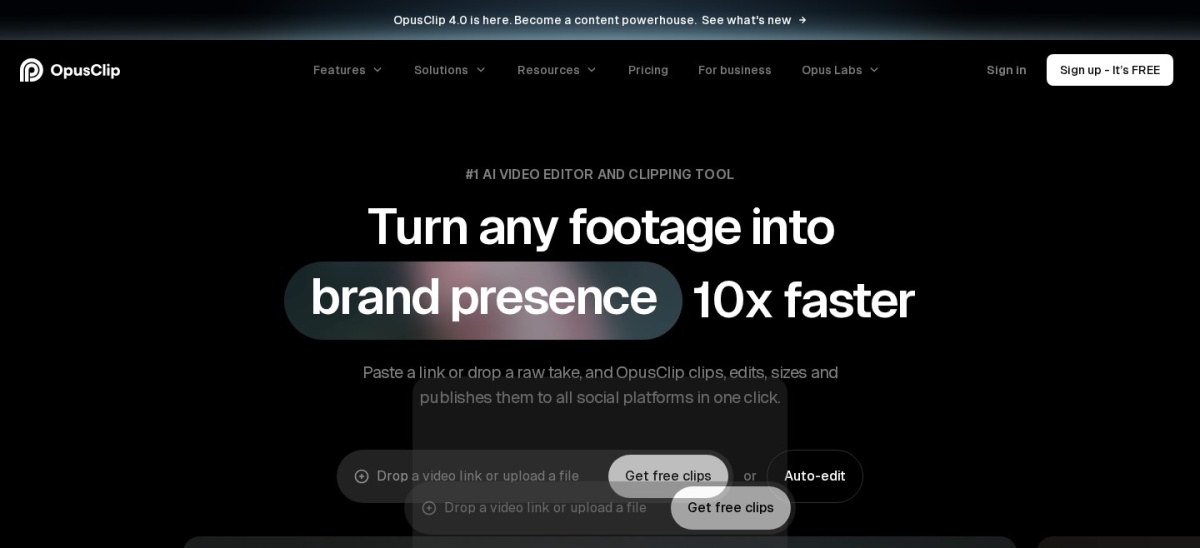
Opus Clip is a clipping tool that takes a long video, such as a podcast or stream, and cuts it into short captioned clips with a virality score for each one. The free plan covers 60 minutes of processing a month with a watermark, and Starter costs $15 a month with 150 credits, no watermark, animated captions and direct posting to Shorts, TikTok and Reels.
The trade off is that Starter is monthly billing only, with no annual discount, and exports are 9:16 only. It suits creators who publish long videos weekly and need a steady supply of short clips.
What we like
Virality Score ranks the best moments
Posts straight to Shorts, TikTok and Reels
Free plan covers 60 minutes a month
Watch out for
Starter has no annual discount
Free clips stop being exportable after 3 days
No scheduler or LinkedIn posting on Starter
Pro adds scheduling, more ratios and credit rolloverVisit opus.pro
09
Pictory
4.6/5on G2 (81 reviews, checked Nov 2026)
Starts at$25/mo
Best for turning scripts and posts into video
Free planNo, 3-video trial
Cheapest paid planStarter, $25/mo annual
Video minutes200 on Starter
Stock mediaGetty and Storyblocks
pictory.ai
Pictory homepage, captured Nov 2026.
Pictory is a cloud video tool that turns scripts, blog posts and long recordings into captioned videos with stock footage, voiceovers and music. The trial covers 3 videos, and Starter costs $25 a month on annual billing, or $29 month to month, with text-to-video, auto captions and premium stock footage.
The trade off is the credit cap. The minute allowance runs out fast for daily publishers, and Professional at $35 a month on annual billing is the next step. It suits creators who repurpose written content into video every week.
Free plans here are real working tools, not demos. Canva, Descript, Grammarly, Notion and Writesonic all let you finish work without paying.
Paid plans mostly remove caps: word limits, media hours, AI credits and watermarks. The jump from free to paid is usually about volume, not quality.
Two tools have no free plan at all. Jasper gives a 7-day trial and Pictory gives a 3-video trial, so budget a month of paid use to judge them properly.
How we chose
We started from the AI tools creators name most often for writing, video and design, then kept those with a live pricing page and a public G2 rating.
Prices come from each vendor's pricing page, checked on 22 November 2026. Ratings come from G2 on the same day. Where a vendor shows a sale, the list shows the regular price.
We left out tools with no public pricing and tools whose G2 ratings conflicted across listings. No vendor paid for a place. This list is based on pricing, docs and reviews, not on using the tools ourselves.
How to choose an AI tool for content creation
Start with the content you make most, then match the tool to that job.
Name your main format. Writing, video and design need different tools. Pick the format you publish weekly and buy for that first.
Use the free plan for a real project. A trial post shows more than a feature list. Judge the output, the limits and the export quality before paying.
Check the meter, not just the price. Words, media hours and credits decide the real monthly cost. A cheap plan with a low cap costs more than a dearer plan with room.
Keep one tool per job. A writer plus a clipper plus a designer beats one tool stretched across all three. Stack tools that each do one job well.
FAQ
What is the best AI tool for content creators?
Jasper is the best overall pick for creators who publish written content every week, at $59 a month on annual billing with unlimited words and two brand voices. Descript is the best pick for video and podcast creators, and Canva is the best pick for design and thumbnails.
Is there a good free AI tool for content creators?
Yes. Canva, Descript, Grammarly, Notion and Writesonic all have free plans that cover real work, and Copy.ai gives 2,000 free words a month. Opus Clip gives 60 free processing minutes a month for short clips.
How much should a content creator pay for AI tools?
Most solo creators spend $12 to $59 a month per tool. A common stack is Grammarly Pro at $12, Canva Pro at $144 a year and one writer or video tool, which lands near $40 to $60 a month in total.
Can AI tools replace a human editor?
No. Drafts from every tool on this list need a human pass for facts, tone and structure. The tools save time on first drafts and routine edits, but they do not check your claims or know your audience.
Which AI tool is best for YouTube creators?
Descript is the best pick for editing YouTube videos, because it edits by transcript and exports 4K on Creator. Opus Clip is the best add-on for turning long videos into Shorts, and Canva covers thumbnails.
Do these tools work for teams or only solo creators?
Both, but pricing changes. Jasper and Notion charge per seat, so team costs multiply. Copy.ai Chat includes 5 seats, and Descript Creator covers up to 3 editors, which makes them cheaper for small teams.