Best Calendar Making Software in 2026: 7 Tools Compared
WLWPLegible EditorsLast verified 22 Nov 2026How we rank9 min read
★ Short answer
Sugar Calendar is a top pick for creating and managing event calendars with a lightweight setup, rated 4.5 out of 5 on WordPress.org. For visual print and social calendar templates, Adobe Express and Canva offer free starting plans.
How we make this list: we compare pricing pages, product documentation and public user reviews, then re-check every price before each update. No product paid for a place. Disclosure.
Sugar Calendar offers a free WordPress core plugin with Stripe ticket sales and recurring event options on paid tiers.
My Calendar focuses on accessibility with 20,000+ active installs and paid plans starting at $69 per year.
Simple Calendar syncs public Google Calendars and ICS feeds with 50,000+ active installs and paid plans from $99 per year.
EventON uses a one-time $60 license for its full calendar plugin alongside yearly add-on options.
Adobe Express and Canva cover graphic calendar layouts with free plans and paid tiers starting at $9.99 and $12 per month.
What to look for in calendar making software
Calendar making tools fall into two main groups: website event calendars that publish schedules and bookings online, and graphic design apps used to lay out printed or social calendars.
On WordPress sites, look for clean calendar and list views, timezone handling, recurring event support and optional ticketing or registration.
For external calendar feeds, check whether a tool supports Google Calendar sync, ICS imports and JSON-LD event markup for search visibility.
Compare entry pricing carefully, as some tools charge a one-time fee while others bill yearly or per seat.
4.5/5on WordPress.org (24 reviews, checked Nov 2026)
Paid from$99/yr
Best lightweight WordPress event calendar
Free planYes, Lite
Active installs10,000+
TicketingStripe included
Paid planBasic, $99/yr regular
sugarcalendar.com
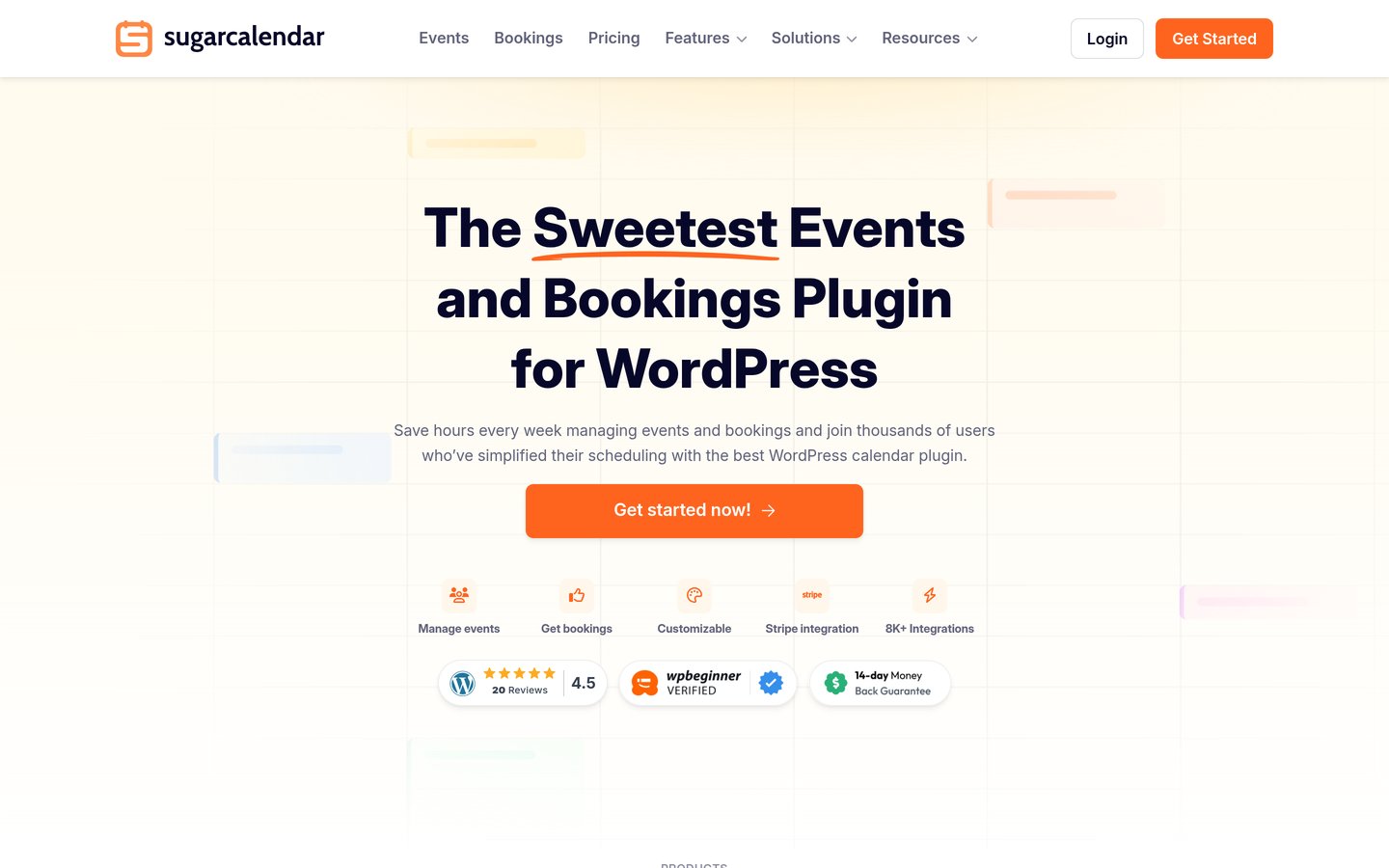
Sugar Calendar homepage, captured Nov 2026.
Sugar Calendar is a WordPress event management plugin with 10,000+ active installs and a 4.5 out of 5 rating on WordPress.org. Its free Lite version supports event creation, month and list views, Google Calendar sync and Stripe ticket sales.
The trade off is that recurring events, venues and RSVPs require a paid upgrade, with Basic listed at $99 per year regular price (discounted to $49.50 during sales). It suits site owners who want a clean calendar without heavy bloat.
What we like
Lightweight interface for creating events
Supports recurring events and registrations on paid tiers
4.7/5on WordPress.org (159 reviews, checked Nov 2026)
Paid from$69/yr
Best for accessible event calendars
Free planYes
Active installs20,000+
FocusAccessibility
Paid planPro, $69/yr
joedolson.com
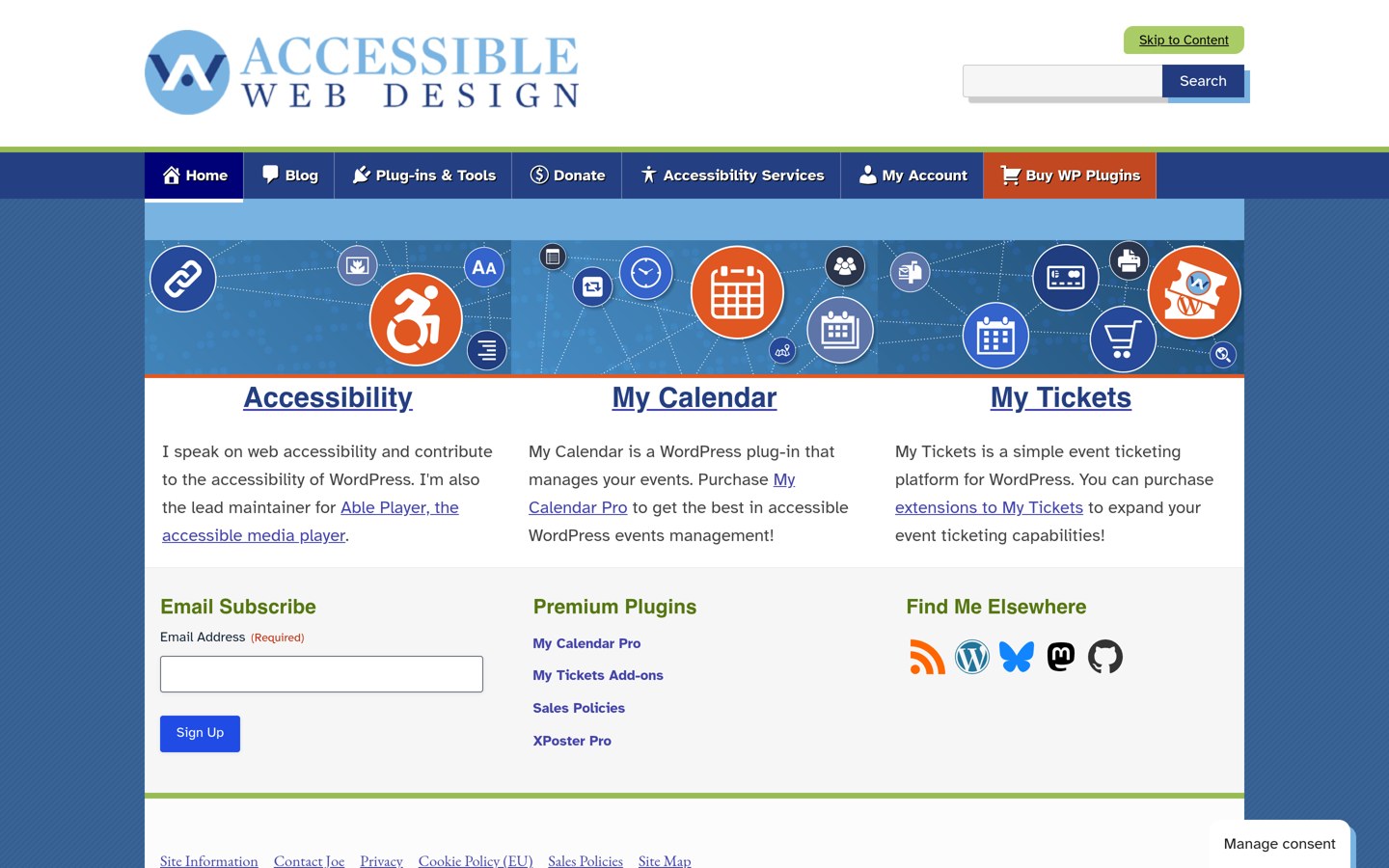
My Calendar homepage, captured Nov 2026.
My Calendar is a WordPress event manager built with accessibility in mind, holding 20,000+ active installs and a 4.7 out of 5 rating on WordPress.org. The free version covers monthly grid, list and mini-calendar views, recurring events, categories and venues.
The trade off is that front-end event submissions, custom fields and external imports sit in My Calendar Pro at $69 per year. It suits organizations that need accessible event displays and flexible layout controls.
What we like
Strong accessibility support for visitors and admins
Supports recurring events and multiple calendar views
Paid Pro starts at $69 per year
Watch out for
Setup options can feel detailed for new users
Front-end event submissions require Pro
My Calendar Pro adds front-end submissions, custom fields and importsVisit joedolson.com
03
Simple Calendar
3.8/5on WordPress.org (397 reviews, checked Nov 2026)
Paid from$99/yr
Best for syncing Google Calendars and ICS feeds
Free planYes, Core
Active installs50,000+
SourcesGoogle Cal & ICS
Paid planPersonal, $99/yr
simplecalendar.io
Simple Calendar homepage, captured Nov 2026.
Simple Calendar connects external calendar feeds to WordPress, with 50,000+ active installs and a 3.8 out of 5 rating across 397 reviews on WordPress.org. Its free core plugin displays public Google Calendars, imports ICS feeds and lets you create basic events in WordPress.
The trade off is that private Google Calendars, live ICS feed sync and appointment booking require paid add-ons or bundles starting at $99 per year. It suits teams that already maintain schedules in Google Calendar or ICS feeds.
What we like
Large install base of 50,000+ sites
Imports ICS files and public Google Calendars for free
4.1/5on WordPress.org (44 reviews, checked Nov 2026)
Paid from$60 one-time
Best for visual event cards and one-time licensing
Free planYes, Lite
Active installs6,000+
License typeOne-time full
Paid planFull, $60 one-time
myeventon.com
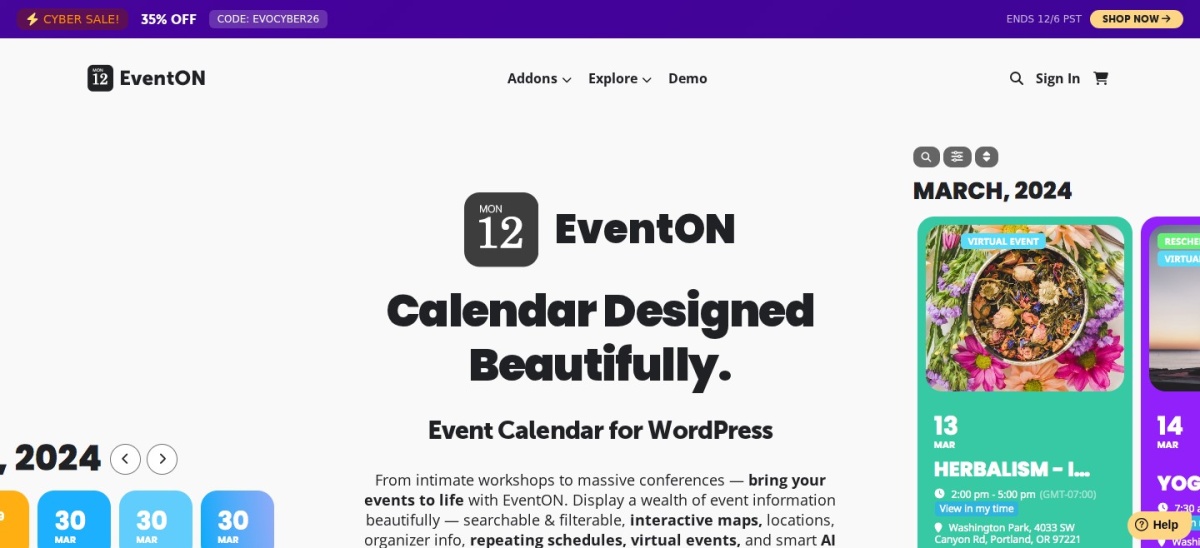
EventON homepage, captured Nov 2026.
EventON is a design-focused WordPress event calendar plugin with 6,000+ active installs and a 4.1 out of 5 rating on WordPress.org. The free Lite version offers month, schedule and tile views, repeating schedules, event colors and Google Maps support.
The trade off is add-on pricing: while the EventON Full plugin costs $60 one-time, add-ons such as tickets or RSVPs carry separate yearly fees. It suits site owners who want customizable event cards and a one-time base license.
What we like
One-time $60 price for the full base plugin
Multiple layouts including month, schedule and tile views
Free Lite version available on WordPress.org
Watch out for
Extra add-ons add recurring yearly costs
Smaller WordPress.org review count
Full version and add-ons expand views, integrations, tickets and RSVPsVisit myeventon.com
05
EventPrime
4.4/5on WordPress.org (86 reviews, checked Nov 2026)
Paid from$69/yr
Best for event bookings and attendee management
Free planYes
Active installs7,000+
FocusBookings & events
Paid planEssential, $69/yr
theeventprime.com
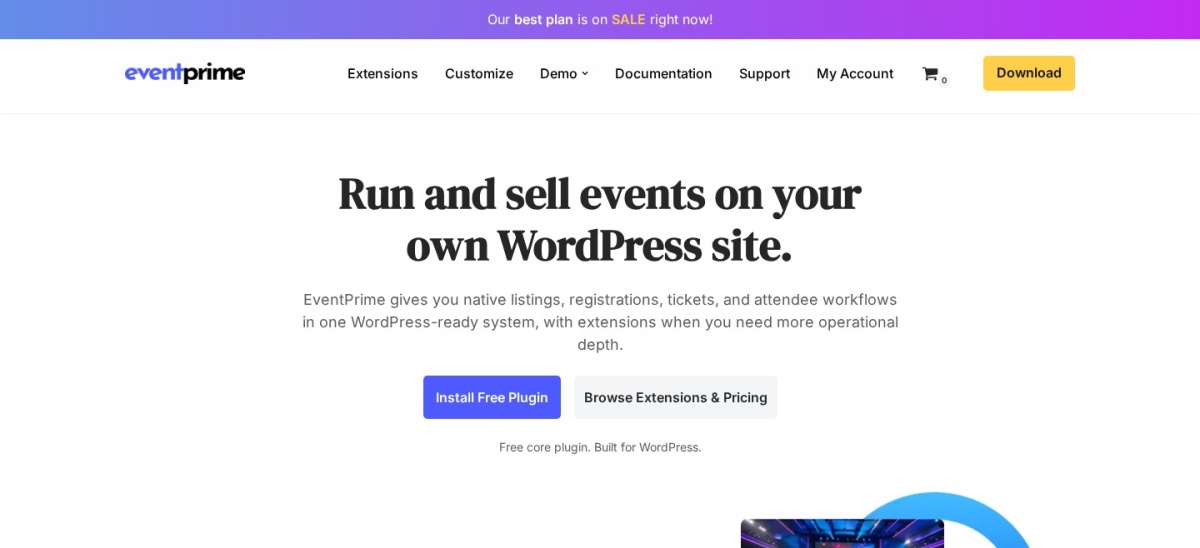
EventPrime homepage, captured Nov 2026.
EventPrime is a WordPress events calendar and booking plugin with 7,000+ active installs and a 4.4 out of 5 rating on WordPress.org. Its free plugin covers event creation, calendar views, venues, organizers and basic booking workflows.
The trade off is that features like attendees lists, user feedback and payment extensions sit behind paid plans starting with Essential at $69 per year. It suits organizers who need bookings and attendee tracking alongside a calendar.
What we like
Combines event calendars with bookings and attendee tools
Adobe Express is a design and content tool rated 4.5 out of 5 across 854 G2 reviews. Its free plan includes basic editing tools, templates, fonts, storage and content scheduling for one account per social network.
The trade off is that it designs graphic calendars rather than interactive web event databases, and Premium costs $9.99 per month. It suits marketers and creators making visual calendars and social schedules.
What we like
Free plan includes templates, fonts and basic scheduling
Rated 4.5 out of 5 across 854 G2 reviews
Works across desktop browsers and mobile
Watch out for
Not a live booking or event database tool
Brand kits and larger asset libraries require Premium
Premium adds more templates, stock assets, brand kits and 100GB storageVisit adobe.com
07
Canva
4.7/5on Capterra (13,469 reviews, checked Nov 2026)
Paid from$12/mo
Best for quick calendar templates and print layouts
Free planYes
Capterra rating4.7/5 (13,469)
FormatsPrint & social
Paid planPro, $12/mo yearly
canva.com
Canva homepage, captured Nov 2026.
Canva is a visual design platform rated 4.7 out of 5 across 13,469 Capterra reviews. Its free plan provides templates, design elements and 5GB of storage for creating printable or shareable calendar graphics.
The trade off is that many premium templates, brand kits and content scheduling features require Canva Pro at $144 per year ($12 per month billed yearly). It suits beginners and teams making visual calendar sheets fast.
What we like
Wide template library for visual calendar layouts
Rated 4.7 out of 5 across 13,469 Capterra reviews
Free plan available with no credit card required
Watch out for
Free plan locks premium templates and assets
Printed orders cost extra on top of plans
Pro adds premium templates, brand kits, resizing and content schedulingVisit canva.com
Website event calendars vs design calendar tools
Choosing the right tool starts with how people use your calendar. Website plugins publish live event dates, locations, recurring schedules and tickets on your pages.
Design tools like Adobe Express and Canva focus on visual layout. They help you create a graphic calendar for print, a slide deck or a social post, rather than managing live event registrations.
Pick a WordPress plugin if visitors need to browse upcoming events or book spots online. Pick a design tool if you need a polished visual calendar layout.
How we chose
We gathered established calendar plugins from WordPress.org alongside widely used calendar design tools for creating visual schedules.
Ratings, review counts, active installs and regular pricing were checked on 22 November 2026 from WordPress.org, review directories and vendor pricing pages.
We excluded unmaintained tools and any option where we could not verify a regular price. No vendor paid for a place, and we do not claim testing for this list.
How to choose calendar making software
Match the tool to your publishing format before comparing features or add-on fees.
Decide between live events and visual layouts. Use a WordPress event plugin for ongoing schedules and bookings, or a design tool for visual calendar graphics.
Check where your event data lives. If you already update a Google Calendar or ICS feed, pick a tool that syncs those feeds cleanly instead of re-entering events.
Check recurring events and ticketing limits. Confirm whether repeating dates, venues or ticket sales are included in the free tier or locked behind a paid plan.
Compare yearly and one-time costs. Factor in annual renewals or paid add-ons so your first-year setup matches your ongoing budget.
FAQ
What is the best calendar making software for a website?
For WordPress sites, Sugar Calendar is a strong option for lightweight event management, while My Calendar is a strong pick when accessibility is a priority. Both offer free starting versions and paid upgrades.
Can I make a calendar for free?
Yes. Every tool on this list offers a free version or free tier, including Sugar Calendar Lite, My Calendar, Simple Calendar, EventON Lite, EventPrime, Adobe Express and Canva.
What is the difference between a calendar plugin and a booking tool?
Calendar plugins focus on displaying event schedules, dates, venues and recurring events on a site, often with optional event tickets. Appointment booking tools focus on one-on-one time slots and staff availability.
Do I need a paid plan for recurring events?
Often yes. Some free plans handle basic event lists or simple repeats, while complex recurring patterns, calendar imports or ticketing frequently require a paid upgrade.
Which tool is best for printable or social media calendars?
Canva and Adobe Express are better suited to visual calendar graphics and social layouts than WordPress event plugins. Both let you start on a free plan with templates and editing tools.