Best Automated Scheduling Software in 2026: 7 Tools Compared
WLWPLegible EditorsLast verified 22 Nov 2026How we rank10 min read
★ Short answer
Calendly is the best automated scheduling software for most professionals and teams, with a 4.7/5 Capterra rating and automated reminders available from $10 per seat per month with annual billing. Acuity Scheduling suits appointment-based businesses, while Setmore offers affordable scheduling for small teams.
How we make this list: we compare pricing pages, product documentation and public user reviews, then re-check every price before each update. No product paid for a place. Disclosure.
Calendly Standard costs $120 per seat per year and removes the free plan's single event type restriction.
Acuity Scheduling earns 4.8/5 from 5,771 Capterra reviews and starts at $192 per year.
Setmore supports up to 4 users and unlimited appointments for free, with Pro starting at $60 per user per year.
SimplyBook.me Basic costs $142.80 per year and supports 100 monthly bookings across 5 service providers.
Zoho Bookings starts at $72 per user per year and is particularly useful for businesses using Zoho applications.
Goldie Pro costs $199.99 per year and includes automated appointment reminders and unlimited bookings.
What to look for in automated scheduling software
Automated scheduling software allows customers, prospects and colleagues to reserve available time slots without exchanging multiple emails. It checks availability, records appointments and communicates booking details automatically.
Look for two-way calendar synchronization if you maintain separate personal and professional calendars. This helps prevent scheduling conflicts when appointments are created or changed outside the booking platform.
Automated reminders are particularly important for businesses that lose revenue when customers miss appointments. Check whether email reminders are included and whether text messages require an upgrade or additional credits.
Teams should consider staff availability, appointment distribution, shared booking pages and access permissions. Individual scheduling tools may not provide enough control for businesses with multiple service providers.
Compare subscription costs alongside booking allowances, payment processing fees and additional user charges. An inexpensive entry plan can become costly when your appointment volume or team grows.
4.7/5on Capterra (4,161 reviews, checked Nov 2026)
Paid from$10/mo
Best for automated meeting scheduling
Free event types1
Free calendar connections1
Automated remindersStandard
Paid planStandard, per seat, annual billing
calendly.com
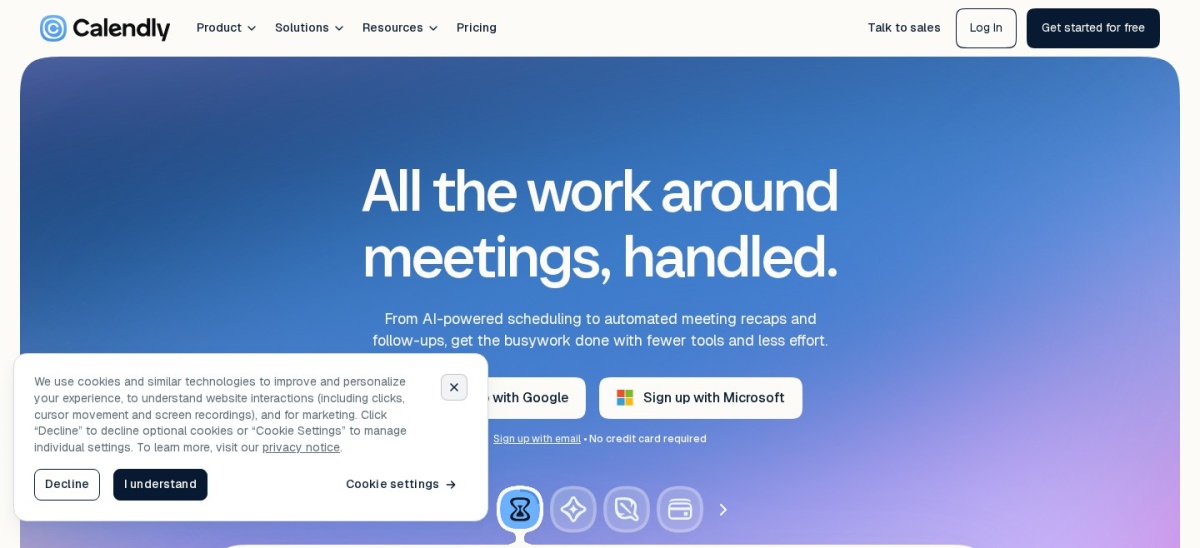
Calendly homepage, captured Nov 2026.
Calendly is an online meeting scheduler that lets people reserve available time through a personalized booking link. Its free subscription provides 1 event type, 1 connected calendar and individual meeting scheduling.
The trade off is that unlimited event types, additional calendar connections and automated reminders require Standard at $10 per seat per month when billed annually. It suits consultants, recruiters, sales professionals and businesses that regularly arrange external meetings.
What we like
Simple meeting booking experience
Supports calendar-based availability
Connects with CRM and marketing applications
Supports paid appointments through payment integrations
Team meeting distribution available on higher plans
Watch out for
Free subscription restricts event types
Round-robin assignment requires Teams
Subscription costs increase with additional hosts
Standard adds unlimited meeting types, automated reminders and payment integrations.Visit calendly.com
02
Acuity Scheduling
4.8/5on Capterra (5,771 reviews, checked Nov 2026)
Starts at$16/mo
Best for appointment-based service businesses
Entry calendar allowance1
Email remindersIncluded
Client intake formsIncluded
Paid planStarter, annual billing
acuityscheduling.com
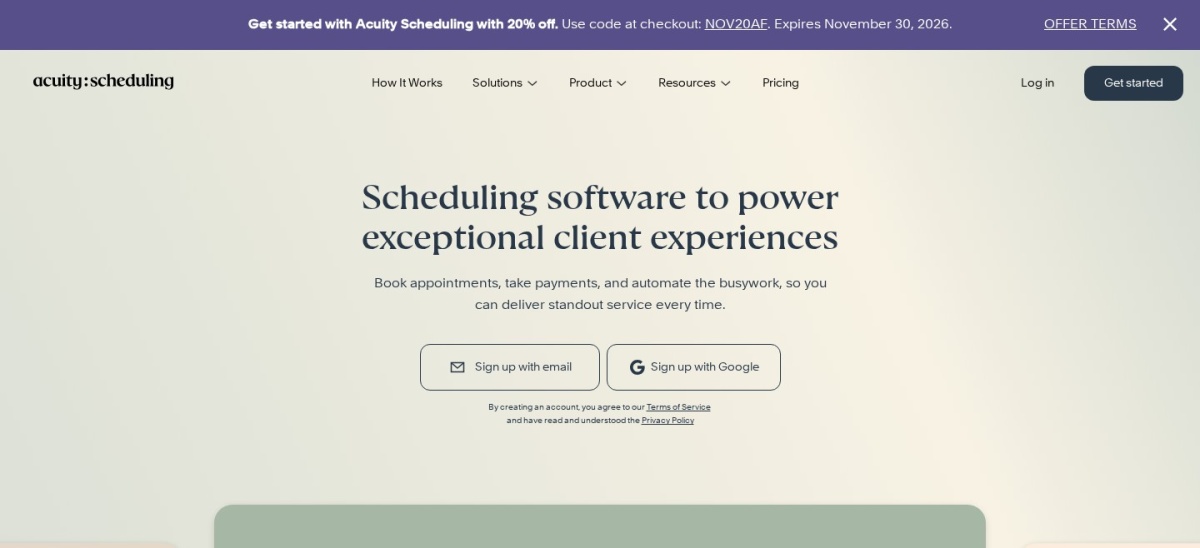
Acuity Scheduling homepage, captured Nov 2026.
Acuity Scheduling is an appointment management platform that combines online reservations, customer information and payment collection. Its Starter subscription supports 1 calendar, automated email communication, customizable intake forms and time zone adjustments.
The trade off is that Starter costs $16 per month with annual billing or $20 when paid monthly, while text reminders and appointment waitlists require Standard. It suits businesses that need to collect customer information and payments as part of the appointment process.
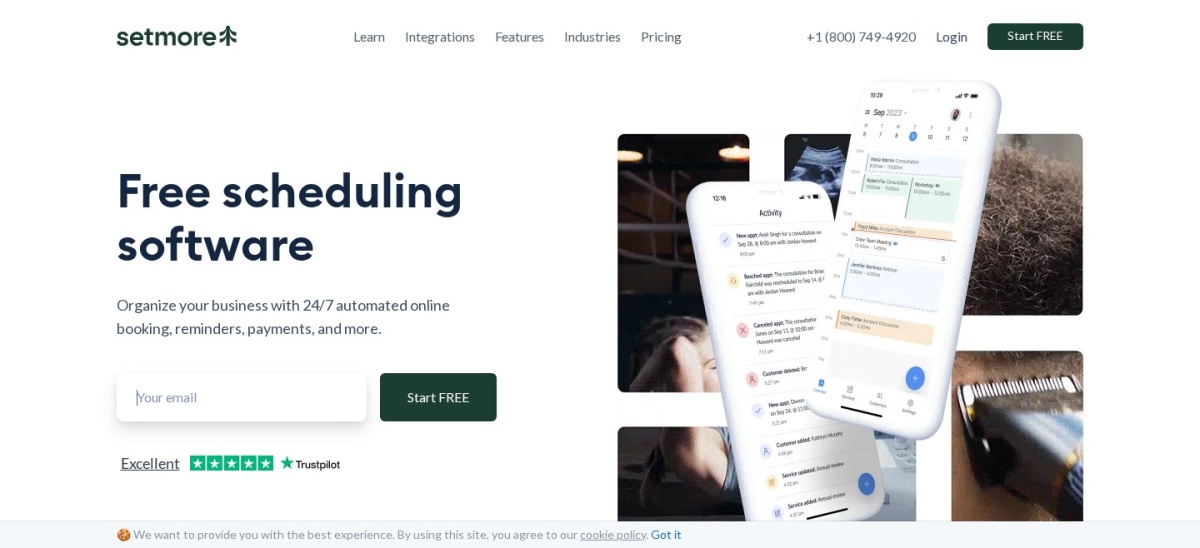
Setmore is an appointment scheduler for professionals and small service businesses. Its free subscription supports up to 4 team members, unlimited reservations, online payment collection and email notifications.
The trade off is that recurring bookings, text reminders and two-way calendar synchronization require Pro at $5 per user per month with annual billing or $12 with monthly billing. It suits small businesses that want to introduce online scheduling without a substantial initial expense.
What we like
Generous free team allowance
No appointment volume limit
Individual staff booking profiles
Low annual entry price
Mobile and desktop access
Watch out for
Two-way synchronization requires Pro
Recurring appointments unavailable for free
Free subscription retains vendor branding
Pro adds recurring reservations, calendar synchronization and text reminders.Visit setmore.com
04
SimplyBook.me
4.6/5on Capterra (1,295 reviews, checked Nov 2026)
Paid from$11.90/mo
Best for customizable service booking websites
Free monthly bookings50
Basic monthly bookings100
Basic service providers5
Paid planBasic, annual billing
simplybook.me
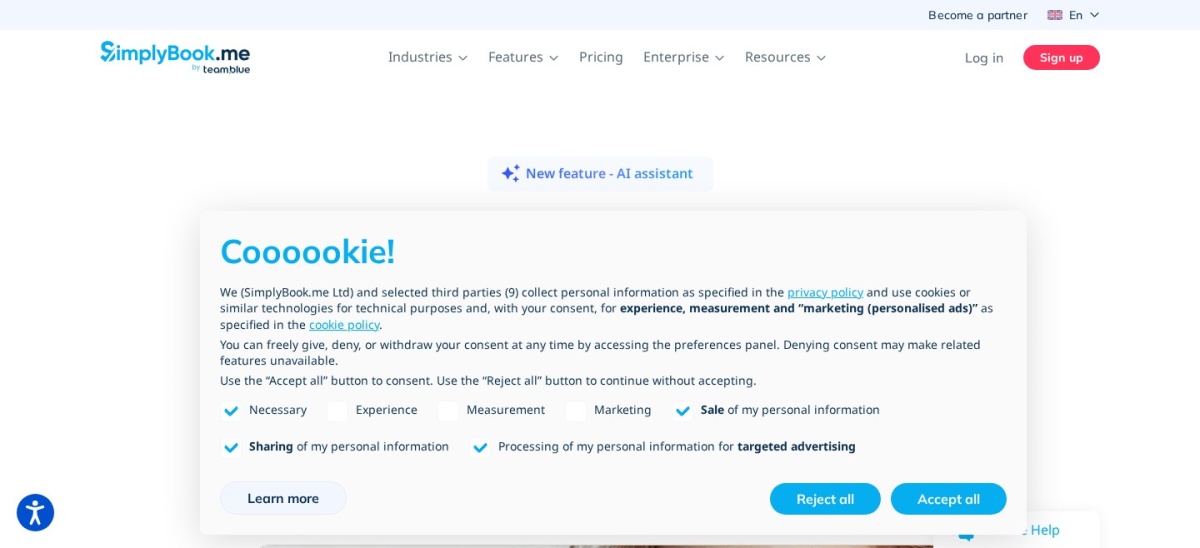
SimplyBook.me homepage, captured Nov 2026.
SimplyBook.me is an online reservation system that lets businesses publish booking websites or embed scheduling widgets into existing websites. Its free edition accommodates 50 bookings and 1 service provider, with access to a configurable feature.
The trade off is that Basic costs $11.90 per month with annual billing and limits monthly reservations to 100, although it expands the service provider allowance to 5. It suits businesses that want a dedicated customer booking experience with configurable service and payment options.
What we like
Standalone booking website
Website embedding options
Supports multiple service providers
Configurable booking functionality
Payment and deposit options on paid plans
Watch out for
Monthly booking allowances restrict usage
Entry subscriptions limit configurable features
Higher booking volumes require upgrades
Basic increases booking capacity and introduces additional customization and payment options.Visit simplybook.me
05
Zoho Bookings
4.4/5on Capterra (47 reviews, checked Nov 2026)
Paid from$6/mo
Best for businesses using Zoho applications
Free user allowance1
Time zone conversionAutomatic
Online payment collectionPremium
Paid planBasic, per user, annual billing
zoho.com
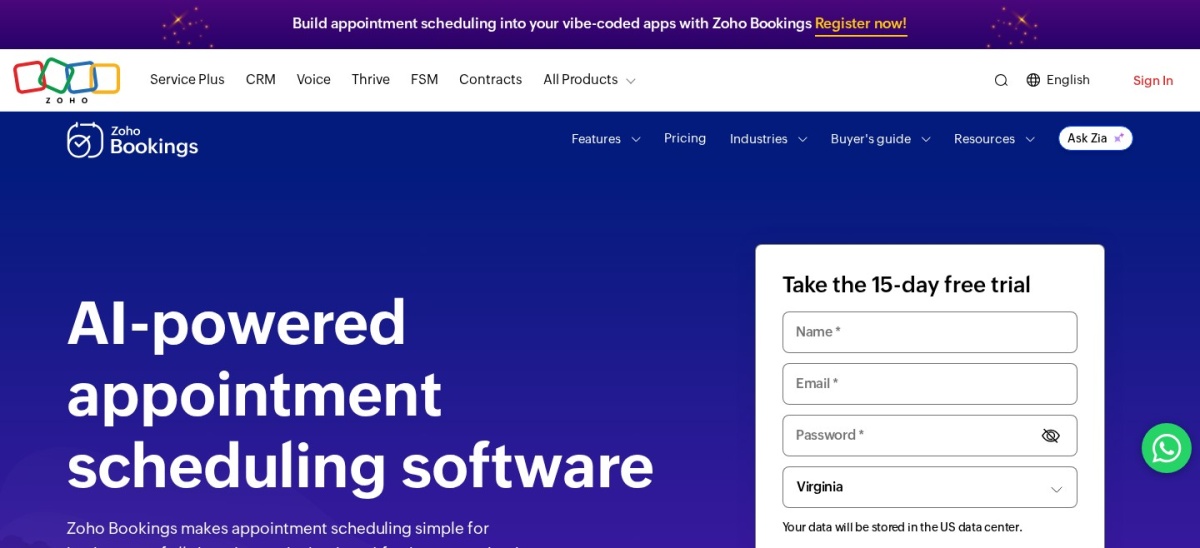
Zoho Bookings homepage, captured Nov 2026.
Zoho Bookings is a scheduling application that connects customer appointments with calendars and other business software. Its free option is intended for 1 user, while paid subscriptions support business scheduling, reusable availability settings and appointment notifications.
The trade off is that Basic costs $6 per user per month when billed annually or $8 when billed monthly, and online payment capabilities require Premium. It suits organizations that already manage customers and business processes through Zoho products.
What we like
Integration with the Zoho ecosystem
Affordable entry subscription
Reusable availability schedules
Automatic time zone adjustments
Customer booking forms and notifications
Watch out for
Smaller public review sample than competitors
Payment collection requires Premium
Some reviewers report customization limitations
Basic adds business scheduling and team-oriented appointment management.Visit zoho.com
06
Goldie
4.8/5on Capterra (1,173 reviews, checked Nov 2026)
Paid from$199.99/yr
Best for independent beauty and wellness professionals
Free monthly appointments20
Free users1
Automated remindersPro
Paid planPro
heygoldie.com
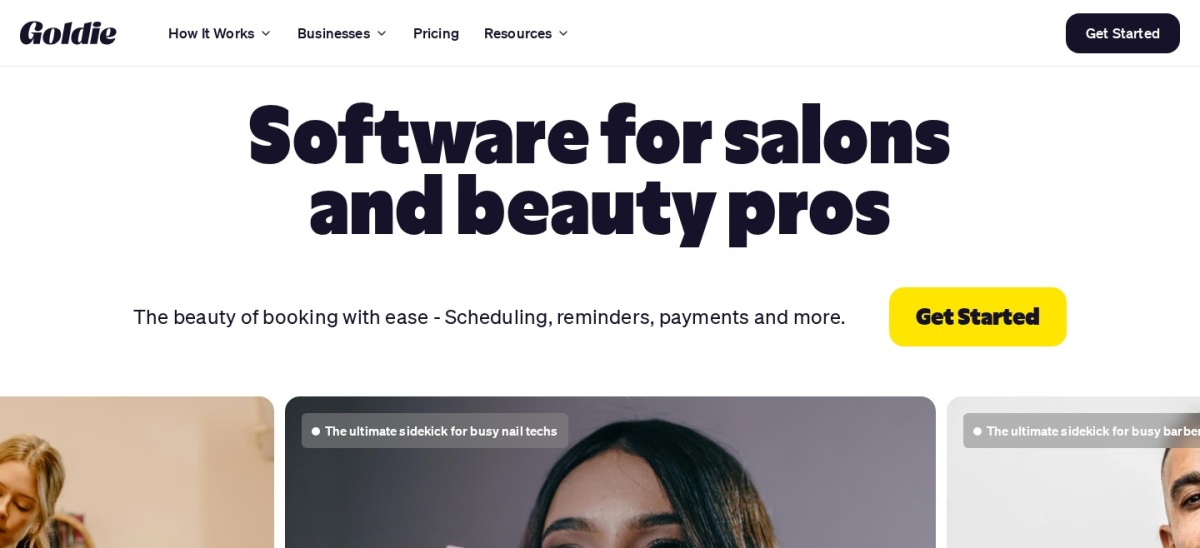
Goldie homepage, captured Nov 2026.
Goldie is a client scheduling application for independent service professionals, including beauty specialists and wellness providers. Its Starter edition supports 20 monthly appointments, 1 user, an online booking website and customer payment collection.
The trade off is that automatic appointment reminders require Pro at $199.99 per year or $19.99 per month, and staff scheduling requires Pro Plus. It suits independent professionals who want to organize appointments, encourage repeat bookings and manage customer payments.
What we like
Free customer booking website
Payment collection and deposits
Unlimited customer records
Rebooking reminders on Pro
Strong public review rating
Watch out for
Free subscription limits monthly appointments
Free appointment reminders require manual action
Team calendars require Pro Plus
Pro adds unlimited appointments, automated reminders and customer retention tools.Visit heygoldie.com
07
Appointy
4.6/5on Capterra (285 reviews, checked Nov 2026)
Paid from$19.99/mo
Best for scheduling classes and multiple services
Free monthly appointments100
Free services5
Free staff allowance1
Paid planGrowth, annual billing
appointy.com
Appointy homepage, captured Nov 2026.
Appointy is an online scheduling platform that supports individual appointments, classes and group events. Its free subscription includes 100 monthly appointments, 5 services, automated reminders and website booking integration.
The trade off is that recurring bookings and two-way Google Calendar synchronization require Growth at $19.99 per month with annual billing or $29.99 with monthly billing. It suits educational businesses, fitness instructors and service providers that manage different appointment formats.
What we like
Automatic reminders on the free plan
Supports individual appointments and group classes
Website and social media booking options
Multiple payment integration options
Configurable scheduling rules
Watch out for
Free subscription restricts staff and services
Resource scheduling requires Professional
Multiple business locations require Enterprise
Growth adds unlimited service types, recurring bookings and Google Calendar synchronization.Visit appointy.com
Which scheduling tasks can businesses automate?
Appointment reservations are the most obvious starting point. Instead of asking customers to contact your business for available times, publish a booking page that reflects your current availability.
Confirmation emails and appointment reminders reduce the administrative work involved in preparing for upcoming bookings. Customers receive appointment details automatically, allowing employees to focus on delivering services.
Calendar synchronization helps maintain consistent availability across different applications. When configured correctly, the scheduling platform checks existing calendar events before presenting available appointment times.
Recurring reservations are useful for tutoring, consulting, fitness sessions and ongoing customer services. Businesses can establish repeat appointment schedules without manually creating each booking.
Payment collection can also become part of the booking process. Businesses can request deposits or full payments before confirming appointments, depending on the platform and payment configuration.
How much does automated scheduling software cost?
Setmore has the lowest annualized paid entry price in this comparison at $60 per user, followed by Zoho Bookings at $72 per user and Calendly at $120 per seat.
SimplyBook.me Basic costs $142.80 per year and accommodates multiple service providers within its subscription. Acuity Scheduling starts at $192 per year, including customer forms and automated email reminders.
Goldie Pro costs $199.99 per year, while Appointy Growth costs $239.88 per year with annual billing. Both provide functionality designed around customer appointments rather than general business meetings.
Remember that per-user subscriptions and business-wide subscriptions are not directly equivalent. Calculate the cost for everyone who needs scheduling access, then account for payment processing charges, additional messaging credits and required upgrades.
How we chose
We identified established scheduling platforms through Capterra's appointment scheduling directory and individual product review pages. We compared customer booking functionality, calendar synchronization, automated notifications, subscription restrictions and suitability for different professional workflows.
The article carries the editorial date of 22 Nov 2026. Official pricing pages, Capterra ratings and review counts were checked on 24 Nov 2026. The comparison uses regular subscription rates, including standard annual billing discounts, rather than temporary promotional offers.
We excluded products with insufficient public reviews, unconfirmed subscription prices or limited relevance to automated appointment scheduling. Rankings consider automation features, pricing and intended business use rather than customer ratings alone. No vendor paid for a place, and we do not claim testing for this list.
How to choose the best automated scheduling software
Identify the scheduling activities your business handles manually, then compare platforms based on their ability to automate those activities without unnecessary subscription costs.
Define your scheduling requirements. Determine whether you primarily organize business meetings, customer appointments, group classes or recurring services. Choose software designed for your main scheduling workflow rather than paying for features you rarely use.
Check calendar integrations and automation. Confirm that the platform supports your existing calendar applications, reminder preferences and booking rules. Pay particular attention to whether two-way synchronization and automated notifications are included in your intended subscription.
Calculate the total annual subscription cost. Account for staff members, appointment allowances, additional messaging credits and payment processing charges. Compare the cost of business-wide subscriptions against platforms that charge separately for every scheduling user.
Evaluate the customer booking experience. Choose a platform that allows customers to reserve, cancel or reschedule appointments with minimal confusion. Review booking page customization, mobile accessibility, confirmation messages and payment options before committing to a subscription.
FAQ
What is the best automated scheduling software?
Calendly is our top pick for automated meeting scheduling because it combines booking links, calendar integration and configurable reminders. Acuity Scheduling is better suited to appointment-based service businesses, while Setmore provides an affordable option for small teams.
What is automated scheduling software?
Automated scheduling software manages appointment reservations, availability and booking notifications with limited manual intervention. It allows customers or colleagues to select available times, records appointments and can send confirmations, reminders or calendar invitations automatically.
What is the best free automated scheduling software?
Setmore is a strong free option because it supports up to 4 users, unlimited appointments and email reminders. Calendly is suitable for individual meeting scheduling, while Appointy provides free automated reminders and up to 100 monthly appointments.
Can automated scheduling software prevent double bookings?
Yes. Scheduling platforms can prevent conflicting appointments by checking existing calendar events and removing unavailable time slots from booking pages. However, businesses must configure their calendar connections, staff availability and synchronization settings correctly for this protection to work.
Which scheduling software is best for small businesses?
Setmore is a good choice for small businesses that need staff booking profiles and affordable scheduling automation. SimplyBook.me works well for businesses that want a customizable booking website, while Acuity Scheduling suits businesses requiring detailed customer intake forms.
How much does automated scheduling software cost?
Paid entry subscriptions in this comparison range from $60 per user per year for Setmore to $239.88 per year for Appointy. Actual business costs depend on staff allowances, booking volume, messaging requirements and the automation features included in each subscription.
Can scheduling software send automatic appointment reminders?
Yes. Setmore and Appointy include automated reminders in their free subscriptions, while Calendly and Goldie reserve reminder automation for paid plans. Acuity Scheduling includes email reminders in Starter, with text reminders available through a higher subscription.
Can automated scheduling software collect customer payments?
Many scheduling platforms support online payments through integrated payment processors. Acuity Scheduling, Setmore, SimplyBook.me, Calendly, Zoho Bookings, Goldie and Appointy offer payment functionality, although availability depends on the selected subscription and payment provider.
Is automated scheduling software the same as employee scheduling software?
Not necessarily. Automated appointment scheduling software focuses on customer reservations, meetings and service availability. Employee scheduling software typically manages work shifts, staffing requirements, leave requests and labor coverage. Businesses with complex workforce scheduling needs may require a separate platform.