Best Audio Noise Reduction Software in 2026: 9 Tools Compared
WLWPLegible EditorsLast verified 24 Nov 2026How we rank12 min read
★ Short answer
Krisp is the best audio noise reduction software for live calls, removing background noise in every meeting app at $8 a user a month. NVIDIA Broadcast is the best free pick for RTX graphics card owners, while Audacity is the best free tool for cleaning up recordings by hand.
How we make this list: we compare pricing pages, product documentation and public user reviews, then re-check every price before each update. No product paid for a place. Disclosure.
Krisp is the top pick for live calls, removing noise in every meeting app at $8 a user a month billed annually.
NVIDIA Broadcast is free for RTX graphics card owners and rivals paid tools for real-time noise removal.
Audacity is free and open source, and remains the best free tool for cleaning up recordings by hand.
Adobe Podcast rescues noisy recordings in the browser with a free tier for files up to 30 minutes.
iZotope RX is the professional repair standard, with Elements at $99 one-time and Standard at $399.
What to look for in audio noise reduction software
Audio noise reduction software removes background noise, hum, echo and other unwanted sound from a voice recording or a live call. The best tools do it without making the voice sound robotic, and they work where you already record or meet.
Real-time and post-production tools solve different problems. Krisp and NVIDIA Broadcast clean up live calls as they happen, while Audacity, iZotope RX and Adobe Podcast work on recordings you can replay and repair.
Pricing splits three ways. Free tools like NVIDIA Broadcast and Audacity cost nothing, subscriptions like Krisp at $8 a month rent the tool, and perpetual licences like iZotope RX Elements at $99 one-time are bought once and kept.
Free plans have changed recently. Krisp removed its permanent free plan on 1 November 2026, so new users get only a 7-day trial, while Adobe Podcast still offers a free tier for files up to 30 minutes.
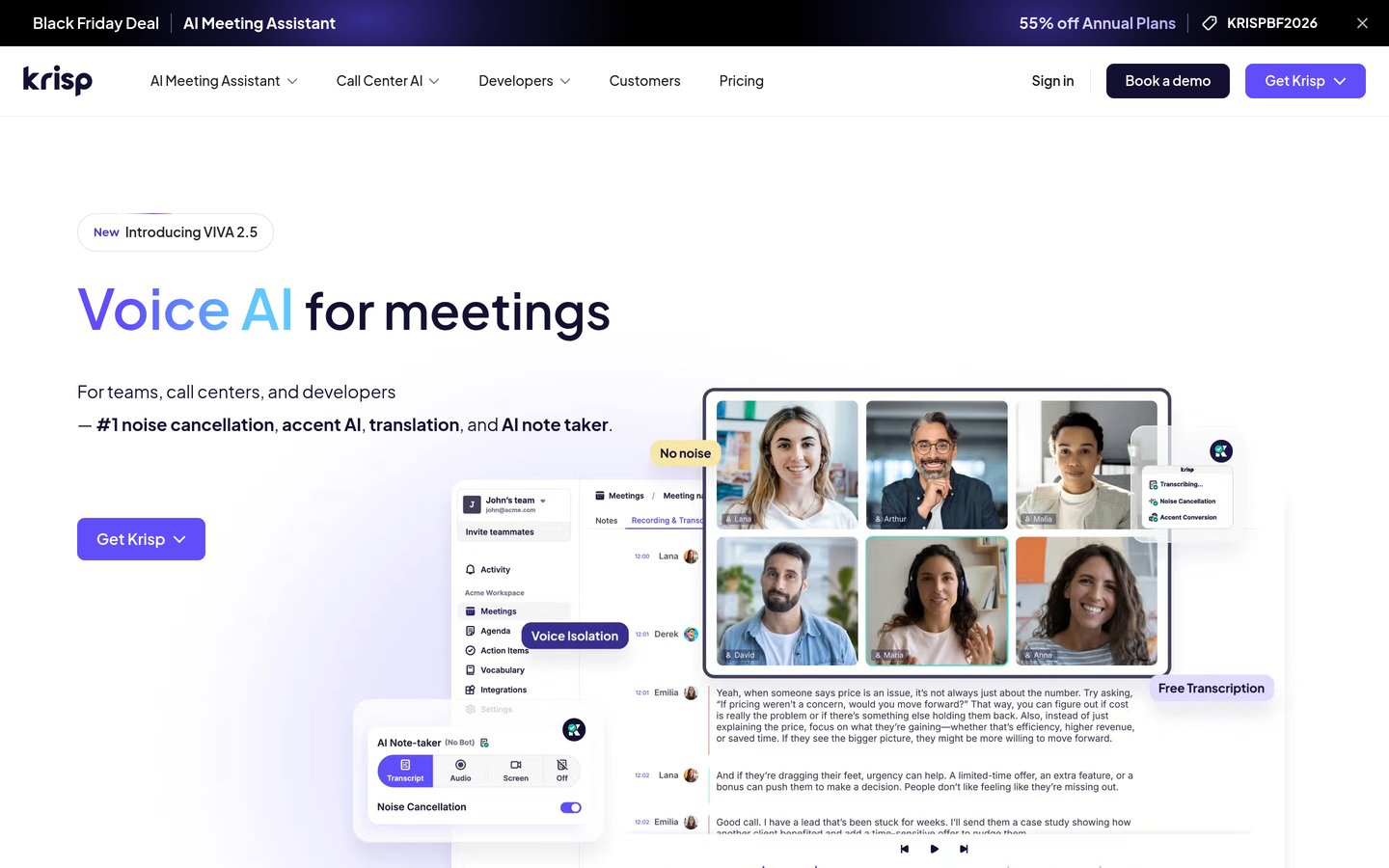
Krisp is a virtual microphone and speaker that removes background noise, other voices and echo from both sides of a call in real time, so Zoom, Teams, Meet and every other app get cleaned audio without any per-app setup. It is rated 4.7 out of 5 on G2 from 1,598 reviews, and Core costs $8 a user a month billed annually.
The trade off is the free plan. Krisp renamed its plans on 1 November 2026 and removed the permanent free plan, so new users get only a 7-day free trial. It suits remote workers who take calls from noisy places and want clean audio in every app.
4.6/5on Trustpilot (Not published reviews, checked Nov 2026)
PriceFree
Best free pick for RTX owners
Real-timeYes, live calls and streams
HardwareNVIDIA RTX GPU required
PlatformWindows only
Paid planFree, no paid tier
nvidia.com
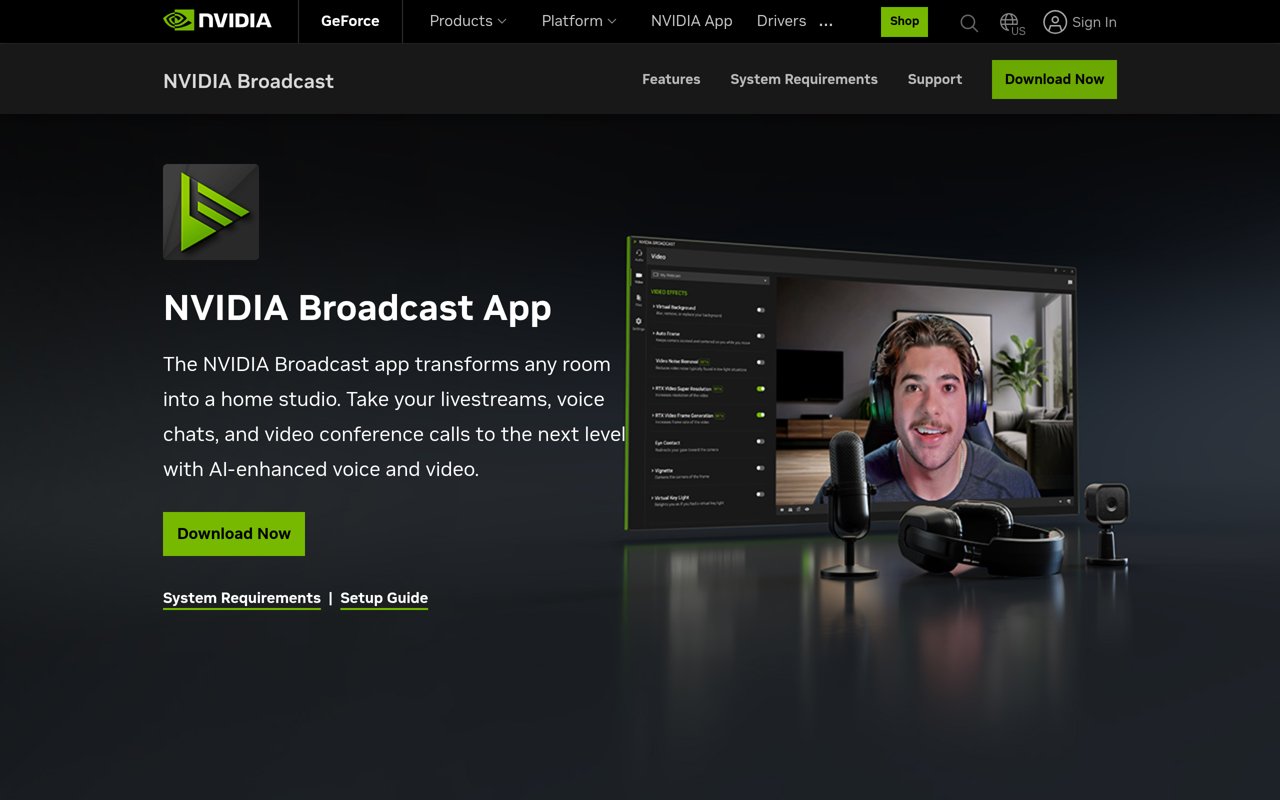
NVIDIA Broadcast homepage, captured Nov 2026.
NVIDIA Broadcast is a free app for Windows PCs with an RTX graphics card that removes background noise and room echo in real time using the GPU's Tensor cores. It barely touches the CPU, and the quality rivals paid tools, which makes it the best free real-time noise removal available if you own compatible hardware.
The trade off is the hardware requirement. NVIDIA Broadcast only works on Windows with an RTX graphics card, so Mac and AMD users need another tool, and it has no paid tier or support contract. It suits streamers, gamers and remote workers who already own an RTX card.
Audacity is a free, open-source audio editor whose noise reduction is old-school and works. You select a few seconds of pure background noise, let Audacity build a noise profile, then apply reduction to the whole track, with full editing, effects and export alongside.
The trade off is that it is manual. Audacity has no AI one-click cleanup, so removing noise takes a few steps and a little practice, and it cannot clean up a live call. It suits podcasters and voiceover artists on a zero budget who want manual control.
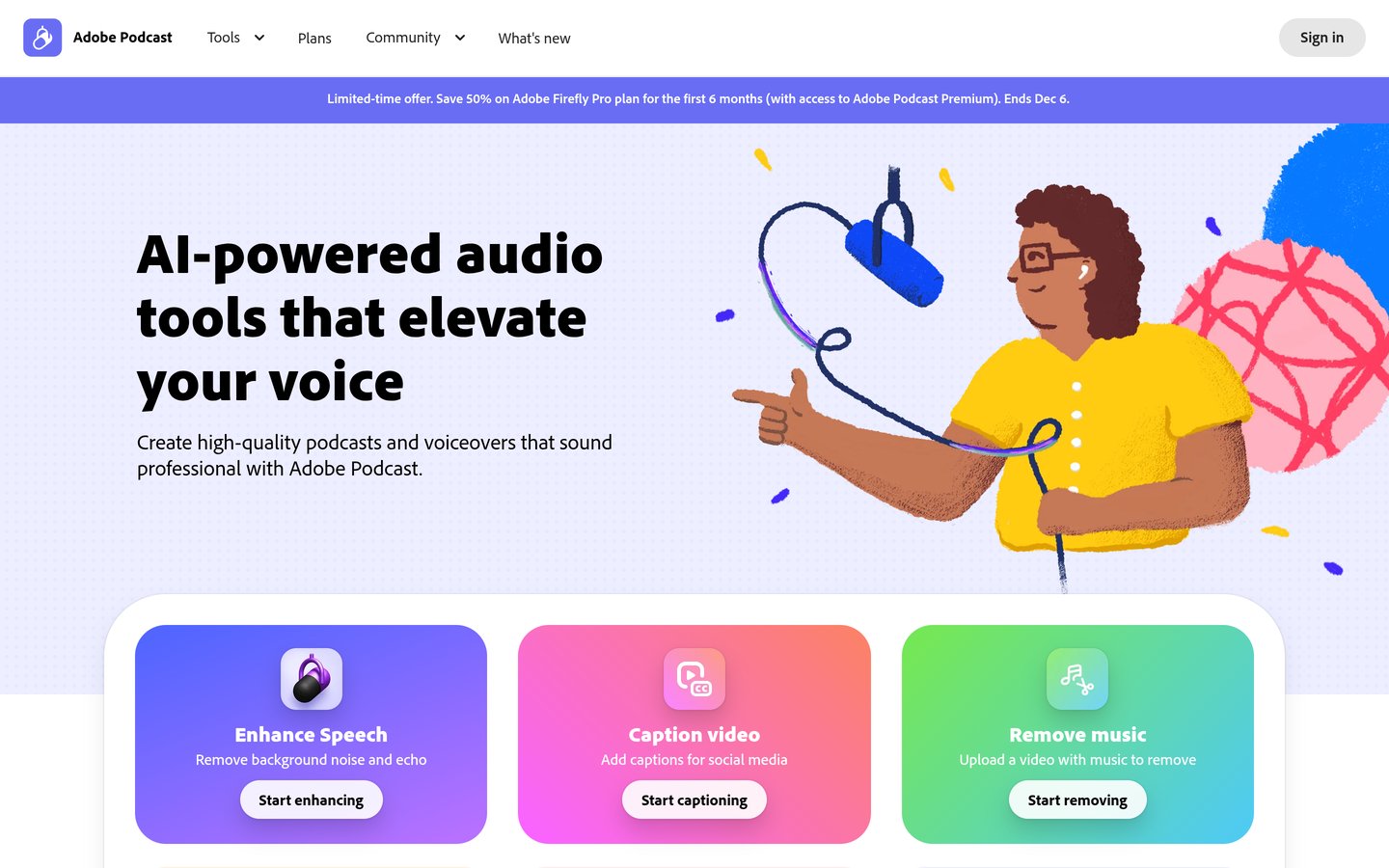
Adobe Podcast is the fastest way to rescue a noisy voice recording. Upload a file to Enhance Speech in your browser and the AI strips out background noise and room echo, returning audio that sounds close to a studio recording, with no software to install.
The trade off is the free tier cap and the thin review base. The free tier handles files up to 30 minutes with an hour of enhancement a day, and Premium costs $9.99 a month for longer files and bulk uploads. It suits podcasters who record in noisy rooms on bad microphones.
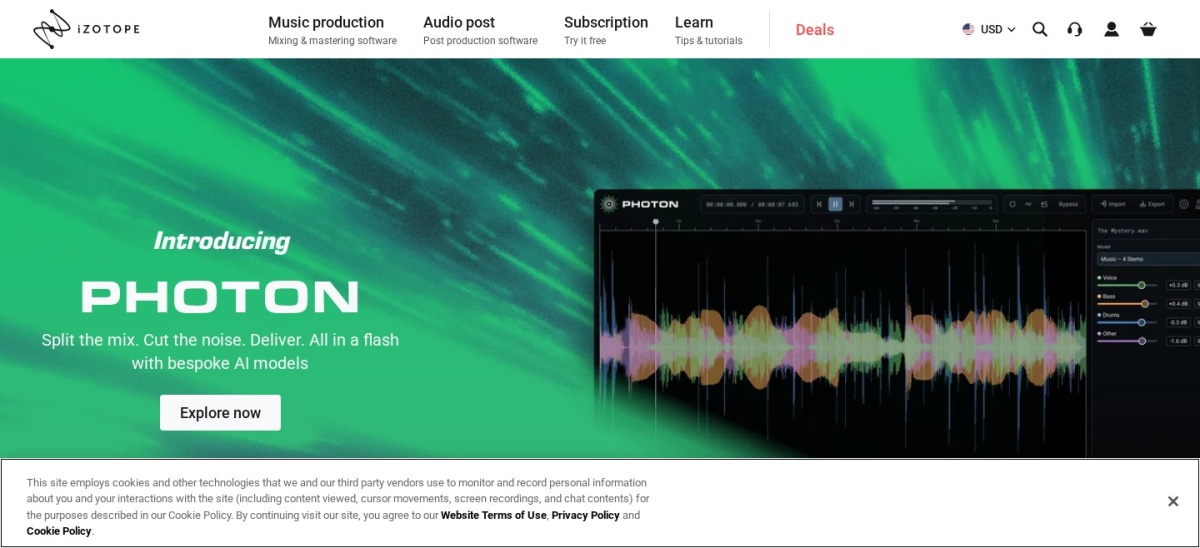
iZotope RX is the tool audio post professionals reach for when a recording is genuinely damaged. The current RX 12 line spans Elements at $99 for quick repairs, Standard at $399 with the standalone editor and core spectral tools, and Advanced at $1,399 for full post-production work.
The trade off is price and the thin review base. Standard at $399 is a real investment, and the 4.6 G2 rating rests on only 19 reviews, so smaller creators should start with Elements or Audacity. It suits post teams that need the deepest repair toolkit.
Descript is a text-based audio editor that rethought audio editing as word processing: delete a sentence from the transcript and it disappears from the audio. Its Studio Sound feature applies AI enhancement that removes background noise and room tone while polishing voice quality, all in one click.
The trade off is price. Hobbyist starts at $16 a month billed annually, or $24 billed monthly, so it costs more than Krisp or Audacity for noise removal alone. It suits podcasters and video creators who want editing and cleanup in one tool.
Adobe Audition is the full audio workstation that happens to include capable noise removal. Its noise reduction effect learns a noise print from a silent section and subtracts it, while de-hum, de-esser and click removal tools handle routine cleanup inside a familiar multitrack editor.
The trade off is the subscription. At $22.99 a month billed annually for the single app, you rent forever, and Adobe's built-in noise tools do not match the latest AI plugins for difficult speech. It suits video teams already on Creative Cloud.
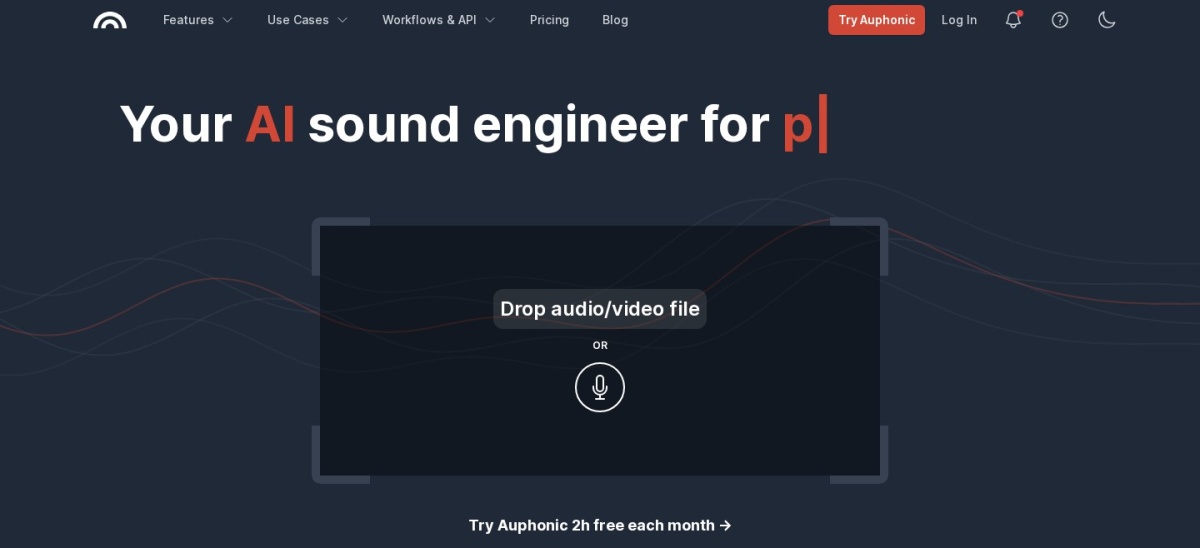
Auphonic is an automated audio post-production service that levels, cleans and masters audio for podcasts and broadcasts. It applies loudness normalisation and noise reduction in one processing workflow, so a batch of recordings comes out consistent without manual editing.
The trade off is the thin review base and the credit model. Auphonic scores 4.2 out of 5 on G2 from only 10 reviews, and paid plans start at $11 a month for a set amount of processing time. It suits podcasters who batch-process many episodes.
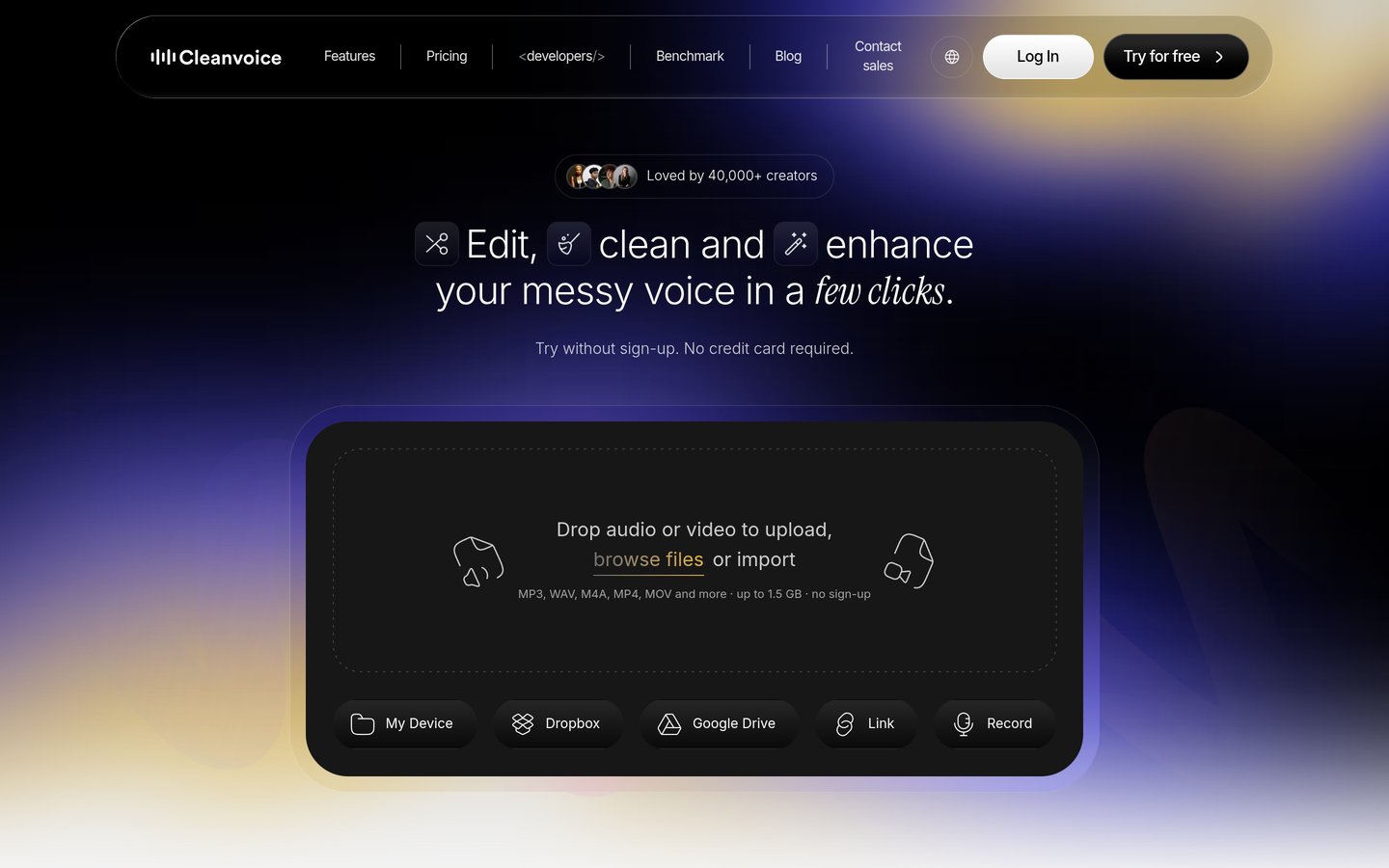
Cleanvoice AI is a cloud-based tool for podcast and video audio cleanup that removes filler sounds, stuttering and mouth sounds alongside background noise. It works in the browser with no software to install, and paid plans start at $11 a month for 10 hours of processing.
The trade off is the rating. Cleanvoice scores only 3.2 out of 5 on Trustpilot from 14 reviews, with a June 2026 review calling the output unusable, so trial it on a real episode before paying. It suits podcasters who want filler removal as well as noise cleanup.
Subscriptions dominate the live-call tools. Krisp Core costs $8 a user a month billed annually, Descript Hobbyist costs $16 a month, Adobe Audition costs $22.99 a month, and Adobe Podcast Premium costs $9.99 a month.
Perpetual licences dominate the repair tools. iZotope RX Elements costs $99 one-time, with Standard at $399 and Advanced at $1,399, so a post team buys once and keeps the tool.
Free tools cover real needs. NVIDIA Broadcast is free for RTX graphics card owners, Audacity is free and open source, and Auphonic and Adobe Podcast both offer free tiers for occasional use.
How we chose
We started from the audio noise reduction tools that appear most often in current comparisons and G2 categories, then kept those with a verifiable rating on G2, Capterra or Trustpilot and a published price.
Prices come from vendor pricing pages as read by current comparisons in November 2026. Ratings and review counts come from G2 and Trustpilot on 24 November 2026. Krisp, Descript and Audition prices are second-hand and are flagged in the notes.
We left out Audo Studio, Waves Clarity Vx and Acon Digital because no verifiable G2, Capterra or Trustpilot rating with a review count could be found for them. No vendor paid for a place, and we do not claim hands-on testing for this list.
How to choose audio noise reduction software
Start with live calls or recordings, then check your hardware and budget.
Decide live or recorded. Live calls need Krisp or NVIDIA Broadcast, while recordings need Audacity, iZotope RX or Adobe Podcast. A tool that only works on recordings cannot help a live meeting.
Check your hardware. NVIDIA Broadcast needs an RTX graphics card and Windows, while Krisp and Audacity run on most machines. Confirm your computer can run the tool before you buy.
Compare the price shape. Subscriptions like Krisp at $8 a month rent the tool, while perpetual licences like iZotope RX Elements at $99 one-time are bought once. Work out the cost over two years, not one month.
Trial with a real recording. Run a noisy recording or a real call through the trial and listen to the result on headphones before you commit to a paid plan.
FAQ
What is the best audio noise reduction software?
Krisp is the best pick for live calls, removing background noise in every meeting app at $8 a user a month. NVIDIA Broadcast is the best free pick for RTX graphics card owners, and Audacity is the best free tool for cleaning up recordings by hand.
What is the cheapest audio noise reduction software?
NVIDIA Broadcast and Audacity are free, with NVIDIA Broadcast needing an RTX graphics card and Audacity needing no hardware at all. Krisp is the cheapest paid live-call tool at $8 a user a month billed annually, and iZotope RX Elements costs $99 one-time.
Is there free audio noise reduction software?
Yes. NVIDIA Broadcast is free for RTX graphics card owners, Audacity is free and open source, and Adobe Podcast and Auphonic both offer free tiers. Krisp no longer has a permanent free plan, only a 7-day free trial.
How much does Krisp cost?
Krisp Core costs $8 a user a month billed annually, or $16 billed monthly. Krisp renamed its plans on 1 November 2026 and removed the permanent free plan, so new users get only a 7-day free trial before paying.
Which noise reduction tool is best for podcasts?
Adobe Podcast suits podcasters who want one-click cleanup in the browser, with a free tier for files up to 30 minutes. Descript combines cleanup with text-based editing at $16 a month, and Auphonic automates levelling and noise reduction for batches of episodes.
Do noise reduction tools work in real time?
Some do. Krisp and NVIDIA Broadcast clean up live calls as they happen, with Krisp working in every meeting app and NVIDIA Broadcast running on the GPU. Audacity, iZotope RX and Adobe Podcast only work on recordings you can replay.