Best Audio Conferencing Software in 2026: 9 Tools Compared
WLWPLegible EditorsLast verified 24 Nov 2026How we rank12 min read
★ Short answer
Zoom is the best audio conferencing software for most teams, with the most reliable meetings and a link every guest recognises at $14 a user a month. Microsoft Teams suits companies on Microsoft 365 at $4 a user a month, while Google Meet is the default for Google Workspace teams at $7 a user a month.
How we make this list: we compare pricing pages, product documentation and public user reviews, then re-check every price before each update. No product paid for a place. Disclosure.
Zoom is the top pick for most teams, with Pro at $14.16 a user a month billed annually and the most reliable meetings in this list.
Microsoft Teams Essentials costs $4 a user a month billed annually, the cheapest paid plan here, and is included in most Microsoft 365 plans.
Google Meet comes inside Google Workspace at $7 a user a month, with a free plan that allows 60-minute group meetings.
Zoho Meeting starts at $3 a user a month and FreeConferenceCall.com is free for basic use with dial-in numbers.
Dialpad AI Meetings adds automated notes, action items and summaries, and is rated 4.5 out of 5 on Capterra from 602 reviews.
What to look for in audio conferencing software
Audio conferencing software lets a team meet by phone or computer audio, with dial-in numbers, screen sharing and recording alongside the call. The best tools combine reliable audio, easy guest joining and meeting notes in one place.
Dial-in numbers matter because not every guest has a good connection or a quiet room. Look for local numbers in your callers' countries, one-click joining and the ability to record the call without an add-on.
Pricing is per user per month on most tools, and the suite bundles change the maths. Teams Essentials costs $4 a user a month, Google Meet comes inside Workspace at $7, and Zoom Pro costs $14.16, so check what your company already pays for before buying a standalone tool.
Free plans cap meeting length. Zoom caps group meetings at 40 minutes and Google Meet at 60 minutes, so teams that meet for longer need a paid plan even if the free tier looks generous.
4.6/5on Capterra (14682 reviews, checked Nov 2026)
Starts at$14.16 per user/user/mo
Best audio conferencing software overall
MeetingsUp to 30 hours on Pro
ParticipantsUp to 100 on Pro
Recording10 GB cloud recording
Paid planPro, $14.16/user/mo
zoom.com
Zoom homepage, captured Nov 2026.
Zoom is the meeting platform guests already know how to join, which matters more than any feature when you meet clients, candidates or students. Pro costs $14.16 a user a month billed annually and lifts meetings from 40 minutes to 30 hours, with 10 GB of cloud recording per licence and unlimited AI meeting notes and summaries.
The trade off is price. At $14.16 a user a month, Zoom Pro costs more than Teams Essentials at $4 or Google Meet at $7, and the free plan caps group meetings at 40 minutes. It suits teams that want the most reliable meetings and a link every guest recognises.
4.5/5on Capterra (11159 reviews, checked Nov 2026)
Starts at$4 per user/user/mo
Best for Microsoft 365 teams
MeetingsUp to 30 hours
ParticipantsUp to 300
RecordingYes, with transcripts
Paid planEssentials, $4/user/mo
microsoft.com
Microsoft Teams homepage, captured Nov 2026.
Microsoft Teams is the meeting platform for businesses on Microsoft 365, or any team that wants the cheapest paid meeting plan. Teams Essentials costs $4 a user a month billed annually and runs group meetings up to 30 hours for 300 people, with recordings, transcripts, chat and 10 GB of cloud storage per user.
The trade off is that Essentials is Teams alone. It has no business email, so teams that want Outlook, OneDrive and web Office apps need Microsoft 365 Business Basic at $7 a user a month. It suits companies already paying for Microsoft 365, where Teams is effectively free.
4.5/5on Capterra (12174 reviews, checked Nov 2026)
Starts at$7 per user/user/mo
Best for Google Workspace teams
MeetingsUp to 24 hours on paid plans
ParticipantsUp to 100
RecordingBusiness Standard and up
Paid planWorkspace Starter, $7/user/mo
google.com
Google Meet homepage, captured Nov 2026.
Google Meet is the meeting tool inside the suite most small businesses already use, so a meeting link lands in every calendar invite automatically. Business Starter costs $7 a user a month billed annually and includes Meet for up to 100 participants alongside business email, Docs, Drive and Gemini AI.
The trade off is recording. Meet recording needs Business Standard at $14 a user a month or higher, which catches out teams that record every call. It suits small businesses that live in Gmail and Google Calendar and want nothing new to learn.
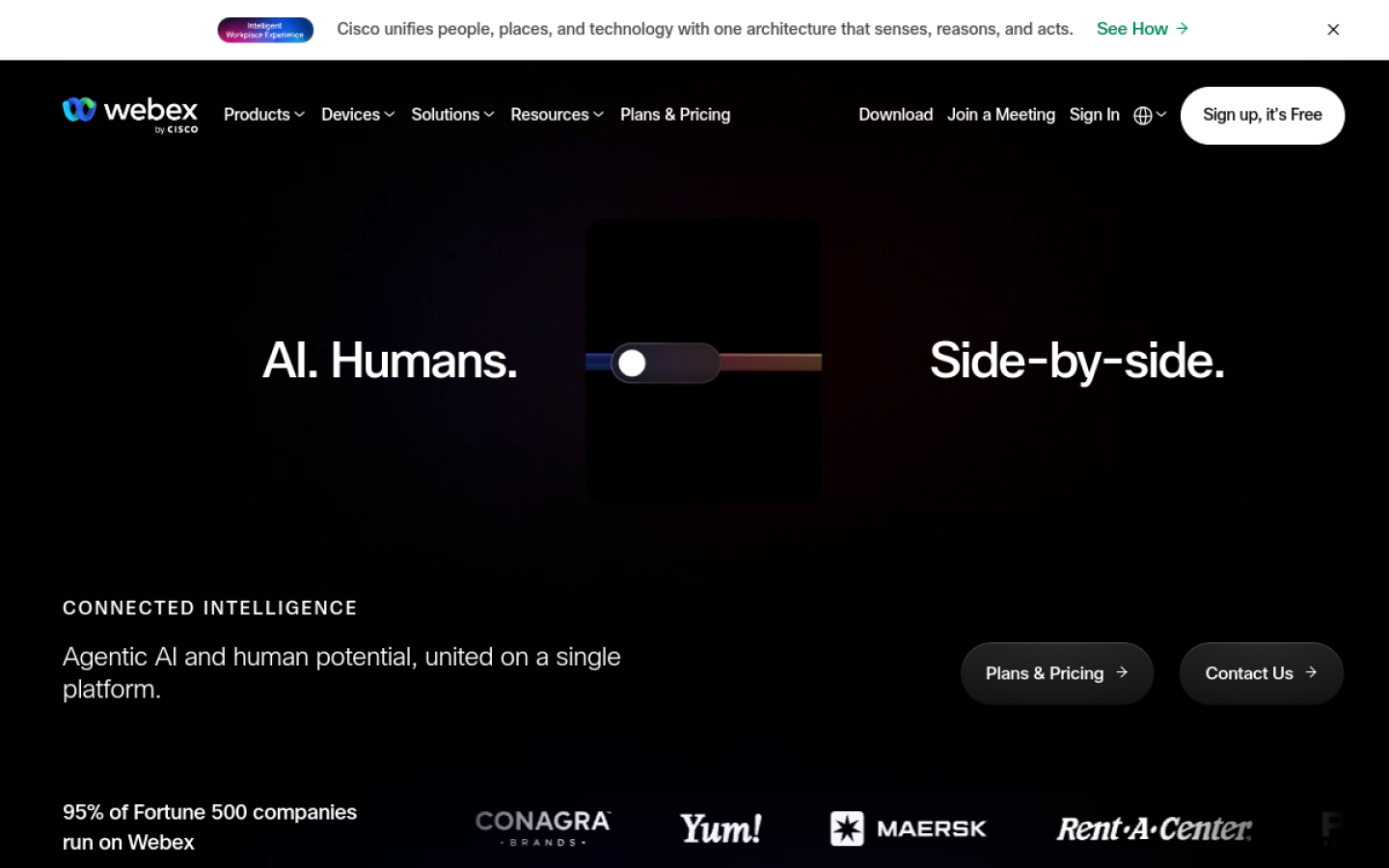
Webex is Cisco's meeting platform and the compliance choice for enterprises, government, healthcare and education. Webex Meet costs $12 a licence a month and runs meetings up to 24 hours for up to 200 participants, twice Zoom Pro's cap, with the Webex AI Assistant included and end-to-end encryption options.
The trade off is that Webex is the heavier choice for small teams. It has fewer casual users than Zoom or Meet, so guests may need to install the app, and the full Suite costs $22.50 a licence a month. It suits organisations where the security review matters as much as the meeting.
4.4/5on Capterra (11531 reviews, checked Nov 2026)
Starts at$12 per user/user/mo
Best for simple business meetings
MeetingsUnlimited
ParticipantsUp to 250
RecordingYes, cloud recording
Paid planProfessional, $12/user/mo
goto.com
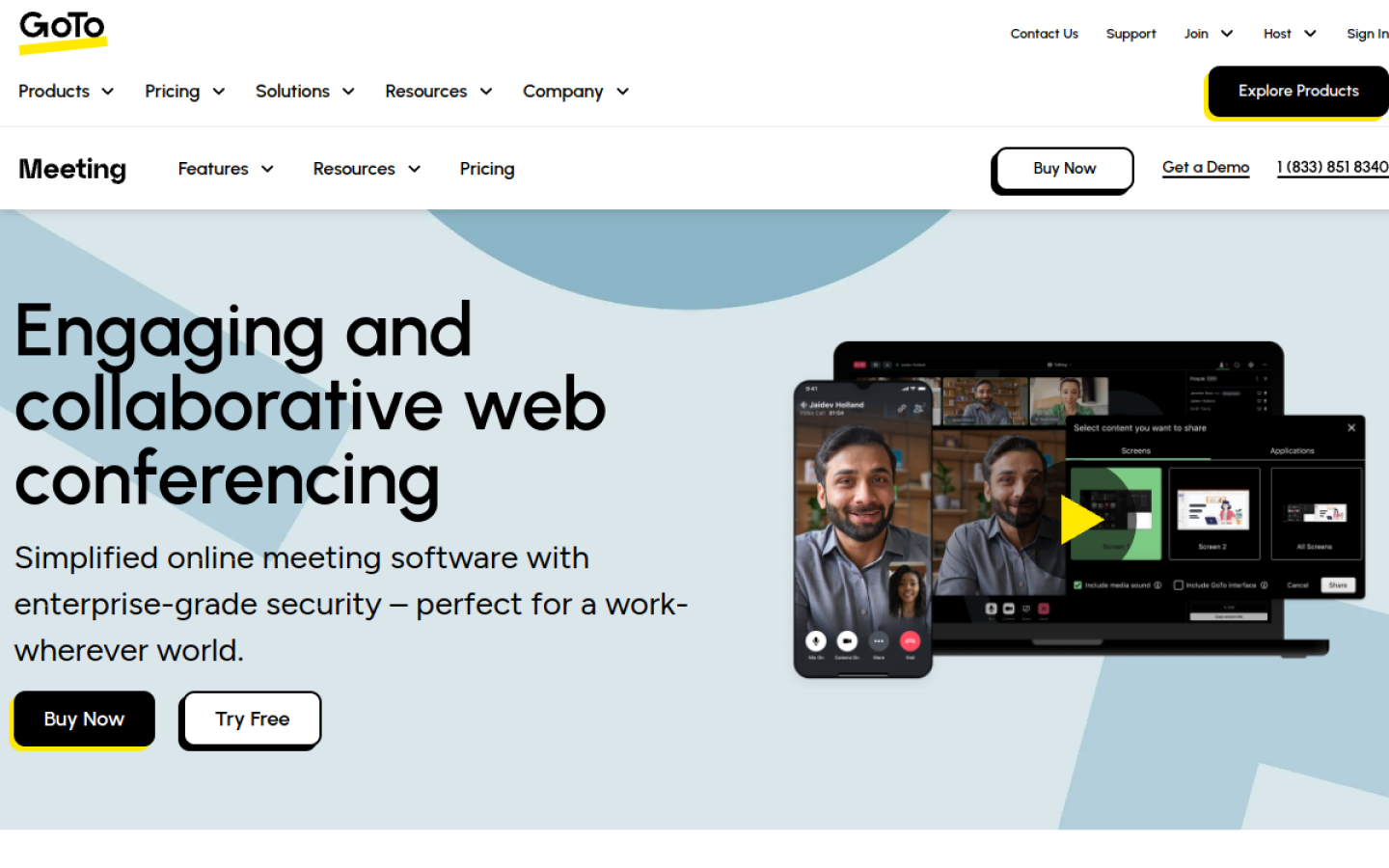
GoTo Meeting homepage, captured Nov 2026.
GoTo Meeting is a no-frills meeting tool for small teams that want dependable audio and video without a learning curve. Professional costs $12 a user a month and covers meetings, screen sharing and recording, with a familiar dial-in option for guests who join by phone.
The trade off is price against features. At $12 a user a month it costs the same as Webex Meet but has fewer AI features and no free plan, so teams that want summaries or a free tier should look at Zoom or Zoho Meeting. It suits small teams that want a simple, dependable tool.
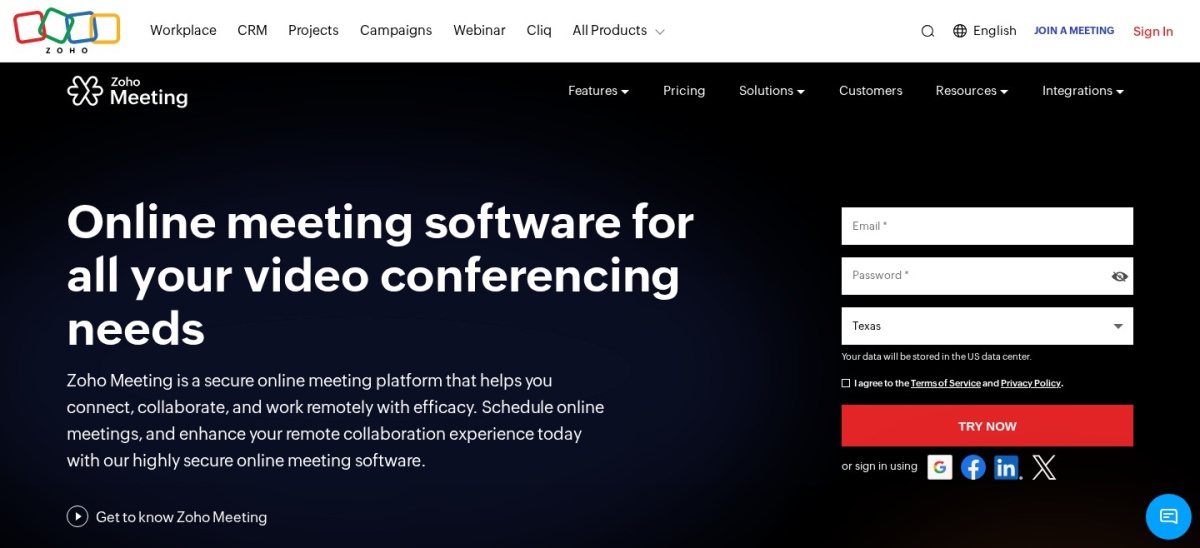
Zoho Meeting is the affordable meeting tool for small businesses, with a free tier for basic use and paid plans from $3 a user a month. It covers screen sharing, recording and webinars, and Zoho suite users get natural integration with Zoho CRM, Mail and Projects.
The trade off is scale. Zoho Meeting suits small teams better than large enterprises, and its webinar and AI features are lighter than Zoom's. It suits budget-conscious small businesses that already use Zoho apps.
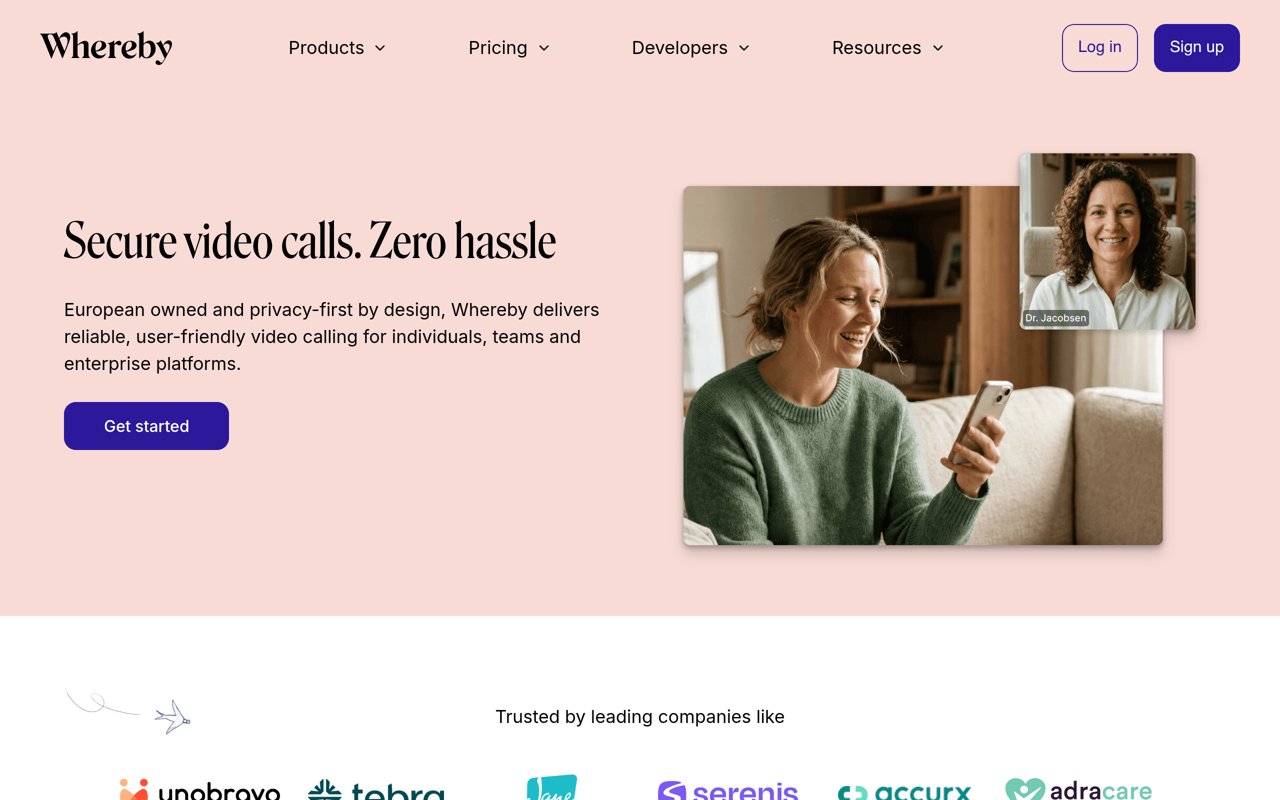
Whereby is a meeting tool that runs branded rooms entirely in the browser, so guests click and join without downloads or accounts. Pro costs $10.99 a month and covers group meetings with recording, and the API lets developers embed video in their own products.
The trade off is the meeting cap. Whereby suits freelancers, consultants and coaches better than large teams, and it has fewer enterprise admin controls than Zoom or Webex. It suits anyone who wants guests to join with one click and no app.
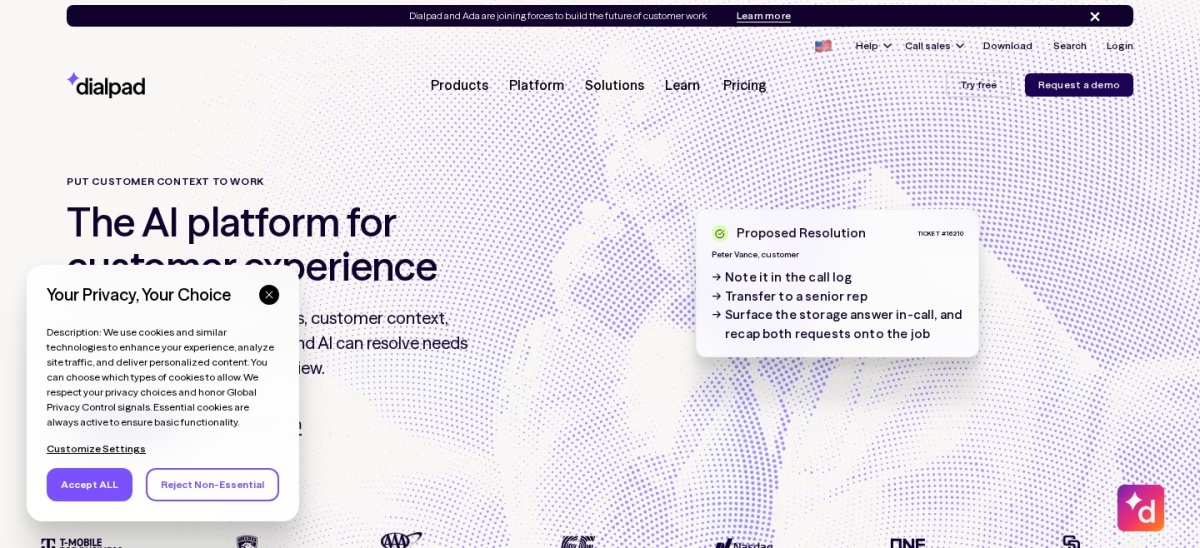
Dialpad AI Meetings is a meeting tool, formerly UberConference, that adds AI to the meeting with automated notes, action items and summaries that save the post-meeting writeup. It is rated 4.5 out of 5 on Capterra from 602 reviews, and the free tier covers basic use for sales teams and busy managers.
The trade off is that Dialpad is a phone system first. AI Meetings works best inside Dialpad's phone and messaging plans, so teams that only want meetings may find Zoom or Meet simpler. It suits sales teams that already use Dialpad for calls.
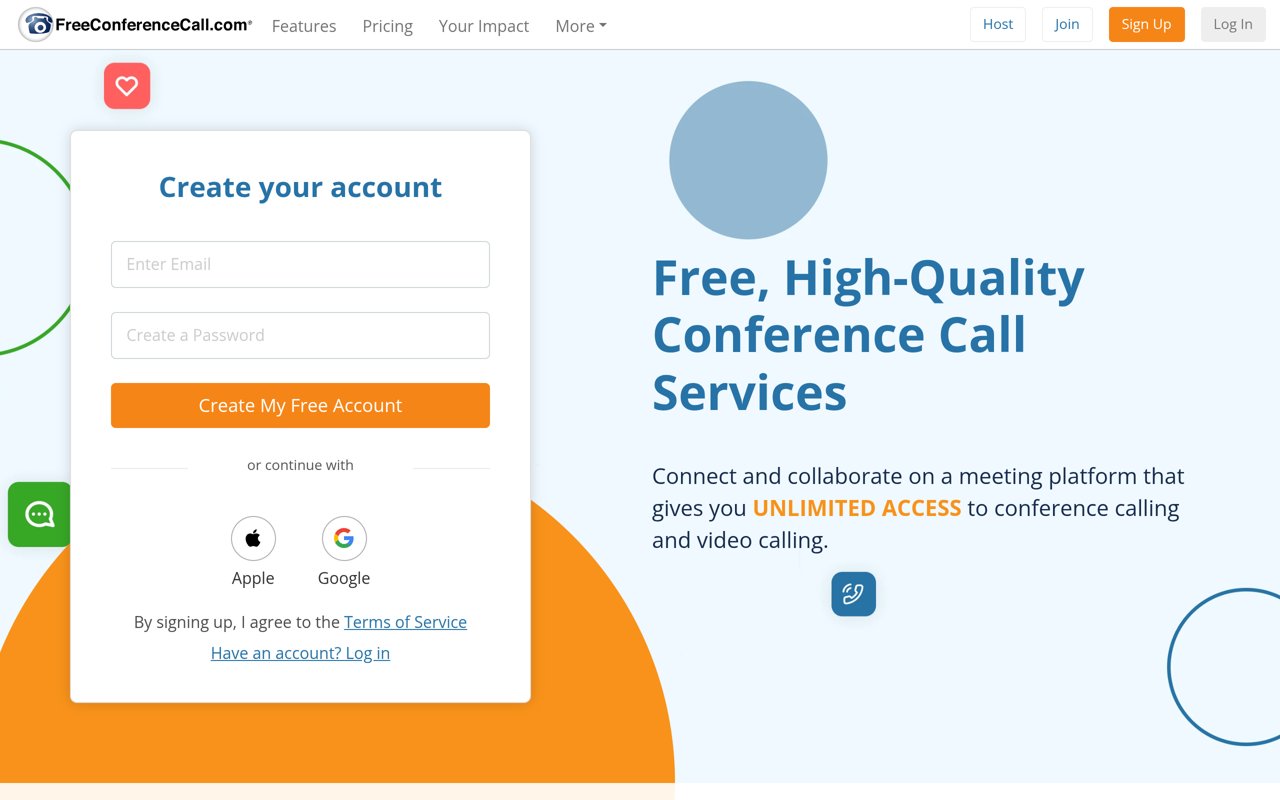
FreeConferenceCall.com homepage, captured Nov 2026.
FreeConferenceCall.com is video and audio conferencing software that provides dial-in numbers, screen sharing and global access, with a free plan for basic use. It is rated 4.5 out of 5 on Capterra from 376 reviews, and paid plans start at $3.95 a month for extra features.
The trade off is the feature set. FreeConferenceCall.com is simpler than Zoom or Webex, with fewer AI tools and admin controls, and its free plan is the draw rather than its paid tiers. It suits teams that mainly need a free dial-in number for audio calls.
Most tools charge per user per month. Zoom Pro costs $14.16 a user a month billed annually, Teams Essentials costs $4, Google Meet comes inside Workspace at $7, Webex Meet costs $12 a licence a month and GoTo Meeting costs $12 a user a month.
The budget picks are cheaper still. Zoho Meeting starts at $3 a user a month, FreeConferenceCall.com starts at $3.95 a month, and Whereby Pro costs $10.99 a month for one room rather than per user.
Free plans are real but capped. Zoom, Meet, Teams, Webex and FreeConferenceCall.com all offer free tiers, but group meeting length is capped at 40 or 60 minutes, so a team that meets for longer needs a paid plan.
How we chose
We started from the meeting and audio conferencing tools that appear most often in current comparisons and Capterra categories, then kept those with a verifiable rating on G2 or Capterra and a published price.
Prices come from vendor pricing pages as read by current comparisons in November 2026, or from vendor-supplied Capterra pricing where the vendor page does not publish a figure. Ratings and review counts come from Capterra and G2 on 24 November 2026. Zoom, Teams and Google Meet prices are second-hand and are flagged in the notes.
We left out RingCentral and Jitsi because the list was already at nine tools with stronger fits for the audio conferencing keyword, and we left out tools with no verifiable rating at all. No vendor paid for a place, and we do not claim hands-on testing for this list.
How to choose audio conferencing software
Start with what your company already pays for, then check dial-in and recording.
List what your company already pays for. Teams inside Microsoft 365 and Meet inside Google Workspace are effectively free, so a standalone tool has to beat a price of zero.
Check dial-in numbers. Guests without a good connection need a local dial-in number. Confirm local numbers exist in your callers' countries before you commit.
Compare the free plan caps. Zoom caps group meetings at 40 minutes and Google Meet at 60 minutes. If your meetings run longer, budget for a paid plan from the start.
Trial with a real meeting. Run a real team meeting with outside guests, test the dial-in number and check the recording and AI notes before you buy.
FAQ
What is the best audio conferencing software?
Zoom is the best pick for most teams, with the most reliable meetings and a link every guest recognises at $14.16 a user a month. Microsoft Teams suits companies on Microsoft 365 at $4 a user a month, and Google Meet is the default for Google Workspace teams at $7.
What is the cheapest audio conferencing software?
Microsoft Teams Essentials is the cheapest paid plan at $4 a user a month billed annually, and Zoho Meeting starts at $3 a user a month. FreeConferenceCall.com is free for basic use with dial-in numbers, and Dialpad AI Meetings also has a free tier.
Is there free audio conferencing software?
Yes. Zoom, Google Meet, Microsoft Teams, Webex, Zoho Meeting, Dialpad AI Meetings and FreeConferenceCall.com all offer free tiers. Zoom caps group meetings at 40 minutes and Google Meet at 60 minutes, so longer meetings need a paid plan.
How much does Zoom cost?
Zoom is free for basic use with group meetings capped at 40 minutes. Pro costs $14.16 a user a month billed annually, or $16.99 billed monthly, and lifts meetings to 30 hours with 10 GB of cloud recording and AI Companion summaries included.
Which audio conferencing tool is best for sales teams?
Dialpad AI Meetings suits sales teams with automated notes, action items and summaries after every call. Zoom Pro also includes AI Companion summaries, and RingCentral combines meetings with a full business phone system for teams that want one vendor.
Do audio conferencing tools include dial-in numbers?
Most do. FreeConferenceCall.com, GoTo Meeting, Zoom, Webex and Dialpad all offer dial-in numbers so guests can join by phone. Check that local numbers exist in your callers' countries, as international dial-in can cost extra.