Best Art Gallery Software in 2026: 9 Tools Compared
WLWPLegible EditorsLast verified 24 Nov 2026How we rank12 min read
★ Short answer
Artlogic is the best art gallery software for established galleries, combining inventory, website, CRM and marketing in one platform from £156 a month. Art Galleria suits growing galleries at $65 a month, while Artwork Archive is the budget pick for artists and small galleries at $8 a month.
How we make this list: we compare pricing pages, product documentation and public user reviews, then re-check every price before each update. No product paid for a place. Disclosure.
Artlogic is the default for established commercial galleries, with inventory, website, CRM and marketing from £156 a month.
Art Galleria costs $65 a month billed annually and includes guided setup and data import for growing galleries.
Artwork Archive is the budget pick at $8 a month, with the highest Capterra rating in this list at 4.9 out of 5.
ArtBinder suits mobile-first teams that work from phones at fairs and client visits, at $99 a month.
ArtSystems costs $2,595 a year and suits established galleries with complex multi-currency accounting needs.
What to look for in art gallery software
Art gallery software keeps one record for every artwork, artist, collector and sale, so a work sold at a fair updates the website, the collector record and the invoice without retyping. The best tools combine inventory, consignments, invoicing, CRM and a website in one system.
Consignments are the core job. Look for consignment tracking, commission splits, artist statements and the ability to record where each work is and who owns it.
A connected website matters because it should sync with inventory automatically. When a work sells, it should leave the website at once, without a staff member updating two systems.
Pricing is often in pounds or euros, and several vendors sell by quote or per user. Compare the currency and the billing shape, not just the headline number, before you shortlist.
List prices in each vendor's currency, checked Nov 2026
Artlogic£156
Artwork$96
Masterpiece$468
Primer$540
Art Galleria$780
ArtBinder$1,188
Artfundi$1,188
Veevart$1,620
ArtSystems$2,595
The 9 best art gallery software tools
01
Artlogic
4.7/5on Capterra (45 reviews, checked Nov 2026)
Pricing£156/mo
Best art gallery software overall
InventoryYes, with consignments
WebsiteYes, synced to inventory
CRMYes, with sales pipeline
Paid planGallery Platform, £156/mo
artlogic.net
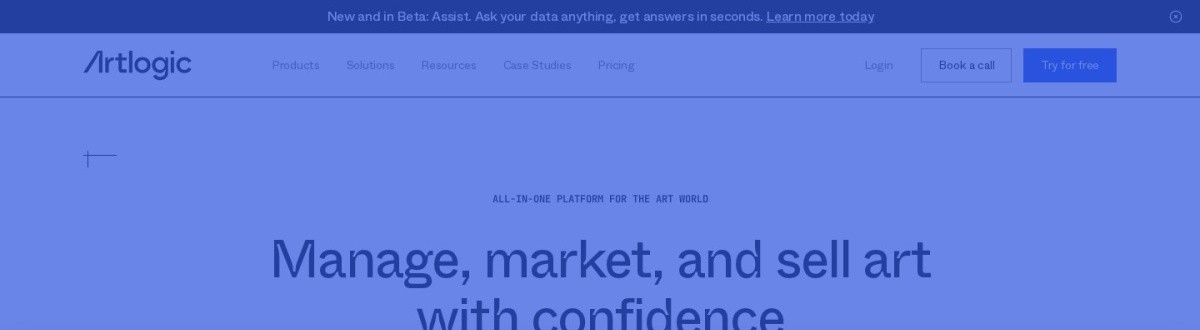
Artlogic homepage, captured Nov 2026.
Artlogic is an all-in-one platform for the art world, covering inventory management, website building, marketing and selling art. The Gallery Platform bundles the management database with a website that syncs to inventory, a sales pipeline with offer tracking and marketing email, so a work sold at the fair updates the website, the collector record and the invoice without retyping.
The trade off is price and currency. The Gallery Platform starts at £156 a month, priced in pounds, with no free plan, only a consultation call. It suits established galleries that want one system for inventory, website, CRM and marketing.
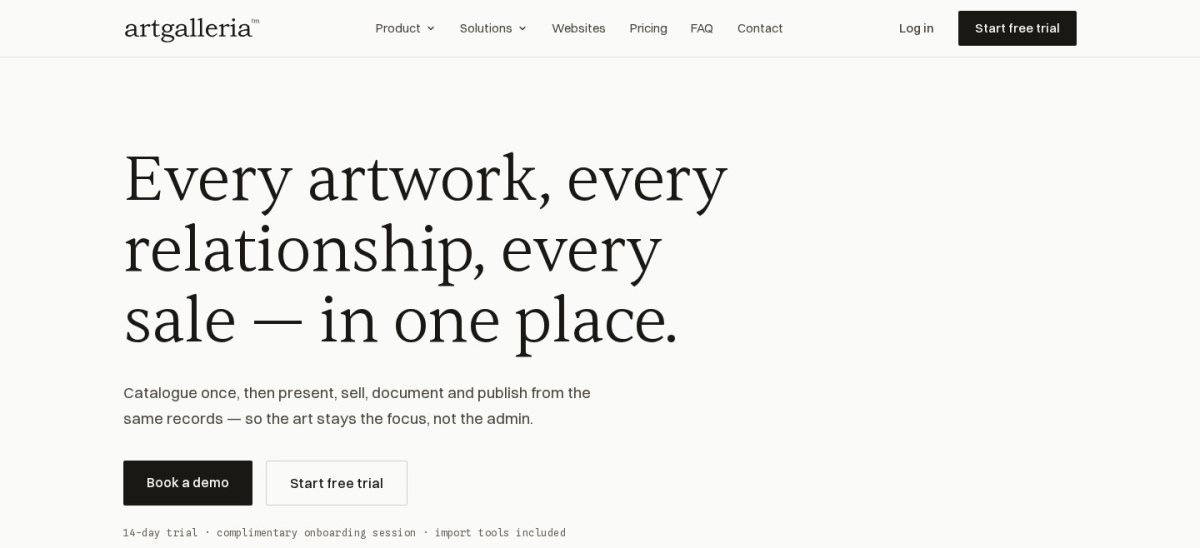
Art Galleria is art business management software built around cataloguing once and then presenting, selling, documenting and publishing from the same records. It suits growing galleries that want guided setup and data import included, with inventory, consignments, invoicing and a connected website. Gallery Starter costs $65 a month billed annually, or $78 month to month.
The trade off is review depth. With 37 Capterra reviews it has a smaller review base than Artwork Archive, and the price rises if you pay monthly. It suits galleries that want to catalog once and sell from the same records.
Artwork Archive is a collection management tool for artists, collectors and organisations that helps you catalog artworks, track sales and manage client relationships. It is rated 4.9 out of 5 on Capterra from 110 reviews, the highest rating in this list, with users praising its ease of use. Artist and collector plans start at $8 a month billed annually, with organisation plans from $29 a month.
The trade off is scope. It is built for artists and small collections first, so a large commercial gallery will outgrow it sooner than Artlogic. It suits artists and small galleries on a tight budget that want professional inventory and reports.
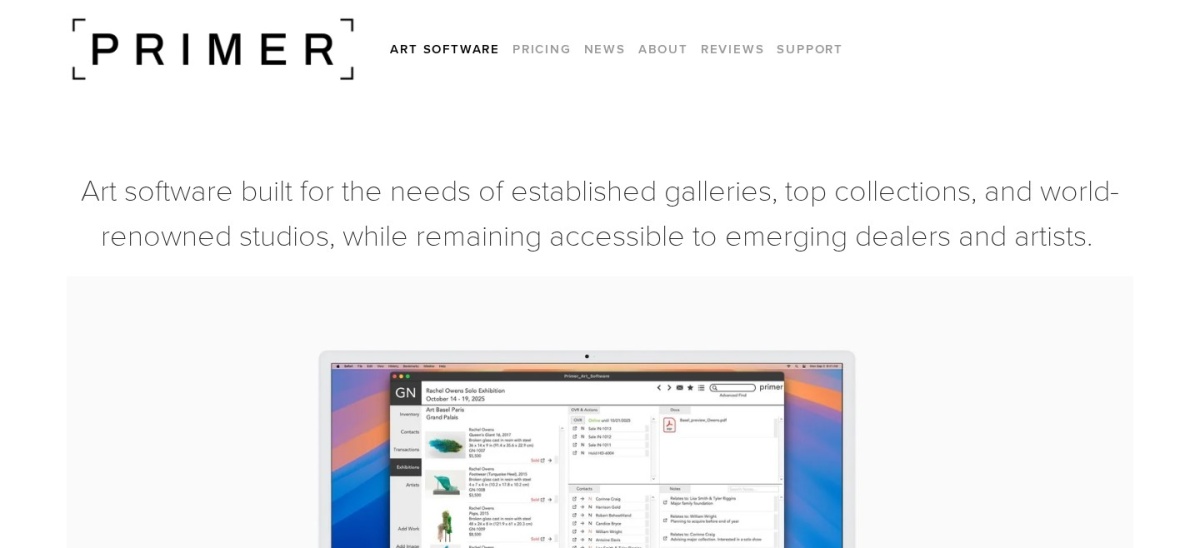
Primer is a gallery management tool rated 5.0 out of 5 on Capterra from 34 reviews, with users rating its ease of use at 4.9 out of 5. It covers inventory, sales and client records for galleries that want a straightforward system without the scope of Artlogic. The starting price is $45 a month.
The trade off is scale. Primer is a smaller product with fewer published details on advanced features, so a large gallery should confirm its consignment and accounting tools first. It suits small galleries that want a simple, well-liked system.
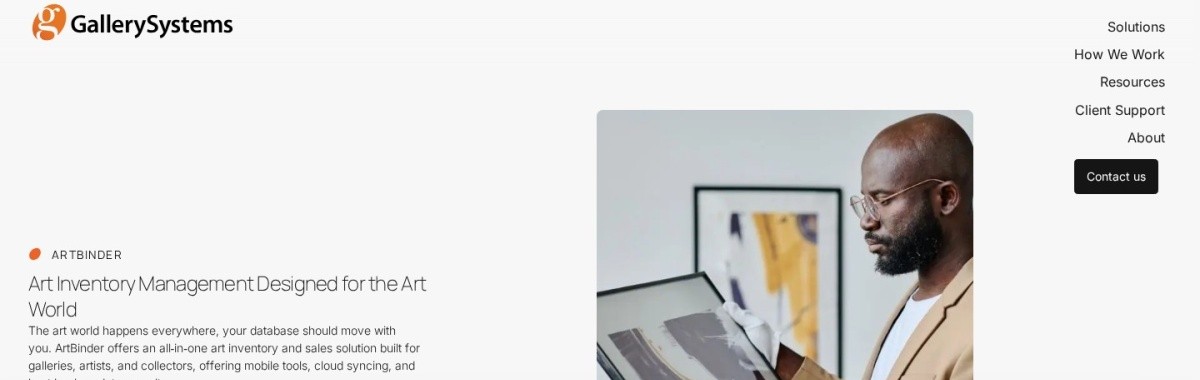
ArtBinder is a mobile-first art inventory and sales tool for galleries, artists, collectors and designers. It is the art world's first on-the-go inventory tool, letting teams organise artworks, showcase pieces, sell and send invoices directly from an iPad at fairs and client visits. Capterra lists it at $99 a month with a free trial.
The trade off is the review base. With only 4 Capterra reviews, the 4.8 rating rests on very few voices, and another source lists $2,340 a year instead of $99 a month. It suits gallery teams that work from phones and tablets at fairs.
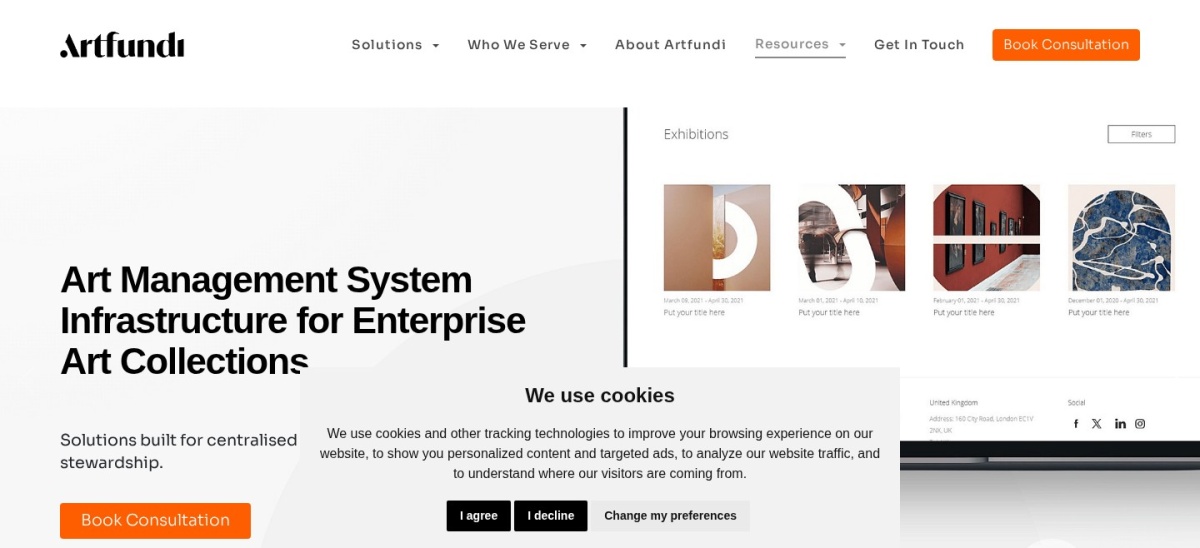
Artfundi is an enterprise art collection management platform that helps organisations centralise collection data, strengthen governance and protect valuable cultural assets. It combines collection management, executive reporting, role-based security, audit trails and real-time artwork tracking. It is rated 5.0 out of 5 on Capterra from 13 reviews, and the SIMPLIFY plan costs $99 a month.
The trade off is fit. Artfundi is built for institutions, corporate collections, museums and foundations, so a small commercial gallery will find it heavier than it needs. It suits institutions that need audited security and asset governance.
Masterpiece Manager is gallery management software for small galleries, with inventory, artist management, sales tracking, consignments and point of sale. It serves more than 1,400 art gallery clients worldwide, and Capterra lists it at $39 a month with a 4.6 rating from 32 reviews. A desktop version is also sold as a one-time licence.
The trade off is price confusion. One source lists a $1,900 one-time desktop licence instead of the $39 monthly plan, so confirm which product you are buying. It suits small galleries that want bundled business tools at a low monthly price.
What we like
Over 1,400 gallery clients worldwide
Inventory, POS and consignments included
One-time desktop licence available
Watch out for
Price differs between monthly and desktop versions
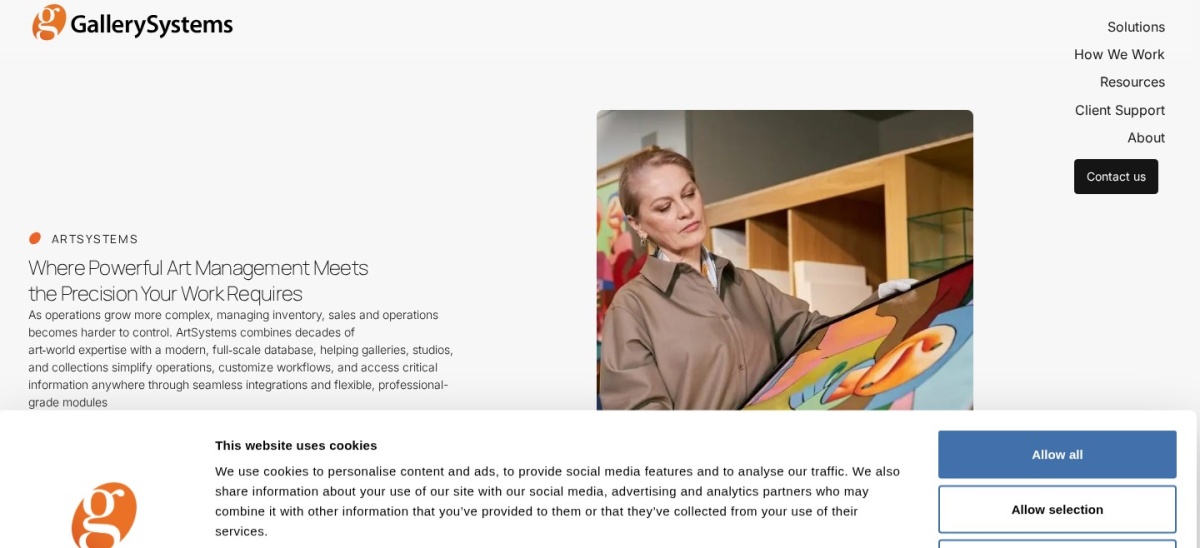
ArtSystems is a powerful integrated art management system used by top commercial galleries, artist studios and collections worldwide. It is built for galleries with complex multi-currency accounting needs, with deep tracking and reporting on everything to do with artworks. It is rated 5.0 out of 5 on Capterra from 26 reviews, and the starting price is $2,595 a year.
The trade off is price. At $2,595 a year it is the most expensive tool in this list, and there is no free plan, only a demo on request. It suits established galleries with complex accounting and multi-currency sales.
Veevart is a Salesforce-based platform for museums and cultural institutions that combines CRM, fundraising, ticketing, point of sale, memberships and collection management. It suits galleries and museums that already run Salesforce and want visitor, donor and membership data in one place, with reporting dashboards and a gift shop app included.
The trade off is fit and price. Veevart is built for museums first, so a commercial gallery will find ticketing and fundraising tools it may not need, and pricing is by demo with a $135 starting figure on Capterra. It suits institutions that want a Salesforce-based all-in-one system.
Most gallery tools charge a monthly subscription, often per user. Art Galleria costs $65 a month billed annually, Artwork Archive starts at $8 a month, and Masterpiece Manager lists $39 a month.
British vendors price in pounds. Artlogic starts at £156 a month for its Gallery Platform, and the figure is not a US dollar price, so convert it before comparing with dollar tools.
A few tools sell differently. ArtSystems costs $2,595 a year, and Veevart lists a $135 starting price on Capterra with pricing by demo, so the cheapest headline is not always the cheapest bill.
How we chose
We started from the art gallery tools that appear most often in current comparisons and Capterra categories, then kept those with a verifiable rating and a published price.
Prices come from each vendor's pricing page or vendor-supplied Capterra pricing, checked on 24 November 2026. Ratings and review counts come from Capterra on the same day. Prices in pounds or euros are shown in that currency and are not converted to dollars.
We left out tools with no verifiable rating on G2, Capterra or Trustpilot, and we left out ArtCloud because it is now presented as Artlogic Connect, the same product under a new name. We also left out CollecOnline because it ceased operating in 2025 and its site is now a shutdown notice. No vendor paid for a place, and we do not claim hands-on testing for this list.
How to choose art gallery software
Start with your inventory size and whether you sell online, then check the currency.
List what you must track. Inventory, consignments, artist records, collector records and invoicing are the core jobs. Anything missing from that list will cost staff time.
Check the website sync. The website should update from inventory automatically. Ask for a demo showing a work selling and leaving the site.
Compare currencies carefully. British tools price in pounds and European tools in euros. Convert to your currency before comparing with dollar-priced tools.
Trial with your real inventory. Import a sample of real artworks and consignments and run a sale through the system before you commit to a year.
FAQ
What is the best art gallery software?
Artlogic is the best pick for established galleries, combining inventory, website, CRM and marketing in one platform from £156 a month. Art Galleria suits growing galleries at $65 a month, and Artwork Archive is the budget choice at $8 a month.
What is the cheapest art gallery software?
Artwork Archive is the cheapest at $8 a month for artists and collectors billed annually, with organisation plans from $29 a month. ArtBinder costs $99 a month, and Masterpiece Manager lists $39 a month.
Does art gallery software include a website?
Most of these tools do. Artlogic, Art Galleria, ArtCloud and Masterpiece Manager build a gallery website that syncs with inventory, so a sold work leaves the site automatically. Artwork Archive also offers public portfolio pages.
Can art gallery software track consignments?
Yes, consignment tracking is a core feature of gallery software. Artlogic, Art Galleria, ArtBinder and Masterpiece Manager all record consignments, commission splits and artist statements, and show where each work is located.
Is there free art gallery software?
No tool in this list has a permanent free plan, though several offer free trials. Artwork Archive and Art Galleria both offer 14-day trials, and GalleryTool has a free Starter tier for up to 50 artworks.
Which art gallery software is best for artists?
Artwork Archive is the best fit for artists, with inventory, contacts, sales tracking and professional reports from $8 a month. It is rated 4.9 out of 5 on Capterra from 110 reviews, the highest rating in this list.