WLWPLegible EditorsLast verified 22 Nov 2026How we rank11 min read
★ Short answer
Figma AI is the top pick for product design teams because its Professional Full seat starts at $16/month with 3,000 monthly AI credits inside a mature collaborative editor. Non-designers should look at Visily ($11/editor/month) or Uizard ($12/month) for rapid wireframing.
How we make this list: we compare pricing pages, product documentation and public user reviews, then re-check every price before each update. No product paid for a place. Disclosure.
Figma AI pairs native design systems with 3,000 monthly AI credits on its $16/month Professional Full seat.
Visily has the lowest entry price at $11/editor/month billed annually ($132/year) and includes 3,000 AI credits.
Uizard starts at $12/month billed annually ($144/year) for 500 monthly AI generations and React/CSS handoff.
UX Pilot offers 80 free daily credits on its free tier, while its Pro plan runs $19/month billed annually ($29 monthly).
Miro AI adds collaborative diagramming and research synthesis starting at $8/member/month billed annually ($96/year).
What to look for in an AI UX design tool
AI UX tools fall into two camps: canvas editors that generate editable wireframes and components, and prompt-to-code builders that output live web apps. Before picking a subscription, decide whether your team needs layered design files for Figma or working React prototypes for stakeholder demos.
Pay close attention to credit math rather than headline monthly prices. Almost every vendor meters AI generation through monthly credits or message caps, and complex multi-screen flows burn credits far faster than single-screen edits or background removals.
Check export paths and seat rules early. Some platforms lock Figma export, React handoff, or private projects behind paid tiers, while seat-based tools charge separately for editors versus free viewers.
Figma AI embeds screen generation, layer renaming, visual search, and interactive prototyping directly into Figma's design workspace. The free Starter plan includes three collaborative files, unlimited personal drafts, and 500 AI credits per month capped at 150 per day.
The trade off is seat pricing and variable credit consumption on complex prompts like Figma Make, with Professional Full seats starting at $16/month ($192/year). It suits established UI/UX teams that want AI speed without leaving their shared design system.
What we like
Generates editable vectors and components inside existing design files
Generous 3,000 monthly AI credits on Professional Full seats
Free viewer seats let stakeholders comment at no extra cost
Backed by 1,599 G2 reviews with a 4.7/5 rating
Watch out for
Heavy Figma Make prototyping can burn through credits quickly
Interface depth creates a steeper learning curve for non-designers
Professional Full ($16/mo) unlocks unlimited files, team libraries, and 3,000 monthly AI credits.Visit figma.com
02
Visily
4.4/5on G2 (36 reviews, checked Nov 2026)
Paid from$11/mo
Best for non-designers and product managers
Entry paid planPro ($11/editor/mo annual)
AI allowance3,000 credits/month
Free tier2 boards, 300 credits/mo
Primary outputWireframes, Figma & code
visily.ai
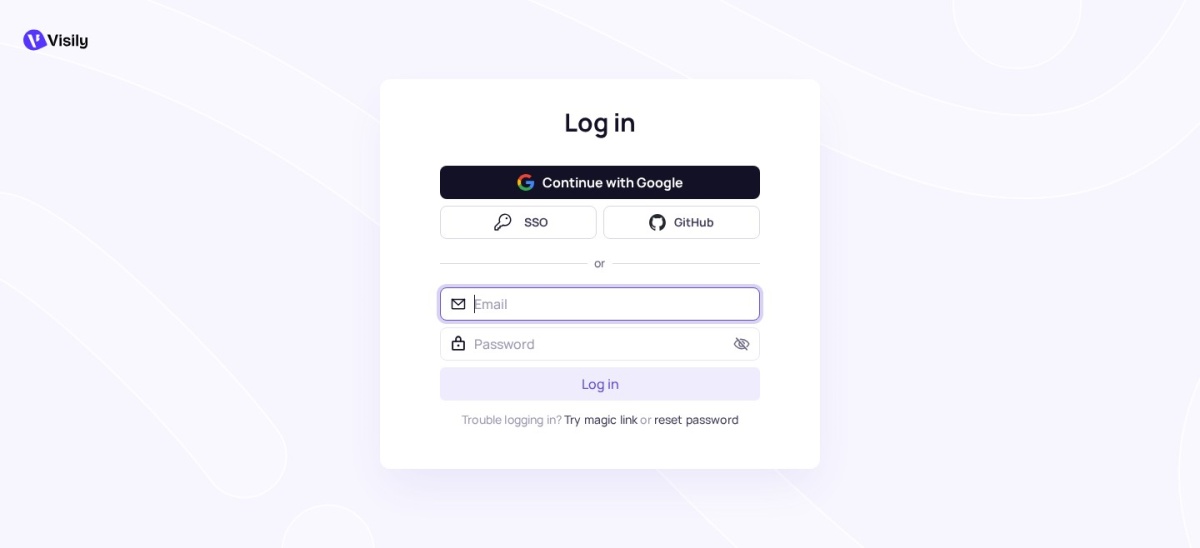
Visily homepage, captured Nov 2026.
Visily is an AI wireframing and UI prototyping platform built for founders, PMs, and teams without formal design training. Its free Starter tier gives you two editable boards, 300 AI credits per month, and 150 template credits.
The trade off is watermarked exports and strict board limits on the free plan, requiring Pro at $11/editor/month billed annually ($132/year, or $14 monthly) for Figma and code exports. It suits early-stage teams turning screenshots, URLs, or text prompts into clean mockups.
What we like
Lowest annual entry price among dedicated AI UI design tools at $132/year
Converts screenshots, sketches, and live URLs into editable wireframes
Includes 3,000 AI credits and 8,000 template credits per month on Pro
Unlimited free viewer seats for stakeholder feedback
Watch out for
Only 7-day version history on Pro unless you upgrade to Business ($29/mo)
Fewer fine-grained vector controls than Figma
Pro ($11/editor/mo billed annually) unlocks unlimited boards, Figma export, and code export.Visit visily.ai
03
Uizard
4.5/5on G2 (45 reviews, checked Nov 2026)
Paid from$12/mo
Best for fast sketch-to-prototype ideation
Entry paid planPro ($12/mo billed annually)
AI allowance500 generations/month
Free tier2 projects, 3 generations/mo
Primary outputMockups & React/CSS handoff
uizard.io
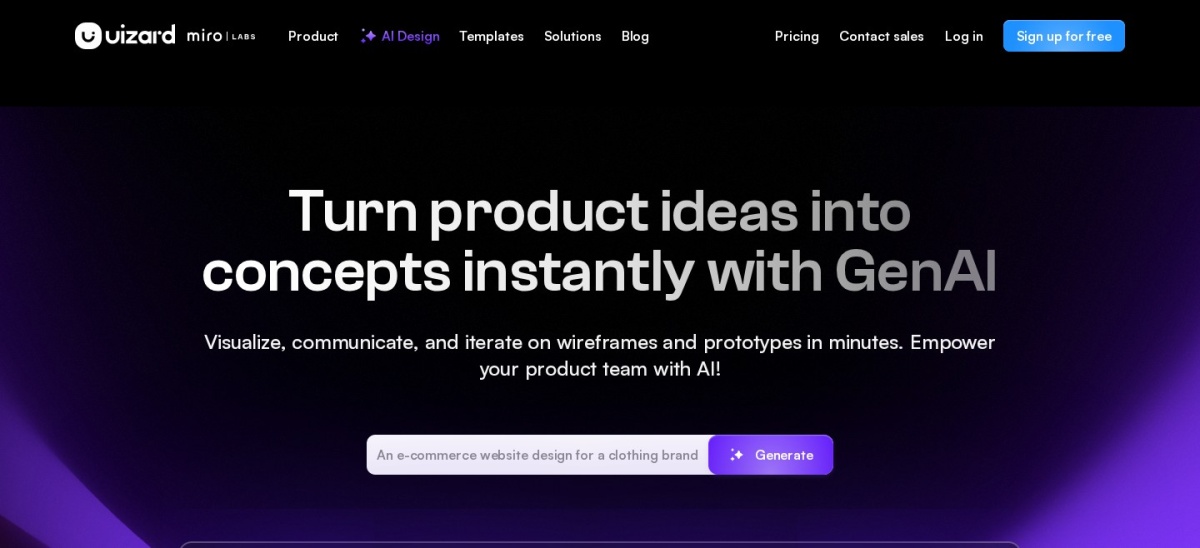
Uizard homepage, captured Nov 2026.
Uizard is an AI-assisted UI design and rapid prototyping tool that converts text prompts, screenshots, and hand-drawn wireframes into multi-screen mockups. Its Free plan covers two projects (up to five screens each), ten templates, and three AI generations per month on Autodesigner 1.5.
The trade off is that the free tier caps you at three monthly generations and 1x exports, while Pro costs $12/month billed annually ($144/year) to unlock Autodesigner 2.0 and 500 generations. It suits startup founders and students validating app concepts quickly.
What we like
Predictable per-generation quota (500/month on Pro) rather than variable token math
Scans paper sketches and screenshots into editable UI components
Includes predictive attention heatmaps and React/CSS developer handoff on Pro
Watch out for
Free tier is limited to 3 AI generations per month
Custom brand kits require the Business plan at $39/month billed annually
Pro ($12/mo billed annually) unlocks Autodesigner 2.0, 100 projects, and React/CSS handoff.Visit uizard.io
04
UX Pilot
4.3/5on Trustpilot (216 reviews, checked Nov 2026)
Paid from$19/mo
Best for UX flows and Figma-ready screens
Entry paid planPro ($19/mo annual, $29 monthly)
AI allowance750 credits/month
Free tier80 credits/day, 1 project
Primary outputWireframes, Figma & code
uxpilot.ai
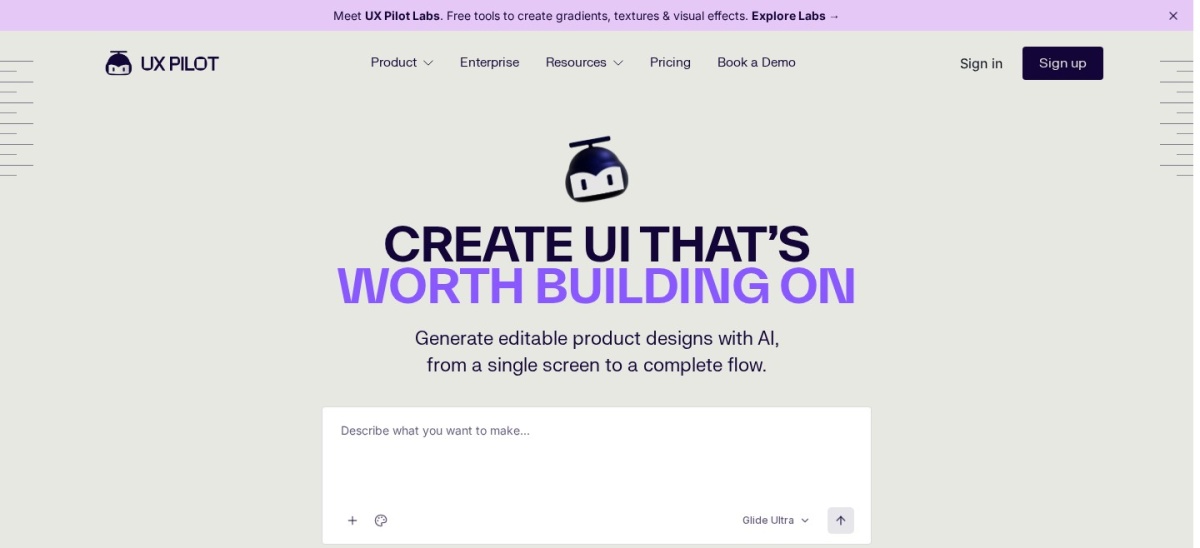
UX Pilot homepage, captured Nov 2026.
UX Pilot is an AI UX design workspace focused on multi-screen user flows, wireframes, and high-fidelity interface generation. Its Free plan requires no credit card and provides 80 credits per day (up to 13 screens) across one active project.
The trade off is that exporting to Figma or code requires a paid plan, with Pro priced at $19/month billed annually ($228/year, or $29 month-to-month) for 750 monthly credits. It suits UX designers and product teams who want structured flows before refining in Figma.
What we like
Generous 80 daily credits on the forever-free tier for testing prompts
Generates connected multi-screen user flows rather than isolated frames
Exports directly to Figma and front-end code on paid tiers
Watch out for
Figma and code exports are locked behind the Pro subscription
Monthly billing jumps to $29/month if you skip the annual commitment
Pro ($19/mo billed annually) unlocks 750 monthly credits, unlimited projects, and Figma/code export.Visit uxpilot.ai
05
Framer
4.5/5on G2 (162 reviews, checked Nov 2026)
Paid from$10/mo
Best for interactive web UX and live publishing
Entry paid planBasic ($10/mo billed annually)
AI allowance1,000 credits/month on Basic
Free tierSubdomain, 500 trial credits
Primary outputLive responsive websites
framer.com
Framer homepage, captured Nov 2026.
Framer combines a visual responsive design canvas with AI layout agents, localization, and direct web hosting. On the Free plan, you can design across up to 1,000 pages with 500 initial AI credits and publish to a Framer subdomain.
The trade off is vendor lock-in for live sites and per-editor fees ($20/month per extra editor), while connecting a custom domain starts on Basic at $10/month billed annually ($120/year, or $15 monthly). It suits designers shipping marketing sites and interactive web prototypes.
What we like
Collapses UX prototyping, responsive breakpoints, and live hosting into one tool
Includes 1,000 monthly AI agent credits on the $10/month Basic plan
Supports real interactive states, CMS collections, and AI page translation
Watch out for
Built for websites rather than native mobile app design
Adding extra editor seats costs $20/month each across plans
Basic ($10/mo billed annually) adds custom domain hosting, 50 GB bandwidth, and 1,000 monthly AI credits.Visit framer.com
06
Miro AI
4.6/5on G2 (13,827 reviews, checked Nov 2026)
Paid from$8/mo
Best for UX research synthesis and journey mapping
Entry paid planStarter ($8/member/mo annual)
AI allowance25 AI credits/member/month
Free tier3 editable boards, 7,000+ templates
Primary outputUser flows, sitemaps & boards
miro.com
Miro AI homepage, captured Nov 2026.
Miro AI brings automated diagramming, sticky-note clustering, document summarization, and Mermaid/MCP workflows onto Miro's collaborative whiteboard. The Free plan supports unlimited team members with three active editable boards and over 7,000 templates.
The trade off is a tight 25 monthly AI credits per member on Starter, which costs $8/member/month billed annually ($96/year, or $10 monthly) to unlock unlimited private boards. It suits UX researchers and cross-functional teams running discovery workshops and user journey mapping.
What we like
Lowest per-seat annual price at $96/year with 13,827 G2 reviews (4.6/5)
Strong for early UX discovery, affinity mapping, and user flow diagrams
Supports MCP connections to Claude and Cursor for two-way board context
Watch out for
Not a high-fidelity UI screen or component editor
Starter includes only 25 AI credits per member each month
Starter ($8/member/mo billed annually) unlocks unlimited boards, visitor editing, and 25 monthly AI credits.Visit miro.com
07
Lovable
4.6/5on G2 (503 reviews, checked Nov 2026)
Paid from$25/mo
Best for functional full-stack UX prototypes
Entry paid planPro ($25/mo, or $250/yr)
AI allowance100 monthly + 5 daily credits
Free tier5 credits/day (up to 30/mo)
Primary outputWorking React & backend apps
lovable.dev
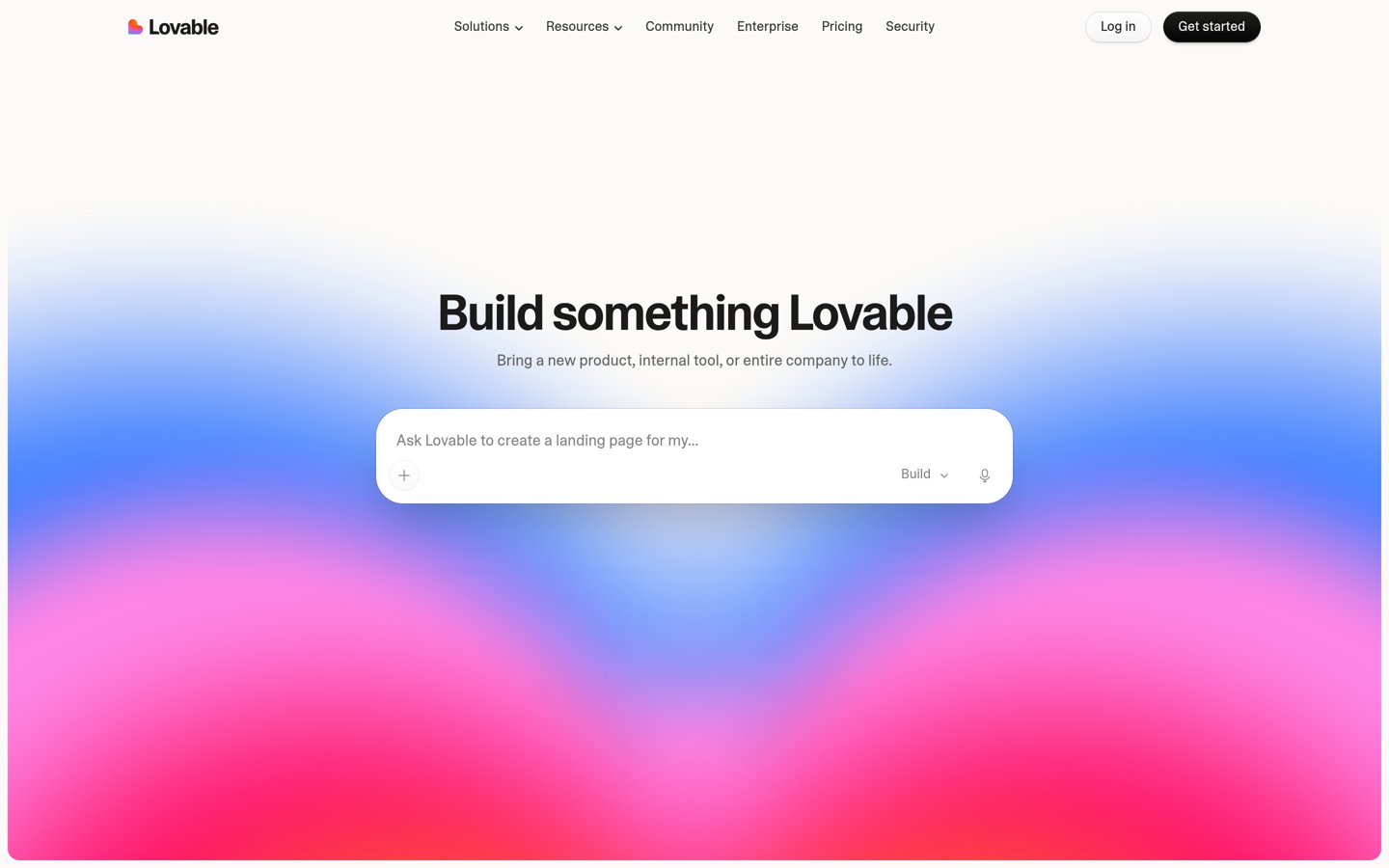
Lovable homepage, captured Nov 2026.
Lovable turns natural-language prompts into interactive web applications complete with UI layouts, database logic, and cloud hosting. Its Free plan includes five daily build credits (capped at 30 per month), unlimited collaborators, and publishing on lovable.app subdomains.
The trade off is that debugging complex builds consumes credits quickly and it outputs code rather than layered design files, with Pro starting at $25/month ($250/year with two months free). It suits product designers and founders testing functional prototypes with real user data.
What we like
Builds working interactive apps with real data instead of static click-through mocks
Workspace-based pricing does not charge extra per team seat
Includes custom domains, credit rollover, and badge removal on Pro
Watch out for
Does not produce layered Figma design files natively
Troubleshooting complex UI bugs can burn through the 100 monthly credits fast
Pro ($25/mo or $250/yr) adds 100 monthly credits, custom domains, and credit rollover.Visit lovable.dev
How AI design credits work across tools
Not all AI credits buy the same output. Uizard counts flat generations (500 per month on Pro), whereas Visily deducts 30 credits for a standard screen and 90 credits for Deep Design mode. Figma AI charges 1 to 10 credits for image edits and 20 credits to add interactions, while Figma Make draws variable credits based on prompt complexity.
If your team iterates heavily, test your real workflow on a free tier first to see how many prompts a single user flow takes before committing to an annual seat.
How we chose
We built this list from actively maintained AI UX and UI design platforms used for user flows, wireframing, interactive prototyping, and research synthesis.
All prices, credit allowances, review counts, and ratings were checked against official vendor pricing pages and public G2 or Trustpilot profiles on 22 Nov 2026.
We excluded discontinued products, experimental tools without transparent pricing, and platforms with fewer than 20 public reviews. No vendor paid for a place, and we do not claim testing for this list.
How to choose an AI UX design tool
Match the tool's output format and billing model to the stage of your UX workflow.
Pick your primary deliverable first. Choose Figma AI or UX Pilot if you need editable design layers, Miro AI for journey maps and workshops, or Framer and Lovable if you want live interactive prototypes.
Check who needs an editor seat. Tools like Figma, Visily, and Miro charge per active editor while keeping viewers free, whereas Uizard and Lovable price by workspace or account.
Test credit burn on a real multi-screen flow. Use the free plan to generate a four- or five-screen user journey and track how many daily or monthly credits remain after revisions.
Verify export and handoff locks before paying. Confirm whether Figma copy-paste, React/CSS code export, or custom domains require upgrading from the free tier.
FAQ
Which AI UX design tool is best if my team already uses Figma?
Figma AI is the most direct choice because its Professional Full seat ($16/month) includes 3,000 monthly AI credits inside your existing files and component libraries. UX Pilot ($19/month billed annually) is a strong companion when you want to generate multi-screen flows and export them into Figma.
What is the cheapest paid AI UX design tool?
For UX mapping and diagramming, Miro AI Starter costs $8/member/month billed annually ($96/year). Among dedicated AI UI screen generators, Framer Basic starts at $10/month billed annually ($120/year) and Visily Pro starts at $11/editor/month billed annually ($132/year).
Can I use AI UX design tools for free?
Yes, all seven tools on this list offer a forever-free plan with no credit card required. Free tiers work well for small trials, such as UX Pilot's 80 daily credits or Figma Starter's 500 monthly credits, though custom domains and Figma/code exports usually require a paid tier.
What is the difference between AI wireframing tools and prompt-to-code builders?
AI wireframing tools like Uizard, Visily, and UX Pilot generate editable visual screens and components meant for design refinement. Prompt-to-code builders like Lovable generate working React applications with live databases, which are better for functional user testing than visual design system work.
Do unused AI design credits roll over each month?
On most plans, monthly AI credits reset at the end of your billing cycle rather than rolling over—for example, Miro AI and Figma AI reset monthly. Lovable Pro is an exception, allowing unused monthly credits to roll over while active.