Best AI Tools for Workforce Planning in 2026: 8 Tools Compared
WLWPLegible EditorsLast verified 22 Nov 2026How we rank9 min read
★ Short answer
Insightful is the best AI tool for workforce planning, pairing real-time capacity and utilization analytics with a 4.8 out of 5 Capterra rating from $8/seat/month billed annually. For hourly shift forecasting, Deputy starts at $5/user/month billed annually, while Deel leads global headcount scenario modeling from $5/user/month.
How we make this list: we compare pricing pages, product documentation and public user reviews, then re-check every price before each update. No product paid for a place. Disclosure.
Insightful leads on work intelligence and capacity visibility at $8/seat/month billed annually ($10 monthly), backed by a 4.8 rating across 268 Capterra reviews.
ActivTrak is the only tool here with a free plan for up to 3 users, while paid Work Activity Tracking starts at $10/worker/month billed annually.
Deputy and When I Work keep hourly shift forecasting accessible at $5/user/month and $2.50/user/month, though Deputy enforces a $30 monthly minimum spend.
Homebase and Connecteam offer flat-rate pricing per location or 30-user hub ($0 free tier, then $30/month and $29/month respectively), keeping costs predictable for larger crews.
Enterprise suites such as Visier, Anaplan, and Workday hide pricing behind sales quotes and were excluded because no verifiable list price appears on their pricing pages.
What to look for in AI workforce planning software
Workforce planning splits into two distinct jobs: strategic headcount and capacity modeling for salaried staff, and demand-based shift forecasting for hourly teams. A platform built for office utilization will not handle break-law compliance on a retail floor, and a shift scheduler will not help a CFO model multi-country hiring budgets.
AI features vary widely behind the marketing label. Look for concrete capabilities tied to your bottleneck: automated capacity alerts and workload balancing for knowledge teams, predictive shift generation from historical sales or foot traffic for frontline operations, or salary-benchmarked scenario modeling when planning new roles.
Watch per-seat minimums, annual lock-ins, and add-on walls before signing. Several vendors advertise an entry per-user rate on their pricing toggle while placing AI insights, multi-year data retention, or HR modules behind separate add-ons or monthly billing floors.
Low-cost per-user shift scheduling without a floor
$2.50/mo
No free plan
4.5/5
Price ladder: cheapest paid plan per year
List prices, USD, checked Nov 2026
When I Work$30
Hubstaff$60
Deputy$60
Deel$60
Insightful$96
ActivTrakFREE$120
ConnecteamFREE$348
HomebaseFREE$360
The 8 best AI tools for workforce planning
01
Insightful
4.8/5on Capterra (268 reviews, checked Nov 2026)
Starts at$8/mo
Best for real-time capacity and work intelligence
Entry planAnalytics ($8/seat/mo annual)
Free tier7-day free trial only
AI featuresAI tool tracking, AI chat, process maps
OS supportWindows, macOS, Linux, VDI
insightful.io
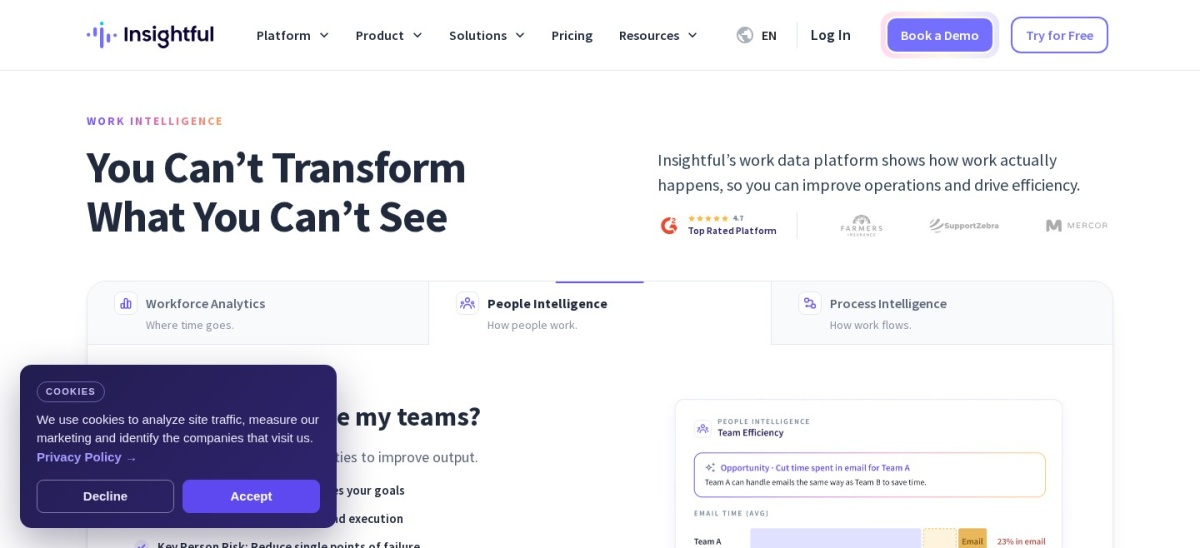
Insightful homepage, captured Nov 2026.
Insightful is a work intelligence and capacity planning platform that tracks active time, app usage, AI tool adoption, and project workloads across remote and hybrid teams. Its entry Analytics plan costs $8 per seat per month billed annually ($10 billed monthly) and includes time and attendance, capacity and workload reports, and 24-month data retention.
The trade off is that conversational AI chat and automated process maps sit on higher tiers, starting with Insights at $24 per seat per month with a 50-seat minimum, plus optional add-ons like $4 per seat for Workspace Security. It suits operations leaders who want live utilization data before committing to custom enterprise analytics.
What we like
Highest Capterra rating on this list at 4.8 out of 5 across 268 reviews
Tracks employee AI tool usage alongside capacity and workload balance
Supports Windows, macOS, Linux, and virtual desktop environments
Includes 24-month data retention on the base Analytics plan
Watch out for
No permanent free plan; only a 7-day trial on Analytics
AI chat assistant requires the $24/seat/mo Insights tier with a 50-seat minimum
Security and extra screenshot features cost $0.50 to $4/seat/mo extra
Insights ($24/seat/mo, 50-seat minimum) adds AI chat, workload balance alerts, and custom reports.Visit insightful.io
02
Deputy
4.6/5on Capterra (773 reviews, checked Nov 2026)
Starts at$5/mo
Best for compliance-heavy hourly shift forecasting
Entry planLite ($5/user/mo annual)
Monthly floor$30/mo minimum spend
AI featuresDeputy AI schedule builder and tasks
Free tier30-day free trial only
deputy.com
Deputy homepage, captured Nov 2026.
Deputy is an operational workforce scheduling and time-tracking platform built for retail, hospitality, and healthcare teams that run complex shifts. Its Lite plan starts at $5 per user per month billed annually ($5.50 billed monthly) and includes Deputy AI for schedule building, shift swaps, time clocks, and POS integrations.
The trade off is a $30 monthly minimum spend on Lite, Core, and Pro plans, meaning teams under six users pay the floor rate, plus metered SMS charges and paid add-ons for HR ($2/user/mo) and Analytics+ ($1.50/user/mo). It suits multi-site shift operators who need labor-law and break compliance built into daily rosters.
What we like
Includes Deputy AI schedule generation across every paid tier
Strong labor-law, overtime, and meal-break compliance rules
Backed by 390,000+ customers and 773 Capterra reviews
Watch out for
Enforces a $30/month minimum invoice on Lite, Core, and Pro plans
No permanent free plan for micro-teams
Advanced custom analytics requires Pro ($9/user/mo) or a $1.50 add-on
4.8/5on Capterra (4,322 reviews, checked Nov 2026)
Starts at$5/mo
Best for global headcount and hiring scenario modeling
Entry planHRIS / People ($5/user/mo)
Hiring moduleFind Talent from $14/worker/mo
AI featuresAI role/location suggestions, screening
Global reach130+ countries, 120+ currencies
deel.com
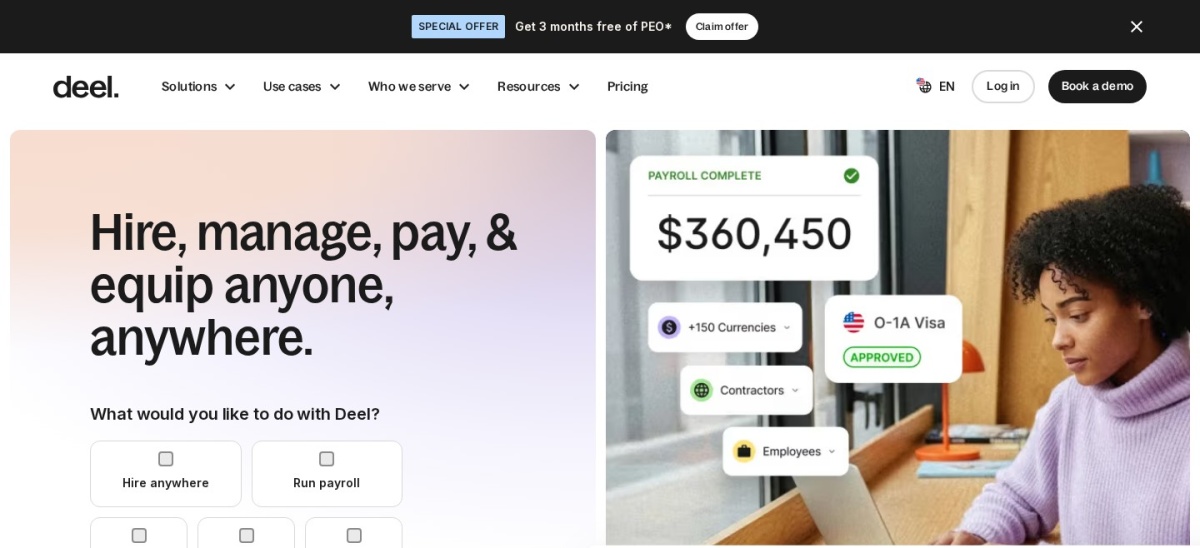
Deel homepage, captured Nov 2026.
Deel is a global HR, payroll, and headcount planning platform that combines employee records with scenario modeling across 130+ countries. Entry HRIS pricing starts at $5 per user per month, while Find Talent starts at $14 per worker per month with AI screening and global salary benchmarks to forecast hiring budgets.
The trade off is that dedicated Deel Workforce Planning requires a custom sales quote, and international hiring modules jump to $49 per contractor per month or $599 per Employer of Record employee per month. It suits distributed companies modeling international headcount costs before opening local entities.
What we like
4.8 out of 5 rating across 4,322 Capterra reviews
Global compensation benchmarks inform realistic cross-border headcount plans
Connects headcount forecasts directly to contractor, EOR, and payroll workflows
Watch out for
Dedicated Workforce Planning module is quote-based rather than flat-rate
Contractor ($49/mo) and EOR ($599/mo) tiers scale costs quickly
Withdrawal and FX conversion fees apply to international payouts
Find Talent ($14/worker/mo) and custom Workforce Planning add AI role suggestions and multi-scenario org modeling.Visit deel.com
04
ActivTrak
4.5/5on Capterra (592 reviews, checked Nov 2026)
Paid from$10/mo
Best free tier for small-team workload baselines
Free plan$0 forever for up to 3 users
Entry paidWork Activity Tracking ($10/worker/mo)
AI featuresWork Advisor AI, AI Insights (+$4/mo)
Billing termAnnual billing only on paid plans
activtrak.com
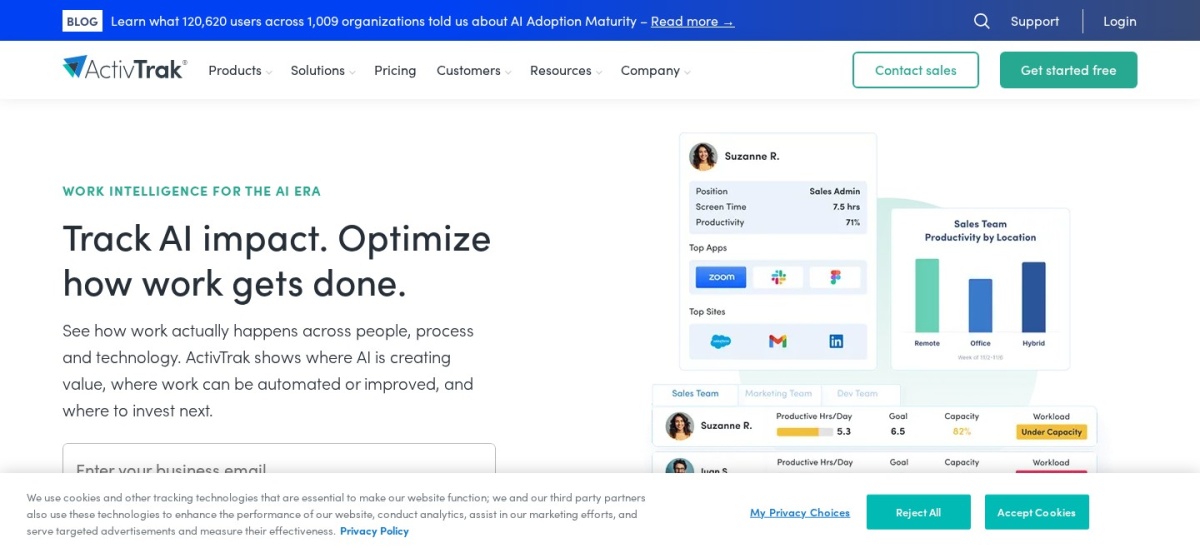
ActivTrak homepage, captured Nov 2026.
ActivTrak is a workforce analytics and productivity benchmarking platform that measures application usage, focus time, and team workload capacity. Its permanent Free plan covers up to 3 users with 30 days of activity history, while Work Activity Tracking starts at $10 per worker per month billed annually with 6 months of history.
The trade off is that paid plans require upfront annual billing with no monthly option, and conversational Work Advisor AI plus capacity planning sit on the $17 per worker per month Productivity Optimization tier, with AI Insights costing another $4 per worker per month. It suits small teams testing workload visibility for free before scaling.
What we like
Permanent free plan for up to 3 users with no credit card required
Dedicated headcount and office-space planning BI templates via ActivConnect
Tracks location-based productivity to evaluate remote versus in-office schedules
Watch out for
No monthly billing option on any paid tier
Work Advisor AI and capacity planning require the $17/worker/mo tier
Accounts above 50 seats must purchase mandatory Premier or Signature support
Workforce Management ($15/worker/mo) and Productivity Optimization ($17/worker/mo) unlock utilization goals and Work Advisor AI.Visit activtrak.com
05
Hubstaff
4.5/5on Capterra (1,622 reviews, checked Nov 2026)
Starts at$4.99/mo
Best for remote and field team utilization tracking
Entry planStarter ($4.99/seat/mo annual)
Seat minimum2-seat minimum on Starter to Team
AI / analyticsHubstaff Insights ($2.50/seat/mo add-on)
Free tier14-day free trial only
hubstaff.com
Hubstaff homepage, captured Nov 2026.
Hubstaff is a workforce time-tracking and operations platform built for remote, hybrid, and GPS-tracked field crews. Its Starter plan costs $4.99 per seat per month billed annually ($7 monthly, 2-seat minimum) and includes time tracking, automated timesheets, activity levels, and client invoicing.
The trade off is that shift scheduling, attendance tracking, and the Hubstaff Insights utilization dashboard require upgrading to the Team plan at $10 per seat per month billed annually (or adding Insights for $2.50 per seat per month). It suits distributed agencies and field contractors tying billable hours directly to capacity.
What we like
Low $4.99/seat/mo entry rate with 1,622 verified Capterra reviews
Hubstaff Insights classifies core, non-core, and meeting time across teams
Optional GPS geofencing and job-site tracking for mobile field crews
Watch out for
No permanent free plan during standard signup; 2-seat minimum applies
Shift scheduling and attendance tools are locked until the $10/seat/mo Team tier
Insights analytics relies on benchmark classification rather than predictive forecasting
Team ($10/seat/mo annual) adds shift scheduling, attendance tracking, automated payroll, and a 3-month Insights trial.Visit hubstaff.com
06
Connecteam
4.6/5on Capterra (5,320 reviews, checked Nov 2026)
Paid from$29/mo
Best flat-rate hub pricing for deskless teams up to 30
Free plan$0 forever for up to 10 users
Entry paidBasic ($29/mo annual for 30 users)
Extra users$0.50 to $0.80/user/mo above 30
ModulesOperations, Comms, HR & Skills hubs
connecteam.com
Connecteam homepage, captured Nov 2026.
Connecteam is a mobile-first workforce operations app combining shift scheduling, GPS time clocks, training courses, and team chat. Its Small Business Plan is free forever for up to 10 users across all hubs, while paid Operations or HR & Skills Basic plans cost $29 per month billed annually ($35 monthly) for the first 30 users.
The trade off is that Connecteam sells its three hubs separately, so running paid Operations and HR & Skills together doubles the base fee, and auto-assigned shifts require the $99 per month Expert tier. It suits field, cleaning, and retail teams of 10 to 30 people that want flat-rate predictability.
What we like
Free forever for up to 10 users with full access to all three hubs
Flat $29/mo covers 30 employees—under $1 per user at full capacity
4.6 rating across 5,320 Capterra reviews for mobile ease of use
Watch out for
Operations, Communications, and HR & Skills hubs are billed separately
Auto-assigned shift scheduling is restricted to the $99/mo Expert tier
No built-in payroll engine; exports timesheets to third-party payroll
Advanced ($49/mo per hub) adds repeating shift templates and 10 geofences; Expert ($99/mo) unlocks auto-assigned shifts.Visit connecteam.com
07
Homebase
4.6/5on Capterra (1,164 reviews, checked Nov 2026)
Paid from$30/mo
Best per-location pricing for single-site shops and cafes
Free planBasic ($0/mo for 1 location)
Entry paidEssentials ($30/location/mo)
User limitUnlimited employees per location
Payroll add-on$39/mo + $6 per employee paid
joinhomebase.com
Homebase homepage, captured Nov 2026.
Homebase is a small-business scheduling, time-clock, and team management app priced per location rather than per employee. Its Basic plan is free for one location with unlimited staff, scheduling, and time tracking, while Essentials costs $30 per location per month and adds team communication and live schedule updates.
The trade off is that labor-cost forecasting, auto-scheduling, and PTO controls sit on the $70 per location per month Plus plan, and running payroll adds $39 per month plus $6 per paid worker. It suits single-location restaurants, shops, and service businesses with high seasonal headcount.
What we like
Free Basic plan supports unlimited employees at a single location
Per-location pricing keeps software bills steady during seasonal hiring spikes
4.6 rating across 1,164 Capterra reviews
Watch out for
Labor-cost forecasting and auto-scheduling require the $70/mo Plus tier
Multi-location operators pay per site, raising costs across branches
Built-in payroll is a separate $39/mo plus $6/person add-on
Plus ($70/location/mo) adds labor-cost forecasting, auto-scheduling, and PTO tracking; All-in-One is $120/location/mo.Visit joinhomebase.com
08
When I Work
4.5/5on Capterra (1,308 reviews, checked Nov 2026)
Starts at$2.50/mo
Best low-cost per-user shift scheduling without a floor
Entry planEssentials ($2.50/user/mo)
Pro plan$5/user/mo for multi-site visibility
Free tier14-day free trial only
Core toolsAuto-scheduling, shift swaps, time clock
wheniwork.com
When I Work homepage, captured Nov 2026.
When I Work is a straightforward employee scheduling, time-clock, and shift-messaging app for retail, hospitality, and healthcare teams. Its Essentials plan starts at $2.50 per user per month with no setup fees and covers shift building, availability tracking, automated scheduling, and team messaging.
The trade off is that multi-site controls, custom scheduling rules, and deeper workforce visibility require upgrading to the $5 per user per month Pro tier, and there is no permanent free plan. It suits small shift-based businesses that want low per-seat pricing without a $30 monthly floor.
What we like
Lowest per-user starting price on this list at $2.50/user/month
No published monthly minimum spend for very small crews
1,308 verified Capterra reviews with a 4.5 overall rating
Watch out for
No permanent free tier beyond the trial period
Multi-location controls and custom rules require the $5/user/mo Pro tier
Lighter demand-forecasting analytics than Deputy
Pro ($5/user/mo) adds multi-location scheduling, custom scheduling rules, and expanded workforce visibility.Visit wheniwork.com
Strategic capacity tools vs. hourly shift schedulers
Buying the wrong category is the most common mistake in workforce planning. Tools like Insightful, Deel, and ActivTrak analyze salaried capacity, app utilization, and multi-country hiring budgets over quarters, whereas Deputy, Connecteam, Homebase, and When I Work optimize daily shift coverage, overtime limits, and break compliance.
If you manage both office staff and frontline hourly crews, expect to pair one capacity or HR planning platform with a dedicated shift scheduler rather than forcing one system to cover both workflows.
How we chose
We built this shortlist by comparing dedicated workforce intelligence platforms, global HR headcount planners, and AI-assisted shift scheduling tools that publish transparent self-serve pricing.
Every price, plan tier, rating, and review count was verified on 22 Nov 2026 directly from vendor pricing pages and verified Capterra listings, converting monthly rates to yearly USD equivalents using regular list prices.
We excluded enterprise-only platforms—including Visier, Anaplan, Workday, SAP SuccessFactors, Orgvue, and Legion—because they require custom sales quotes and publish no verifiable entry price, as well as tools with fewer than 20 verified reviews. No vendor paid for a place, and we do not claim testing for this list.
How to choose an AI workforce planning tool
Match the software's planning horizon and billing unit to how your team actually works before comparing AI features.
Separate headcount modeling from shift scheduling. Pick Insightful, Deel, or ActivTrak if you forecast salaried utilization and hiring budgets; pick Deputy, Homebase, Connecteam, or When I Work if you build weekly hourly rosters.
Calculate your bill at real headcount, not the headline rate. Check for monthly minimums like Deputy's $30 floor, seat minimums like Hubstaff's 2-seat rule, or flat tiers like Connecteam's 30-user hub and Homebase's per-location pricing.
Verify which tier actually includes AI and forecasting. Several vendors gate AI chat, process discovery, or labor-cost forecasting behind mid-tier plans ($17 to $24/seat/mo on ActivTrak and Insightful, or $70/location/mo on Homebase).
Run a two-week pilot with historical attendance or project data. Use free trials or free starter tiers (ActivTrak, Connecteam, Homebase) to test how cleanly the tool imports your existing payroll, POS, or project-tracking records.
FAQ
What is the best AI tool for workforce planning overall?
Insightful is our top overall pick for workforce planning, combining real-time capacity, workload, and AI-tool adoption tracking at $8 per seat per month billed annually, backed by a 4.8 out of 5 Capterra rating.
Are there any free AI workforce planning tools?
Yes. ActivTrak offers a permanent free plan for up to 3 users, Connecteam is free forever for up to 10 users across all hubs, and Homebase offers a free Basic plan for one location with unlimited employees.
How much does workforce planning software cost per year?
Entry paid plans range from $30 per user per year on When I Work ($2.50/mo) and $60 per user per year on Deputy and Deel ($5/mo), up to $96 per seat per year on Insightful ($8/mo annual) or $348 to $360 per year for flat-rate 30-user or single-location plans.
Why are Visier, Anaplan, and Workday not ranked here?
Visier, Anaplan, Workday, and similar enterprise platforms hide all pricing behind custom sales quotes. Because we require a verified regular price from an official pricing page on 22 Nov 2026, quote-only tools were excluded.
What is the difference between workforce planning and workforce management?
Workforce planning forecasts future headcount, skills, and budget needs over months or quarters, while workforce management handles day-to-day shift scheduling, time clocks, attendance, and break compliance.