Best AI Tools for Support Cost Reduction in 2026: 7 Tools Compared
WLWPLegible EditorsLast verified 22 Nov 2026How we rank8 min read
★ Short answer
Tidio is the top pick for hosted AI support automation, combining live chat and Lyro AI on a free plan with 4.8/5 across 396 WordPress.org reviews. Choose SupportCandy for self-hosted WordPress ticketing with bring-your-own-key AI, or AI Engine for developer-focused custom chatbots and MCP workflows.
How we make this list: we compare pricing pages, product documentation and public user reviews, then re-check every price before each update. No product paid for a place. Disclosure.
Tidio offers a free plan and annual Starter pricing from $390/yr, using Lyro AI to answer routine chat and email questions.
Chatway provides a free tier with 50 monthly conversations and Business plans from $372/yr billed yearly, plus optional AI at $0.50 per resolved chat.
SupportCandy runs self-hosted WordPress ticketing with AI chatbot and reply tools using your own OpenAI or Gemini API key, starting at $79/yr regular price.
AI Engine gives WordPress sites free MCP and chatbot tools with bring-your-own API keys, with Pro plans starting at $59/yr for 1 website.
Smartsupp pairs a free tier (25 monthly conversations) with Solo plans from $204/yr billed yearly and an optional Mira AI agent add-on.
What to look for in AI tools that cut support costs
Cutting support costs with AI works best when automation handles repetitive questions—such as order status, hours, and basic setup—before they reach a human agent.
Pricing models vary widely across support software. Some tools charge per monthly conversation or per AI resolution, while others charge a flat license fee and let you connect your own model API key.
Self-hosted WordPress plugins avoid external seat taxes and keep ticket data on your own site, whereas hosted chat platforms handle multi-channel inboxes and cloud AI out of the box.
Check whether a tool bills for every session or only for resolved conversations, and watch out for caps on free monthly conversations as your traffic grows.
4.8/5on WordPress.org (396 reviews, checked Nov 2026)
Paid from$390/yr
Best for hosted AI chat and ticket deflection
Free planYes, limited AI
Entry paid planStarter, $390/yr
AI agentLyro for chat & email
ChannelsChat, email, social
tidio.com
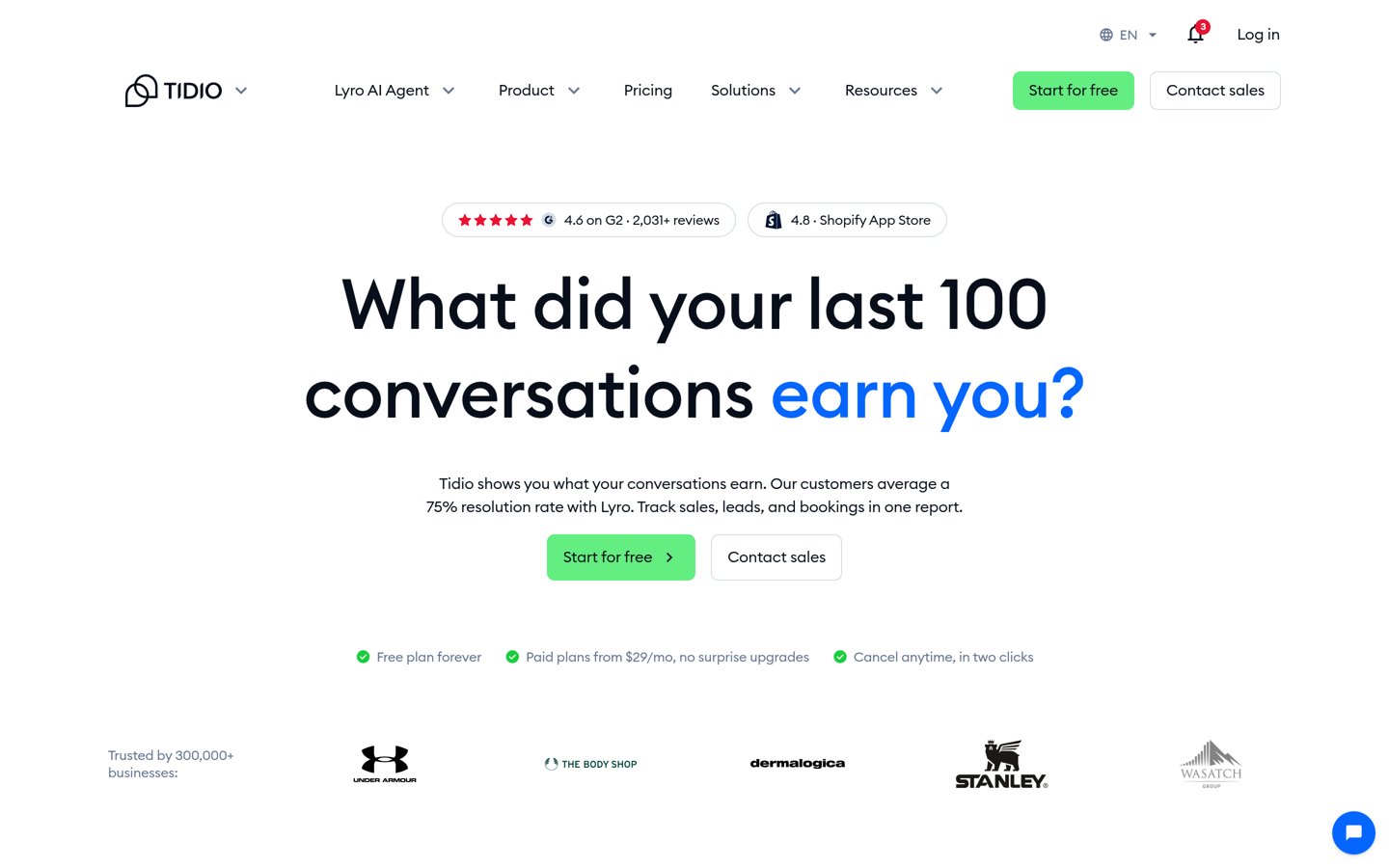
Tidio homepage, captured Nov 2026.
Tidio is a live chat, ticketing and AI support platform with 70,000+ active WordPress installs and a 4.8 rating from 396 reviews. Its free plan includes a live chat widget, mobile apps, social channel inbox and limited Lyro AI automation.
The trade off is conversation limits as your volume climbs, with annual Starter starting at $390/yr for 50 AI plus human conversations and Growth starting at $750/yr. It suits small businesses and stores that want hosted AI deflection without building flows from scratch.
What we like
Free plan available with no credit card required
Lyro AI handles routine chat and email questions
Unified inbox across live chat, email, Messenger and Instagram
Watch out for
Conversation quotas require upgrading as chat volume grows
Extra add-ons like Flows, Help Center and Voice cost extra
Paid plans expand conversation limits, workflows, analytics and team seatsVisit tidio.com
02
Chatway
5/5on WordPress.org (777 reviews, checked Nov 2026)
Paid from$372/yr
Best for pay-per-resolution AI on a shared inbox
Free planYes, 1 seat
Entry paid planBusiness, $372/yr
AI agent rate$0.50 / resolution
Store syncWooCommerce & Shopify
chatway.app
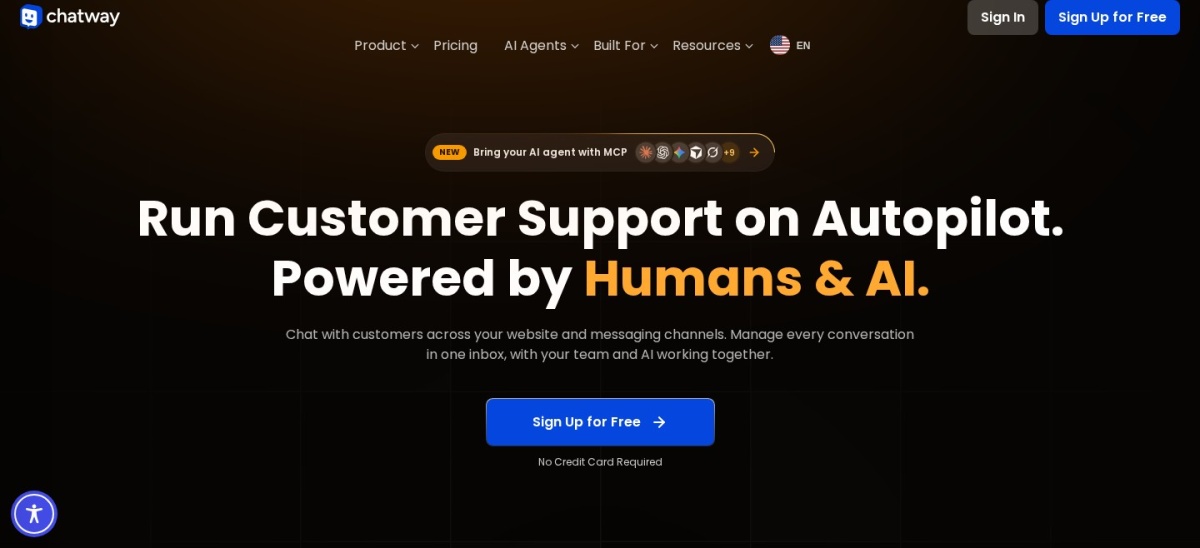
Chatway homepage, captured Nov 2026.
Chatway is a live chat and helpdesk tool with 30,000+ active WordPress installs and a 5.0 rating from 777 reviews. Its free plan includes 1 seat, 50 monthly conversations, 30 days of chat history, FAQs, mobile apps and MCP support.
The trade off is that annual Business starts at $372/yr ($31/mo billed yearly, $39/mo monthly) for 2 seats and 200 monthly conversations, while the AI Support Agent bills $0.50 per resolved conversation. It suits lean teams that want shared inboxes and WooCommerce order context without a large flat AI commitment.
What we like
5.0 rating across 777 WordPress.org reviews
Free forever plan includes mobile apps, FAQs and MCP support
WooCommerce and Shopify cart and order context on paid plans
Watch out for
Monthly conversation caps apply on Free, Business and Plus
Multiple inboxes and chat routing require the Plus tier
Business adds 2 seats, 200 monthly chats, unlimited history and store syncVisit chatway.app
03
AI Engine
4.9/5on WordPress.org (878 reviews, checked Nov 2026)
Paid from$59/yr
Best for custom WordPress AI chatbots and MCP
Free planYes, BYO API key
Entry paid planStarter, $59/yr
Model providersOpenAI, Anthropic, Google
ProtocolMCP server included
meowapps.com
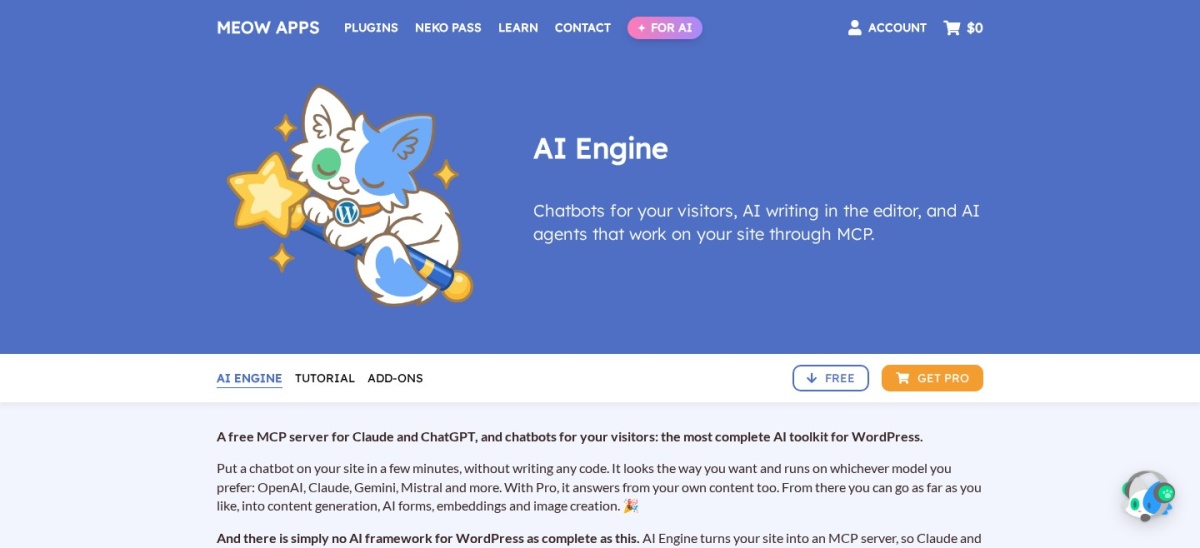
AI Engine homepage, captured Nov 2026.
AI Engine is a WordPress AI chatbot and MCP plugin with 90,000+ active installs and a 4.9 rating from 878 reviews. The free version lets you build site-aware chatbots, use a full-screen AI workspace and connect external assistants via MCP using your own API keys.
The trade off is that you supply and pay for your own AI provider API keys, and Starter Pro starts at $59/yr for 1 website (Standard is $79/yr for 5 sites). It suits site owners and developers who want direct model control without per-ticket SaaS fees.
What we like
4.9 rating from 878 reviews with 90,000+ active installs
No vendor markup on AI usage when bringing your own API key
Includes built-in MCP tools and multi-provider connectors
Watch out for
Requires configuring and funding your own AI API keys
Vector database and cross-site chatbot features sit in Pro
Pro adds AI forms, embeddings, content-aware context and function callingVisit meowapps.com
04
SupportCandy
4.8/5on WordPress.org (289 reviews, checked Nov 2026)
Paid from$79/yr
Best for self-hosted WordPress ticketing with AI
Free planYes, unlimited tickets
Entry paid planPersonal, $79/yr
AI keysOpenAI & Google Gemini
HostingSelf-hosted WordPress
supportcandy.net
SupportCandy homepage, captured Nov 2026.
SupportCandy is a self-hosted WordPress helpdesk and ticketing plugin with 10,000+ active installs and a 4.8 rating from 289 reviews. Its free version supports unlimited tickets, agents and customers along with a content-trained AI chatbot, ticket summaries and reply drafting using your OpenAI or Gemini key.
The trade off is managing ticketing and your AI API usage on your own WordPress hosting, with Personal Pro at $79/yr regular price for 1 site. It suits WordPress teams that want zero per-agent SaaS fees and full data ownership.
What we like
No per-agent seat fees on self-hosted WordPress
Includes AI chatbot and agent drafting with your own API key
Unlimited tickets, agents and customers in the free version
Watch out for
Runs on your own server rather than a managed cloud inbox
Email piping, workflows and WooCommerce add-ons require Pro
Pro includes email piping, workflows, SLA tracking, reports and integrationsVisit supportcandy.net
05
Smartsupp
4.6/5on WordPress.org (131 reviews, checked Nov 2026)
Paid from$204/yr
Best for omnichannel chat plus optional AI agent
Free planYes, 25 chats/mo
Entry paid planSolo, $204/yr
AI optionsReply assist & Mira AI
ChannelsChat, email, social
smartsupp.com
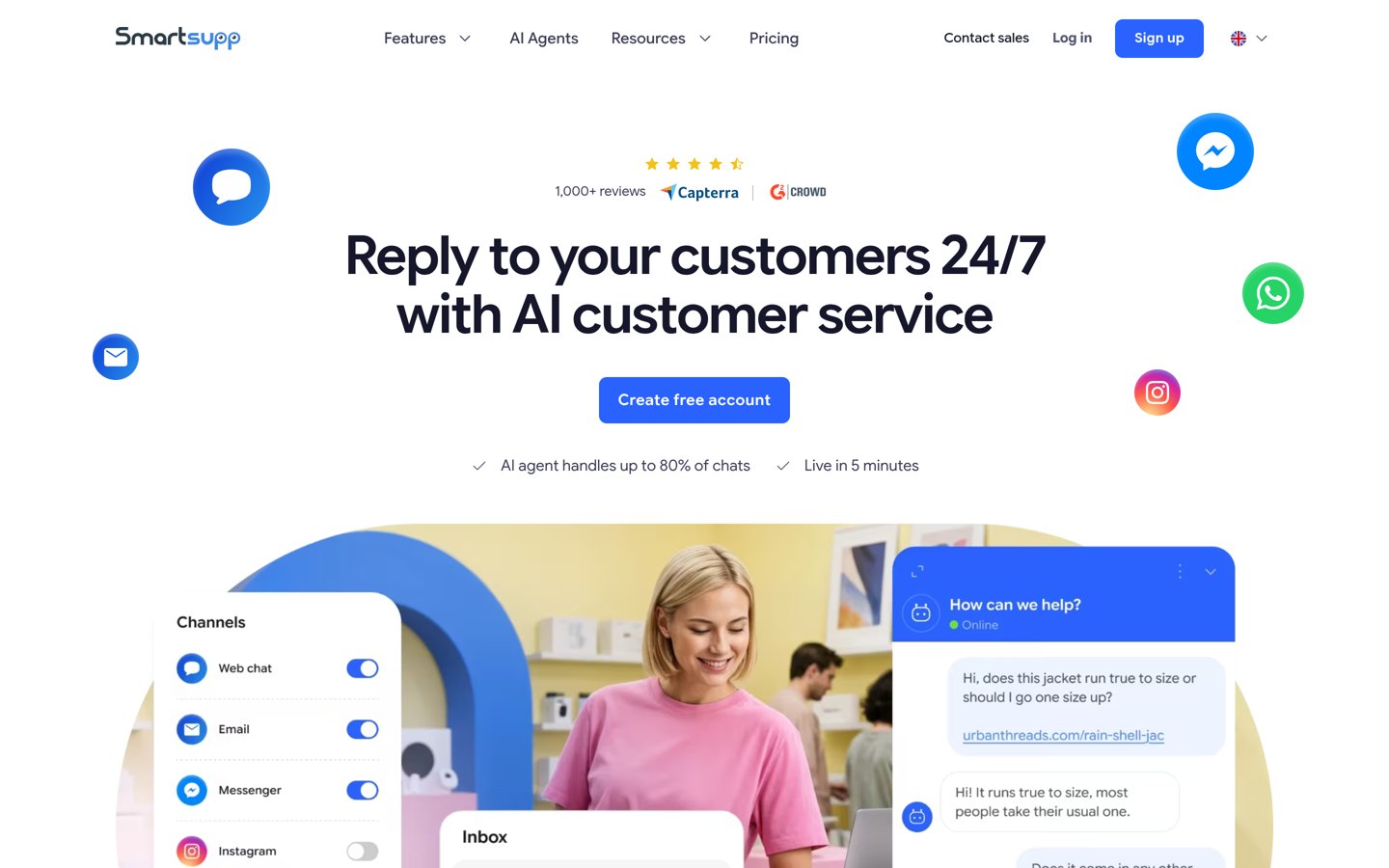
Smartsupp homepage, captured Nov 2026.
Smartsupp is a live chat and messaging inbox platform with 20,000+ active WordPress installs and 131 reviews. Its free plan covers 1 operator, 25 monthly conversations across live chat, WhatsApp, Messenger and Instagram, and 14 days of history.
The trade off is that Solo costs $204/yr billed yearly ($24/mo monthly) for 1 operator and 50 AI reply assists, while the Mira AI agent is priced separately as an add-on. It suits small stores that want email and social chat in one inbox with optional AI automation.
What we like
Combines website chat with WhatsApp, Messenger, Instagram and email
Free plan lets you test the inbox with no credit card
Offers both AI reply assistance and dedicated AI agent packs
Watch out for
Free tier caps history at 14 days and allows 25 conversations/month
Mira AI agent is an extra add-on rather than included in base plans
Paid plans add unlimited chat history, email channels, AI reply assists and FlowsVisit smartsupp.com
06
Fluent Support
4.9/5on WordPress.org (350 reviews, checked Nov 2026)
Paid from$129/yr
Best for fast WordPress ticket management with OpenAI
Free planYes, self-hosted
Entry paid planSingle, $129/yr
AI integrationOpenAI drafts & summaries
ArchitectureVueJS & REST API
fluentsupport.com
Fluent Support homepage, captured Nov 2026.
Fluent Support is a self-hosted WordPress ticketing system built on VueJS and the REST API with unlimited tickets and agents. It centralizes customer tickets inside your WordPress dashboard with custom fields, saved replies, agent roles and customer history.
The trade off is that the Single domain Pro license is $129/yr regular price, and AI features rely on connecting your own OpenAI API key. It suits WordPress sites and stores that want a fast internal helpdesk without per-seat SaaS fees.
What we like
No per-agent limits or SaaS growth taxes on your own site
Fast single-page dashboard built with VueJS and REST API
Integrates WooCommerce, LMS, membership and CRM data
Watch out for
Requires your own OpenAI API key for AI drafting and summaries
Self-hosted setup means you manage backups and hosting performance
Pro adds OpenAI replies, automated workflows, saved replies, time tracking and integrationsVisit fluentsupport.com
07
Crisp
4.6/5on WordPress.org (73 reviews, checked Nov 2026)
Paid from$540/yr
Best for shared inbox teams adding Hugo AI over time
Free planYes, 2 seats
Entry paid planMini, $45/mo
AI featuresHugo AI Agent & Copilot
ChannelsChat, email, WhatsApp, social
crisp.chat
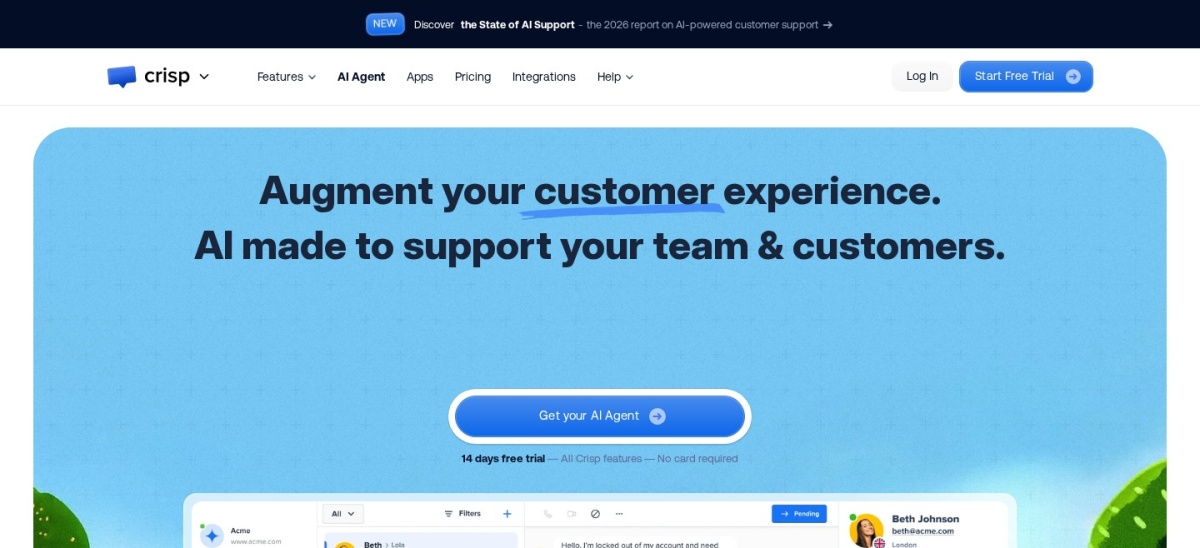
Crisp homepage, captured Nov 2026.
Crisp is a shared messaging inbox and AI support suite with 10,000+ active WordPress installs and a 4.6 rating from 73 reviews. Its free plan includes a website chat widget, mobile apps, contact forms, e-commerce sync and 2 seats with no AI credits included.
The trade off is cost as you add AI credits and channels: Mini starts at $45/mo ($540/yr) with 4 seats and $5 in AI credits, while Essentials is $95/mo for 10 seats and $25 in AI credits. It suits growing teams that want a shared inbox first and Hugo AI automation layered in.
What we like
Free tier includes 2 seats, mobile apps and e-commerce integrations
Combines shared inbox, knowledge base, Hugo AI and Copilot tools
Supports WhatsApp Business, Instagram, Messenger, email and SMS
Watch out for
Free plan includes 0 AI credits and caps customer profiles at 100
Monthly workspace pricing climbs quickly on higher tiers
Paid plans add shared email, more seats, AI credits, omnichannel inboxes and workflowsVisit crisp.chat
Per-resolution pricing vs. bring-your-own-key tools
Hosted AI support platforms often tie costs to conversation volume or resolved tickets. That can keep starting costs low when volume is small, but bills grow as automated conversations scale.
Self-hosted WordPress tools such as SupportCandy, AI Engine and Fluent Support let you connect your own API keys or run without per-seat fees. You pay for underlying model tokens directly, which gives clearer unit costs if you tune prompts and knowledge bases.
Before choosing a model, estimate how many repetitive questions your team currently answers each month and compare that against plan caps and seat prices.
How we chose
We looked at established live chat, helpdesk and AI chatbot tools with active WordPress presence and clear public pricing.
Pricing, plan details and WordPress.org ratings were checked on 22 November 2026. Where a vendor runs a discount or promotion, the list reflects regular pricing rather than temporary sale prices.
We excluded tools without verifiable pricing pages or active maintenance in the last 12 months. No vendor paid for a place, and we do not claim testing for this list.
How to choose an AI tool to cut support costs
Audit your most repetitive tickets first, then pick the billing model that matches your volume.
List your top repetitive questions. AI cuts costs fastest on predictable inquiries like order tracking, billing hours, returns and basic product fit.
Match billing to your ticket pattern. Compare per-conversation or per-resolution pricing against flat workspace plans or bring-your-own-key plugins.
Check human handoff and knowledge sources. Make sure the AI can pull from your help docs or store data and smoothly pass complex tickets to a human.
Start on a free tier or small quota. Verify answer accuracy on real customer questions before expanding AI automation across every channel.
FAQ
Which AI support tool is best overall on this list?
Tidio is the top overall pick for hosted AI chat and ticket deflection, offering a free plan, Lyro AI for chat and email, and a 4.8 out of 5 rating from 396 WordPress.org reviews.
What is the cheapest way to add AI support on WordPress?
AI Engine and SupportCandy both offer free WordPress plugins where you connect your own API key, with entry paid licenses starting at $59/yr and $79/yr respectively.
How does per-resolution AI pricing affect support savings?
Per-resolution pricing charges when the AI resolves a conversation without human handoff. It aligns cost with deflected tickets, though high-volume sites should still model monthly totals carefully.
Do I need a separate helpdesk if I use an AI chat plugin?
Not always. Tools like Tidio, Chatway and Crisp combine live chat with shared inboxes or ticketing, while SupportCandy and Fluent Support focus on WordPress ticket management.
Can AI replace human support agents completely?
No. AI handles routine questions and drafts replies quickly, but edge cases, refunds and sensitive account issues still benefit from human review and clear escalation.