Best AI Tools to Animate Still Images in 2026: 7 Tools Compared
WLWPLegible EditorsLast verified 22 Nov 2026How we rank10 min read
★ Short answer
Runway is our top pick for animating still images, pairing Gen-4.5 image-to-video with camera controls and 625 monthly credits starting at $12/mo billed annually. For talking portraits and presenter clips, choose HeyGen, while Kling AI fits tight budgets with a $10/mo entry tier and daily free credits.
How we make this list: we compare pricing pages, product documentation and public user reviews, then re-check every price before each update. No product paid for a place. Disclosure.
Runway starts at $12/mo billed annually ($15/mo monthly) for 625 credits, yielding roughly 52 seconds of Gen-4.5 footage.
HeyGen holds a 4.8/5 rating across 1,977 G2 reviews and converts portraits into talking presenters from $29/mo ($24/mo yearly).
Kling AI offers a daily free tier plus a $10/mo Standard plan with 660 monthly credits and commercial usage rights.
Pika starts at $10/mo for 600 monthly credits and opens access to 80+ video, image, and audio models on every plan.
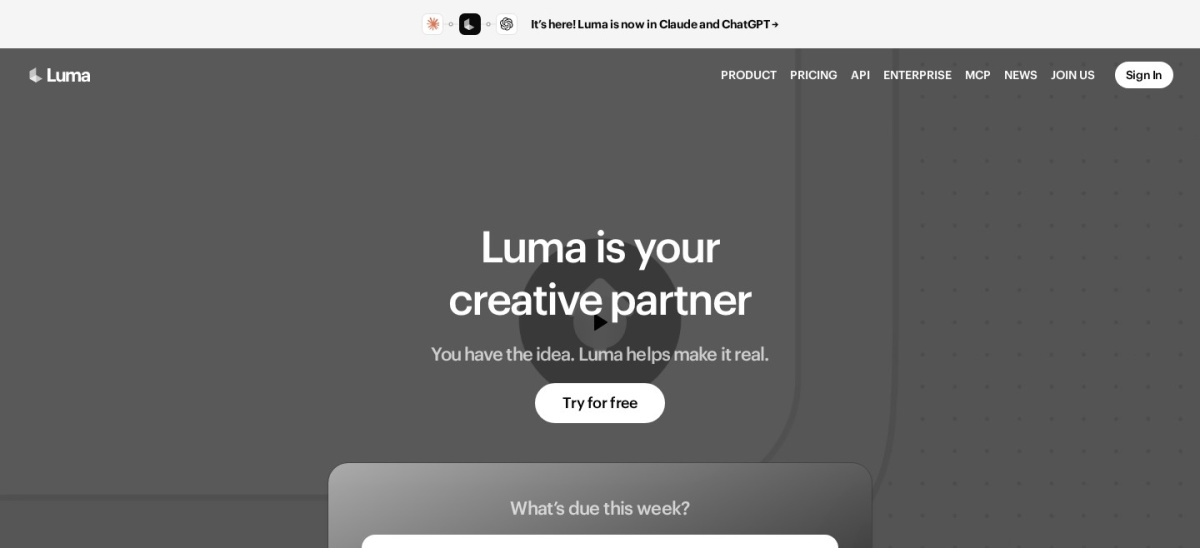
Luma AI starts at $30/mo ($25/mo billed annually) with 10,000 monthly credits, though it lists no permanent free tier on its pricing page.
What to look for in an AI image animation tool
AI tools that animate still images split into two distinct workflows: scene motion generators and talking-head animators. Scene models such as Runway, Kling AI, Luma AI, and Pika take a reference frame and synthesize camera movement, physics, and environmental motion. Portrait animators like HeyGen and D-ID focus on lip-sync, facial expressions, and script-driven voiceovers.
Headline monthly subscription prices rarely tell the full story because nearly every generator meters usage through credits or video minutes. Higher resolutions, frame rates, and flagship models burn credits much faster than draft tiers, and failed or warped generations usually still deduct from your balance.
Commercial licensing and watermarks also separate casual trials from production tools. Several platforms restrict free tiers or entry plans to personal, non-commercial projects, so verify export resolution, watermark removal, and commercial rights before committing to an annual plan.
Runway is a browser-based AI video studio that animates still images using Gen-4.5, Gen-4 Turbo, and partner models alongside camera presets and keyframe workflows. Its permanent Free plan grants 125 one-time credits with 5GB of storage and watermarked exports for testing the interface.
The trade off is rapid credit consumption on flagship models, as Standard costs $15/mo ($12/mo billed annually at $144/yr) for 625 monthly credits, covering about 52 seconds of Gen-4.5 output. It suits creators and editors who want precise motion direction and 4K upscaling rather than bulk social clips.
What we like
Granular camera movement presets and multi-model workspace
Includes 4K upscaling and watermark removal on Standard
Permanent free tier with 125 one-time credits to test
Watch out for
Free credits never refresh once spent
Flagship Gen-4.5 generations consume 12 credits per second
Separate developer API billing from web app subscriptions
Standard removes watermarks, unlocks all video models, and adds 625 monthly credits.Visit runwayml.com
02
HeyGen
4.8/5on G2 (1,977 reviews, checked Nov 2026)
Paid from$24/mo
Best for turning portraits into talking presenters
Entry planCreator ($24/mo yearly, $29/mo monthly)
Monthly allowance600 credits, up to 30-min videos
Free tierUp to 3 watermarked 1-min videos/mo
Output quality1080p on Creator, 4K on Pro
heygen.com
HeyGen homepage, captured Nov 2026.
HeyGen is an AI avatar and video creation platform that animates still portraits into lip-synced presenters across 175+ languages and animates scenes inside a timeline editor. Its Free tier includes up to 3 watermarked videos per month at 720p (maximum 1 minute each) plus 1 custom avatar slot.
The trade off is a higher starting price and per-minute credit burn on newer avatar engines, with Creator priced at $29/mo ($24/mo billed annually at $288/yr) for 600 monthly credits. It suits marketers, educators, and teams turning headshots into scripted training or sales videos.
What we like
High G2 rating (4.8/5 across 1,977 reviews) for lip-sync accuracy
Unlimited photo avatars and 1080p watermark-free exports on Creator
Supports 175+ languages with voice cloning
Watch out for
No monthly credit rollover on standard individual plans
4K export requires upgrading to Pro at $49/mo
Newer avatar models burn credits much faster than legacy ones
Creator removes watermarks, unlocks 1080p exports, and extends max video length to 30 minutes.Visit heygen.com
03
Kling AI
1.2/5on Trustpilot (457 reviews, checked Nov 2026)
Kling AI is an image-to-video and text-to-video generator known for fluid human movement, fabric physics, and start-to-end keyframe transitions. Its Basic free tier provides 66 credits every 24 hours—enough for one or two watermarked 5-second 720p clips per day without a commercial license.
The trade off is lower Trustpilot user sentiment around support and non-refunded failed renders, while Standard runs $10/mo regular price ($120/yr; sometimes discounted for the first month) for 660 monthly credits. It suits budget-conscious creators who want commercial rights and 1080p output under $150/yr.
What we like
Recurring daily free credits for ongoing testing
Low $10/mo regular entry tier with full commercial license
Supports start and end frame guidance for controlled transitions
Watch out for
Failed or policy-blocked prompts still deduct credits
Free tier queues can run several minutes during peak traffic
Low Trustpilot rating (1.2/5) citing billing and support friction
Standard adds 660 monthly credits, faster queues, watermark removal, and commercial rights.Visit klingai.com
04
Pika
3.4/5on Trustpilot (20 reviews, checked Nov 2026)
Paid from$10/mo
Best for playful effects and multi-model access
Entry planStarter ($10/mo)
Monthly allowance600 credits
Free tierAvailable, non-commercial license
Model catalog80+ video, image, and audio models
pika.art
Pika homepage, captured Nov 2026.
Pika is an AI video workspace that animates still images through its own Pika models alongside third-party engines like Kling 4.0, Seedance 2.5, and Wan 3.0. Every plan unlocks the full catalog of 80+ models and specialized tools like Product Ad, Motion Transfer, and Pikaframes, with a free tier for non-commercial testing.
The trade off is a modest 600-credit monthly pool on Starter at $10/mo ($120/yr), which covers only a handful of high-resolution clips before requiring top-ups or a jump to Creator at $35/mo. It suits social media creators who want stylized transitions and product-photo ads in one dashboard.
What we like
All 80+ models and video apps are unlocked on every plan
Includes dedicated Product Ad and Motion Transfer workflows
Affordable $10/mo entry price with commercial licensing
Watch out for
600 monthly credits on Starter deplete quickly on 1080p renders
Free tier outputs lack a commercial usage license
Smaller public review footprint than legacy creative suites
Starter grants 600 monthly credits, watermark-free exports, and a commercial license.Visit pika.art
05
Adobe Firefly
4.3/5on G2 (592 reviews, checked Nov 2026)
Paid from$9.99/mo
Best for commercially safe brand and agency assets
Entry planFirefly Standard ($9.99/mo)
Monthly allowance2,000 credits (up to 20 five-second videos)
Free tierLimited free daily generations
Training dataLicensed Adobe Stock & public domain
adobe.com
Adobe Firefly homepage, captured Nov 2026.
Adobe Firefly is a generative image and video studio trained on licensed Adobe Stock and public domain content, making it a cautious choice for commercial marketing teams. It animates still frames into 5-second 1080p clips and connects directly with Photoshop, Illustrator, and Premiere Pro.
The trade off is conservative motion style and strict monthly clip caps on the entry tier, as Firefly Standard costs $9.99/mo ($119.88/yr) for 2,000 credits—enough for up to 20 five-second videos. It suits designers and brand teams already working inside Adobe apps.
What we like
Trained on licensed content for commercial IP peace of mind
Low $9.99/mo entry price with 2,000 monthly generative credits
Direct integration with Photoshop and Premiere Pro workflows
Watch out for
Motion output is more restrained than specialized video models
Standard plan caps out at 20 five-second videos per month
Complex prompts can require multiple credit-burning retries
Firefly Standard includes 2,000 monthly credits for up to 20 five-second videos and 400 images.Visit adobe.com
Luma AI (Dream Machine) animates still images with smooth camera choreography using its Ray3.2 models alongside third-party options like Kling 4.0 and Seedance 2.5. Paid plans include commercial usage rights, guest collaborator edit access, and support for SDR and HDR video workflows.
The trade off is a higher entry price and steep resolution multipliers, as Plus starts at $30/mo ($25/mo billed annually at $300/yr) for 10,000 credits and no permanent free plan is listed on its pricing page. It suits filmmakers and product teams needing clean 1080p camera moves.
What we like
Generous 10,000-credit starting pool on the Plus plan
Includes Ray3.2 plus third-party models in one workspace
Supports guest collaborator edit access and commercial use
Watch out for
No permanent free plan listed on the active pricing page
1080p SDR costs 4x as many credits as 720p (400 vs 100 per 5s)
Higher $30/mo monthly starting point than Runway or Kling
Plus provides 10,000 monthly credits, commercial rights, and access to Ray3.2 and partner models.Visit lumalabs.ai
Monthly allowance10 minutes of video on Lite (15 min on Pro)
Free tier14-day free trial (3 minutes total)
Commercial licenseStarts on Pro ($16/mo yearly, $29/mo monthly)
d-id.com
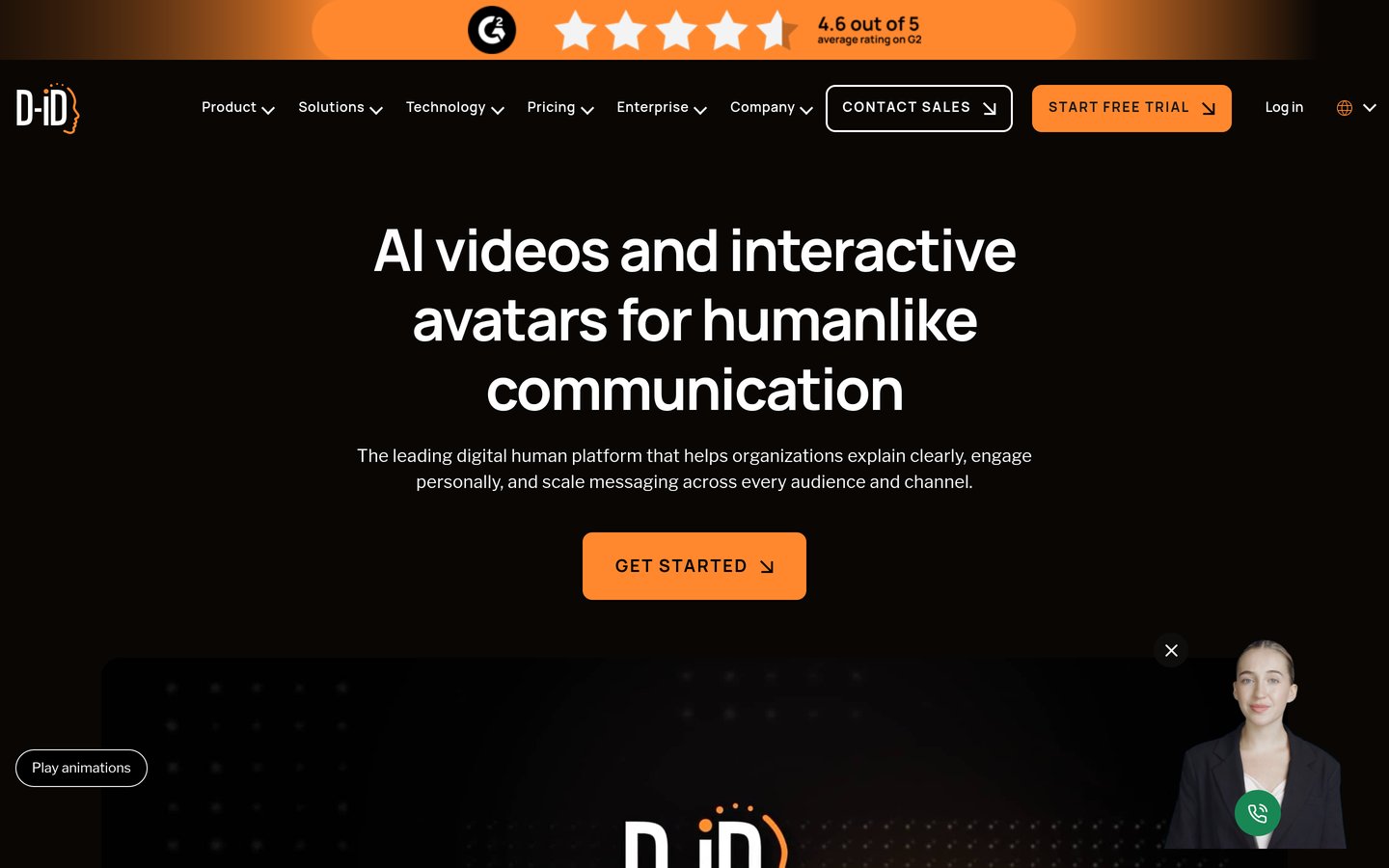
D-ID homepage, captured Nov 2026.
D-ID is a facial animation and AI presenter platform that turns a single portrait photo and typed script into a speaking video across 30+ output languages. New users get a 14-day free trial with 3 minutes shared across Studio videos, agents, and translation.
The trade off is strict watermarking and licensing tiers: Lite costs $5.90/mo ($4.70/mo billed annually at $56/yr) for 10 minutes but restricts usage to personal projects with a D-ID watermark. It suits hobbyists on Lite or small businesses upgrading to Pro ($16/mo yearly) for commercial rights.
What we like
Lowest annual entry price on this list at $56/yr on Lite
Predictable per-minute billing across videos and translation
Strong 4.6/5 rating across 139 G2 reviews
Watch out for
No permanent free tier after the 14-day trial ends
Lite plan ($4.70/mo yearly) is limited to personal, non-commercial use
Full watermark removal requires the Advanced plan at $108/mo yearly
Lite unlocks 10 video minutes per month for personal use; Pro ($16/mo yearly) adds commercial rights.Visit d-id.com
How credit math changes the real cost per clip
Entry plans between $10/mo and $15/mo typically buy 50 to 80 seconds of finished 1080p animation per month once retries are factored in. Because AI motion models often require two or three prompt adjustments to nail hand physics or camera speed, a 625-credit Runway Standard plan or 660-credit Kling Standard plan can run dry in a single afternoon.
If you plan to animate product catalogs or weekly social reels at scale, compare per-second rates at 1080p rather than 720p draft rates. Tools like Luma AI charge 4 times as many credits for 1080p as 720p, whereas Runway charges 12 credits per second on Gen-4.5 versus 6 credits per second on Gen-4 Turbo.
How we chose
We built this shortlist by evaluating established AI video and avatar platforms that offer dedicated image-to-video or talking-photo workflows, active product updates in 2026, and transparent self-serve pricing tiers.
All subscription prices, credit allocations, free tier caps, and public user ratings from G2 and Trustpilot were checked on 22 Nov 2026 directly against vendor pricing pages and review profiles.
We excluded discontinued models such as OpenAI Sora 2, open-source repositories without hosted pricing, and tools without verifiable public pricing pages or established review records. No vendor paid for a place, and we do not claim testing for this list.
How to choose an AI image animation tool
Match the tool's motion engine and licensing tier to the exact type of still image you want to animate.
Separate scene motion from talking portraits. Pick a scene generator like Runway, Kling AI, or Luma AI if you want camera pans, flowing water, or character movement; pick HeyGen or D-ID if a portrait needs to speak a script with lip-sync.
Calculate your cost at 1080p, not 720p. Check how many credits a 5-second 1080p clip consumes on your target plan and divide your monthly allowance by three to account for prompt retries.
Verify commercial rights on the entry tier. Confirm whether the cheapest paid plan grants commercial usage and removes watermarks—D-ID Lite and free tiers on Kling AI and Pika restrict commercial publishing.
Test your hardest image on a free tier first. Run a complex portrait or detailed product photo through the free credits on Runway, Kling AI, or HeyGen to check how well the model preserves facial identity and text labels.
FAQ
Which AI tool is best for animating still images for free?
Kling AI and Adobe Firefly offer recurring free daily generations, while Runway gives 125 one-time credits and HeyGen includes up to 3 watermarked 1-minute videos per month. Free outputs on most platforms carry watermarks and exclude commercial usage rights.
What is the difference between Runway and HeyGen for photo animation?
Runway specializes in cinematic scene motion, camera controls, and visual effects from a starting frame. HeyGen focuses on turning a portrait photo into a talking presenter with lip-sync, voice cloning, and multi-language translation.
Can I use AI-animated images for commercial ads?
Yes, provided you subscribe to a plan that includes commercial rights. Runway Standard ($12/mo yearly), Kling AI Standard ($10/mo), Pika Starter ($10/mo), and Adobe Firefly Standard ($9.99/mo) include commercial licensing, while D-ID requires Pro ($16/mo yearly) or higher.
How many animated clips do I get on a $10 to $15 monthly plan?
Expect roughly 10 to 20 five-second 1080p clips per month before retries. Runway Standard gives 625 credits (~52 seconds of Gen-4.5), Kling AI Standard gives 660 credits (~16 five-second 1080p clips), and Adobe Firefly Standard covers up to 20 five-second videos.
Why do failed AI video generations still cost credits?
Most credit-based platforms—including Runway, Kling AI, and Luma AI—meter compute time per render rather than subjective output quality. Testing prompts on faster, lower-credit draft models before rendering at 1080p helps conserve your monthly balance.