Best AI Translator Tools for Video Editing in 2026: 8 Tools Compared
WLWPLegible EditorsLast verified 22 Nov 2026How we rank13 min read
★ Short answer
HeyGen is the best AI translator tool for video editing, matching translated voice cloning with automated lip-sync across 175+ languages. For full timeline and transcript editing, pick Descript, while HappyScribe delivers the lowest entry price at $102/yr for translated subtitles.
How we make this list: we compare pricing pages, product documentation and public user reviews, then re-check every price before each update. No product paid for a place. Disclosure.
HeyGen leads lip-sync video localization across 175+ languages starting at $288/yr on annual billing ($24/mo).
HappyScribe offers the lowest entry price at $102/yr ($8.50/mo billed annually) for translated subtitles in 80+ languages.
ElevenLabs provides the most affordable voice-only dubbing studio starting at $60/yr ($5/mo billed annually).
Descript ($192/yr) and VEED ($147/yr) pair multi-track video editing with built-in AI translation and captions.
Rask AI ($329/yr) handles multi-speaker dubbing in 135+ languages, though visual lip-sync requires its $799/yr tier.
What to look for in an AI video translation tool
Video translation spans three distinct workflows: burned-in multilingual subtitles, AI voiceover dubbing, and visual lip-sync replacement. Subtitle-only tools translate and time captions without altering the audio track, while dubbing and lip-sync platforms re-voice the speaker and reshape mouth movements to match the target language.
Credit and minute metering varies widely across vendors. Most platforms charge per minute of source video per target language, meaning translating a 10-minute clip into three languages consumes 30 minutes of allowance. Several editors also bundle translation credits with video generation, so re-rendering small script tweaks can deplete monthly quotas quickly.
For video editors, post-translation control matters as much as raw AI output. Look for line-by-line transcript editors that let you fix timing and phrasing before burning captions or rendering audio, along with custom glossaries to lock brand names and technical terms.
HeyGen is an AI video generation and localization platform that clones a speaker's voice, translates dialogue into 175+ languages, and adjusts mouth movements to match. The free tier includes up to 3 one-minute watermarked videos per month, while the Creator plan ($24/mo billed annually, or $29/mo monthly) unlocks 600 monthly credits, 1080p watermark-free exports, and multi-speaker detection.
The trade off is credit burn rate and tier gating, as Creator costs $288/yr and lacks translation-script proofreading before rendering, which requires upgrading to Pro ($488/yr). It suits creators and marketing teams localizing front-facing presenter videos.
What we like
Supports 175+ languages and regional dialects
Preserves original speaker tone across multiple speakers
Includes visual lip-sync on the entry paid tier
Watch out for
Script proofreading before render requires the $488/yr Pro plan
Monthly credits do not roll over beyond one cycle
Creator ($288/yr) removes watermarks, extends video length to 30 minutes, and adds 600 monthly credits.Visit heygen.com
02
Descript
4.6/5on G2 (938 reviews, checked Nov 2026)
Paid from$192/yr
Best for transcript-based video editing
Languages30+ translation & dubbing languages
Lip-syncEye contact & speech regeneration
Free tier60 media mins/mo (720p watermark)
Entry quota10 media hrs + 400 AI credits/mo
descript.com
Descript homepage, captured Nov 2026.
Descript is a transcript-driven audio and video editor that lets you cut footage by editing text while translating captions and dubbed speech into 30+ languages. Its free plan gives 60 media minutes per month with 720p watermarked exports, and the Hobbyist plan ($16/mo billed annually, or $24/mo monthly) adds 10 media hours, 400 AI credits, and 1080p watermark-free output.
The trade off is language breadth and team costs, since Hobbyist at $192/yr covers fewer languages than dedicated dubbers and translation proofreading sits on the $600/yr Business tier. It suits podcasters and video editors who want translation inside a full timeline editor.
What we like
Combines full multi-track editing, captions, and dubbing in one workspace
Exports timelines directly to Premiere Pro and Final Cut on Creator
Includes Studio Sound noise cleanup and filler-word removal
Watch out for
Supports 30+ languages, fewer than dedicated localization tools
Billed per editor seat with no rollover on unused media hours
Hobbyist ($192/yr) removes watermarks, unlocks 1080p export, and includes 10 media hours per month.Visit descript.com
03
HappyScribe
4.6/5on G2 (123 reviews, checked Nov 2026)
Paid from$102/yr
Best for budget subtitle translation
Languages80+ translation, 150+ transcription
Lip-syncNo (subtitles and transcripts only)
Free tier10 one-time upload minutes
Entry quota1,440 upload mins/yr (120 mins/mo)
happyscribe.com
HappyScribe homepage, captured Nov 2026.
HappyScribe is a transcription and subtitle translation platform supporting 150+ source languages and AI translation into 80+ languages, with optional human proofreading from $2.00/min. The free tier provides 10 one-time upload minutes, while the Basic plan ($8.50/mo billed annually, or $17/mo monthly) includes 1,440 upload minutes per year, watermark-free video exports, and an interactive subtitle editor.
The trade off is the lack of AI voice dubbing or lip-sync, and Basic at $102/yr restricts full export formats until the Pro tier ($228/yr). It suits editors and educators who rely on accurate translated captions and SRT files rather than voice replacement.
What we like
Lowest annual entry price at $102/yr for 1,440 minutes
Optional 99% human proofreading add-on in 60+ languages
GDPR-compliant EU hosting and SOC 2 Type II certification
Watch out for
Does not generate dubbed AI audio or lip-sync video
Full subtitle export formats require the $228/yr Pro plan
Basic ($102/yr) removes export watermarks and grants 1,440 annual minutes for transcription and subtitle translation.Visit happyscribe.com
04
VEED
4.6/5on G2 (2,195 reviews, checked Nov 2026)
Paid from$147/yr
Best for browser-based social video editing
Languages50+ translation languages
Lip-syncSeparate API; dubbing on Pro+
Free tier720p exports with watermark (10 min cap)
Entry quota6,000 AI credits/yr on Creator
veed.io
VEED homepage, captured Nov 2026.
VEED is a browser-based video editor combining timeline cutting, styled auto-captions, and AI translation across 50+ languages. The free plan allows 720p watermarked exports up to 10 minutes with 50 monthly AI credits, while the Creator plan ($147/yr billed annually, or $25/mo monthly) unlocks 1080p watermark-free exports, unlimited auto-subtitles, and 6,000 annual AI credits.
The trade off is per-editor seat pricing and feature gating, as full video translation and 4K exports sit on the Pro plan ($265/yr per editor) rather than the $147/yr Creator tier. It suits social media editors wanting quick browser-based captioning and resizing.
What we like
Fast browser workflow with styled burned-in subtitle templates
Full annual AI credit pool granted up front on yearly plans
Includes background noise removal and social aspect-ratio resizing
Watch out for
Full video translation tools require upgrading to Pro at $265/yr
Bills per editor seat, multiplying costs for small teams
Creator ($147/yr) removes watermarks, enables 1080p export, and includes unlimited auto-subtitles.Visit veed.io
05
ElevenLabs
4.5/5on G2 (1,337 reviews, checked Nov 2026)
Paid from$60/yr
Best for natural AI voice dubbing
Languages29 Dubbing Studio languages (74 TTS)
Lip-syncNo (audio dubbing track only)
Free tier10,000 credits/mo (non-commercial)
Entry quota30,000 credits/mo on Starter
elevenlabs.io
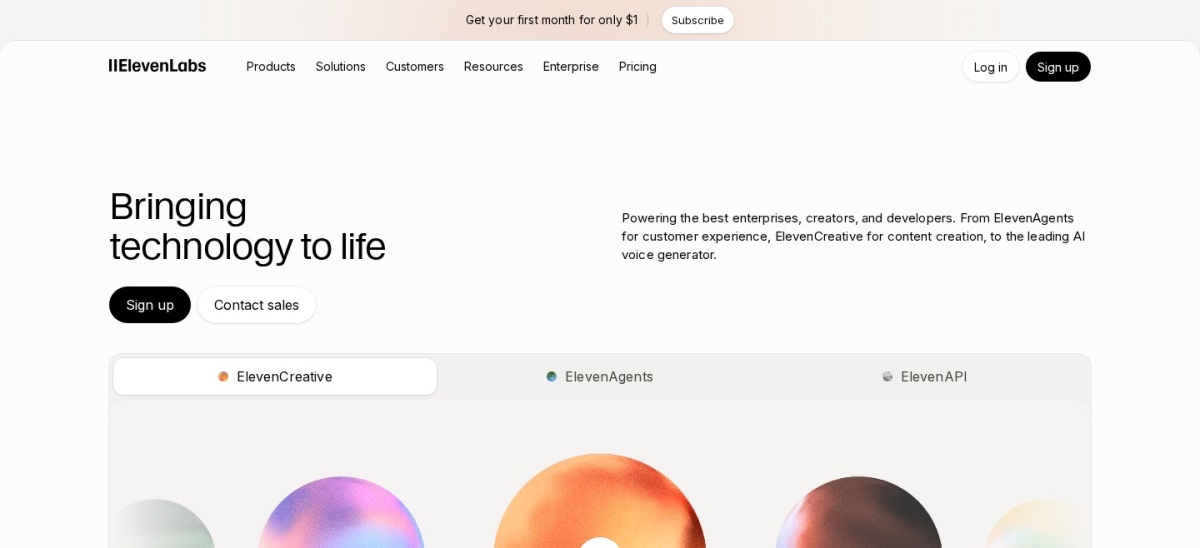
ElevenLabs homepage, captured Nov 2026.
ElevenLabs is an AI voice platform whose Dubbing Studio translates and re-voices video or audio tracks while preserving speaker emotion, pacing, and multi-speaker separation across 29 languages. Its free tier grants 10,000 monthly credits for non-commercial testing, while the Starter plan ($5/mo billed annually at $60/yr, or $6/mo monthly; currently discounted to $1 for the first month) adds 30,000 credits and commercial rights.
The trade off is that ElevenLabs outputs dubbed audio without visual lip-sync or timeline video editing, and high-grade Dubbing v2 consumes up to 10,000 credits per minute. It suits editors who prefer dropping clean translated voice tracks into desktop NLEs like Premiere or DaVinci Resolve.
What we like
Industry-leading vocal emotion, breathing, and pacing realism
Commercial license starts at just $60/yr on annual billing
Unused credits roll over for up to two months on paid plans
Watch out for
No visual lip-sync or built-in video timeline editor
Watermark-free Dubbing v2 burns credits rapidly on Starter
Starter ($60/yr) unlocks a commercial license, instant voice cloning, and Dubbing Studio access.Visit elevenlabs.io
06
Rask AI
4.7/5on G2 (270 reviews, checked Nov 2026)
Paid from$329/yr
Best for multi-speaker video dubbing
Languages135+ dubbing, 57 voice cloning
Lip-syncIncluded on Creator Pro ($799/yr)
Free tier3-minute free trial (no card required)
Entry quota300 mins/yr (25 mins/mo) on Creator
rask.ai
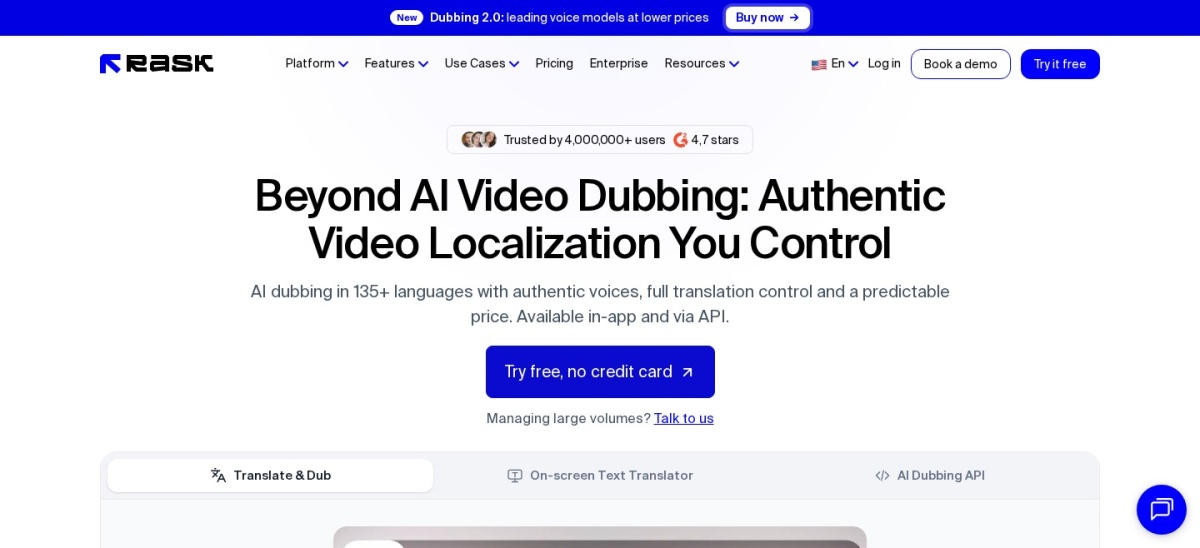
Rask AI homepage, captured Nov 2026.
Rask AI is a dedicated video and audio localization platform offering translation in 135+ languages, voice cloning in 57 languages, and a line-by-line transcript editor. A 7-day free trial includes 3 localization minutes, while the Creator plan ($329/yr billed annually, or $39/mo monthly) provides 300 annual minutes and multi-speaker detection.
The trade off is price and feature gating, as visual lip-sync and extra minute top-ups ($3/min) are locked behind Creator Pro at $799/yr ($99/mo monthly) rather than the $329/yr entry plan. It suits course creators and media teams localizing multi-speaker interviews into dozens of languages.
What we like
Translates into 135+ languages with 57-language voice cloning
Line-by-line transcript and timing editor before final export
Batch upload and on-screen text translation on Business plans
Watch out for
Visual lip-sync requires upgrading to Creator Pro ($799/yr)
Strict minute caps with $3/min overage fees on higher tiers
Kapwing is a collaborative browser-based video editor featuring auto-subtitling in 70+ languages and AI voice dubbing in 40+ languages. Its free tier supports watermarked 720p exports up to 4 minutes with 10 credits, while the Pro plan ($16/member/mo billed annually at $192/yr, or $24/mo monthly) unlocks watermark-free 4K exports, 1,000 monthly credits, and up to 50 dubbing minutes.
The trade off is that custom voice cloning and visual lip-sync require the Business plan ($600/yr per member), and Pro at $192/yr does not allow purchasing one-off credit top-ups. It suits small marketing teams co-editing short-form localized clips in a shared cloud workspace.
What we like
Shared cloud workspace with brand kits and version history
Includes 4K watermark-free export on the $192/yr Pro tier
Combines silence removal, resizing, and dubbing in one interface
Watch out for
Lip-sync and custom voice cloning require Business ($600/yr)
Lower user ratings around browser performance on large files
Pro ($192/yr) removes watermarks, enables 4K export, and includes up to 50 dubbing minutes per month.Visit kapwing.com
08
Synthesia
4.6/5on G2 (2,864 reviews, checked Nov 2026)
Paid from$168/yr
Best for corporate training localization
Languages140+ languages & local accents
Lip-syncIncluded on all plans
Free tier10 mins of video or dubbing/mo
Entry quota1,250 credits/mo (~16 dubbing mins)
synthesia.io
Synthesia homepage, captured Nov 2026.
Synthesia is an enterprise AI video and localization platform that dubs existing footage with lip-sync or translates slide-based presenter videos across 140+ languages and accents. The free plan includes 10 minutes of studio video or dubbing per month, while the Starter plan ($14/mo billed annually at $168/yr, or $19/mo monthly; currently running a $9 first-month promo) removes watermarks and adds 1,250 monthly credits.
The trade off is tight minute allowances on entry plans, as Starter at $168/yr yields roughly 16 extra dubbing minutes per month before requiring Pro ($528/yr). It suits L&D and internal communications teams localizing structured training modules.
What we like
Generous 10-minute monthly free allowance for evaluation
Supports 140+ languages with regional accent options
Built-in slide import and corporate training templates
Watch out for
Starter plan caps output at roughly 12–16 minutes per month
Geared toward presenter slides rather than raw timeline editing
Starter ($168/yr) removes the Synthesia watermark, enables downloads, and adds 1,250 monthly credits.Visit synthesia.io
Subtitles, AI dubbing, or lip-sync: which editing workflow fits?
Translated subtitles are the fastest and cheapest way to localize existing edits. Tools like HappyScribe and VEED generate time-coded SRT files or burned-in captions without altering your original audio mix, preserving authentic vocal performance and room tone.
AI voice dubbing replaces the spoken dialogue track while keeping background music and sound effects intact. Platforms such as ElevenLabs and Descript let you export separate localized audio stems so you can fine-tune levels inside Premiere Pro, Final Cut, or DaVinci Resolve.
Visual lip-sync reshapes the on-camera speaker's mouth to match translated phonemes. HeyGen, Rask AI, and Synthesia deliver strong results on front-facing talking-head shots, though side profiles, fast hand gestures, and heavy b-roll cuts still benefit from manual review before publishing.
How we chose
We evaluated standalone AI video translation platforms alongside cloud video editors with built-in dubbing and subtitle localization, focusing on established tools with verifiable public user reviews and transparent self-serve pricing.
All prices, credit allowances, review counts, and ratings were checked on 22 Nov 2026 directly against official vendor pricing pages and G2 product profiles, using regular annual billing rates rather than temporary promotional discounts.
We excluded enterprise-only localization suites without public entry pricing, tools that lacked regular product updates over the past 12 months, and single-purpose caption generators without multi-language translation. No vendor paid for a place, and we do not claim testing for this list.
How to choose an AI video translator for your editing workflow
Match your editing pipeline and monthly export volume to the right pricing model before subscribing:
Decide between subtitles, audio dubbing, or visual lip-sync. If your footage relies on voiceover or screen recordings, audio-only dubbers like ElevenLabs cost a fraction of visual lip-sync platforms like HeyGen.
Calculate minutes multiplied by target languages. Most tools deduct credits per minute per output language, so translating one 15-minute video into four languages requires at least 60 minutes of monthly quota.
Check whether script editing is locked to higher tiers. Some platforms charge extra tiers to proofread and edit translated transcripts before rendering, which prevents wasted credits on pronunciation fixes.
Verify export formats for your primary NLE. If you finish edits in Premiere Pro, Final Cut, or DaVinci Resolve, confirm that your plan exports clean SRT captions, uncompressed WAV stems, or 4K video without watermarks.
FAQ
What is the best AI translator tool for video editing?
HeyGen is the top overall choice for talking-head video localization, combining voice cloning and visual lip-sync across 175+ languages. If you want transcript-based multi-track timeline editing alongside dubbing, Descript is the strongest all-in-one alternative.
Can I translate videos with AI for free?
Yes, every tool on this list offers a free tier or trial, though exports include watermarks or strict minute caps. Synthesia provides 10 free minutes per month, Descript includes 60 media minutes with a watermark, and HeyGen allows up to 3 one-minute videos monthly.
Which AI video translator has the best lip-sync accuracy?
HeyGen and Synthesia deliver the most consistent visual lip-sync on front-facing presenter footage. Rask AI also supports visual lip-sync across 135+ languages, though you must subscribe to its Creator Pro plan ($799/yr) to unlock mouth-movement matching.
How do AI video translation credits work?
Most platforms meter usage by source video duration multiplied by the number of target languages. Regenerating a segment after editing a translated script often consumes fresh credits, so finalizing your transcript before rendering saves significant quota.
Which tool is best if I edit in Premiere Pro or Final Cut?
ElevenLabs and HappyScribe work best alongside desktop editors because they export clean translated audio stems and time-coded SRT subtitle files. Descript Creator ($288/yr) also exports project timelines directly to Premiere Pro and Final Cut.