Best AI Tools for Creating Presentations in 2026: 9 Tools Compared
WLWPLegible EditorsLast verified 24 Nov 2026How we rank12 min read
★ Short answer
Gamma is the best AI tool for creating presentations for most people, with a free tier of 400 one-time credits and Plus at $9 a month. It turns a topic into a polished deck in under a minute. Pick Beautiful.ai for design-consistent business decks and Plus AI if you want AI inside PowerPoint or Google Slides.
How we make this list: we compare pricing pages, product documentation and public user reviews, then re-check every price before each update. No product paid for a place. Disclosure.
Gamma is the fastest prompt-to-deck tool, with a free tier of 400 one-time credits and Plus at $9 a month.
Beautiful.ai suits design-consistent teams, with Smart Slides that auto-reformat when content changes, at $14.50 a month.
Plus AI is the best pick for editing inside PowerPoint or Google Slides, at $10 a user a month.
SlidesAI is the cheapest AI draft option inside Google Slides, with a free tier of 12 presentations a year and Pro at $10 a month.
Tome shut down in April 2025, so older guides that list it are out of date.
What an AI presentation tool should cover
AI presentation tools fall into three camps: prompt-to-deck generators like Gamma that build a whole deck from one topic, design engines like Beautiful.ai that auto-format every slide, and add-ons like Plus AI and SlidesAI that work inside PowerPoint or Google Slides.
The meter matters more than the headline price. Gamma charges credits per generation, Presentations.AI charges credits per slide, and Pitch charges credits per team, so your monthly deck count decides the real cost.
Free tiers here are mostly one-time credits or limited generations, not unlimited free use. Gamma gives 400 one-time credits, SlidesAI gives 12 presentations a year, and Beautiful.ai has no free plan at all, only a 14-day trial that needs a card.
Pick by your workflow. Speed-first creators point to Gamma, design-consistent teams point to Beautiful.ai, and PowerPoint loyalists point to Plus AI or SlidesAI.
Gamma is an AI-first presentation builder that turns a prompt into a designed deck in under a minute. Its AI agent outlines first, then designs, with smart layouts applied automatically, and it handles document-to-deck conversion and webpage creation too.
The trade off is the free tier. It runs on 400 one-time credits that never refresh, and exports need a paid plan. It suits speed-first creators who want a polished first draft fast.
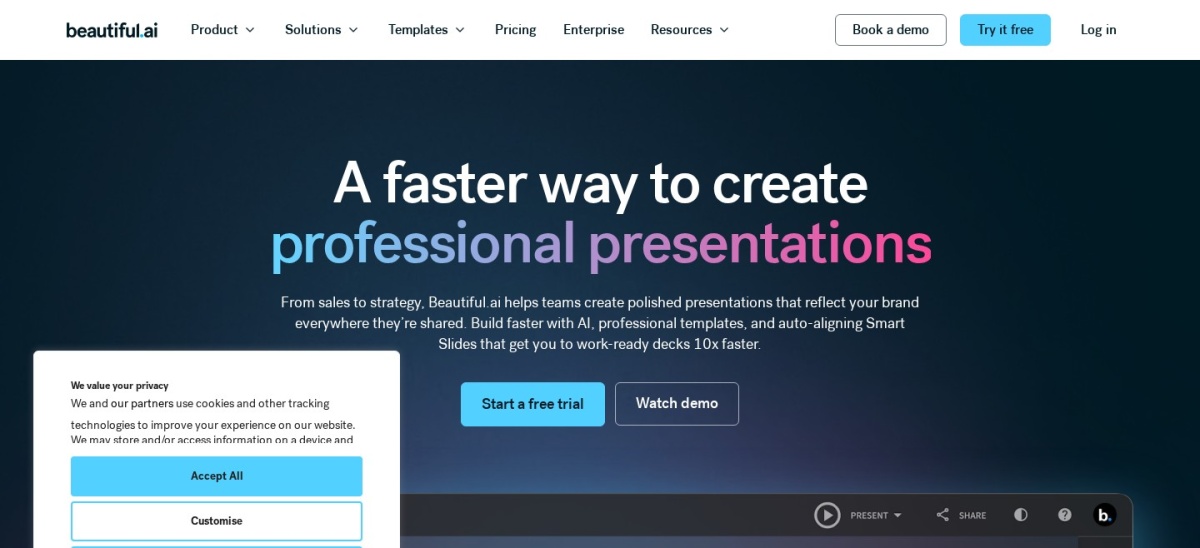
Beautiful.ai is a design engine that automates professional design principles through Smart Slides. They auto-reformat when you add or remove content, keeping every slide consistent without manual layout work, with brand guardrails that lock colors, fonts and logos.
The trade off is the trial. There is no free plan, only a 14-day trial that requires a card, and monthly billing jumps to $45 a month. It suits design-conscious teams that value consistency over freeform creativity.
What we like
Smart Slides auto-rebalance layouts
Brand guardrails for enterprise teams
Consistent professional design on every slide
Watch out for
No free plan, only a 14-day trial with card required
Canva is an all-around design platform with a huge template library and AI features across presentations, documents, video and social content. Magic Design builds a deck from a prompt, and a generous free plan covers many templates, with PPTX export free.
The trade off is the workflow. Canva's presentation flow is template-first, so you pick a template and customize slide by slide, resizing manually when content overflows. It suits visual-first teams that already use Canva for design.
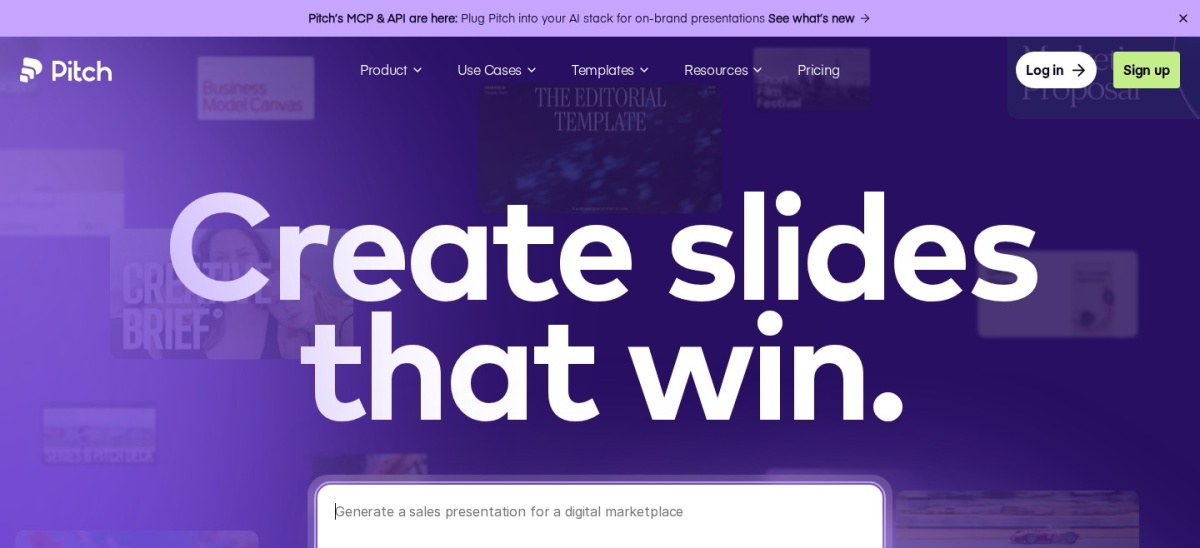
Pitch is a collaborative presentation platform with AI assist, built for teams sending sales and investor decks. It offers link sharing with engagement analytics, approval gates, slide ownership, version management and AI rewrite for different audiences.
The trade off is pricing in euros. Plus costs €10 a month billed yearly, with Team at €15 and Business at €20, and AI generation quality lags dedicated AI tools in some guides. It suits startup founders and sales teams who need collaboration and analytics.
Best for editing inside PowerPoint or Google Slides
Entry planBasic, $10/user/mo
AI credits1,500 per month
Free trial7 days, 1,000 credits
Works inPowerPoint, Google Slides
plusdocs.com
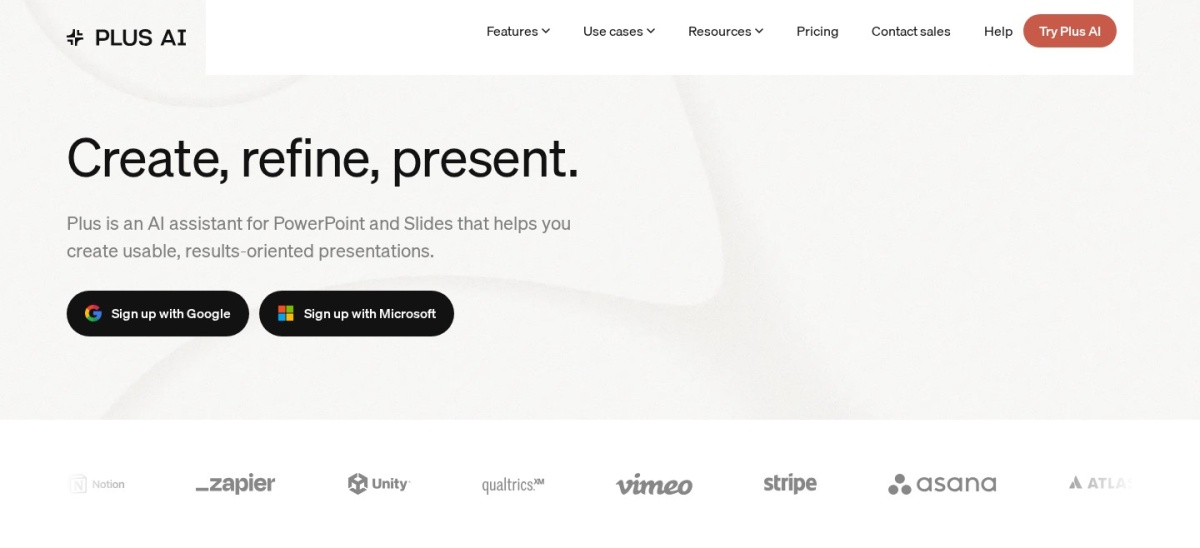
Plus AI homepage, captured Nov 2026.
Plus AI is an AI add-on that builds decks natively inside PowerPoint and Google Slides. It generates decks from prompts and documents inside the slide editors teams already use, preserving corporate templates and workflows, with a 7-day trial offering 1,000 credits.
The trade off is the rating base. It holds 3.2 on G2 from only 5 reviews, and generation inside older editors can feel slower than Gamma web-native speed. It suits enterprise teams with strict template requirements that need AI inside PowerPoint.
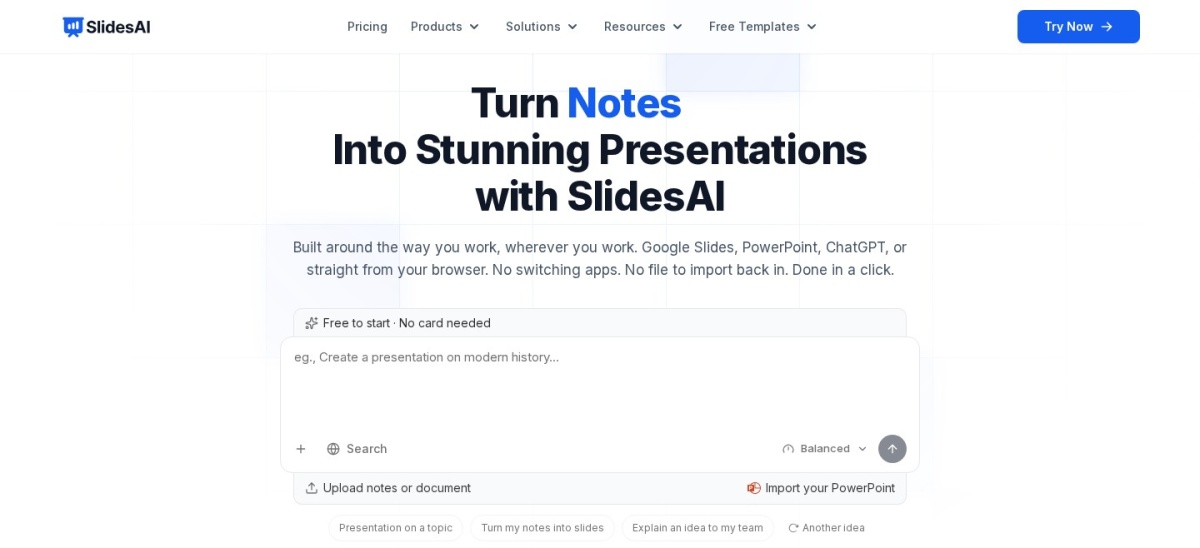
SlidesAI is a text-to-slides tool that converts text into slides directly inside Google Slides, making it the budget AI draft option for Google Workspace users, educators and researchers. Its free Basic tier covers 12 presentations per year, while Pro starts at $10 a month billed annually.
The trade off is polish. Google Slides is the only editor, so PowerPoint-first teams should choose Plus AI, and design polish trails Gamma and Beautiful.ai. It suits Google Workspace loyalists who want cheap AI drafts inside their existing workflow.
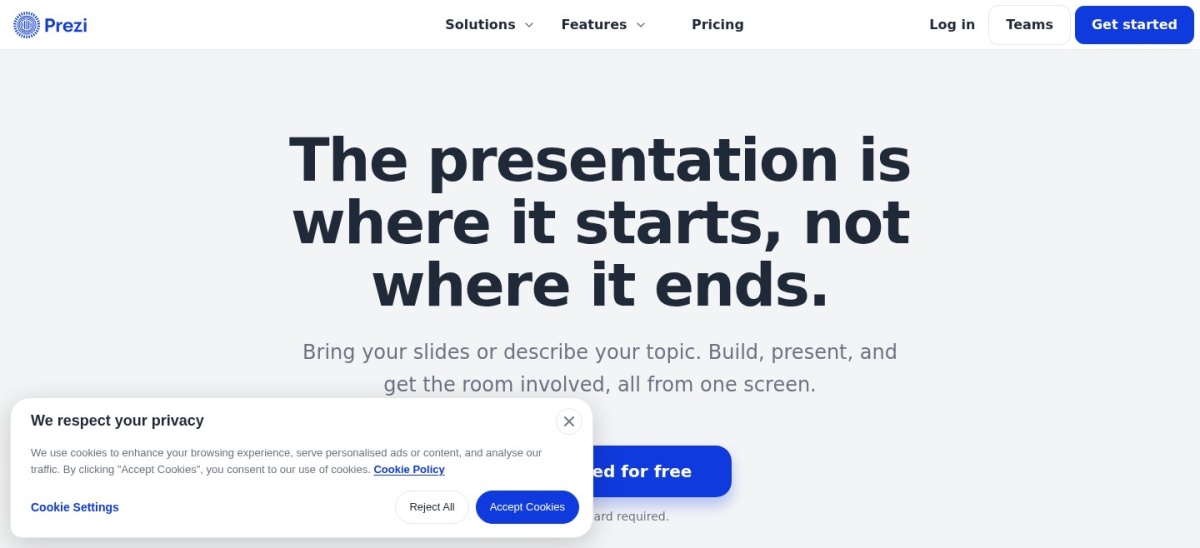
Prezi is a presentation platform that breaks from linear slides with a zooming canvas, so presentations move between ideas instead of advancing in a straight line. Its AI tools help build that structure from prompts, with live polls, quizzes, word clouds and Q&A built into the presentation itself.
The trade off is the price for AI. Standard costs $7 a month but caps AI at 500 credits, while unlimited AI needs Plus at $19 a month. It suits educators and keynote presenters who want a memorable nonlinear format.
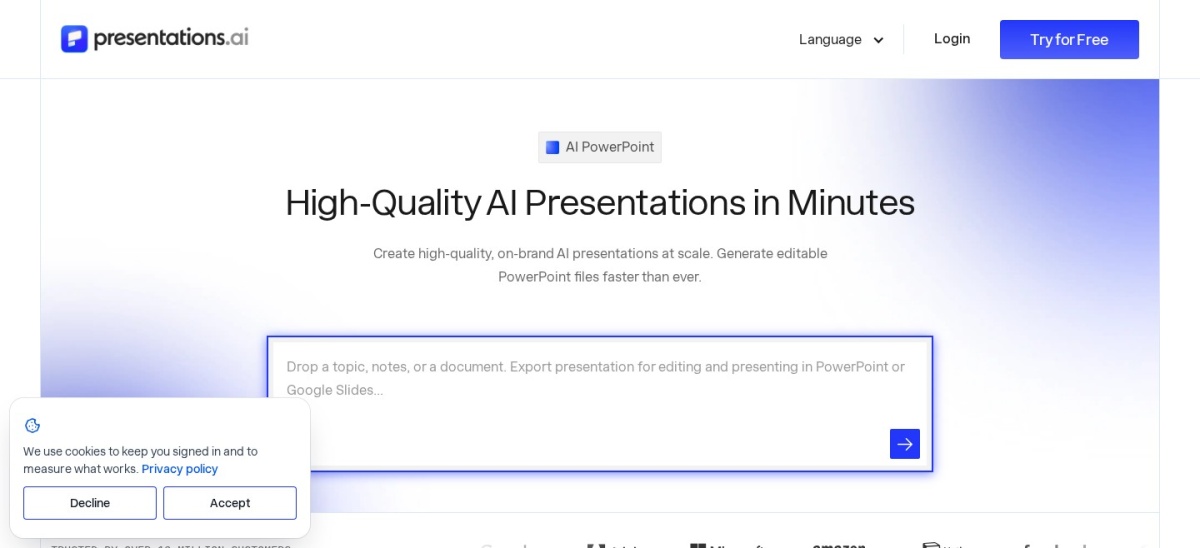
Presentations.AI is a business deck automation tool that turns a prompt or document into a full on-brand deck in minutes, with brand sync from a URL, voice-to-slide creation, and analytics that show which slides hold attention after a deck is sent.
The trade off is the rating base and price. It holds 4.2 on G2 from only 9 reviews, and Pro costs $20 a month with 5,000 AI credits per annual billing cycle. It suits business teams that produce regular branded decks at volume.
Visme is a design platform for polished, branded decks and reports with advanced interactivity and an AI-powered design suite. It offers animation, data visuals and infographics in one place, with a branded content hub for teams that publish regularly.
The trade off is the entry price. Starter costs $12.25 a month billed annually, and Business at $24.75 adds the deeper brand controls. It suits solopreneurs, marketing teams and agencies that need decks, reports and infographics from one tool.
AI can invent facts, prices and citations in a deck, so verify every number shown to investors or clients before presenting, and check that charts match source data.
An invented metric in a pitch deck can end a fundraising conversation permanently, so treat AI output as a draft, not a finished deck.
How we chose
We started from the AI presentation tools in active sale in November 2026, then kept those with published pricing and a trial or free tier.
Prices are the annual-billed monthly rates from each vendor's pricing page and November 2026 comparisons, checked on 24 November 2026. Monthly-billed rates are higher and noted in each tool's foot. Ratings and review counts come from G2 as reported in October 2026.
We left out tools that no longer exist. Tome shut down in April 2025 and its decks were deleted, so it is not a usable tool. No vendor paid for a place, and we do not claim hands-on testing for this list.
How to choose an AI presentation tool
Start with your workflow, then check the credit math.
Name your workflow. A fast first draft, a design-consistent deck, a native PowerPoint file and a team deck each point to a different tool.
Try the free tier first. Generate one deck free on Gamma, SlidesAI or Canva and see whether the output quality fits your audience.
Do the credit math. Work out how many decks a month you build, then size the plan to that, not the headline price.
Check export terms. Confirm the watermark, PPTX export and commercial-use rights on the plan you would actually buy.
FAQ
What is the best AI tool for creating presentations?
Gamma is the best pick for most people, with a free tier of 400 one-time credits and Plus at $9 a month. Beautiful.ai is best for design-consistent business decks, and Plus AI for editing inside PowerPoint or Google Slides.
Is there a free AI presentation tool?
Yes, with limits. Gamma gives 400 one-time credits free, SlidesAI gives 12 presentations a year free, and Canva has a generous free plan. Beautiful.ai has no free plan, only a 14-day trial.
How much does an AI presentation tool cost?
Paid plans in this list run from $7 a month for Prezi Standard to $20 a month for Presentations.AI Pro. Most people land on a $9 to $14.50 a month plan.
Can AI make a PowerPoint presentation?
Yes. Plus AI and SlidesAI generate decks natively inside PowerPoint or Google Slides, while Gamma, Beautiful.ai and Presentations.AI export to PPTX.
Which AI presentation tool is best for teams?
Pitch is the best pick for collaborative sales decks, with link sharing, engagement analytics and approval gates. Canva is best for teams that already design in it.
Do AI presentation tools add watermarks?
Free plans usually do. Gamma badges free exports, and Prezi watermarks free presentations. Paid plans remove branding across the board.