Best AI Tool to Create PowerPoint Presentation in 2026: 7 Tools Compared
WLWPLegible EditorsLast verified 22 Nov 2026How we rank5 min read
★ Short answer
Gamma is the top pick for generating decks from prompts and exporting to PPTX, starting with 400 signup credits on its free plan. Pitch fits collaborative team decks, while Canva suits broad visual design workflows.
How we make this list: we compare pricing pages, product documentation and public user reviews, then re-check every price before each update. No product paid for a place. Disclosure.
Gamma starts at $108/yr on Plus with 1,500 monthly credits and PPTX export.
Plus AI works directly inside PowerPoint and Google Slides starting at $120/yr per user.
Beautiful.ai enforces Smart Slide layouts starting at $174/yr billed annually with a 14-day trial.
Pitch offers a free plan with 500 one-time AI credits and Plus at $156/yr per seat billed yearly.
Canva includes up to 20 free AI uses per month and Pro at $144/yr for one user.
What to look for in an AI presentation maker
Not every AI slide generator produces native PowerPoint files cleanly. Some tools build web-native cards first and convert to PPTX on export, while others run directly inside PowerPoint or Google Slides.
Credit rules also shape real costs. Several platforms give a one-time starter credit pool on the free tier rather than a monthly allowance, and image generation or AI edits can consume credits quickly.
Check export fidelity and branding controls before committing. Free tiers often attach vendor watermarks or restrict custom fonts and brand kits until you move to a paid plan.
Finally, separate prompt-to-deck generators from full design suites. Dedicated deck tools prioritize structure and slide flow, whereas visual suites give broader graphic assets and manual layout freedom.
The 7 best ai tool to create powerpoint presentation
01
Gamma
4.2/5on G2 (88 reviews, checked Nov 2026)
Paid from$108/yr
Best for fast prompt-to-deck creation and PPTX export
Free credits400 signup
Plus monthly1,500 credits
Max prompt slides100 on Plus
Export formatsPPTX, PDF, PNG
gamma.app
Gamma homepage, captured Nov 2026.
Gamma is an AI presentation and document generator that turns prompts, notes, or imported files into slide decks. Its free plan grants 400 one-time credits at signup, generates up to 10 slides per prompt, and supports PPTX export.
The trade off is that free credits do not refill and leave Gamma branding on exports, while Plus costs $108/yr billed annually. It suits solo creators and presenters who want quick first drafts and exportable decks.
What we like
Free signup includes 400 credits and PPTX export support
Plus plan provides 1,500 monthly credits and up to 100 slides per prompt
Rollover allows unused credits up to two times the monthly allowance
Watch out for
Free plan credits are one-time rather than monthly
Free exports include Gamma branding until upgrading
Plus ($108/yr billed annually) adds 1,500 monthly credits, removes Gamma branding, and raises the prompt limit to 100 slides.Visit gamma.app
02
Plus AI
3.2/5on G2 (5 reviews, checked Nov 2026)
Starts at$120/yr
Best for working directly inside PowerPoint and Google Slides
Trial allowance1,000 credits
Basic monthly1,500 credits
Host appsPPT & Slides
Pro uploadsPDF, DOCX, TXT
plusai.com
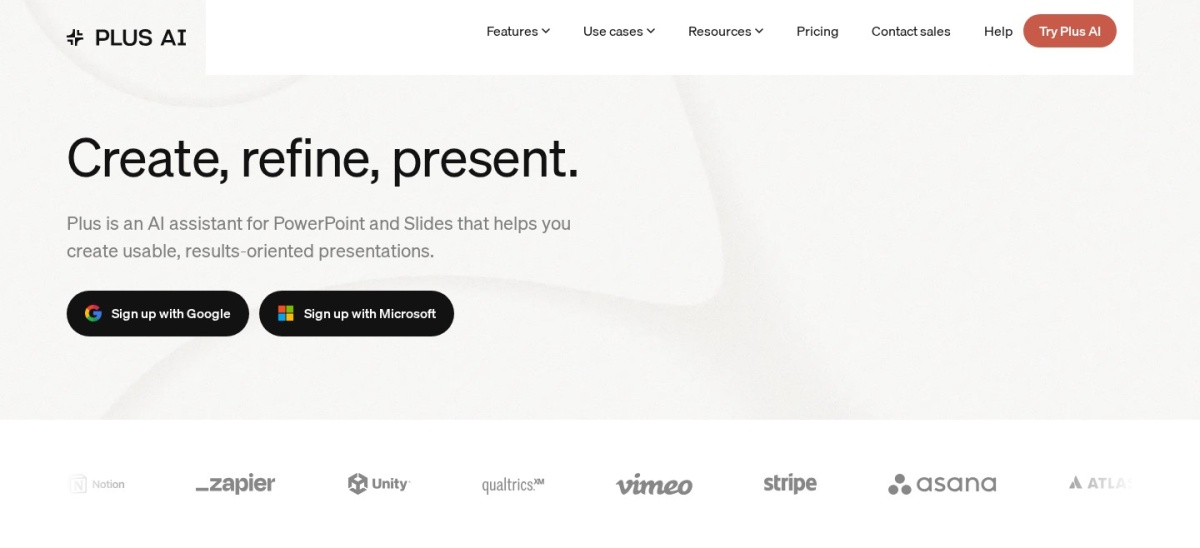
Plus AI homepage, captured Nov 2026.
Plus AI is an AI presentation add-in that generates, rewrites, and remixes slides directly inside PowerPoint and Google Slides. New accounts start with a 7-day trial containing 1,000 AI credits across both presentation suites.
The trade off is that there is no permanent free plan, and Basic starts at $120/yr per user billed annually. It suits users who want to stay inside existing PowerPoint or Google Slides files.
What we like
Runs directly inside PowerPoint and Google Slides without separate exports
Basic plan includes 1,500 AI credits per month
Supports single-slide insertion alongside full deck generation
Watch out for
No free tier after the 7-day trial ends
Document uploads require stepping up from Basic to Pro
Basic ($120/yr billed annually) provides 1,500 monthly AI credits for generating and editing slides inside PowerPoint and Google Slides.Visit plusai.com
03
Decktopus
4.3/5on G2 (78 reviews, checked Nov 2026)
Starts at$119.88/yr
Best for quick slide drafts with monthly credit refreshes
Pro credits750 / month
Estimated slides~150 / month
Export formatsPDF, PPT, PNG
StorageUnlimited
decktopus.com
Decktopus homepage, captured Nov 2026.
Decktopus is an online presentation generator that builds slide drafts from prompts and supports prompt-based slide edits. Its Pro plan includes 750 AI credits per month, roughly 150 slides, plus PDF, PPT, and PNG exports.
The trade off is that AI edits consume credits too, and Pro costs $119.88/yr billed annually ($9.99/mo equivalent). It suits solo creators who make recurring decks and want fast initial layouts.
What we like
Pro includes 750 monthly AI credits and unlimited storage
Supports PDF, PPT, and PNG exports alongside link sharing
Offers prompt-based editing to adjust individual slides
Watch out for
AI slide edits use credits from the monthly pool
Custom domains and brand kits sit on higher tiers
Pro ($119.88/yr billed annually) unlocks 750 monthly AI credits, PDF/PPT/PNG exports, and prompt-based slide editing.Visit decktopus.com
04
Canva
4.7/5on G2 (7,924 reviews, checked Nov 2026)
Paid from$144/yr
Best for broad graphic templates and visual assets
Free AI usesUp to 20 / mo
Free storage5 GB
Pro storage100 GB
Pro brand kitsUp to 5
canva.com
Canva homepage, captured Nov 2026.
Canva is a visual design platform that combines presentation templates and drag-and-drop editing with AI generation tools. Its free plan includes 5 GB of storage, 1 Brand Kit, and up to 20 monthly AI uses.
The trade off is that premium templates and brand kits are restricted on Free, and Pro costs $144/yr for one user. It suits users who want presentation slides alongside social, print, and marketing graphics.
What we like
Free tier includes up to 20 monthly AI uses and 5 GB storage
Large library of presentation templates and visual elements
Pro expands storage to 100 GB and adds up to 5 Brand Kits
Watch out for
Pro applies to a single user account rather than multiple editors
AI presentation generation sits inside a broader multi-format design tool
Canva Pro ($144/yr billed annually for one person) adds 100 GB storage, up to 5 Brand Kits, and access to premium templates.Visit canva.com
05
Pitch
4.3/5on G2 (69 reviews, checked Nov 2026)
Paid from$156/yr
Best for collaborative team decks and shared templates
Free AI credits500 one-time
Plus monthly750 credits
Plus guests5 external
PPTX exportOn Plus+
pitch.com
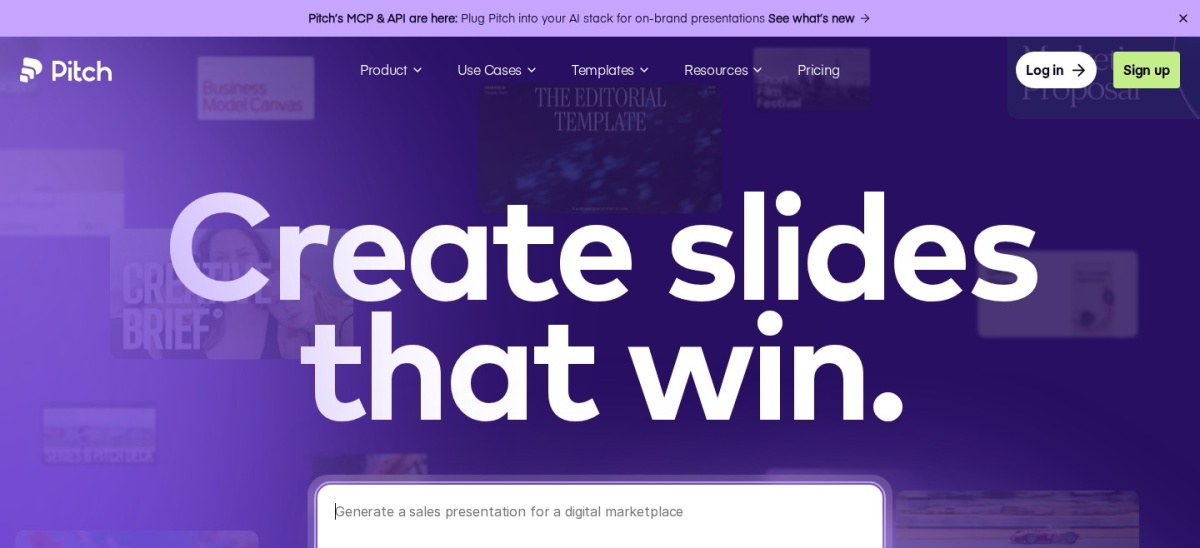
Pitch homepage, captured Nov 2026.
Pitch is a collaborative presentation platform built around team workspaces, custom templates, and AI-assisted slide creation. Its free plan allows unlimited presentations and includes 500 one-time AI credits.
The trade off is that PPTX export and custom fonts require a paid plan, starting at $156/yr ($13/seat/mo) on Plus billed yearly. It suits teams and founders collaborating on pitch decks and recurring updates.
What we like
Free plan supports unlimited presentations and 500 one-time AI credits
Plus provides 750 renewing AI credits per seat per month
Includes custom templates and collaborative workspace roles
Watch out for
PowerPoint PPTX export is gated behind paid plans
Free plan AI credits do not renew once used
Pitch Plus ($156/yr per seat billed yearly) adds 750 monthly AI credits, PPTX exports without Pitch branding, custom fonts, and video uploads.Visit pitch.com
06
Beautiful.ai
4.6/5on G2 (196 reviews, checked Nov 2026)
Starts at$174/yr
Best for automated Smart Slide formatting and consistency
Free trial14 days
Smart Slides300+ layouts
AI generationUnlimited on Pro
Export formatsPPTX, PDF
beautiful.ai
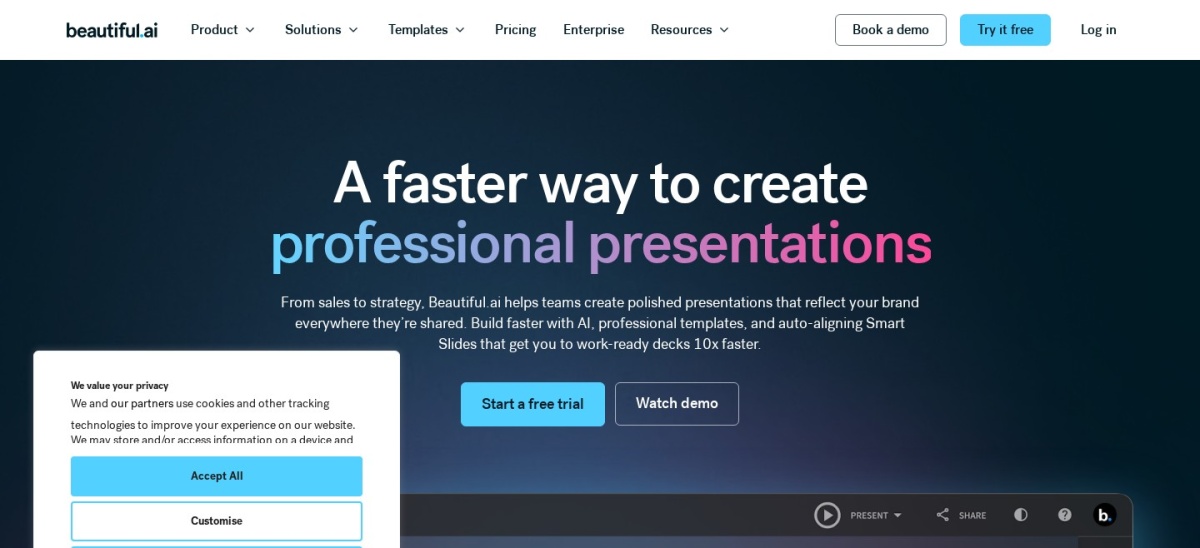
Beautiful.ai homepage, captured Nov 2026.
Beautiful.ai is a presentation platform that uses Smart Slide auto-layout rules to keep spacing and alignment consistent as content changes. It offers a 14-day free trial and over 300 Smart Slide layouts.
The trade off is that there is no permanent free plan, and Pro costs $174/yr ($14.50/mo) billed annually. It suits presenters who want automated slide formatting and editable PowerPoint export.
What we like
Includes 300+ Smart Slide layouts that adjust formatting automatically
Pro includes unlimited AI content generation and editable PowerPoint export
Offers custom theme building with logos, colors, and fonts
Watch out for
No free tier beyond the 14-day trial
Auto-layout guardrails limit free-form element placement
Beautiful.ai Pro ($174/yr billed annually) provides unlimited AI content generation, custom themes, viewer analytics, and editable PowerPoint export.Visit beautiful.ai
07
Presentations.AI
2.1/5on Trustpilot (40 reviews, checked Nov 2026)
Paid from$240/yr
Best for presentation tracking and branded slide decks
Starter credits200 credits
Starter slide capUp to 20 slides
Pro credits5,000 / year
Reported users12M+
presentations.ai
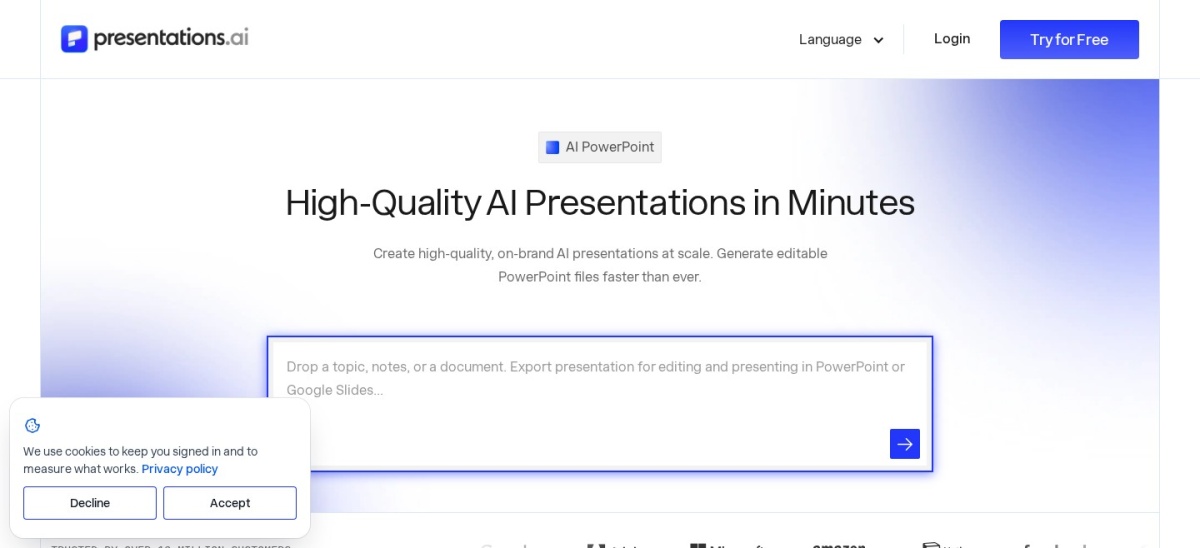
Presentations.AI homepage, captured Nov 2026.
Presentations.AI is an AI deck builder that generates slides from prompts and tracks viewer engagement on shared presentations. Its Starter tier begins with 200 credits and supports decks up to 20 slides.
The trade off is a higher entry price at $240/yr ($20/mo) billed annually for Pro, with 5,000 credits per billing cycle. It suits professionals who want slide analytics and brand customization on regular decks.
What we like
Starter option lets new users try generation with 200 credits and up to 20 slides
Pro includes 5,000 credits per cycle, brand customization, and PowerPoint export
Provides presentation tracking and viewer analytics on Pro
Watch out for
Pro requires annual billing at $240/yr for 5,000 credits
Credit pool is allocated per billing cycle rather than monthly
Presentations.AI Pro ($240/yr billed annually) adds 5,000 credits per cycle, brand customization, presentation tracking, and PowerPoint export.Visit presentations.ai
How we chose
We selected active AI presentation tools that generate slide decks from text or documents and support PowerPoint workflows or exports. Each product in this list has established public review counts or multi-million user adoption figures.
All pricing figures, credit limits, and review ratings were checked on 22 Nov 2026 from vendor pricing pages and public review directories. Where available, we recorded the lowest regular paid plan on annual billing and noted free tiers or trial terms.
We excluded discontinued tools and products whose pricing or credit rules could not be verified on their official pages. No vendor paid for a place, and we do not claim testing for this list.
How to pick the right AI presentation tool
Follow four practical checks before signing up for an annual plan:
Check how PowerPoint files are created. Decide whether you prefer generating decks in a web editor and exporting to PPTX or editing directly inside PowerPoint via an add-in.
Match credit allowances to your editing habits. Compare one-time signup credits against monthly or annual credit pools, and account for credits spent on AI edits or image generation.
Verify branding and export permissions early. Confirm whether custom fonts, brand colors, or watermark-free PPTX exports require a paid tier.
Factor in team seats and sharing needs. Check per-seat pricing, guest limits, and viewer analytics if multiple teammates edit or review decks.
FAQ
Which AI presentation tool has a free tier to start?
Gamma, Canva, Pitch, and Presentations.AI offer free entry options or starter credit pools, while Plus AI and Beautiful.ai start with free trials. Check whether credits are one-time or recurring before relying on them for ongoing work.
Can I edit exported decks in Microsoft PowerPoint?
Many tools support PPTX export, including Gamma, Decktopus, Pitch, Beautiful.ai, and Presentations.AI, while Plus AI works directly inside PowerPoint. Always test an export on a sample deck to verify text and layout behavior.
What is the difference between credit-based and unlimited plans?
Credit-based plans meter deck generation, AI edits, or media generation against a fixed allowance, whereas higher tiers may raise caps or offer unlimited generation. Heavy users should estimate credits per deck before choosing a tier.
Do free plans remove vendor branding on exports?
Free tiers commonly include vendor branding or watermarks on shared links or exported files until you upgrade to a paid plan. Paid individual plans typically remove branding and unlock custom fonts or brand kits.
Should I pick a dedicated presentation tool or Canva?
Pick a dedicated presentation tool when speed from a prompt, slide structure, or presentation analytics is your main priority. Pick Canva if you want presentation slides alongside social graphics, flyers, and broad visual templates.
Why do annual plans cost less than monthly billing?
Most presentation platforms discount annual billing compared to month-to-month subscriptions, lowering the effective monthly rate. Choose monthly billing if you only need a deck generator for a short project.