Best AI Software Testing Tools in 2026: 7 Tools Compared
WLWPLegible EditorsLast verified 22 Nov 2026How we rank6 min read
★ Short answer
TestMu AI leads for AI test authoring and device scale with plans starting at $17/month billed annually and a free tier. Katalon suits low-code teams wanting self-healing scripts at $1,800/year per seat, while BrowserStack fits cross-browser execution starting at $12.50/month billed annually.
How we make this list: we compare pricing pages, product documentation and public user reviews, then re-check every price before each update. No product paid for a place. Disclosure.
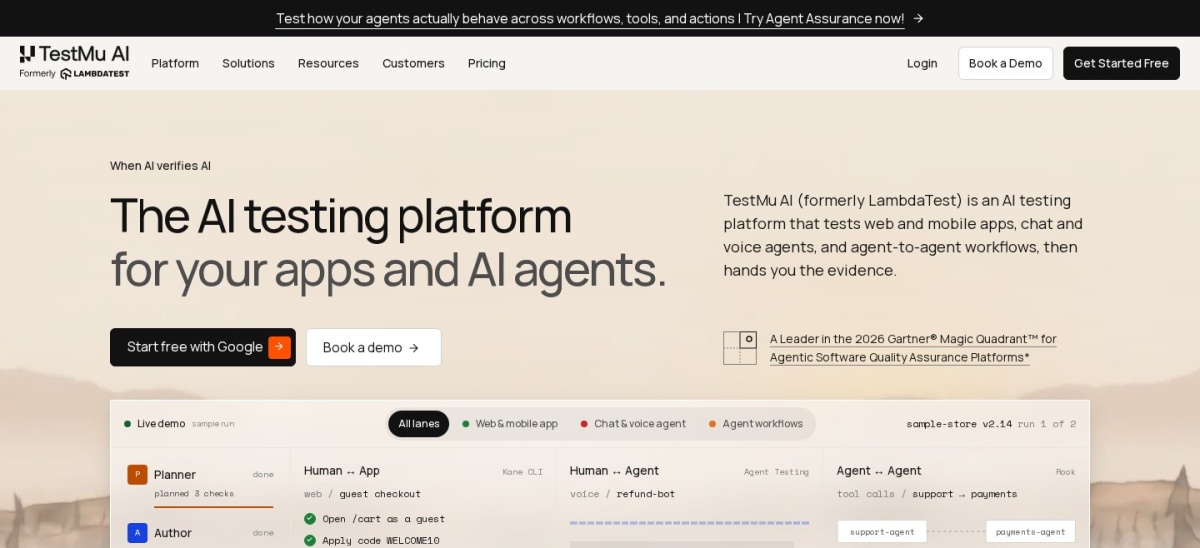
TestMu AI starts at $17/month billed annually ($19 monthly) with a free entry tier and 25,000 monthly credits per agent on paid plans.
BrowserStack starts at $12.50/month billed annually ($19 month-to-month) on Live Freelancer and holds a 4.4/5 G2 rating across 3,366 reviews.
Cypress offers a free open-source runner and Cloud plans starting at $67/month with a 4.7/5 G2 rating across 107 reviews.
Sauce Labs starts at $59/month billed annually ($79 month-to-month) on Chrome automated and live testing, holding 4.4/5 across 199 G2 reviews.
Katalon pairs a free tier with a Professional plan at $1,800/year per seat and a 4.4/5 G2 rating across 235 reviews.
What to look for in AI software testing tools
AI testing tools now span two distinct layers: generative test creation and self-healing on one side, and cloud browser or real-device execution grids on the other. Before picking a platform, check whether your bottleneck is writing brittle UI assertions or running large suites across browsers and operating systems.
Billing models vary sharply across vendors. Some tools bill per user seat, others meter AI credits or test actions, and cloud grids often charge by parallel test sessions or browser minutes.
Look closely at code ownership and framework lock-in. Platforms that export readable scripts or sit beside open-source runners make it easier to move later than closed no-code consoles.
TestMu AI is a cloud testing platform featuring KaneAI for natural-language test authoring alongside a free starting tier across the platform. Paid AI plans begin at $17 per month billed annually ($19 monthly) and include 25,000 credits per month per agent.
The trade off is credit consumption on higher agent workloads and moving to custom enterprise tiers for unlimited credits. It suits teams wanting prompt-driven test creation paired with cloud browser and mobile execution.
What we like
Free starting tier lets teams explore the platform before committing
KaneAI generates automated test cases from plain-language workflows
Supports web, mobile, and API testing in one workflow
Watch out for
AI credits meter usage on paid agent plans
Enterprise features like SSO require custom sales quotes
Paid plans add 25,000 monthly credits per agent and cloud authoring sessions.Visit testmu.ai
02
BrowserStack
4.4/5on G2 (3,366 reviews, checked Nov 2026)
Starts at$12.50/mo
Best for real-browser and device coverage
Entry paid plan$12.50/mo billed annually
Monthly price$19/mo on Live Freelancer
Browser coverage3,500+ browser combinations
G2 rating4.4/5 (3,366 reviews)
browserstack.com
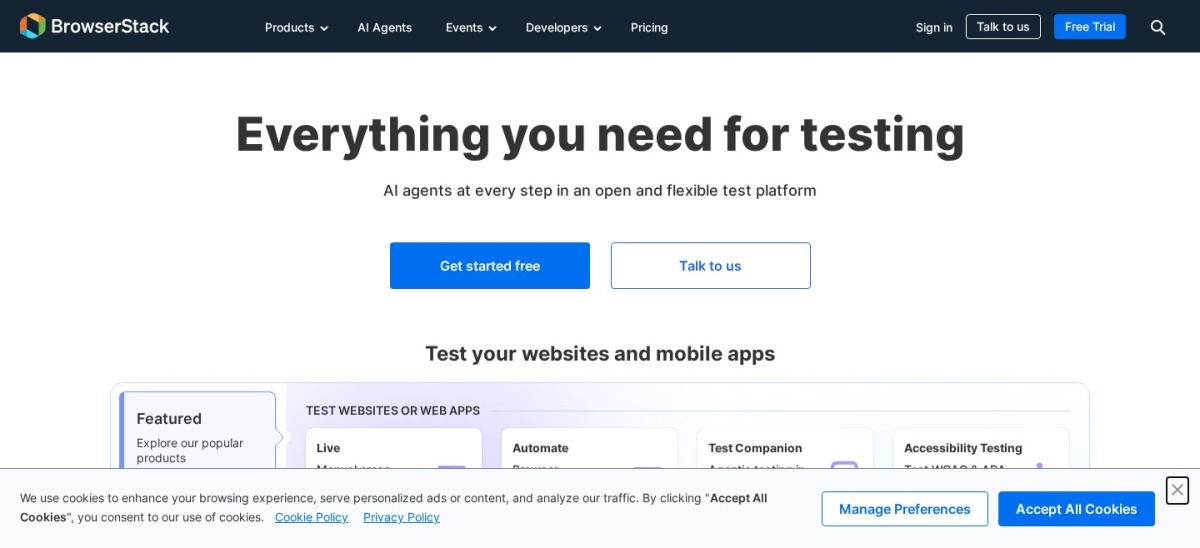
BrowserStack homepage, captured Nov 2026.
BrowserStack is a cloud testing platform offering access to over 3,500 browser combinations and real devices alongside AI testing agents. Its lowest listed paid plan is Live Freelancer at $12.50 per month billed annually ($19 month-to-month) for one user with 100 minutes.
The trade off is separate product plans for Live manual testing, Automate parallel runs, and Percy visual checks as usage scales. It suits teams validating cross-browser and real-device behavior without maintaining local lab hardware.
What we like
Low entry price at $12.50/month billed annually for solo manual checks
Broad desktop browser and real-device coverage with localhost support
Strong review volume on G2 with a 4.4/5 score
Watch out for
Separate product tiers increase cost for parallel automation and visual testing
Entry Freelancer plan caps live testing at 100 minutes
Higher plans expand beyond Freelancer to unlimited minutes, parallel automation, and visual review.Visit browserstack.com
03
Cypress
4.7/5on G2 (107 reviews, checked Nov 2026)
Paid from$67/mo
Best for JavaScript end-to-end teams
Entry paid plan$67/mo on Cypress Cloud Team
Free optionFree open-source & Starter
AI featurescy.prompt, MCP & summaries
G2 rating4.7/5 (107 reviews)
cypress.io
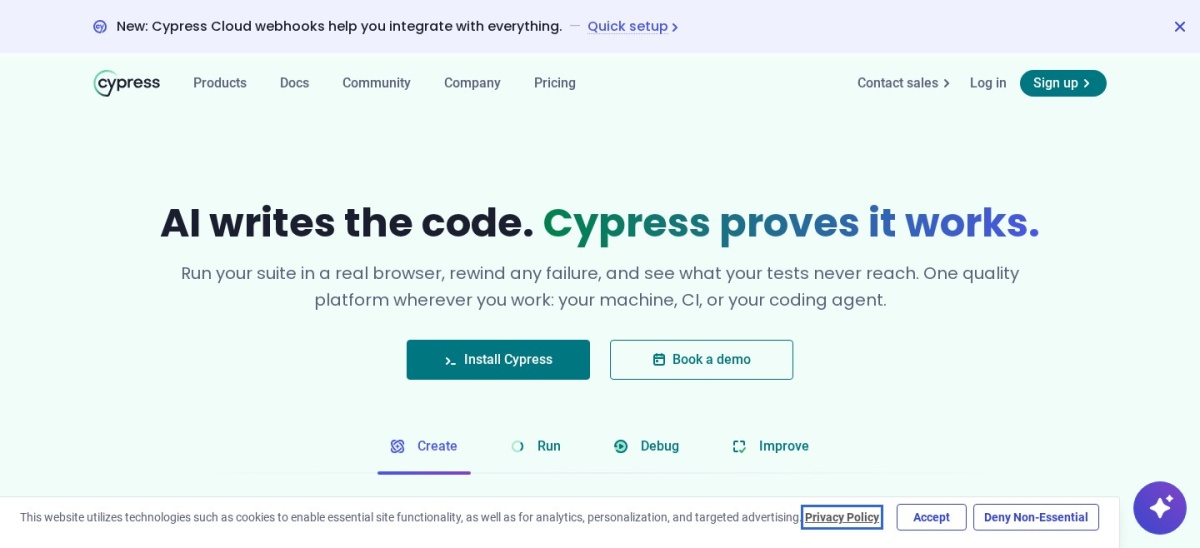
Cypress homepage, captured Nov 2026.
Cypress is an open-source front-end testing framework paired with Cypress Cloud, which starts with a free Starter tier and AI tooling like cy.prompt and Cloud MCP. Its Team plan starts at $67 per month for teams scaling cloud test runs and reporting.
The trade off is a JavaScript-focused workflow and paying for Cypress Cloud when you want cloud analytics and parallel scale. It suits JavaScript engineers who want fast local feedback and CI cloud reporting.
What we like
Free open-source runner and free Cloud Starter tier
High G2 satisfaction at 4.7/5 across 107 reviews
Includes AI prompt generation, MCP support, and error summaries
Watch out for
Centered on JavaScript rather than multi-language test suites
Cloud parallelization and team features require a paid Cloud tier
Cypress Cloud Team adds higher AI prompt allowances, team collaboration, and cloud run management.Visit cypress.io
04
Sauce Labs
4.4/5on G2 (199 reviews, checked Nov 2026)
Starts at$59/mo
Best for multi-browser & device grids
Entry paid plan$59/mo billed annually
Monthly price$79/mo on Chrome plan
Included visual500 Sauce Visual snapshots/mo
G2 rating4.4/5 (199 reviews)
saucelabs.com
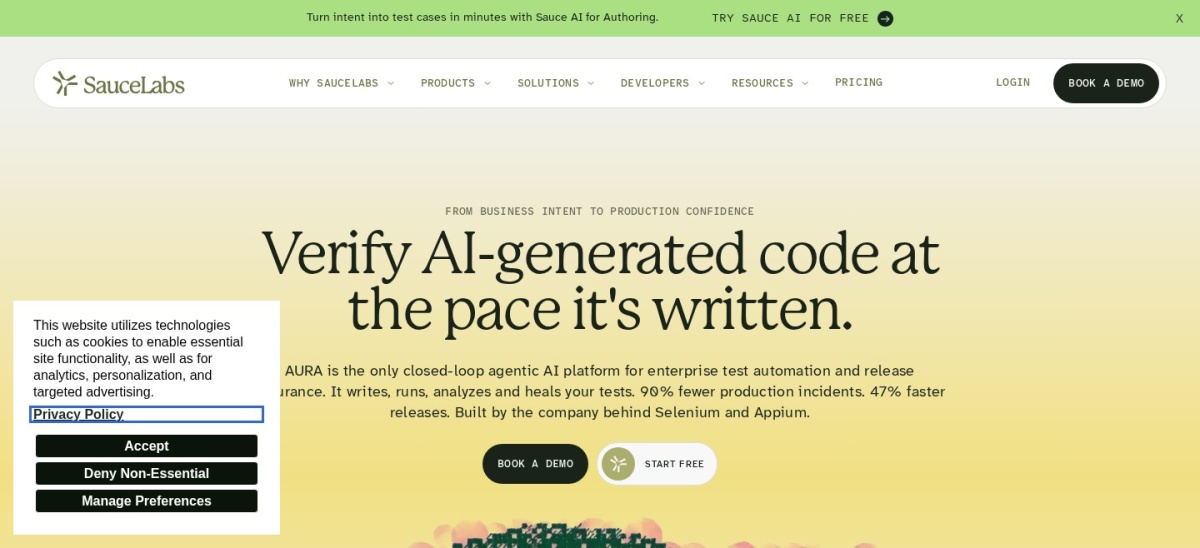
Sauce Labs homepage, captured Nov 2026.
Sauce Labs is a cloud testing platform for automated and live browser and mobile testing with AI authoring and insights features. Its lowest listed paid plan starts at $59 per month billed annually ($79 month-to-month) for automated and live testing on Chrome.
The trade off is paying more for all-browser access ($99/month annually) or real-device plans ($166/month annually) as coverage expands. It suits engineering teams running Selenium, Playwright, or Appium suites across cloud browsers and devices.
What we like
Includes 500 monthly Sauce Visual snapshots on paid plans
Supports major frameworks alongside video logs and CI integrations
Steady 4.4/5 rating across 199 G2 reviews
Watch out for
Entry $59/month annual plan is limited to Chrome
Real-device and all-browser tiers cost noticeably more per month
Higher plans unlock all browsers, virtual and real devices, and enterprise controls.Visit saucelabs.com
05
Katalon
4.4/5on G2 (235 reviews, checked Nov 2026)
Paid from$1,800/yr
Best for low-code & full-code flexibility
Entry paid plan$1,800/yr per seat (Pro)
Free optionFree local authoring plan
Test coverageWeb, mobile, API & desktop
G2 rating4.4/5 (235 reviews)
katalon.com
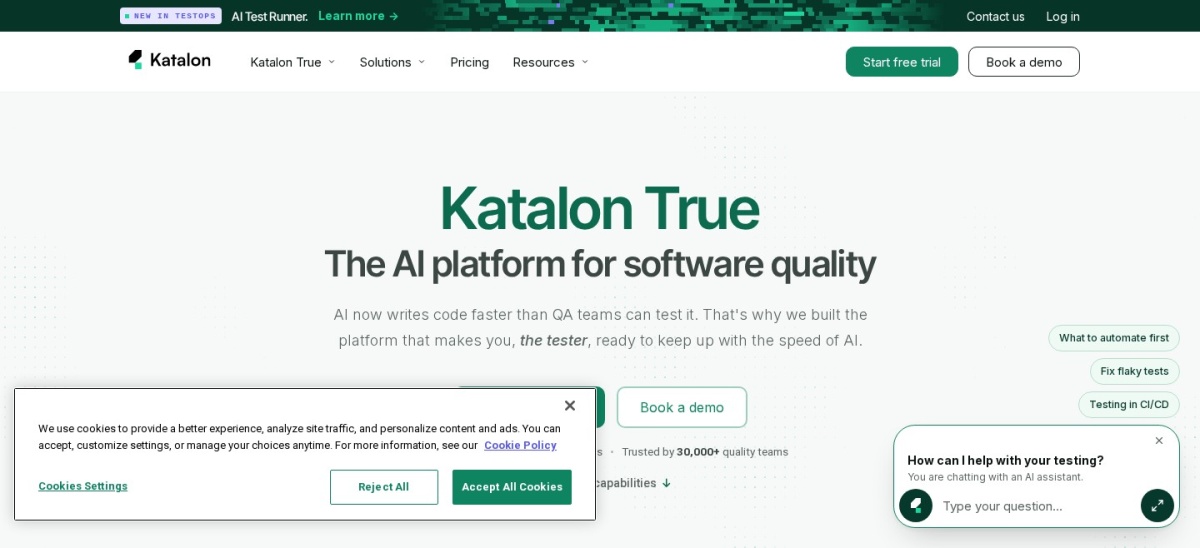
Katalon homepage, captured Nov 2026.
Katalon is a test automation platform supporting low-code and scripted workflows across web, mobile, API, and desktop apps, starting with a free plan for local authoring. Its Professional plan costs $1,800 per seat per year billed annually.
The trade off is a higher annual per-seat commitment on Professional compared with lower-cost monthly SaaS tools. It suits mixed QA and developer teams that want record-and-playback alongside script mode and self-healing.
What we like
Free plan allows local test authoring and execution to get started
Covers web, API, mobile, and desktop testing in one environment
Supports both codeless/low-code and full scripting modes
Watch out for
Professional plan requires $1,800/year per seat billed annually
Some reviewers note room for improvement in AI accuracy
Professional adds AI self-healing, desktop testing, BDD, and parallel execution.Visit katalon.com
06
Applitools
4.3/5on G2 (92 reviews, checked Nov 2026)
Starts at$667/mo
Best for visual UI regression checks
Entry paid plan$667/mo platform plan
Core engineVisual AI & Ultrafast Grid
IntegrationsPlaywright, Storybook, Figma
G2 rating4.3/5 (92 reviews)
applitools.com
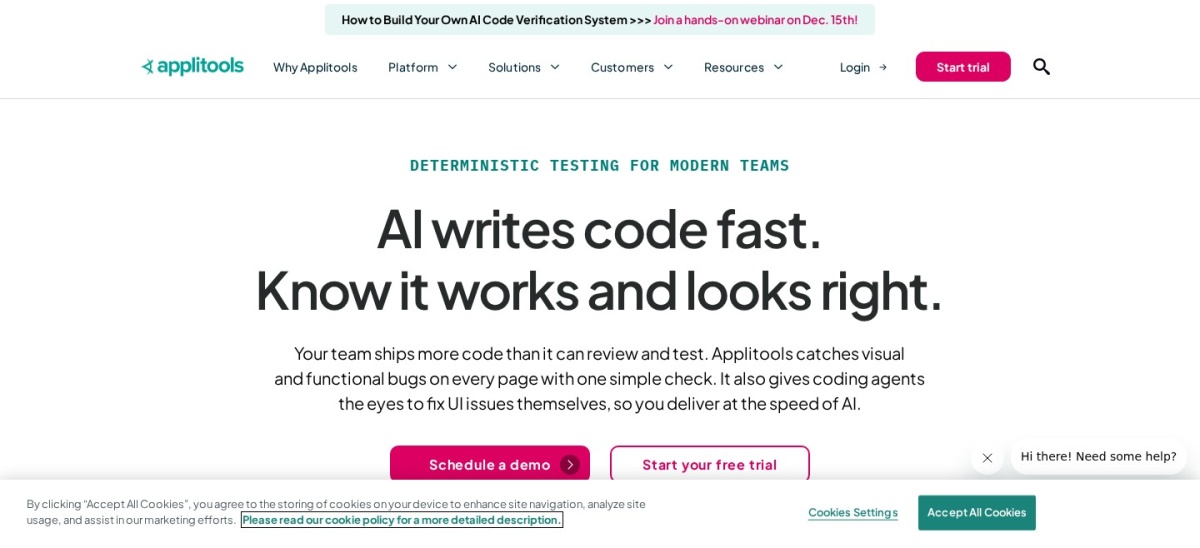
Applitools homepage, captured Nov 2026.
Applitools is a visual and end-to-end testing platform that uses Visual AI and the Ultrafast Test Grid to spot layout, font, and rendering regressions. Listed platform plans start at $667 per month.
The trade off is a higher monthly price point than lightweight functional or browser-grid entry plans. It suits engineering teams where visual layout accuracy across viewports and browsers is critical.
What we like
Catches visual layout and styling shifts that functional assertions miss
Ultrafast Test Grid renders across browsers and viewports in parallel
Integrates with Playwright, Storybook, and Figma workflows
Watch out for
Starts at $667/month, which is steep for small teams
Requires tuning ignore or layout regions on dynamic pages
Paid platform tiers expand test volume, execution scale, and enterprise governance.Visit applitools.com
07
Testsigma
4.4/5on G2 (140 reviews, checked Nov 2026)
PricingCustom pricing
Best for plain-English codeless automation
Pricing modelCustom quote; free trial
Authoring stylePlain-English low-code
PlatformsWeb, mobile, desktop, API
G2 rating4.4/5 (140 reviews)
testsigma.com
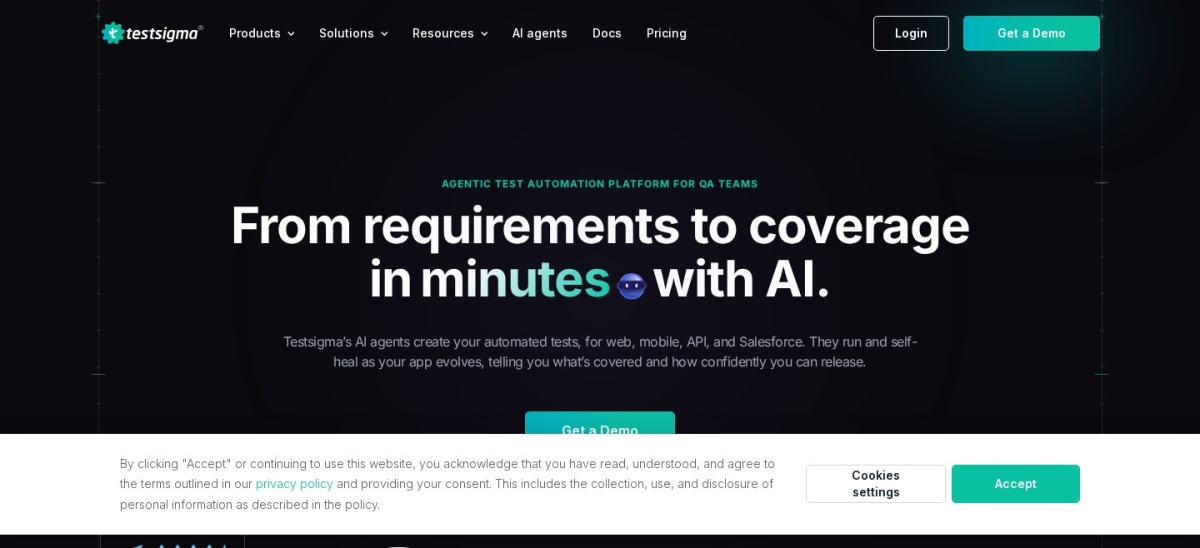
Testsigma homepage, captured Nov 2026.
Testsigma is a cloud test automation platform that lets teams author and maintain tests in plain English across web, mobile, desktop, API, and Salesforce apps. It offers a free trial and uses custom quote pricing based on usage.
The trade off is custom pricing rather than self-serve public tiers, and some reviewers report slower runs on large suites. It suits QA teams wanting plain-English test creation without heavy coding.
What we like
Plain-English steps lower the barrier for non-coding QA testers
Covers web, mobile, desktop, and API testing in one console
Strong 4.4/5 rating across 140 G2 reviews
Watch out for
Requires a custom quote rather than upfront public pricing
Some users note slower execution on large test suites
Many teams use the phrase AI testing tool to describe two different capabilities. AI authoring and self-healing tools help create test cases from prompts or requirements and update broken locators when UI elements shift.
Cloud browser and device grids focus on running existing suites reliably across operating systems, browser versions, and real mobile hardware in parallel. Several platforms now bundle elements of both, so check which bottleneck costs your team more time.
How we chose
We built this list from established software testing platforms and cloud grids actively maintained in 2026 that offer AI-assisted authoring, self-healing, visual checks, or agent workflows.
All pricing figures, plan tiers, and review ratings were checked on 22 Nov 2026 from official vendor pages and public review directories.
We excluded tools without verifiable public ratings or clear starting plan details on their official pricing pages. No vendor paid for a place, and we do not claim testing for this list.
How to choose the right AI testing tool
Follow four practical steps to narrow down the shortlist for your team.
Identify your main bottleneck first. Decide whether you need faster test creation and locator maintenance or parallel execution across browsers and devices.
Match authoring style to team skills. Pick plain-English or low-code tools if manual QA leads write tests, or code-friendly frameworks if engineers own the suite.
Check how usage scales over time. Compare per-seat annual licenses against monthly credit or parallel-session pricing as your test count grows.
Verify CI and framework fit. Confirm the tool integrates with your repository, CI pipeline, and existing test runners before rolling it out.
FAQ
What is the cheapest paid option on this list?
BrowserStack starts at $12.50 per month billed annually ($19 month-to-month) on its Live Freelancer plan, while TestMu AI starts at $17 per month billed annually.
Which tools here have a free starting tier?
TestMu AI, Cypress, and Katalon offer free starting tiers or open-source runners, letting teams begin without an immediate paid subscription.
Do AI testing tools replace human QA engineers?
No. AI features help draft test cases, detect visual shifts, and reduce selector maintenance, but engineers still review coverage, edge cases, and release risk.
Why do some testing platforms use custom quotes?
Enterprise suites and usage-heavy platforms often tailor contracts around parallel runners, real-device pools, security requirements, and team size.
What is self-healing in test automation?
Self-healing updates element locators or test steps automatically when a UI label, attribute, or layout changes, cutting down brittle test failures.
Should small teams start with a visual testing tool?
Small teams usually start with functional or cross-browser coverage first, adding visual regression tools like Applitools when UI layout changes are frequent.