Best AI-Powered Productivity Tool in 2026: 7 Tools Compared
WLWPLegible EditorsLast verified 24 Nov 2026How we rank7 min read
★ Short answer
Notion AI is the best AI-powered productivity tool, with AI writing, summaries and search inside the notes, docs and wikis where work already lives. Motion auto-schedules your day for $19 a seat a month, while Todoist is the cheapest paid plan at $4 a month billed yearly.
How we make this list: we compare pricing pages, product documentation and public user reviews, then re-check every price before each update. No product paid for a place. Disclosure.
Notion AI leads for notes, docs and team knowledge, with full AI on the Business plan at $20 a member a month.
Motion auto-schedules tasks around meetings for $19 a seat a month, saving reshuffle time every day.
Grammarly works where you write, with Pro at $12 a month billed yearly and 14,073 G2 reviews.
Reclaim.ai holds the highest G2 rating here at 4.8 stars, defending focus time for $10 a seat a month billed yearly.
Todoist is the cheapest paid plan at $4 a month billed yearly, and it is the fastest way to capture a task.
What to look for in an AI-powered productivity tool
AI productivity tools split into four jobs: notes and knowledge, general drafting, scheduling, and meetings. Notion AI covers notes, Grammarly covers writing, Motion and Reclaim cover scheduling, and Fireflies covers meetings.
Every tool here has a free plan, but AI access is usually paid. Notion's full AI needs Business, Todoist's AI needs Pro, and ClickUp's Brain is a paid add-on.
Prices for one person run from $4 to $20 a month. The dearest habit is paying for several narrow tools at once, so start with the tool that attacks your largest time leak.
AI drafts and summaries always need checking. Grammarly's suggestions need review for tone, Fireflies' transcripts depend on audio quality, and Motion's schedule needs a glance before the day starts.
Notion AI is an AI layer inside Notion's all-in-one workspace, which summarises meeting notes, drafts briefs from bullet points and finds answers buried in a team wiki. Full AI access sits on the Business plan at $20 a member a month, while Free and Plus plans get only a limited AI trial.
The trade off is it works best when your notes already live in Notion, and a messy workspace gives messy AI answers, so setup time is real. It suits individuals and teams who already plan in Notion and want one place for notes, tasks and docs.
What we like
AI writing, summaries and search inside notes
Flexible databases for tasks and wikis
Good for personal use and teams
Watch out for
Full AI needs the Business plan
Large workspaces take time to set up
Plus is $10 a member a month with a limited AI trialVisit notion.com
02
Motion
4.1/5on G2 (157 reviews, checked Nov 2026)
Starts at$19/mo
Best for automatic calendar scheduling
AI schedulingAuto, real-time
CalendarTasks + meetings
Free plan7-day trial
PlatformsWeb, mobile
usemotion.com
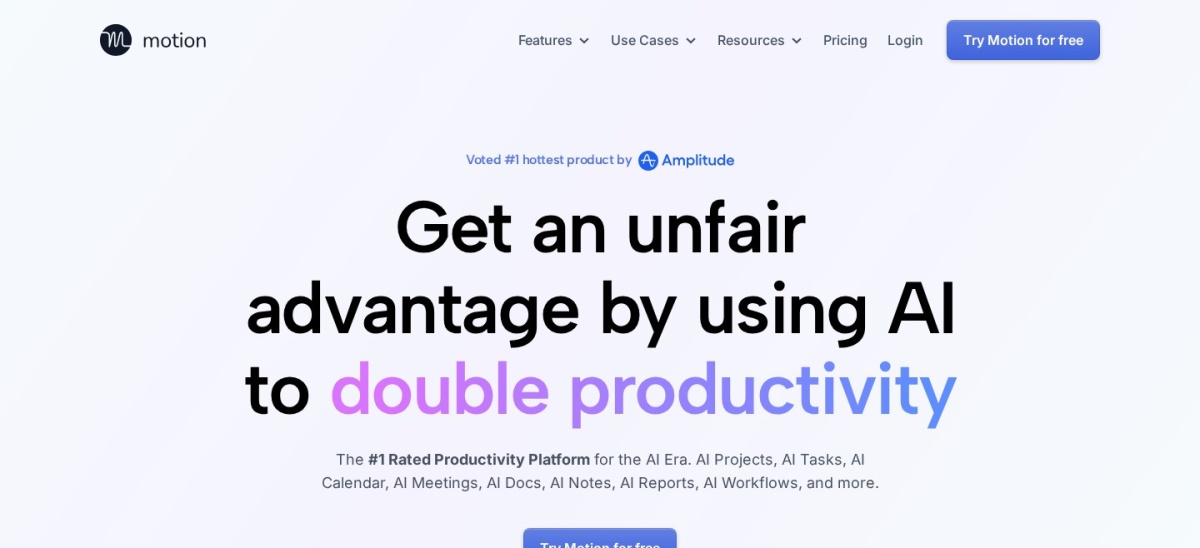
Motion homepage, captured Nov 2026.
Motion is an AI calendar and task planner that places tasks on your calendar around existing meetings and reshuffles the plan when priorities change. Pro AI costs $19 a seat a month, and Business AI costs $29 a seat a month, with a 7-day free trial and no permanent free plan.
The trade off is it works best when you commit to planning inside Motion, and it can feel rigid if you resist algorithmic scheduling. It suits managers, founders and professionals with packed calendars.
Grammarly is a writing assistant that flags grammar and clarity problems, suggests rewrites and adjusts tone inside email, docs and browser forms. The free plan covers basic corrections, and Pro costs $12 a month billed annually, or $144 a year, for full rewrites and tone help.
The trade off is it will not plan your week or run your meetings, and its suggestions should be reviewed rather than accepted blindly. It suits professionals who write a lot and want cleaner drafts faster.
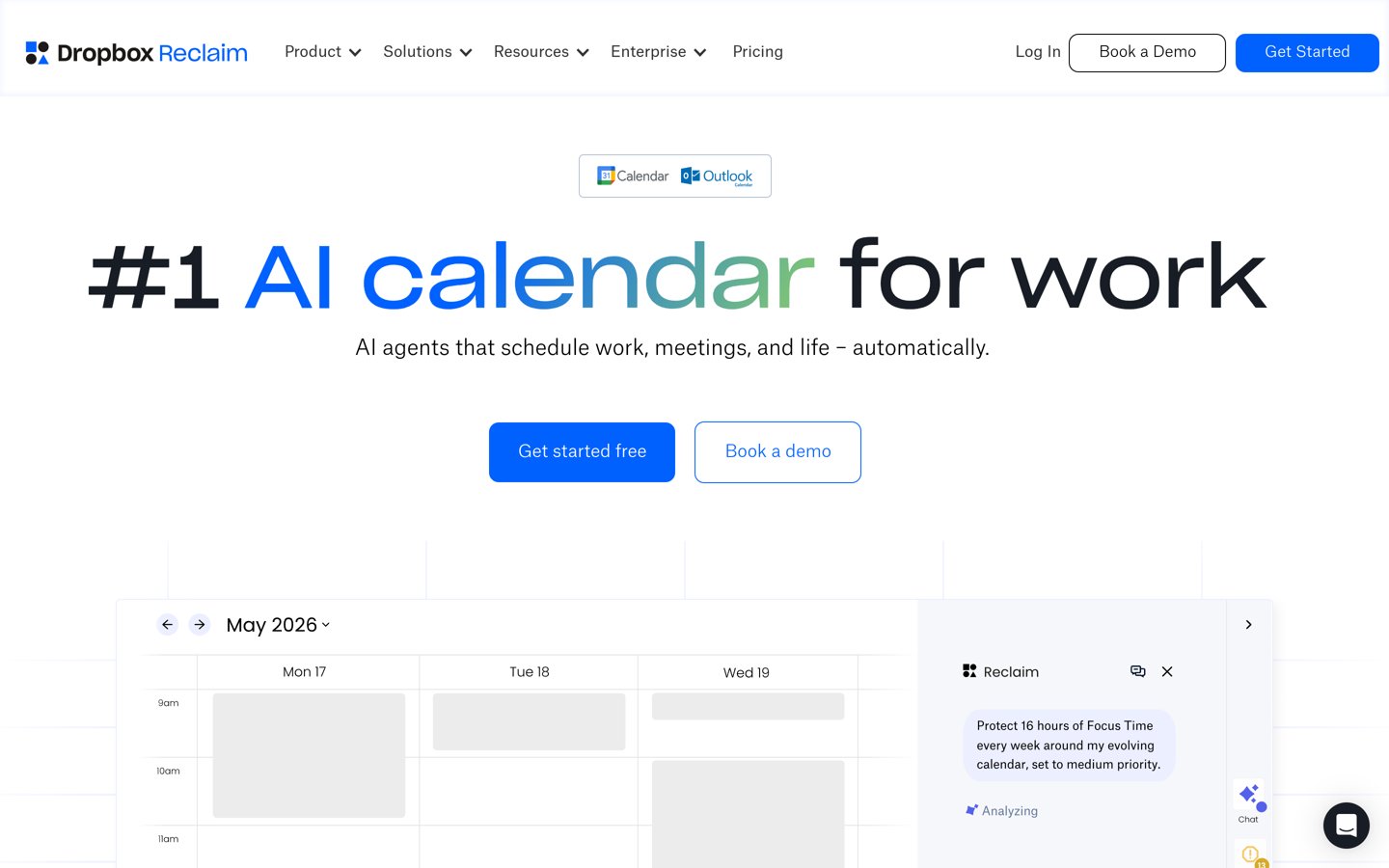
Reclaim.ai is a smart calendar tool that blocks focus time, schedules recurring habits and finds meeting times, moving blocks instead of deleting them when conflicts appear. Lite is free for one habit and one scheduling link, and Starter costs $10 a seat a month billed annually, or $12 month to month.
The trade off is it is strongest for Google Calendar users, so Outlook-heavy teams should check compatibility first, and deep features sit on Business. It suits professionals whose calendars get filled by other people's meetings.
What we like
Automatically blocks focus time and habits
Moves blocks instead of deleting them
Finds meeting times across calendars
Watch out for
Google Calendar focus
Advanced features need a paid plan
Business adds deeper controls at $15 a seat a month billed annuallyVisit reclaim.ai
05
Todoist
4.5/5on G2 (832 reviews, checked Nov 2026)
Paid from$4/mo
Best simple AI task list
CaptureNatural language dates
AIBreakdown, priority
Free planYes
PlatformsWeb, mobile, desktop
todoist.com
Todoist homepage, captured Nov 2026.
Todoist is the simplest tool here, which captures a task in seconds, sets a date in plain language and checks it off, with AI help on paid plans. The free plan covers basic lists, and Pro costs $4 a month billed annually, or $5 month to month, adding AI task breakdown and prioritisation.
The trade off is it will not auto-schedule a whole calendar like Motion, and it is not a full project platform like ClickUp. It suits individuals and small teams who want a fast, reliable task list with light AI help.
What we like
Fast, simple task capture on any device
Natural language dates and recurring tasks
AI breaks down and prioritises tasks
Watch out for
Less project depth than ClickUp
AI features need a paid plan
Business adds team features at $6 a user a month billed annuallyVisit todoist.com
06
Fireflies.ai
4.7/5on G2 (754 reviews, checked Nov 2026)
Paid from$10/mo
Best AI meeting notes for teams
JoinsVideo calls
OutputSummary, action items
IntegrationsCRM, task tools
PlatformsWeb
fireflies.ai
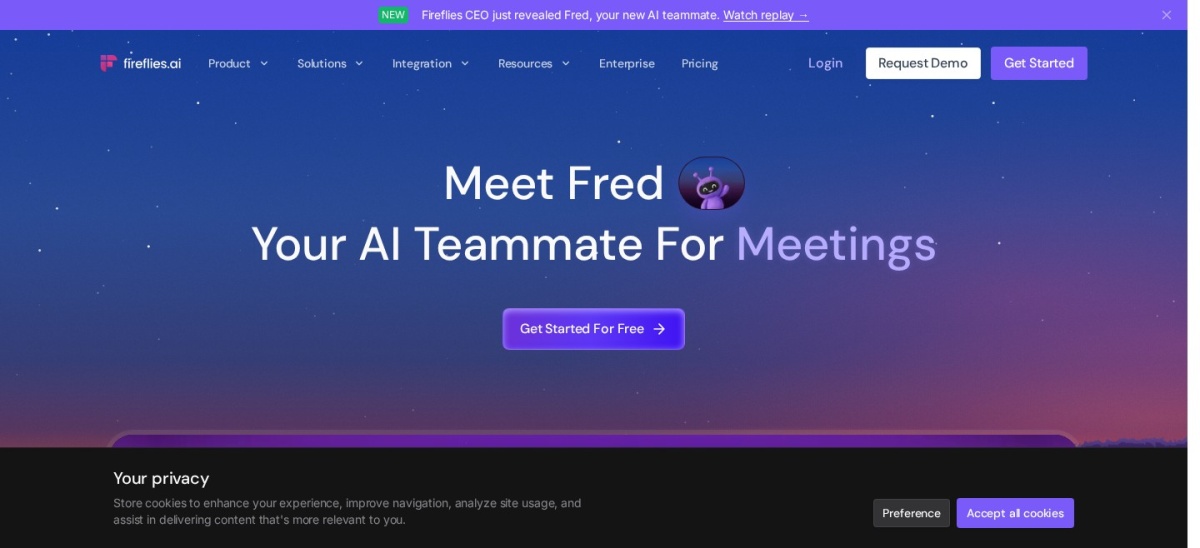
Fireflies.ai homepage, captured Nov 2026.
Fireflies.ai is a meeting assistant that joins video calls, transcribes them and produces summaries with action items that flow into a CRM or task tool. The free plan covers basic transcription, and Pro costs $10 a user a month billed annually, or $18 month to month, for full summaries and integrations.
The trade off is the bot-joining model needs a clear policy, since not every client or team welcomes an automated note-taker on a call. It suits sales, customer success and project teams who run many video calls.
What we like
Joins calls and records notes automatically
Summaries, action items and searchable transcripts
ClickUp is an all-in-one work platform that combines task lists, docs, goals and dashboards, with AI features that draft docs, summarise tasks and create work from a prompt. The free plan covers basic work, and Unlimited costs $12 a user a month, the regular price, with AI features available as a paid add-on.
The trade off is for an individual who only needs a task list, ClickUp is more than necessary, and the setup time is real. It suits teams that want one system for tasks, docs and goals with AI help.
We started from the AI productivity tools named most often in productivity round-ups and review sites, then kept seven established tools with a current release and a public price or a free plan.
Prices come from each vendor pricing page, checked on 24 November 2026. Ratings come from G2 on the same day, where a rating was published. Where a vendor shows a sale, the list shows the regular price.
We left out tools with no published price and no public review record. No vendor paid for a place, and we do not claim hands-on testing for this list.
How to choose an AI-powered productivity tool
Start with the time leak that costs you most each week, then match the tool to that job.
Name the time leak first. Track one week and note where time goes: writing, meetings, scheduling or searching for notes. Pick the tool that attacks the largest leak.
Start with the free plan or trial. Run one real week of work on the free tier before paying, since AI quality and caps differ more than the marketing suggests.
Keep the number of systems low. Every new tool needs input to be useful, so choose one that fits a system you already use rather than adding a tool on top of three others.
Check privacy before team use. Confirm how meeting recordings and workspace data are stored and shared before a tool joins calls or reads team docs.
FAQ
What is the best AI-powered productivity tool?
Notion AI is the best AI-powered productivity tool, with AI writing, summaries and search inside the notes, docs and wikis where work already lives. Motion auto-schedules your day for $19 a seat a month, while Todoist is the cheapest paid plan at $4 a month billed yearly.
How much does Notion AI cost?
Full Notion AI access sits on the Business plan at $20 a member a month, since early 2026. Free and Plus plans get only a limited AI trial, and Plus costs $10 a member a month.
Is Motion worth $19 a month?
Motion is worth it if your calendar needs constant reshuffling, since it places tasks around meetings and reshuffles automatically when plans change. It costs $19 a seat a month for Pro AI, with a 7-day free trial and no permanent free plan, so test it on a real week first.
What is the cheapest AI productivity tool?
Todoist is the cheapest paid plan here at $4 a month billed yearly, or $5 month to month. Reclaim.ai and Fireflies.ai both start at $10 a month billed yearly, while Motion costs $19 a seat a month.
Can AI take meeting notes for me?
Yes. Fireflies.ai joins video calls and produces summaries with action items, while Otter.ai transcribes live and gives searchable notes. Both depend on audio quality, and Fireflies needs a clear policy since a bot joins the call.
Does ClickUp include AI?
ClickUp offers AI features that draft docs, summarise tasks and create work from a prompt, but ClickUp Brain is a paid add-on rather than part of the base plan. The regular Unlimited plan costs $12 a user a month.