Best Meeting Collaboration Software in 2026: 8 Tools Compared
WLWPLegible EditorsLast verified 23 Nov 2026How we rank10 min read
★ Short answer
Zoom Workplace is the best meeting collaboration software for video-first teams: Pro costs $14.16 a user a month billed annually, with unlimited AI meeting summaries included, rated 4.5 out of 5 from 56,560 G2 reviews. Microsoft Teams is the cheapest paid option at $4 a user a month, and Fellow is the best for meeting notes.
How we make this list: we compare pricing pages, product documentation and public user reviews, then re-check every price before each update. No product paid for a place. Disclosure.
Zoom has the most reviews here at 56,560, and Pro includes unlimited AI meeting summaries at $14.16 a user a month billed annually.
Microsoft Teams Essentials costs $4 a user a month, the cheapest paid plan in this list.
Miro and Mural both cap free plans at 3 editable boards or murals, with paid plans from $8 and $9.99 a member a month.
Fellow Team costs $7 a user a month billed annually, with 10 AI notes per user a month.
Slido has the highest rating here at 4.8 out of 5 from 794 reviews, for polls and Q&A inside meetings.
What to look for in meeting collaboration software
Meeting collaboration splits into three jobs: the call itself, the whiteboard, and what happens after the call ends. Most teams end up pairing one tool from each group.
Zoom, Webex and Teams run the call. Miro and Mural run the workshop on a shared canvas. Fellow, Otter.ai and Slido handle notes, transcripts and live polls after or during the call.
Every tool on this list has a free plan or free trial, so the real question is the paid step up. Zoom Pro is $14.16 a user a month billed annually, Webex Starter is $13.50 a host a month, and Miro Starter is $8 a member a month.
Check the billing unit before comparing prices. Zoom and Fellow charge per user, Webex charges per host, Miro and Mural charge per member, and Slido charges a flat monthly rate. Our guide on team collaboration software covers the wider field.
Zoom Workplace is the baseline everything else gets judged against, rated 4.5 out of 5 from 56,560 G2 reviews, the most in this list. Pro costs $14.16 a user a month billed annually, or $16.99 monthly, and includes meetings up to 30 hours, 100 participants and unlimited AI meeting summaries.
The trade off is that collaboration beyond meetings is thinner. Zoom has a whiteboard and chat, but workshops still work better on Miro, and notes still work better on Fellow. It fits teams that run most of their week on video calls.
What we like
Most reviews in this list
Unlimited AI summaries on paid plans
Guests join from a link, no account needed
Watch out for
Whiteboard is weaker than Miro
Pro price rose from $13.33 to $14.16 in March 2026
Business adds 300 participants at $18.33 a user a monthVisit zoom.com
02
Microsoft Teams
4.4/5on G2 (19,263 reviews, checked Nov 2026)
Paid from$4/user/mo
Best for Microsoft 365 businesses
G2 rating4.4/5
G2 reviews19,263
Free planYes
Entry paid planEssentials, $4/user/mo
microsoft.com
Microsoft Teams homepage, captured Nov 2026.
Microsoft Teams is the cheapest paid option in this list, rated 4.4 out of 5 from 19,263 G2 reviews. Essentials costs $4 a user a month and covers meetings, chat and files in one place, with group meetings up to 30 hours, and it is included in most Microsoft 365 plans.
The trade off is that it is at its best inside Microsoft 365. Outside that stack, Zoom is easier for guests and Miro is better for workshops. It fits Microsoft 365 businesses that want meetings, chat and files in one place.
Miro is where meetings go when the agenda is a blank canvas instead of a slide deck, rated 4.6 out of 5 from 13,631 G2 reviews. Starter costs $8 a member a month billed annually, or $10 monthly, and unlocks unlimited boards with 25 AI credits per member a month.
The trade off is the free plan. It keeps only 3 editable boards, and every member added to a Starter workspace is a paid seat. It fits remote teams that run workshops, retrospectives and planning sessions on a shared board.
What we like
Best whiteboard in this list
Unlimited boards on Starter
Visitor editing without a seat
Watch out for
Free plan caps at 3 editable boards
Every member is a paid seat
Business adds SSO and guests at $20 a member a monthVisit miro.com
04
Webex
4.2/5on G2 (18,925 reviews, checked Nov 2026)
Paid from$13.50/host/mo
Best for security and compliance
G2 rating4.2/5
G2 reviews18,925
Free planYes, 50-minute meetings
Entry paid planStarter, $13.50/host/mo
webex.com
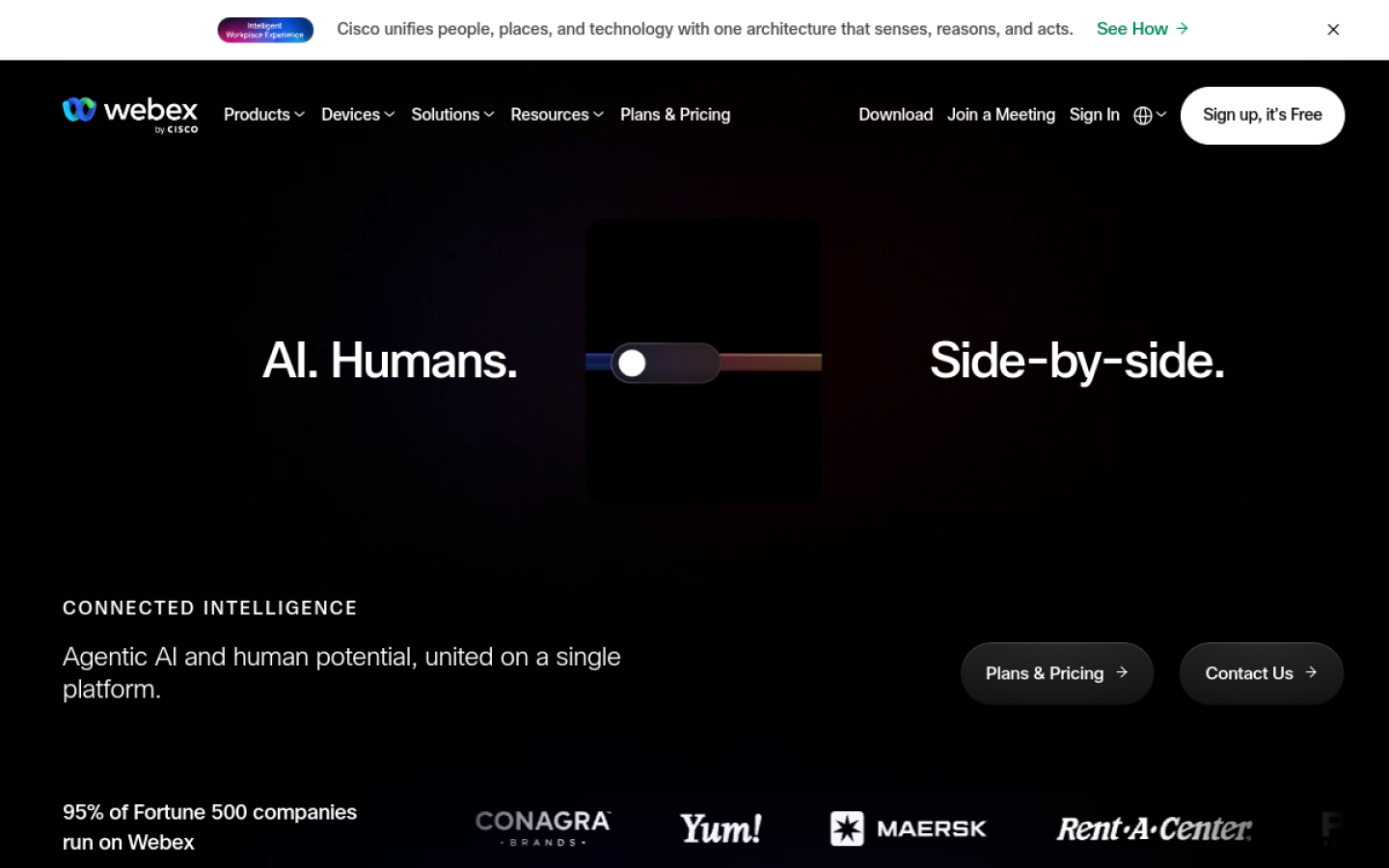
Webex homepage, captured Nov 2026.
Webex is the pick when compliance and security sign-off matter more than price, rated 4.2 out of 5 from 18,925 G2 reviews. Starter costs $13.50 a host a month billed annually and covers 24-hour meetings, up to 100 participants and 5 GB of cloud recording storage.
The trade off is setup and price. Webex is more complex to administer than Zoom, and it charges per host rather than per user, which changes the maths for large teams. It fits companies where security and compliance reviews decide the shortlist.
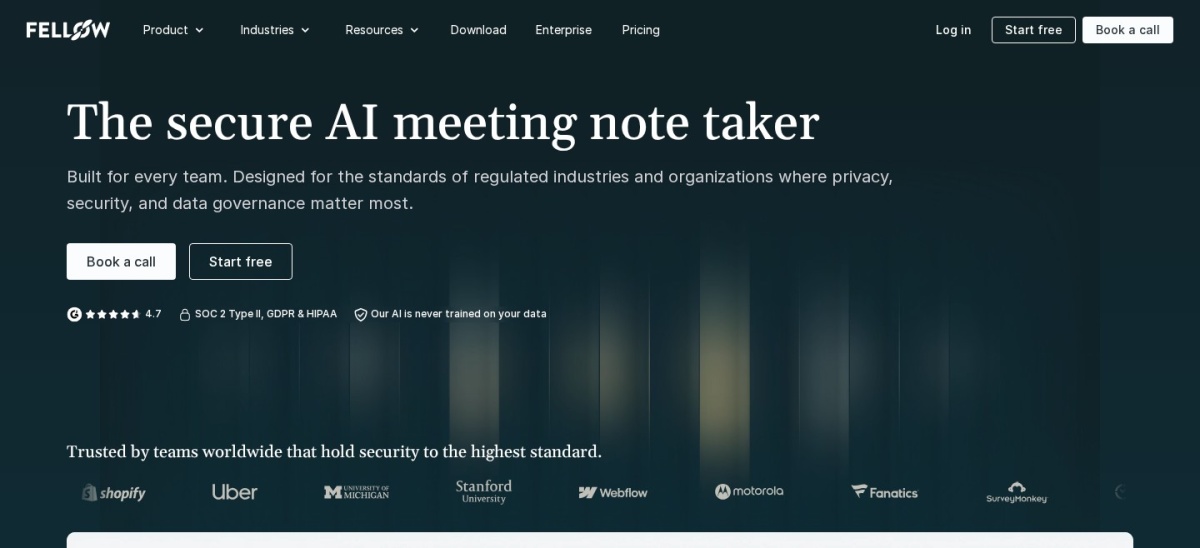
Fellow is built around the meeting itself rather than the call: notes, AI summaries, transcripts and action items sit in one shared place, so everyone sees what was decided and who owns the next step. Team costs $7 a user a month billed annually, or $11 monthly, with 10 AI notes and recordings per user a month.
The trade off is that it is not a video tool. Fellow works across Zoom, Google Meet and Microsoft Teams, so it adds a second subscription on top of the call itself. It fits managers and teams that want shared meeting notes and tracked action items.
What we like
Best meeting-notes tool here
Works across Zoom, Meet and Teams
Ask Fellow searches past meetings
Watch out for
Not a video tool, needs a call app too
Free plan caps at 5 AI notes
Business adds unlimited notes at $15 a user a monthVisit fellow.ai
06
Mural
4.6/5on G2 (1,496 reviews, checked Nov 2026)
Paid from$9.99/member/mo
Best for facilitated sessions
G2 rating4.6/5
G2 reviews1,496
Free planYes, 3 murals
Entry paid planTeam+, $9.99/member/mo
mural.co
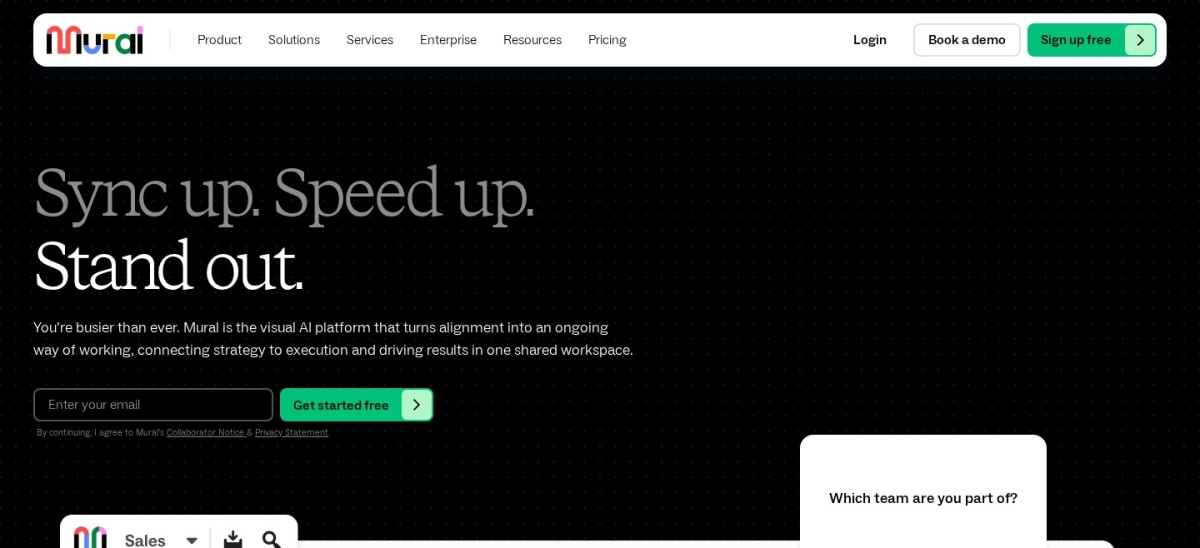
Mural homepage, captured Nov 2026.
Mural is the facilitated-session whiteboard in this list, rated 4.6 out of 5 from 1,496 G2 reviews. Team+ costs $9.99 a member a month billed annually and covers unlimited members and visitors, with templates and facilitation tools for design, research and consulting teams.
The trade off is structure. Mural works best with a facilitator running the session, and it costs more per member than Miro Starter. It fits design, research and consulting teams running facilitated sessions.
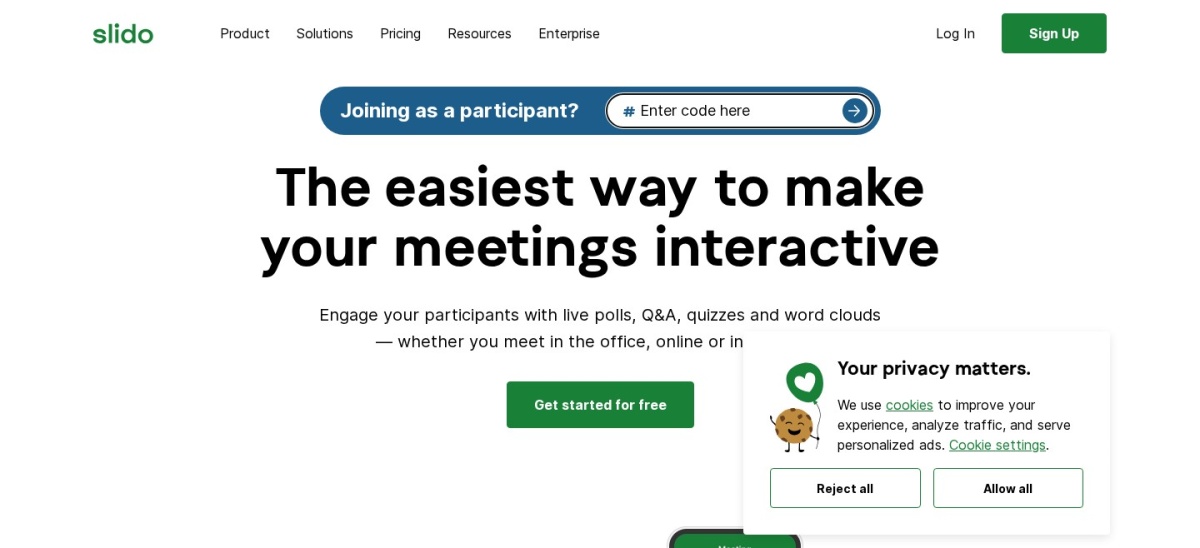
Slido is the highest-rated tool in this list at 4.8 out of 5 from 794 G2 reviews. It adds live polls, Q&A and quizzes inside Zoom, Teams, Webex and Google Meet, with a free Basic plan for up to 100 participants and 3 polls per event, and Engage at $17.50 a month billed annually.
The trade off is that it is an add-on, not a meeting platform. It needs a video tool underneath, and the flat monthly rate suits teams that run many events. It fits teams that want audience interaction inside their meetings.
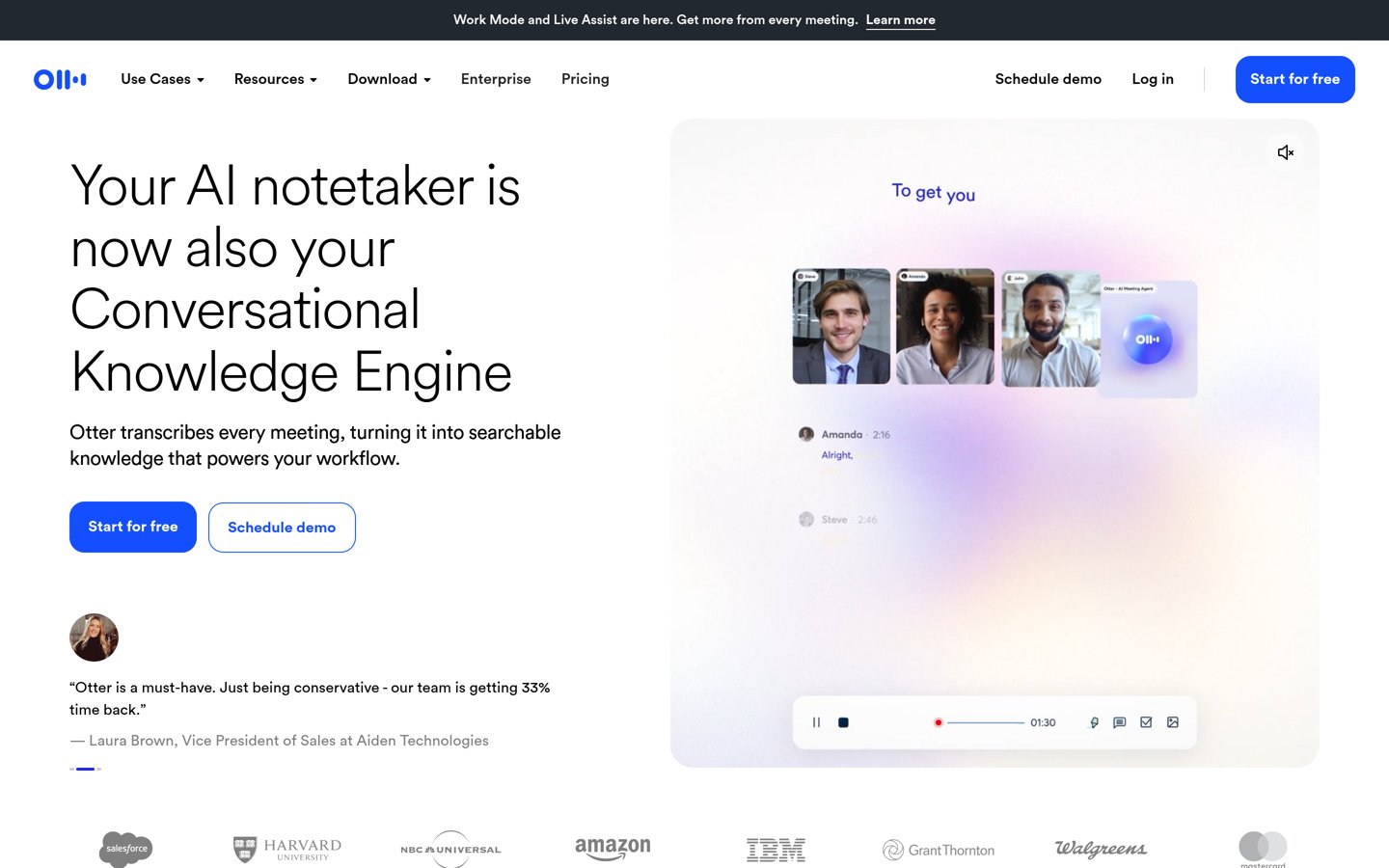
Otter.ai is the transcript-first option in this list, rated 4.4 out of 5 from 505 G2 reviews. It joins Zoom, Teams and Google Meet calls, writes a live transcript with speaker names, and lets you ask its AI chat what was agreed, with Pro at $8.33 a user a month billed annually.
The trade off is the free cap. Basic covers 300 minutes a month, so heavy meeting loads need Pro, and it does not run the call itself. It fits individuals and small teams that want live transcripts and searchable meeting notes.
What we like
Live transcripts with speaker names
AI chat answers questions about meetings
Joins Zoom, Teams and Meet
Watch out for
Free plan caps at 300 minutes a month
Not a video tool on its own
Business adds admin controls at $20 a user a monthVisit otter.ai
Per user, per host or per member: the bill differs
Zoom and Fellow charge per user, Webex charges per host, Miro and Mural charge per member, and Slido charges a flat monthly rate. The cheapest headline price is not always the cheapest bill.
A team of ten on annual billing pays $141.60 a month for Zoom Pro, $135 for Webex Starter if ten hosts are needed, and $80 for Miro Starter. Count the seats you actually need, not the headcount.
Fellow Team costs $70 a month for ten users but allows 10 AI notes per user a month, while Otter.ai Pro costs $83.30 a month for the same ten. The note-taking tools are close in price, so pick on the workflow, not the bill.
How we chose
We started from every meeting collaboration tool with a public rating on G2, Capterra or Trustpilot, then kept the ones a buyer can actually evaluate, with a published price or a free plan.
Prices come from each vendor's pricing page, checked on 23 November 2026. Ratings and review counts come from G2 on the same day. Where a vendor shows a sale, the list shows the regular price.
No vendor paid for a place, and this list is based on pricing, docs and reviews, not on using the tools ourselves.
How to choose meeting collaboration software
Start with what your meeting app already includes, then fill the gaps.
Check what your meeting app already does. Zoom Workplace Pro has AI summaries and a whiteboard, and Teams records and transcribes, so buy a second tool only for what is missing.
Decide the job: call, board or notes. Video needs Zoom, Webex or Teams, workshops need Miro or Mural, and notes need Fellow, Otter.ai or Slido.
Count the billing unit. Per-user, per-host and per-member pricing produce very different bills for the same team, so model ten seats before buying.
Test the free plan first. Every tool here has a free plan or trial, so run one real meeting on it before committing to seats.
FAQ
What is the best meeting collaboration software?
Zoom Workplace is the best meeting collaboration software for video-first teams. Pro costs $14.16 a user a month billed annually with unlimited AI meeting summaries, and it is rated 4.5 out of 5 from 56,560 G2 reviews, the most in this list.
What is the cheapest meeting software?
Microsoft Teams Essentials is the cheapest paid plan at $4 a user a month, and it is included in most Microsoft 365 plans. Zoom Basic and Webex Free both cover short meetings at no cost, with 40-minute and 50-minute group limits.
Is Miro or Mural better for workshops?
Miro is better for open workshops and planning, with unlimited boards on Starter at $8 a member a month. Mural is better for facilitated sessions run by design or research teams, at $9.99 a member a month, with stronger facilitation tools.
What is Fellow used for?
Fellow is built around the meeting itself: agendas, notes, AI summaries, transcripts and action items in one shared place. It works across Zoom, Google Meet and Microsoft Teams, and Team costs $7 a user a month billed annually.
Does Zoom include AI meeting summaries?
Yes. Zoom Workplace Pro includes unlimited AI meeting summaries and in-meeting questions at no extra charge, along with My Notes. The free Basic plan includes 3 meeting summaries and 3 My Notes uses a month.
What is the best free meeting collaboration tool?
Zoom Basic is the best free pick for video, with 40-minute group meetings for up to 100 participants. Miro is the best free whiteboard with 3 editable boards, and Slido is the best free polling tool for up to 100 participants.